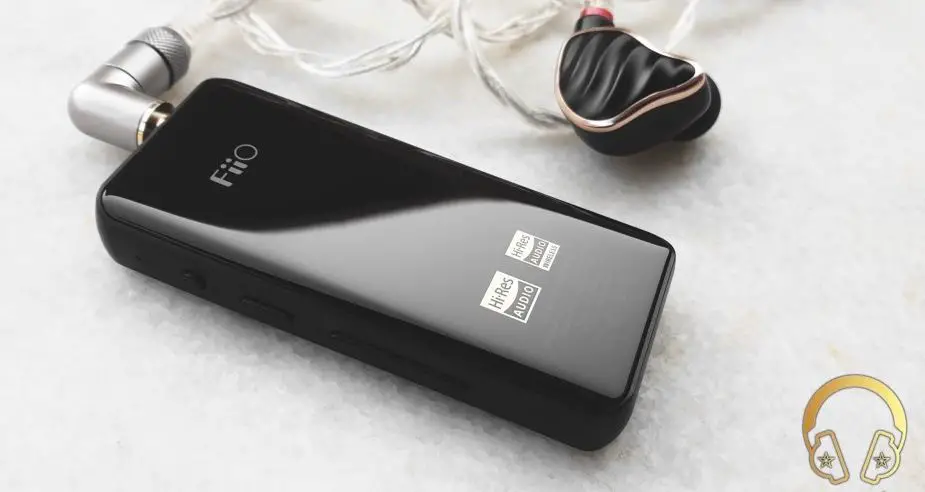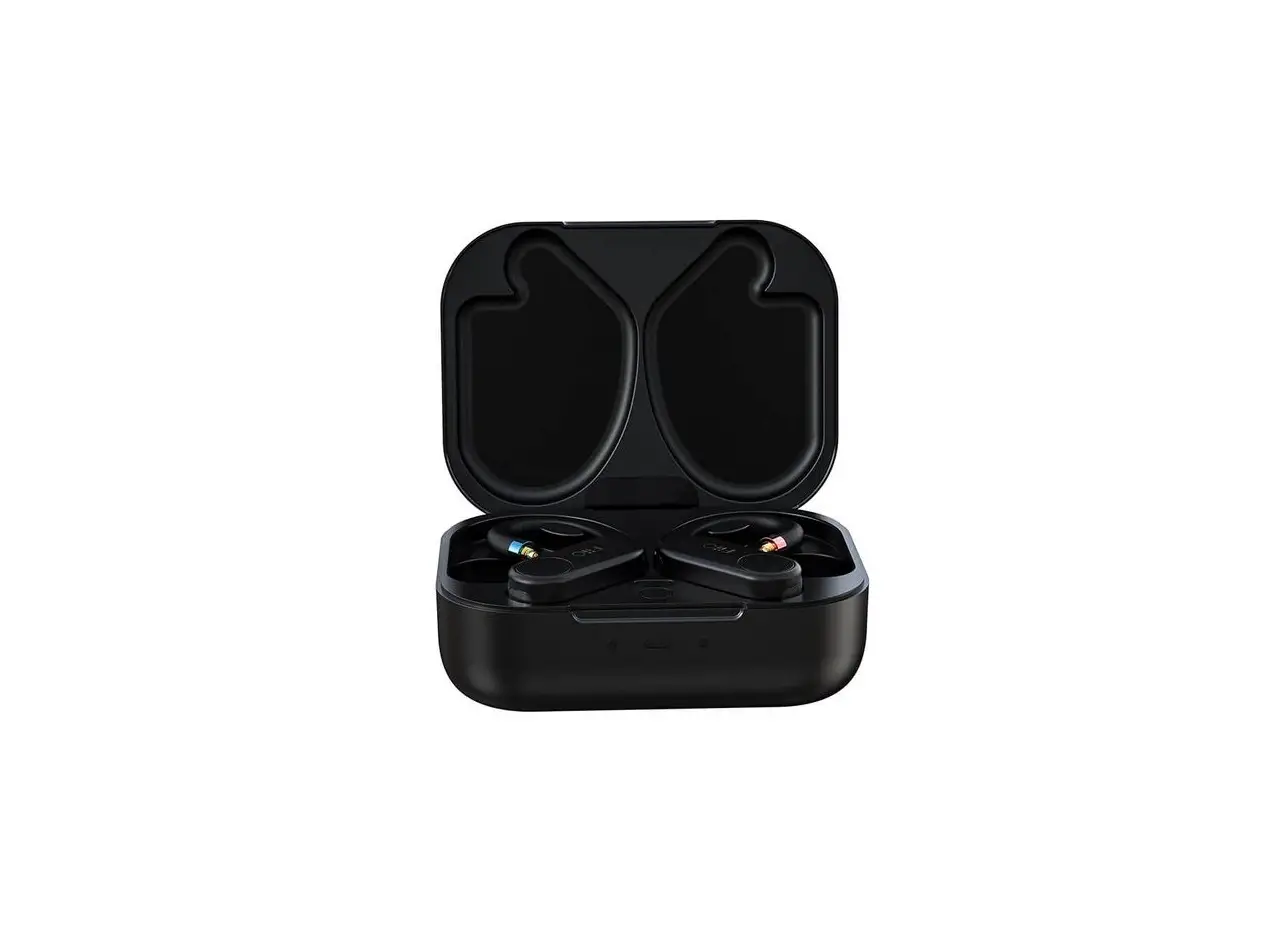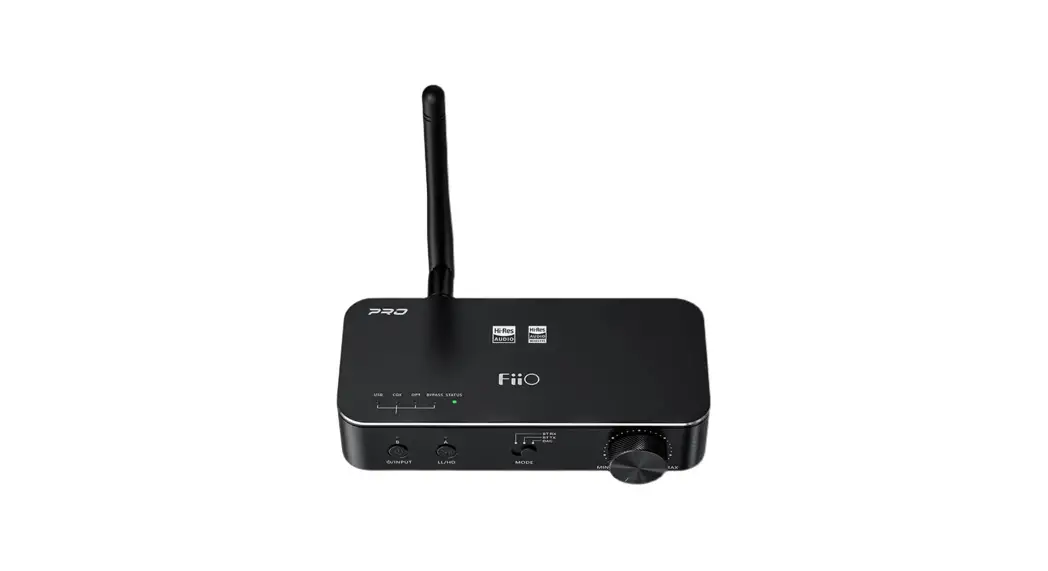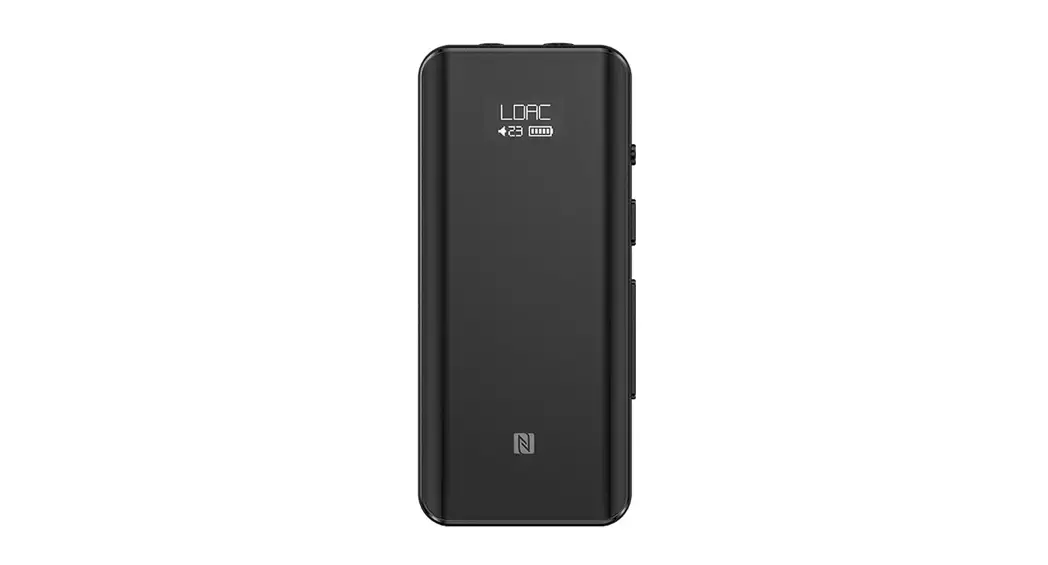
 fiiO Portable High-Fidelity
Bluetooth 5.0 Amplifier
Functions & Operations
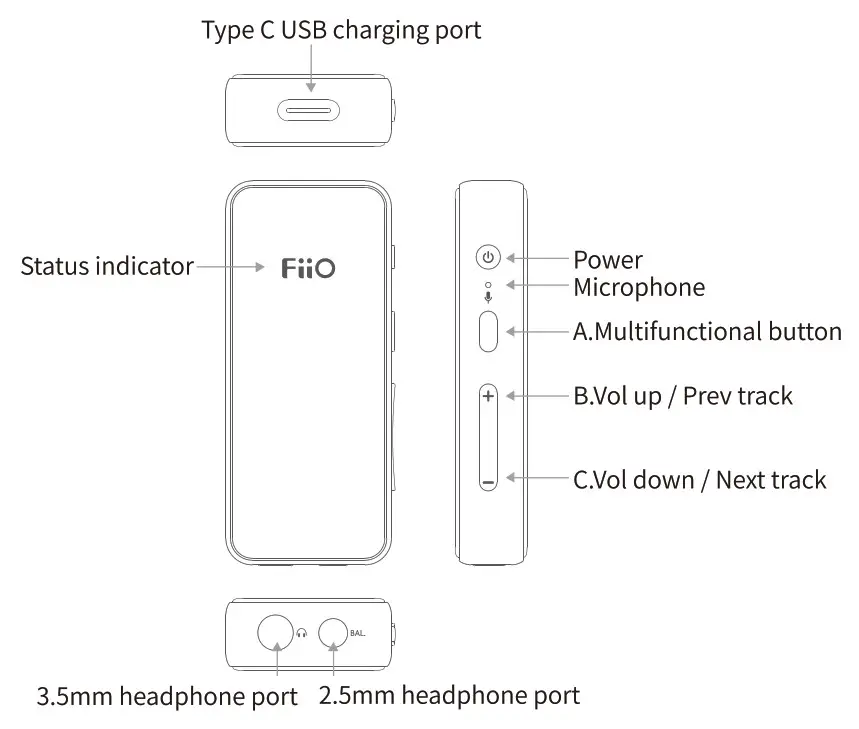
Power on/off: Hold the Power button for about 3 seconds until the blue light flashes for three times, and the device will then power on/off.
Reset: Hold the Power button for about 10 seconds at any time. USB DAC mode: Turn on the device and connect it to the computer,and then select it as the default audio output device to play music.
Firmware upgrade: Please go to https://www.fiio.com/supports to get the detailed instruction.
Note
* The BTR3K supports the headphones with TRRS connectors conforming to the Apple Standard (CTIA) .
* When pairing to the device via Bluetooth and using USB DAC function at the same time, Bluetooth connection takes priority. Please pause the Bluetooth playback when using the USB DAC function.
Enter pairing mode
- After being powered on for the first time: the device would automatically enter the pairing mode, and the red and blue lights will flash alternately.
- Force the device to enter Pairing mode: Hold button A for about 5 seconds when the device is on, and the red and blue lights will flash alternately.
- Clear current pairing: Hold the buttons B and C at the same time for about 5 seconds when the device is on.
- How to use the BTR3K with two Bluetooth devices simultaneously: after a successful pairing with the device, hold button A for around 5 seconds to enter pairing mode. Search for BTR3K on device2 and pair it with the BTR3K. On-device, select BTR3K in the device list and reconnect you could also restart the BTR3K after a successful pairing with device2 in order to use the BTR3K with two Bluetooth devices simultaneously.
- The BTR3K supports connecting with two devices at the same
Enter reconnecting mode
- After disconnection, the blue light will flash twice every two seconds; click button A to reconnect.
- After the device is restarted, it will reconnect to the last connected device automatically.
Operation instruction after a successful pairing:
Play/Pause/Answer phone call/End call/Cancel a call: Click button A.
Reject phone call:
Hold button A for about 2 seconds when there’s an incoming call.
Volume up/down:
Click button B/C to turn up/down the volume.
Switch songs:
Hold the button B/C for about 2 seconds to switch to the previous/next song.
Switch between two input devices:
When connecting to two input devices, to switch the input, you need to first stop playback on the device that’s playing and then manually start playback on the other device(or if it’s already playing, the input will be switched automatically).
Activate Siri: Double click the button A
Indicator Display
- Status indicator display (when not playing)
Bluetooth/Battery
Waiting to pair
Waiting to reconnect Connected
Not playing/playing
Low battery
Red light indicates the current working status
Charging
Red and blue lights flash alternately Red light stays steadily on and Blue light flashes twice every 2 seconds (Red light goes off when Blue light flashes) Red light stays steadily on and Blue light flashes once every 3 Seconds (Red light goes off when Blue light flashes) Codec indicator light stays steadily on Normal state
Blue light flashes twice every 2 seconds Blue light flashes once every 3 seconds Codec indicator light pulses Charging completed
- Indicator display of different input codecs (when playing)
Codec Color of the indicator light SBC Blue light pulsates MC Cyanic Light pulsates aptX, aptX LL Purple light pulsates aptX HD Yellow light pulsates LDAC White light pulsates
Notification Sounds
There will be notification sounds under the following status: Power on, power off, pair, connect, clear pairing history, Maximum volume, Minimum volume, low battery warning, and pairing disconnected.
Notes and Precautions
*It’s recommended to charge the device using a standard 5V charger.
*Please don’t place the device in circumstances of excessive-high/low temperature (above 45°C or below 0°C)
*Please keep the device away from liquids to avoid any damage to it.
*If the device is to be left unused for a long time, please recharge it periodically to preserve its battery life.
*Please adjust the volume to a suitable level before putting on the earphones to protect your hearing.
*Please do not disassemble, damage the battery, or drop it into the fire; it’s prohibited to continue using after the battery is soaked in water.
List of Items Included
BTR3K X 1
Type C USB cablex 1
Lanyard x 1
Quick start guidex 1
Removable rear clipx 1
Warranty card x1
Learn More
To learn more about the product, please visit our website: www.fiio.com.
WEEE Directive & Product Disposal At the end of its serviceable life, this product should not be handed as household or general waste.lt should be handed over to the applicable collection point for the recycling of electrical and electronic equipment, or returned to the supplier for disposal.
Internal/Supplied Batteries
This symbol on the battery indicates that the battery is to be collected separately. This battery is designed for separate collection at an appropriate collection point. Qualcomm aptX is a product of Qualcomm Technologies, Inc. and/or its subsidiaries. Qualcomm is a trademark of Qualcomm Incorporated, registered in the United States and other countries. aptX is a trademark of Qualcomm Technologies International, Ltd., registered in the United States and other countries. LDAC and LDAC logo are trademarks of Sony Corporation.