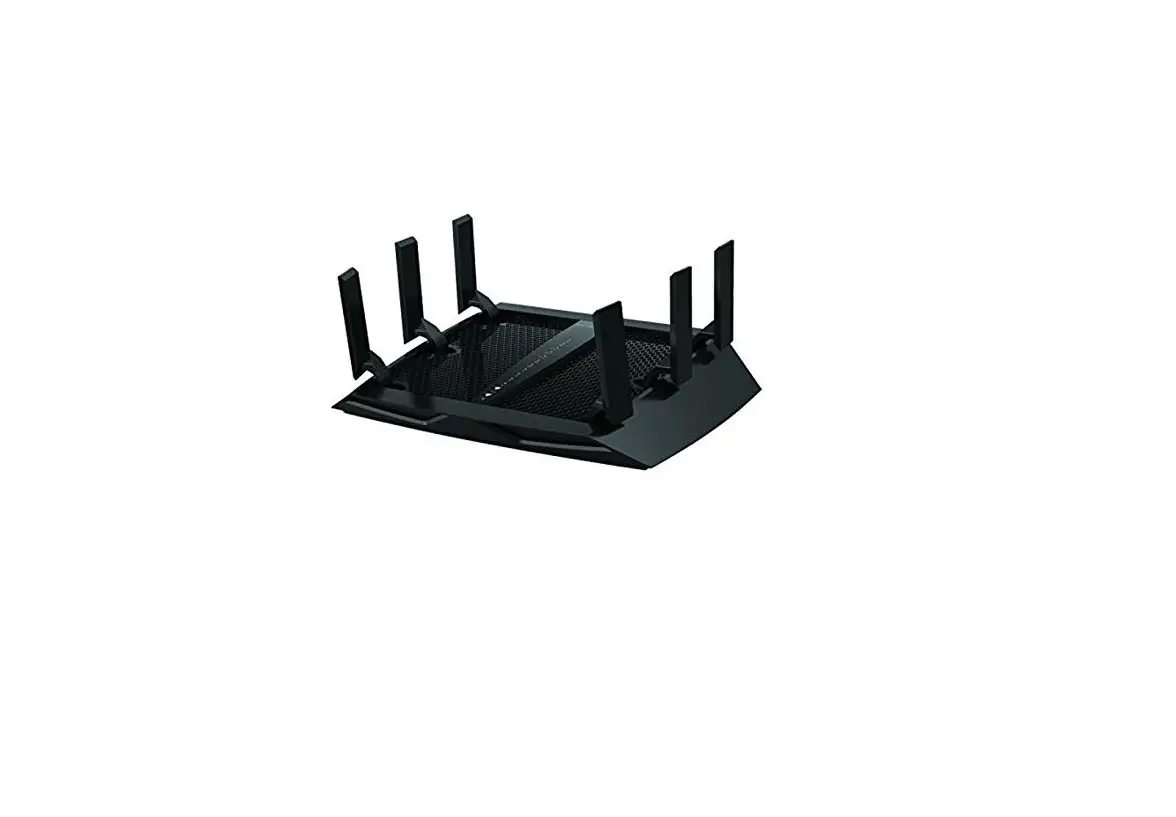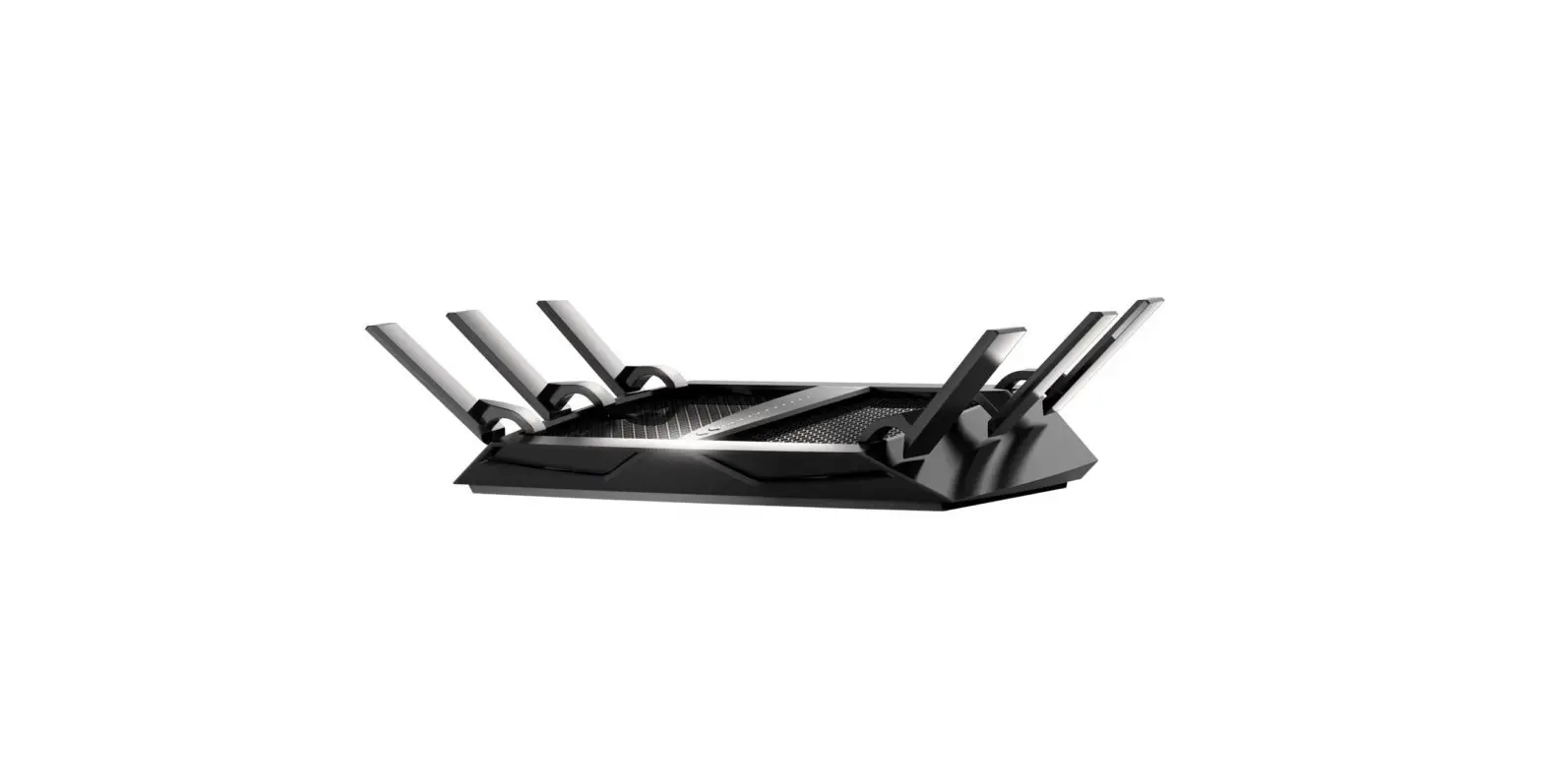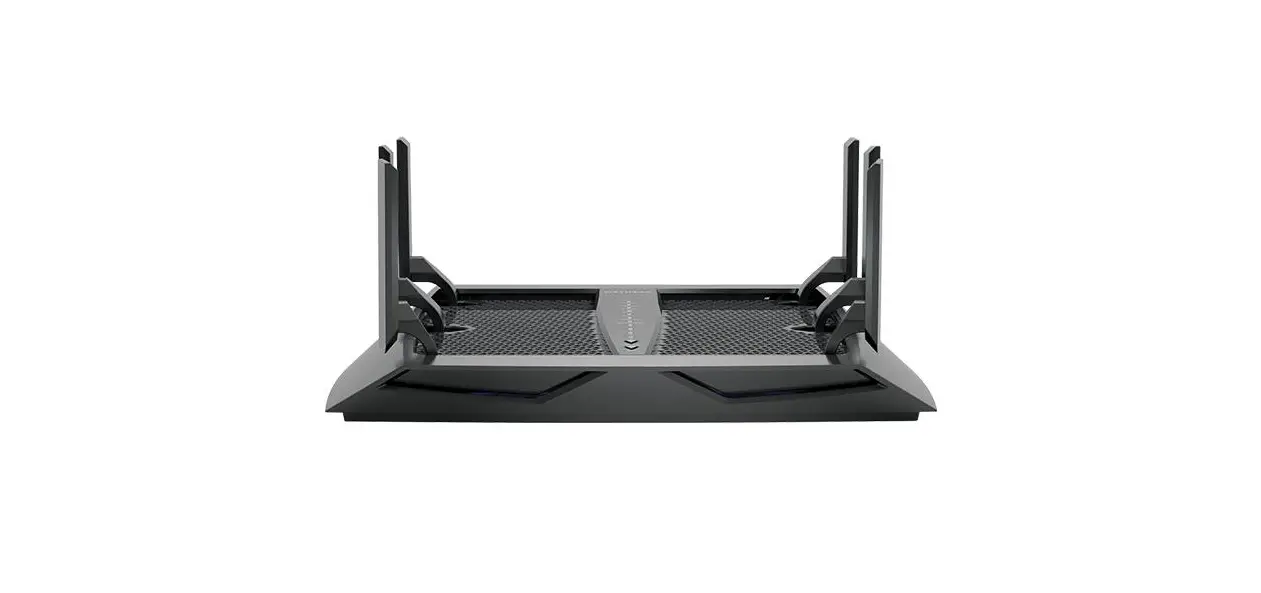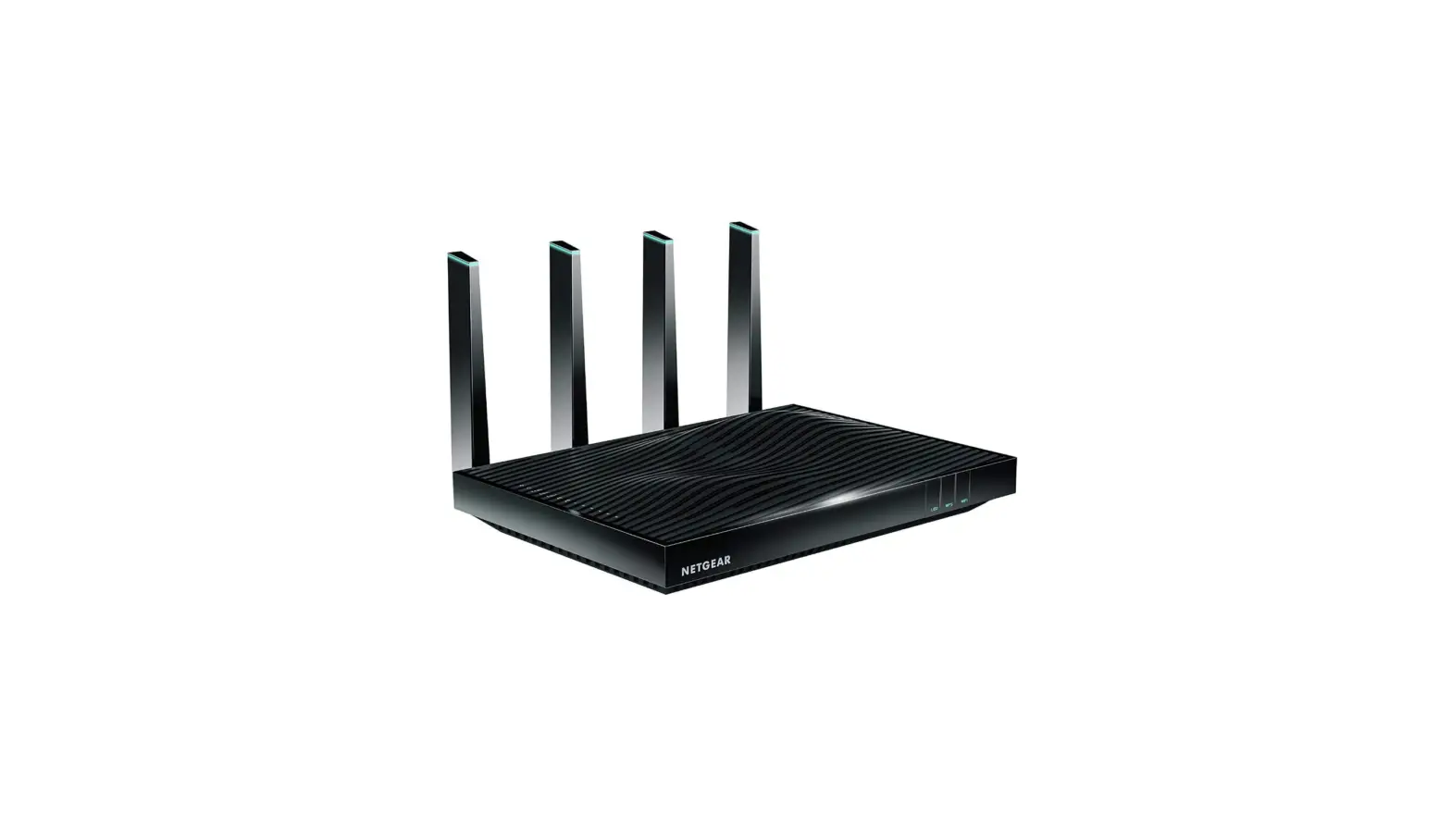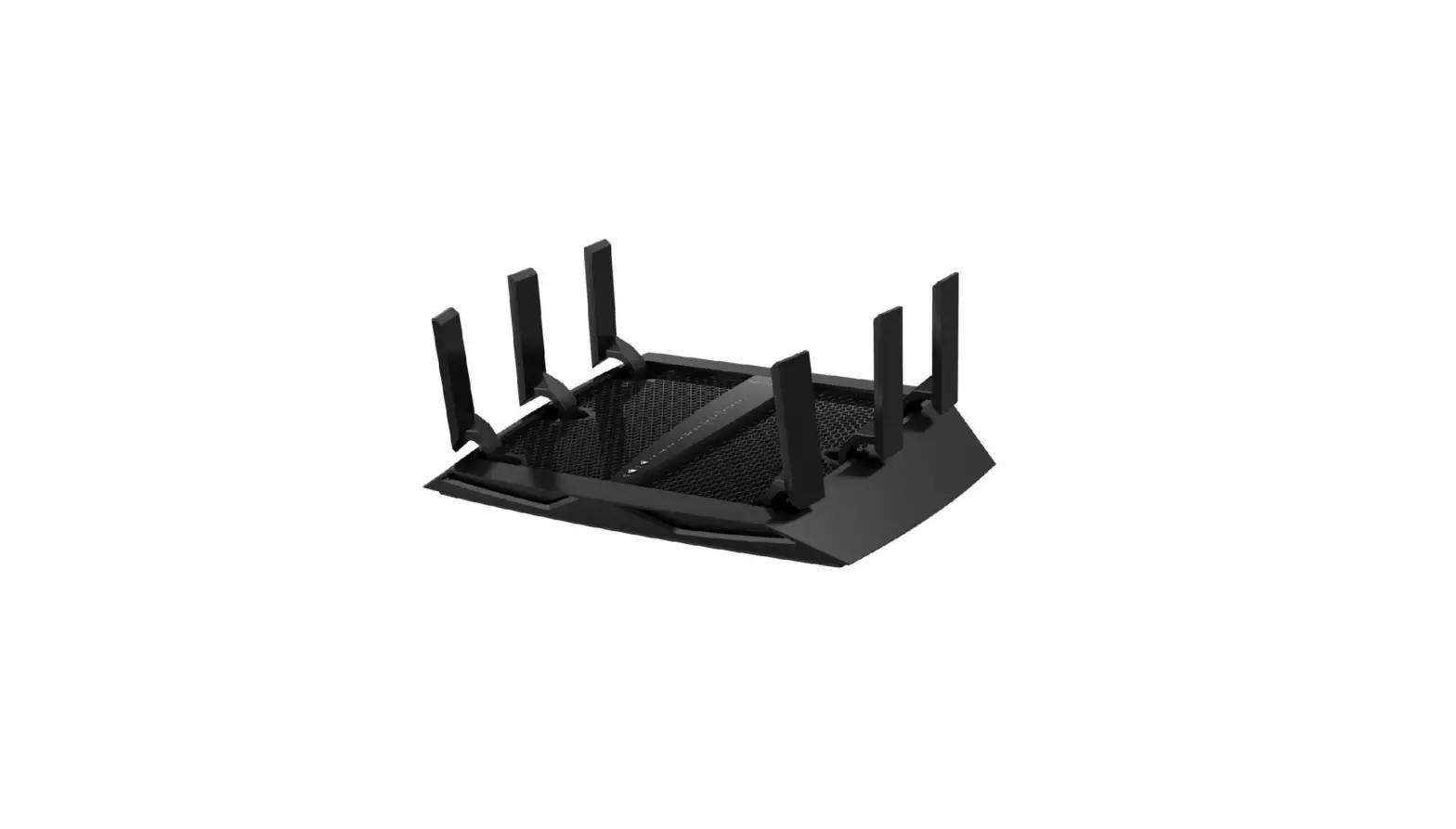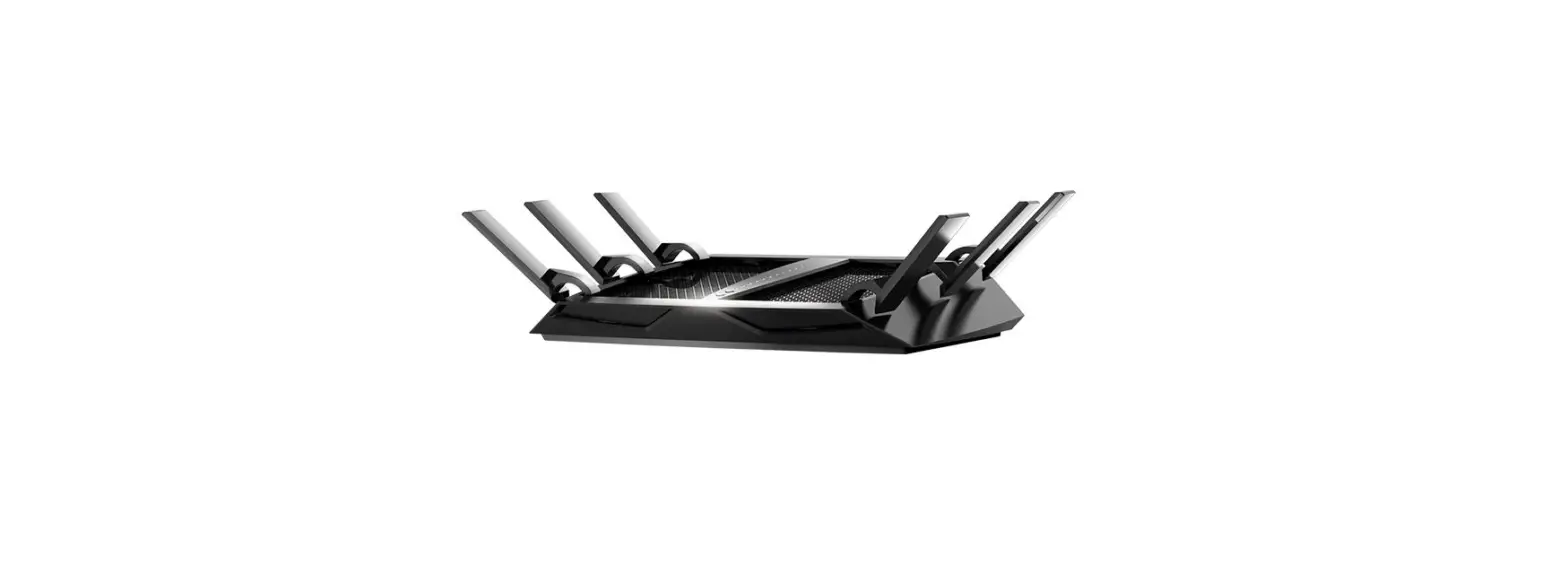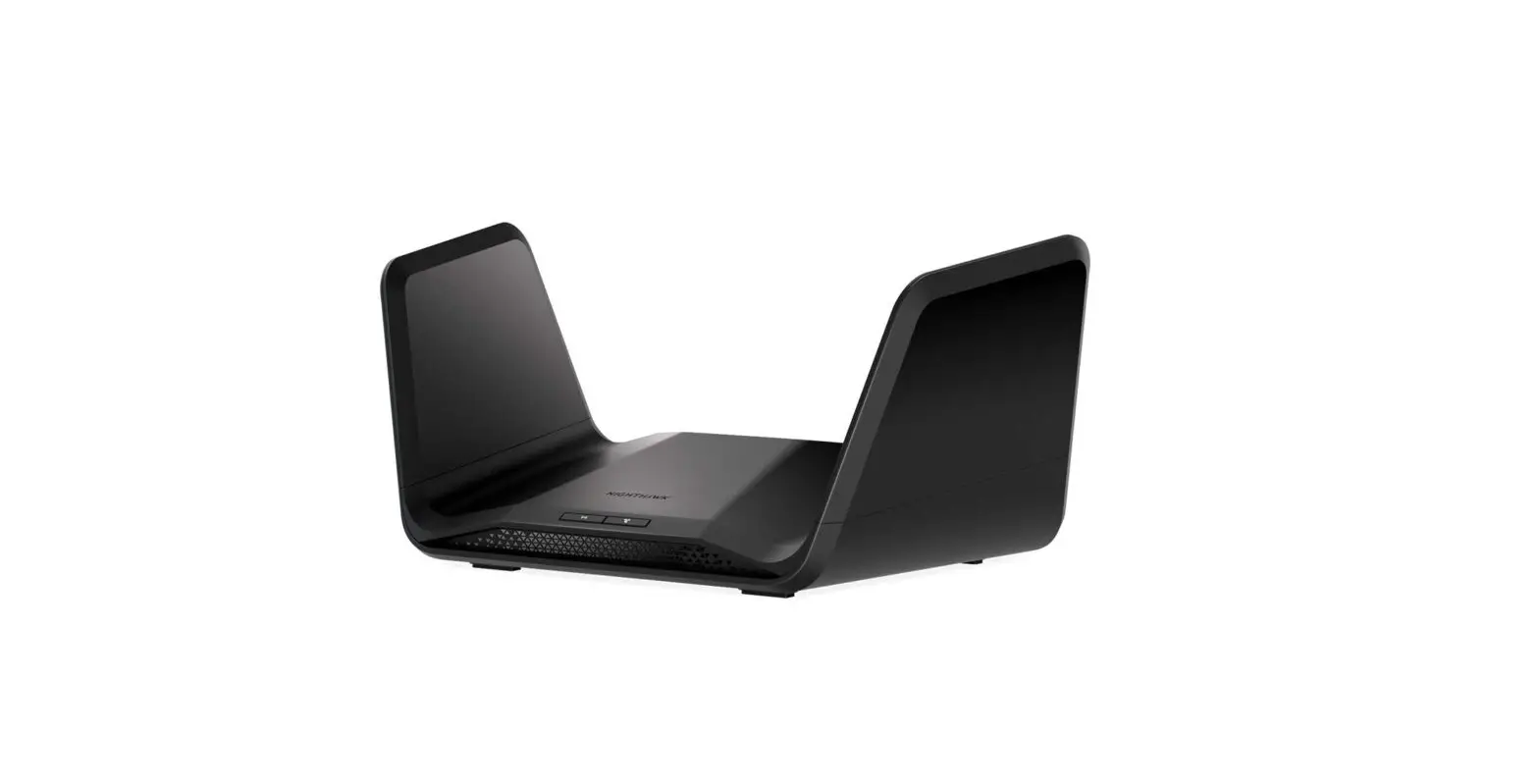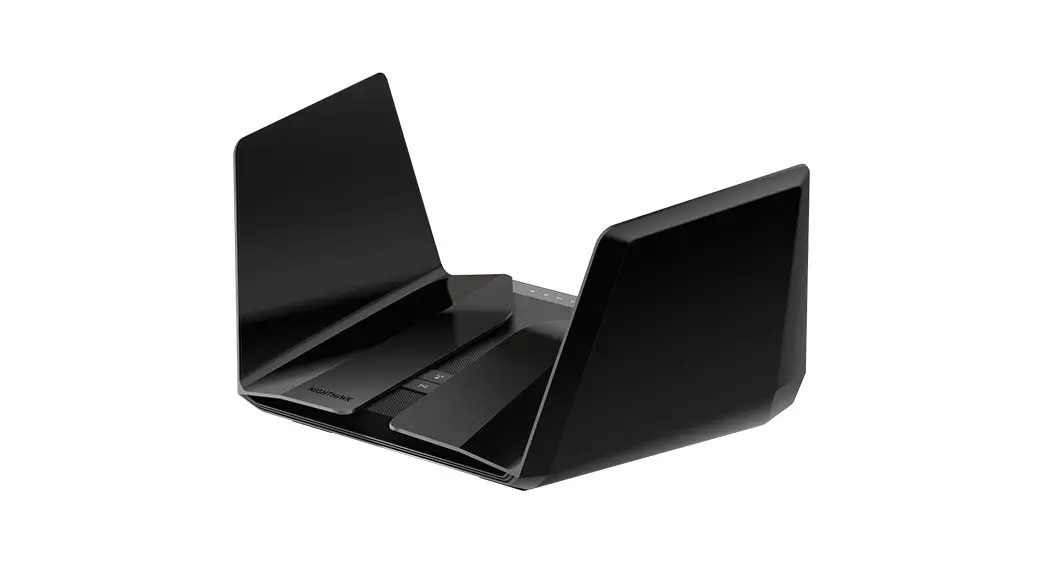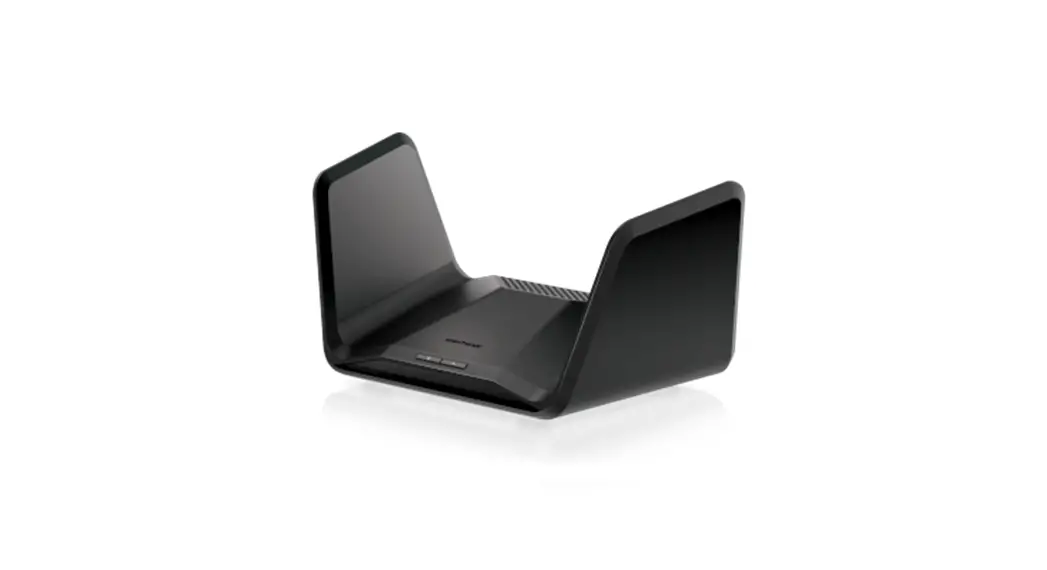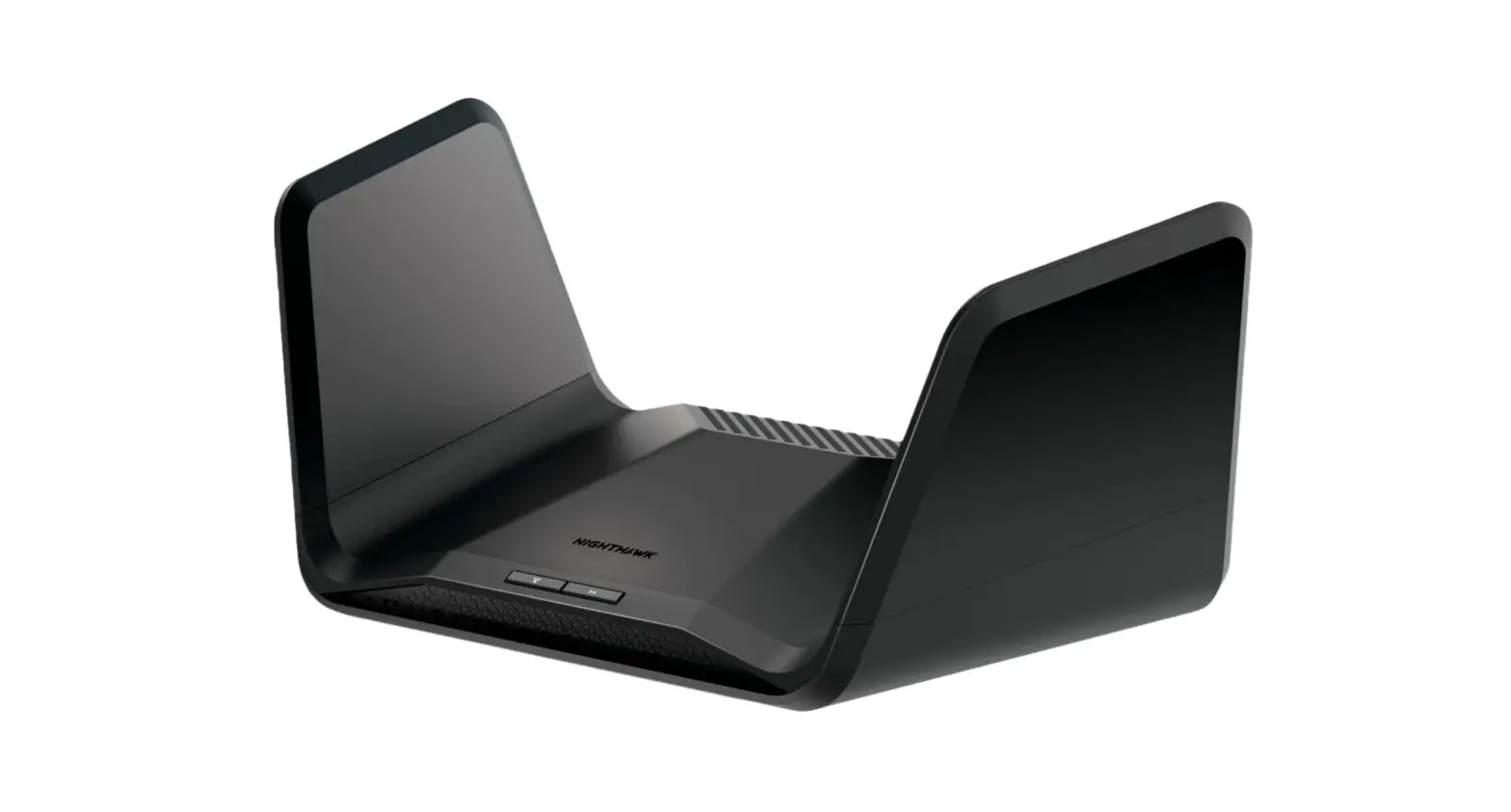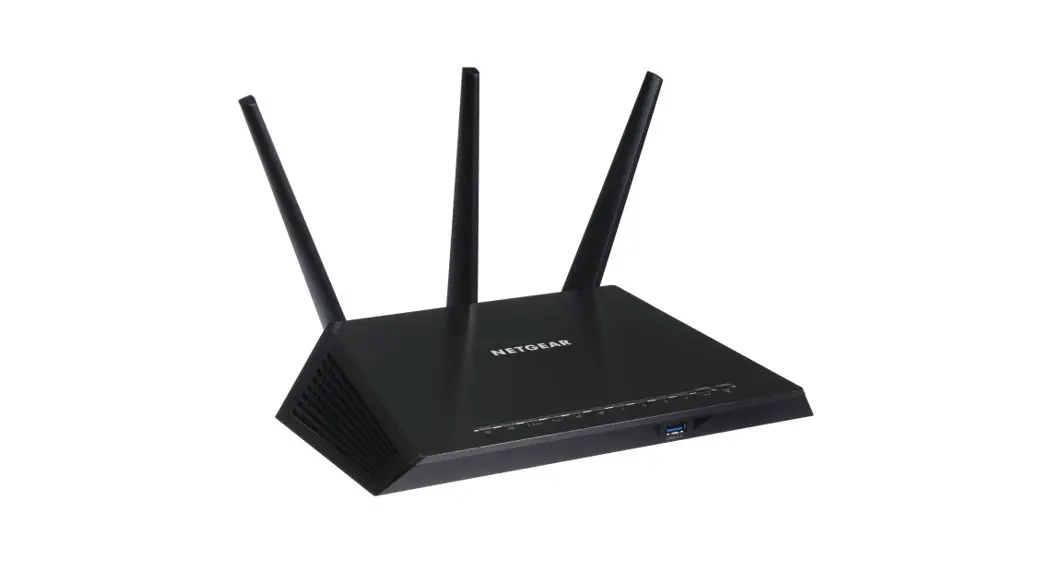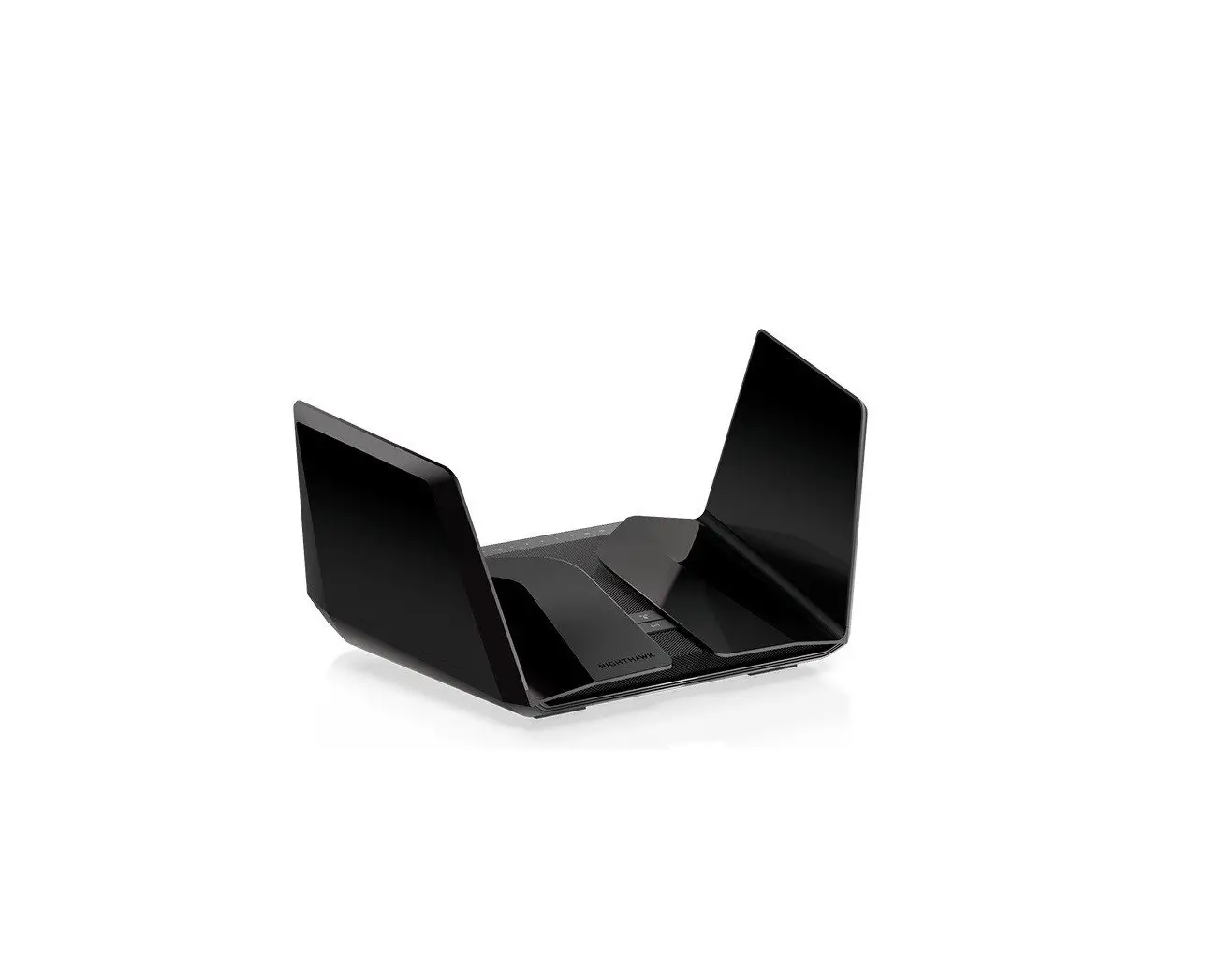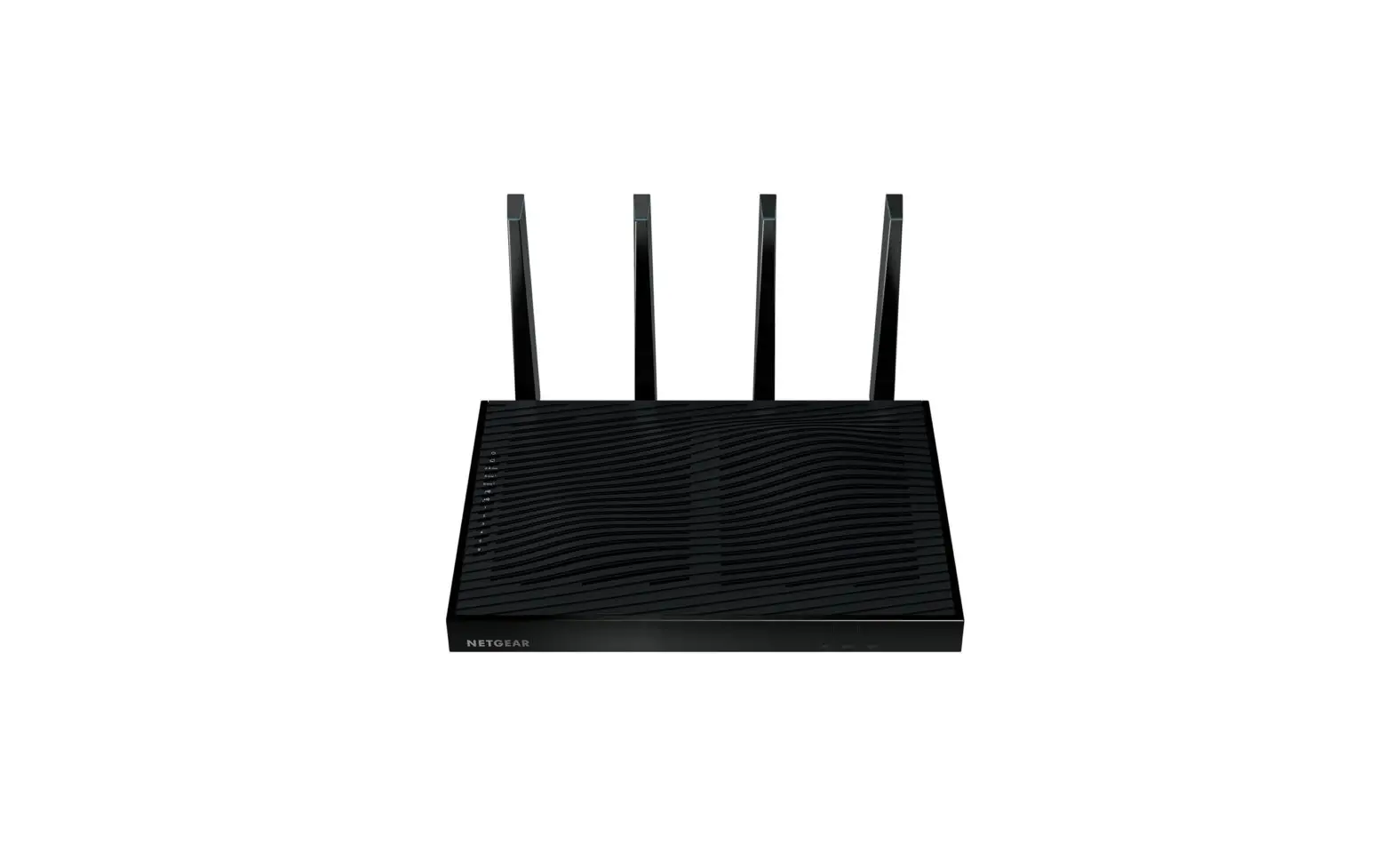

NETGEAR R8500 Nighthawk X8 AC5300 Tri-Band WiFi Router
Introduction
The NETGEAR R8500 Nighthawk X8 AC5300 Tri-Band WiFi Router is a cutting-edge networking solution designed to meet the demands of modern homes and businesses. With its advanced features and exceptional performance, this router promises to deliver unparalleled internet speeds and reliable connectivity for multiple devices simultaneously. Packed with innovative technologies, the Nighthawk X8 ensures smooth streaming, lag-free gaming, and seamless data transfer, making it an ideal choice for power users and heavy internet users alike.
Specifications
- Brand: NETGEAR
- Item model number: R8500-100NAS
- Operating System: Windows 7, Mac OS
- Item Weight: 7.45 pounds
- Product Dimensions: 13.79 x 11.62 x 4.57 inches
- Wi-Fi Technology: 802.11ac Tri-Band Gigabit
- Wi-Fi Speeds: Up to 5300 Mbps (1000 Mbps + 2166 Mbps + 2166 Mbps)
- Wireless Bands: 2.4 GHz, 5 GHz, 5 GHz
- Ethernet Ports: 6 x 10/100/1000 Mbps Gigabit Ethernet ports (1 WAN and 5 LAN)
- USB Ports: 2 x USB 3.0 ports
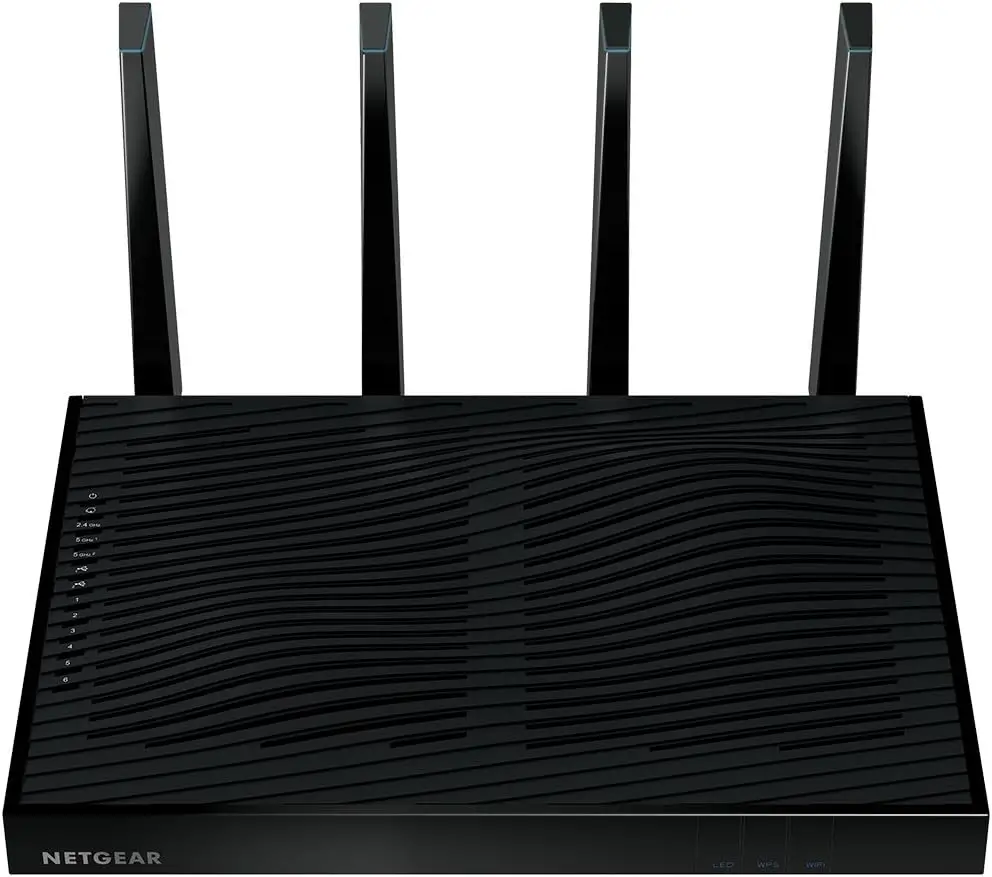
- Antennas: 4 external active antennas
- Processor: 1.4 GHz dual-core processor
- Memory: 128 MB Flash
- Beamforming technology for Targeted: Wi-Fi signals
- MU-MIMO support for improved performance with multiple devices
- Dynamic QoS (Quality of Service) for optimized streaming and gaming
- Smart Connect: intelligently selects the best Wi-Fi band for each device
Features
- Tri-Band Wi-Fi: The Nighthawk X8 utilizes three Wi-Fi bands, including one 2.4 GHz band and two 5 GHz bands, ensuring maximum speed and reduced interference.
- Speed and Range: With combined Wi-Fi speeds of up to 5300 Mbps, the router provides an extended range and fast connections throughout your home or office.
- MU-MIMO Technology: Multi-User Multiple Input Multiple Output allows multiple devices to receive data simultaneously, improving overall network efficiency and performance.
- Dynamic QoS: The Dynamic Quality of Service feature prioritizes bandwidth allocation for various applications, ensuring smooth streaming and gaming experiences.
- Advanced Security: With features like WPA/WPA2 encryption, VPN support, and guest network access, the Nighthawk X8 keeps your network safe and secure.
- Dual USB Ports: The two USB 3.0 ports allow you to connect external storage devices for easy file sharing and media streaming.
- Four Powerful Antennas: The external antennas boost signal strength and coverage, ensuring a strong and reliable Wi-Fi connection.
- ReadyCLOUD and ReadySHARE Vault: Access and manage your files securely through cloud storage and automatic backup with ReadyCLOUD and ReadySHARE Vault.
- Smart Connect: This technology intelligently assigns devices to the most appropriate Wi-Fi band for optimized performance and speed.
- Easy Setup and Management: The router can be easily set up and managed through the Nighthawk app, making network configuration hassle-free.
User Manual
FAQ’s
Can I use the Nighthawk X8 with my existing internet service provider?
Yes, the Nighthawk X8 is compatible with most internet service providers. Simply connect the router to your modem and follow the setup instructions.
Does the router support backward compatibility with older Wi-Fi standards?
Yes, the Nighthawk X8 is backward compatible with older Wi-Fi standards, including 802.11a/b/g/n.
How many devices can connect to the Nighthawk X8 simultaneously?
The router can support a large number of connected devices simultaneously, thanks to its MU-MIMO technology and powerful processing capabilities.
Can I set up a guest network for visitors?
Yes, the Nighthawk X8 allows you to set up a separate guest network with its own password, providing secure internet access for your visitors.
Does the router support VPN (Virtual Private Network) connections?
Yes, the Nighthawk X8 supports VPN pass-through, allowing you to establish secure connections to your home network from external devices.
What is the range of the Nighthawk X8?
The router has an impressive range, suitable for large homes or offices, with its powerful antennas providing extended coverage.
Can I use the USB ports to share printers on the network?
Yes, you can connect a USB printer to one of the USB ports and share it across the network using the router's ReadySHARE feature.
How do I update the firmware of the Nighthawk X8?
You can easily update the router's firmware through the Nighthawk app or by logging into the router's web interface and following the instructions.
Is the Nighthawk X8 compatible with voice assistants like Amazon Alexa or Google Assistant?
Yes, the Nighthawk X8 supports voice commands via Amazon Alexa and Google Assistant, making it easy to control certain functions through voice.
Does the router come with parental control features?
Yes, the Nighthawk X8 offers parental controls, allowing you to filter content, set internet time limits, and monitor online activity for connected devices.