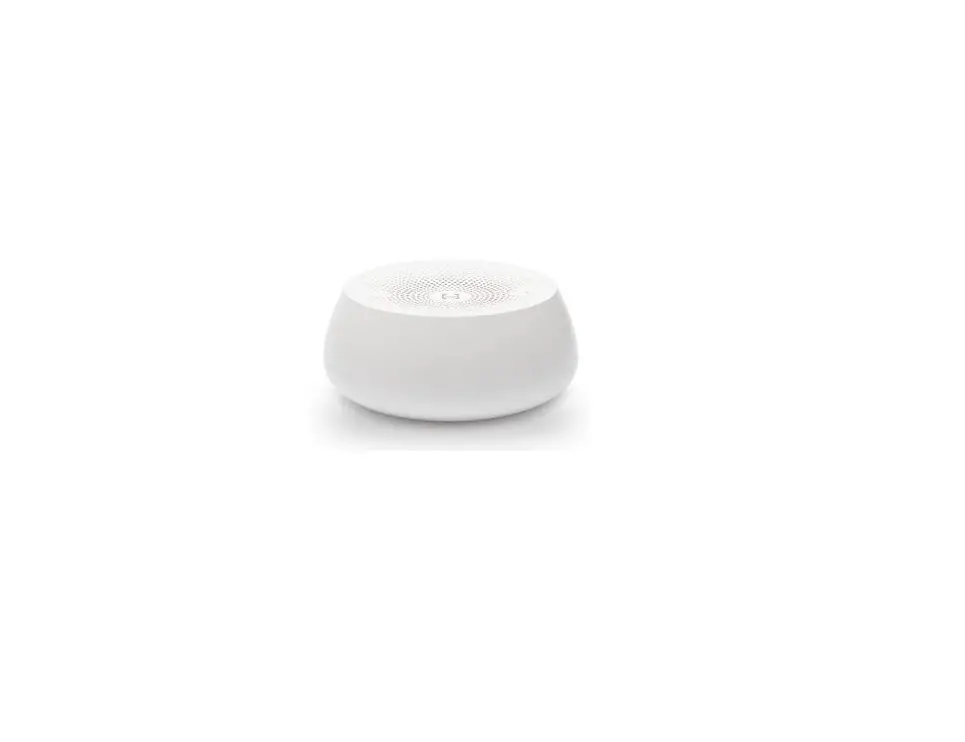
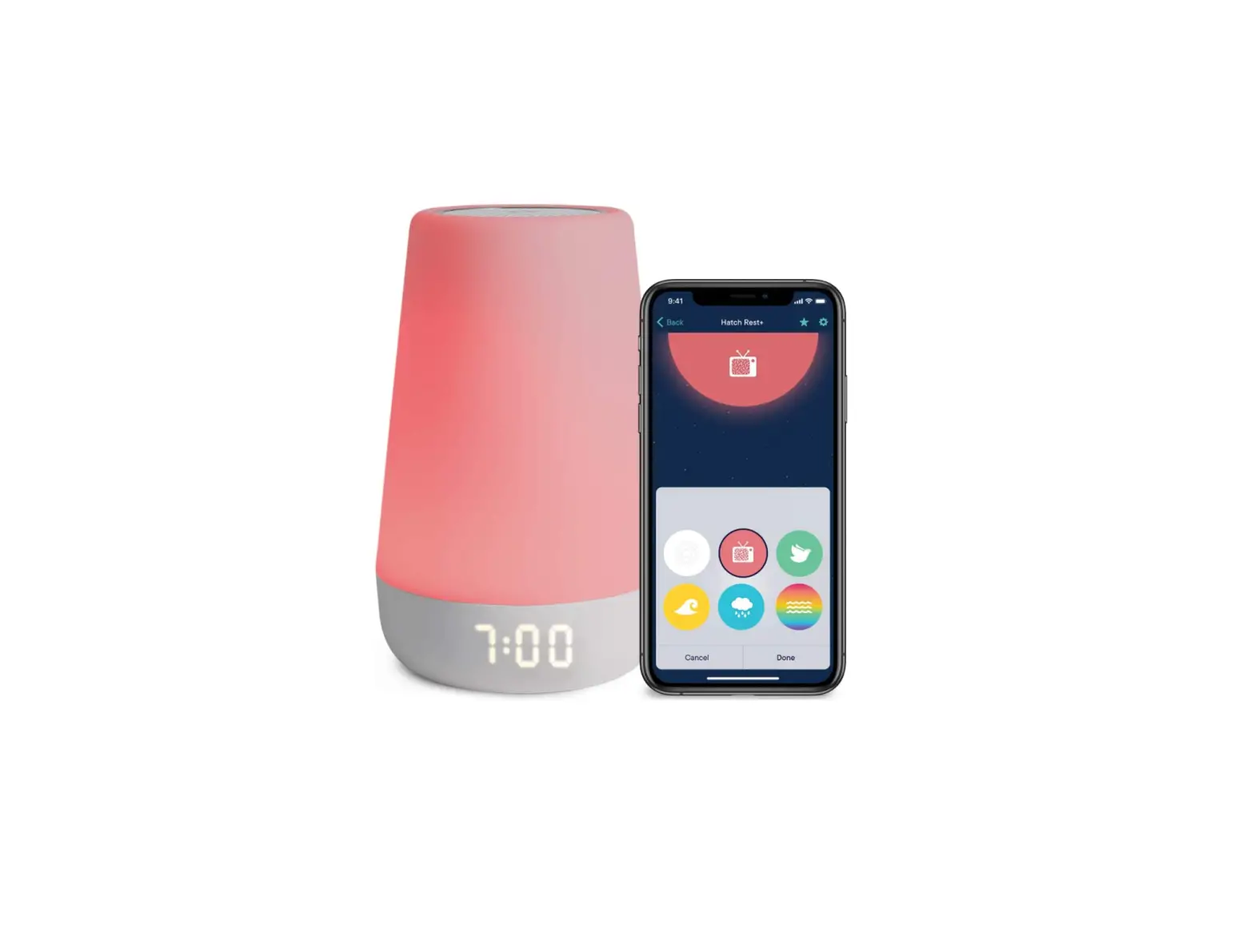
HRESTMINI Rest Mini Noise Smart Sound Machine
Instruction Manual
Let’s Set You Up For Great Sleep
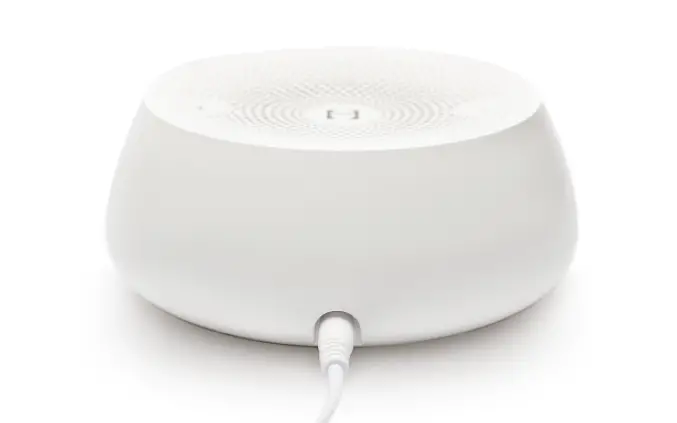
Step 1: Plug In Rest Mini
Connect the power cable then plug it into your power outlet. Always keep your device plugged in.
Step 2: Download the Hatch Sleep App
Download the app on your phone or tablet then create an account.
Step 3: Complete Setup
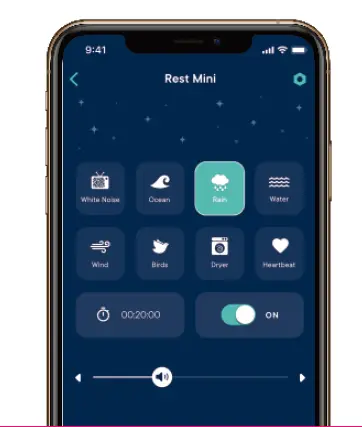
Follow the steps in the Hatch Sleep app to connect your device. Wi-Fi is required.
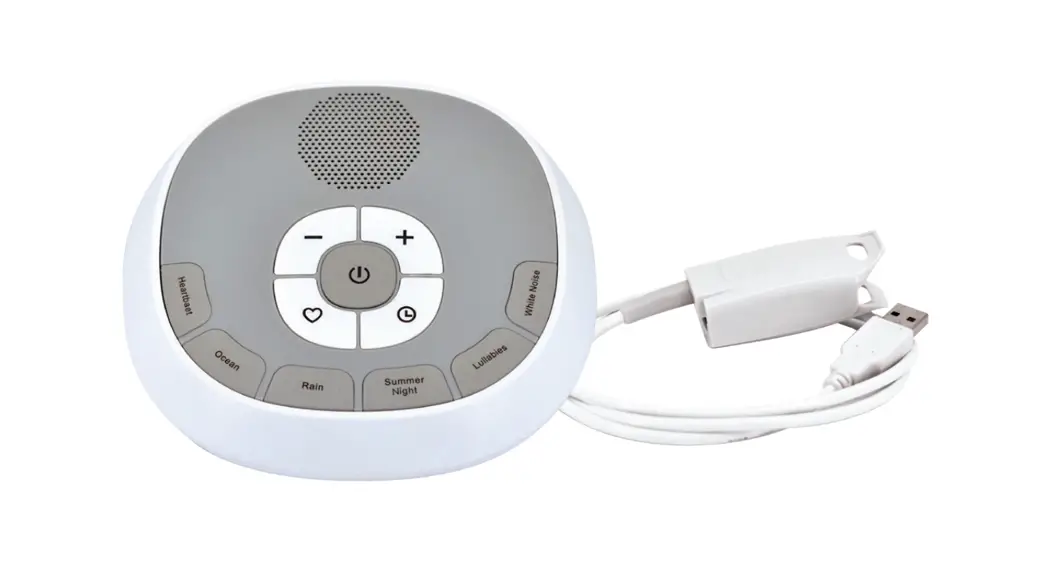
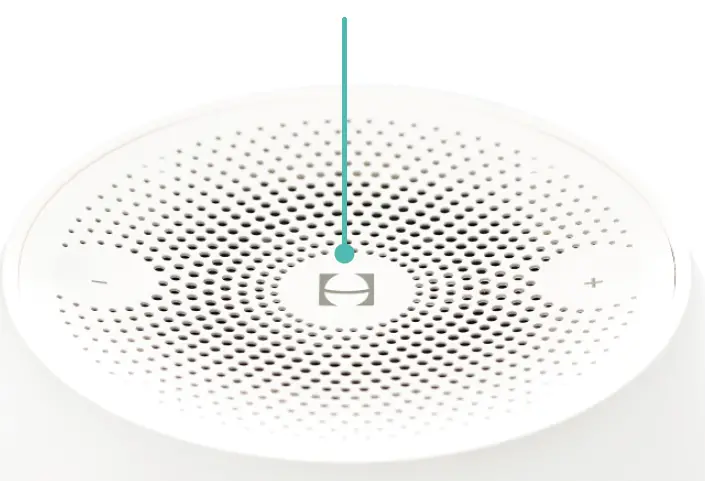
Top Touch Area
Tap once to turn on. Tap to cycle through all 8 sounds. Press and hold to turn off.
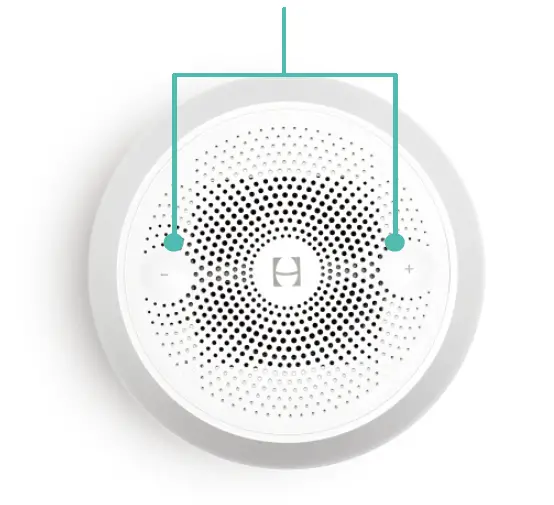
Volume Controls
Press the volume control buttons to increase or decrease volume.
Quick Tips
Set a Timer
Use the app to set a timer with any duration.
Add a User
Add multiple users to control Rest Mini in the app under Settings.
Need help?
Hatch support is a dream.
Contact us at [email protected]