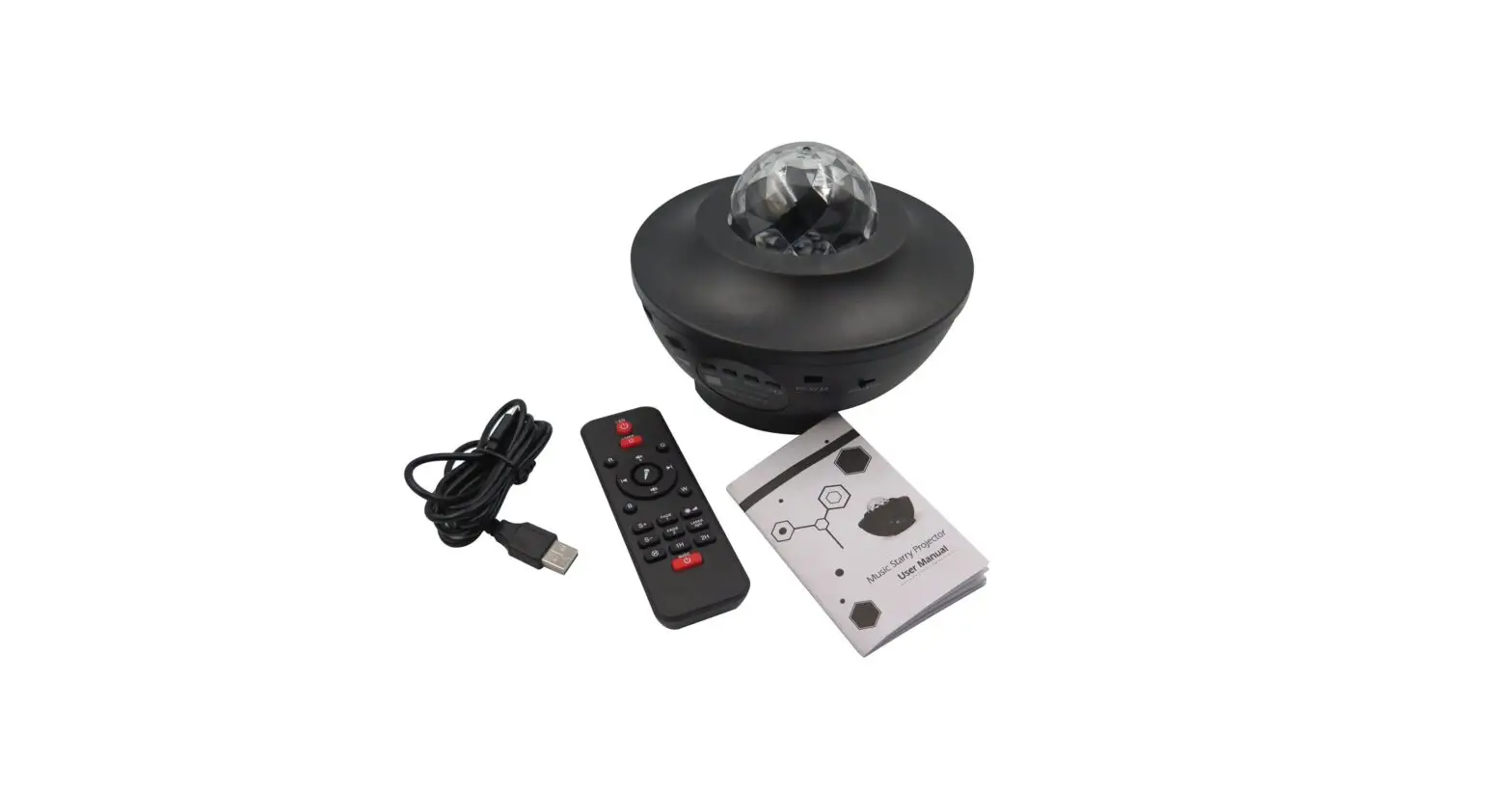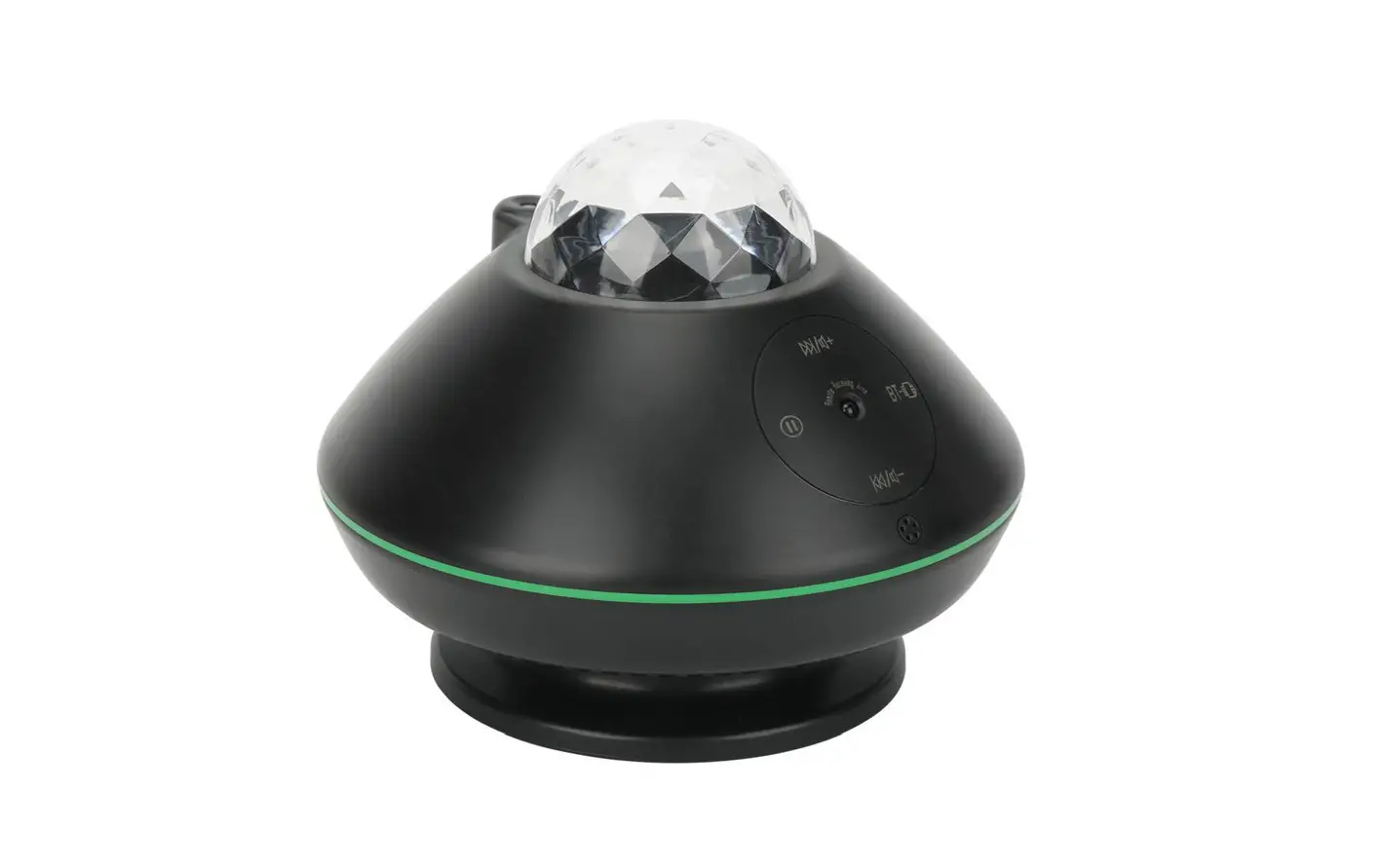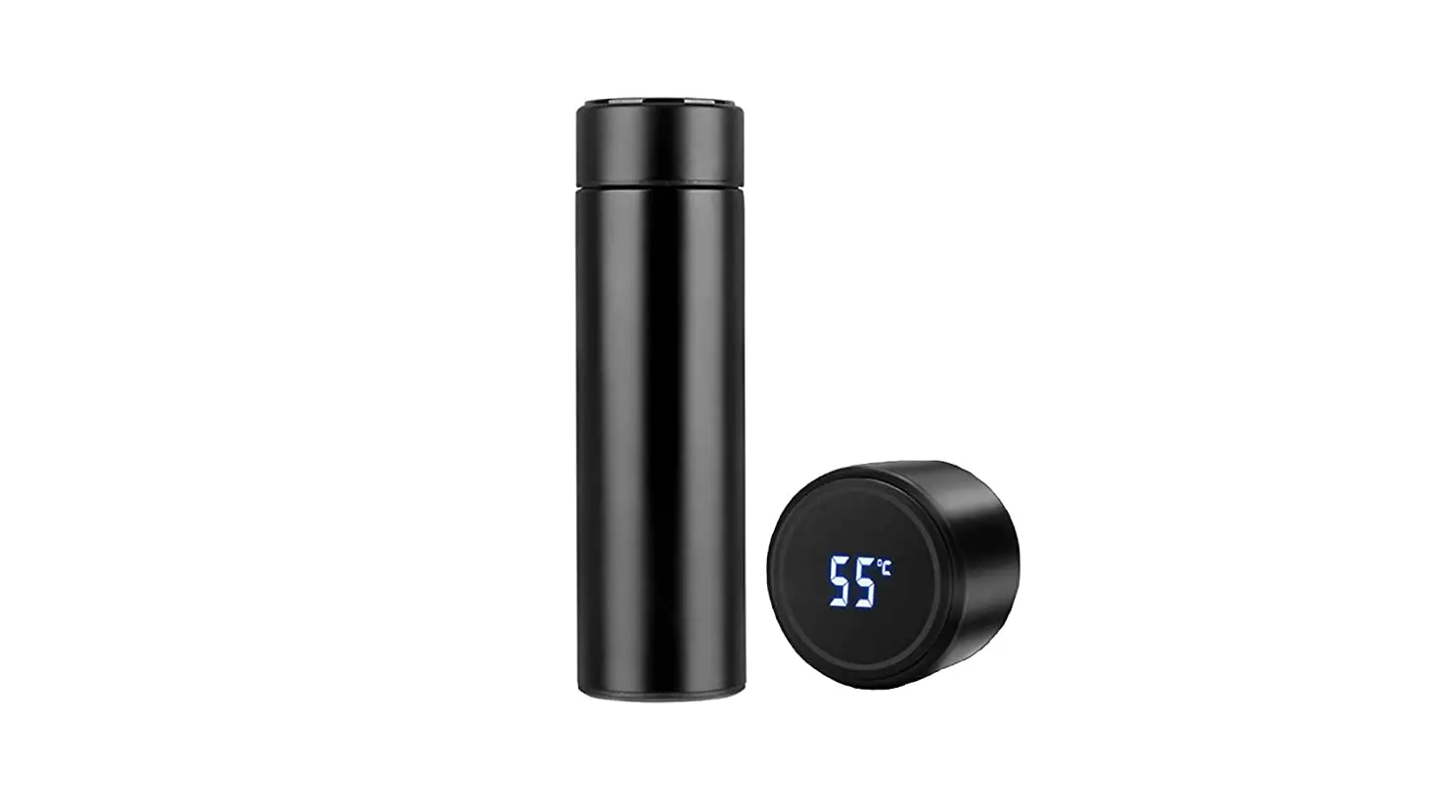
 Zhongshan Chuangxi Electronic Technology CX-BW08 Music Light Water Cup
 Zhongshan Chuangxi Electronic Technology CX-BW08 Music Light Water Cup
 Unpacking inspection
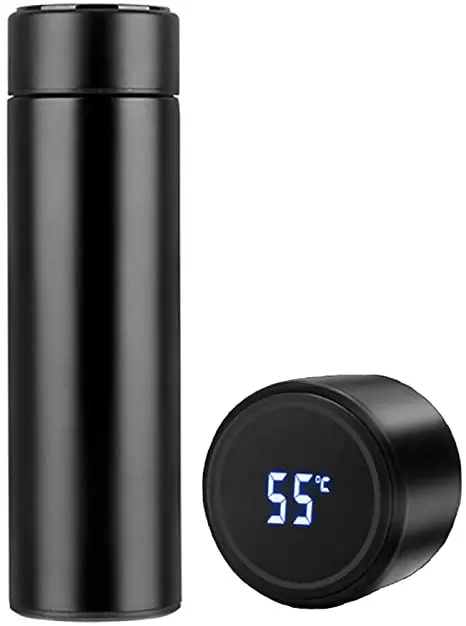 Unpacking inspection
Thankyouforpurchasingourproduct.Pleasereadtheusermanualcarefullybeforeuse.Themanualcontainsnecessarysafetysuggestionsandinstructions.Toavoid productdamage,pleaseoperateaccordingtotheusermanual.Afterreceivingthe product,pleasecheckwhethertheproductisdamaged.
- Cupx1
- USBcablex1
- Usermanualx1
Reminder
- whentheproductispoweredon,itwillautomaticallyflash5timeseveryhourto remindyoutoreplenishwaterandprotectyourhealth.
- the24-hourheatpreservationeffectofthisproductcanreach30%,andthecold preservationeffectcanreach24hours.
Warning:
Thepowersupplyoftheproductrequires5VUSBDC.Onceitexceedstherange,pleaseusetheregulatingdevice,otherwise,theservicelifeoftheproduct will beaffected be careful:
- Operateinstrictaccordancewiththeoperatinginstructions.Donotdisassemble thehostandaccessories.
- Thisproductissuitableforindoorandoutdooruse
- Donotfallfromheight.
- do not washthecupand coverit withhotwater.
- donot soakinwater.
- Donotpressthelightareahard.
- itisrecommendednottouseitduringcharging,whichwillaffecttheservicelife ofthebattery.
Usage
- openthepackageandreadtheinstructionscarefully.Pleaseseethefollowing figureforhowtousethethermoscup
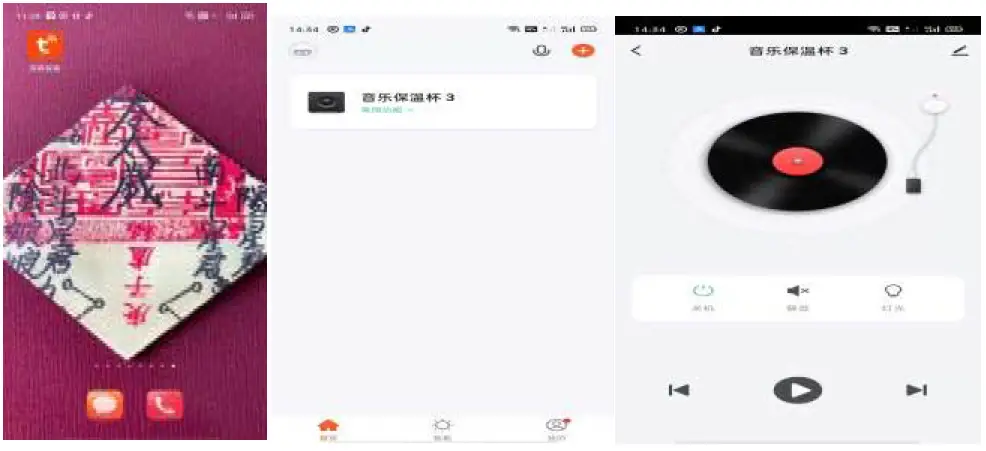
- pleasescantheappdownloadprogram(graffitiIntelligence)Figure 1 on the manualwithyourmobilephone.

- Turn on the power supply of the thermos cup, turn on the mobile app to set the lights according to the instructions, turn on the mobile music player, and turn on the Bluetooth connection for music playback (it is recommended that this operation be carried out within 1.5m of the music Cup) Figure 2

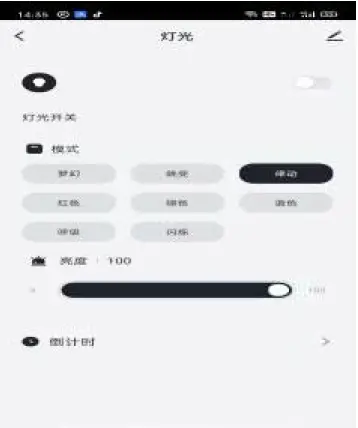
- there are four colorful light transmission bands on the cup body, which can set the light color, brightness, and flash mode in the mobile app.
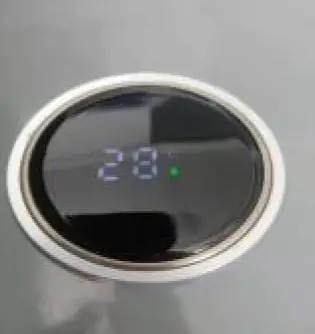
- before drinking hot water, touch the temperature displayed on the cup cover to ensure that the body is not scalded by hot water, as shown in Figure 4.

 open the music player link Bluetooth, and there is a speaker at the bottom of the cup to play music.
- this product has the function of manually controlling the light. The operation sequence is as follows: turn on the power, press the power key to display red light green light – blue light gradient mode rhythmic modern sequence, and long-press the power key for 3 seconds to turn off the light. Parameters:

- Product size: 265mm*75mm*75mm.
- Product weight: 755g (± 0.5g)
- Material: inner tank 316 stainless steel + aluminum alloy +abs
- Charging time: 3 hours
- Turn on the power light to remind you to replenish water standby time: 5 days music playing duration: 18 hours
- Horn parameters: power 5W distortion: ≤ 0.5% SNR: ≥ 90dB Input voltage: dc=5v2a
- Bluetooth Name: cx-bw08
- Battery capacity: polymer lithium battery, full capacity 2000mA
- Charging: 5v/700ma, charging head: DC
| Bluetooth Name: cx-bw08 | ||||||
| Battery capacity: polymer lithium battery, full capacity 2000mA | ||||||
| Charging: 5v/700ma, charging head: DC | ||||||
| Music Cup UI | ||||||
| function | current state | operation | display | Tone | ||
| char | Insert DC head | The red light (LED1) is on, | Charge complete | |||
| ge | Red light after full charge | |||||
| (LED1) off | ||||||
| Pow er on | Without battery | After the battery is connected, it will enter the shutdown low power state after 5 seconds | nothing | nothing | ||
| Power on/off | Power on | Power off | Long press K1 key 1s / app “shutdown” button | Blue light (LED2) always on | Power on | |
| Power on/off | Power off | Power on | Long press K1 key 1s/ the “shutdown” button when the timing time reaches /app; You can use your mobile phone to operate within 10 minutes after the shutdown,
After 10 minutes, enter low power consumption and turn off completely. | Blue light (LED2) is always dark, light is off, speaker is off | Power off | ||
| Light on | Light off | 1. After “power on”, briefly press K1 for the first time 2. After “power on”, briefly touch the “light switch” of app and press | “Light off” Light mode when | nothing | |||
| LightOFF | Light on | 1. After “power on”, briefly touch the “light switch button” of the app | The light | nothing | |||
| is always | |||||||
| dim | |||||||
| Dream Mode | Light on | 1. Click K1 switch. 2. Select in the “mode” | |||||
| column of app | |||||||
| Jump mode | Light on | 1. Click K1 switch. 2. Select in the “mode” | |||||
| lighti ng | column of app | ||||||
| Built in pickup | |||||||
| Rhythmic | Light on | 1. Click K1 switch. 2. Select in the “mode” | circuit, the | ||||
| mode | column of app | light can | |||||
| move with | |||||||
| the ambient | |||||||
| sound | |||||||
| Red light | Light on | 1. Click K1 switch. 2. Select in the “mode” | |||||
| mode | column of app |
| Green light mode | Light on | 1. Click K1 switch. 2. Select in the “mode” column of app | |||||
| Blue light mode | Light on | 1. Click K1 switch. 2. Select in the “mode” column of app | |||||
| Respiratory pattern | Light on | 1. Click K1 switch. 2. Select in the “mode” column of app | |||||
| Flashing mode | Light on | 1. Click K1 switch. 2. Select in the “mode” column of app | |||||
| Light intensity | Light on | App “Brightness” column | |||||
| water clock | water clock | Power on | Remind once 1hour after startup | Light flashes 5 times | |||
| Bluetoo th connect ivity | Connecting Bluetooth devices | Pairing succeeded | Ding Dong 1 | ||||
| Bluetoo th connect ivity | Connecting Bluetooth devices | Pairing failed | Ding Dong 2 | ||||
| Speaker volume | Connecting Bluetooth devices | Adjust volume via mobile phone | nothing | nothing | |||
| Mute | Connecting Bluetooth devices | Short touch app “mute” button |
| Previou s song | Connect to Bluetooth device | Short touch the app “previous” button, or operate on the mobile phone | |||||
| Next song | Connect to Bluetooth device | Short touch the app “previous” button, or operate on the mobile phone | |||||
| Pause / play | Connect to Bluetooth device | Short touch the app “pause / play” button, or operate on the mobile phone | |||||
| timing | Set in the countdown bar of the lights interface | Real time display of remaining countdown time | |||||
| 1 power_on | |||||||
| 2 power_off | |||||||
| Prompt tone | 3 Ding Dong 1 4 Ding Dong 2 5 Charge Complete | ||||||
FCC Warning Statement
Changes or modifications not expressly approved by the party responsible for compliance could void the user’s authority to operate the equipment. This equipment has been tested and found to comply with the limits for a Class B digital device, pursuant to Part 15 of the FCC Rules. These limits are designed to provide reasonable protection against harmful interference in a residential installation. This equipment generates uses and can radiate radio frequency energy and, if not installed and used in accordance with the instructions, may cause harmful interference to radio communications. However, there is no guarantee that interference will not occur in a particular installation. If this equipment does cause harmful interference to radio or television reception, which can be determined by turning the equipment off and on, the user is encouraged to try to correct the interference by one or more of the following measures:
- Reorient or relocate the receiving antenna.
- Increase the separation between the equipment and receiver.
- Connect the equipment into an outlet on a circuit different from that to which the receiver is connected.
- Consult the dealer or an experienced radio/TV technician for help.
This device complies with part 15 of the FCC Rules. Operation is subject to the following two conditions:
- This device may not cause harmful interference, and
- this device must accept any interference received, including interference that may cause undesired operation. The device has been evaluated to meet general RF exposure requirements.