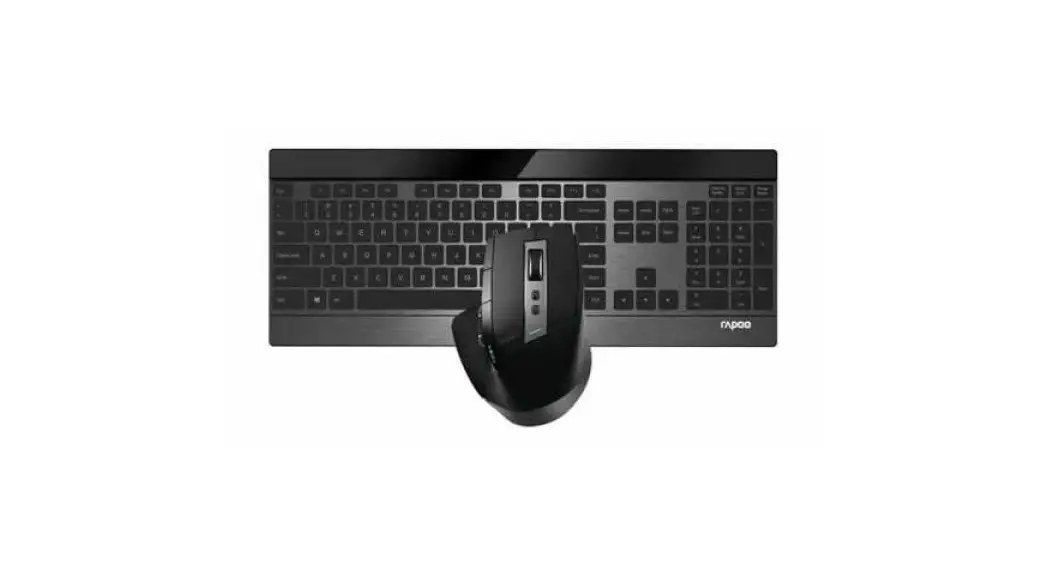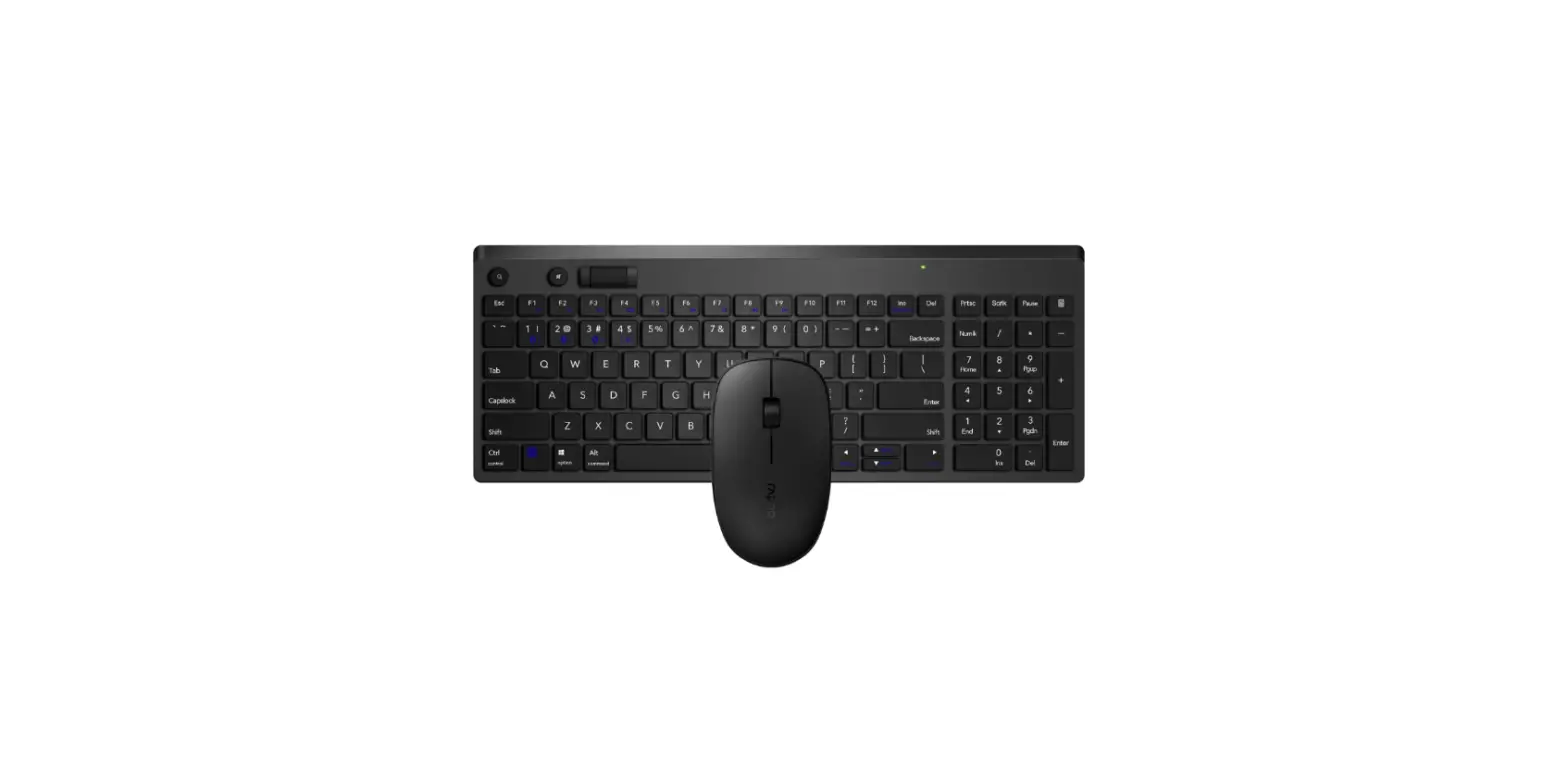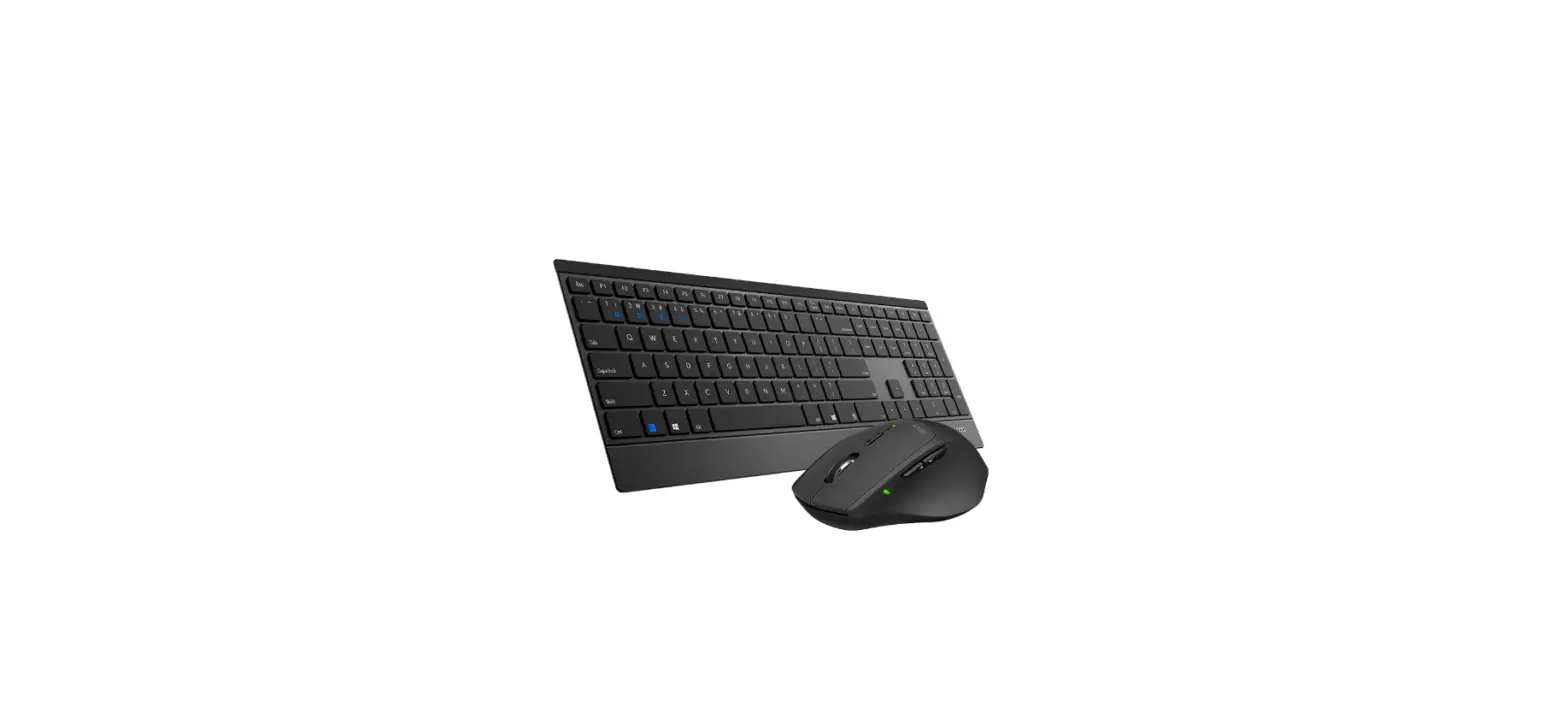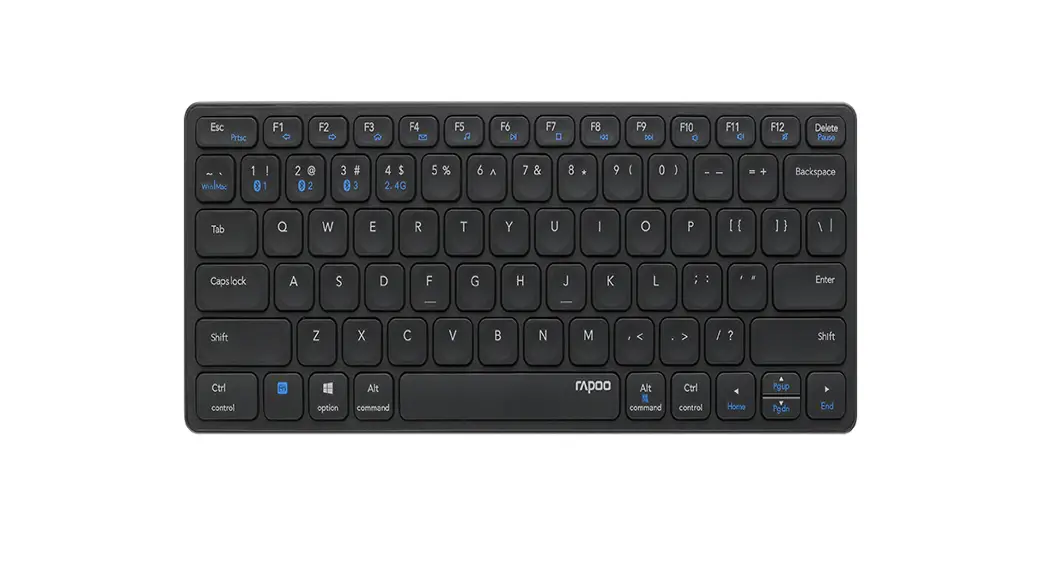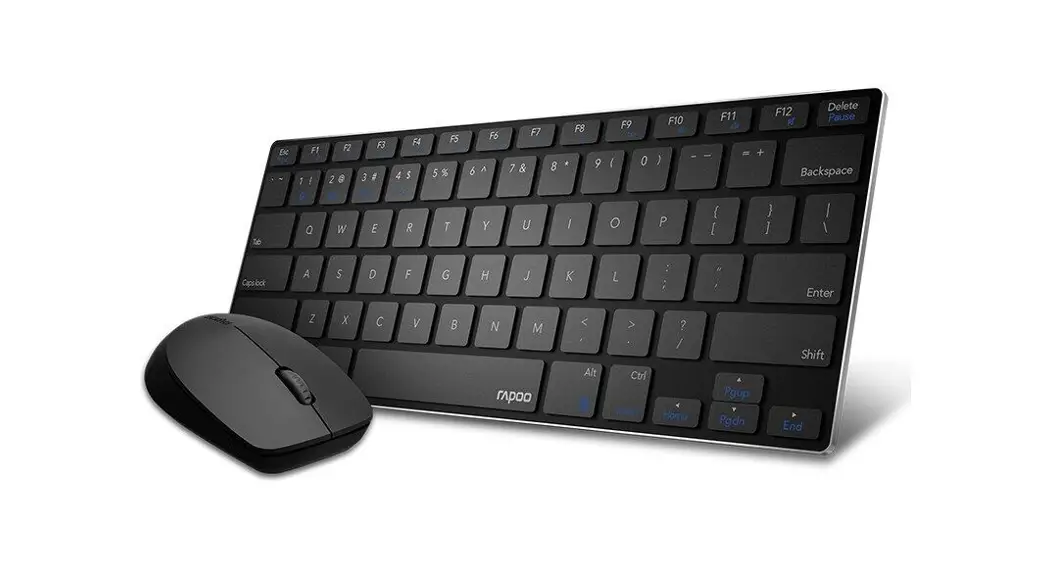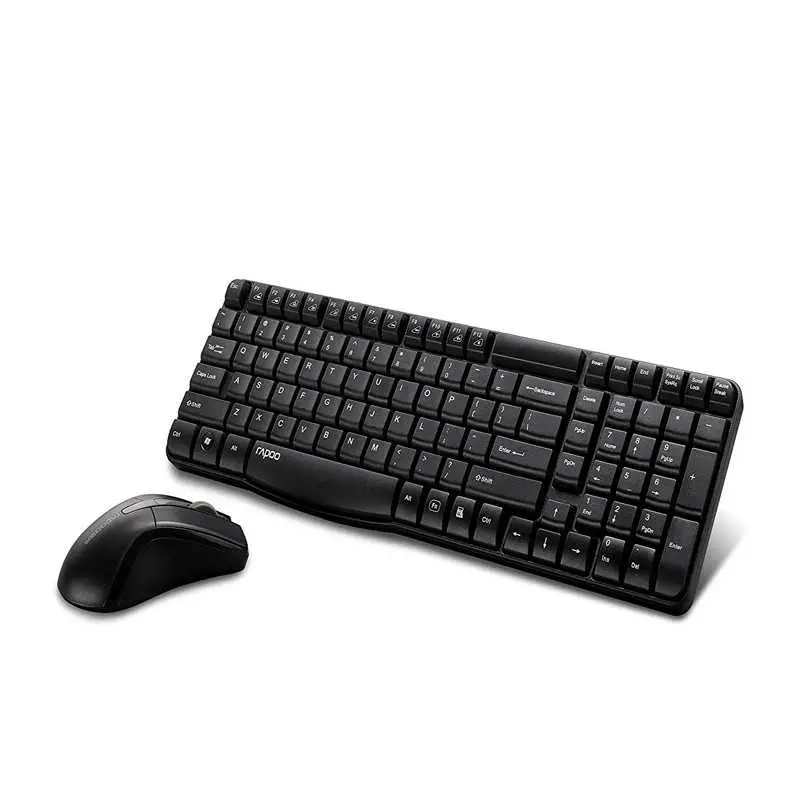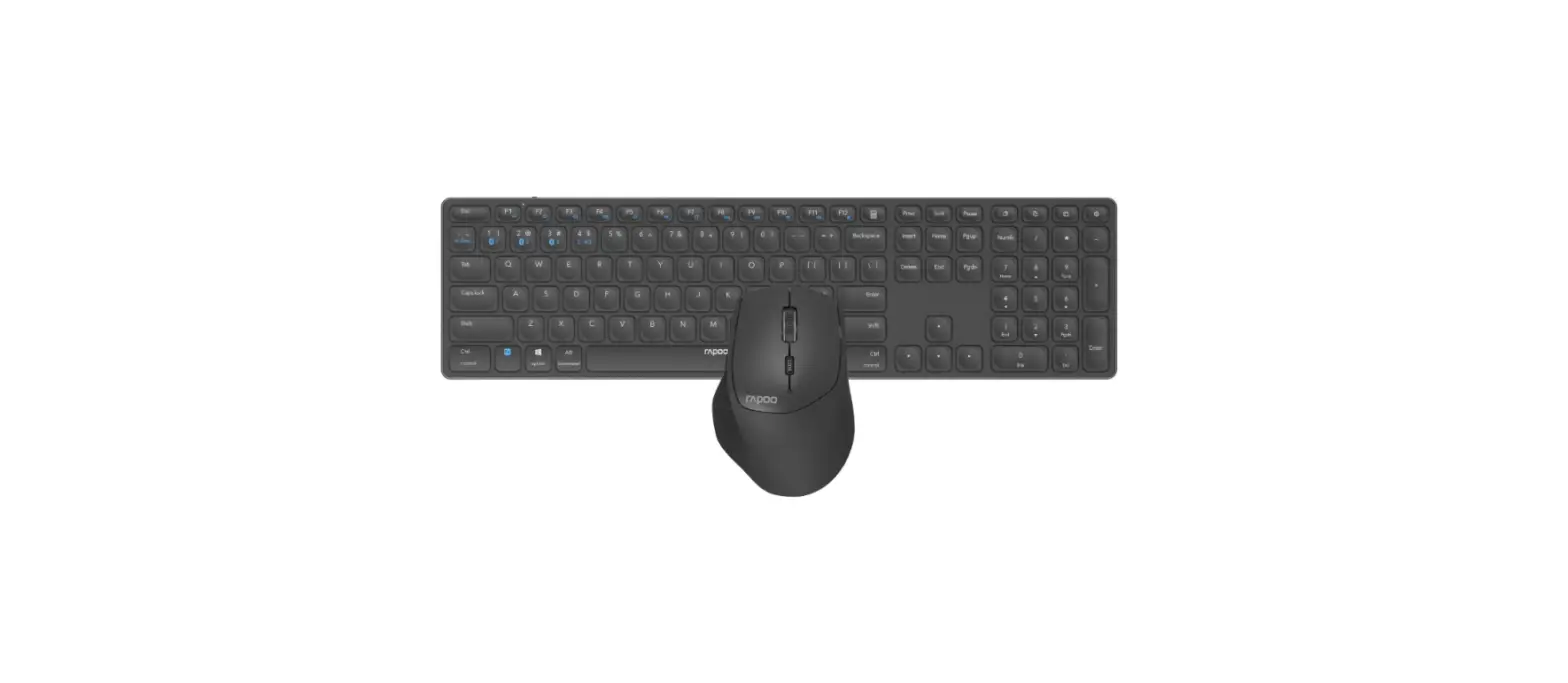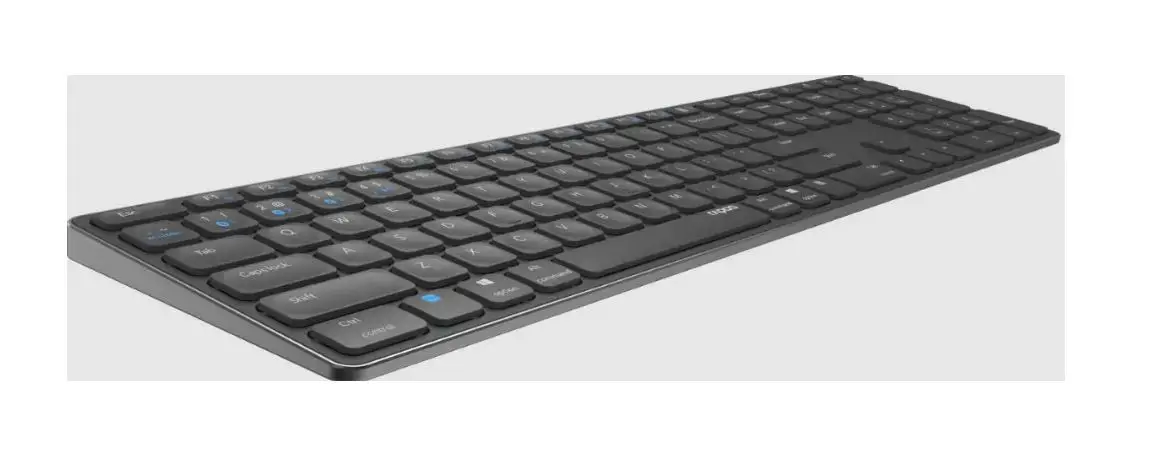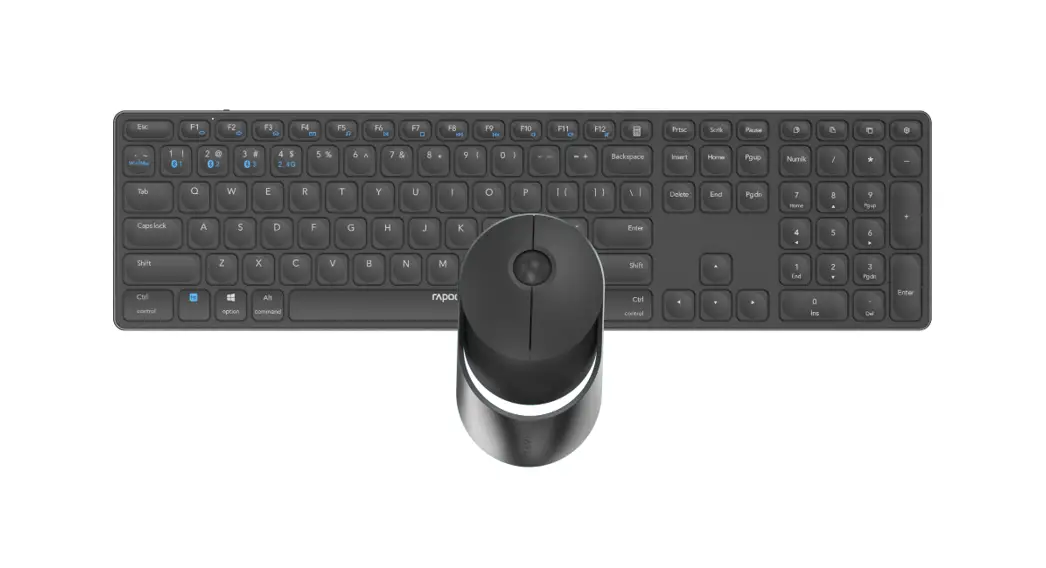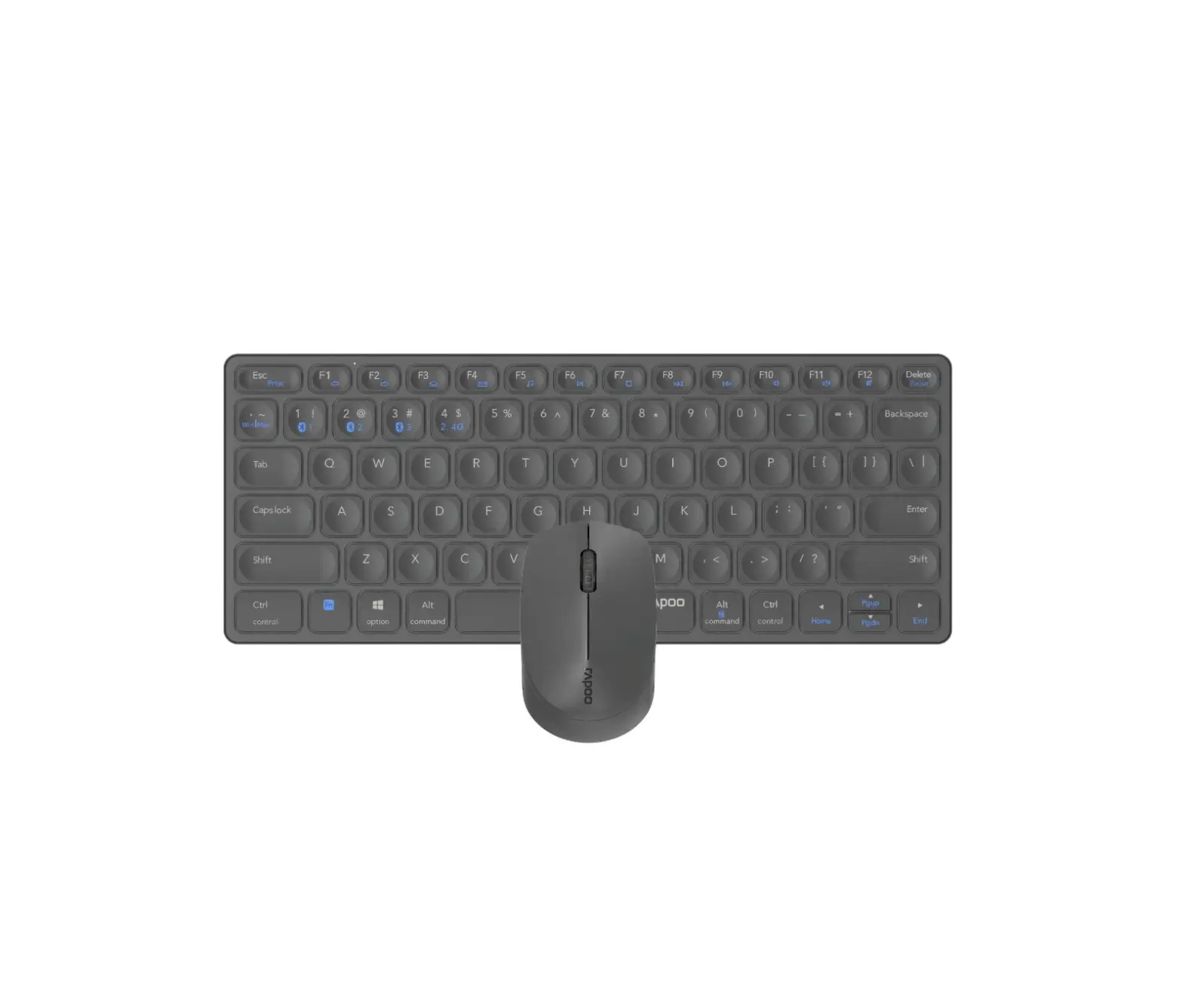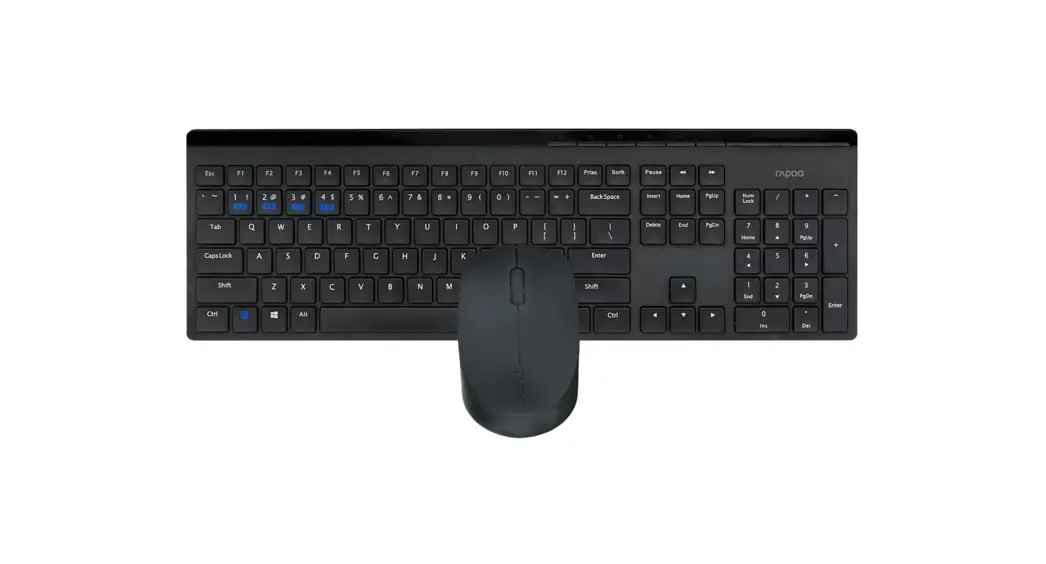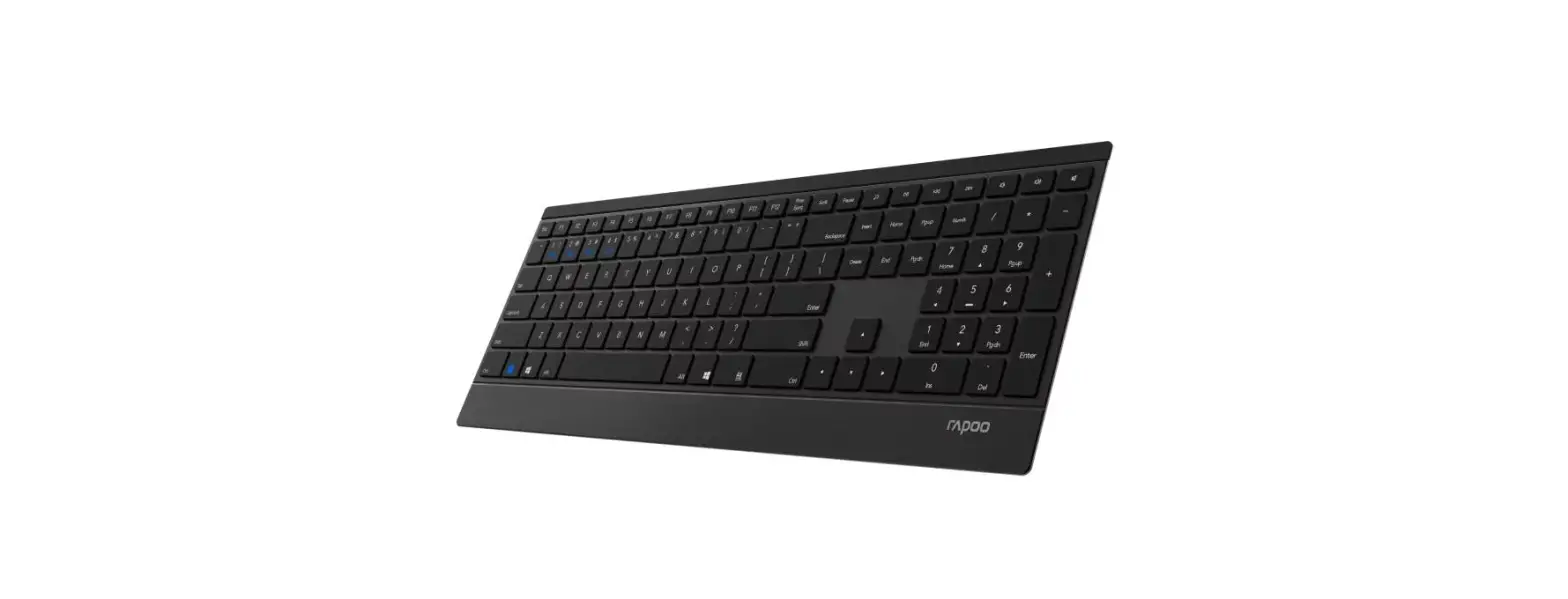

rapoo E9500M Multi-Mode Wireless Keyboard
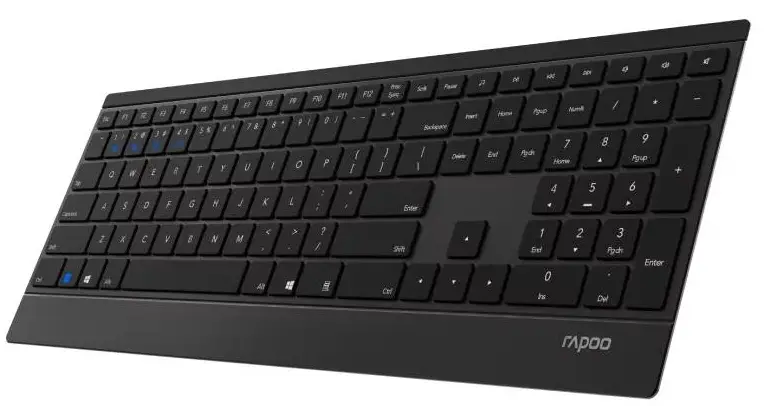
Package contents

Overview
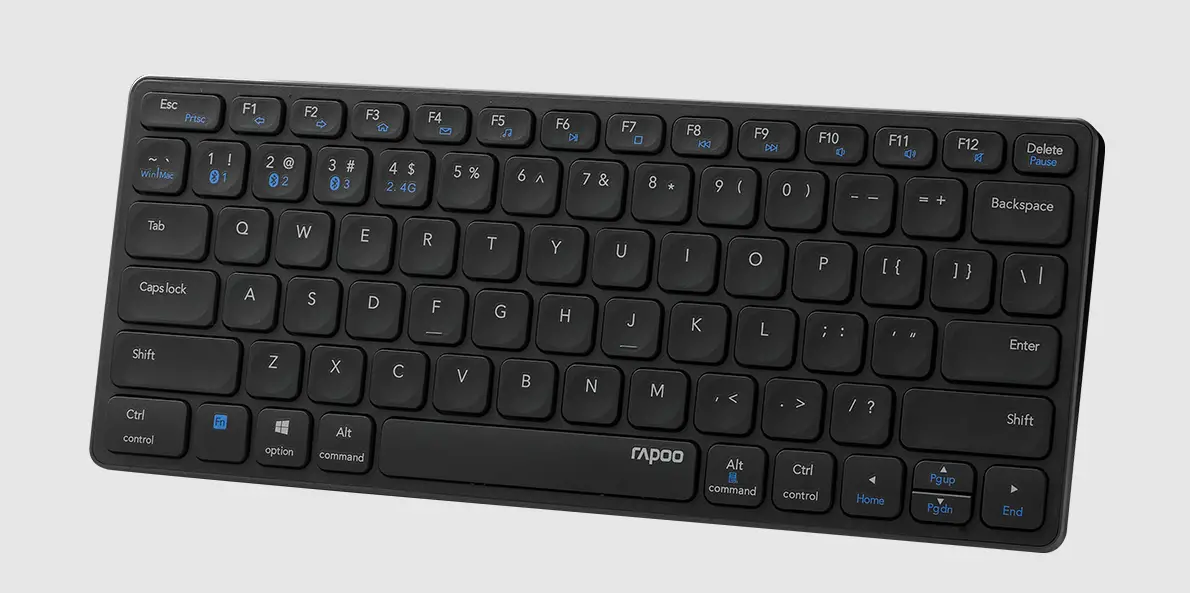
- Multimedia player
- Play/ Pause
- Previous track
- Next track
- Volume-
- Volume+
- Mute
Bluetooth mode
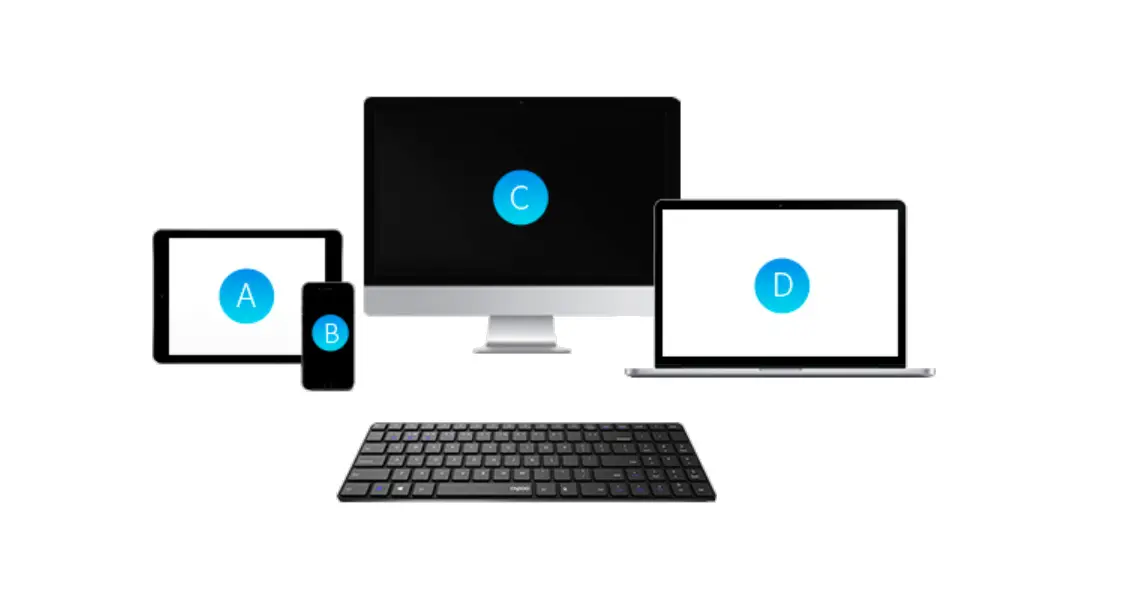
- Press and hold key combinations, Fn+1, Fn+2 or Fn+3 at least 3 seconds to pair 3 different devices via Bluetooth. The keyboard is discoverable for 60 seconds.
- Complete Bluetooth pairing on your device.
Bluetooth pairing Windows®7 and 8:
- Click the “Start” button, then select Control Panel> Add a device
- Select the RAPOO BT3.0 KB/RAPOO BLE KB from the list.*
- Click Next and follow any other instructions that may appear on the screen.
Windows®1 0:
- Click the “Start” button, then select Settings > Devices> Bluetooth.
- Select the RAPOO BT3.0 KB/RAPOO BLE KB from the list.*
- Click Pair and follow any other instructions that may appear on the screen.
Note: RAPOO BLE requires Win8 or later version
 PDFs ändern, bearbeiten, zusammenfügen und editieren mit dem Editor