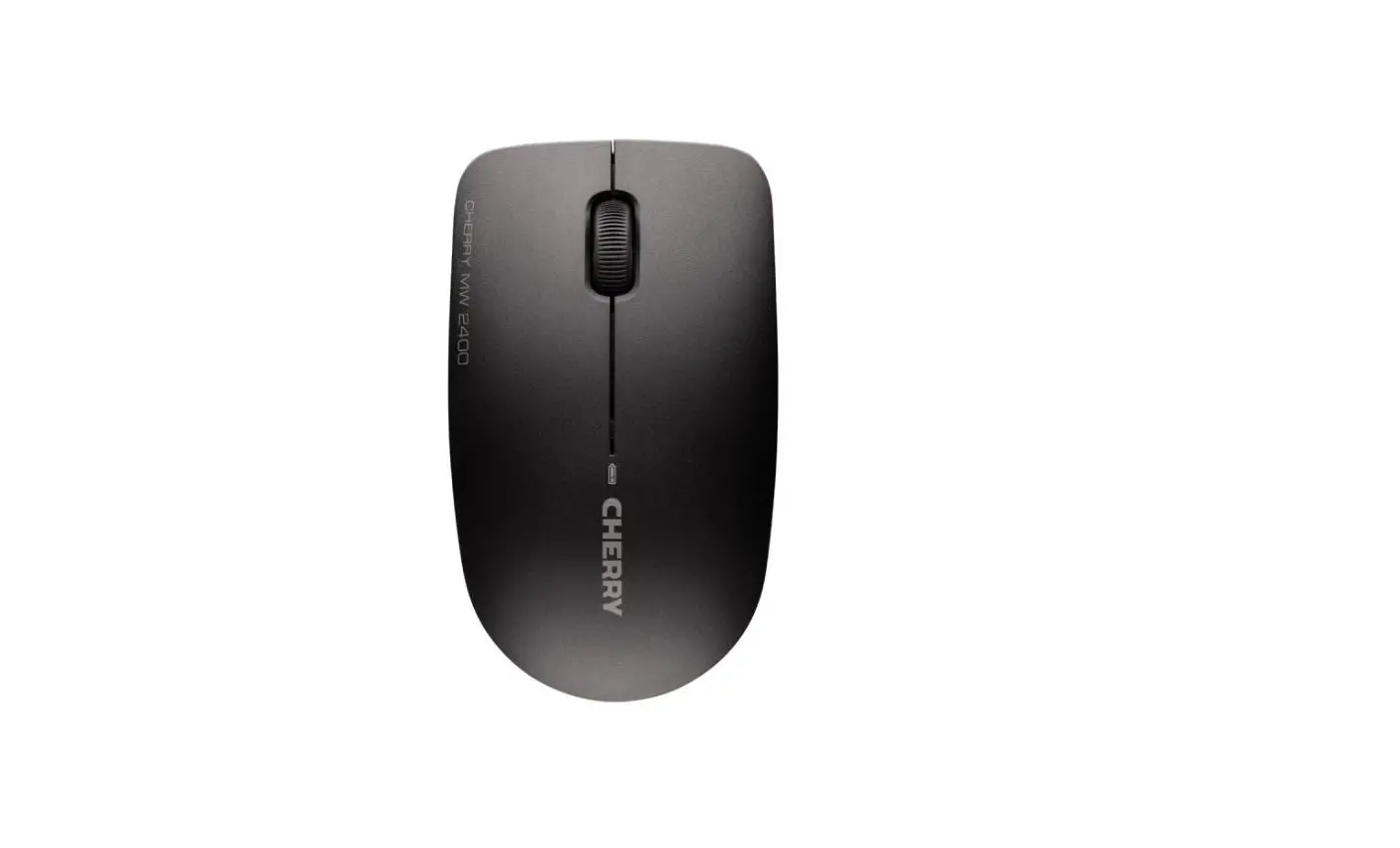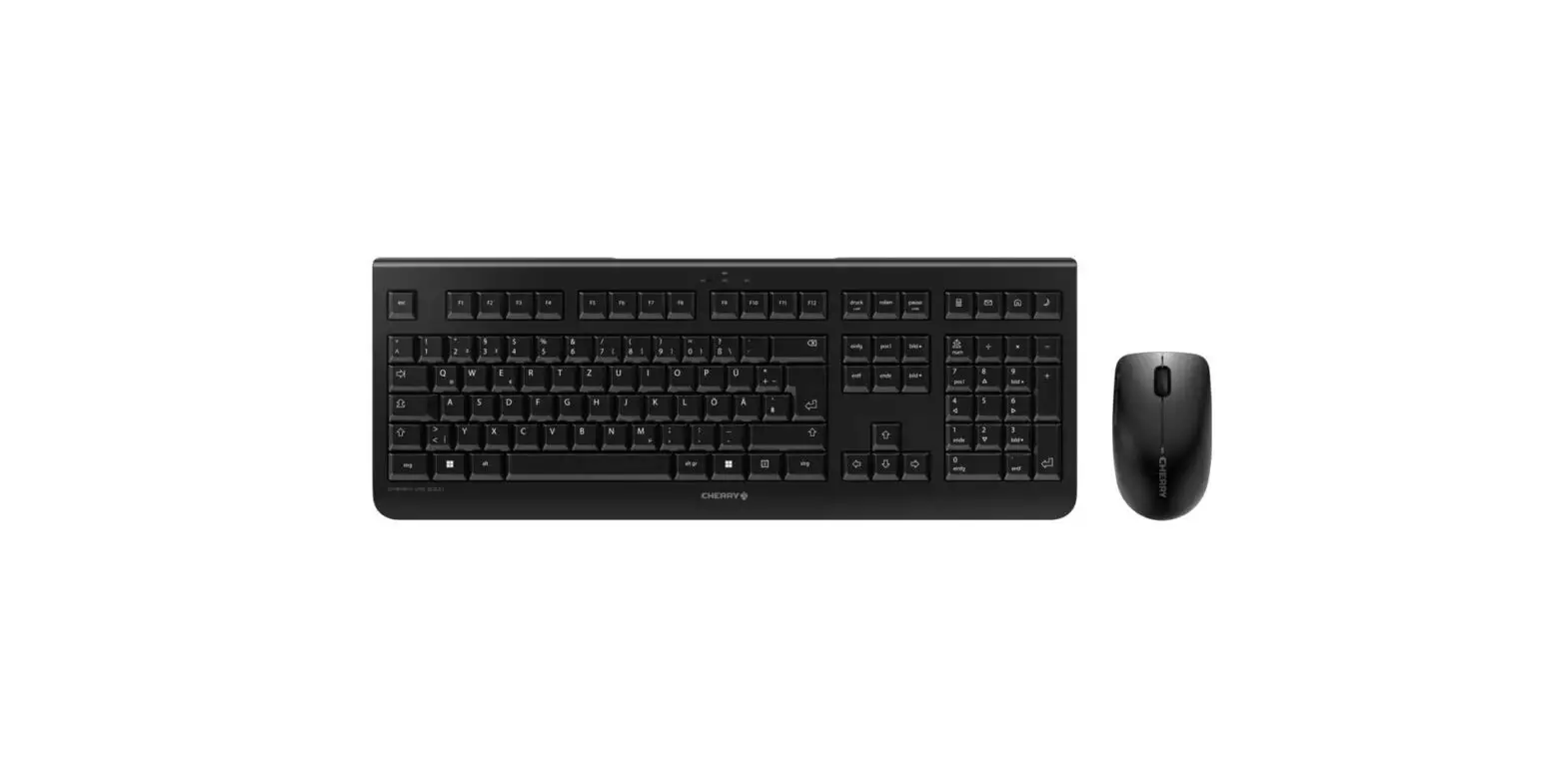

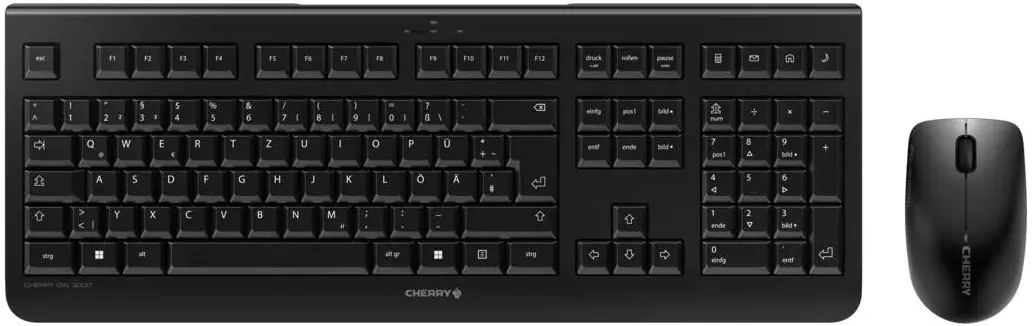
CHERRY DW-3000 Wireless Keyboard and Mouse
Description
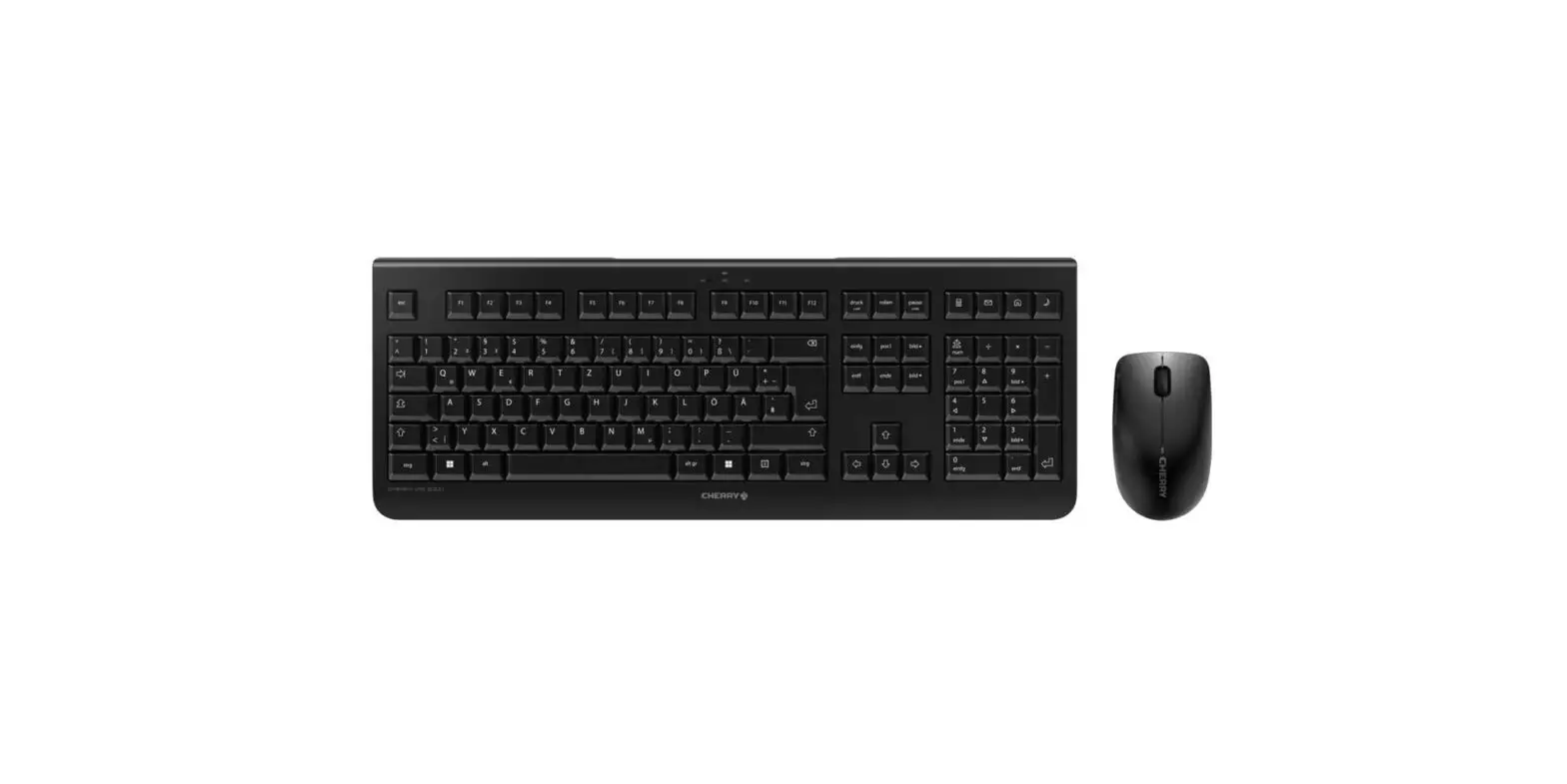
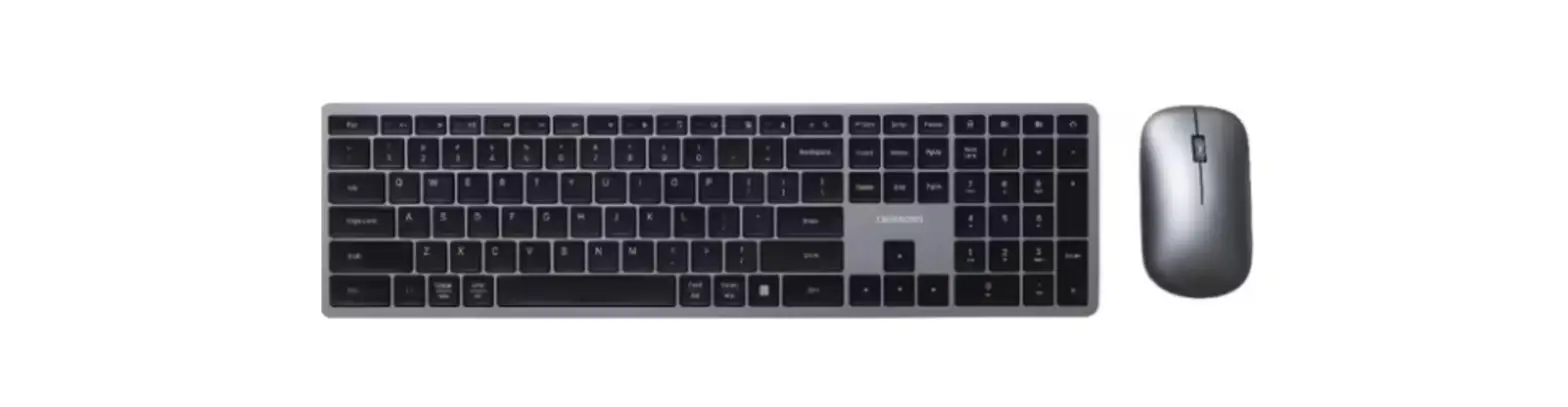
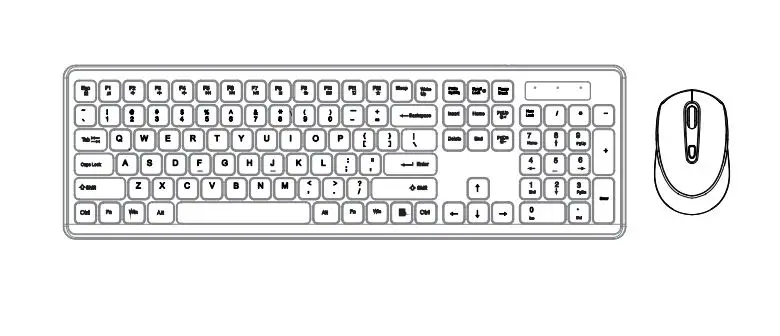
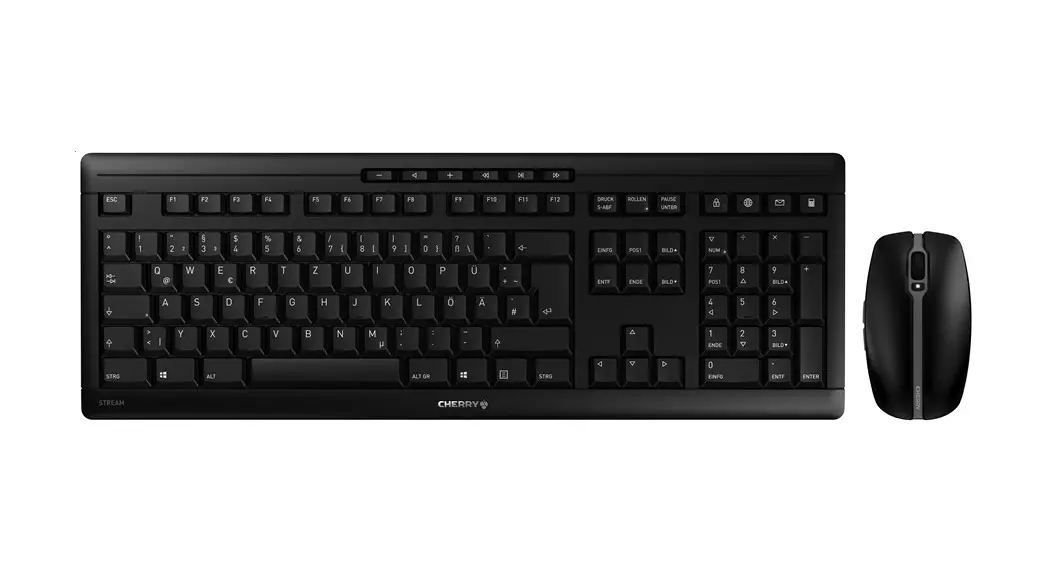
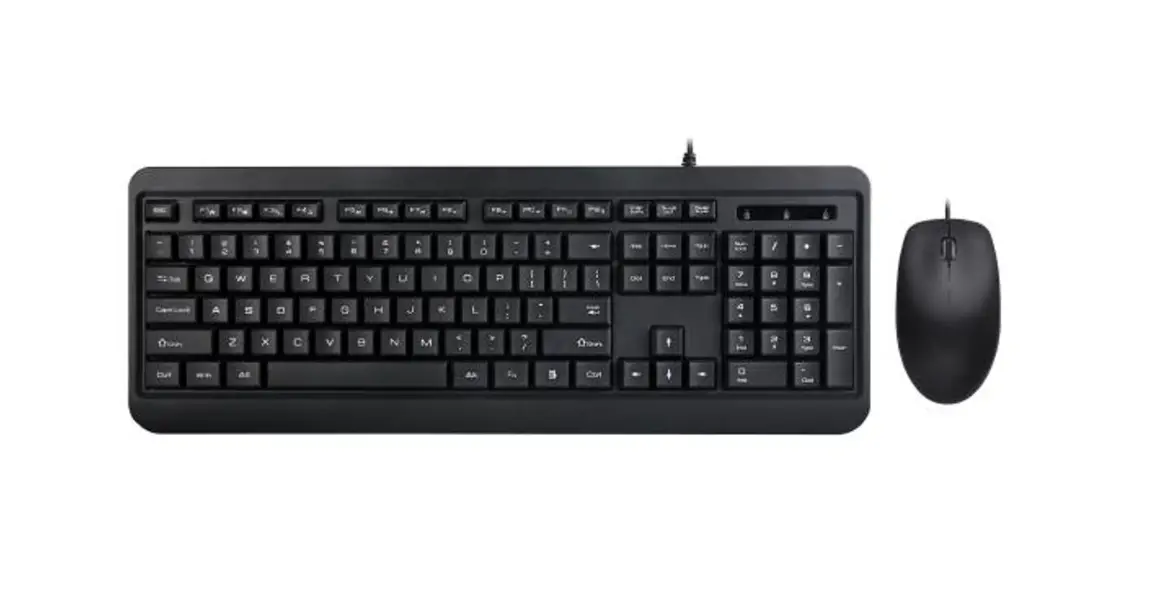
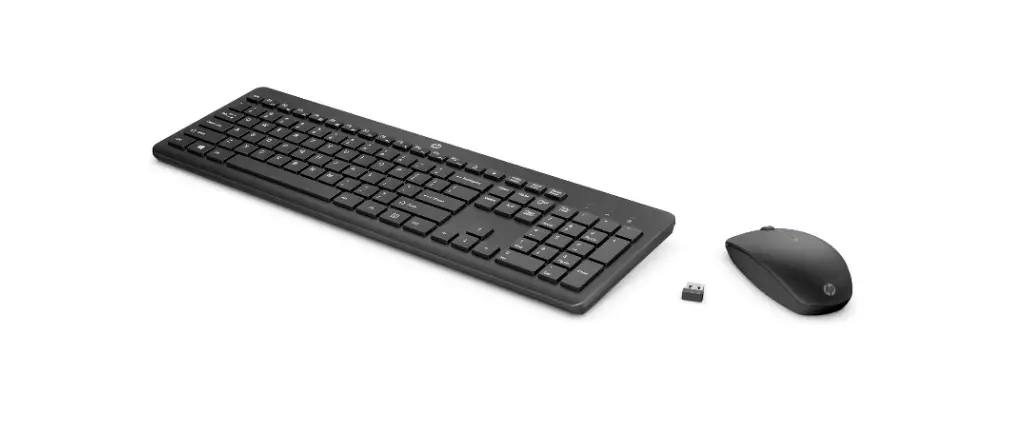
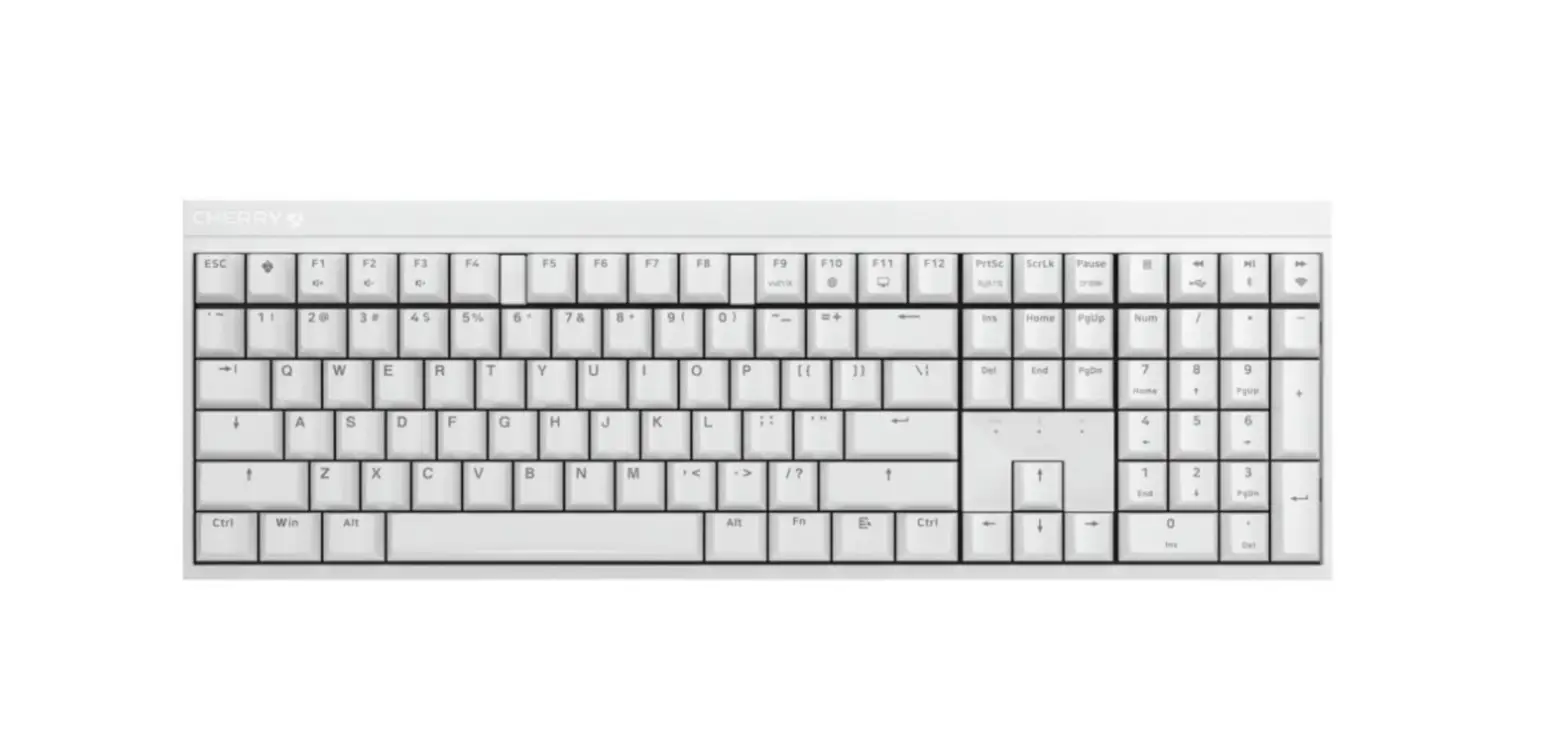
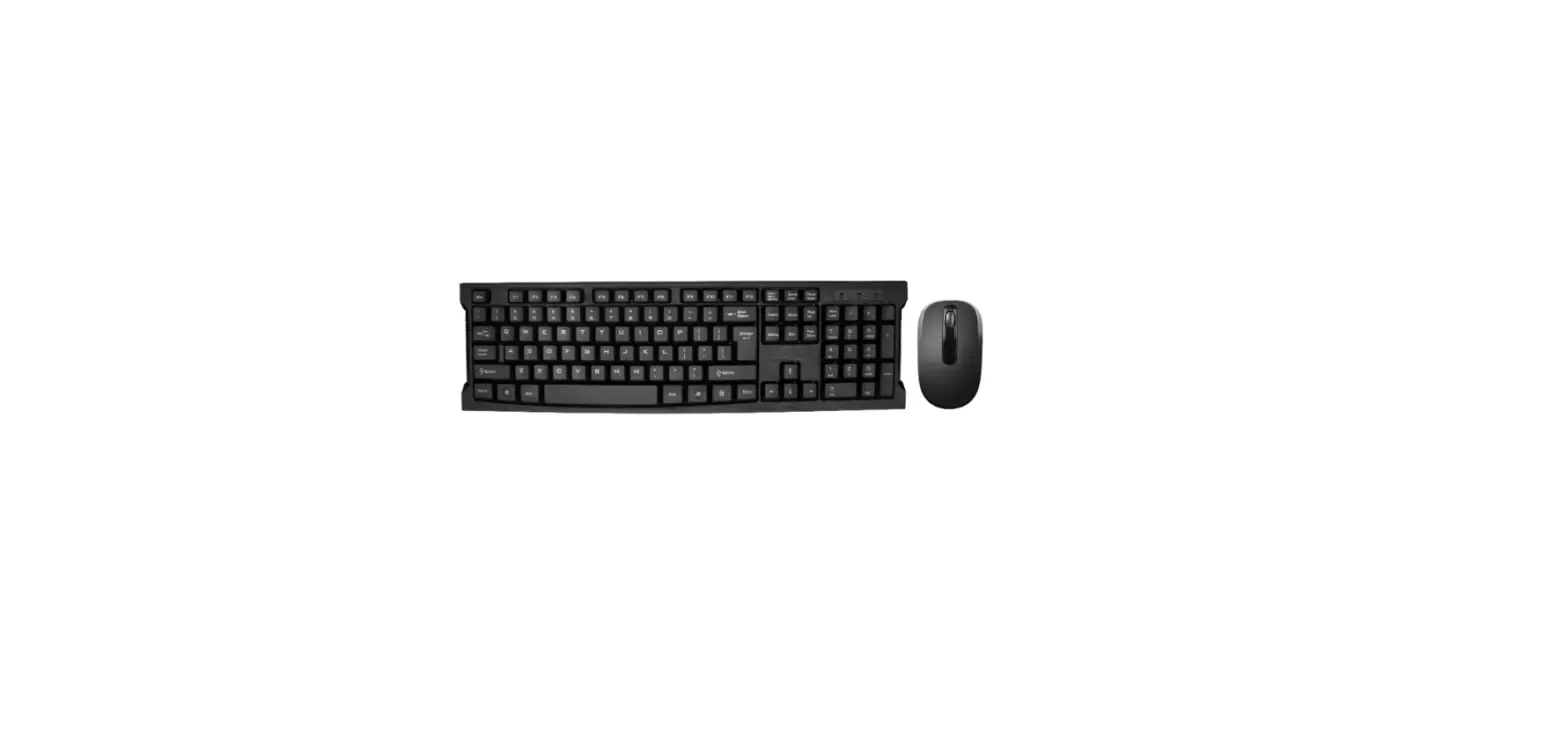
The wireless desktop set CHERRY DW 3000 is rock-solid CHERRY technology with an excellent price-performance ratio. The flat, clearly designed keyboard with short-stroke soft keys enables precise, fast writing with minimal noise generation. In addition, the key legends are laser engraved, making them durable, wear-resistant, and easy to read. The optical 3-button mouse matches the design and technology of the keyboard and glides impressively over most surfaces. CHERRY DW 3000 is optimized for professional use in the workplace – in typical CHERRY quality: reliable, high performance, and lasting.
FUNCTION AND PERFORMANCE
- Flat, wireless keyboard including cursor and number pad
- Whisper keystroke keys with wear-resistant laser key legends
- Up to 10 million keystrokes
- 4 hotkeys (calculator, e-mail, browser, sleep mode)
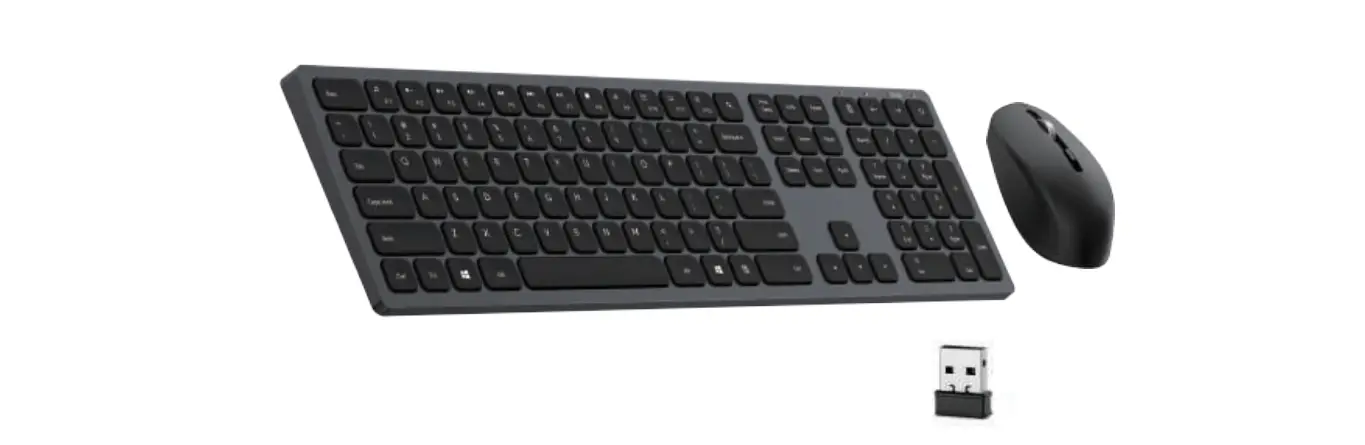
- Plug & Play via USB connection
- 3-button mouse, for both left-handed and right-handed operation
- Optical sensor technology (1,200 dpi)
- Battery status display in keyboard and mouse
- Interference-free wireless 2.4 GHz technology (range of up to 10 meters)
- Data transmission using 128-bit encryption, complying with Advanced Encryption Standard (AES)
- Operation of several desktops (multi-station capability)
- Nano USB receiver (stowable in the mouse)
- GS approval
Technical Data (Keyboard)
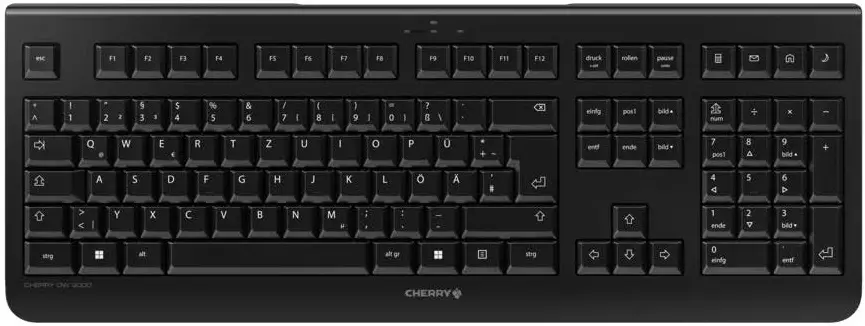
- Weight main product: 502 g
- Dimensions product Without packaging: 458 mm x 170 mm x 20 mm
- Weight of product incl. packaging (g): 923 g
- Dimensions product incl. packaging: 549 mm x 200 mm x 45 mm
- Content of master carton (pieces): 10
- Storage temperature: -20 °C – 65 °C
- Working temperature: 0 °C – 50 °C
- Produktzulassungen:
- cULus
- CE
- FCC
- Windows Hardware
- Compatibility
- GS
- RCM
- China RoHS
- UKCA
- System Requirements-Hardware: USB-A
- Operating system:
- Windows XP
- Windows 7
- Windows 8
- Windows 10
- Scope of delivery: Manual
- 1 x AA battery
- Mouse
- Keyboard
- Dongle
- 1 x AAA battery
- Reliability: MTBF > 45.000 Stunden
- Software support: CHERRY KEYS
- USB dongle: yes
- 2.4 Ghz wireless connection: yes
- Encryption in Wireless mode: no
- Wireless range (m): 10 m
- Connection via Bluetooth: no
- Number of batteries: 1
- Batterie Art: Alkaline
- Batterie Bauform: AA
- Battery rechargeable: no
- Battery replaceable: yes
- Battery charging socket: no
- Service life per key (in million strokes): 10 mio. actuation
- Switching characteristics: standard
- Max. current consumption (mA) of the keyboard: 3 mA
- Keyboard format: Full-size (100%)
- Integrated metal plate: no
- Volume (dB) of the keyboard: 40 db
- N-key rollover: not specified
- Anti-ghosting: not specified
- Key encryption: no
- Internal memory: no
- Palm rest: Palm rest is not available
- USB hub: no
- Special key functions:
- Browser
- e-mail program
- PC Standby
- Calculator
- Illumination: no
- Adjustable feet: integrated
Status LEDs: in housing
Key technology: Rubberdome
Keycap material: ABS
Technical Data (MOUSE)
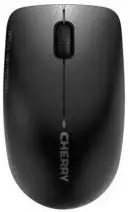
- Color: Black
- Dimensions mouse without packaging: 109 mm x 62 mm x 37 mm
- Weight of product: 85 g
- Number of keys: 3
- Thumb buttons: no
- Sensor: PixArt PAW3204DB-TJ3L
- Max. resolution (dpi): 1.200 dpi
- dpi switch: no
- Housing material: ABS Max. Current consumption (mA)
- Mouse: 6 mA
- Switch type: standard
- 2.4 Ghz wireless connection: yes
- Wireless range (m): 10 m
- Encryption in wireless mode: no Connection via
- Bluetooth: no
- Number of batteries in the mouse: 1
- Batterie Art: Alkaline
- Batterie Bauform: AAA
- Battery rechargeable: no
- Battery replaceable: yes
- Battery charging socket: no
Errors, technical changes, and delivery options are reserved. Technical information refers only to the specification of the products. Properties are not guaranteed.
Designation CHERRY DW-3000
Please contact your local CHERRY service and support teams or your CHERRY sales partners for versions available in your country.
- Cherry Europe GmbH
- Cherrystraße 2
- 91275 Auerbach/OPf.
- Germany
- Tel +49 (0) 9643 2061 100
- Fax +49 (0) 9643 2061 900
- www.cherry.de
FAQ’s
Yes, both the keyboard and mouse are wireless and use a 2.4 GHz wireless connection.
The wireless range of the CHERRY DW-3000 is up to 10 meters (33 feet) in an open area.
Yes, the keyboard requires two AAA batteries, which are included in the package.
Yes, the mouse requires one AA battery, which is also included in the package.
The battery life will depend on usage, but on average, the keyboard and mouse batteries should last for several months before needing to be replaced.
Yes, the keyboard and mouse are compatible with both Windows and Mac operating systems.
Yes, the CHERRY DW-3000 keyboard includes multimedia keys for controlling audio and video playback.
The CHERRY DW-3000 keyboard features a low-profile design with a soft, quiet keystroke for comfortable typing.
Yes, the mouse is ambidextrous and can be used by both left- and right-handed users.
Yes, the CHERRY DW-3000 mouse has a scroll wheel for easy navigation.
Yes, CHERRY provides a two-year warranty for the keyboard and mouse.
Most CHERRY wireless keyboards and mice use a USB receiver that needs to be plugged into your computer’s USB port. Once the receiver is plugged in, turn on your keyboard and mouse and they should automatically connect to the receiver. If they don’t, try pressing the connect button on both the receiver and the keyboard/mouse.
The battery compartment is usually located on the bottom of the keyboard or mouse. Open the compartment and replace the batteries with new ones. Make sure to insert them correctly according to the polarity markings.
The range of a wireless keyboard and mouse depends on the specific model and the environment you’re using it in. Most CHERRY wireless keyboards and mice have a range of up to 10 meters (33 feet), but this can be affected by walls and other obstacles.
Depending on the model of your CHERRY wireless keyboard, you may be able to customize the function keys using software provided by CHERRY. Check the CHERRY website or user manual for instructions on how to download and use the software.
Some CHERRY wireless keyboards and mice can be paired with multiple devices, but it depends on the specific model. Check the user manual or the CHERRY website for more information.
To clean your CHERRY wireless keyboard and mouse, use a soft, damp cloth to wipe down the surfaces. Don’t use harsh chemicals or abrasive materials, as these can damage the keyboard and mouse.
Download this PDF Link: CHERRY DW-3000 Wireless Keyboard and Mouse Datasheet