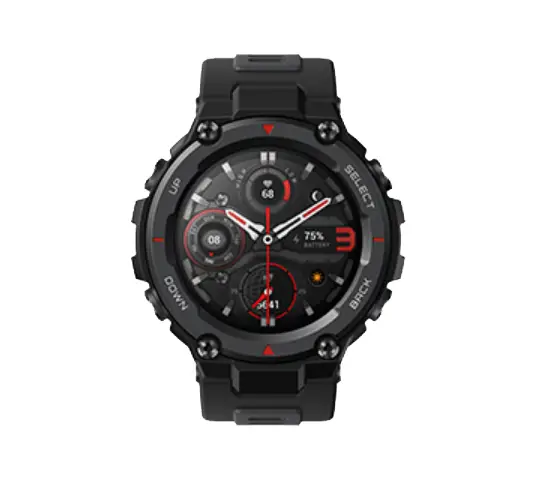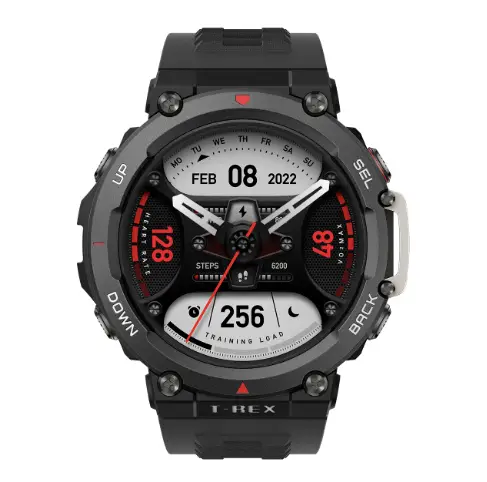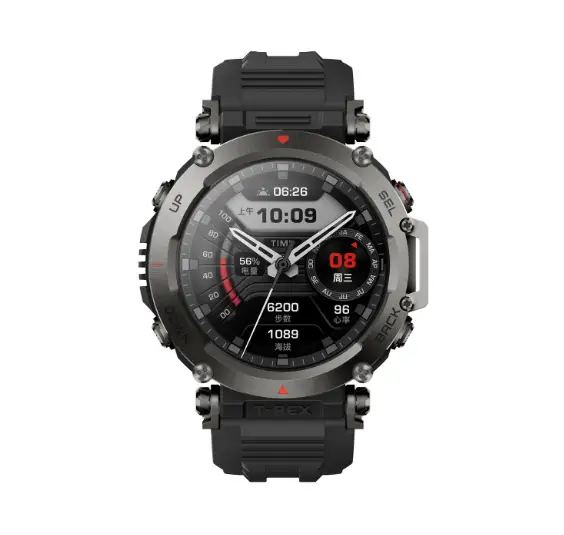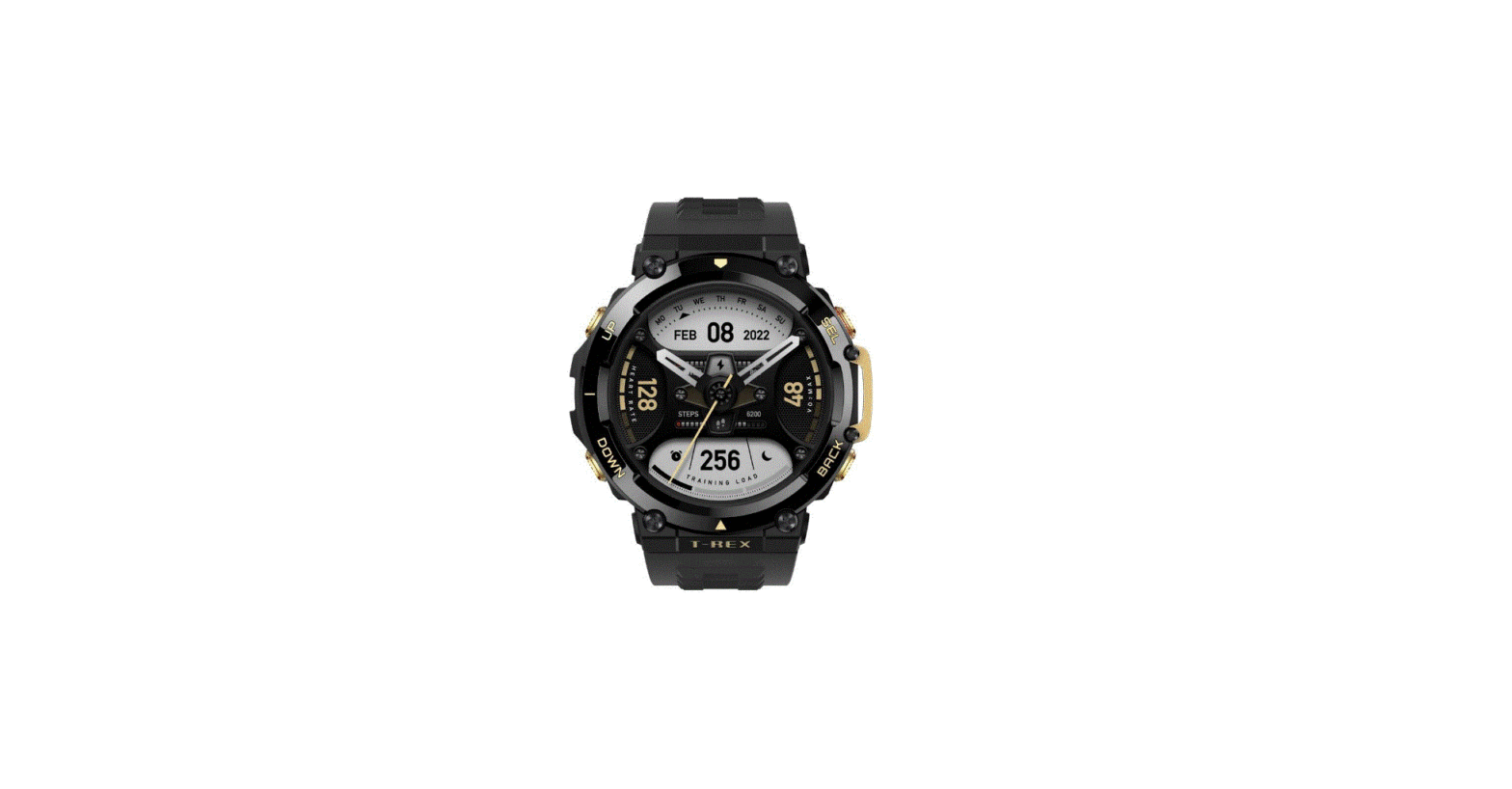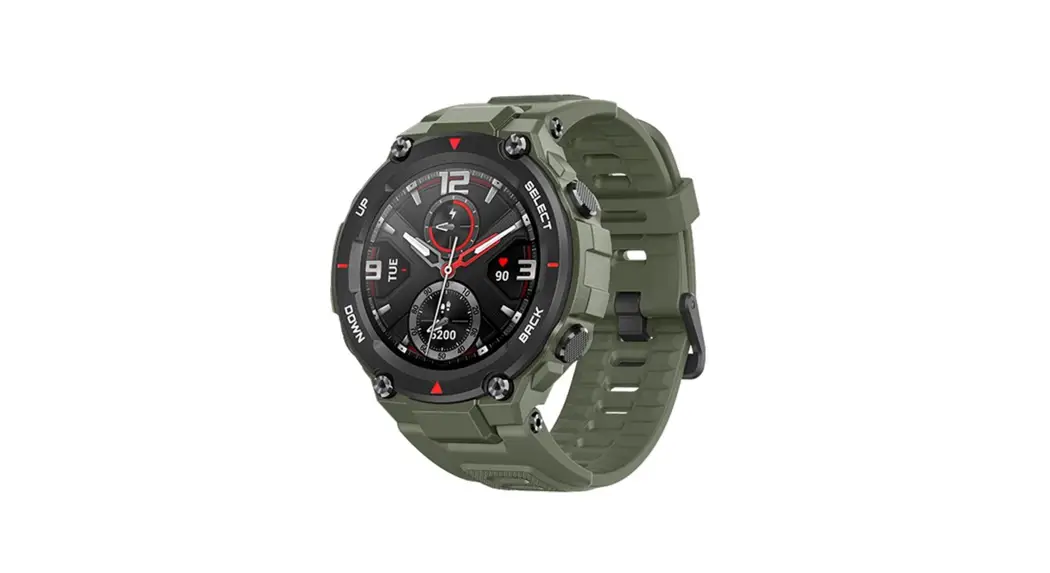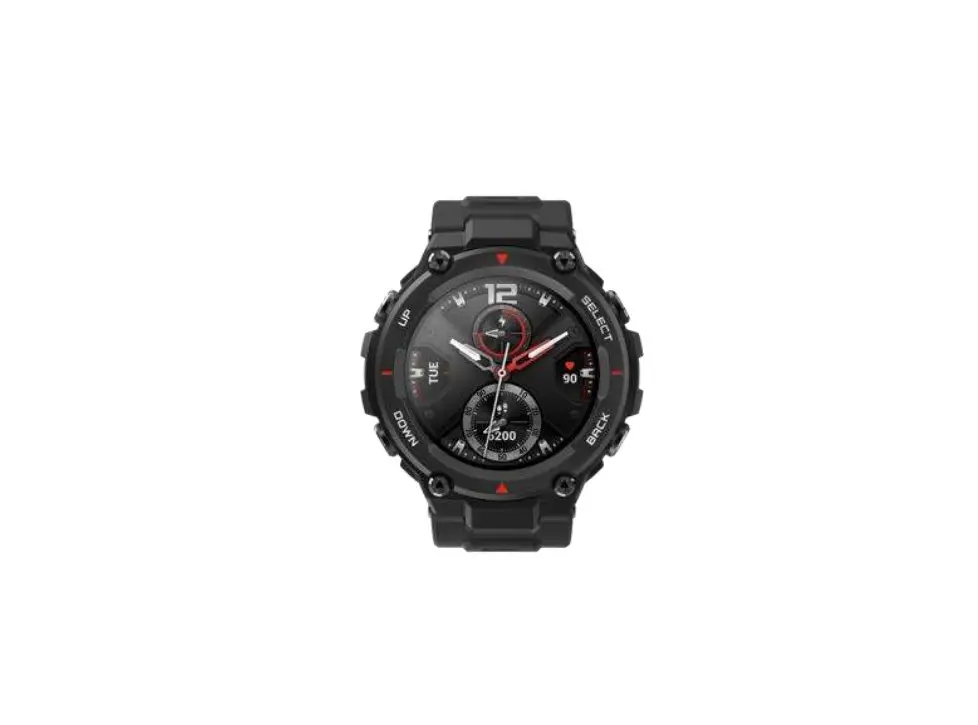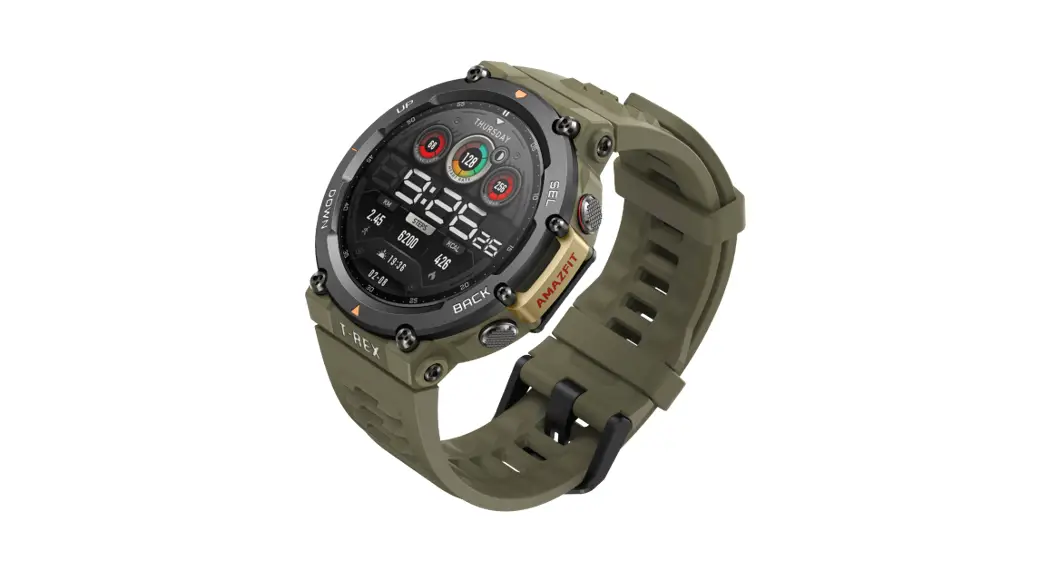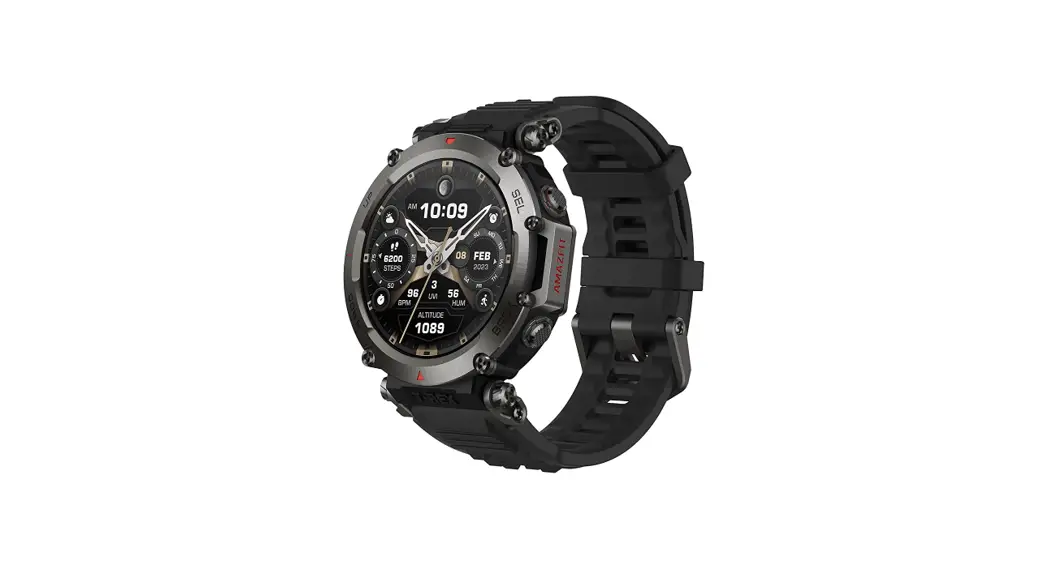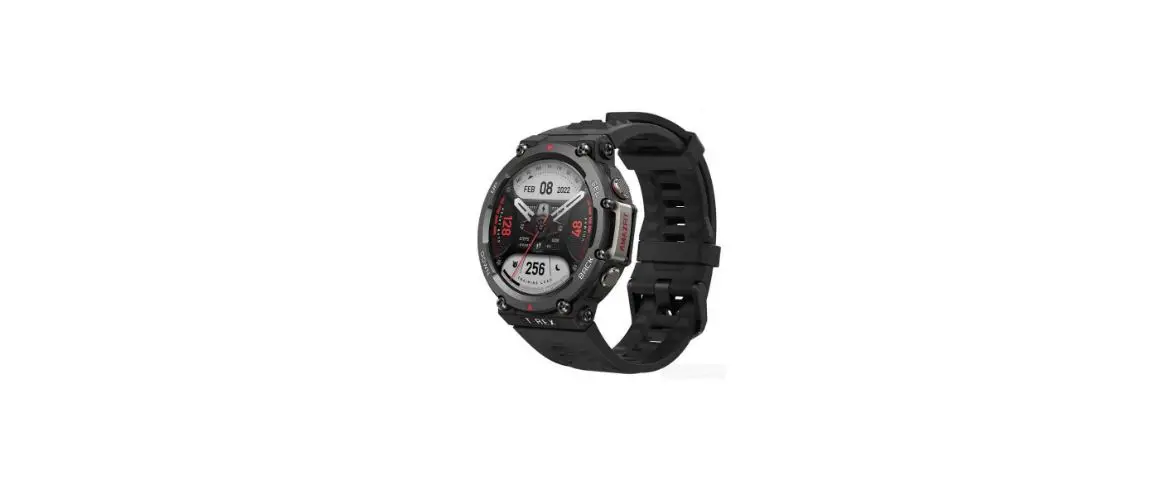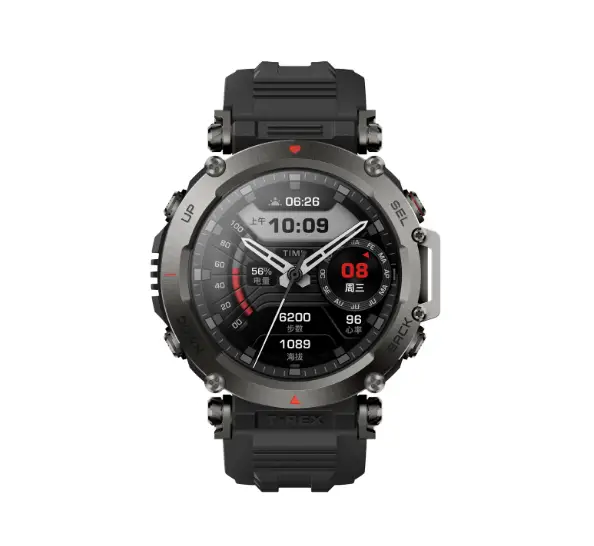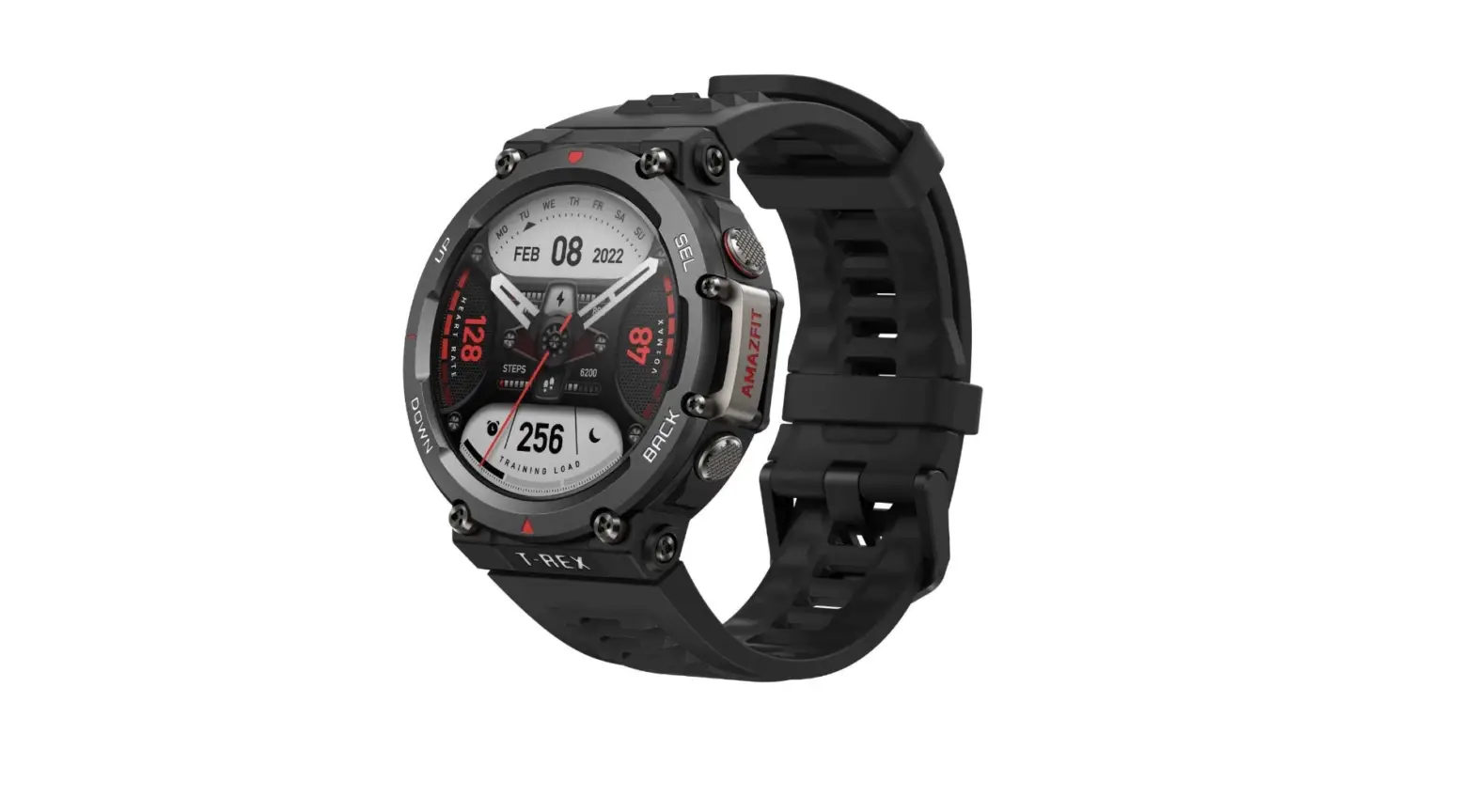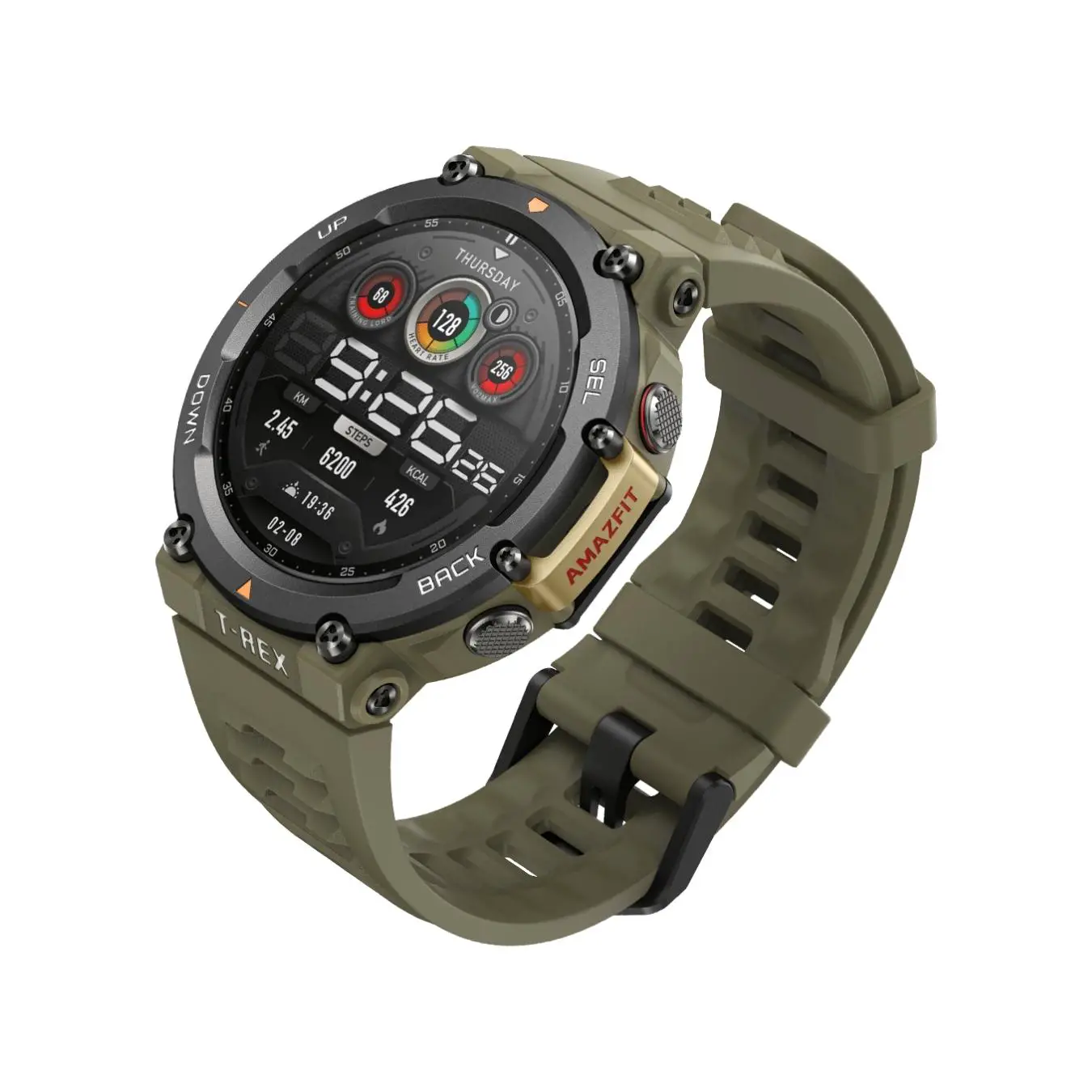
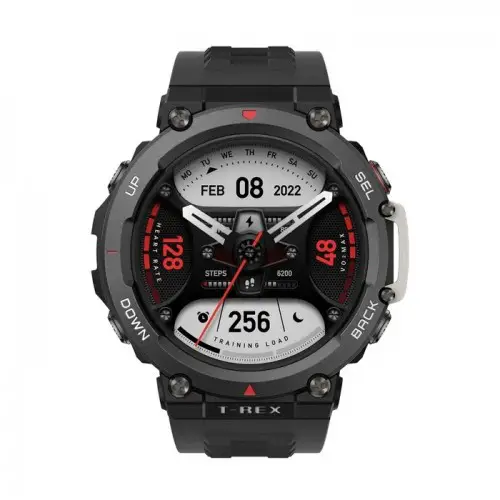
Amazfit T-Rex 2 User Manual
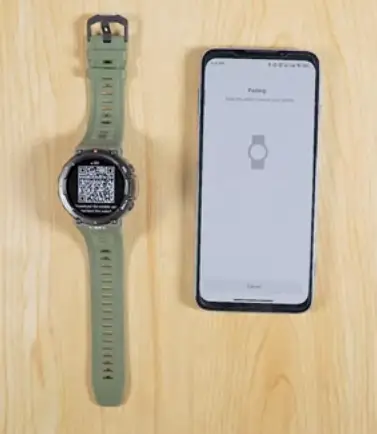
Pairing via the Zepp App
Open the Zepp App. Top Profile…..
» My device
» “+Add”
» Watch
» Watch with OR code
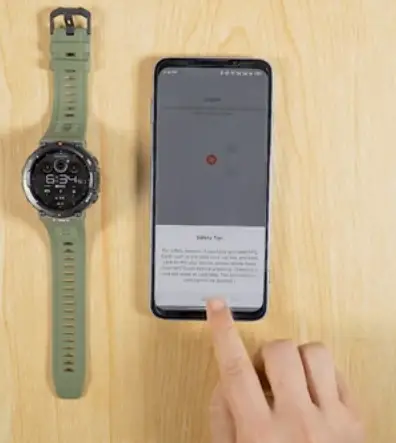
Please scan the QR code on the watch face and confirm pairing on the watch.
Paired Successfully.
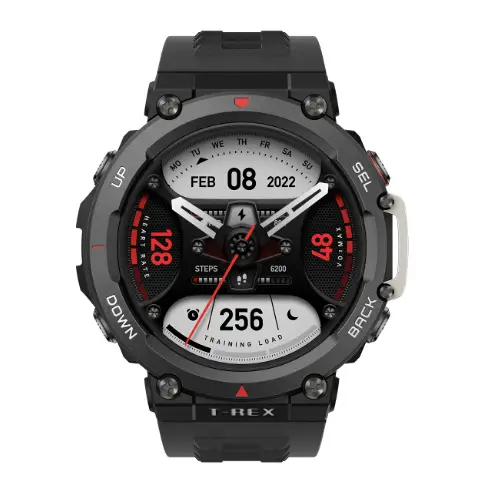
Amazf it T-Rex 2 update
Open the Zepp App. Tap Profile…..
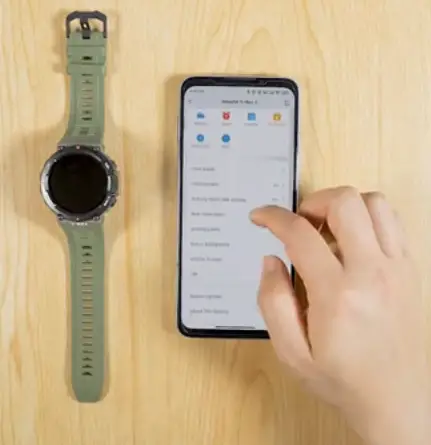
>> My device
>> Amazf it T-Rex 2
>> System Update
Please keep the watch close to your phone while updating
How to Use Amazfit T-Rex 2
How to customize the watch face
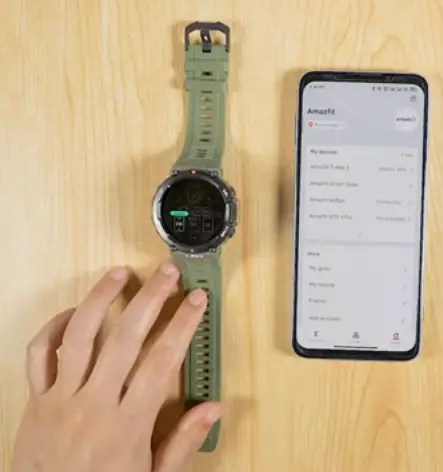
- Tap and hold the watch face
- Swipe left or right to choose a watch face
- Tap “Edit’ icon
- Choose the highlighted area and swipe up or down to switch the (unction displayed, or click the interface to change the watch face color
Control Center
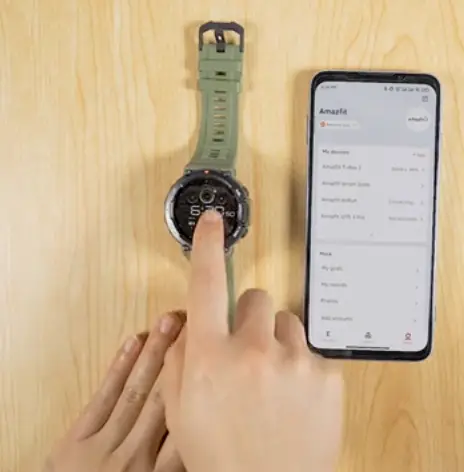
Swipe down on the home page to go to the control center:
- Torch
- Do Not Disturb
- Theater Mode
- Always On
- Calendar
- Buzzer
- Battery
- Brightness
- Find phone
- Bluetooth
- Lock Screen
- Settings
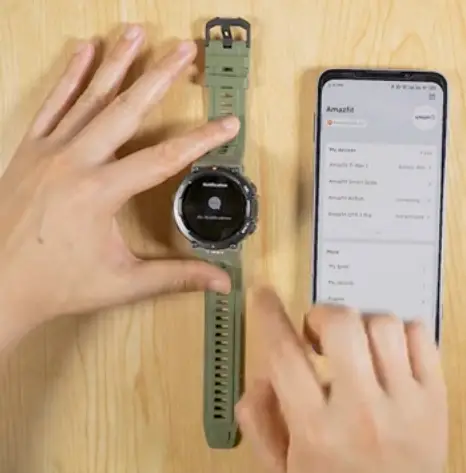
View Notification
- Swipe right on the home page to view notofication
Shortcut Cards
Swipe up on the home page to view shortcut cords
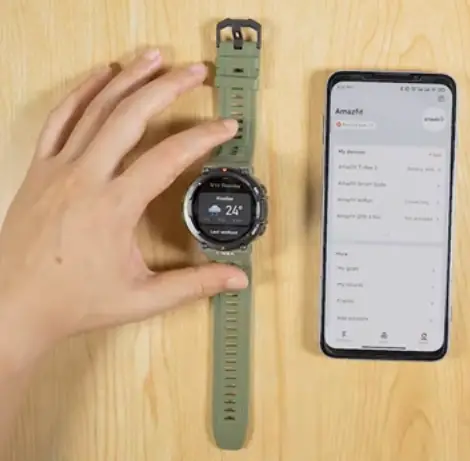
To set shortcut cords on the zepp App, go to Profile
» My device
» Amozfit T-Rex 2
» Shortcut Cords
» Resident Application Settings
App list management
Swipe left on the home page to view specific applications
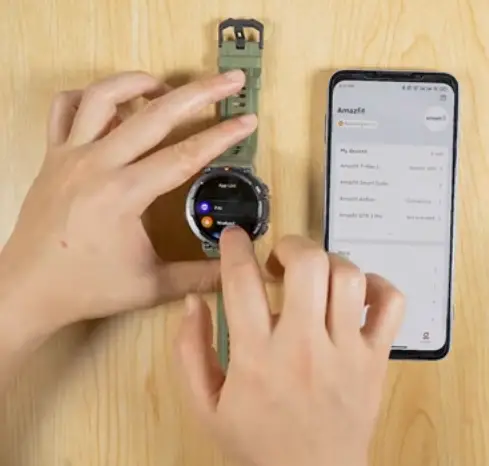
To net App lists on the Zepp App, go to Profile:
» My device
» Amozfit T-Rex 2
» App list management
How to start sports modes
The Arnadit T-Rex 2 supports more than 150 sport modes.
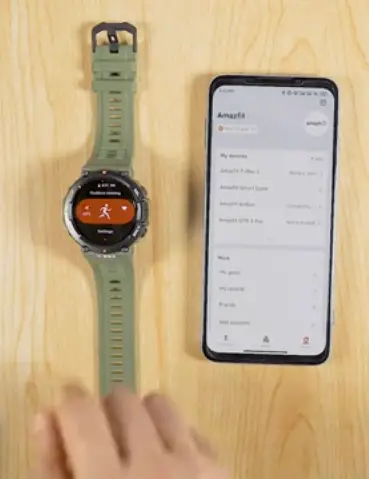
Go to app list and tap Workout, choose a sports mode and press GO.
Or, Press the ‘se button to access Workout list.
Workout Detection
The Amor T-Rex 2 supports smart recognition of 8 sports.
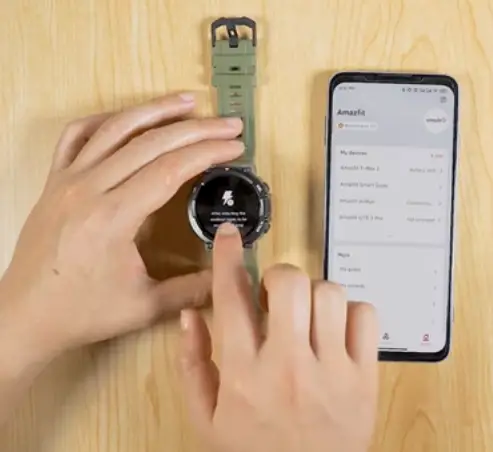
Go to Settings:
- Workout
- Workout Detection
Choose the sport you want the watch to auto detect.
Heart Rate Measurement
- Swipe left on the home page to go to the app list.
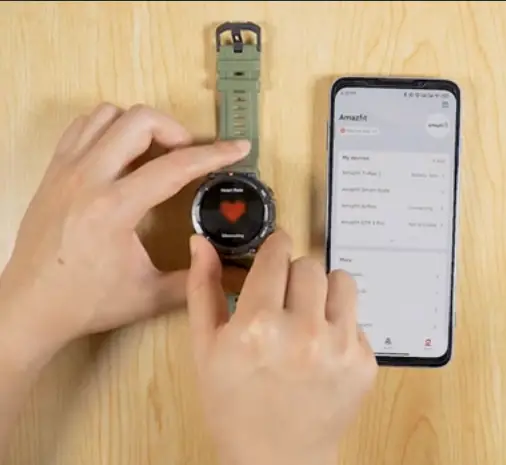
- Choose Heart Rate to start heart rate measurement.
- Blood Oxygen, One-top Measuring and Stress can be started the same way.
How to Use the Zepp App
How to set Goals
- Open the Zepp App.
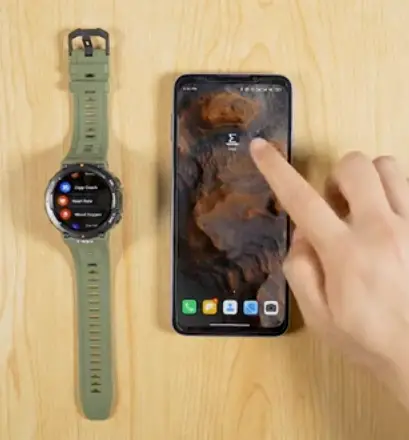
- Go to Profile
>> More
>> My Goals
How to submit feedback
- Open the Zepp App.
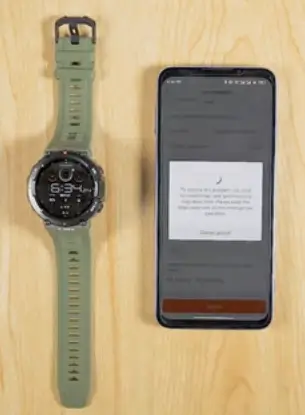
- Go to Profile >>User feedback
- Select on issue type
- Select the specific issue time
- Write a detailed description about the issue
- Upload pictures (optional)
- Upload log (optionol, but importont)
- Then, Submit
How to find User ID
- Open the Zepp App.
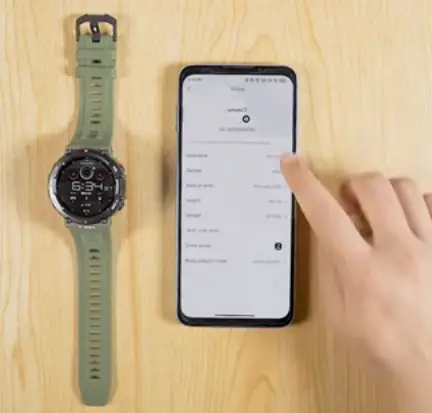
- Go to Profile, top the profile photo on the upper-right corner.
- Then, you can find the ID
How to unpair the Amazfit T-Rex 2
- Open the Zepp App
- Tap Profile
»My device
» Amozfit T-Rex 2
» Unpair