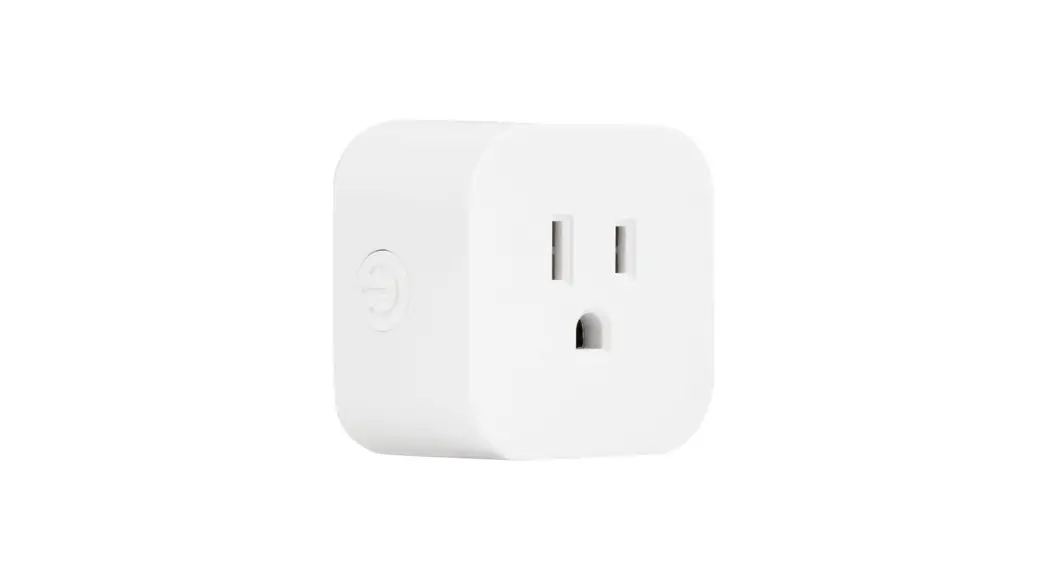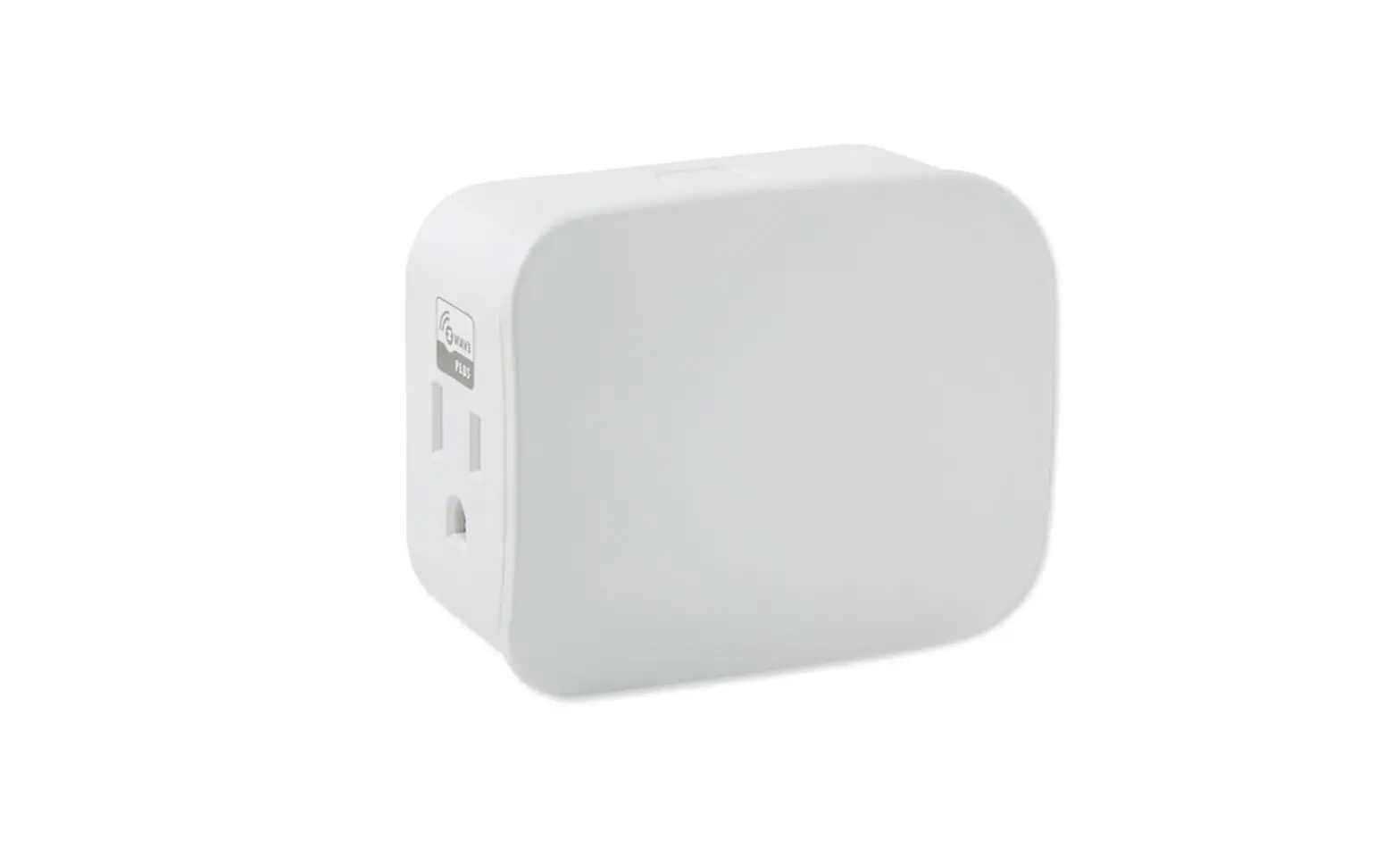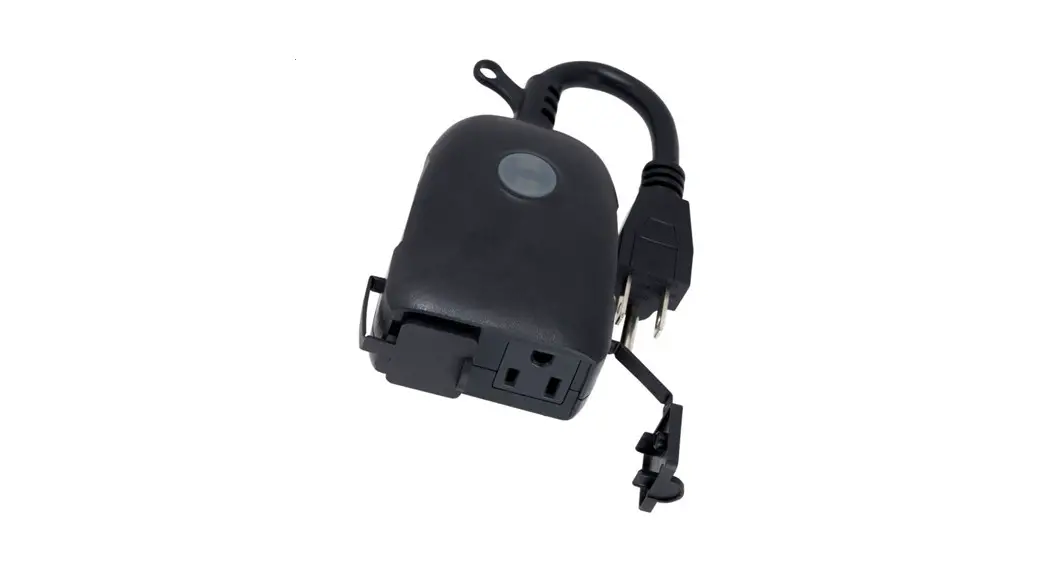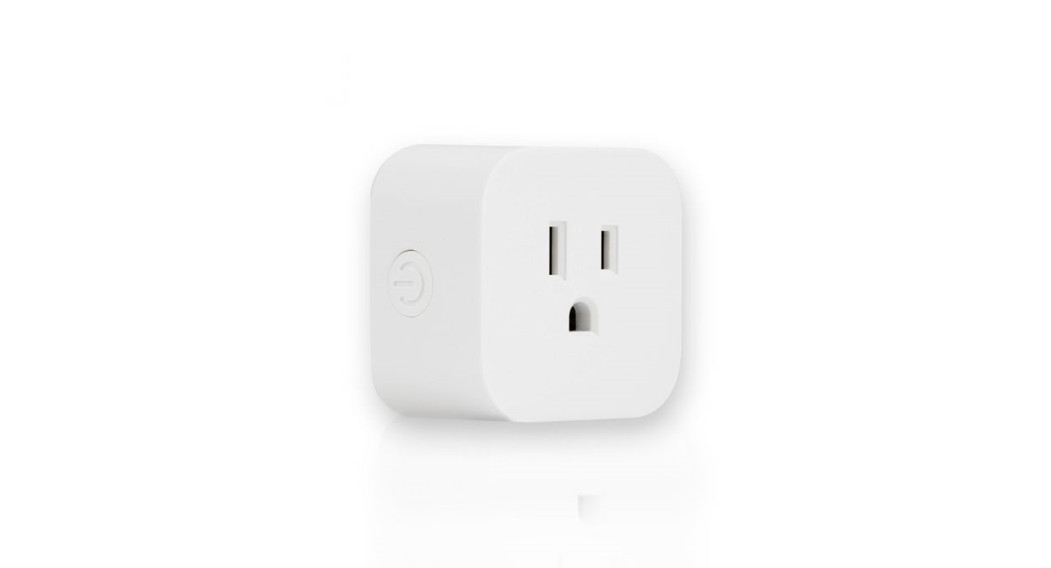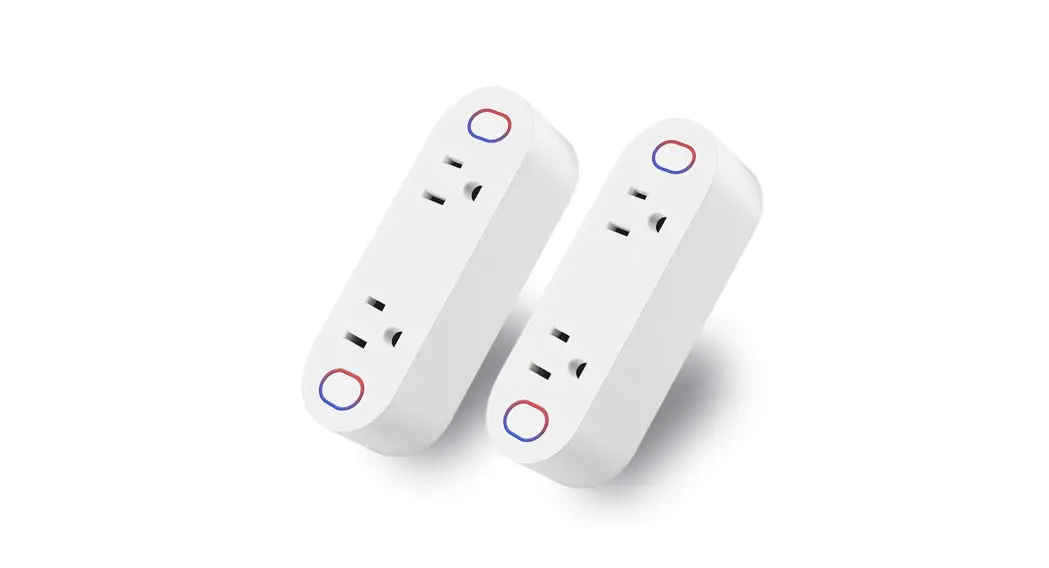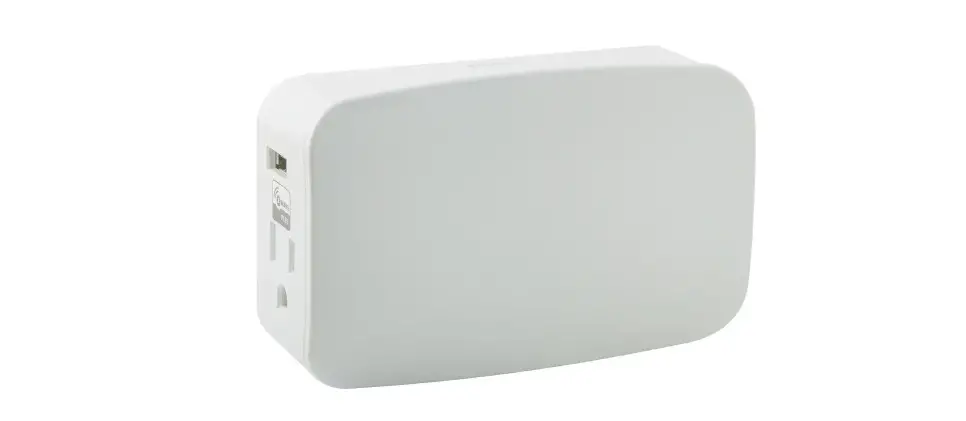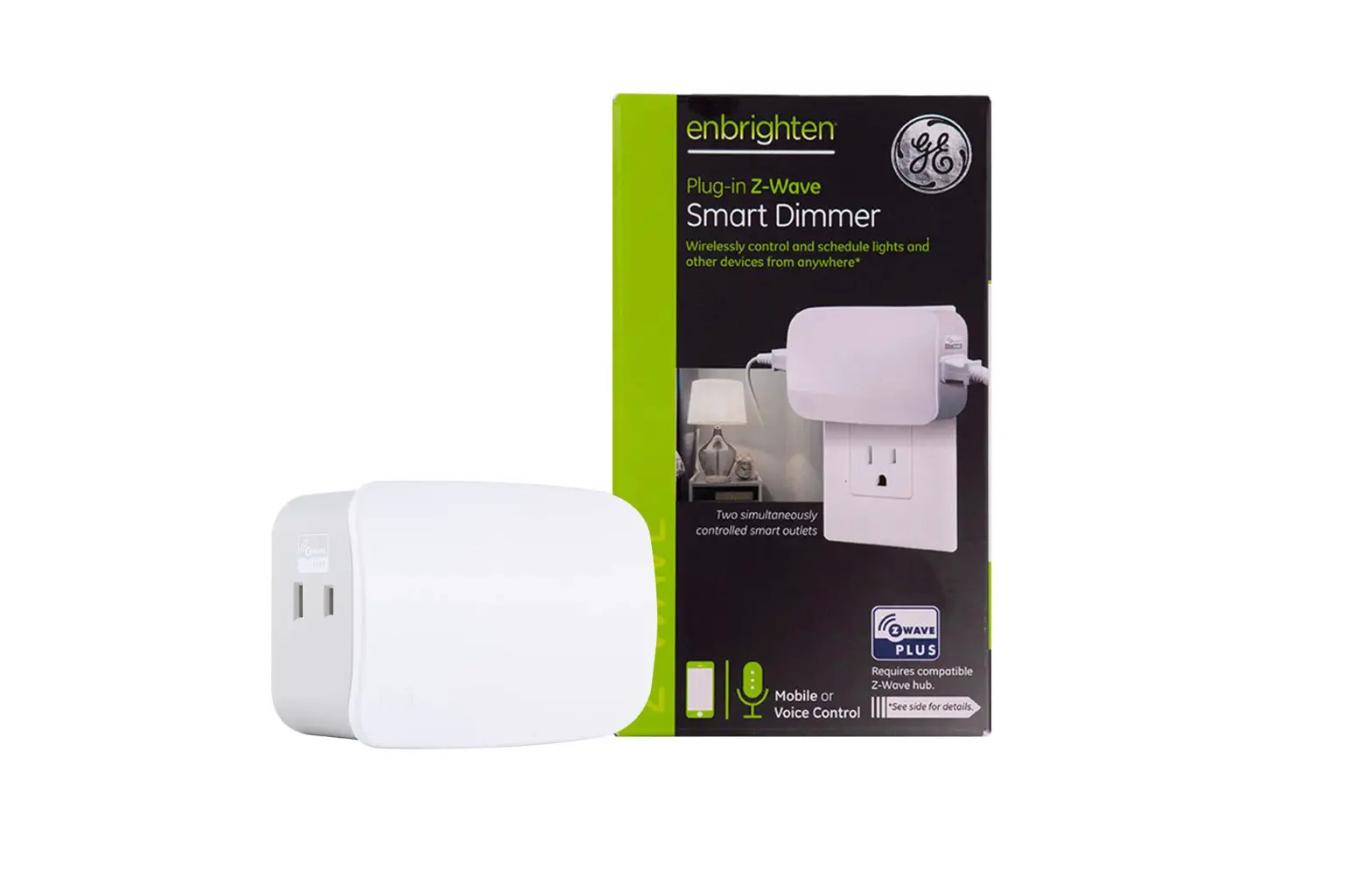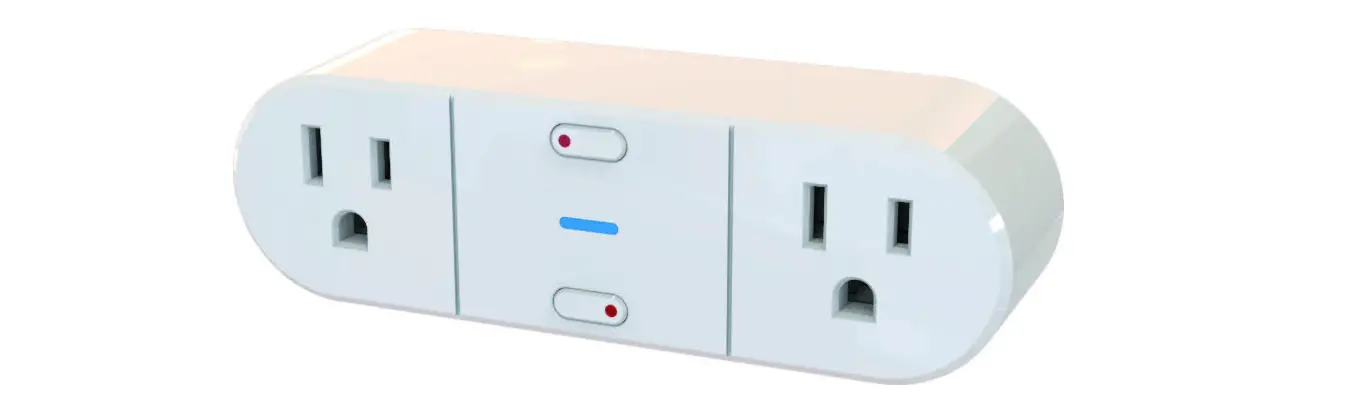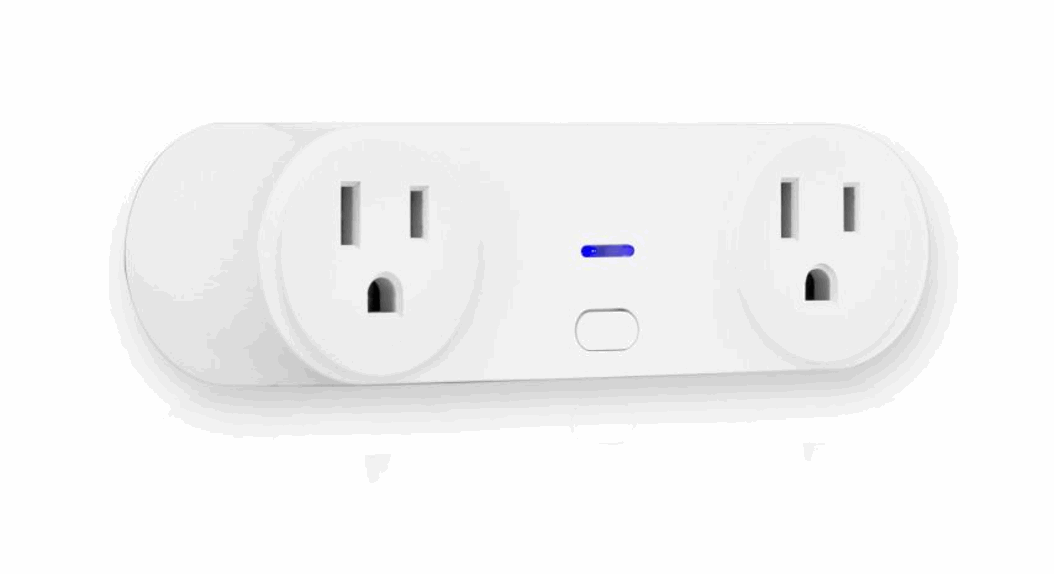
 Dual Plug-in Wi-Fi Switch
Model – 51374
51374 Dual Plug In WiFi Switch
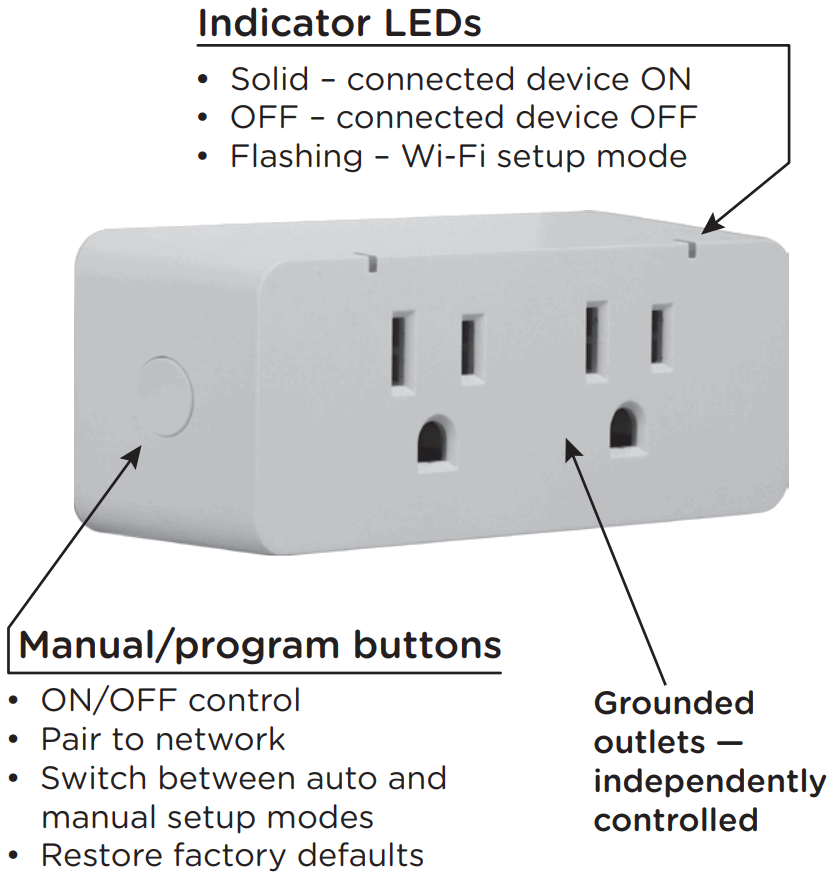
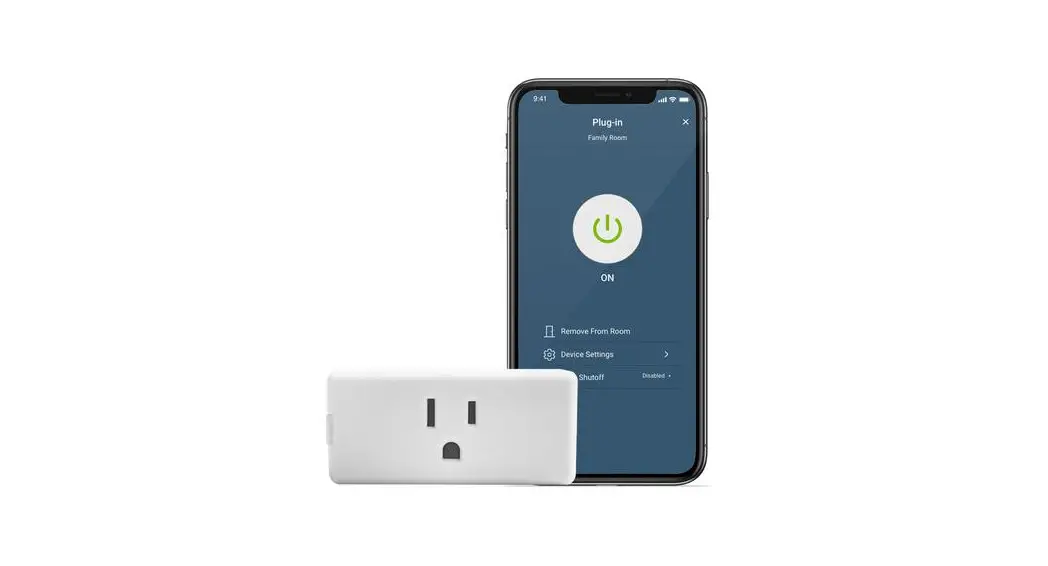
Remotely operate your smart switch with the easy-to-use
Enbrighten app. Follow the available instructions and resources to set up your smart device.
- Download the app
 https://byjasco.com/enbrightenapp
Scan the QR code or search Enbrighten on the Apple App Store or on Google Play - Set and installation

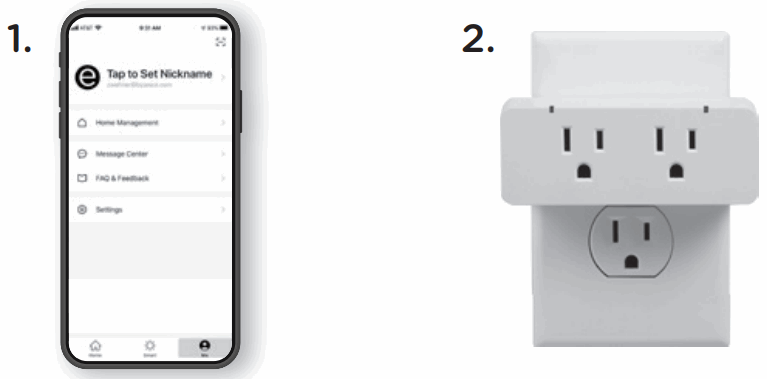
- Create an account in the Enbrighten app
- Plug in the smart switch to a grounded outlet
- Set and installation

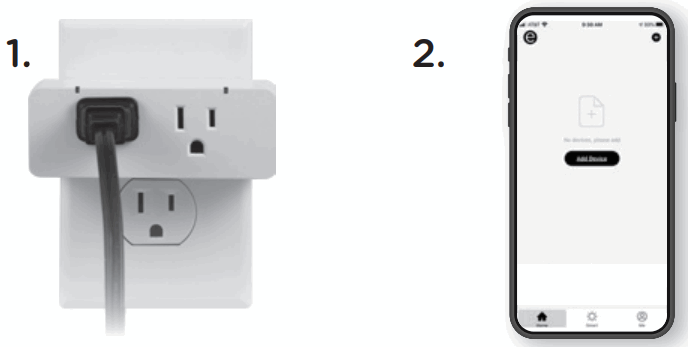
- Plug in the controlled device(s) to the smart switch — power switch for the connected equipment must be ON
- Add devices, control the smart switch from anywhere and create schedules
- Voice control
Compatible with Amazon Alexa or Google Assistant Select “Support” in the Enbrighten app or follow the steps in the Amazon Alexa or Google Home app to connect your Enbrighten account
 Select “Support” in the Enbrighten app or follow the steps in the Amazon Alexa or Google Home app to connect your Enbrighten account
Thank you for your purchase!
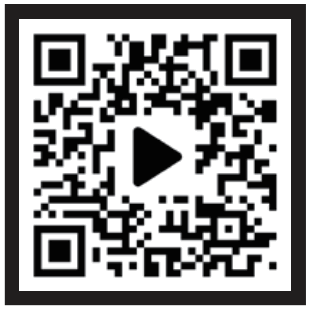
| Instructions made easy Read instructions or watch easy-tofollow video.
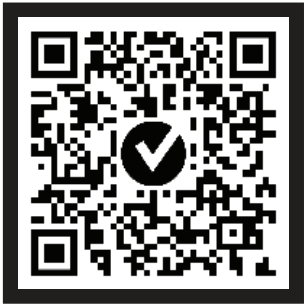
| Register your product Receive exclusive deals and register your product.
|
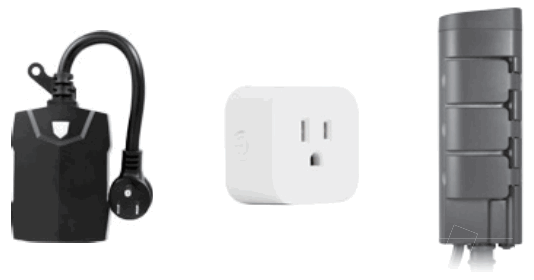 Home automation is in your palm with Wi-Fi smart devices and accessories at www.enbrightenwifi.com. Home automation is in your palm with Wi-Fi smart devices and accessories at www.enbrightenwifi.com. |  Like our product? Like our product?Leave a review on your favorite retailer website or amazon.com.  Having problems? Having problems?Let us know how we can help. Call 1-800-654-8483 between 7AM-8PM, M-F, Central Time. |
 WARNING
RISK OF ELECTRIC SHOCK
- PLUG DIRECTLY INTO AN ELECTRICAL OUTLET
- DO NOT USE IN WET LOCATIONS
- FULLY INSERT PLUG
- USE INDOORS ONLY
- UNPLUG SWITCH BEFORE CLEANING
- KEEP CHILDREN AWAY
RISK OF FIRE
- DO NOT USE TO CONTROL APPLIANCES THAT CONTAIN HEATING ELEMENTS (COOKING APPLIANCES, HEATERS, IRONS, ETC.)
- DO NOT EXCEED ELECTRICAL RATINGS
- DO NOT USE WITH EXTENSION CORDS
FCC/IC
Supplier Declaration of Conformity I Model 4: 51374 I Jasco Products Co., 10 E. Memorial Rd., Oklahoma City, OK 73114, www.byjasco.com
This device complies with Part 15 of the FCC and Industry Canada license-exempt RSS standards. Operation is subject to the following two conditions: (1) this device may not cause harmful interference, and (2) this device must accept any interference received, including interference that may cause undesired operation.
FCC NOTE:
The manufacturer is not responsible for any radio or TV interference caused by unauthorized modifications to this equipment. Such modifications could void the user’s authority to operate the equipment.
NOTE:
This equipment has been tested and found to comply with the limits for a Class B digital device, pursuant to Part 15 of the FCC Rules. These limits are designed to provide reasonable protection against harmful interference in a residential installation. This equipment generates, uses and can radiate radio frequency energy, and if not installed and used in accordance with the instructions, may cause harmful interference to radio communications. However, there is no guarantee interference will not occur in a particular installation. If this equipment does cause harmful interference to radio or television reception, which can be determined by turning the equipment off and on, the user is encouraged to try to correct the interference by one or more of the following measures:
- Reorient or relocate the receiving antenna.
- Increase the separation between the equipment and receiver.
- Connect the equipment into an outlet on a circuit different from which the receiver is connected.
- Consult the dealer or an experienced radio/TV technician for help. Important note: To comply with the FCC RF exposure compliance requirements, no change to the antenna or the device is permitted. Any change to the antenna or the device could result in the device exceeding the RF exposure requirements and void user’s authority to operate the device.
CAN ICES-3(B)/NMB-3(B)
IC Caution.
This device complies with Industry Canada licence-exempt RSS standard(s). Operation is subject to the following two conditions: (1) This device may not cause interference, and (2) This device must accept any interference, including interference that may cause undesired operation of the device.
*RF warning for Mobile device:
This equipment complies with FCC/IC radiation exposure limits set forth for an uncontrolled environ ment. This equipment should be installed and operated with minimum distance 20cm between the radiator & your body.
10/06/2022 vl
App Store is a service mark of Apple Inc. Google, Google Play and Google Home are trademarks of Google LLC. Amazon, Alexa and all related logos are trademarks of Amazon.com, Inc. or its affiliates.
MADE IN VIETNAM
Distributed by Jasco Products Company LLC,
10 E. Memorial Rd., Oklahoma City, OK 73114.
This Jasco product comes with a 5-year limited warranty.
Visit www.byjasco.com for warranty details.
Questions? Contact our U.S.-based Consumer Care at
1-800-654-8483 between 7AM-8PM, M-F, Central Time.
 Amazon.com. Spend less. Smile more.
 Enbrighten Smart Switch manual (51374)