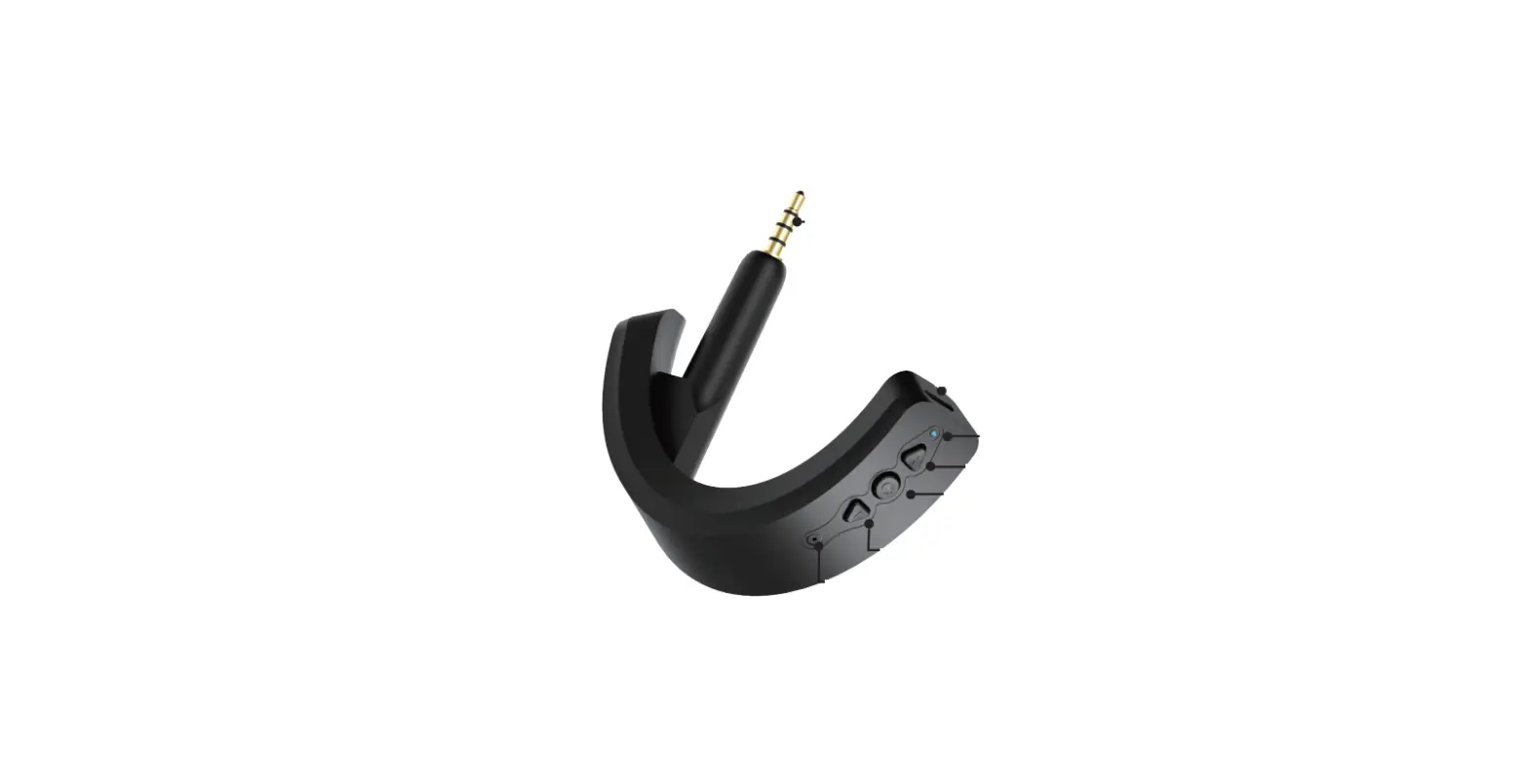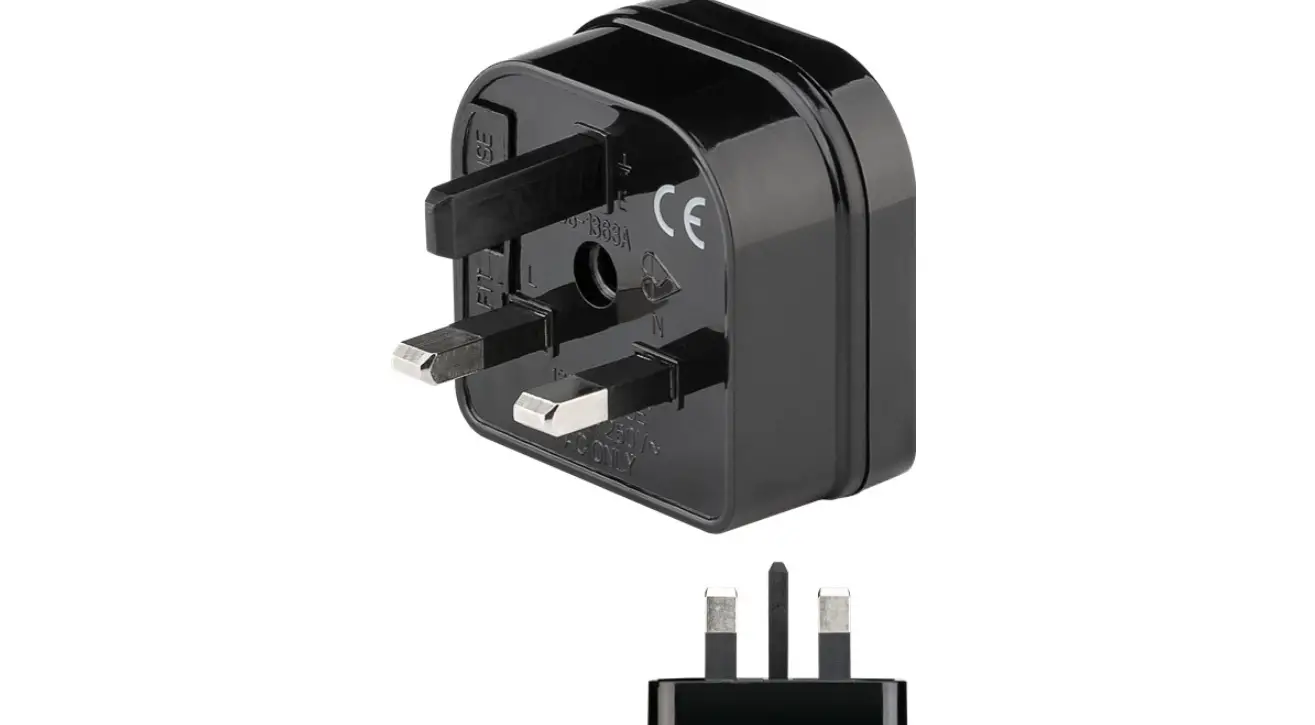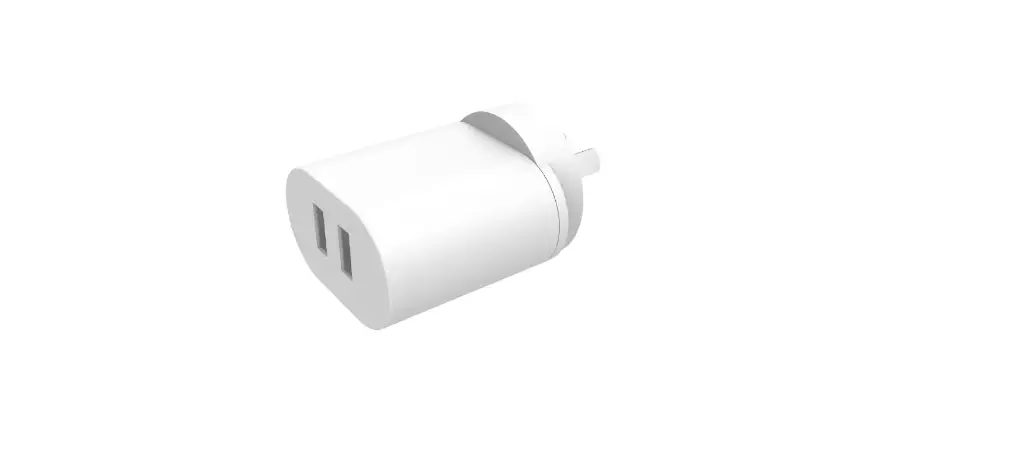

Aftershokz BW0880 One-Piece Adaptor 
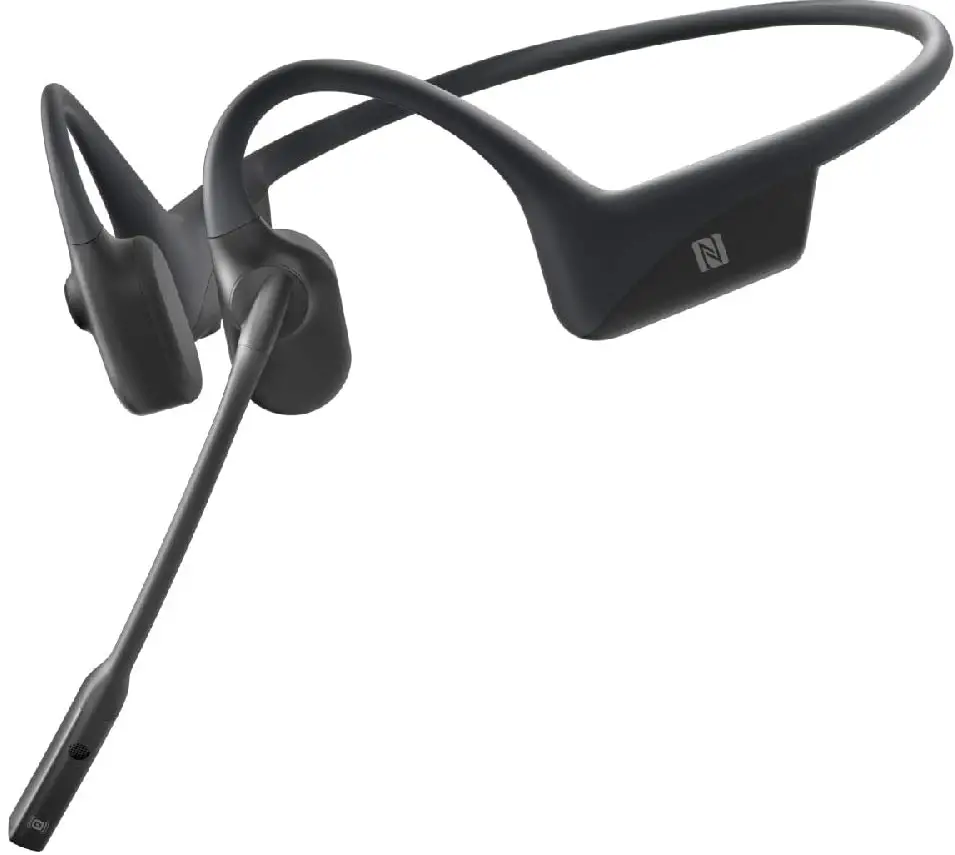
About
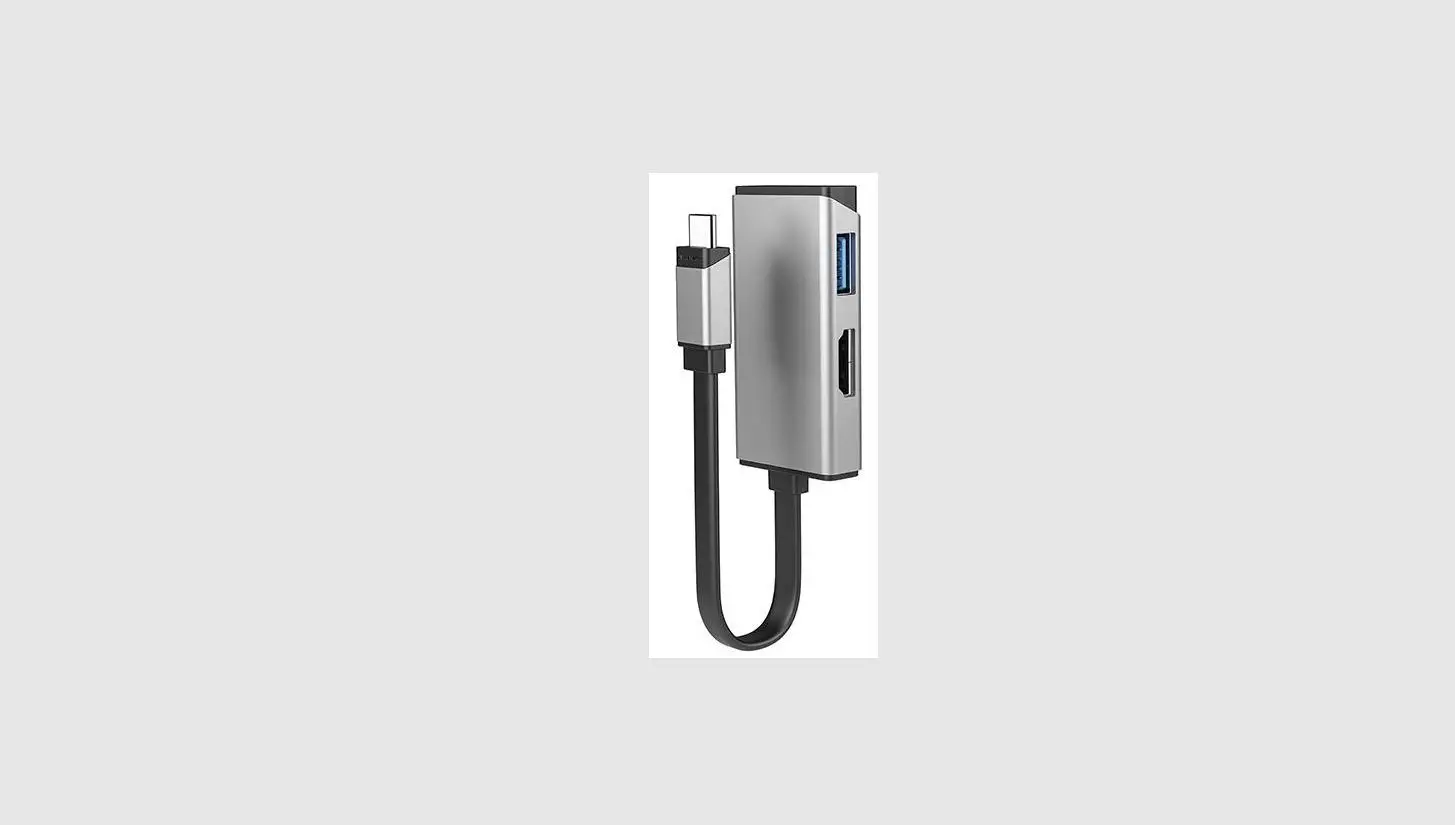
Radio voice Bluetooth® module is based on Bluetooth® radio and digital audio processing technology to meet the wireless communication demand of professional use two-way radios.
Easy and Simple Operation
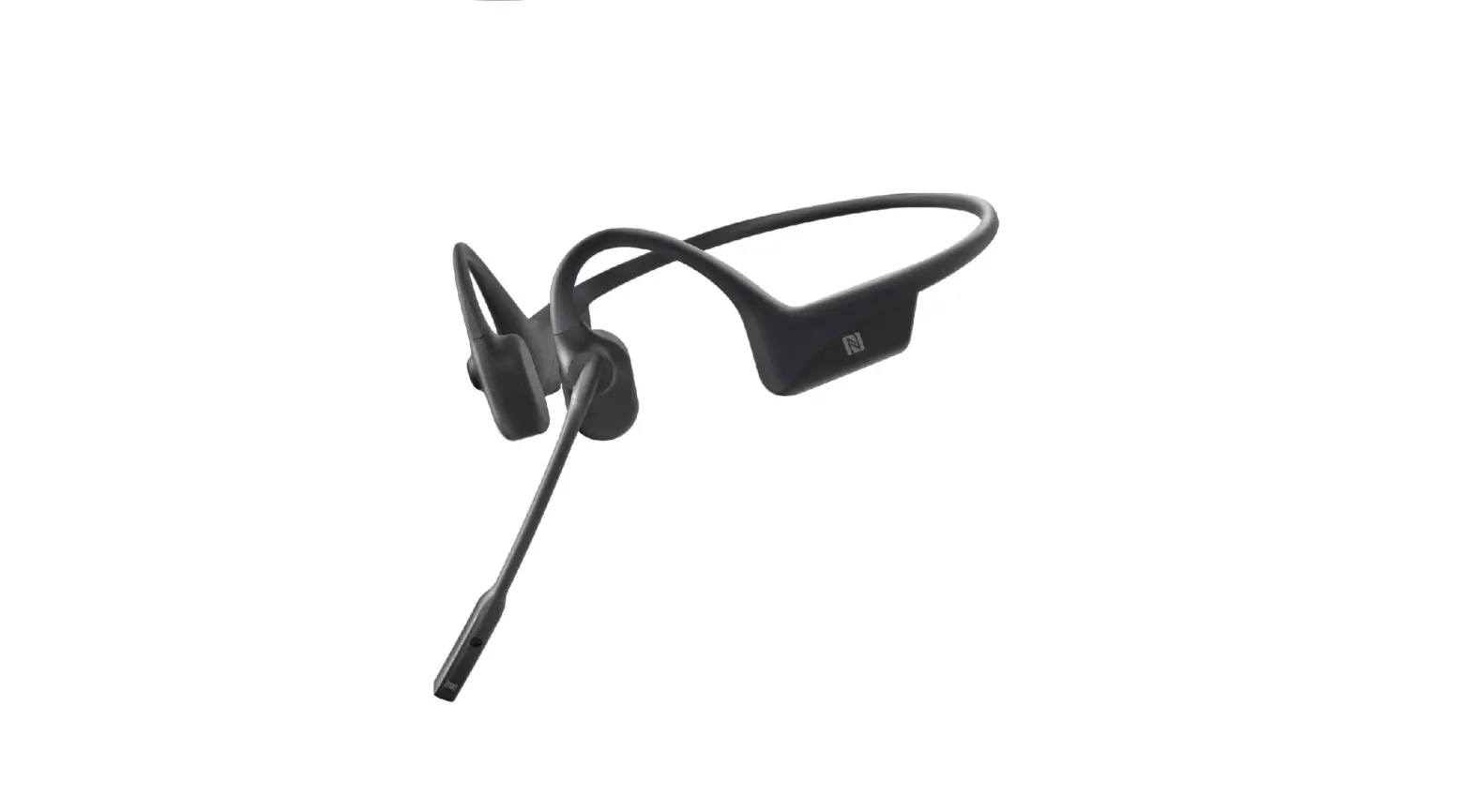
Device features One-Touch pairing (NFC), a short pairing time, and similar operating method to most Bluetooth® headsets on the market.
Appearance
Elegantly designed and built for communication professionals.
Great Quality
Made with comfortable polyurethane Kevlar reinforced cable, all products are design under a stringent quality audit and strict reliability test.
Instructions
- Ensure that the distance between the wireless headset and the radio is within 10 meters while in use.
- Only use the wireless headset while driving if traffic conditions permit safe use. Comply with local laws and regulations on the use of wireless headsets while driving.
- Do not use the adaptor in a thunderstorm.
- Avoid using the headset at high volume for too long.
- Images included in this manual are for reference only.
Wireless Adaptor LED Indicator
| LED indicator | Wireless adaptor status |
| Solid blue for 1 second | Power on |
| Flashes red | Powered ON but not connected with wireless headset |
| Flashes blue twice | Connected with wireless headset, headset is not being worn. |
| Flashes blue | Connected with wireless headset, headset is being worn. |
Product Introduction
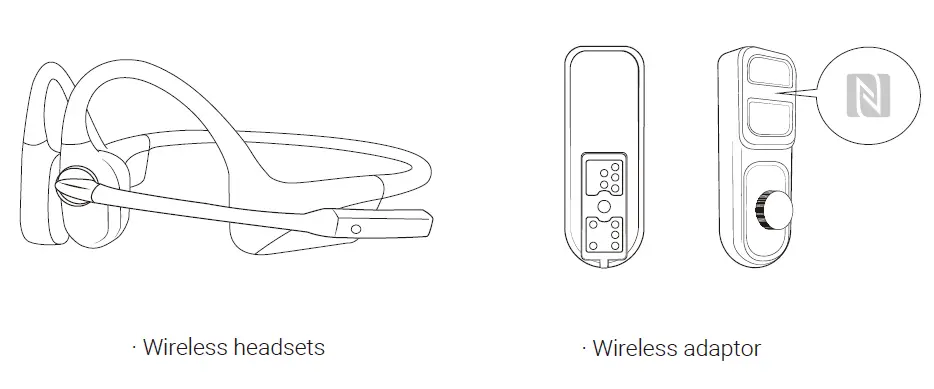
Wireless Adaptor Specifications
- Dimensions
- 81 x 11 x 58mm
- Ingress protection
- IP55
- Maximum RF output power
- 4 dBm
- Working temperature
- 0 °C ~ +45 °C
Before Use
Installing the Wireless Adaptor
- Open the radio’s accessory connector cover.
- Align the adaptor plug with the accessory connector.
- Rotate the screw on the adaptor clockwise to securely fasten the adaptor.
Operation Instructions
Power on
| Product name | Operations |
| Adaptor | The adaptor powers on when 2-way radio powers on |
| Wireless headset | Press Volume+ button and hold until solid blue (about 1 second) |
Power off
| Product name | Operations |
| Adaptor | The adaptor powers off when 2-way radio powers off |
| Wireless headset | Press Volume+ button and hold until solid red (about 1 second) |
Pairing and connection
- The wireless headset and adaptor should be paired before use. This product supports NFC pairing.
- Make sure the adaptor is powered on.
- Ensure the wireless headset is ON or in pairing mode.
- Place the NFC sign area of the wireless headset near the NFC detection area of the wireless adaptor.
Wearing
- When the wireless headset is being worn, voice interaction transmits through the headset.
- When the wireless headset is not being worn, voice interaction is transmitted through the 2- way radio.
Emission
While wearing the headset, push the “ PTT/multifunction button ” to switch the 2-way radio into Emission mode.
Services
AfterShokz promises that under normal use, operation and maintenance conditions, we will offer a free two-year warranty. Please contact local retailer for more help.
Product scrap treatment
Please do not discard the electronic headset parts in the same receptacle as your daily garbage. Reference your country or region’s guidelines on appropriate measures for collecting discarded electronic products. Please consult local authorities for more details.
Contact us
3200 Gracie Kiltz Lane,4th floor, Austin, TX 78758
www.aftershokz-communications.com
Factory: Shenzhen Voxtech Co., Ltd.
Address:4/F East, Building 4, Minqi Technology Park, Pingshan, Xili, Nanshan District, Shenzhen, Guangdong,China
 communications-aftershokz