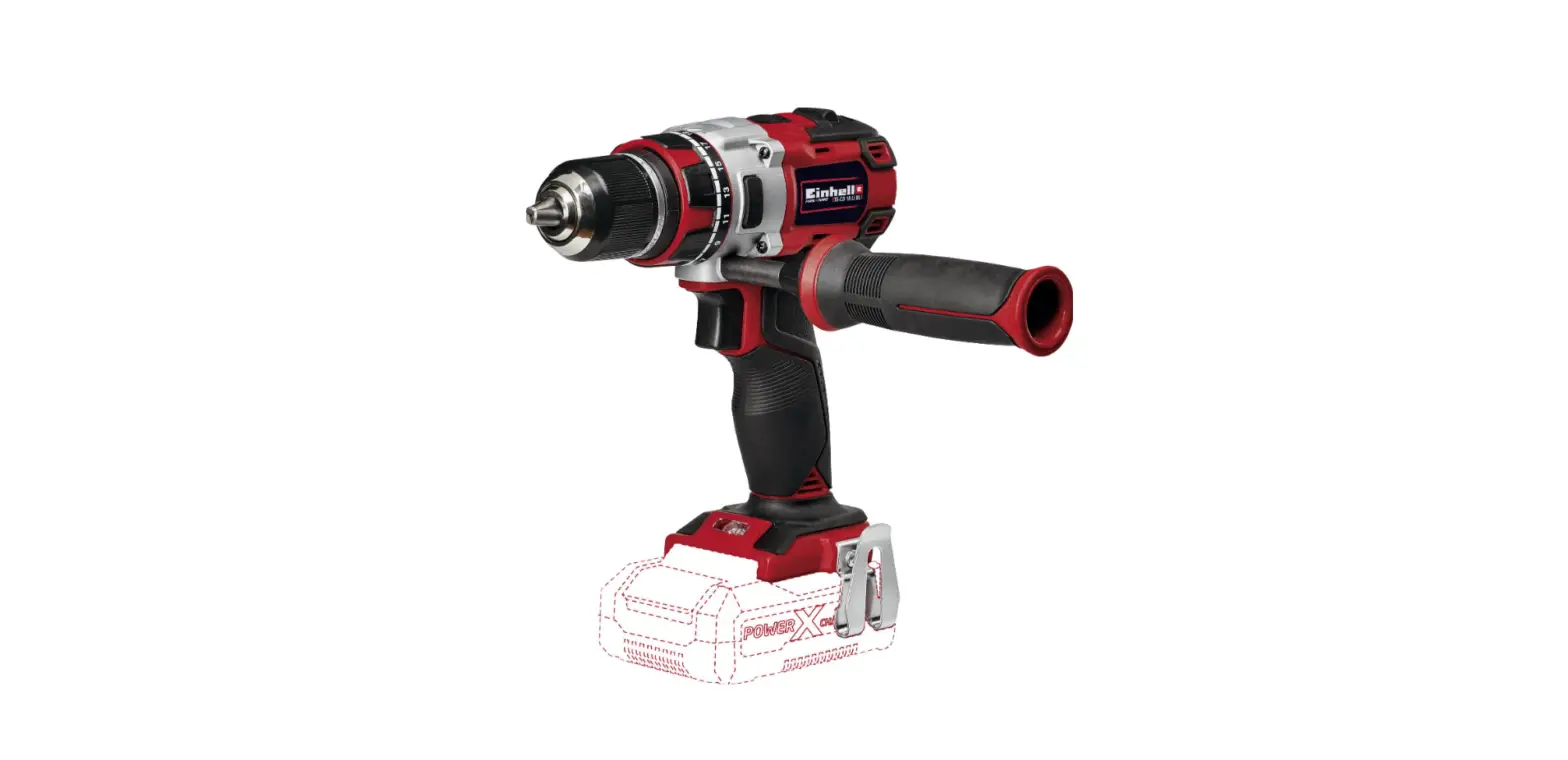
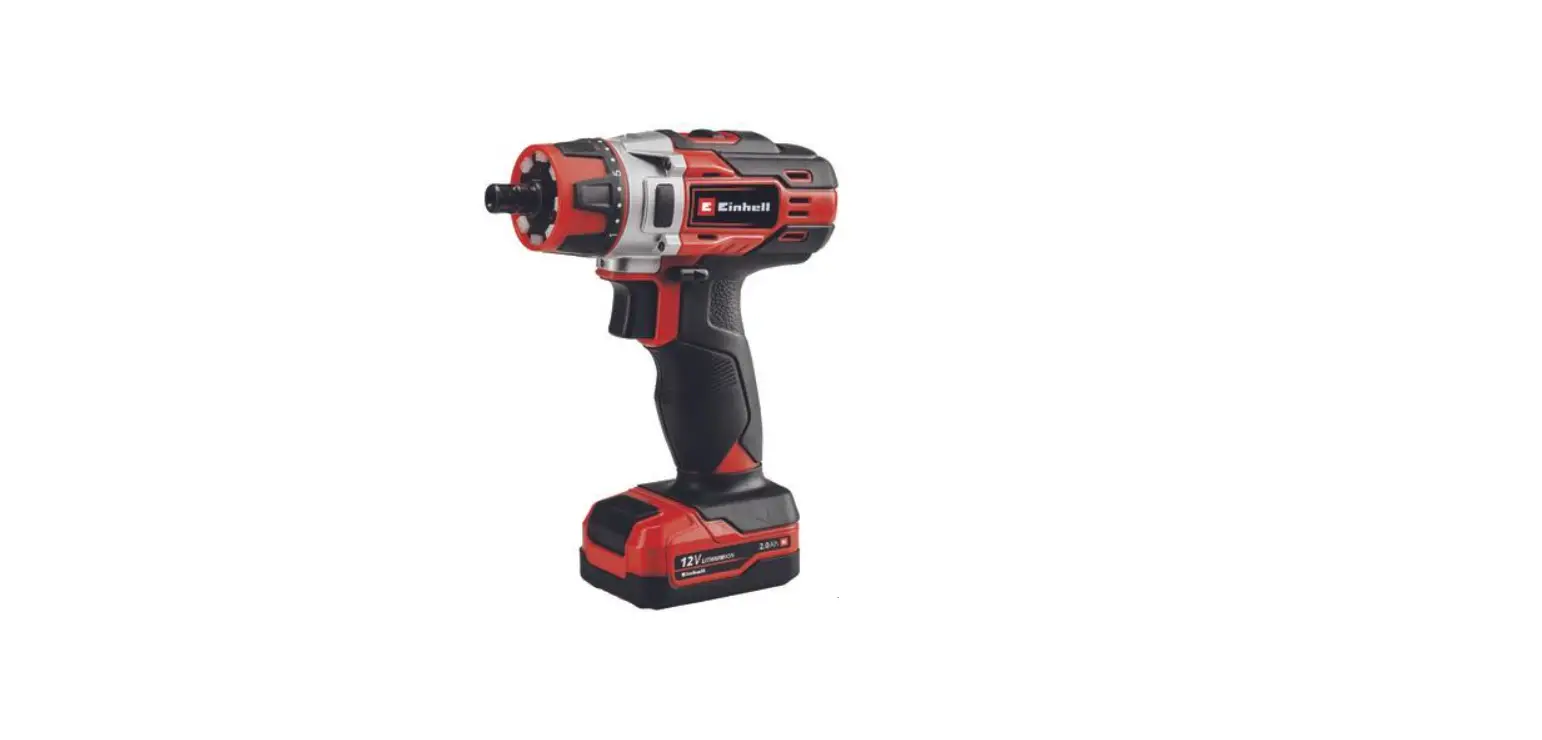
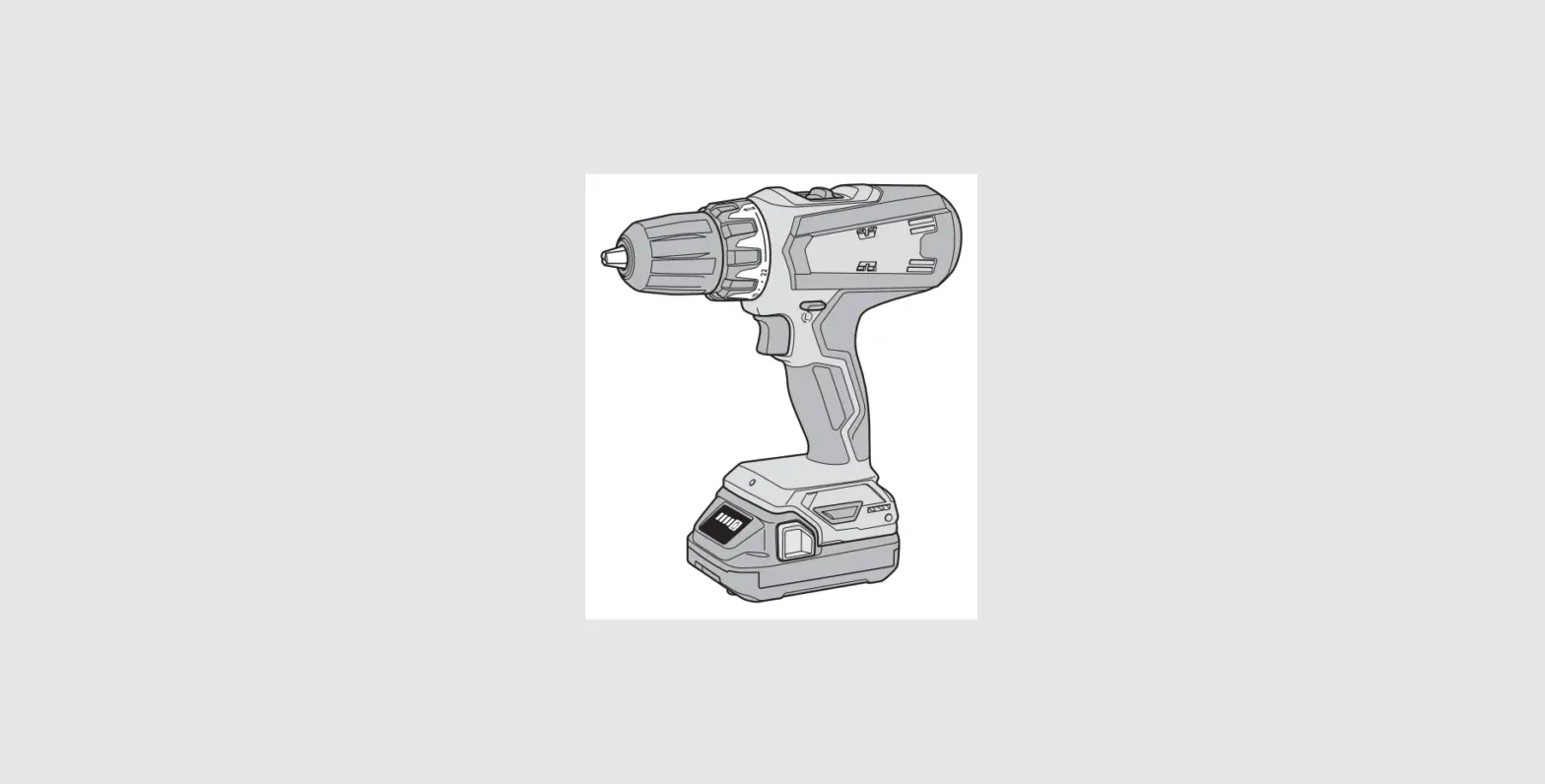
EY7410 Cordless Drill and Driver
Product Information
- Model No: EY7410
- Product Name: Cordless Drill & Driver
- Product Type: Akku-Bohrschrauber (Cordless Drill &
Driver)
Components
- Speed selector switch (A)
- Main switch (C)
- LED light (E)
- Hexagonal bit chuck (G)
- Main switch lock (B)
- Battery pack (D)
- Clutch handle (F)
- Battery low warning lamp (H)
- LED light ON/OFF button (I)
- Bit set (J)
- Battery charger (K)
- Ni-Cd battery pack dock (L)
- Battery dock cover (M)
- Li-ion battery pack dock (N)
Safety Instructions
Read the Safety Instructions booklet and the following before
using the product.
- Wear ear protectors when using the tool for extended periods to
prevent hearing loss. - Be aware that the tool is always in an operating condition as
it does not need to be plugged into an electrical outlet. - When drilling into walls, floors, etc., be cautious of live
electrical wires. Avoid touching the chuck or any front metal parts
of the tool. Hold the tool only by the plastic handle to prevent
electric shock in case you drill into a live wire. - If the bit becomes jammed, immediately turn off the main switch
to prevent an overload that can damage the battery pack or motor.
Use reverse motion to loosen jammed bits. - During charging, the charger may become slightly warm. Do not
leave the battery in the charger for more than 4 hours after
charging is completed.
Product Usage Instructions
- Ensure you have read and understood the safety instructions
before using the product. - Insert the desired bit into the hexagonal bit chuck (G).
- Unlock the main switch lock (B) by sliding it to the unlocked
position. - Press and hold the main switch (C) to start the drill or
driver. - Adjust the speed using the speed selector switch (A) according
to your requirements. - When drilling into walls or other surfaces, be cautious of live
electrical wires and avoid touching any metal parts of the
tool. - To turn on/off the LED light (E), press the LED light ON/OFF
button (I). - Monitor the battery level using the battery low warning lamp
(H) and recharge the battery pack (D) when necessary. - Use the clutch handle (F) to adjust the torque settings for
driving screws. - After usage, turn off the main switch (C) and lock it with the
main switch lock (B). - Store the cordless drill & driver in a safe place, away
from children and moisture.
Operating Instructions Bedienungsanleitung Instructions d’utilisation Istruzioni per l’uso Gebruiksaanwijzing Manual de instrucciones Brugsvejledning Driftsföreskrifter Bruksanvisning Käyttöohjeet
Cordless Drill & Driver Akku-Bohrschrauber
Perceuse et tournevis sur batterie Trapano e cacciavite senza filo
Draadloze boor en schroevendraaier Taladro y destornillador sin cable eléctrico
Ledningsfri bor og skrutrækker Laddningsbar borr/skruvdragare
Oppladbar drill og skrutrekker Ladattava porakone/ruuvinväännin
Model No: EY7410
Before operating this unit, please read these instructions completely and save this manual for future use. Vor Inbetriebnahme des Gerätes die Betriebsanleitung bitte gründlich durchlesen und diese Broschüre zum späteren Nachschlagen sorgfältig aufbewahren. Lire entièrement les instructions suivantes avant de faire fonctionner l’appareil et conserver ce mode d’emploi à des fins de consultation ultérieure. Prima di usare questa unità, leggere completamente queste istruzioni e conservare il manuale per usi futuri. Lees deze gebruiksaanwijzing aandachtig door voor u het apparaat in gebruik neemt en bewaar de gebruiksaanwijzing voor eventuele naslag. Antes de usar este aparato por primera vez, lea todas las instrucciones de este manual y guarde el manual para poderlo consultar en el futuro. Gennemlæs denne betjeningsvejledning før brugen og gem den til fremtidig brug. Läs igenom hela bruksanvisningen innan verktyget tas i bruk. Spara bruksanvisningen för senare användning. Før enheten tas i bruk, vennligst les disse alle anvisningene og oppbevar deretter bruksanvisningen for senere bruk. Lue ohjeet huolella ennen laitteen käyttöönottoa ja säilytä tämä käyttöohje tallessa tulevaa tarvetta varten.
Speed selector switch
Bereichsschalter
Sélecteur de vitesse de rotation
Selettore di velocità
(A)
Snelheidskeuzeschakelaar Conmutador selector de velocidad
Hastighedsvælgeromskifter
Varvtalsomkopplare
Hastighetsvelger
Nopeusalueen valitsin
Main switch
Hauptschalter
Interrupteur principal
Interruttore principale
(C)
Hoofdschakelaar Interruptor principal
Hoverafbryder
Strömbrytare
Hovedbryter
Pääkytkin
LED light
LED-Leuchte
Lumière DEL
Luce LED
(E)
LED-lampje Luz indicadora
LED-lys
LED-ljus
LED-lys
LED-valo
Hexagonal bit chuck
Sechskantbitfutter
Mandrin de mèche hexagonal
Mandrino esagonale per punte
(G)
Zeskantboorkop Portador de broca hexagonal
Sekskantet borepatron
Chuck för sexkantsbits
Sekskantet borchuck
Kuusioterän kiinnityslaite
Main switch lock
Hauptschaltersperre
Verrou de l’interrupteur principal
Blocco interruttore principale
(B)
Hoofdschakelaarvergrendeling Bloqueo de interruptor principal
Hoverafbryderlås
Strömbrytarspärr
Hovedbryterlås
Pääkytkimen lukko
Battery pack
Akku
Batterie autonome
Pacco batteria
(D)
Accu Batería
Batteripakning
Batteri
Batteri-pakke
Akku
Clutch handle
Kupplungsring
Poignée de l’embrayage
Impugnatura frizione
(F)
Koppelingshandgreep Mango de embrague
Koblingshåndtag
Kopplingshandtag
Clutchhåndtak
Kytkimen kahva
Battery low warning lamp
Akkuladungs-Warnlampe
Témoin d’avertissement de batterie basse
Spia avvertenza batteria scarica
(H)
Waarschuwingslampje voor lage accuspanning Luz de aviso de baja carga de batería
Advarselslampes batterieffekt lav
Varningslampa för svagt batteri
Varsellampe for at batteriet er for lavt
Alhaisen akkujännitteen varoituslamppu
– 3 –
LED light ON/OFF button
LED-Leuchten-EIN/AUS-Taste
Bouton Marche/Arrêt de la lumière DEL
Tasto di accensione e spegnimento della luce LED
(I)
Aan/uit-toets (ON/OFF) voor LED-lampje Botón ON/OFF de luz LED
TÆND/SLUK-knap til LED-lys
Strömbrytare för LED-ljus
PÅ/AV-knapp for LED-lys
LED-valon kytkin/katkaisupainike
Bit set
Bitsatz
Jeu de mèches
Inserimento punta
(J)
Bitset Juego de brocas
Bit
Bitsuppsättning
Bitsett
Teräsarja
Battery charger
Ladegerät
Chargeur de batterie
Caricabatterie
(K)
Acculader Cargador de la batería
Batterioplader
Batteriladdare
Batterilader
Akkulaturi
Ni-Cd battery pack dock
Ni-Cd-Akkuladeschacht
Poste d’accueil de la batterie autonome Ni-Cd
Spazio raccordo pacco batteria Ni-Cd
(L)
Ni-Cd accuhouder Enchufe de carga de batería Ni-Cd
Ni-Cd batteripakningsdok
Docka för NiCd-batteri
Dokk for Ni-Cd-batteripakke
Ni-Cd akun liitin
Battery dock cover
Ladeschachtabdeckung
Couvercle du poste d’accueil de la batterie
Coperchio vano batteria
(M)
Deksel van accuhouder Cubierta de enchufe de carga de
batería
Batteridokdæksel
Batteridockningslucka
Batteridokkdeksel
Akkuliittimen kansi
Li-ion battery pack dock Li-Ion-Akkuladeschacht Poste d’accueil de la batterie autonome Li-ion Spazio raccordo pacco batteria Li-ion
(N) Li-ion accuhouder
Enchufe de carga de batería Li-ión Li-ion batteripakningsdok Docka för litiumjonbatteri Dokk for Li-ion-batteripakke Li-ioniakun liitin
– 4 –
Original instructions: English Translation of the original instructions: Other languages
Read the Safety Instructions booklet and the following before using.
I. ADDITIONAL
SAFETY RULES
1) Wear ear protectors when using the tool for extended periods. Prolonged exposure to high intensity noise can cause hearing loss.
) Be aware that this tool is always in an operating condition, since it does not have to be plugged into an electrical outlet.
3) When drilling into walls, floors, etc., “live” electrical wires may be encountered. DO NOT TOUCH THE CHUCK OR ANY FRONT METAL PARTS OF THE TOOL! Hold the tool only by the plastic handle to prevent electric shock in case you drill into a “live” wire.
4) If the bit becomes jammed, immediately turn the main switch off to prevent an overload which can damage the battery pack or motor. Use reverse motion to loosen jammed bits.
5) During charging, the charger may become slightly warm. This is normal. Do not leave the battery in the charger for more than 4 hours after charging is completed.
Symbol
Meaning
V
Volts
Direct current
To reduce the risk of injury, user must read and
understand instruction manual.
For indoor use only.
WARNING: · Do not use other than the Panasonic
battery packs that are designed for use with this rechargeable tool. · Panasonic is not responsible for any damage or accident caused by the use of the recycled battery pack and the counterfeit battery pack. · Do not dispose of the battery pack in a fire, or expose it to excessive heat. · Do not drive the likes of nails into the battery pack, subject it to shocks, dismantle it, or attempt to modify it. · Do not allow metal objects to touch the battery pack terminals. · Do not carry or store the battery pack in the same container as nails or similar metal objects. · Do not charge the battery pack in a high-temperature location, such as next to a fire or in direct sunlight. Otherwise, the battery may overheat, catch fire, or explode. · Never use other than the dedicated charger to charge the battery pack. Otherwise, the battery may leak, overheat, or explode. · When the Battery Pack Has Deteriorated, Replace It with a New One. Continued use of a damaged battery pack may result in heat generation, ignition or battery rupture.
n0 … min-1
Ah
No load speed Revolutions or reciprocations
per minutes Electrical capacity of battery
pack Rotation only
II. ASSEMBLY &
OPERATION
Hexagonal Bit Chuck
Attaching the bits NOTE:
When attaching or removing drill bits, disconnect the battery pack
– 5 –
from the tool and switch the lock button into the lock position. 1. Hold the collar of the chuck and pull it out from the driver. . Insert the bit into the chuck. Release the collar. 3. The collar will return to its original position when it is released. 4. Pull the bit to make sure it does not come out. 5. To remove the bit, pull out the collar in the same way.
Bit
Hexagonal bit chuck
9.5 mm (3/8″) – 13 mm (33/64″) 6.35 mm (1/4″)
For power-
Approx: 4.4 N·m
ful driving
(45.0 kgf-cm or 39.0 in-lbs) screws and
drilling
When using at high speeds, set the clutch at 10 or below. (Operation stops at the maximum torque of 1.5 N·m (15 kgf-cm) when the scale is higher.)
The auto shut-off function may become inoperable at high clutch settings when battery power drops. Recharge the battery in that case.
NOTE: The chart is only a reference. The torque settings may differ by materials, types of screws, etc. Please test it at your own conditions before use.
Battery Low Warning Lamp
<Battery low warning lamp>
Clutch Handle (Clutch Torque Setting)
Adjust the torque to one of the 1 possible settings to the job. There is an interval of about 0.13 N·m (1.3 k f-cm or 1.1 in-lbs) between steps.
CAUTION: Test the setting before actual operation.
Set the scale at this mark.
Reference for Adjusting Torque
Setting
Torque
Use
1
Approx: 0.9 N·m (3.0 kgf-cm or .6 in-lbs)
5
Approx: 0.8 N·m (8.4 kgf-cm or 7.3 in-lbs)
9 13
Approx: 1.35 N·m
(13.8 kgf-cm or 1.0 Approx: 1.88 N·m
in-lbs)
Fscorredwrsiving
(19. kgf-cm or 16.6 in-lbs)
17
Approx: .41 N·m (4.6 kgf-cm or 1.3 in-lbs)
1
Approx: .94 N·m (30.0 kgf-cm or 6.0 in-lbs)
Off (normal operation)
Flashing (No charge)
Battery protection feature active
Excessive (complete) discharging of Li-ion batteries shortens their service life dramatically. The driver includes a battery protection feature designed to prevent excessive discharging of the battery pack. The battery protection feature acti-
vates immediately before the battery loses its charge, causing the battery low warning lamp to flash. If you notice the battery low warning lamp flashing, charge the battery pack immediately.
Using the LED Light
Before the use of LED light, always pull the power switch once. Press the LED light on button. The light illuminates with very low current, and it does not adversely affect
– 6 –
the performance of the tool during use or its battery capacity.
forward rotation, or the lower half for reverse rotation.
Forward Forward Reverse
Reverse
CAUTION: · The built-in LED light is designed to illuminate the small work area temporarily. · Do not use it as a substitute for a regular flashlight, since it does not have enough brightness. ·LED light turns off when the tool has not been used for 5 minutes.
Caution : DO NOT STARE INTO BEAM. Use of controls or adjustments or performance of procedures other than those specified herein may result in hazardous radiation exposure.
Bit-locking Function
With the switch at off and the bit locked in place, the tool can be used as a manual screw-driver – up to 14.7 N·m (150 kgf-cm, 130 in-lbs). There will be a little play in the driving shaft, but this is not a malfunction.
Speed Selector Switch
To suit the application of this tool, two different rotational speeds are available. Depending upon use, either the high or low speed should be selected.
HIGH
LOW
Speed selection
LOW
00 min-1 (rpm)
HIGH
600 min-1 (rpm)
Torque High Low
CAUTION: · Check speed selector switch before use. · Do not operate the speed selector switch while the main switch is on (switch is in the ON position).
Main Switch Lock
After use, set the main switch lock at the lock position to prevent accidental operation.
Main switch lock
Lock
Main Switch (ON/OFF)
Push the upper half of the switch for
Battery Pack
CAUTION: 1. Remove the battery pack away from
the tool.
– 7 –
. Charge the battery pack using the battery charger.
3. After charging has been completed, remove the battery pack from the charger and connect it to the tool. Disconnect the charger from the power source when not in use.
NOTE: Use under extremely hot or cold conditions will reduce operating capacity per charge.
[Battery Pack] For Appropriate Use of Battery pack
Li-ion Battery pack
· For optimum battery life, store the Liion battery pack following use without charging it.
· The ambient temperature range is between 0°C (3°F) and 40°C (104°F). If the battery pack is used when the battery temperature is below 0°C (3°F), the tool may fail to function properly.
· When battery pack is not in use, keep it away from other metal objects like: paper clips, coins, keys, nails, screws, or other small metal objects that can make a connection from one terminal to another. Shorting the battery terminals together may cause sparks, burns or a fire.
· When operating the battery pack, make sure the work place is well ventilated.
Battery Pack Life
The rechargeable batteries have a limited life. If the operation time becomes extremely short after recharging, replace the battery pack with a new one.
Battery Recycling
ATTENTION: For environmental protection and recycling of materials, be sure that it is disposed of at an officially assigned location, if there is one in your country.
[Battery Charger]
Charging
Common Cautions for the Liion/Ni-Cd Battery Pack
NOTE: · When a cold battery (of about 0°C or less) is to be charged in a warm room, leave the battery in the room for at least one hour and charge it when it has warmed up to room temperature. (Failing to do so may result in less than a full charge.) · Cool down the charger when charging more than two battery packs consecutively. · Do not insert your fingers into contact hole, when holding charger or any other occasions.
CAUTION: To prevent the risk of fire or damage to the battery charger. · Do not use power source from an engine generator. · Do not cover vent holes on the charger and the battery pack. · Unplug the charger when not in use.
Li-ion Battery Pack
NOTE: Your battery pack is not fully charged at the time of purchase. Be sure to charge the battery before use.
– 8 –
Battery charger 1. Plug the charger into the AC outlet.
NOTE: Sparks may be produced when the plug is inserted into the AC power supply, but this is not a problem in terms of safety.
. Slide the battery dock cover back to allow insertion of the Li-ion battery pack. Verify that the cover is locked se curely in place.
3. Insert the battery pack firmly into the charger.
To AC outlet
4. During charging, the charging lamp will be lit. When charging is completed, an internal electronic switch will automatically be triggered to prevent overcharging. · Charging will not start if the battery pack is warm (for example, immediately after heavy-duty operation). The orange standby lamp will be flashing until the battery cools down. Charging will then begin automatically.
5. The charge lamp (green) will flash slowly once the battery is approximately 80% charged.
6. When charging is completed, the charging lamp will start flashing quickly in green color.
7. If the temperature of the battery pack is 0°C or less, charging takes longer to fully charge the battery pack than the standard charging time. Even when the battery is fully charged, it will have approximately 50% of the power of a fully charged battery at normal operating temperature.
8. If the power lamp does not light immediately after the charger is plugged in, or if after the standard charging time the charging lamp does not flash quickly in green, consult an authorized dealer.
9. If a fully charged battery pack is inserted into the charger again, the charging lamp lights up. After several minutes, the charging lamp may flash quickly to indicate the charging is completed.
Ni-Cd Battery Pack
NOTE: When you charge the battery pack for the first time, or after prolonged storage, charge it for about 4 hours to bring the battery up to full capacity.
Battery charger 1. Plug the charger into the AC outlet.
NOTE: Sparks may be produced when the plug is inserted into the AC power supply, but this is not a problem in terms of safety.
. Slide the battery dock cover back to allow insertion of the Ni-Cd battery pack. Verify that the cover is locked securely in place.
3. Insert the battery pack firmly into the charger.
To AC outlet
4. During charging, the charging lamp will be lit. When charging is completed, an internal electronic switch will automatically be triggered to prevent overcharging. · Charging will not start if the battery pack is warm (for example, immediately after heavy-duty operation).
– 9 –
The orange standby lamp will be flashing until the battery cools down. Charging will then begin automatically. 5. When charging is completed, the charging lamp will start flashing quickly in green color. 6. If the power lamp does not light immediately after the charger is plugged in, or if after the standard charging time the charging lamp does not flash quickly in green, consult an authorized dealer.
7. If a fully charged battery pack is inserted into the charger again, the charging lamp lights up. After several minutes, the charging lamp may flash quickly to indicate the charging is completed.
LAMP INDICATIONS
Green Lit Charger is plugged into the AC outlet. Ready to charge. Green Flashing Quickly Charging is completed. (Full charge.) Green Flashing Battery is approximately 80% charged. (Usable charge. Li-ion only) Green Lit Now charging. Orange Lit Battery pack is cool. The battery pack is being charged slowly to reduce the load on the battery. (Li-ion only) Orange Flashing Battery pack is warm. Charging will begin when temperature of battery pack drops. Charging Status Lamp Left: green Right: orange will be displayed. Both Orange and Green Flashing Quickly Charging is not possible. Clogged with dust or malfunction of the battery pack. If the temperature of the battery pack is 10°C or less, the charging status lamp (orange) will also start flashing. Charging will begin when the temperature of the battery pack goes up (Li-ion only)
– 10 –
Information for Users on Collection and Disposal of Old Equipment and used Batteries
These symbols on the products, packaging, and/or accompanying documents mean that used electrical and electronic products and batteries should not be mixed with general household waste. For proper treatment, recovery and recycling of old products and used batteries, please take them to applicable collection points, in accordance with your national legislation and the Directives 00/96/EC and 006/66/EC. By disposing of these products and batteries correctly, you will help to save valuable resources and prevent any potential negative effects on human health and the environment which could otherwise arise from inappropriate waste handling. For more information about collection and recycling of old products and batteries, please contact your local municipality, your waste disposal service or the point of sale where you purchased the items. Penalties may be applicable for incorrect disposal of this waste, in accordance with national legislation.
For business users in the European Union
If you wish to discard electrical and electronic equipment, please contact your dealer or supplier for further information.
[Information on Disposal in other Countries outside the European Union]
These symbols are only valid in the European Union. If you wish to discard these items, please contact your local authorities or dealer and ask for the correct method of disposal.
Note for the battery symbol (bottom two symbol examples):
This symbol might be used in combination with a chemical symbol. In this case it complies with the requirement set by the Directive for the chemical involved.
III. MAINTENANCE
Use only a dry, soft cloth for wiping the unit. Do not use a damp cloth, thinner, benzine, or other volatile solvents for cleaning.
IV. ACCESSORIES
Use only bits suitable for size of drill’s chuck.
9.5 mm (3/8″) – 6.35 mm 13 mm (33/64″) (1/4″)
– 11 –
V. SPECIFICATIONS
MAIN UNIT
Model
EY7410
Capacity
Screw driving
Machine screw Wood screw
M.5 M5 ø 3.8 x 38 mm (5/3″ x 1-9/64″)
Drilling
For metal
ø 5 mm (13/64″) spc t = 1.6 mm
Motor
3.6 V DC
No load speed
LOW: 00 min-1 (rpm) HIGH: 600 min-1 (rpm)
Maximum torque
LOW: 4.4 N·m (45 kgf-cm, 39 in-lbs) HIGH: 1.5 N·m (15 kgf-cm, 13 in-lbs)
Maximum clutch torque
3.0 N·m (30 kgf-cm, 6 in-lbs)
Overall length
76 mm (10-55/64″)
Weight (with battery pack)
0.5 kg (1.1 lbs)
BATTERY PACK
Model Storage battery Battery voltage
EY9L10 Li-ion Battery 3.6 V DC (3.6 V x 1 cell)
BATTERY CHARGER
Model Weight Electrical rating
Charging time
EY0L10
0.6 kg (1.3 lbs)
See the rating plate on the bottom of the charger.
.4 V
3.6 V
EY901 15 min.
EY905 15 min.
EY9L10 Usable: 15 min.
Full: 30 min.
NOTE: · For applicable battery packs to this charger, see the label on the charger or the latest general catalog. The instruction label on the battery packs also shows the applicable charger.
– 1 –
ONLY FOR U. K.
VI. ELECTRICAL PLUG
INFORMATION
FOR YOUR SAFETY PLEASE READ
THE FOLLOWING TEXT CAREFULLY
This appliance is supplied with a moulded three pin mains plug for your safety and convenience.
A 5 amp fuse is fitted in this plug. Should the fuse need to be replaced please ensure that the replacement fuse has a rating of 5 amp and that it is approved by ASTA or BSI to BS136. Check for the ASTA mark or the BSI mark on the body of the fuse. If the plug contains a removable fuse cover
you must ensure that it is refitted when the fuse is replaced. If you lose the fuse cover the plug must not be used until a replacement cover is obtained. A replacement fuse cover can be purchased from your local Panasonic Dealer. IF THE FITTED MOULDED PLUG IS UNSUITABLE FOR THE SOCKET OUTLET IN YOUR HOME THEN THE FUSE SHOULD BE REMOVED AND THE PLUG CUT OFF AND DISPOSED OF SAFELY. THERE IS A DANGER OF SEVERE ELECTRICAL SHOCK IF THE CUT OFF PLUG IS INSERTED INTO ANY 13 AMP SOCKET.
If a new plug is to be fitted please observe the wiring code as shown below. If in any doubt please consult a qualified electrician.
IMPORTANT: The wires in this mains lead are coloured in accordance with the following code: Blue: Neutral Brown: Live
As the colours of the wire in the mains lead of this appliance may not correspond with the coloured markings identifying the terminals in your plug, proceed as follows. The wire which is coloured BLUE must be connected to the terminal in the plug which is marked with the letter N or coloured BLACK. The wire which is coloured BROWN must be connected to the terminal in the plug which is marked with the letter L or coloured RED. Under no circumstances should either of these wires be connected to the earth terminal of the three pin plug, marked with the letter E or the Earth Symbol .
How to replace the fuse: Open the fuse compartment with a screwdriver and replace the fuse and fuse cover if it is removable.
Fuse Cover
This apparatus was produced to BS800.
– 13 –