
Quick Guide Caribbean
True Wireless Earbuds
Important – Warnings and Safety Instructions
- To avoid accidental ingestion, keep the earbuds away from small children and pets. The earbuds contain a lithium battery, and may be hazardous if swallowed. If ingested, seek immediate medical attention. When not in use, place the earbuds in the charging station, thereby keeping out of reach from small children and pets.
- While placing the earbuds in your ears, please keep the volume down and then gradually adjust the volume to an appropriate, comfortable level.
- Prolonged use at high volumes might damage your hearing.
- Focus on your safety and of others. We recommend to not listen to music while riding or driving, or at any time where the inability to hear surrounding sounds may present a danger to yourself or others.
- If you experience a warm sensation or loss of audio, please remove and disconnect immediately.
- Do not place the product near heat sources such as fire, radiators, stoves, light candles and other apparatus that produces heat.
- Use only those accessories supplied by FINGERS.
- Unplug the Charging Case once earbuds are fully charged, when unused for long periods of time or during lightning/ thunderstorms.
- It is recommended to refer all servicing to qualified personnel. Servicing is required when the device has been damaged in any way. Any evidence of any attempt to open and/or alter the device, including any scratch, peeling, puncturing, or removal of any of the labels, will void the Limited Warranty.
CAUTION: Do NOT use earbuds while swimming or shower. Please note: To prevent rusting, regularly clean the charging pins on the earbuds with a dry, soft cotton swab or equivalent.
In the box
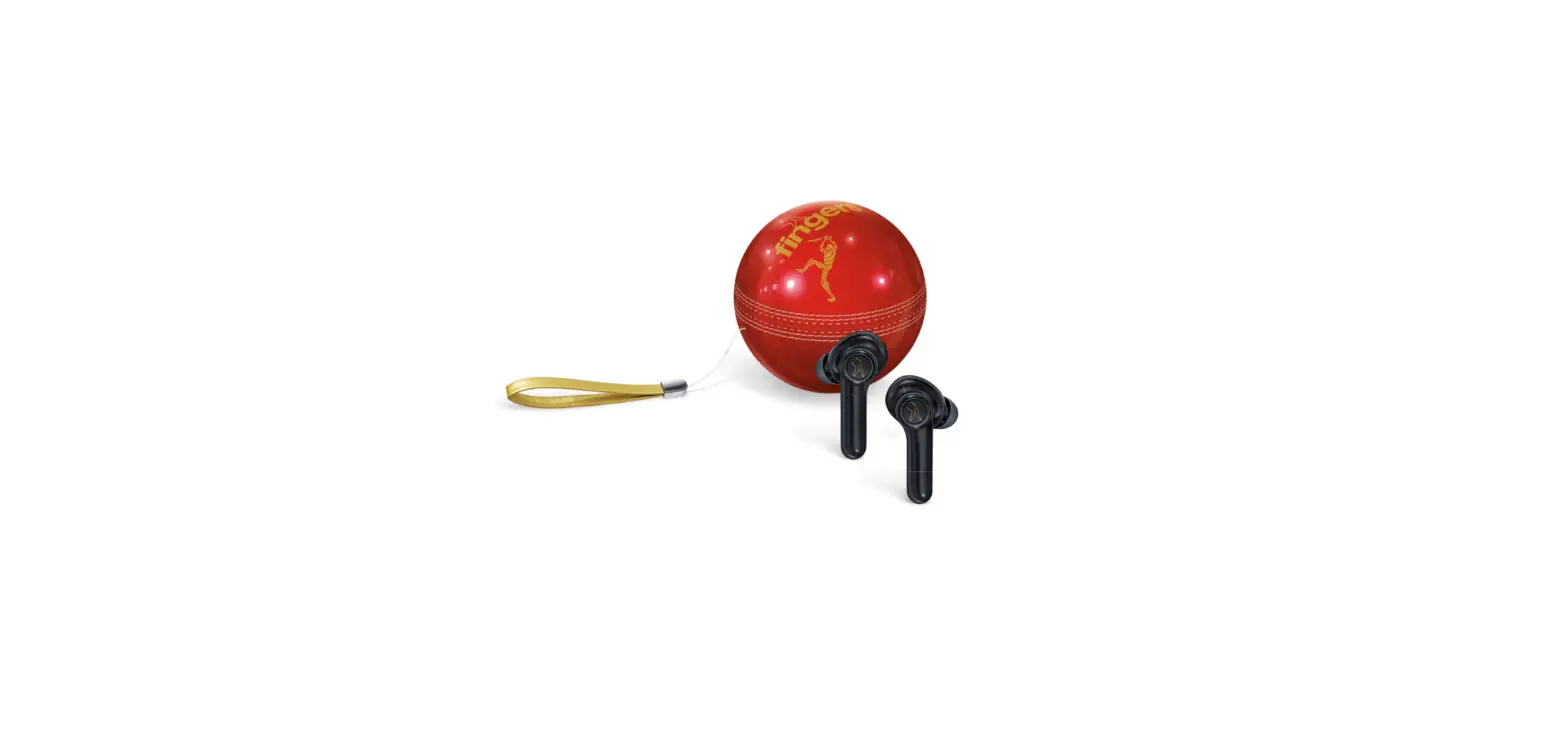
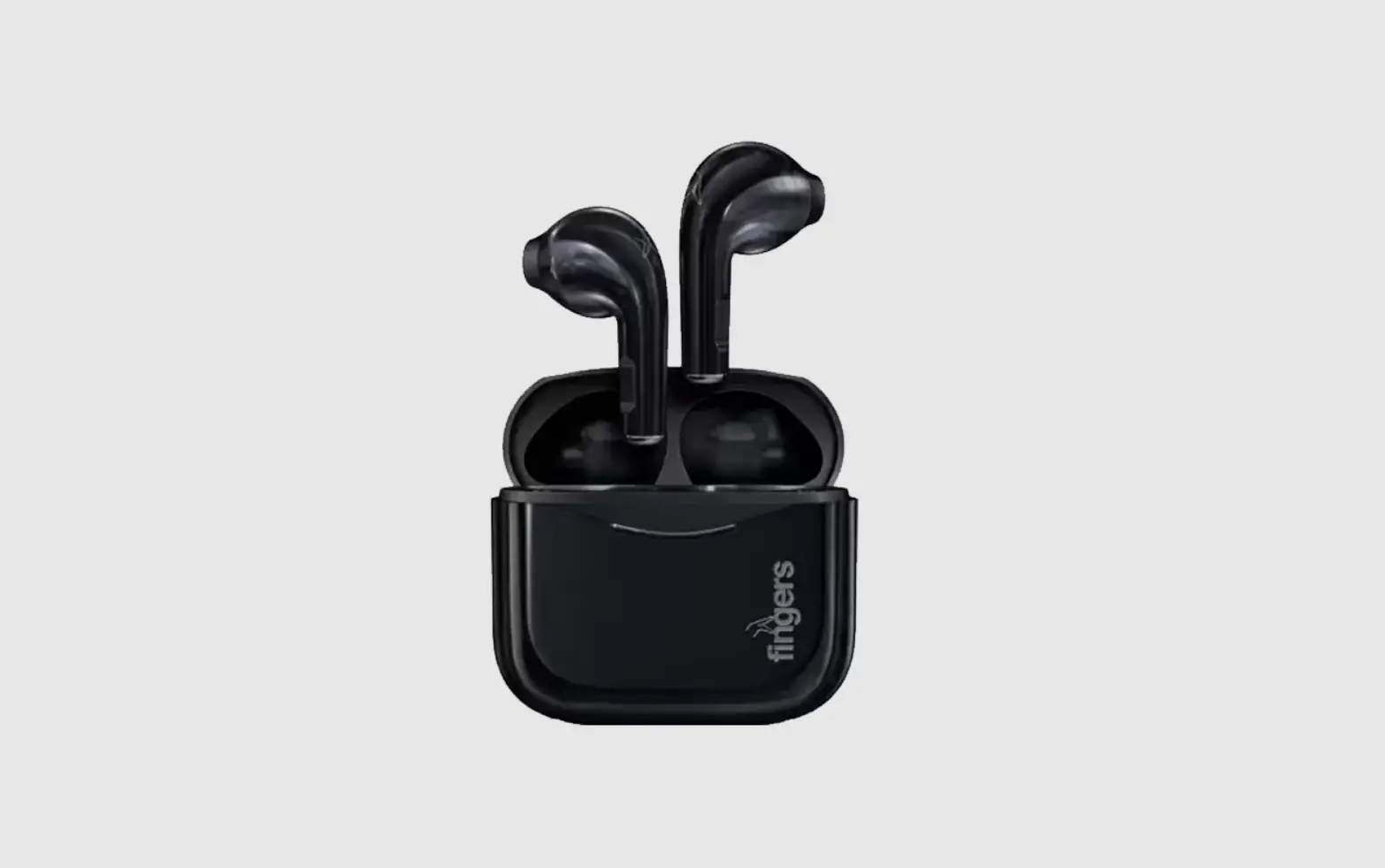
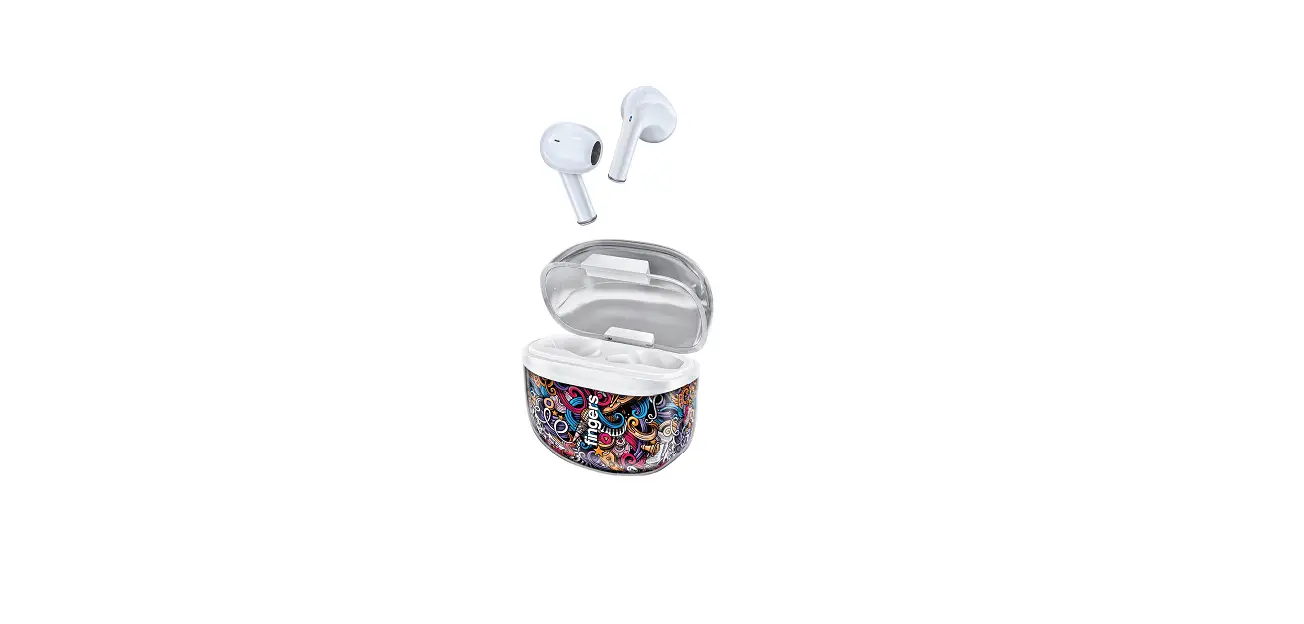
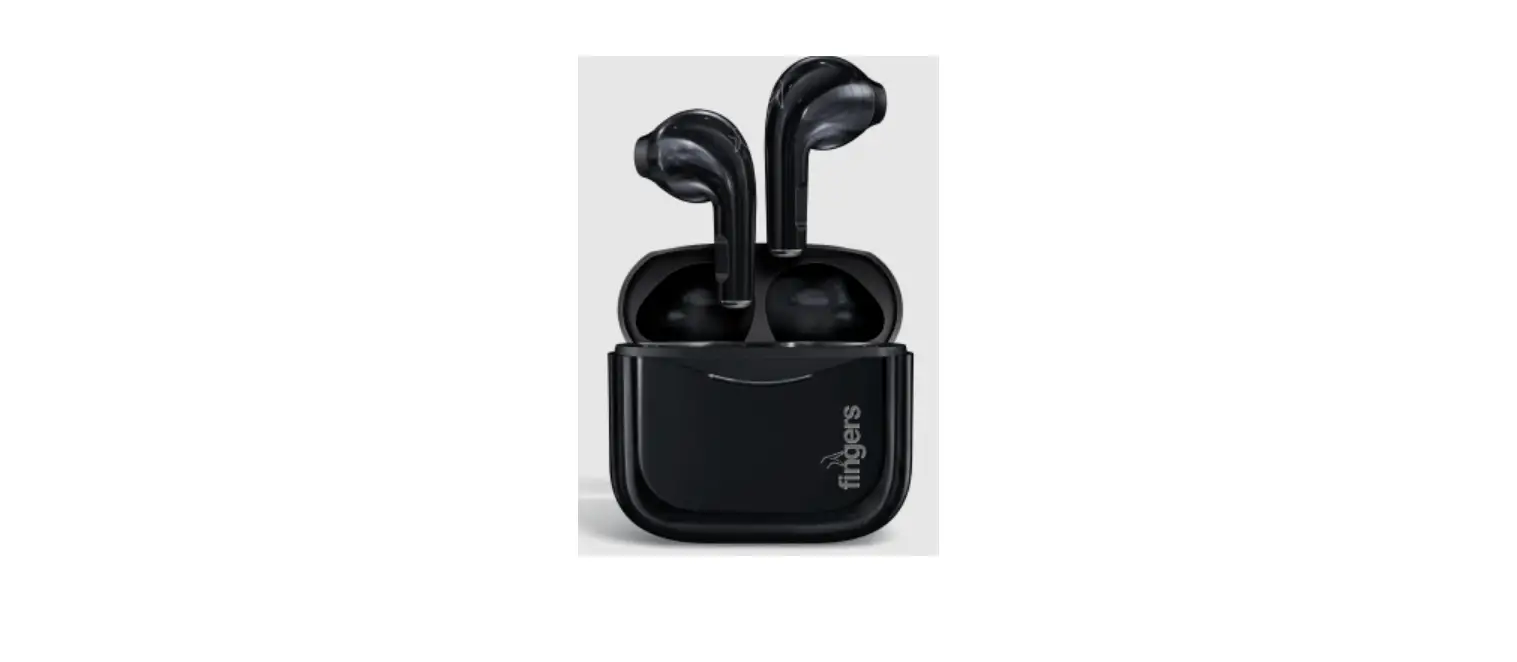
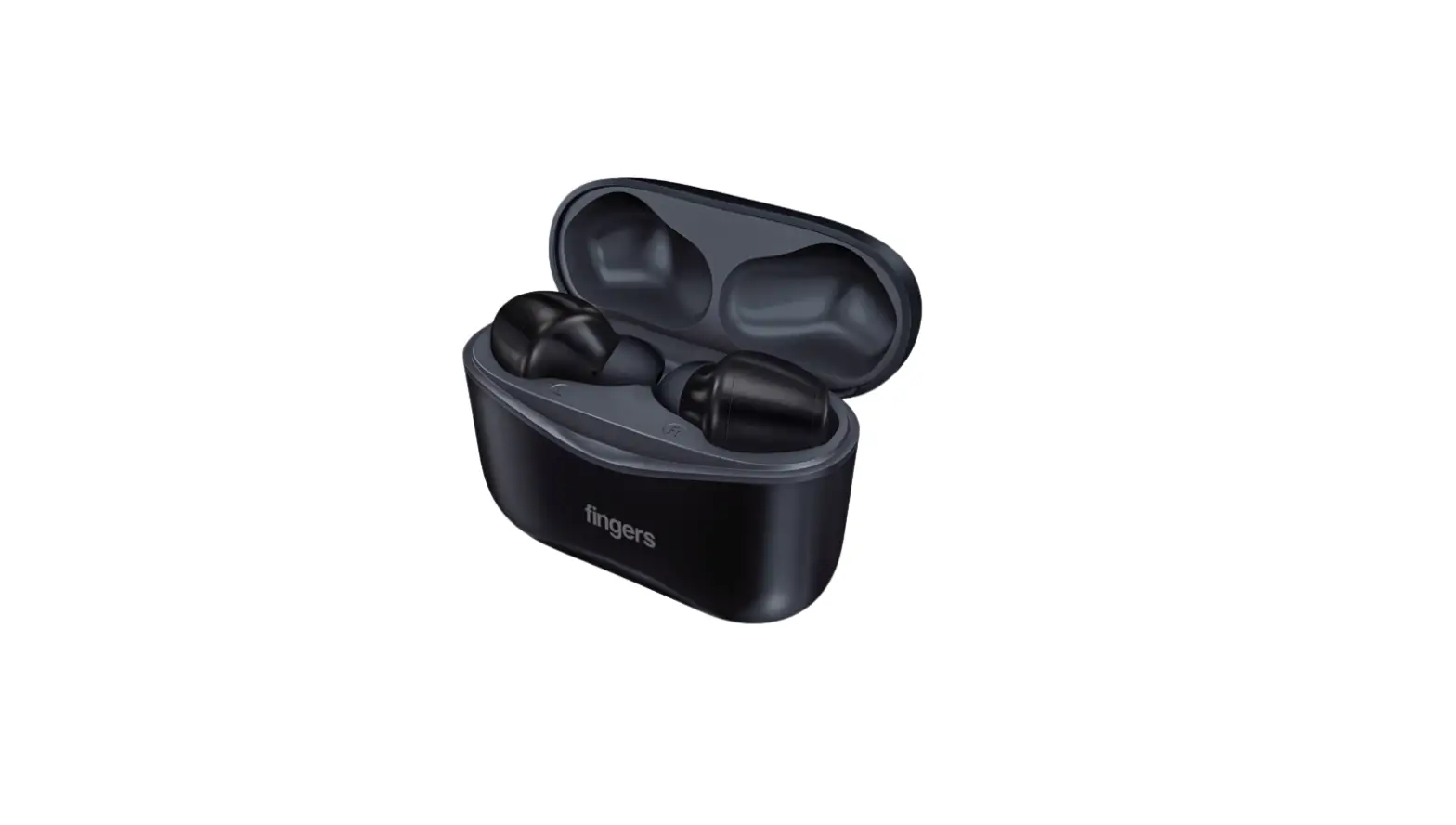
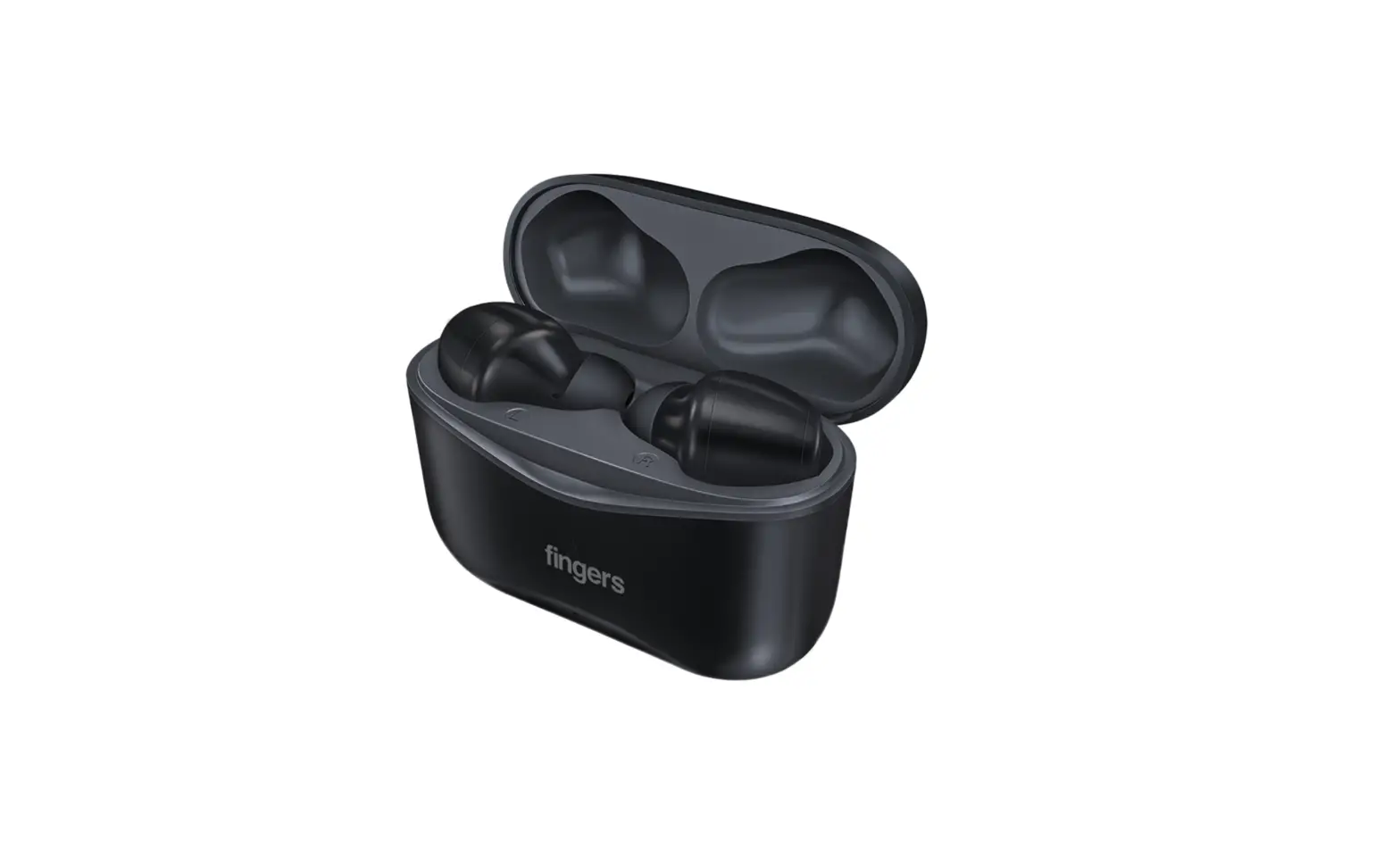
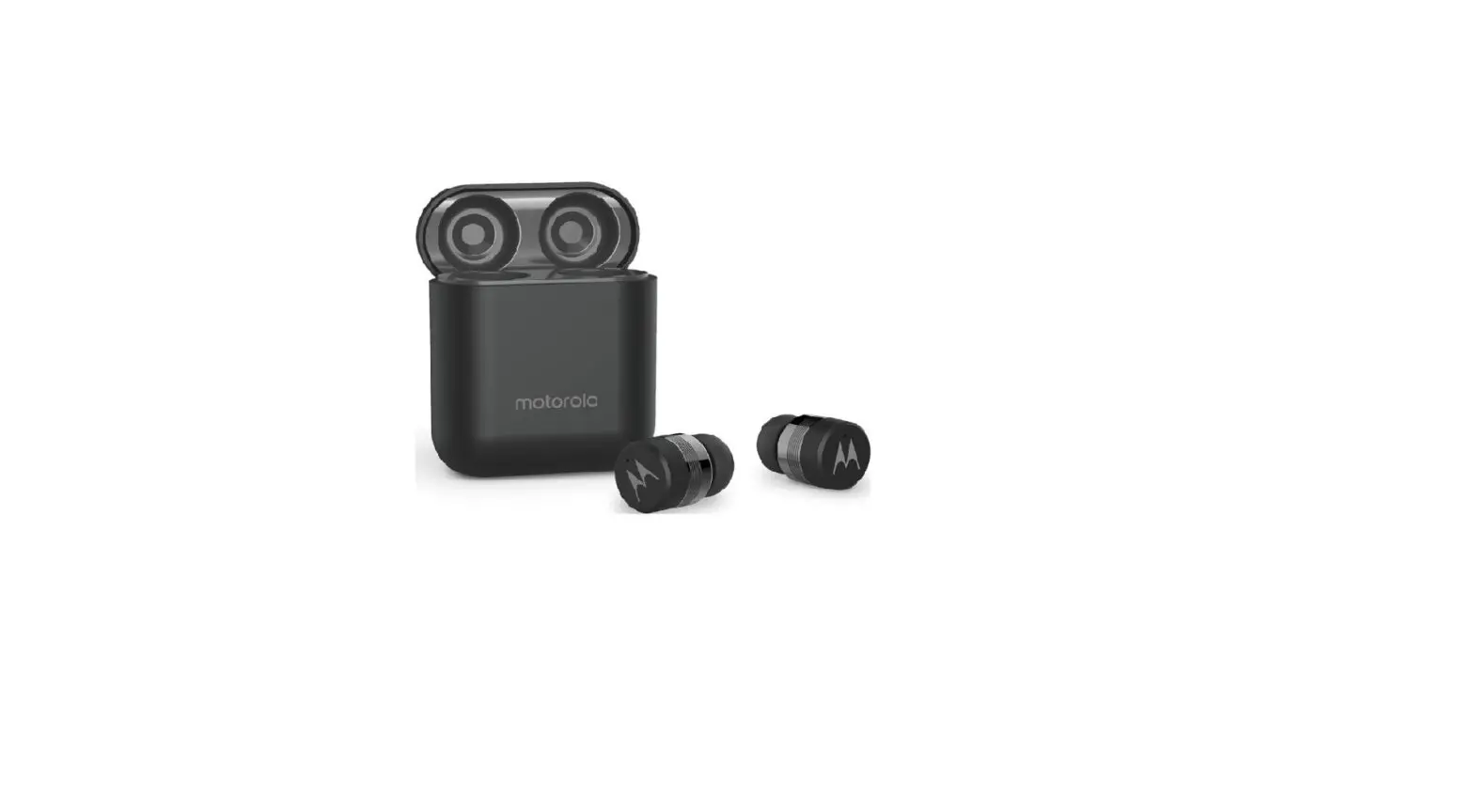
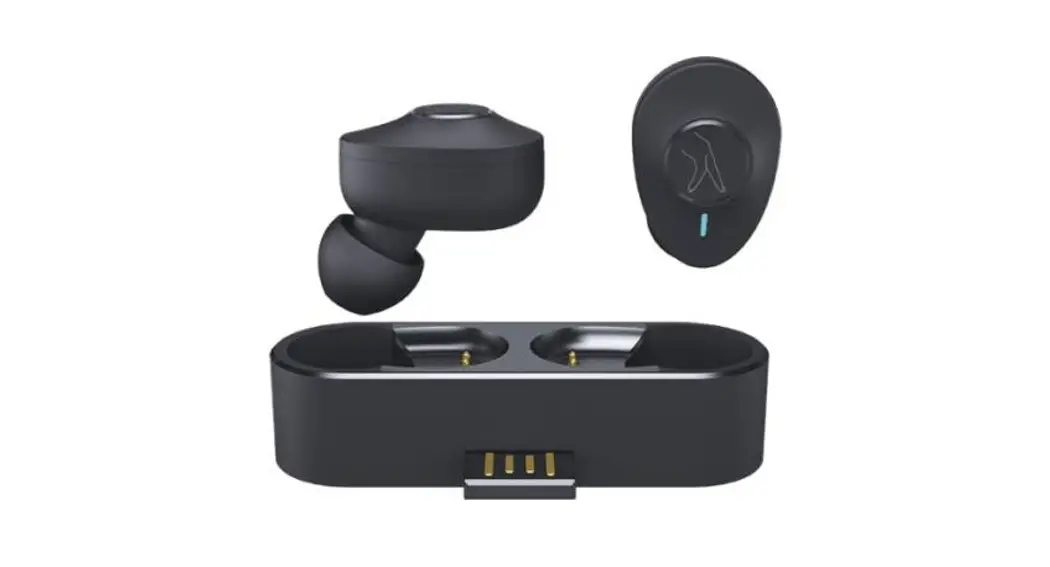
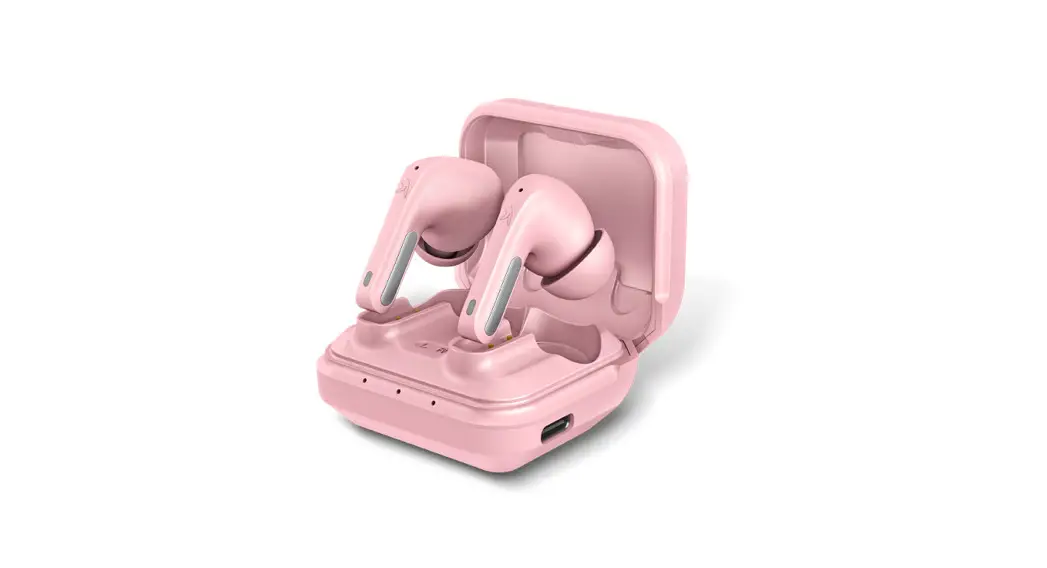
1 x FINGERS Caribbean (Charging Case + TWS Pods)
1 x USB Type-C Charging Cable
2 x Extra Ear-gels Set
1 x Quick Start Guide
1 x Brand Note
On-board Controls
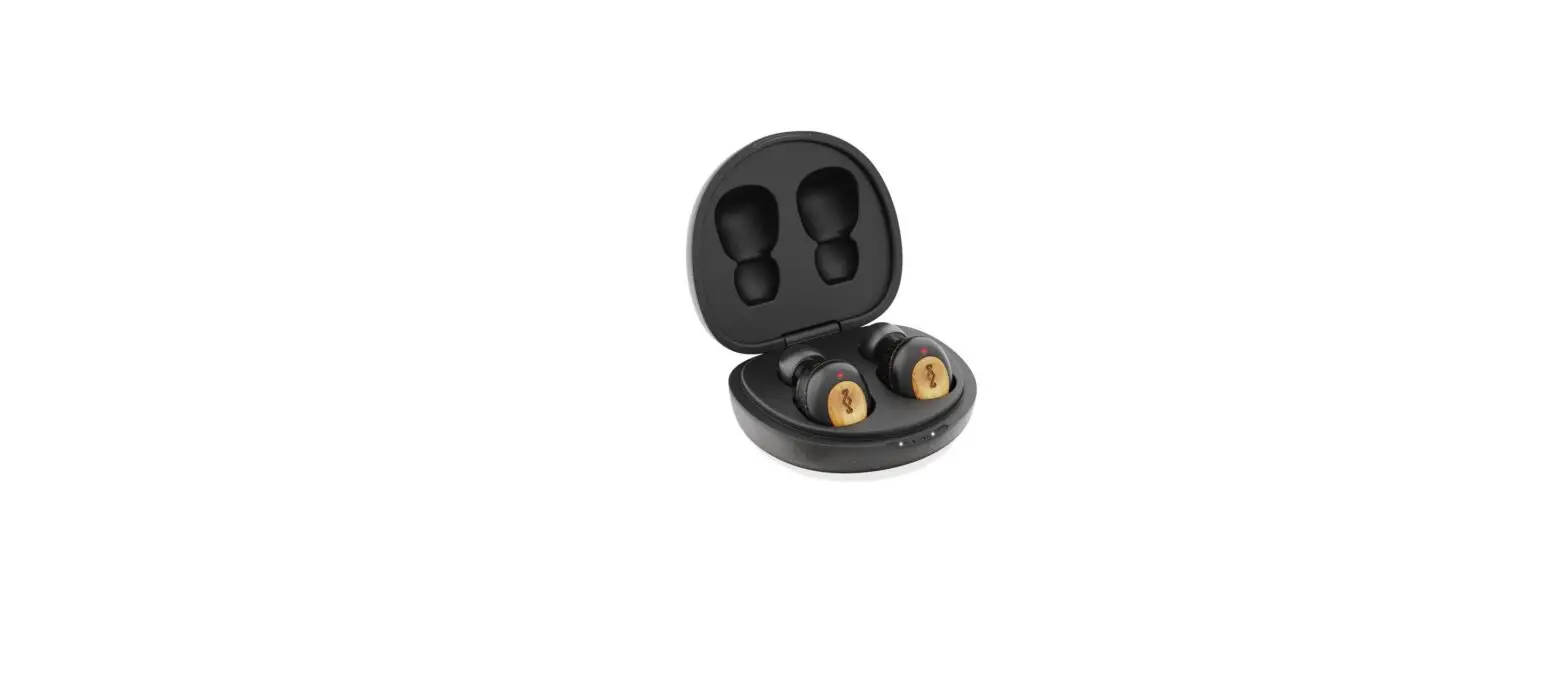
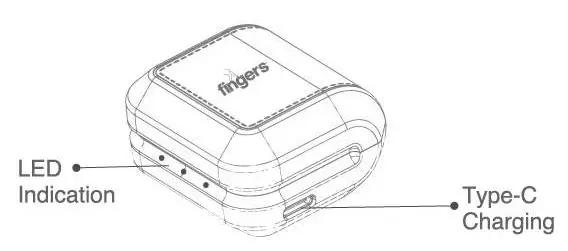
- Charging Case

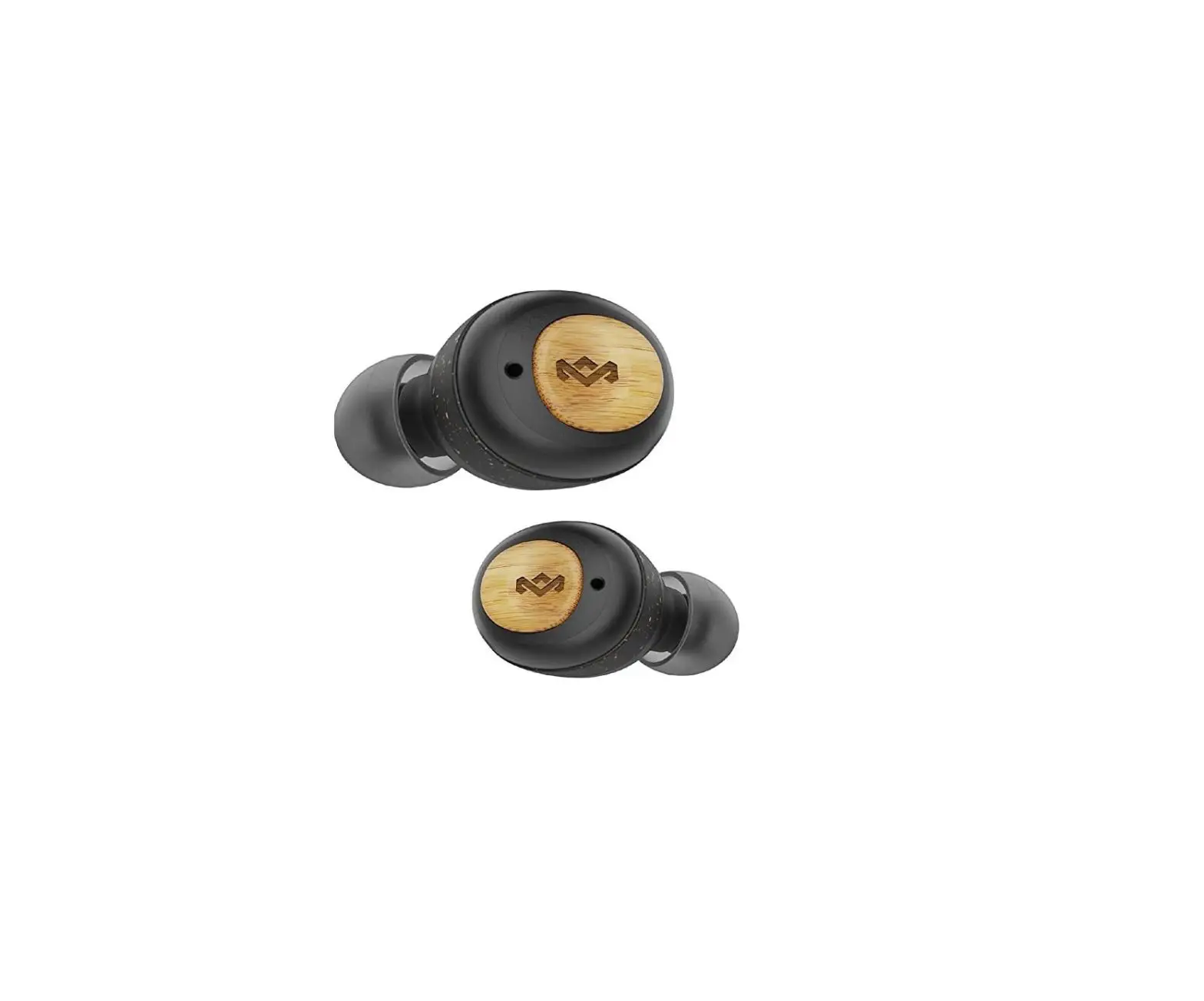
- Earbuds

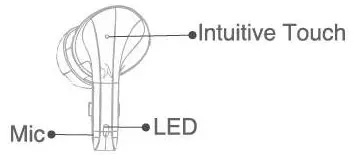
| What to do | Function 1 | Function 2 | ||||
| Ideal | ||||||
| Single Tap (UR earbud) | Play/Pause | Receive incoming Call | ||||
| Long Touch for 2 secs (UR earbud) | Voice Assistant | Reject incoming Call | ||||
| Long Touch for 4 secs (UR earbuds) | Power Off/On | |||||
| Four times Tap (UR earbuds) | Switch language of Voice prompts from English to Hindi & vice-versa | |||||
| While grooving to music | ||||||
| Single Tap (UR earbud) | Play/Pause | |||||
| Double Tap | R earbud – Next Track L earbud – Previous Track | |||||
| Triple Tap | R earbud – Volume Up L earbud – Volume Down | |||||
| During Calls | ||||||
| Single Tap (UR earbud) | I End Call | |||||
Soft Touch control functions
How to wear
– Insert the earbud into the ear.
– Tilt and rotate the earbud until it fits comfortably and microphone is pointing at the bottom of ear, towards mouth.
Charging
With up to 7 hours playback time in the earbuds and 3 times recharges in the charging case, FINGERS Caribbean Pods provides up to 28 hours of playtime.
V.1) Earbuds
– The earbuds charge while they are in the Charging Case.
– Place R and L earbuds in the Charging Case. The white light appears on Charging Case, indicating that it is in charging mode.
– The LED disappear when it is fully charged and Charging Case will be switched off to stop charging automatically.
– It takes approximately 1 hour 10 mins to fully charge the earbuds.
V.2) Charging Case
– Plug the Charging Case into a USB Power Supply using USB Type-C charging cable provided.
– While charging, the LED turns white and flashes. Once it is completely charged, it turns to solid white.
– Allow up to 1 hour 20 mins to completely charge the Charging Case while about 2 hours for Charging Case with earbuds.
Disclaimer: Please use only Type-C charging cable for charging.
Bluetooth Pairing
VI. 1) TWS Mode
– Take out any of the earbuds from the Charging Case and the earbuds flashes once it is switched on.
– The earbud flashes in white, signifying that it is ready to pair a device.
– As it flashes white, make sure that Bluetooth is enabled on your device. Find the device list and select FINGERS Caribbean. Once the Bluetooth connection is successful, a sound beep “connected” is heard and it is ready to play.
– Another earbud will get connected with first one automatically as soon as it is taken it out from charging case and switched on. 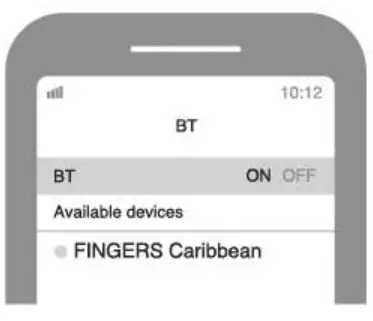 VI. 2) Single Earbud
– Take out any one of the earbuds from the Charging Case and the earbud flashes on
– The earbud flashes in white, signifying that it is ready to pair a device.
– As it flashes white alternately, make sure that Bluetooth is enabled on your device. Find the device list and select FINGERS Caribbean. Once the Bluetooth connection is successful, a sound beep “connected” is heard and it is ready to play.
Note: Both buds can be connected separately with 2 different mobile phones and can be used as single Ear-bud.
Product Specifications
| Wireless Protocol | Bluetooth v5.1 |
| BT Profiles Supported | A2DP, AVRCP, HFP, HSP |
| Input Power Rating | DC 5.0 V I 1A Max. |
| Driver unit | 010 mm, 32 0 |
| Effective Frequency Response | 2.402 — 2.480 GHz |
| Effective Range | Up to 10 m |
| Battery Capacity | Charging Case: 350 mAh Farh Farhuri• 40 mAh |
| Battery Type | Li-Ion |
| Charging Time | Charging Case: About 1 hrs. 20 mins Each Earbud: About 1 hrs 10 mins |
| Playback Time’ | Up to 7 hours |
| TalkTime’ | Up to 4 hours |
| Standby Time | 80 hours |
| On Device Controls | MFB – Play/Pause I Next Track/Previous Track I Volume Up/Down I Voice Assistant |
| Dimensions (L x W x H) | Charging Case: 48 x 23 x 47 mm Earbuds: 34 x 18 x 19 mm |
| Weight | Charging Case: 26 g Earbuds: 4 g each |
| Supplementary Features | – Built-in Mic with SNCTM Technology (Surround Noise Cancellation) – Dual Support: Single Earbud & Double as TWS – Intuitive Touch Controls for Calls, Track & Volume – Sweat proof2 (IPX4 rating) – Voice Assistant (on default OS) – Voice Prompts in Dual Language Support (English & Hindi) – Type-C port for fast charging – 3 times additional charges |
Care and Maintenance
- Switch off the earbuds before cleaning it.
- Use soft, damp cloth to clean the surface.
- Do not use any chemicals, solvents, or cleaning solutions containing alcohol, ammonia or abrasives.
- Do not allow any liquid to enter into any of the openings.
‘Tested under ideal conditions and varies depending on usage and volume levels.
Tested under limited conditions. Do not immerse it in liquid
- Images shown may vary from actual product. + Specifications, features and appearance are subject to change without notice. – All logos, brands, trademarks and product names are properties of their respective owners.
Product warranty is governed by warranty terms mentioned on www.fingers.co.in
+ This product falls under e-waste (Management & Handling) Rules, 2011. For proper disposal method, visit our website
www.fingers.co.in
fingers.co.in
Ver.: 1.0.0