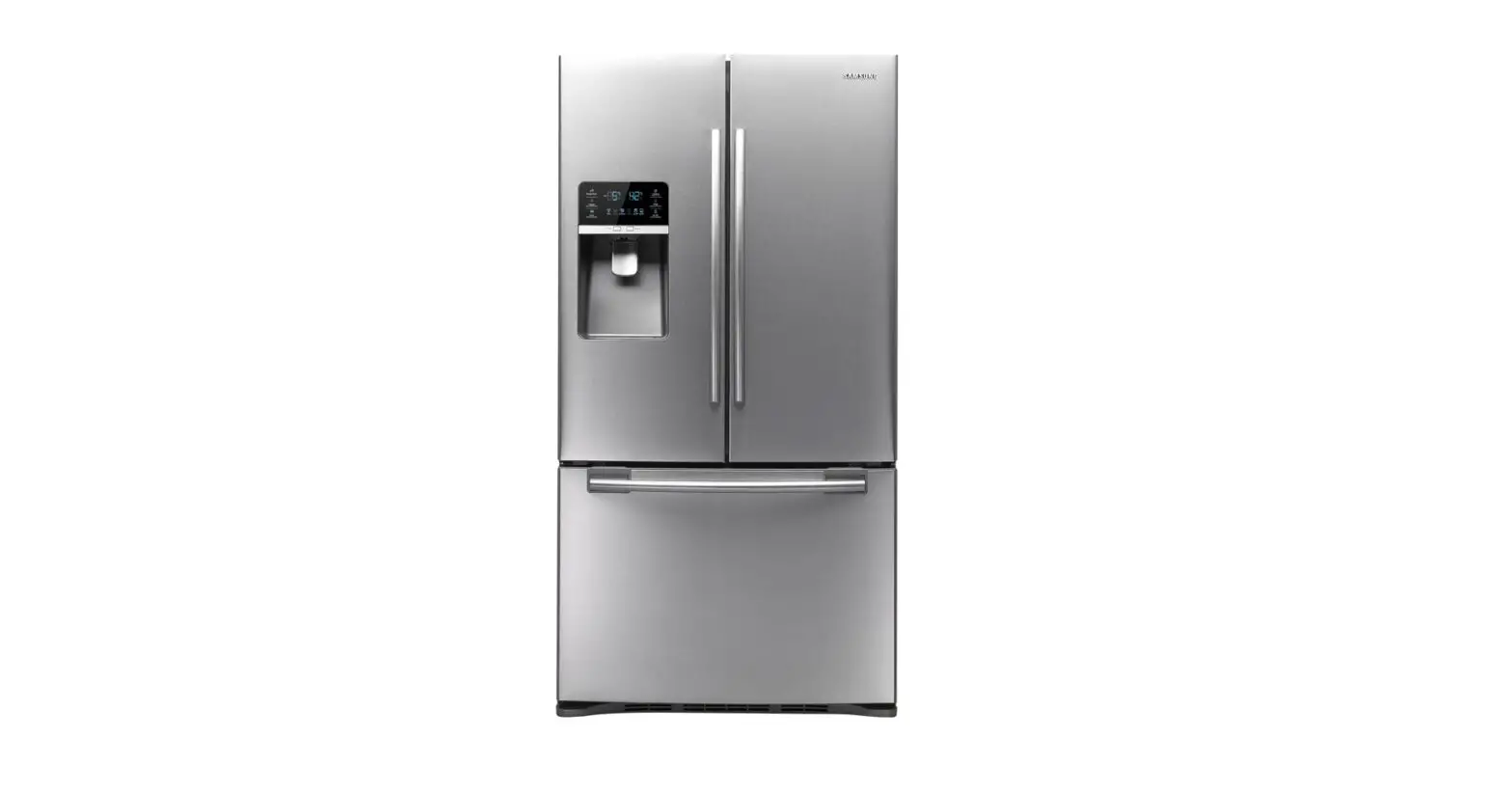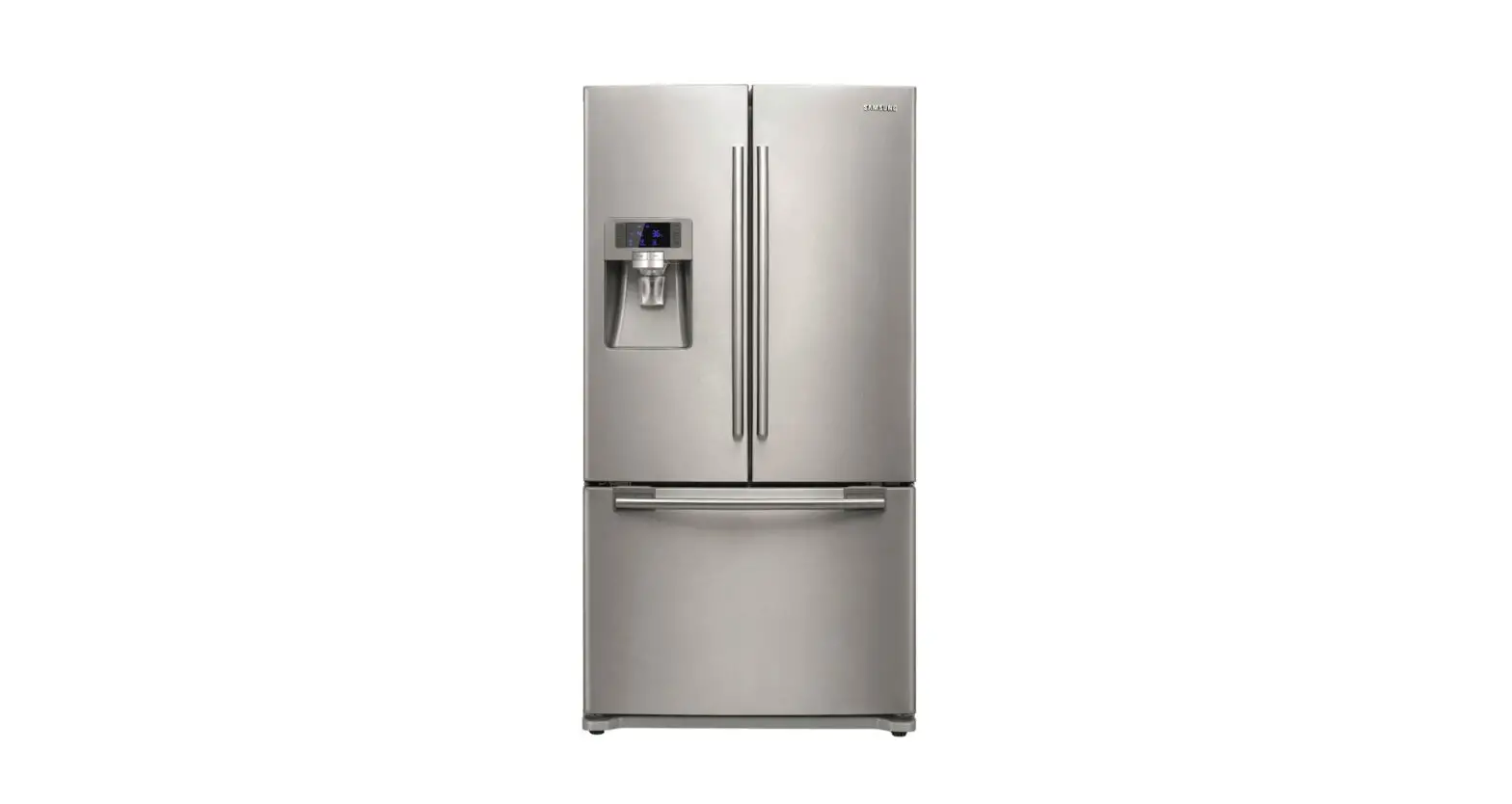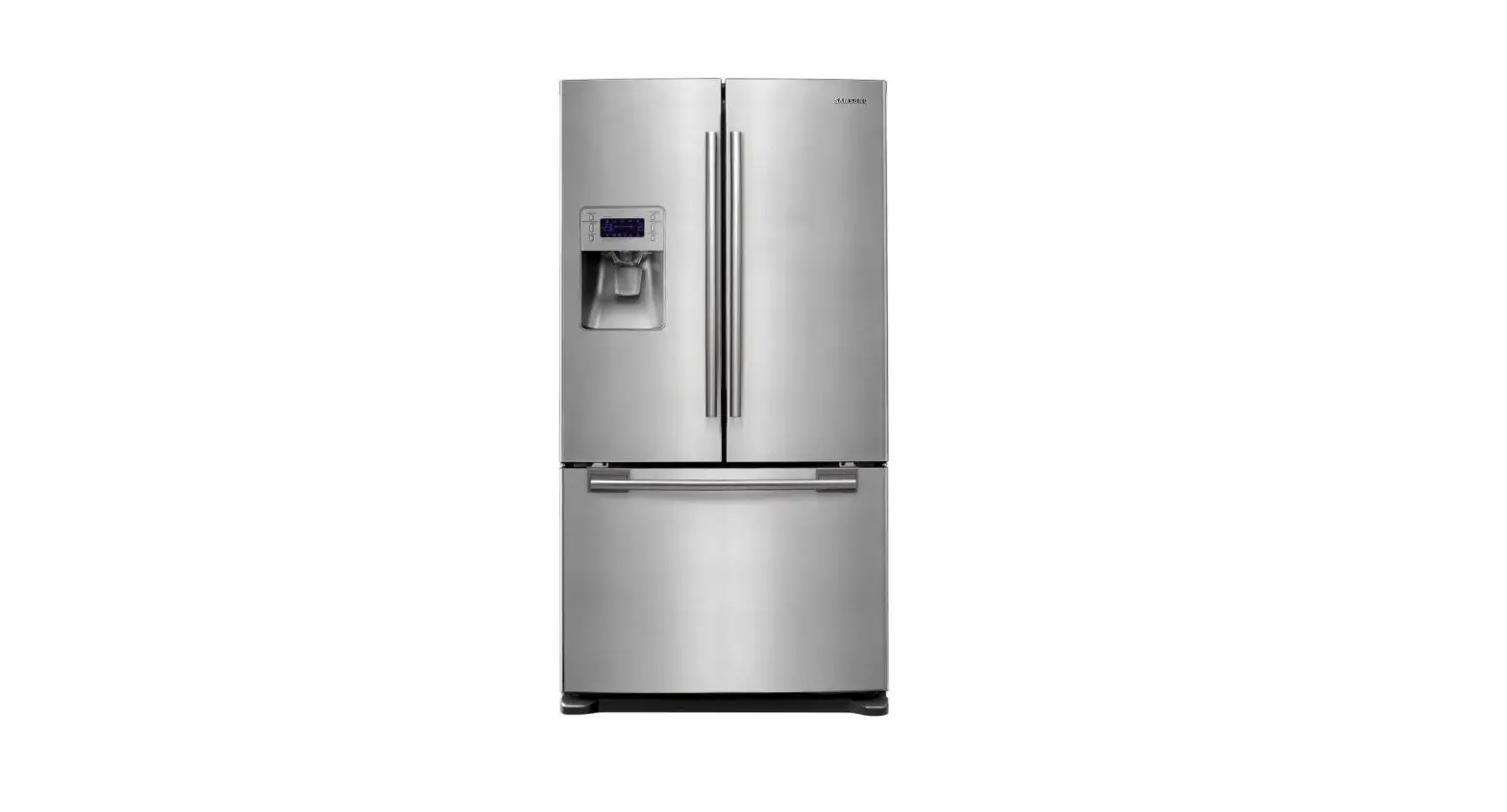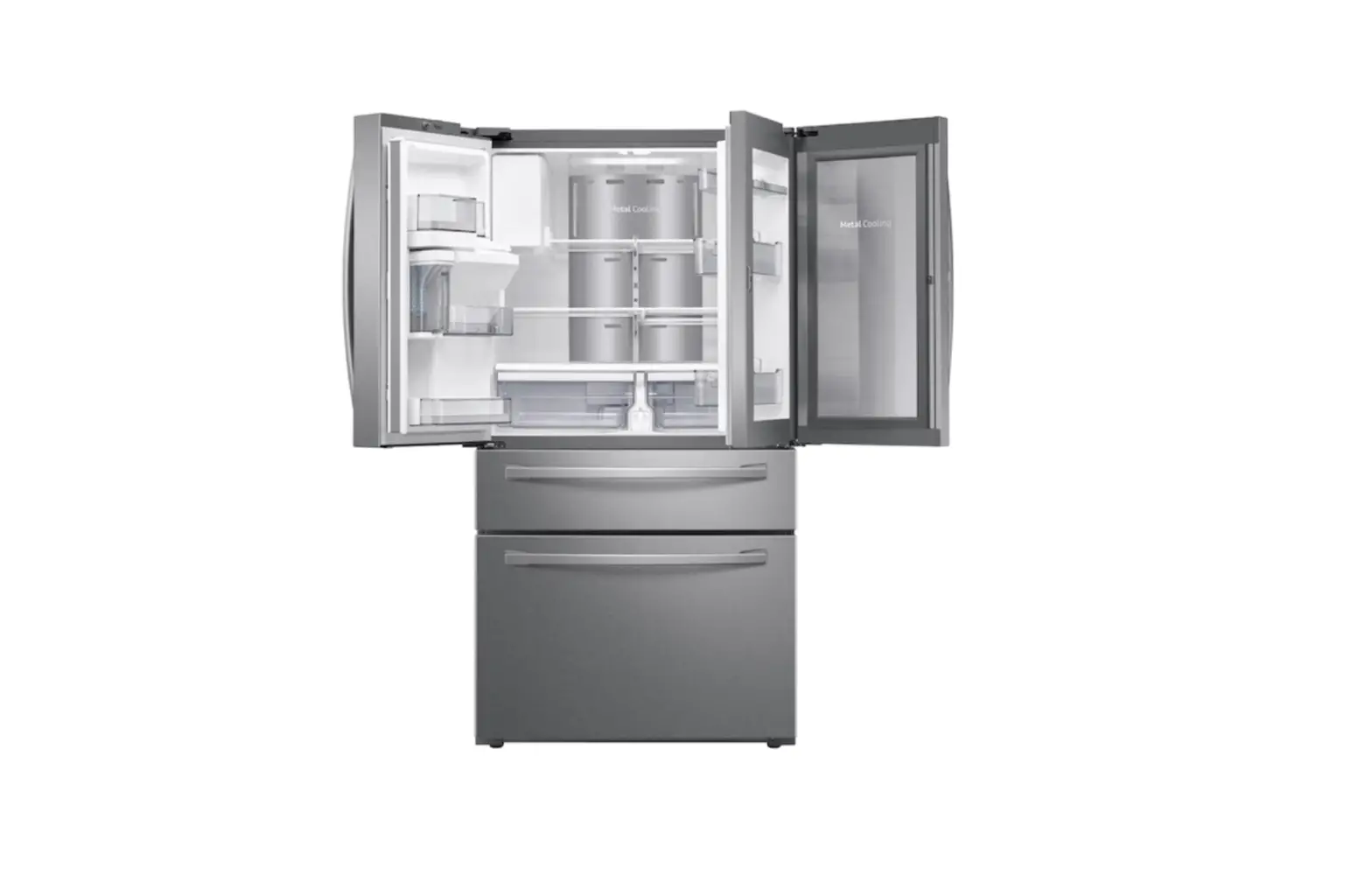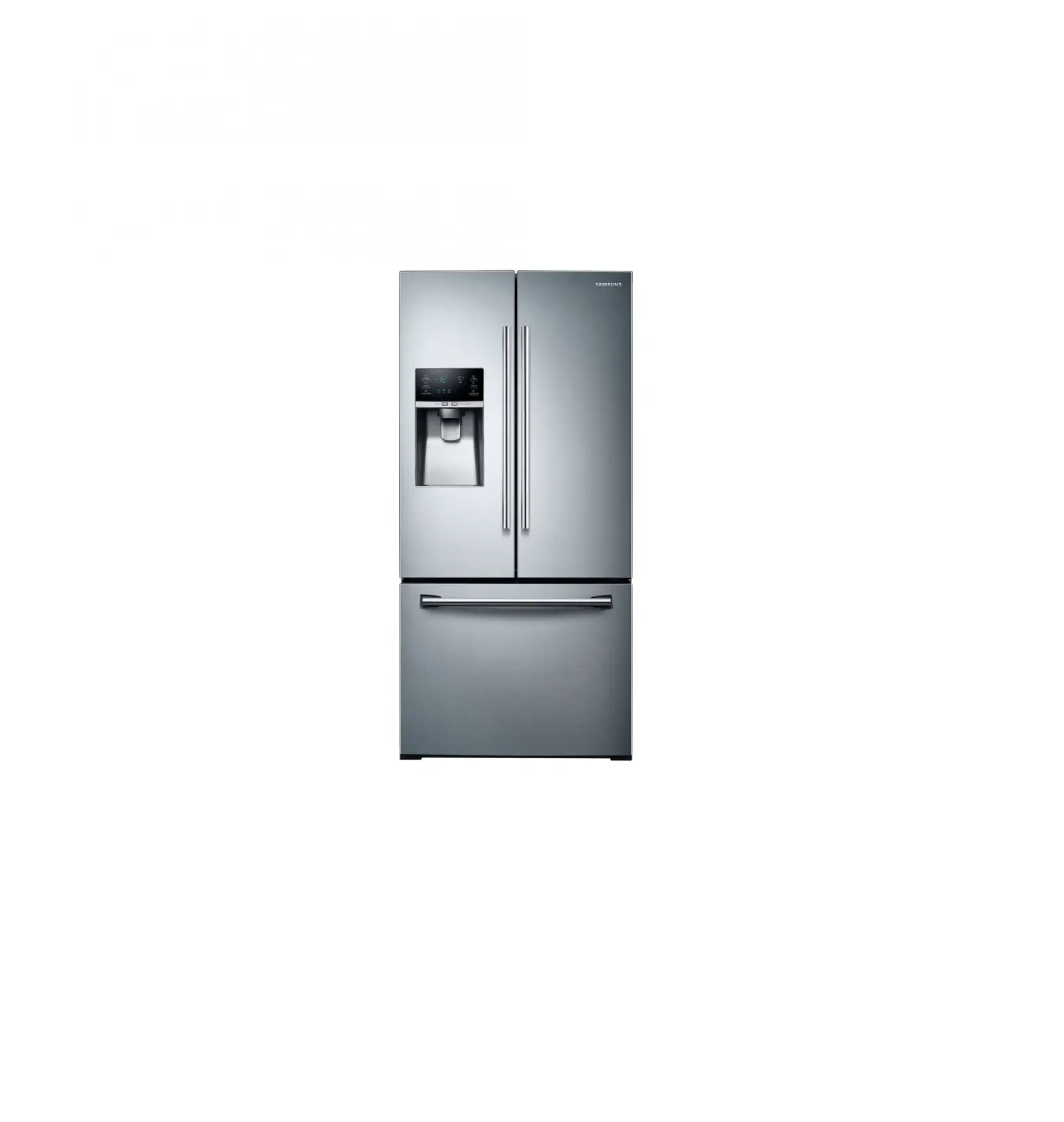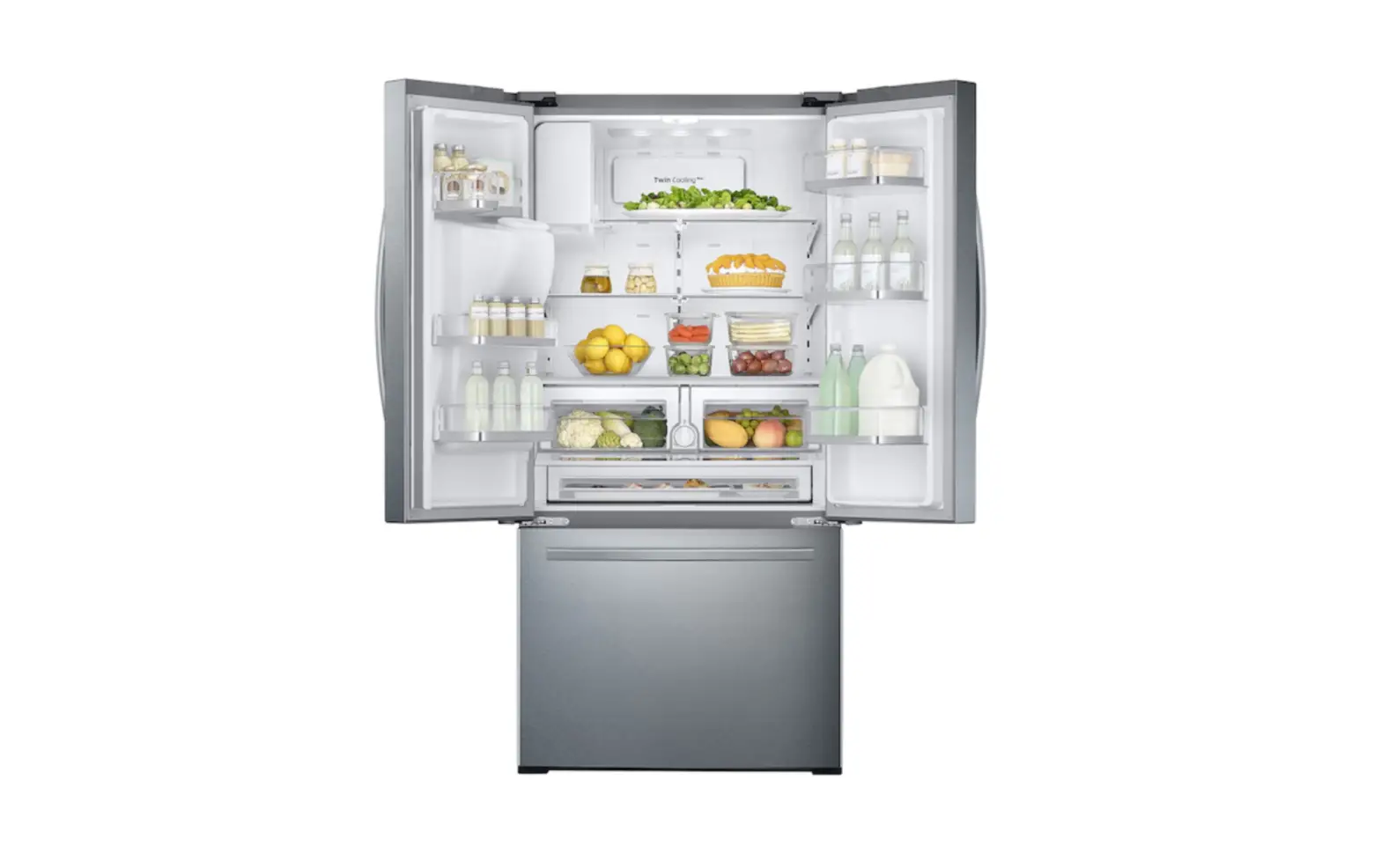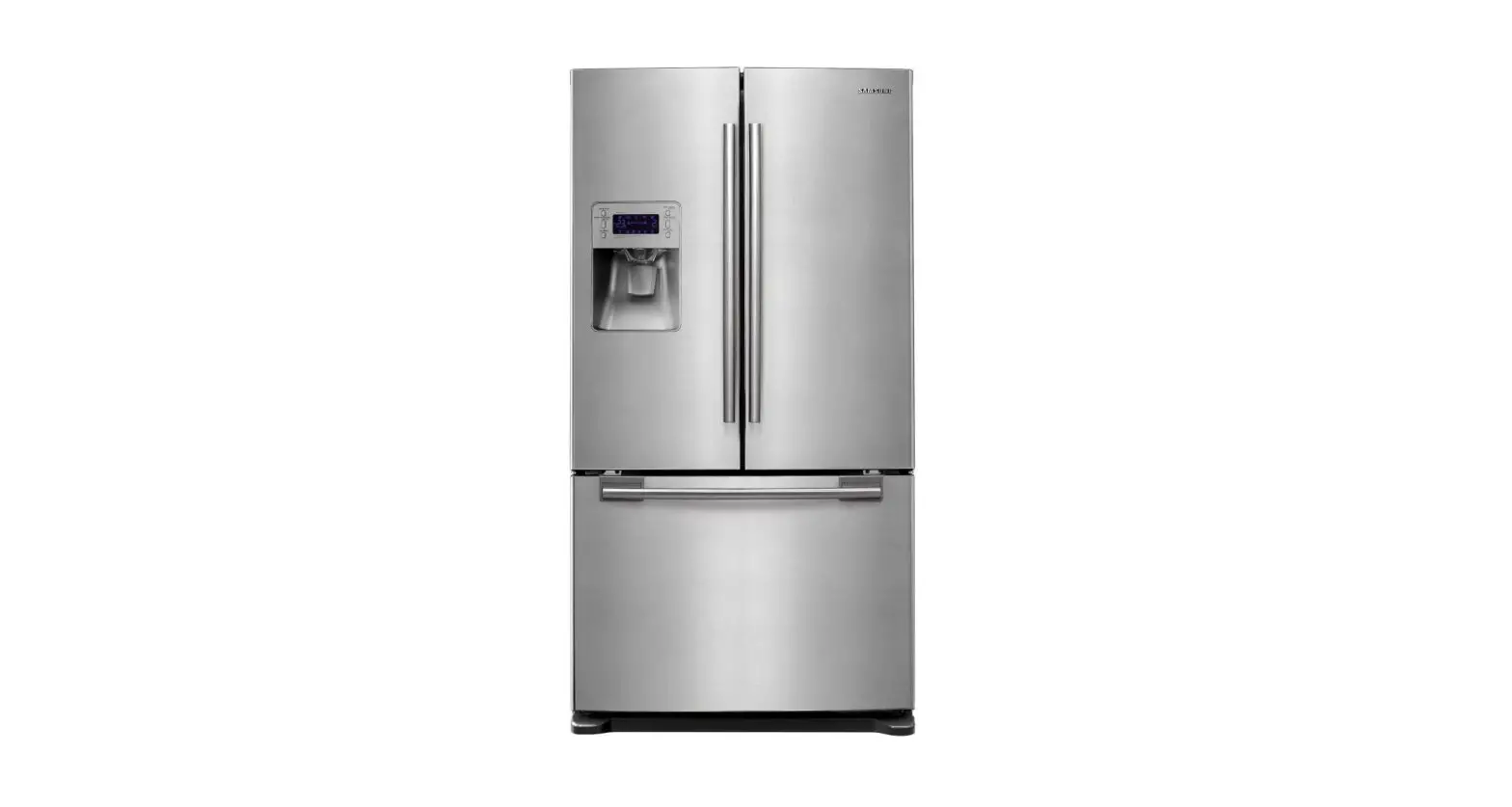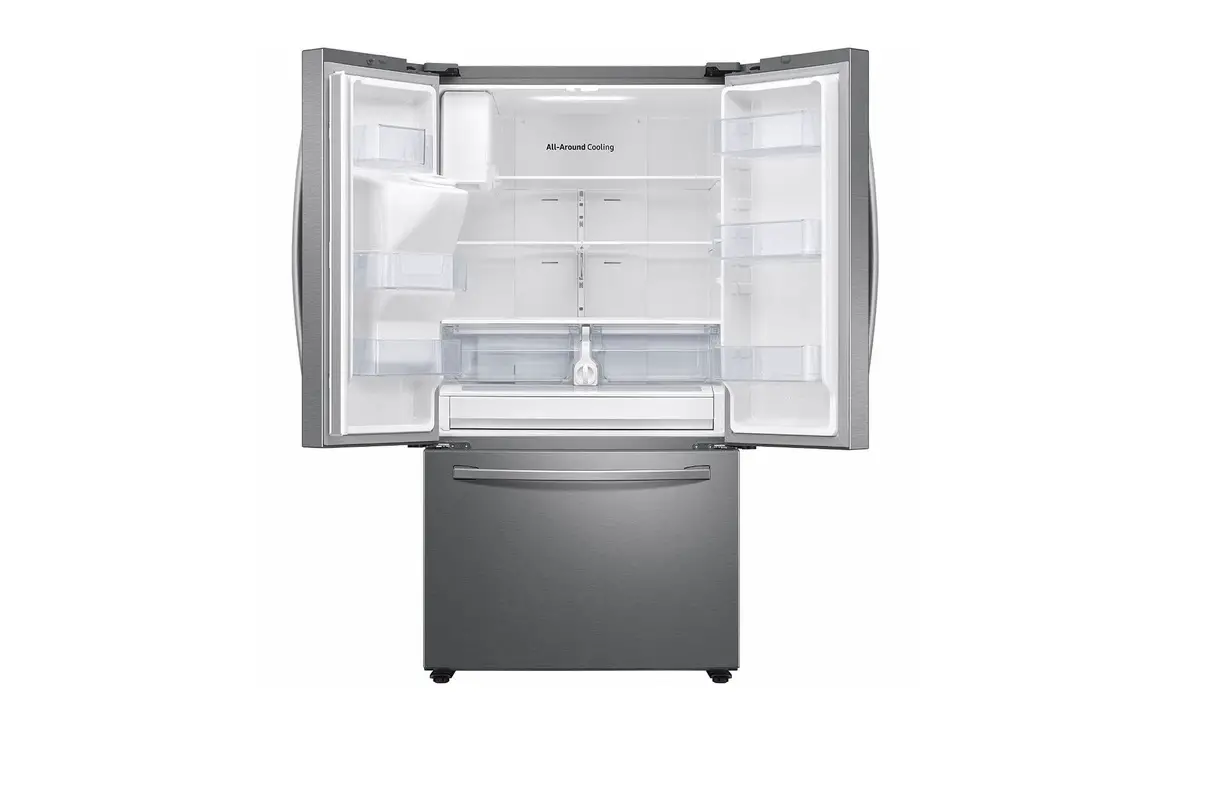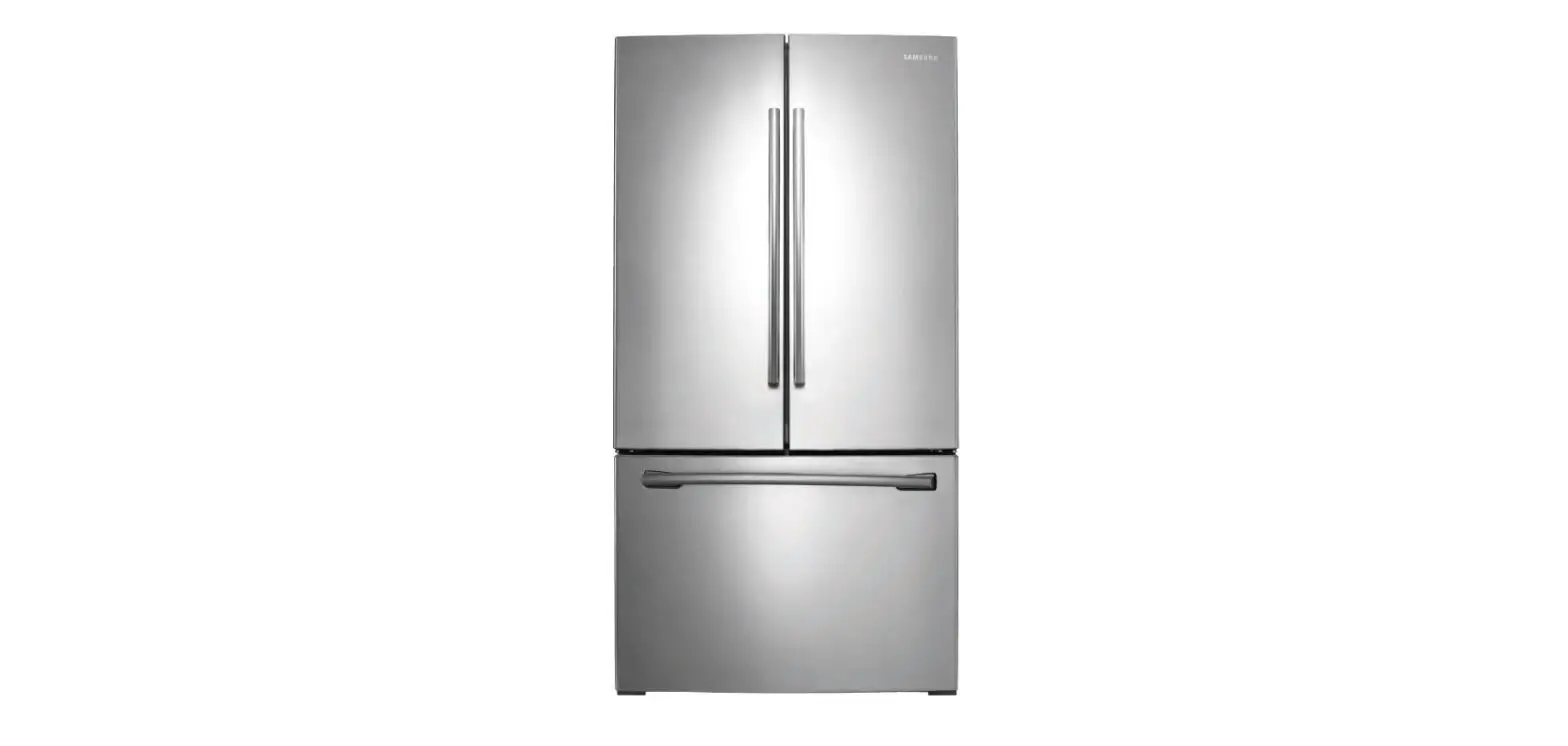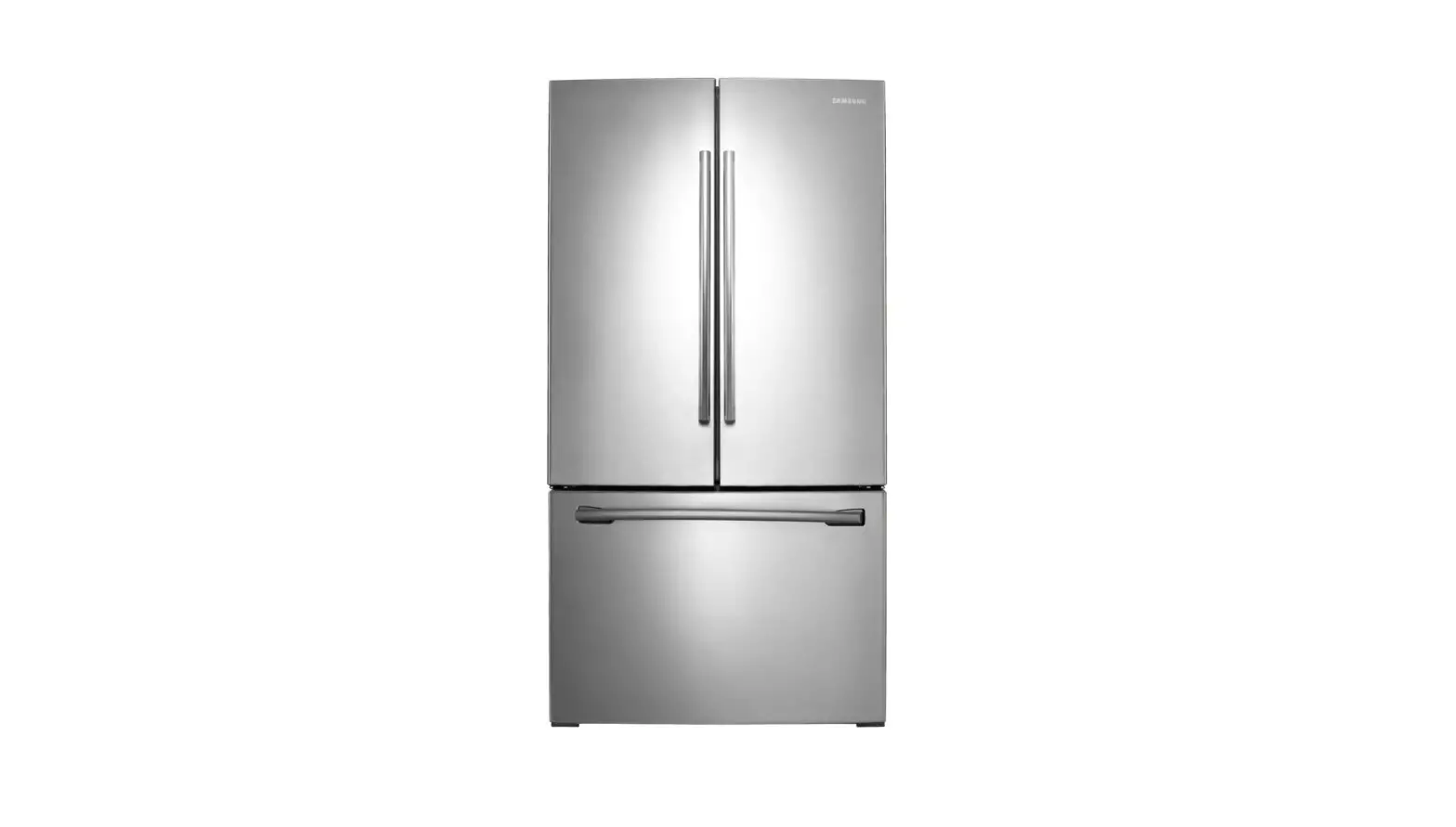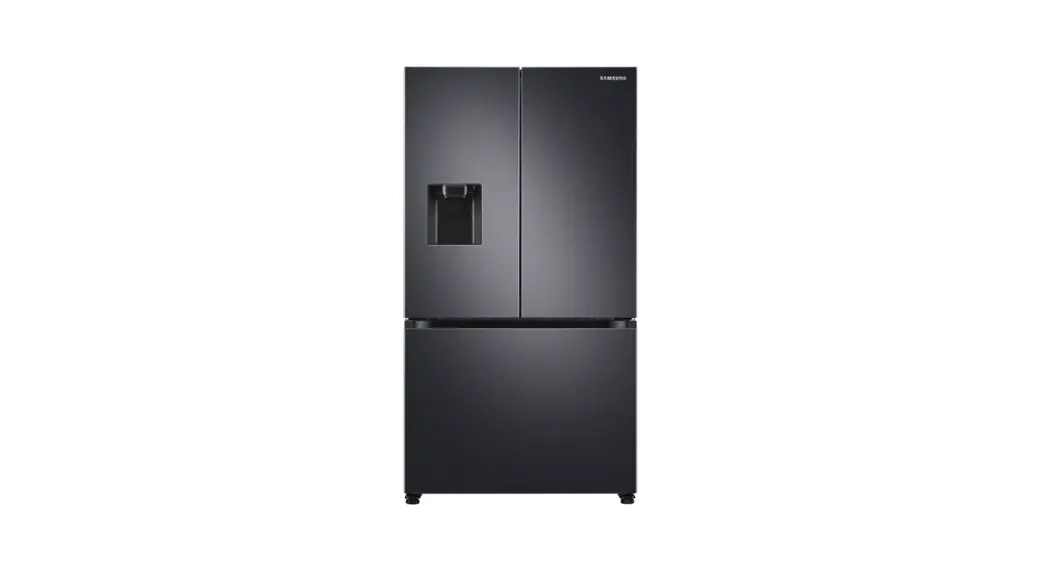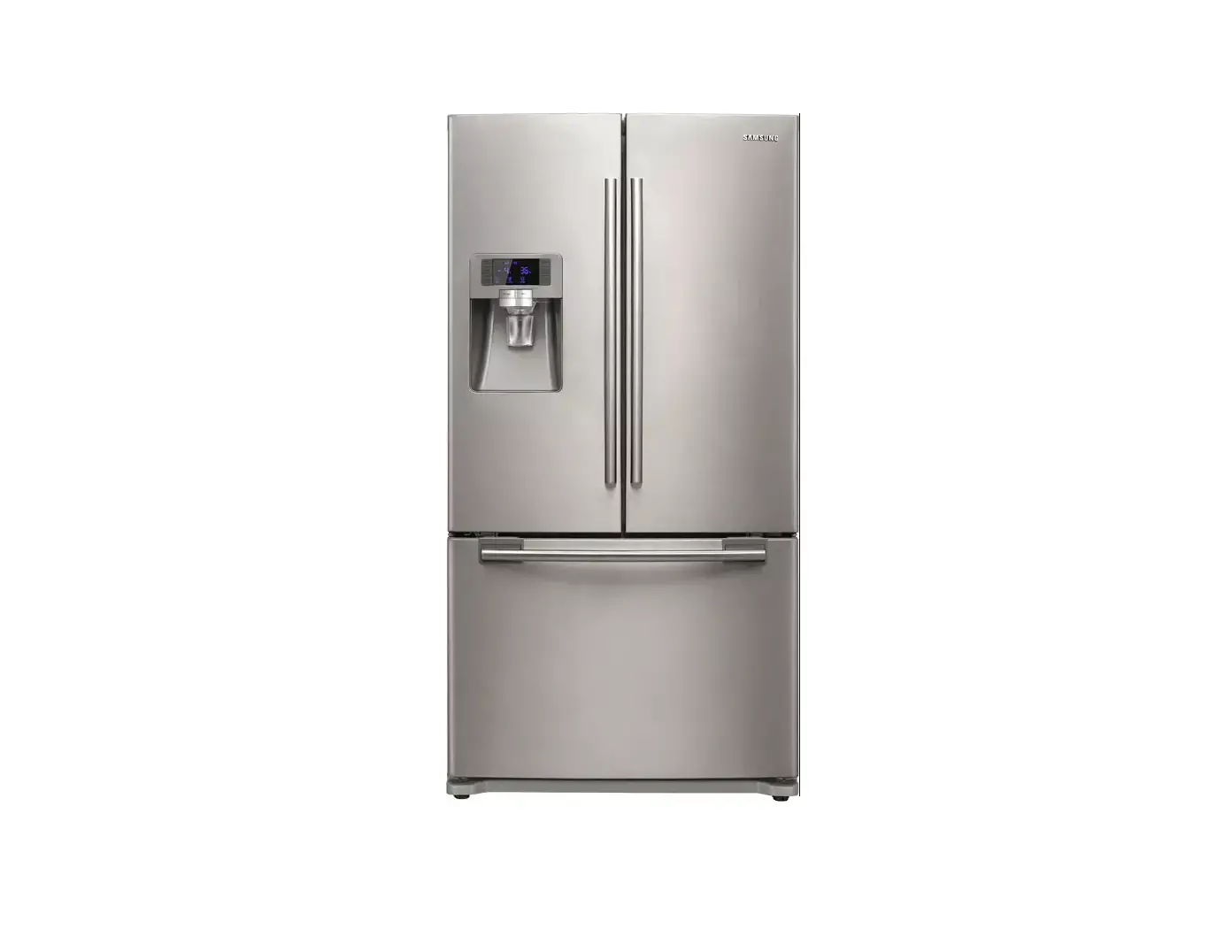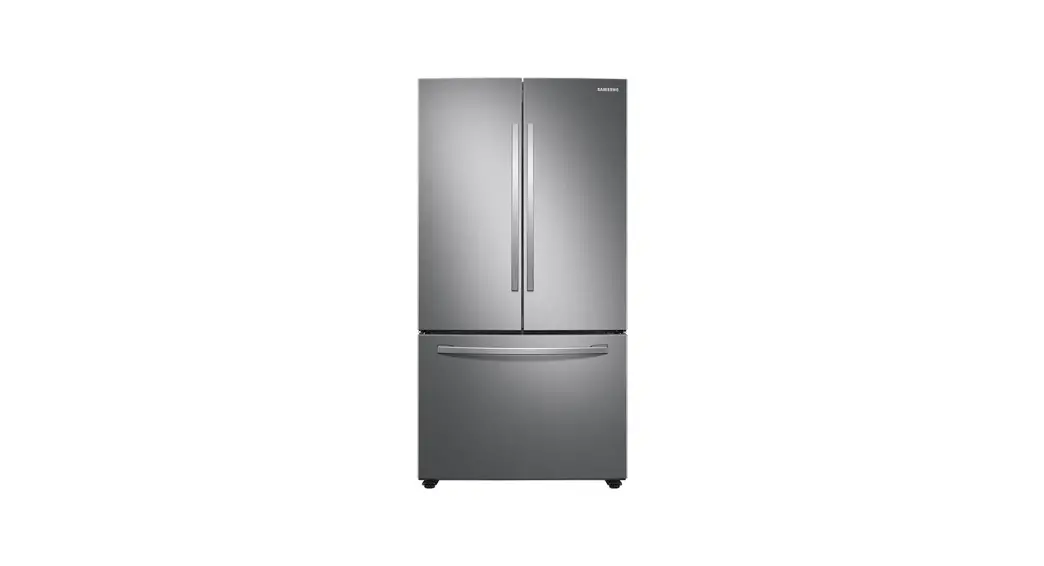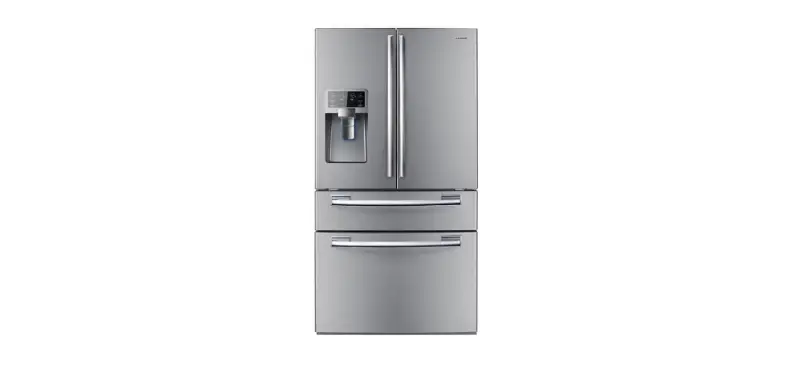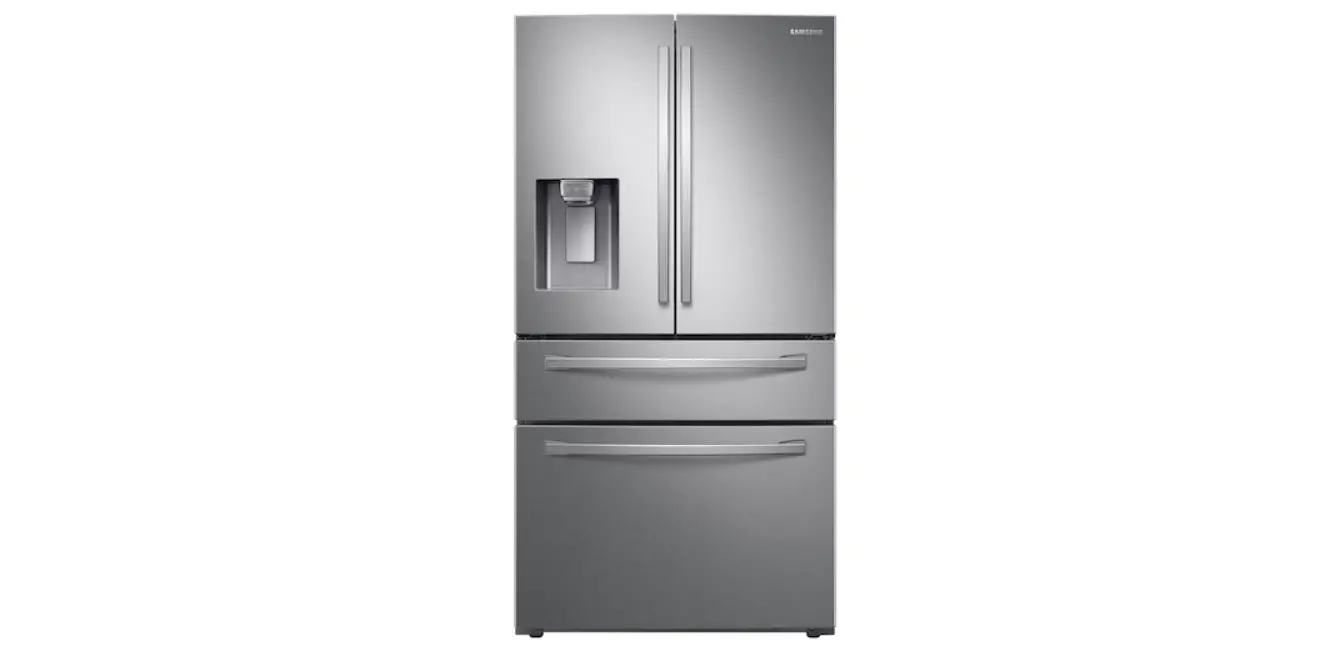

Samsung RFG297HDRS refrigerator
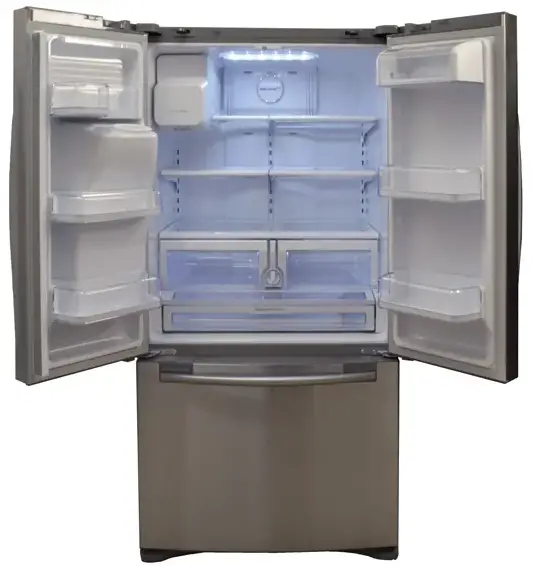
INSTALLATION INSTRUCTION
Water Line Air Purging
When there is trapped air in the water line, it may affect ice making and cause water dripping. So, after installation or when replacing the water filter, dispense at least a gallon (2~3 minutes) of water to remove trapped air from the water line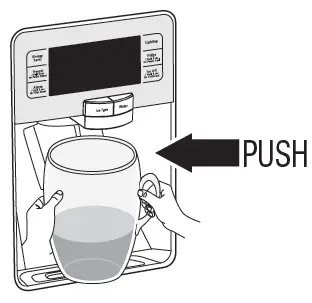
Automatic Ice Maker does not work
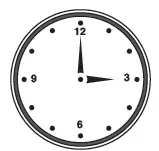
- Allow your refrigerator to operate and cool down for 24 hours (1 full day) before the ice maker starts producing ice.

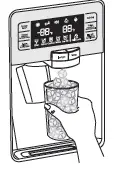
- To fill the ice bucket to maximum capacity, dispense a few cubes 8 and 16 hours after installation.

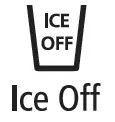
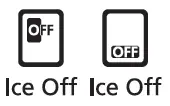
- If ICE OFF is lit, the ice maker will not make ice.
- To activate the ice maker, press the ICE OFF button on the control panel so it is no longer lit.

- Depending on the models, the Ice Off lamps may vary. For details, refer to the “Using the Control Panel” section of the User Manual.
- Refer to Water Line Air Purging for more information.

Slow Ice cube freezing
Check if the ice bucket is completely inserted. Freezer temp may not be enough; set it to -2°F(-19°C) or lower.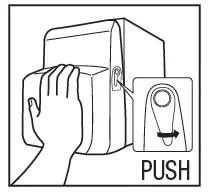
Small or bubbled ice cubes or Slow water dispensing
- If the water filter is clogged, small or bubbled ice cubes may be produced.
- Replace the water filter cartridge with a new one.
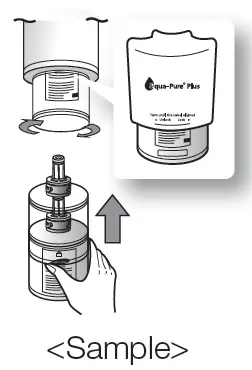
Water filter replacement
- Slowly turn the water filter 90° clockwise so it is aligned with the printing mark on the cover, locking the filter in position.
- Make sure to align the water filter label mark with center of cover filter printing as illustrated.
- Refer to Water Line Air Purging for more information.
- The water filter may differ depending on models. For details, refer to the user manual

Water is not cool enough
The water cooling speed may not keep up with the water consumption. So, if the dispensed water is warm, take the advantage of ice cubes
Water dispenser dripping
- Until the temperature of the unit is stabilized, the water container inside fridge keeps contracting little by little which causes water dripping.
- So, allow one or two days until the water container gets stabilized.
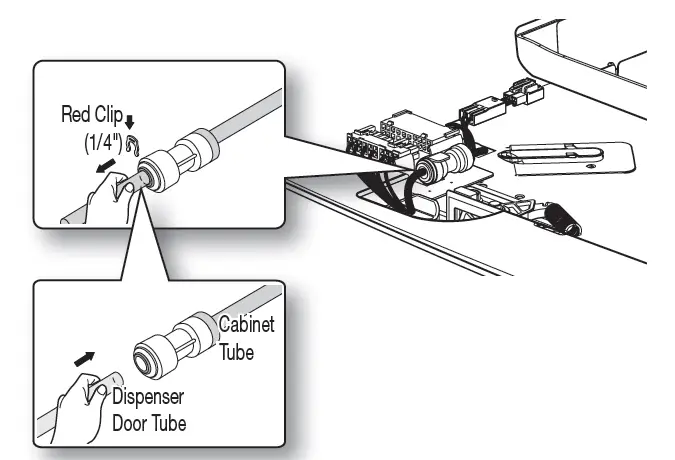
- If the water line is not inserted into the coupler properly, air could penetrate into the water line causing water dripping from the water dispenser.
- Insert the water line into the coupler completely and slide in the clip at the end of the coupler.

Refrigerator or freezer Compartments are warm
- Allow your refrigerator to operate and cool down for 24 hours (1 full day) to reach to the set temperature.
- Also, when you put room temperature or warmer food into your refrigerator, it may need an additional 24 hours for the fridge to reach the set temperature
Moisture forms on outside/ inside of refrigerator
- Wipe off the condensation with a dry towel (This may occur during hot and humid seasons.)
- If the condensation occurs on the doors, turn off the Energy Saving function.
- If you open the doors frequently or for too long, it may cause moisture inside the fridge.
Noise Clicks, Pops, Cracks, Snaps
These noises may be heard occasionally inside the refrigerator. This is normal. This sound occurs when various items contract or expand while temperatures are changing; especially during defrosting. This may also occur when electronic devices including the ice maker are operating
Display
The display may differ depending on models. For details, refer to the user manual “Using the control panel”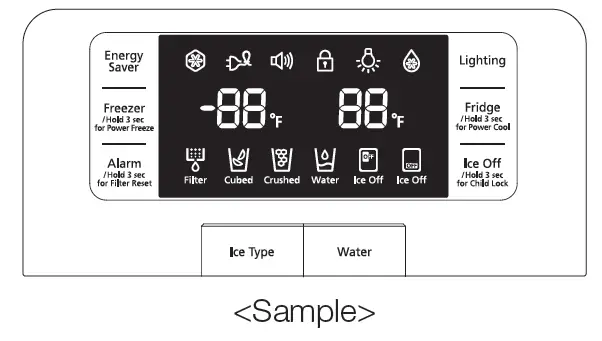
Cool Select Pantry (on some models
You can select your Pantry temperature from among the following.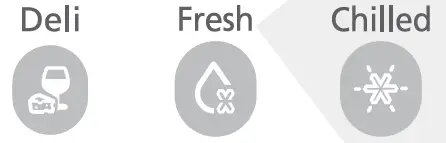
- Fresh (38°F[3°C])
- Chilled (34°F[0°C])
- Deli (41°F[5°C]) modes
Food stored in refrigerator is frozen
If food with too much moisture is stored near the cooling vents, it may get frozen. Be sure to keep moist food away from the cooling vents
Moving and Installing
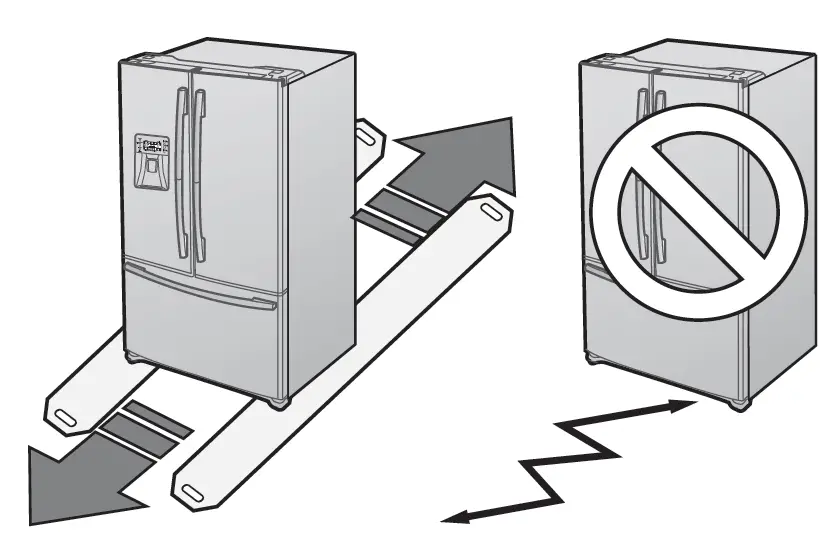
- When installing, servicing or cleaning behind the refrigerator, be sure of the following:
- To protect your floor’s finish when moving the refrigerator, cut a large section of the cardboard carton and place under the refrigerator where you are working.
- Pull the unit straight out and push back in straight after finishing.

Leveling & Door Alignment
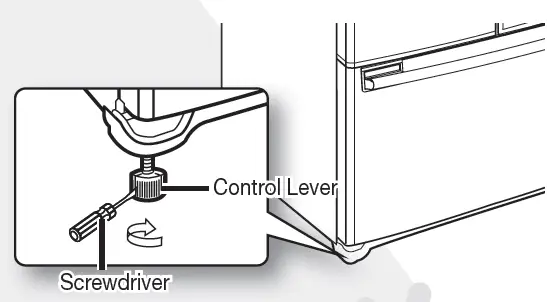
- Insert a flat-blade screwdriver into a slot on the control lever, turn it clockwise or counter-clockwise to level the door.

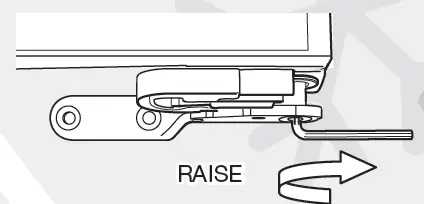
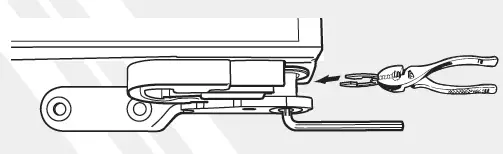
- Open the freezer/flex zone door to gain an access to the adjustable hinge pin. Next, adjust the refrigerator door using the provided 0.16 inch wrench

- If you need to add more height to the door, insert the provided snap rings

Before calling service
If you have further questions or damaged accessory parts, contact us at 1-800-SAMSUNG (726-7864)