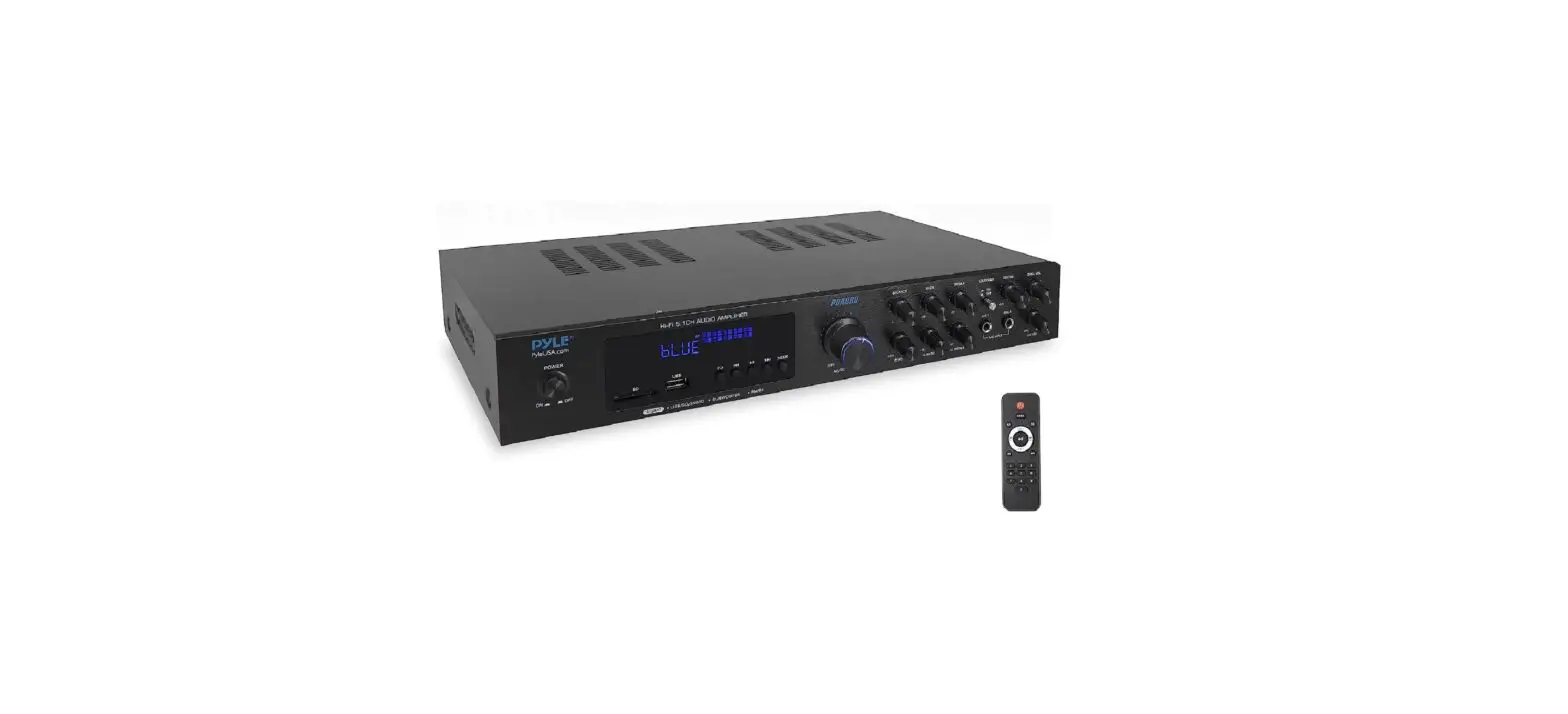
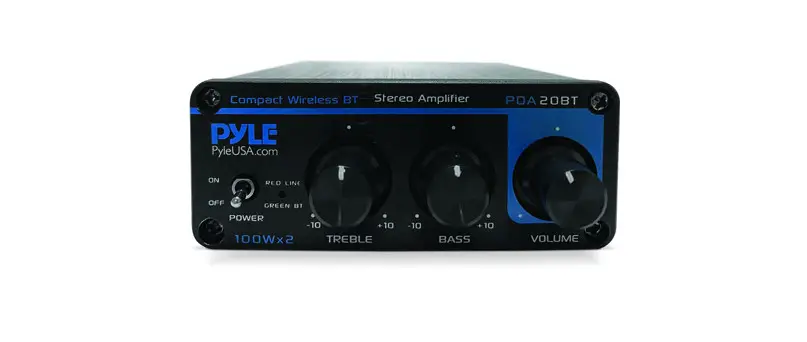
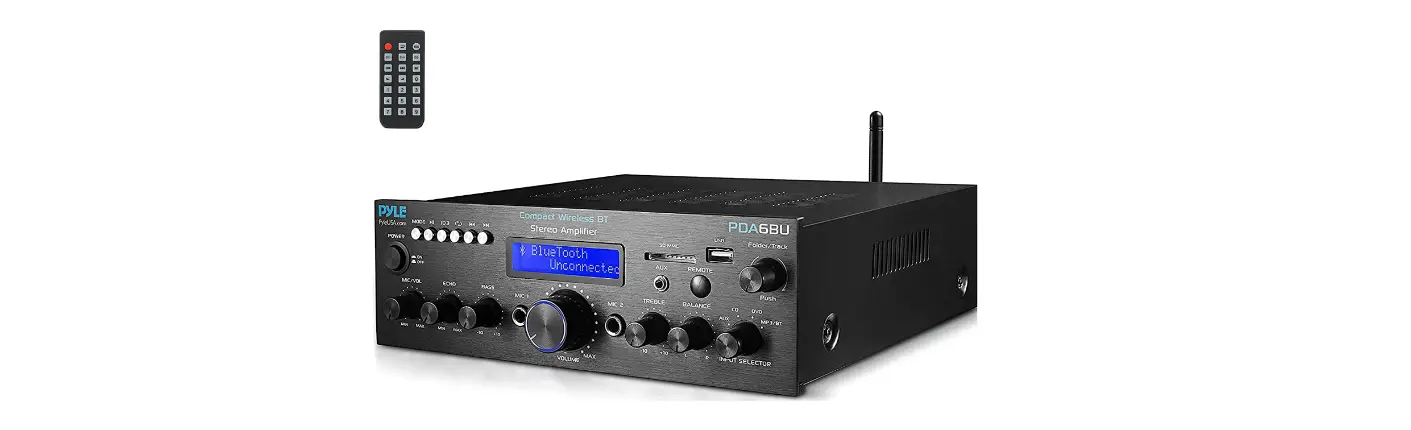
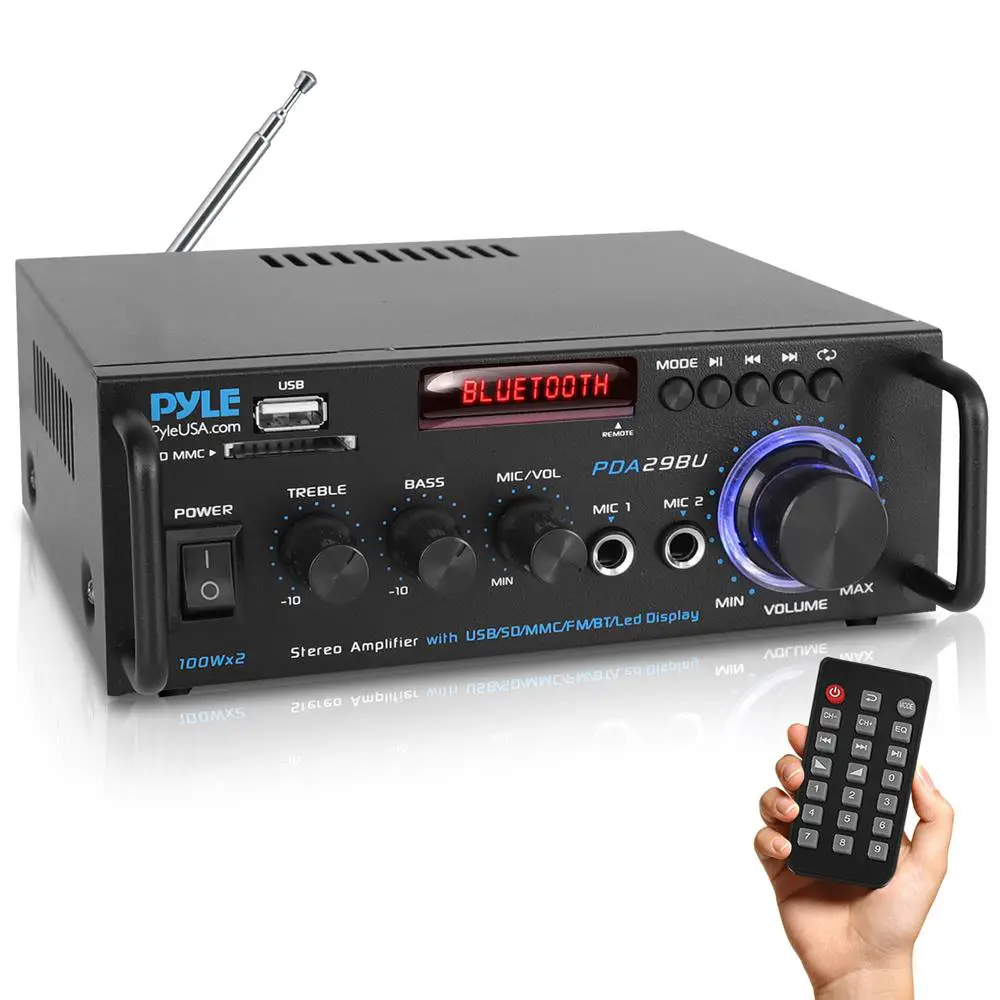
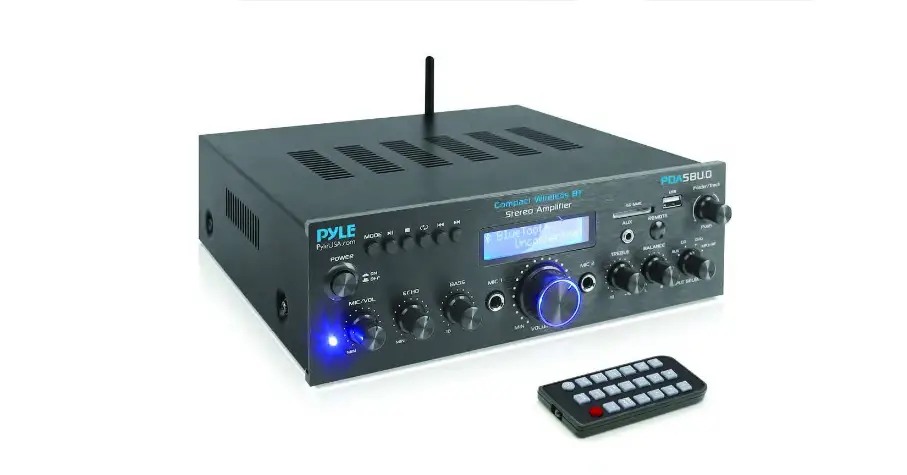
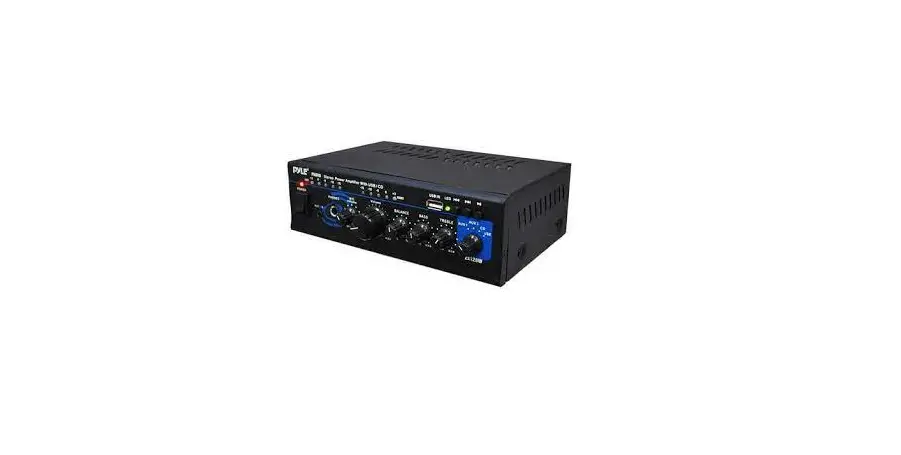
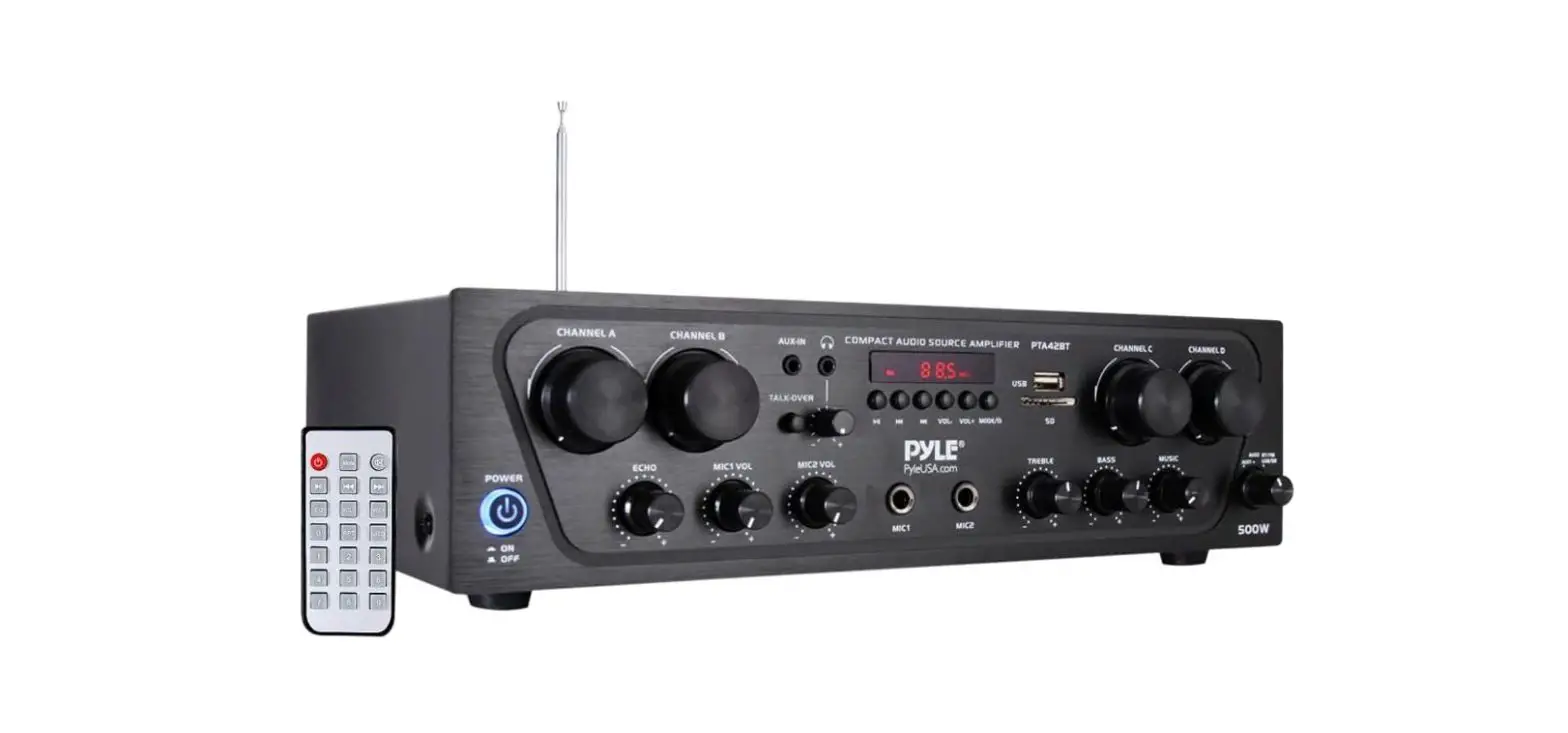
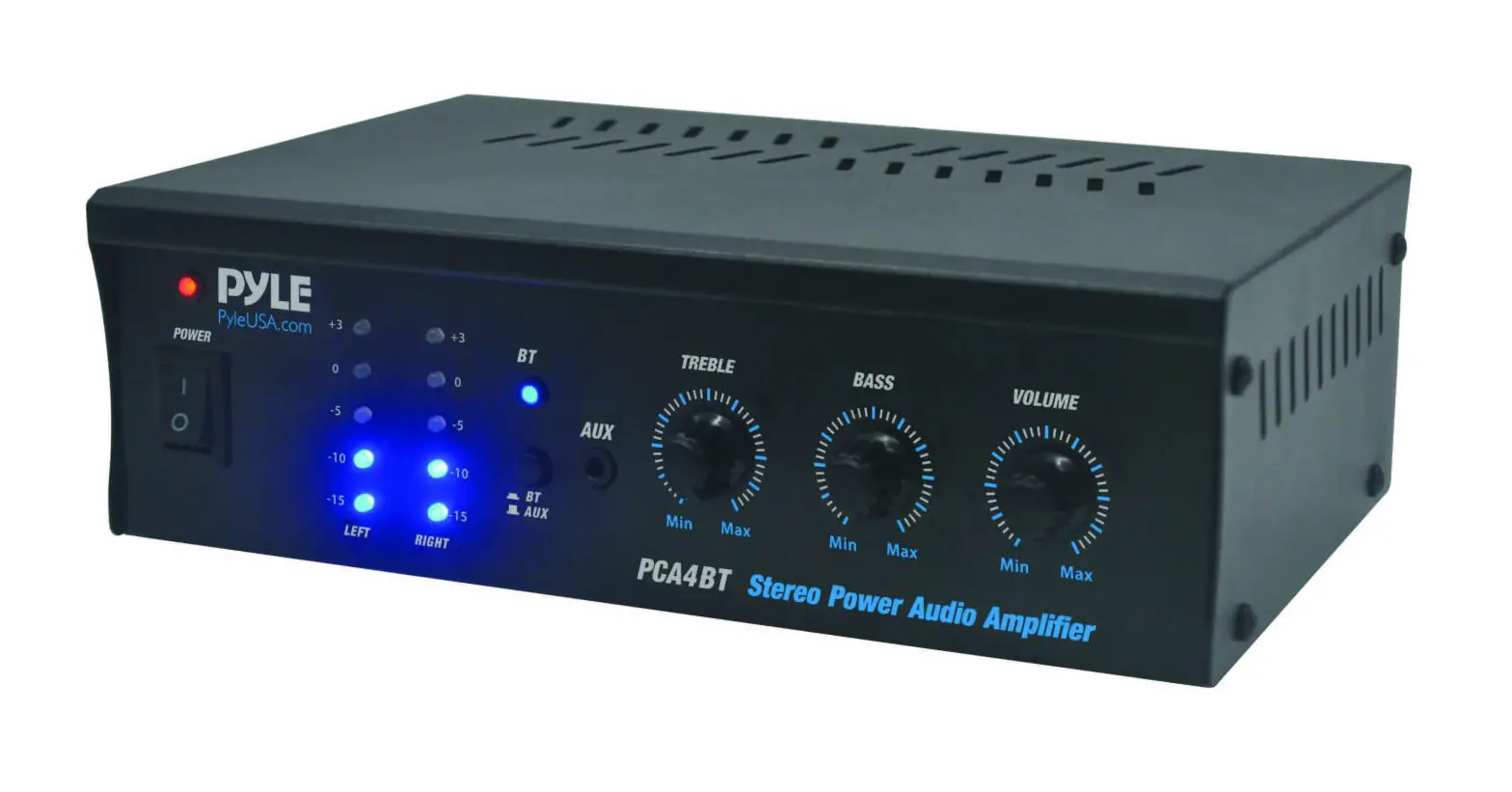
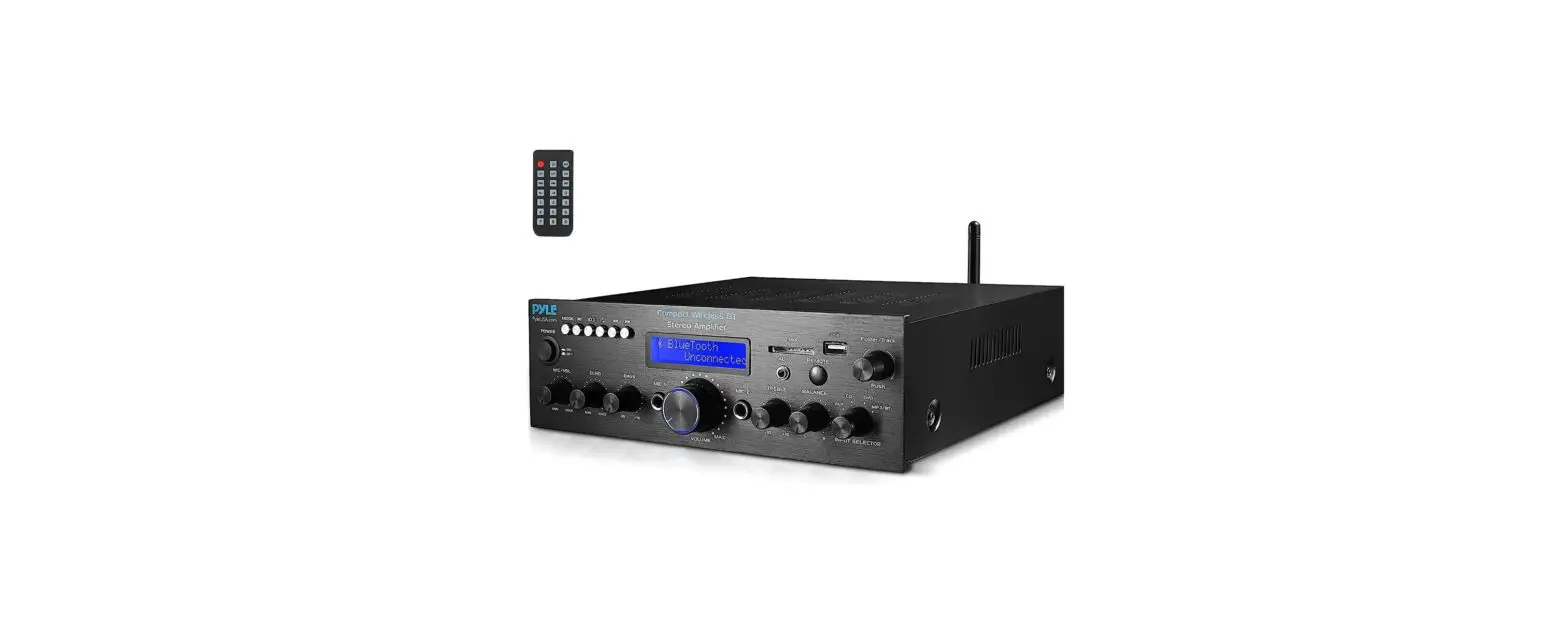
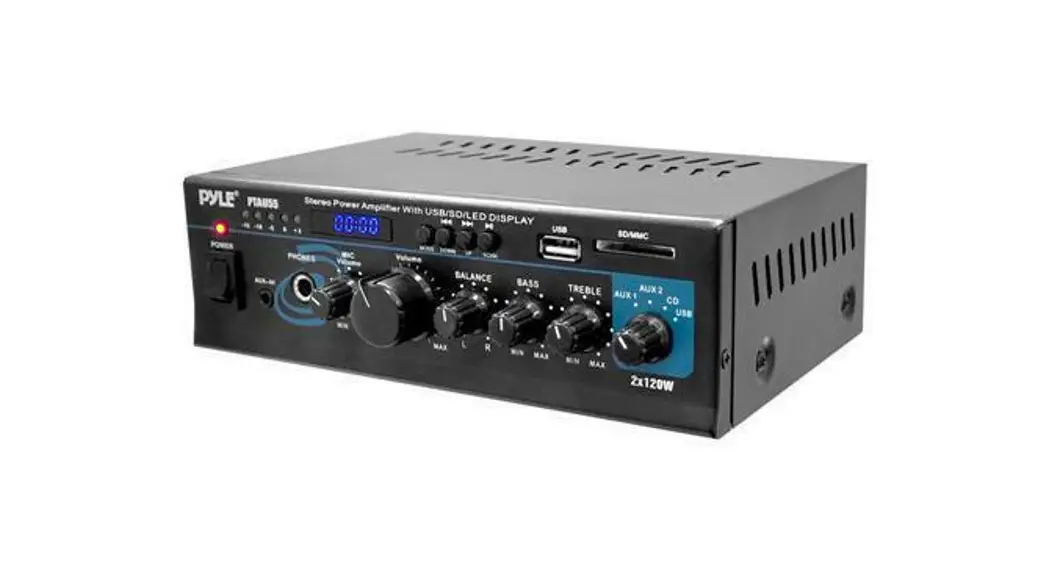
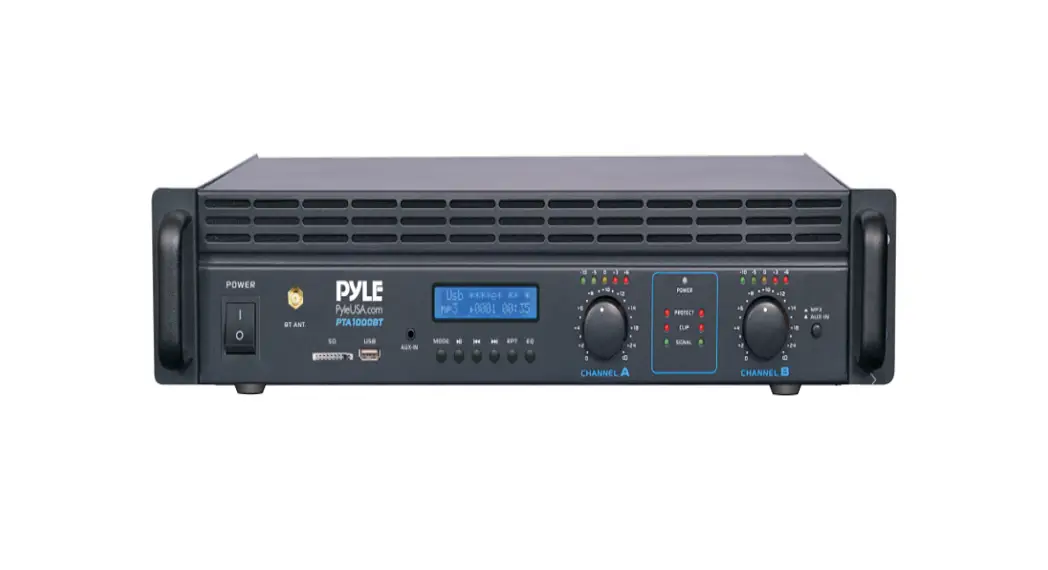
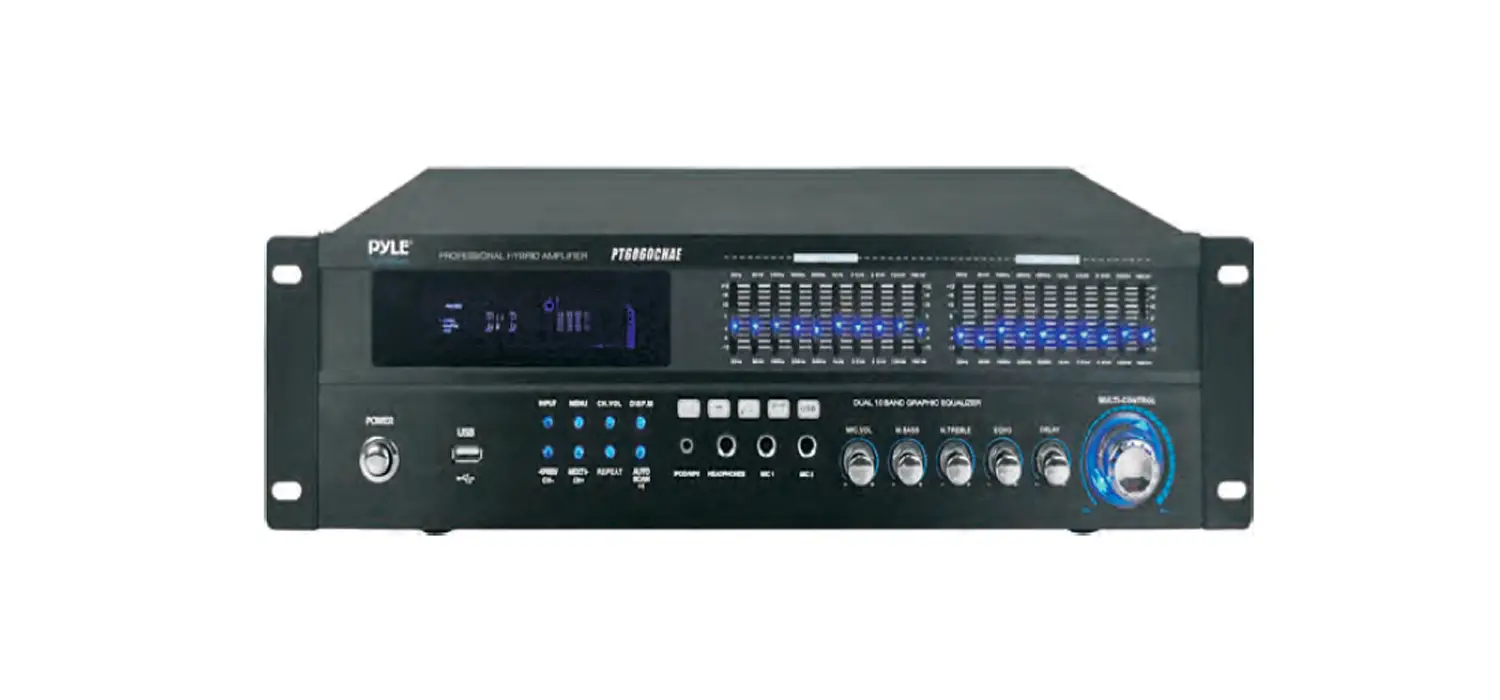
PDA5BU.0 Wireless BT Amplifier
Product Information:
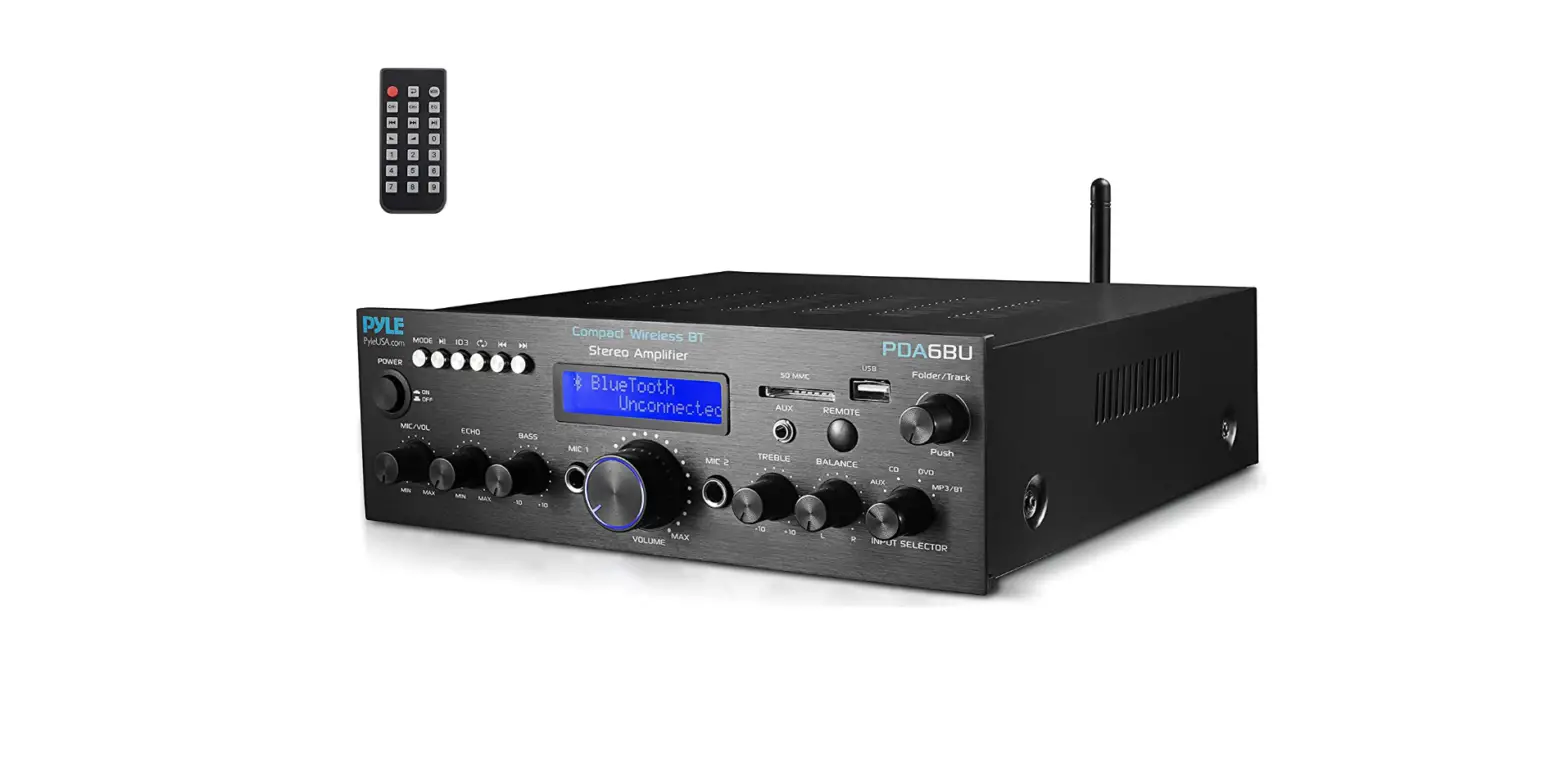
The Pyle PDA5BU.0 is a compact wireless BT stereo amplifier
designed for home desktop use. It features a built-in FM radio and
supports various external media inputs such as MP3, USB, SD, and
AUX. With a power output of 200 watts, this amplifier provides
professional sound quality suitable for amplifying music or vocal
program material. It is versatile and can be used in meeting halls,
houses, restaurants, schools, stores, or for paging systems.
Main Features:
- Power Button: Press to power the unit ON and OFF.
- Mp3 Control and LCD Screen: Displays information about external
media or the device. - SD Card Reader/USB Port: Allows connection of external media
via SD card or USB. - FM Search/Tuning: Push to search for FM channels, rotate to
adjust FM frequency. - Input Selector: Turn to choose the desired input.
- Remote Receiver: Receives signals from the remote control.
- Balance: Controls volume balance from left to right.
- IPOD/MP3 Jack: Connects iPod or MP3 player to this jack.
- Treble Control: Adjusts high frequencies of Channel 1 and
Channel 2. - MIC 1 or MIC2 Inputs: Connects KARAOKE or external microphone
to these jacks. - Master Volume Control: Adjusts the level of master volume.
- Bass Control: Adjusts low frequencies of Channel 1 and Channel
2. - Microphone Echo Volume Control Knob: Adjusts the microphone
echo volume level. - Microphone Volume Control Knob: Adjusts the volume of the
microphone. - Power LED Indicator: Indicates power status when the unit is
turned on. - FM Antenna Connector: Connects FM antennas.
- Wireless BT Antenna: Pull out the antenna when using Wireless
BT input function. - Power Voltage Selector: Switch between 110V and 220V power
supply. - Fuse: Replaceable power fuse for protection against surges and
short circuits. - Power Supply: Connects to AC 110V/60Hz & 220V/50Hz
outlet. - Speaker Output: Connects speaker system to these
terminals. - Line Output: Connects the record input jacks to these
jacks. - Audio Input: Connects the audio output jacks of Aux 1 or Aux2
to these jacks.
- Mode Switch Button: Choose the input source
(USB/SD/BT/FM). - Play/Pause Button: Controls playback and pauses music.
- Previous or Next Music Button: Doubles as Volume + or Volume
-. - RPT Button: Controls repeat music function.
- EQ Button: Controls audio equalizer settings (Hall, Live, Jazz,
Rock, Pop, Normal).
Note: The USB input is only meant to connect to
a USB flash drive. Connecting an MP3 player or computer directly to
the USB flash drive input will result in the unit failing to play
the audio from those devices.
Product Usage Instructions:
- Before setting up and using the amplifier, read the manual
thoroughly for installation suggestions and safety
instructions. - Connect the power supply to an AC 110V/60Hz or 220V/50Hz outlet
using the provided power cord. - To power on the amplifier, press the Power Button.
- Choose the desired input source by turning the Input Selector
button. - If using external media, such as an SD card or USB, plug them
into the SD Card Reader/USB Port. - If using FM radio, push the FM Search/Tuning button to search
for FM channels and rotate it to adjust the FM frequency. - Adjust the volume balance from left to right using the Balance
control knob. - Connect an iPod or MP3 player to the IPOD/MP3 Jack if
desired. - Adjust the high frequencies of Channel 1 and Channel 2 by
turning the Treble Control knob. - If using a microphone, connect it to either the MIC 1 or MIC2
Inputs. - Control the overall volume level using the Master Volume
Control knob. - Adjust the low frequencies of Channel 1 and Channel 2 by
turning the Bass Control knob. - To adjust the microphone echo volume level, turn the Microphone
Echo Volume Control knob. - To adjust the microphone volume, turn the Microphone Volume
Control knob. - The Power LED Indicator will be on when the unit is turned
on. - If using FM radio, connect FM antennas to the FM Antenna
Connector. - If using Wireless BT input, pull out the Wireless BT Antenna
for better signal reception. - Ensure the Power Voltage Selector is set to the appropriate
voltage (110V or 220V) for your region. - In case of power surges or short circuits, check the fuse and
replace it if necessary with a 1.5-Amp, 250-Volt, Fast-Acting,
5x20mm Fuse (not supplied). - Connect your speaker system to the Speaker Output
terminals. - If recording audio, connect the record input jacks to the Line
Output jacks. - If using Aux 1 or Aux2 audio inputs, connect the audio output
jacks to the Audio Input jacks.
Questions? Issues?
We are here to help! Phone: (1) 718-535-1800 Email: [email protected]
PDA5BU.0
Compact Wireless BT Stereo Amplifier
Home Desktop Stereo Receiver System with FM Radio, MP3/USB/SD/AUX (200 Watt)
FOREWORD Your New Pyle Amplifier gives you the power and versatility you need in a professional sound system. The amplifier’s wide frequency response makes it suitable for amplifying music or vocal program material. lt can be used in meeting halls, house, restaurant, schools, stores, or for paging systems.
Please read this manual thoroughly before you attempt to set up and use the amplifier. It contains a range of installation suggestions as well as instructions to ensure safe usage. Installed properly, you can expect years of trouble-free service from this product.
PDA5BU.0 Front and Back Panel
1
2
3
4
15 14 13 12 10
11
10 9 8 7 6 5
16
17
18
19
2 www.PyleUSA.com
23 22
21
20
www.PyleUSA.com 3
Function 1. Power Button: Press this button to power the unit ON and OFF. 2. Mp3 Control and LCD Screen: All information regarding external media or
this device will be displayed from this screen. 3. SD Card Reader/USB Port: For using external media on this device, just plug
your SD/USB into these ports. 4. FM Search/Tunning: Push it for FM Channel searching.
Rotate it for FM Frequency adjusting. 5. Input Selector: Turn this button to choose the favorable input 6. REMOTE RECEIVER: To receive the signal of remote control 7. Balance: Control the volume balance from left to right. 8. IPOD/MP3 JACK-IPOD/MP3 connects to this jack. 9. Treble Control: Turn this knob to adjust the high frequencies of Channel 1
and Channel 2. 10. MIC 1 or MIC2 Inputs: KARAOKE or EXTERNAL MIC connects to these jacks. 11. Master Volume Control: Turn the this knob to adjust the level of master
volume 12. Bass Control: Turn this knob to adjust the low frequencies of Channel
1 and Channel 2. 13. Microphone Echo Volume Control Knob: Turn this knob to adjust the
microphone echo volume level. 14. Microphone Volume Control Knob: Turn this knob to adjust the volume of
microphone 15. Power LED Indicator: When you turn on the unit, the LED will be on. 16. FM ANTENNA CONNECTOR: Connect for FM antennas. 17. WIRELSS BT ANTENNA: Please pull the antenna out when using Wireless BT
input function 18. POWER VOLTAGE SELECTOR: 110V/220V Switch 19. FUSE: Replaceable Power Fuse
The Amplifier uses a fuse for protection against surges and short circuit. If the Amplifier suddenly turns of and will not turn On. Check the fuse and if necessary replace it with a 1. 5- Amp, 250-Volt, Fast-Acting, 5x20mm Fuse (Not Supplied).
20. POWER SUPPLY: Connect to AC 110V/60Hz & 220V/50Hz outlet. 21. SPEAKER OUTPUT: Connect your speaker system to these terminals. 22. LINE OUTPUT: Connect the RECORD input jacks to these jacks. 23. AUDIO INPUT: Connect the audio output jacks of Aux 1 or Aux2 to these
jacks. USB/SD Card & FM Button Control
1 23 4 5 6
1. Mode switch button for input choice like USB/SD/BT/FM 2. Play/Pause button 3 & 4. Previous or Next music button doubles as Volume + or Volume –
· Short press for Previous or Next music · Press and hold for Volume+ or Volume-
5. RPT button: Repeat music control 6. EQ button control for Hall, Live, Jazz, Rock, Pop, Normal. NOTE: The USB input is ONLY mean to connect to a USB flash drive. Connecting an MP3 player or computer directly to the USB flash drive input will result in the unit failing to play the audio from those devices.
4 www.PyleUSA.com
www.PyleUSA.com 5
USB/SD Card Control Console Display Screen
1
2
5
64
3
8
7
1. Mode Displayed: “USB” or “SD” letters will be displayed here if the “MODE” button is switched to USB mode or SD mode.
2. The current playing Music’s name will be displayed here. 3. The playing time of the current music will be displayed. 4. The number of the music will be displayed. 5. Formats like Mp3,WAV, WMA, APE, FLAC, etc. will be displayed. 6. “Fm Radio” letters will be displayed here if the “MODE” button is switched to
FM Radio mode. 7. The current FM Frequency is displayed here 8. The current FM Channel will displayed here
MARK 1: There will be 6 different EQ will be displayed on the screen depending on the setting has been choosed: Hall, Live, Jazz, Rock, Pop, Normal.
MARK 2: USB/SD Card/BT Control Console: After inserting a USB flash drive/ SD Card into the input terminal, be sure to set the input selector to USB/SD, then press the mode button to choose between audio from the USB Port, SD Card input, BT or FM radio. If you want to use the BT, check the below steps.
STEPS FOR CONNECTING WITH BLUETOOTH DEVICE A. Press MODE button under the LCD display screen and enter into Wireless BT
mode. B. Search on the Wireless BT device and you can find the Wireless BT name
“Pyle Speaker” C. Select the “Pyle Speaker” Wireless BT name and wait for the device to pair. D. The Stereo Amplifier will make a signal to confirm that the device has
successfully paired and screen will be display “BT CONNECTED” E. Once being paired, you can play music from your BT device. You can also use
the control buttons on the unit to select the tracks from your BT device.
REMOTE CONTROL FUNCTION: 1. Standy By Button 2. Equalizer Button
(Hall, Live, Jazz, Rock, Pop, Normal) 3. Previous Song Button
Short press for previous music; Press and hold for fast backward 4. Source Input Volume 5. MODE: Menu Control Button Press to select BT/USB/SD/FM LINE IN etc audio input 6. MUTE Button 7. Source Input Volume + 8. USB/SD Switch Button 9. Next Song Button Short press for next music Press and hold for fast forward 10. Play/Pause Button 11. Repeat Song Button
Repeat one music or repeat all 12. Number Buttons for Song Selection
6 www.PyleUSA.com
www.PyleUSA.com 7
Features:
· Compact Stereo Power Amplifier · Desktop Home Theater Receiver System · Built-in BT for Wireless Music Streaming · Next-Generation `SMT’ Surface-Mount Technology PCB · Multi-Channel Audio Input Selection · FM Radio with Digital LCD Display · ID3 Tag Song Readout Displays Track Title · Connect & Stream Audio from External Devices · MP3 Digital Audio File Playback · USB Flash Drive & SD Memory Card Readers · USB Port Doubles as Device Charge Port · Aux (3.5mm) Input Jack · RCA (L/R) Input and Output Connector Jacks · (2) Pairs Banana Plug Speaker Output Connectors · (2) 1/4” Microphone Input Connector Jacks · Front Panel Button Control Center · Unique ‘Track/Folder’ Music Search Control Knob · Treble, Bass, Master & Microphone Volume Adjustable
What’s in the Box:
· Compact Home Amplifier · Remote Control · Radio Antenna
8 www.PyleUSA.com
Wireless BT Connectivity:
· Receives Wireless Signal for Audio Streaming · Simple & Hassle-Free Pairing Setup · Integrated Antenna for Extended Wireless Range · Works with All of Today’s Latest Wireless BT Devices
(Smartphones, Tablets, Laptops, Computers, etc.)
· Wireless BT Network Name: `Pyle Speaker’ · Wireless BT Network Password: `0000′ (4 Zeroes) · Wireless BT Version: 4.2 · Wireless Range: Up to 25’+ ft.
Technical Specs:
· Amplifier Component Circuitry: Transistor Type · Power Output: 200 Watt (@ 4 Ohm) MAX · Tone Control: Bass, f=100Hz +/-8dB · Frequency Response: 20Hz – 20kHz · Signal to Noise Ratio: >71dB · T.H.D.: <0.1% · Radio Station Memory: 60 Station Presets · Digital Filetype Compatibility: MP3 with MP3, WAVE, WMA, FLAC, APE · Maximum USB/SD Flash Support: 64GB · Battery Operated Remote: Requires (1) x `CR-2025′ Battery, Included · Power Supply: 110V/220V · Dimensions: (L x W x H) 10.03” x 7.87” x 3.14” – inches
www.PyleUSA.com 9
 Pyle USA Electronics | Home Audio | Car Audio & More