 QUICK INSTALL GUIDE
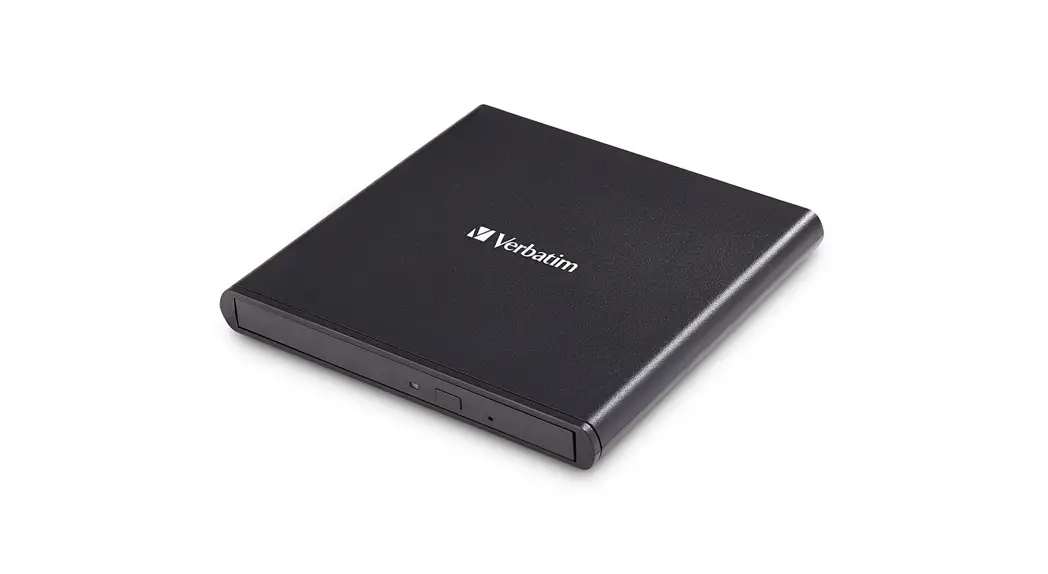
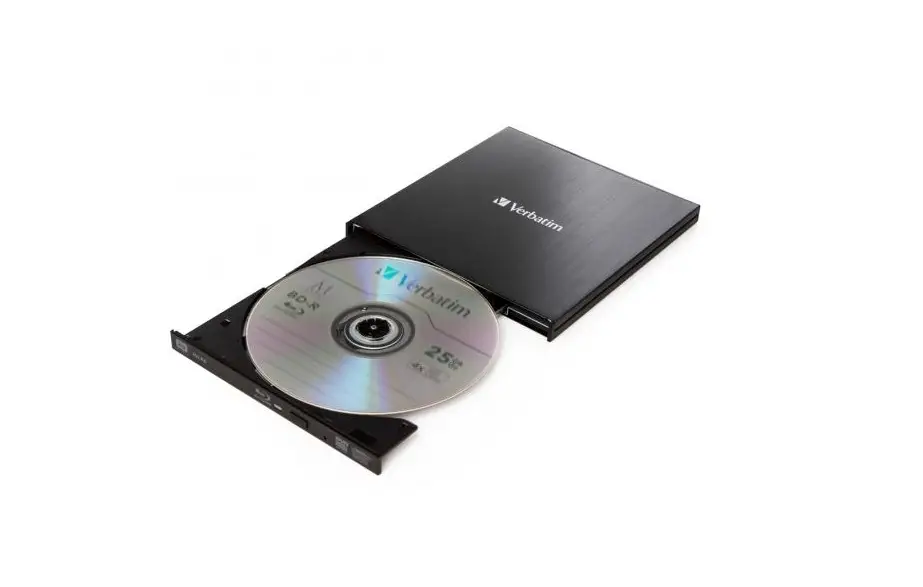
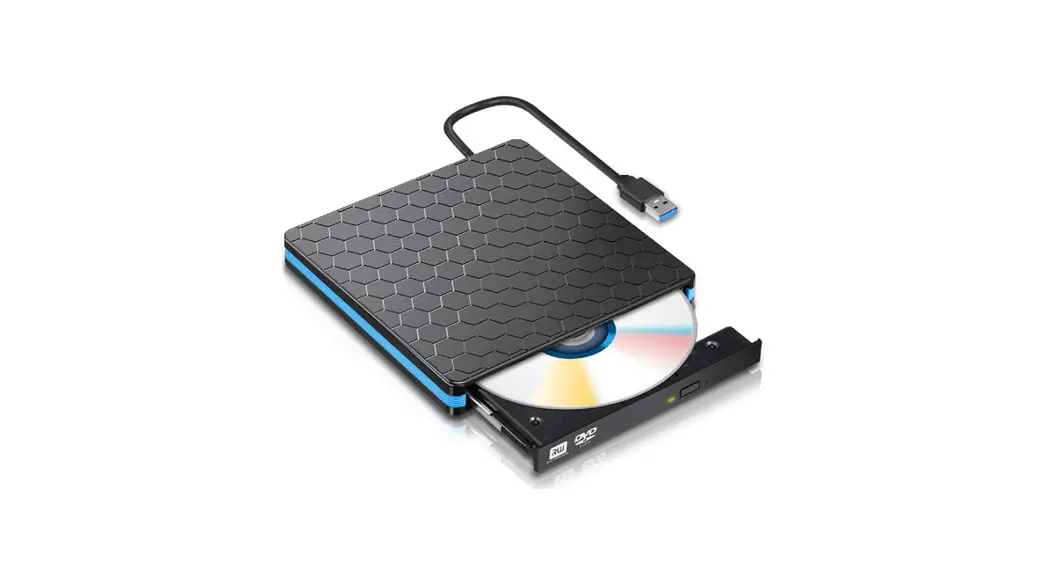
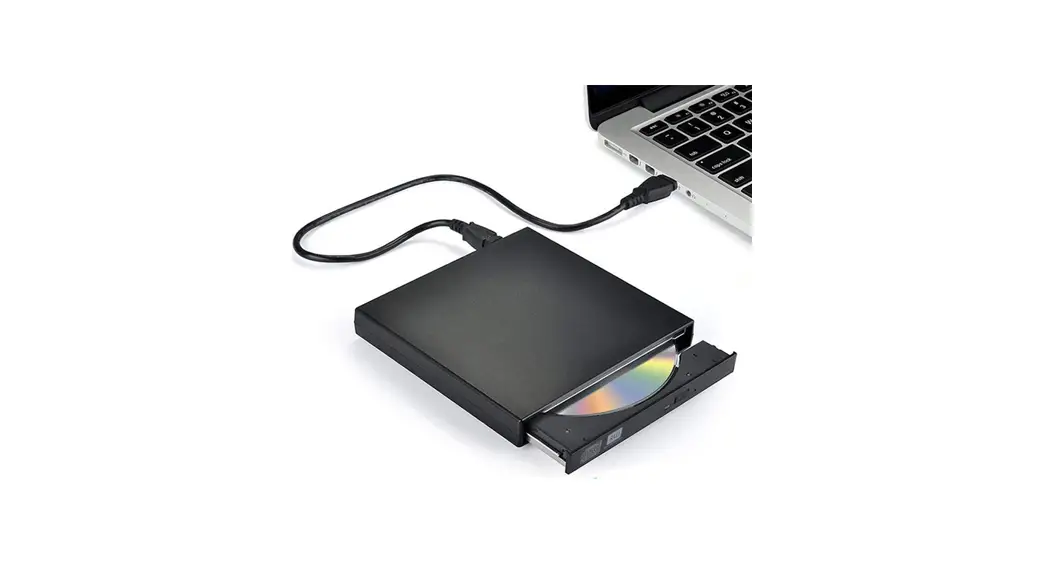
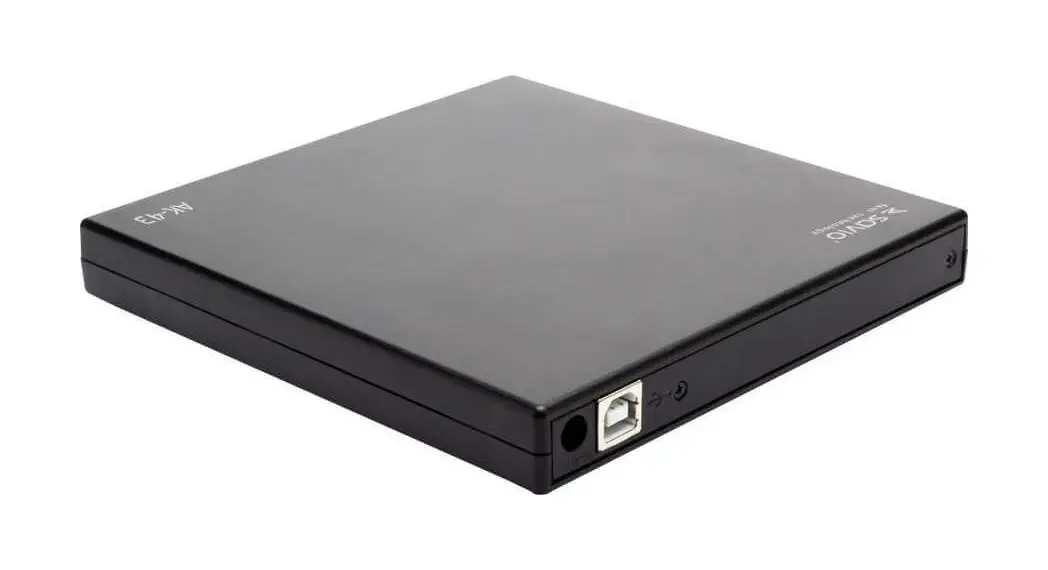
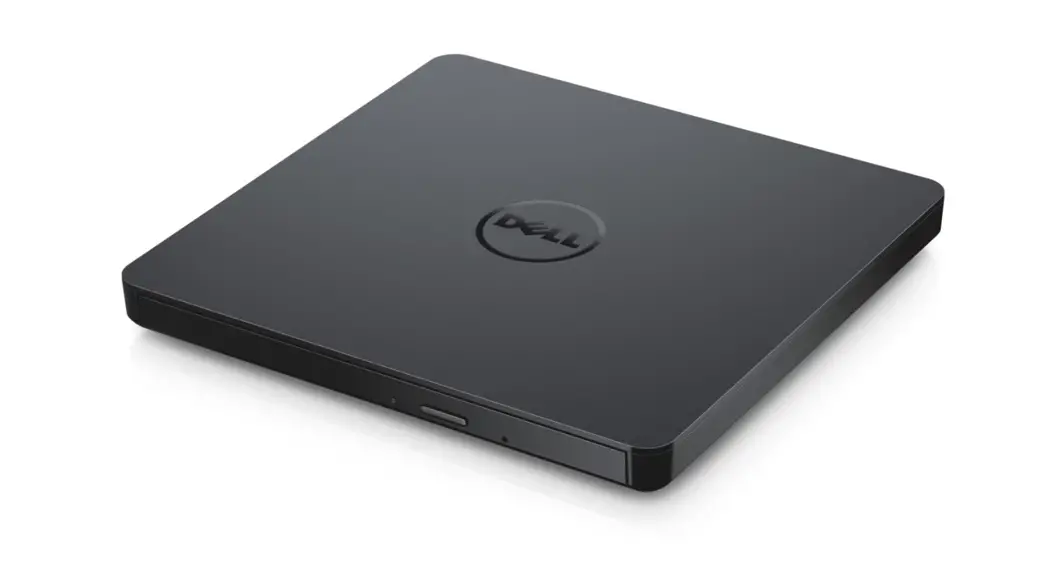
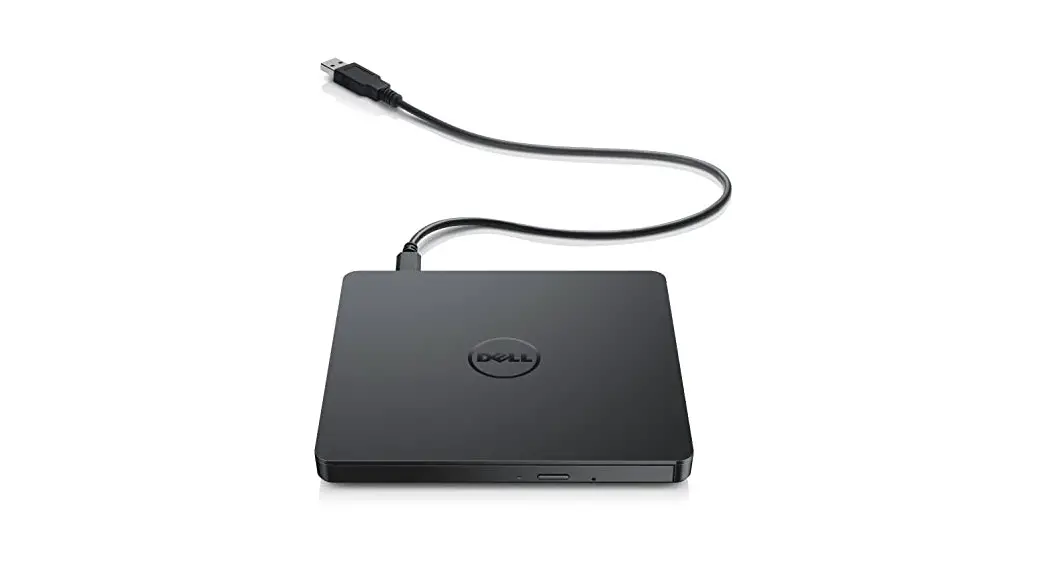
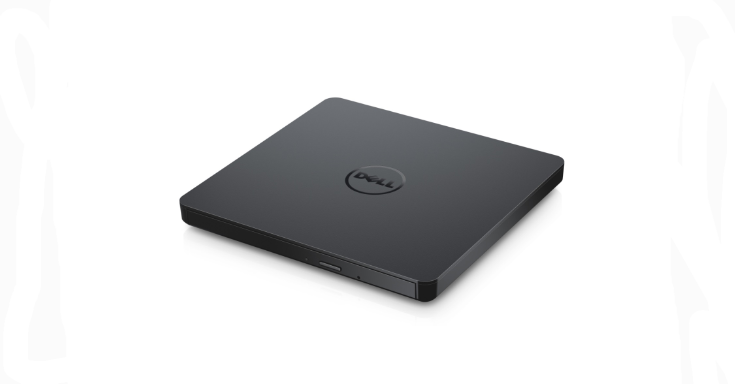
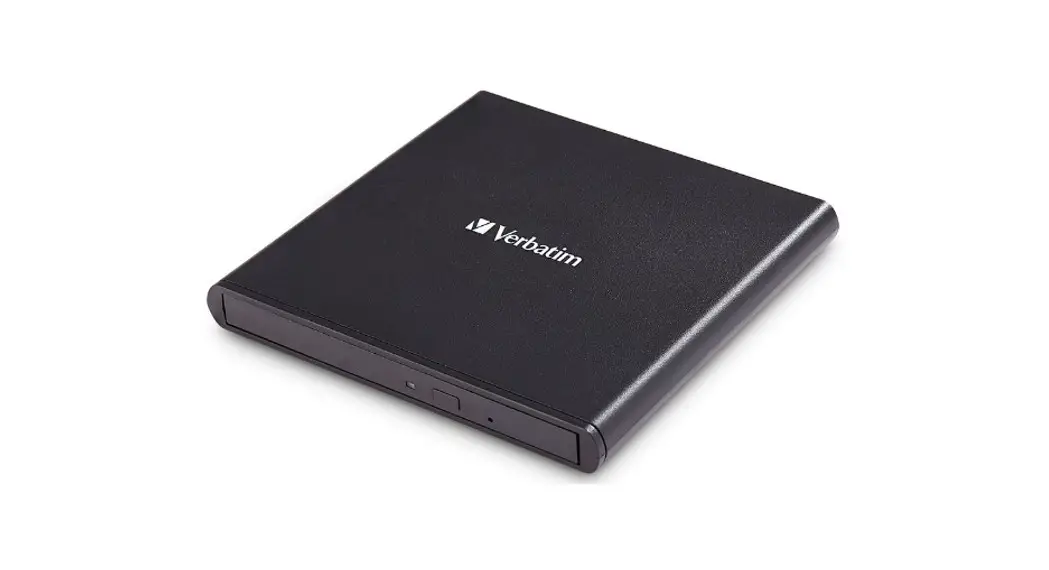
External Slimline CD/DVD Writer
98938 External Slimline CD/DVD Writer
ATTENTION: The quick start information only gives you a preliminary look at the connection and first use of your Verbatim device. The full user manual is available on the software CD.
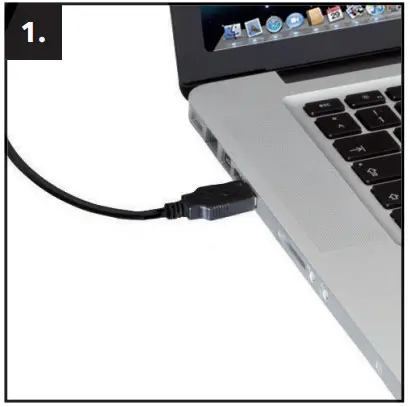 | 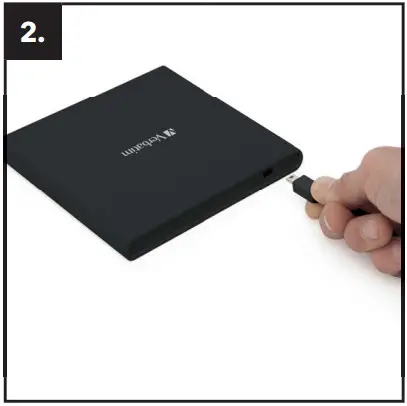 |
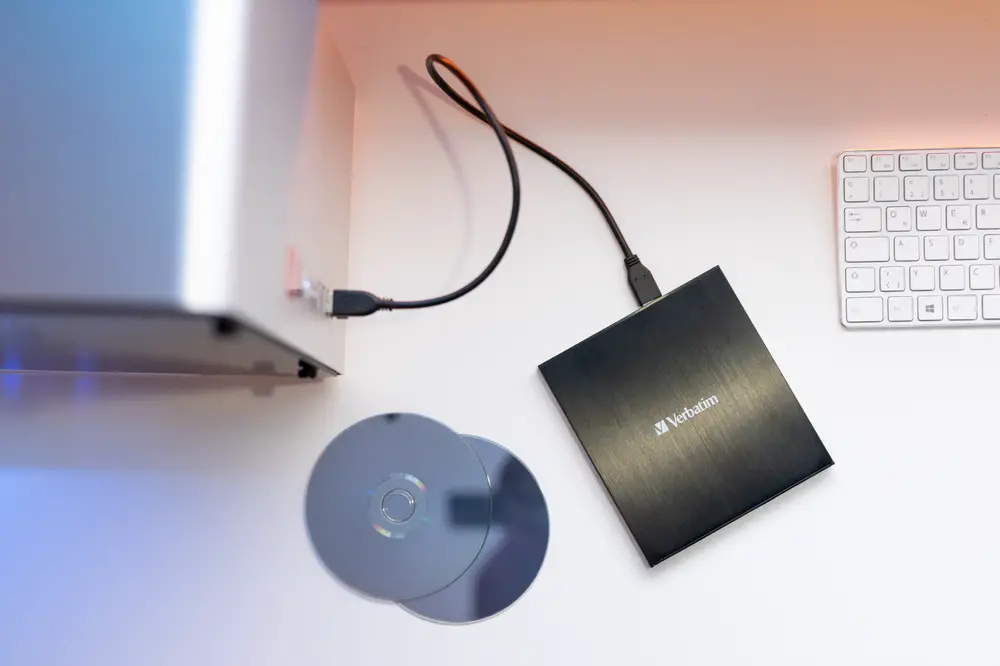
| Connect the USB cable to the interface port of your computer. For most computers, power through the data transfer port alone will be suffi cient. | Connect the USB interface cable to the Verbatim External Slimline CD/DVD Writer. |
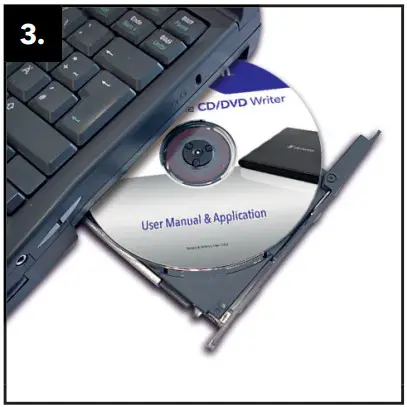 | 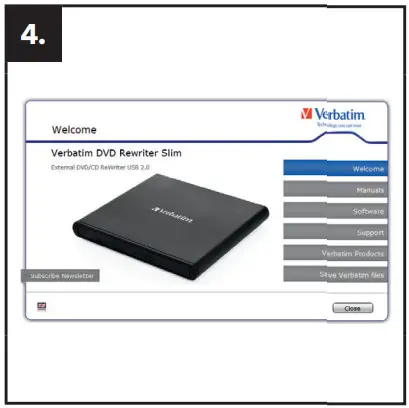 |
| Insert the Manual & Application DVD. | Install the Software Optional: Support, Manuals |
If you have any questions about this product, please contact the Verbatim support team – www.verbatim.com/support
Verbatim GmbH
- EUROPE/ MIDDLE EAST/ AFRICA: Verbatim GmbH, Düsseldorfer Straße 13, 65760 Eschborn/Germany
- AMERICAS: USA Verbatim Americas LLC. Charlotte, NC
- AUSTRALIA/ NEW ZEALAND: Verbatim Australia Pty Ltd, Unit 6, 450 Princes Highway, Noble Park, Victoria, 3174 Australia
Tel: +61 3 9790 8999
Fax:+61 3 9790 8955
Email: [email protected]
www.verbatim.com
The information in this Quick Install Guide may change without prior notice. / rev. 1712
References
 Support Center | Verbatim: Digital Media Storage Solutions, USB Flash Drives, External Hard Drives, SD Memory Cards
-
Welcome to Verbatim: Removable External Storage Drives - Digital Memory Cards, Blu ray, CD & DVD Media
-
Support Center | Verbatim: Digital Media Storage Solutions, USB Flash Drives, External Hard Drives, SD Memory Cards
 Support Center | Verbatim: Digital Media Storage Solutions, USB Flash Drives, External Hard Drives, SD Memory Cards
 Welcome to Verbatim: Removable External Storage Drives - Digital Memory Cards, Blu ray, CD & DVD Media