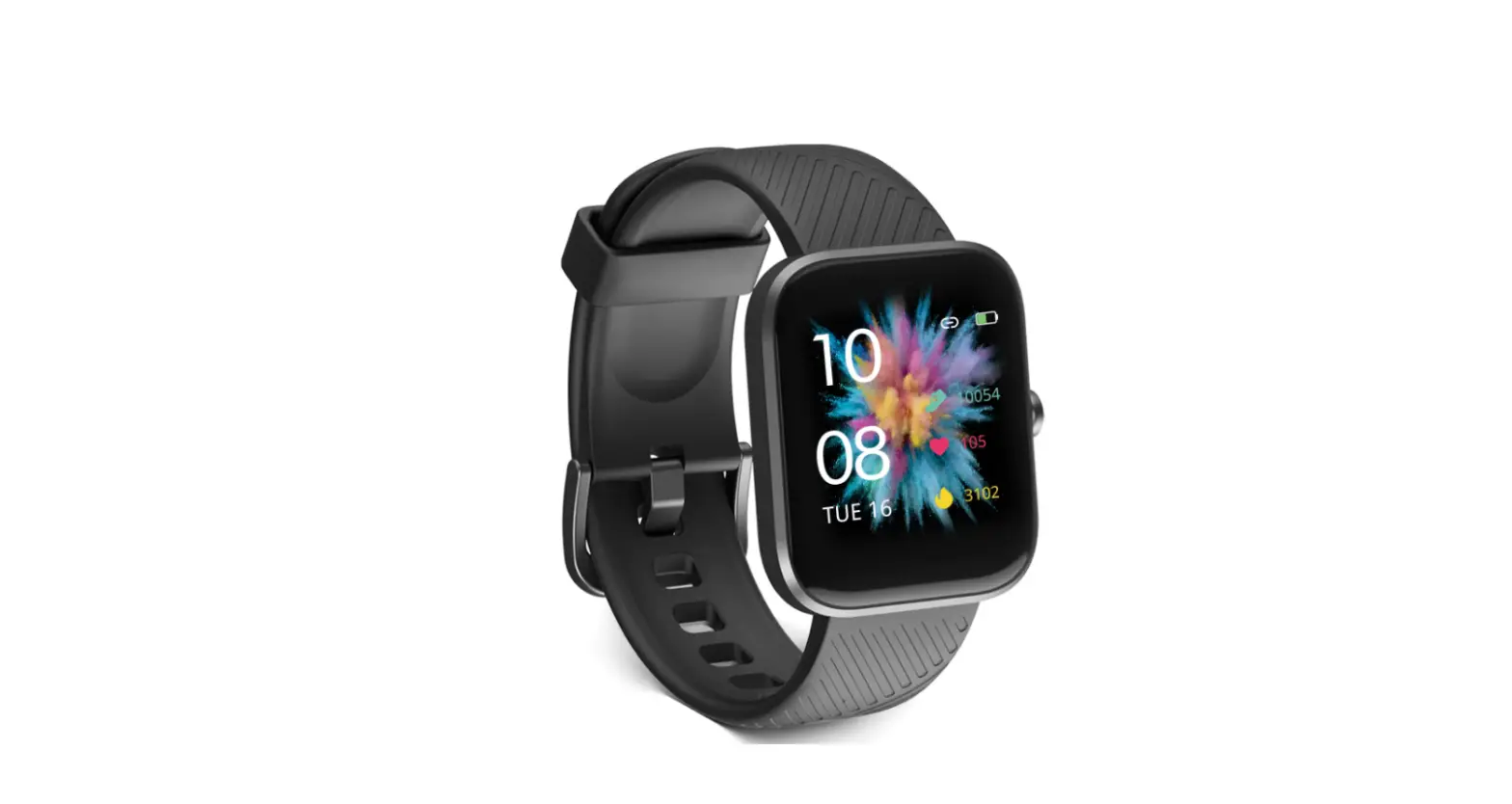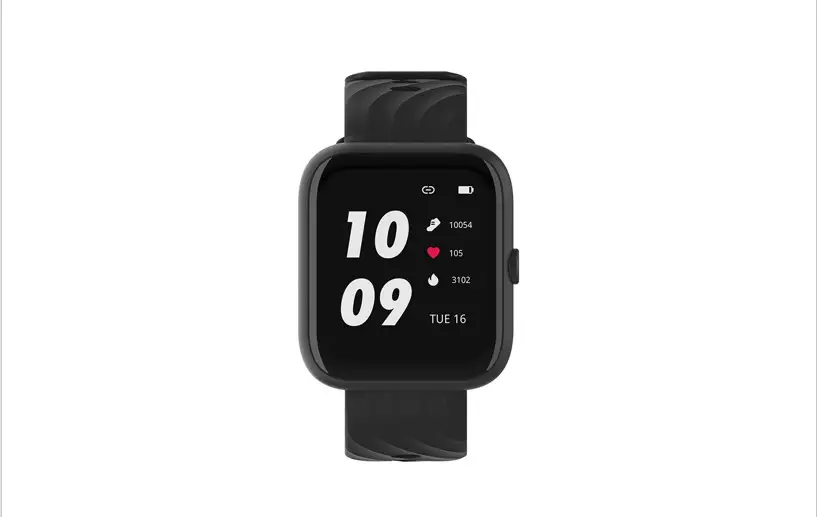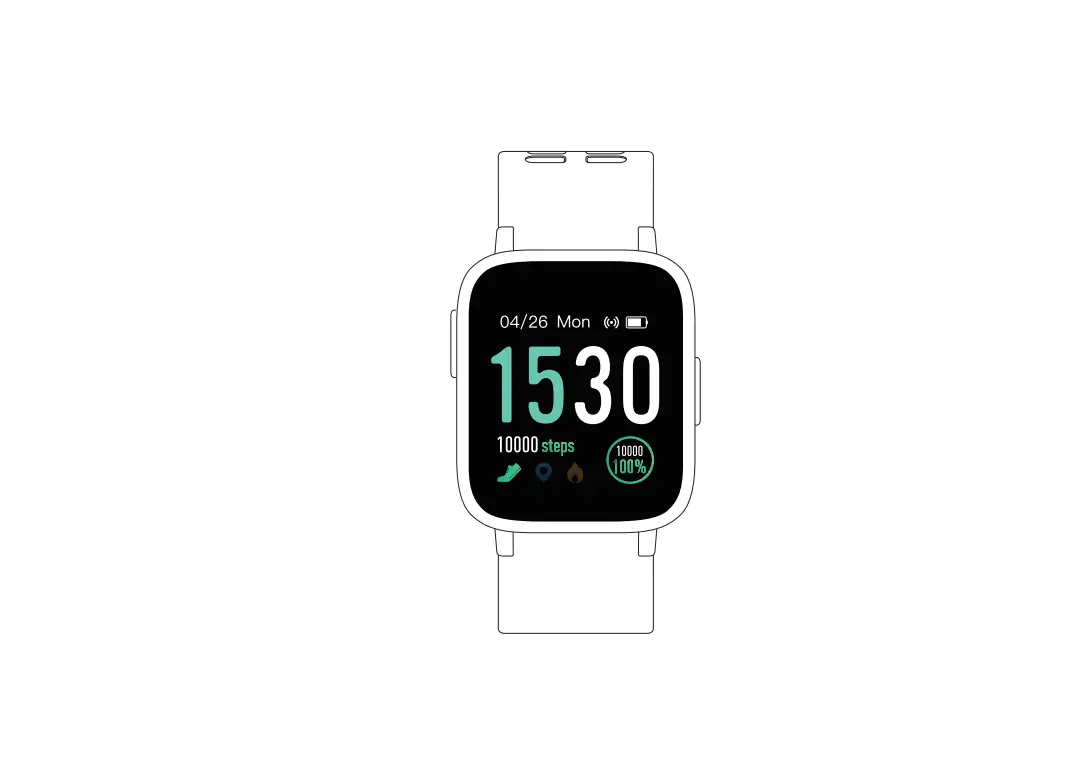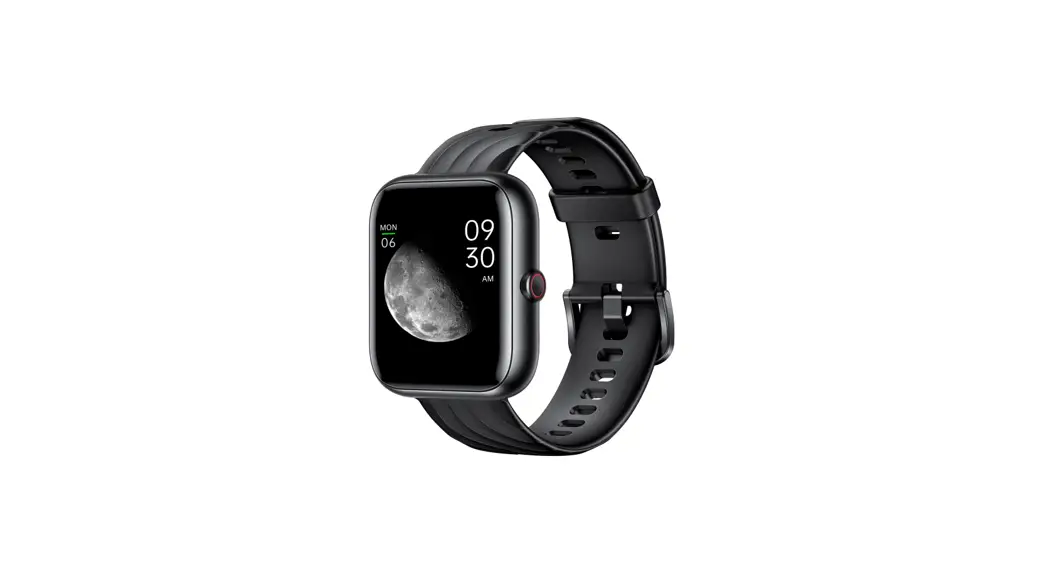
 VT3PLUS Fitness Tracker
User Manual
Package Contents
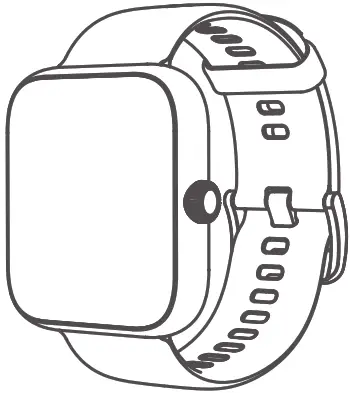
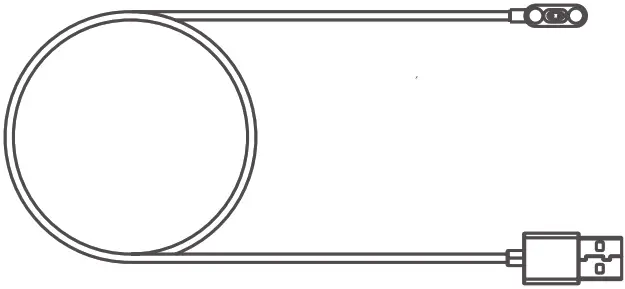
| VT3PLUS Watch | Charging Cable | Quick Start Manual |
 |  |  |
How to Operate
2.1 Charging Your Watch
Properly attach the magnetic charging base to the back of the watch, then plug the USB end into a USB port on the computer, charging dock, or power bank for charging.
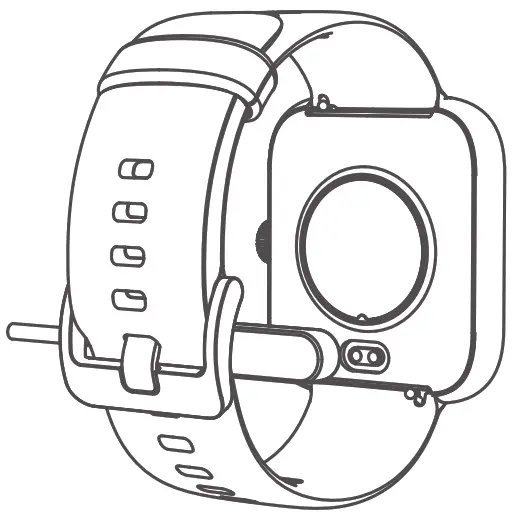
Input current: <0.3A
Input voltage: 5V DC
Charging time: about 2 hours
Note:
It is recommended to use the universal 5V/1A charger with a certification mark on the market.
2.2 Navigating Your Watch
| Long press | Short press | ||
| Power Key | 1. Power on or off 2. To end the exercise from the activity pause interface | 1. Wake up or lock screen from the home screen 2. Return to the previous menu, or pause/continue the exercise | 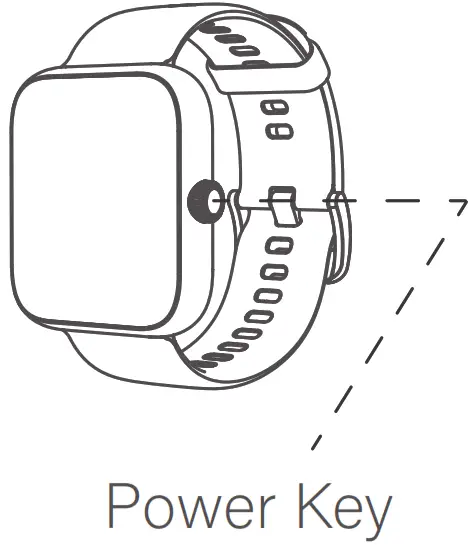 |
| Gestures Instruction | |
| Tap the screen | Confirm to use this feature/Enter the sub-interface |
| Swipe left/right | Swipe right to return to the previous menu |
| Swipe up/down | Switch screen/Swipe up from the home screen to access Power Saving Mode, Flashlight Mode, DND Mode and brightness |
| Long press on the home screen | Change watch face |
2.3 Powering on Your Watch
Long press the power key to turn on your watch. Please make sure to fully charge the watch first if it doesn’t turn on.
2.4 Downloading App
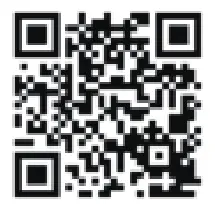
Download the “Zeroner Health Pro” app from the App Store or Google Play Store, or scan the QR code below to download.
2.5 Pairing Your Watch with Your Phone
Please follow the below instructions to complete the pairing.
- Please make sure that you have enabled Bluetooth on your phone before starting paring.
- Launch Zeroner Health Pro on your phone and register an account.
- Fill in your personal information(height, weight, date of birth), and then follow the onscreen instructions to create your profile.
- Tap “device” > “Watch +” > “VIRMEE-VT3plus-XXXX” on the app to connect your watch to the phone.
NOTE:
The app needs permission to access your location if you are using an Android phone, so you need to ALLOW LOCATION ACCESS in System Settings in order to connect successfully.
2.6 Wearing Your Watch
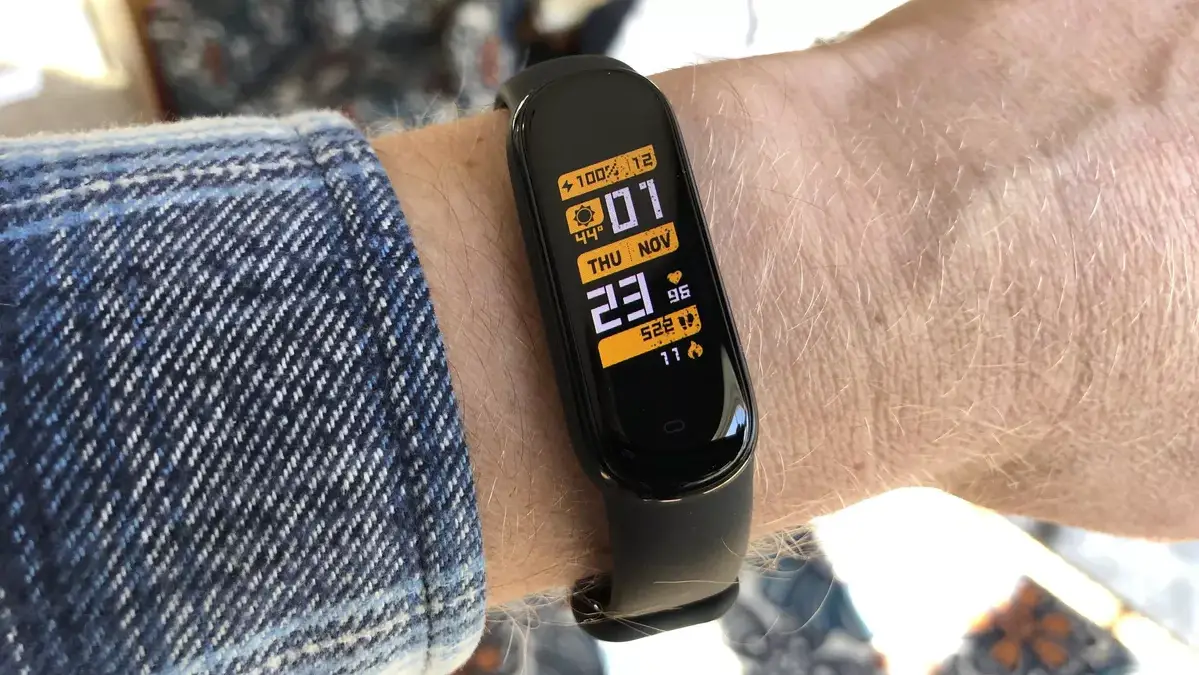
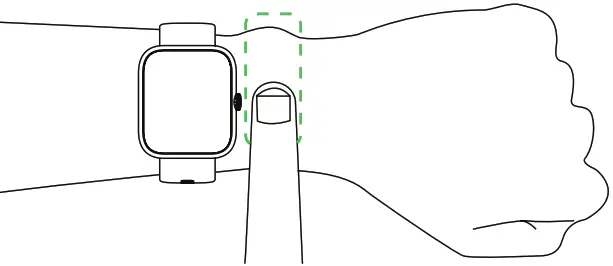
- For optimized tracking of the measured values, we recommend wearing the watch with one finger’s width below your wrist bone.
- Please make sure the watch is fairly snug against your skin and does not slide up or down your wrist during exercise.

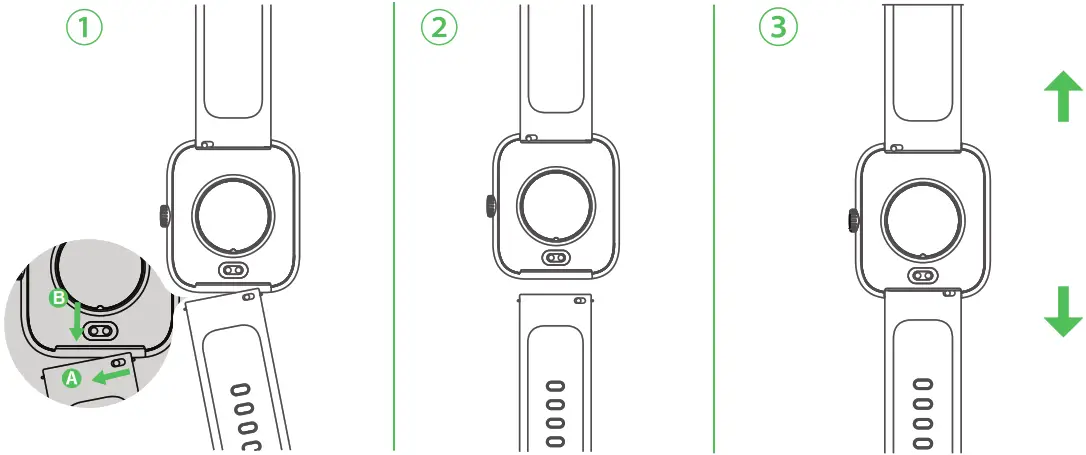
2.7 Replacing the Strap
Please choose the strap with a width of 20mm if you want to replace it.
- Remove the strap from the watch by sliding the snap lock on the strap.
- Align the new strap with the watch and buckle the strap in.

Main Features
3.1 Heart Rate Monitoring
- The watch can monitor 24-hour real-time heart rate, resting heart rate, and heart rate zones during exercise, you can choose to enable or disable this function on the app.
- You can set the upper and lower limit of heart rate on the Zeroner Health Pro app. If the heart rate is out of the scope of limit value, the watch will remind you.
- Multiple heart rate zones display during exercise: all detailed data can be viewed after connecting and syncing to the app.
Note:
The light signal transmission might be blocked if your skin is too dark or with excess hair, or improper wearing also may lead to a measurement failure.
3.2 Professional Swimming Tracking
- The watch can record swimming distance, SWOLF, strokes, total energy, and other data.
- End exercise: press the right button once to enter the pause interface, then long-press the right button to end swimming.
Note:
- The watch is only used for swimming. If you wear it for diving, it may cause damage to the device. Such damage is not within the scope of a warranty.
- The watch cannot obtain heart rate data when swimming.
- Under the swimming mode, the touch function is automatically disabled.
- In the pool mode, please set the distance of the swimming pool correctly. If the swimming distance is less than one lap, then the distance cannot be calculated.
3.3 Multiple Sports Modes
- The watch supports various sports modes, such as Run, Swimming, Cycling, and so on. You can choose one that suits you, set goals and obtain real-time data.
- You can enable Illumi Run in the Sports Settings when running, the color display will change with cadence and heart rate zones. Making running at night safer and more fun.
More Information
4.1 Water Resistance Instruction
The water resistance rating: 5ATM
The water resistance performance of the device is not permanently valid, it may diminish as time passes. The device can be used during washing hands, rain, or swimming in the shallow water, but not support hot water showers, diving, surfing, etc. It does not have a waterproof effect on corrosive liquids such as seawater, acidic and alkaline solutions, and chemical reagents. If you inadvertently encounter corrosive liquid, please clean it with clear water and wipe it dry. The damage caused by abuse or improper use is not covered by the warranty.
The following conditions may affect the water-resistance performance and should be avoided when using:
- The watch falls, bumps, or suffers from other impacts.
- The watch is exposed to soap water, shower gel, detergent, perfume, lotion, oil, etc.
- Hot and humid scenes such as hot baths and saunas.
4.2 Specification Parameter
| Physical size | 44*38*10.5mm | Adjustable strap | 150mm-250mm |
| Display size | 1.57 inch TFT color square display | Working temperature | -10℃-45℃ |
| Weight | About 51g | Screen resolution | 320*360 pixels |
| Battery capacity | 300mAh Li-Polymer battery | ||
| Battery life | 5-7 days (receive an average of 50 messages & 5 calls per day; raise your wrist to wake the screen up 50 times; exercise for half an hour per day; turn on 24-hour automatic heart rate monitoring). | ||
4.3 Firmware Upgrade
- Firmware Upgrade
When there is a new firmware version, there will be a notification in the app.
Go to the “Device” interface of the app and select firmware upgrade.
Notes:
1. Make sure that the battery level is more than 50% before upgrading.
2. During the upgrade process, keep the screen of your phone bright, and only when the upgrade is completed can you exit the interface, otherwise, the upgrade will fail. - Upgrade Failed
Wait for the watch to restart automatically if the upgrade fails. Then reconnect your watch to the app for upgrading again.
Device Maintenance
5.1 Device Care
- Do not use any sharp objects to clean the device.
- Avoid using solvents, chemical cleaners, or insect repellents that might damage the plastic components of the device.
- Thoroughly rinse the device with clean water after exposure to chlorine, salt water, sunscreen, cosmetics, alcohol, or other harsh chemicals to avoid damage to the device.
- Avoid pressing the key on the device while it is under water.
- Avoid extreme shock and harsh treatment of the device, as it may reduce the product life.
- Do not expose the device to extreme temperatures that are either too cold or too hot for a long time, which may cause permanent damage.
- After each training session, please rinse the watch with clean water.
5.2 Cleaning the Device
- Gently wipe the device by using a cotton cloth with a mild neutral detergent;
- Please allow the device to dry completely after cleaning.
Note:
Even the faintest prolonged exposure to sweat or moisture may cause corrosion of the charging terminal when charging the device, which will also hinder the transmission of data and affect the charging.
5.3 Keep your watch and wrist dry
※ Be sure that your wrist is dry before you put on your watch. After washing or sweating, dry it thoroughly before putting it back on your wrist. Don’t wear your watch too tight.
Important Safety Tips
- Always consult with your physician before beginning or modifying any exercise program.
- The device, accessories, heart rate monitor, and related data are intended to be used only for exercise monitoring, not medical purposes.
- The heart rate readings are for reference only, and no liability is accepted for the consequences of any wrong interpretation.
- Do not expose the watch to a heat source or in a high-temperature location, for example, in an unattended vehicle in the sun. To avoid the possibility of damage, remove the device from the vehicle or store it out of direct sunlight.
- If you want to store the watch for an extended time period, please store it within the temperature ranges specified in this manual.
- It is recommended to use the universal 5V/1A charger with a certification mark on the market. Do not use a fast-charging charger.
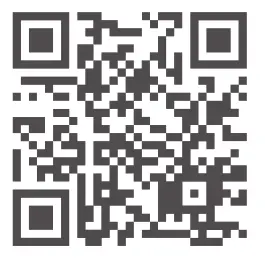 http://appurl.me/79818329662
If you cannot download and install the app on Google Play, please scan the backup OR code to download and install it.
FCC Warning Statement Changes or modifications not expressly approved by the party responsible for compliance could void the user’s authority to operate the equipment. This equipment has been tested and found to comply with the limits for a Class B digital device, pursuant to Part 15 of the FCC Rules. These limits are designed to provide reasonable protection against harmful interference in a residential installation. This equipment generates uses and can radiate radio frequency energy and, if not installed and used in accordance with the instructions, may cause harmful interference to radio communications. However, there is no guarantee that interference will not occur in a particular installation. If this equipment does cause harmful interference to radio or television reception, which can be determined by turning the equipment off and on, the user is encouraged to try to correct the interference by one or more of the following measures:
- Reorient or relocate the receiving antenna.
- Increase the separation between the equipment and receiver.
- Connect the equipment into an outlet on a circuit different from that to which the receiver is connected.
- Consult the dealer or an experienced radio/TV technician for help.
This device complies with part 15 of the FCC Rules. Operation is subject to the following two conditions:
- This device may not cause harmful interference, and
- this device must accept any interference received, including interference that may cause undesired operation.
The device has been evaluated to meet general RF exposure requirements.