EPEVER RS485-1M2S Extension Module User Manual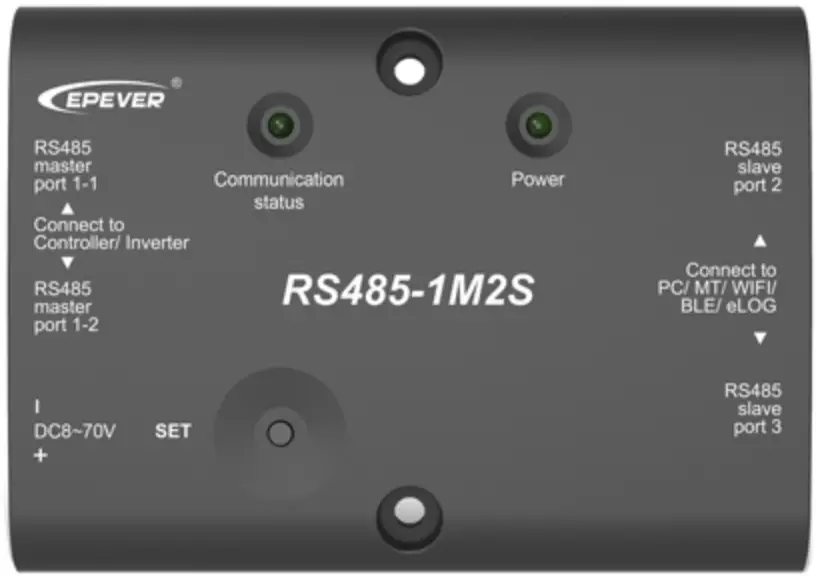
※ Thank you for choosing the RS485-1M2S extension module.
※ Please read this manual carefully before using the product.
Overview
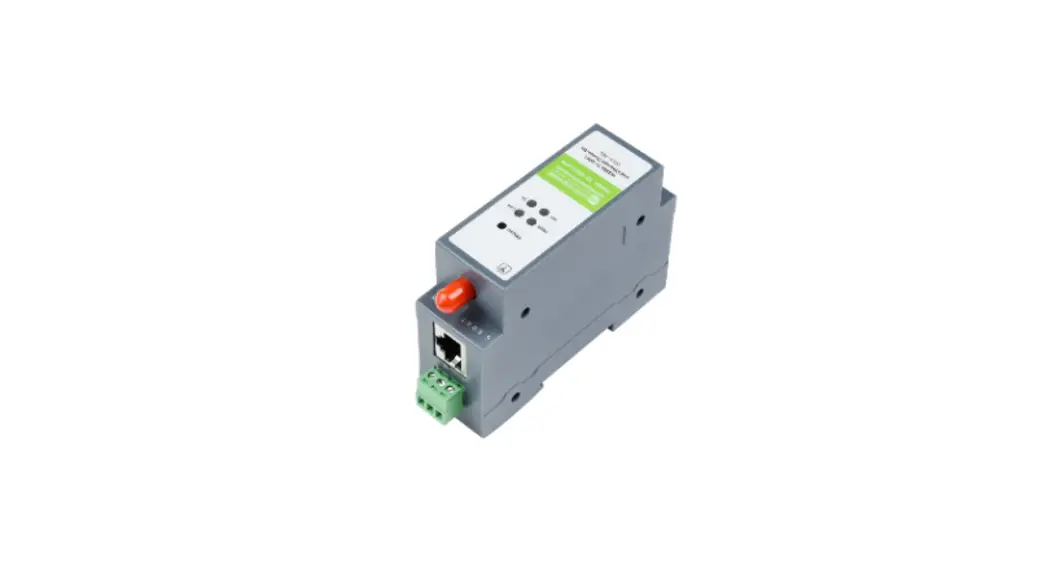
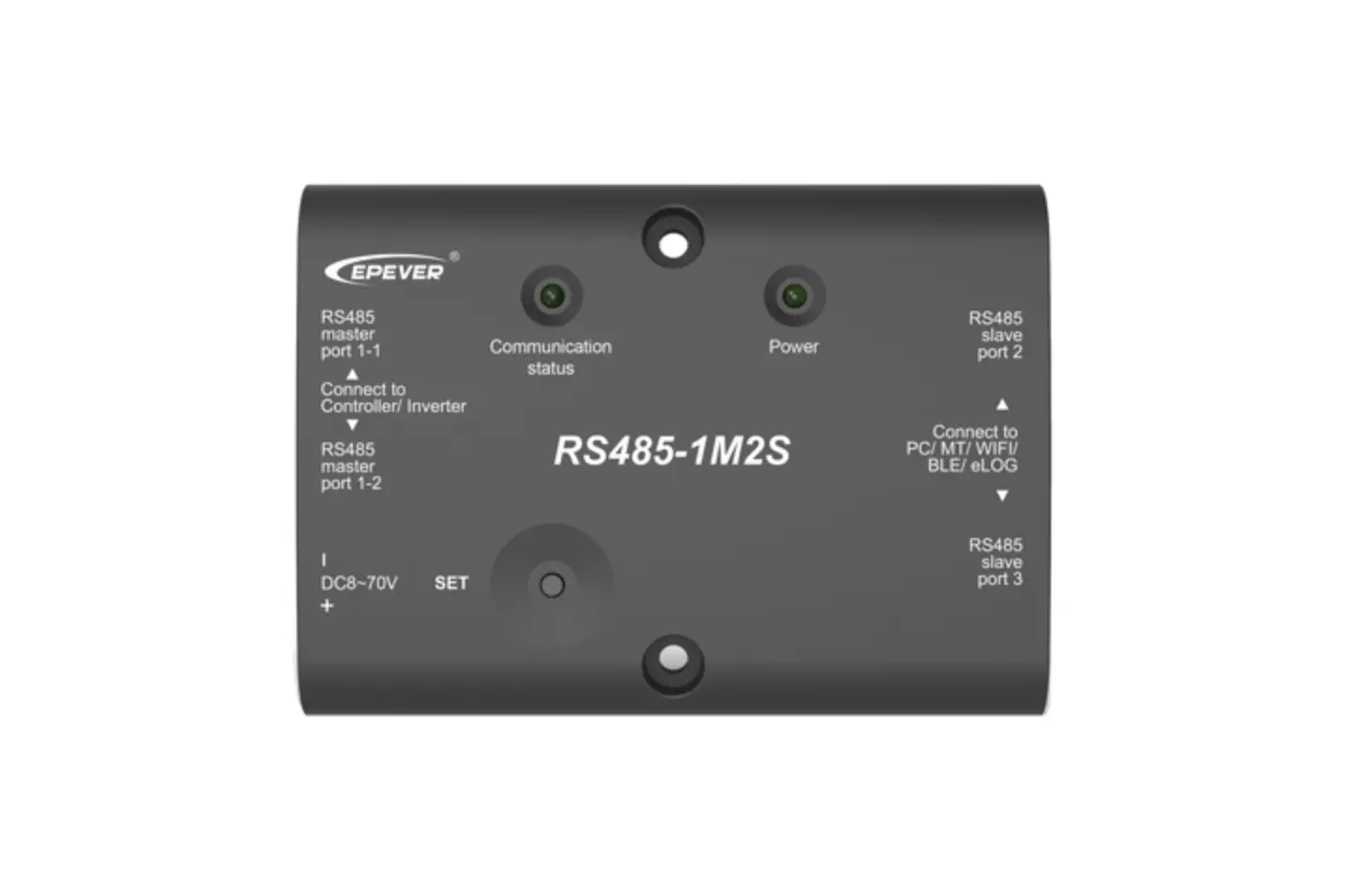
The RS485-1M2S extension module is an optional accessory that can extend the RS485 communication port of our solar controller/inverter. Based on the standard Modbus protocol, the user can monitor the operating status and set parameters through the monitoring devices connected to the RS485-1M2S extension module. The RS485-1M2S main port 1-1 and 1-2 are connected in parallel, which can connect 1 or 2 slave devices, such as a solar controller/inverter. And the RS485-1M2S slave port 2 and 3 are independent, which can connect 1 or 2 monitoring devices at the same time, such as remote meter/WIFI module/Bluetooth module/PC software, etc.
Features:
- Extend the RS485 communication port of the solar controller/inverter
- Data interaction between the solar controller/inverter and monitoring devices
- Standard Modbus communication protocol
- One key to set the communication baud rate
- LED screen
Appearance
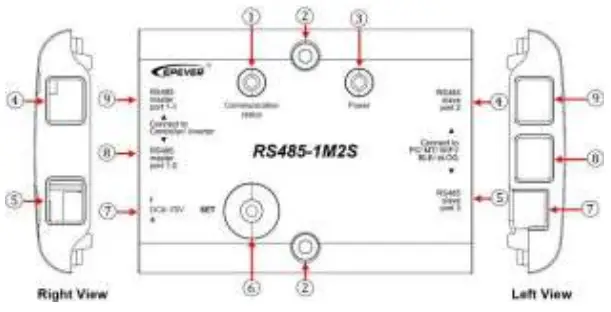
- Communication status Indicator
Green ON solid — RS485-1M2S standby Green flashing — RS485-1M2S communicating Red flashing — RS485-1M2S baud rate setting - Mounting Hole 2-φ4.8mm
- Power Indicator
Green ON solid –Power supply normal - RS485 slave port 2 (RJ45)
- RS485 slave port 3 (RJ45)
Port ④ and ⑤ are independent, which can connect monitoring devices such as remote meter/WIFI module/Bluetooth module/PC software etc. - Set button
9600 – Communication status red indicator flashes once 115200-Communication status red indicator flashes twice Long press the Set button to set the communication baud rate of RS485- 1M2S, which is consistent with the communication baud rate of the connected controller/inverter. - Auxiliary port for external power(5.08-2P)
DC power range: DC 8-70V DC power source: Battery
Function: When the power consumption of the external monitoring device is large, an external power connected to the auxiliary port can be used to power the device. Detail scenarios are as follows.Scenario Device (main port) Device (slave port) External power 1 Only controller/ only inverter MT75+WIFI/ BlueTooth+WIFI/ eLog+WIFI Yes 2 Controller + inverte MT75+WIFI/ BlueTooth+WIFI/ eLog+WIFI No 3 Only controller/ only inverter/ controller + inverter MT75/BlueTooth/ eLog/WIFI No - RS485 main port 1-1(RJ45)
RS485 main port 1-2(RJ45)
Port ⑧ and ⑨ are connected in parallel, which extend the RS485 communication port by connecting the solar controller/inverter.
Pin definition for the RS485 communication port
RJ45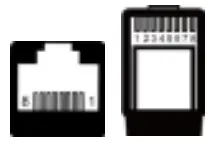
| 1/2 | 5VDC |
| 3/4 | RS485-B |
| 5/6 | RS485-A |
| 7/8 | GND |
Accessories
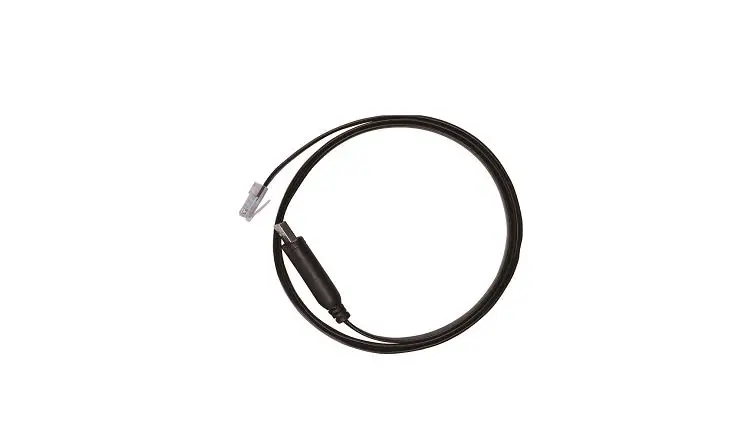
| Included Accessories | RS485 cable(length: 1.5m) Model: CC-RS485-RS485-150U | 2 pcs |
| 5.08-2P terminal | 1 pcs | |
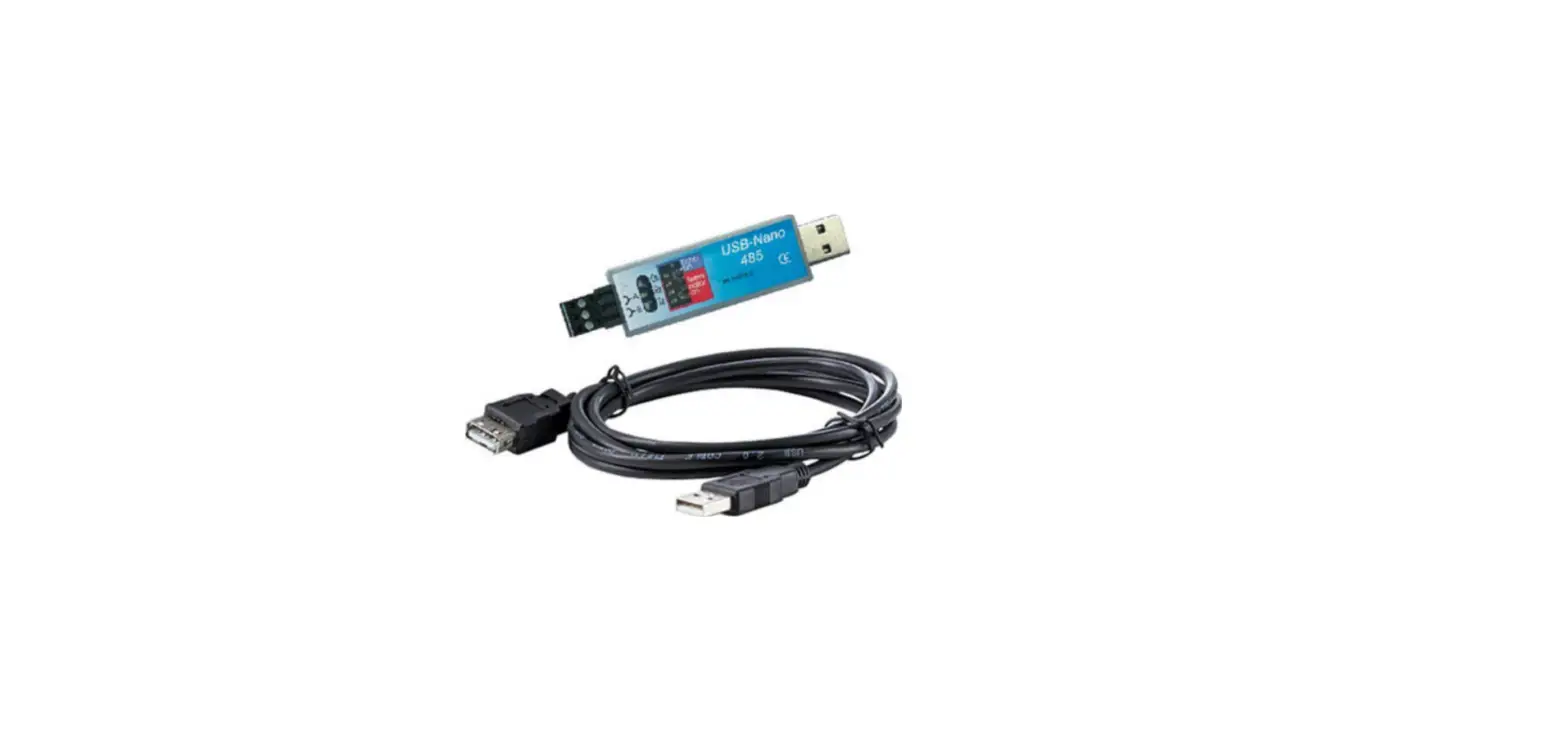
| Optional Accessories | RS485 adapter(length: 1.5m) Model: CC-USB-RS485-150U | 1 pcs |
Connection Diagram
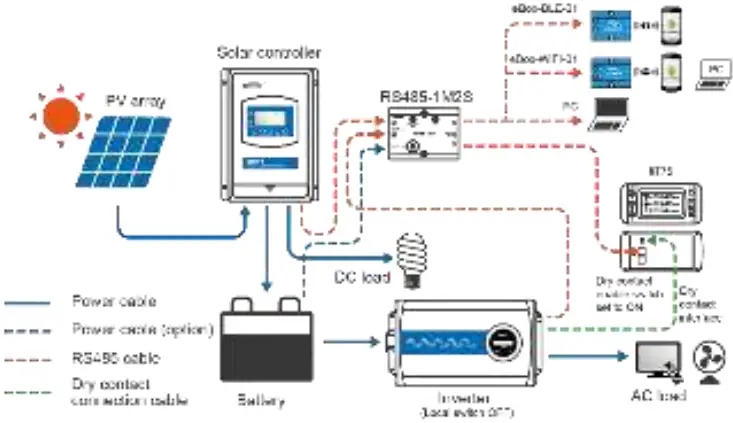
Note: When the power consumption of the external monitoring device is large, an external power connected to the auxiliary port can be used to power the device.
Specifications
| Model | RS485-1M2S |
| Compatible products | Solar controller/inverter |
| Power supply | 5VDC (Power supply by the communication port of solar controller/inverter) |
| Auxiliary power supply | 8~70VDC (Auxiliary power supply by the battery) |
| Power consumption | 0.3W |
| Communication baud rate | 115200 (Default) 9600 |
| Working environment temperature | 30℃~50℃ |
| Storage temperature | -30℃~80℃ |
| Enclosure | IP30 |
| Dimension | 121* 88* 27.5mm |
| Mounting dimension | 69mm |
| Mounting hole size | Φ4.8 |
| Net Weight | 121.8g |
Dimensions
Any changes without prior notice!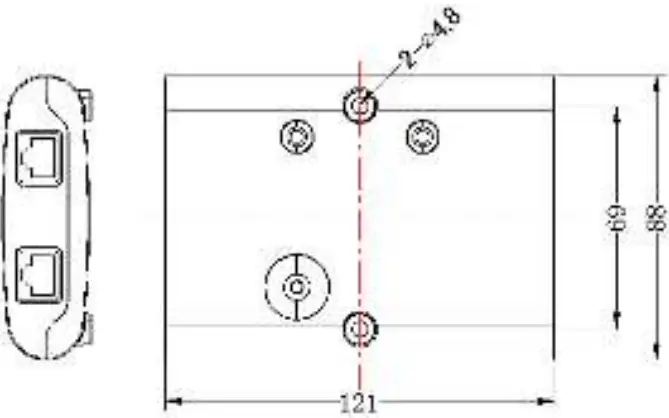
Version number: V1.1
HUIZHOU EPEVER TECHNOLOGY CO., LTD
TEL: 010-82894896/82894112/0752-3889706
Website: www.epever.com.cn

 汇能精电-创造精准电源
 Home - EPEVER