
THALES BLE Voice Card
Introduction: what is the concept?
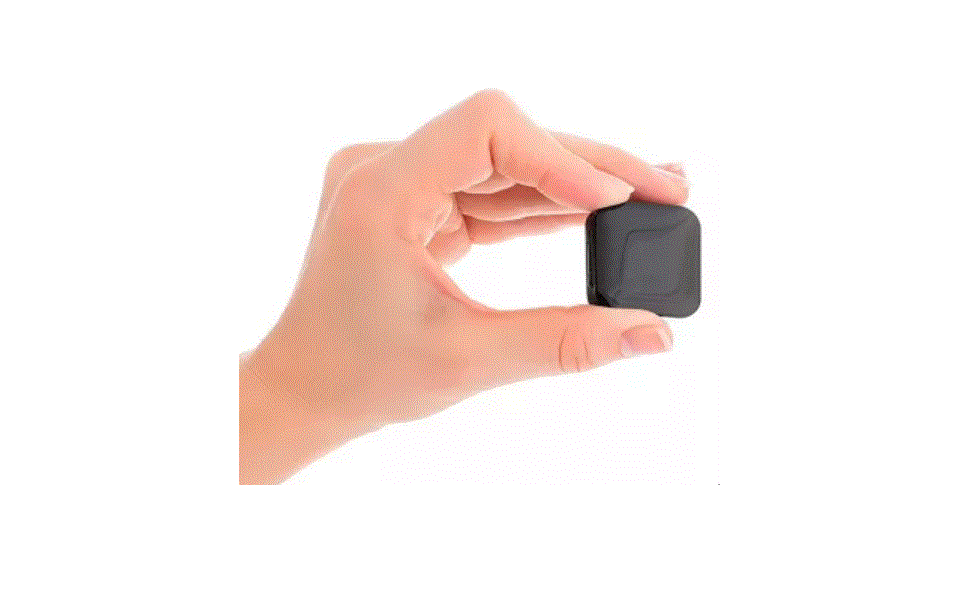
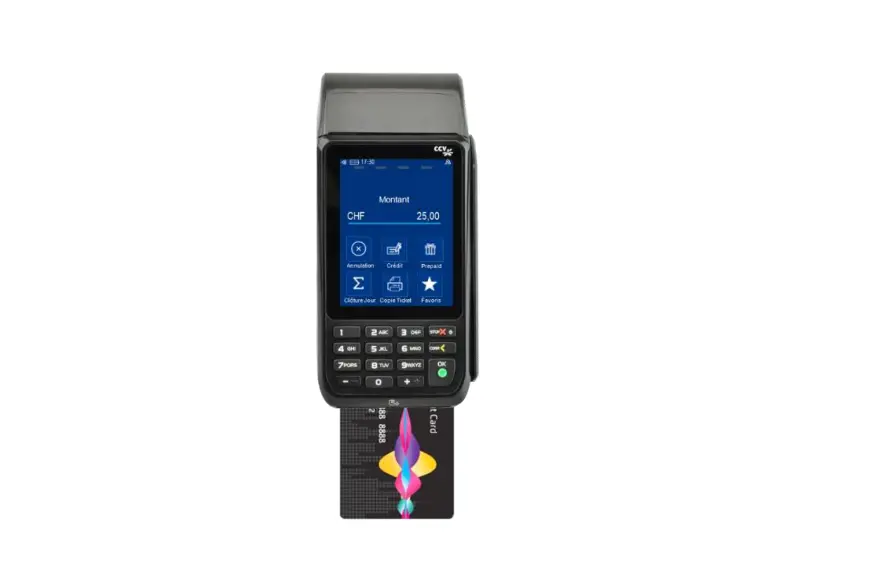
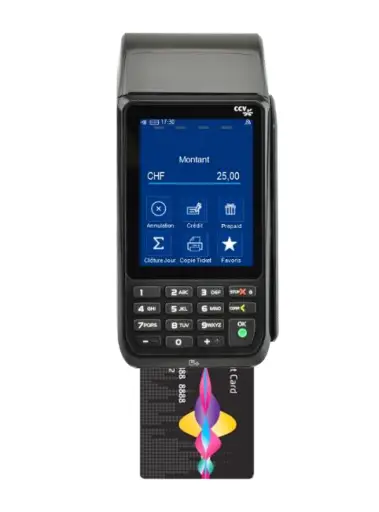
A communicating bank card with iOS smartphones – through BLE (BlueTooth Low Energy) – to vocalize the amount of the payment transactions and the different steps (PIN validation, verification). The card is a dual interface (contact & contactless) but the vocalization is done when the payment is done in contact mode only. Standard contactless payments – without vocalization – can still be done.
Thales also provides an API and a test app to help developers do the mobile application. Compatibility with Android phones may be developed on demand. The solution is based on a Thales IP.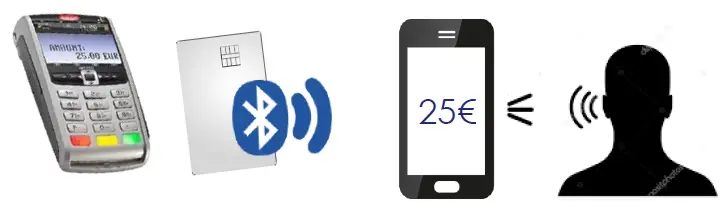
Benefit: reduce fraud to visually impaired people
- Strong reassurance before they enter the PIN code to confirm the transactions.
- Consumers can be sure they pay the right price.
- Vocal confirmation that the transaction has been approved.
How to use the VoiceCard
usual mode
- Contact payment
- Paying with your card, as usual, is still possible
- Use your card as a standard one
- No smartphone is required

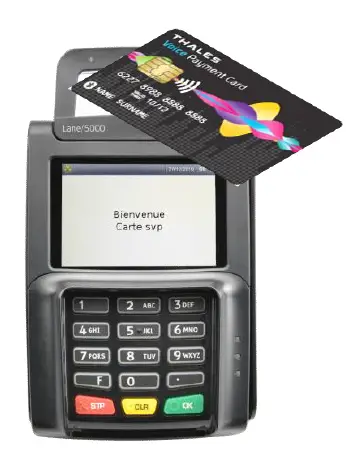
- Contactless Payment
- Depending on your card configuration, contactless payment can be authorized

- Depending on your card configuration, contactless payment can be authorized
How to use your VoiceCard
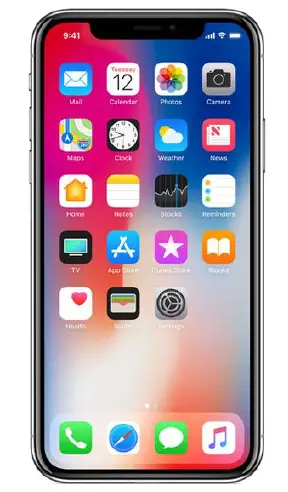
- Smartphone power on & application launch
- Be sure that your smartphone is powered on
- Launch your bank application

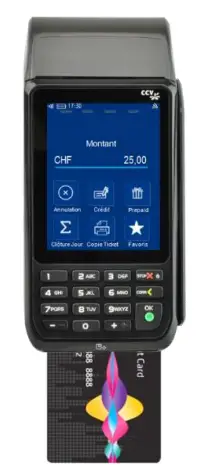
- Payment using contact interface
- Make your payment as usual, with your phone near you

- Make your payment as usual, with your phone near you
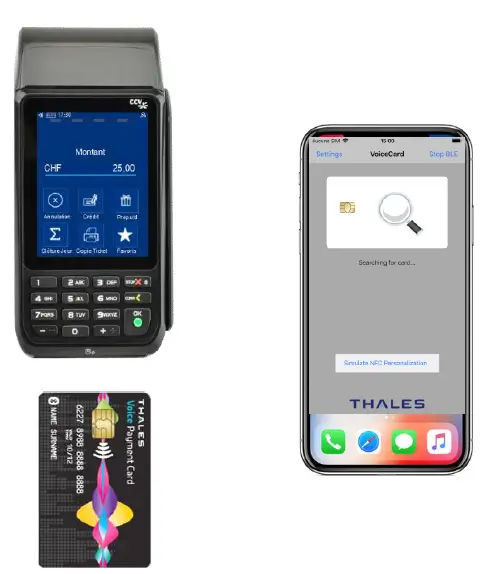
- Start your payment
- Follow the POS instruction – as usual
- Your smartphone will detect the card and connect to it
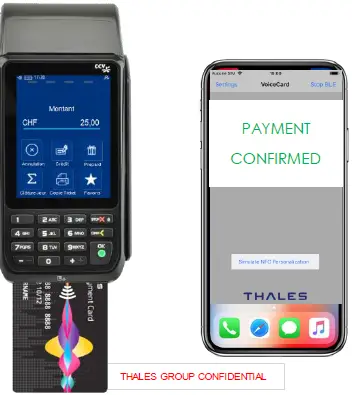
- Information about amount and Pin verification will be sent to your smartphone and displayed & vocalized

- End of Payment
- At the end of the payment, the card will automatically disconnect from the mobile after sending the final transaction status
- The amount is 25 Euros
- PIN correct
- The transaction was approved
FCC Statement
This device complies with part 15 of the FCC Rules. Operation is subject to the following two conditions:
- This device may not cause harmful interference, and
- This device must accept any interference received, including interference that may cause undesired operation.
NOTE: This equipment has been tested and found to comply with the limits for a Class B digital device, pursuant to part 15 of the FCC Rules. These limits are designed to provide reasonable protection against harmful interference in a residential installation. This equipment generates, uses, and can radiate radio frequency energy and, if not installed and used in accordance with the instructions, may cause harmful interference to radio communications.
However, there is no guarantee that interference will not occur in a particular installation. If this equipment does cause harmful interference to radio or television reception, which can be determined by turning the equipment off and on, the user is encouraged to try to correct the interference by one or more of the following measures:
- Reorient or relocate the receiving antenna.
- Increase the separation between the equipment and receiver.
- Connect the equipment into an outlet on a circuit different from that to which the receiver is connected.
- Consult the dealer or an experienced radio/TV technician for help.
- Changes or modifications not expressly approved by the party responsible for compliance could void the user’s authority to operate the equipment.
This equipment complies with FCC radiation exposure limits set forth for an uncontrolled environment. This equipment should be installed and operated with a minimum distance of 20 cm between the radiator and a human body.