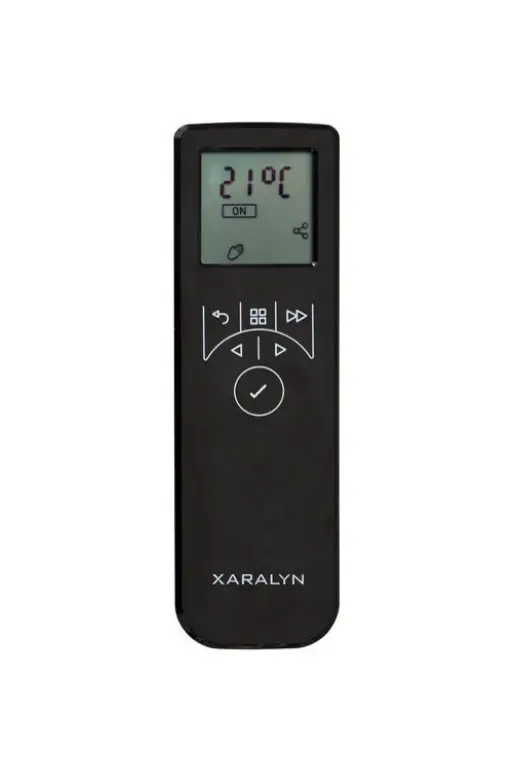

XARALYN Remote Opti Myst Albany
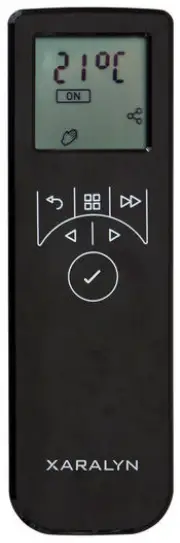
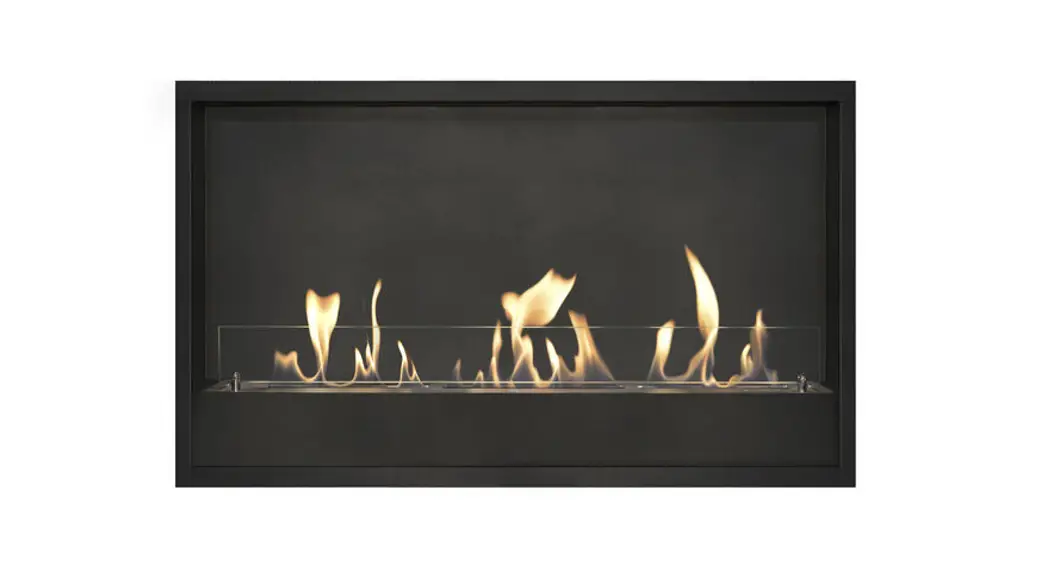
REMOTE OPTI‐MYST ALBANY
Pairing of the remote
- Turn off the Fireplace with the on and off switch on the Fireplace.
- Turn the remote on by pressing the Enter button.
- If the Display shows “PAIR” you can continue at step 8
- Press and hold the Back and Advanced Button for 5 to 8 seconds
- The Display shows “Fr y”
- Press the Enter button
- The display now shows “PAIR”
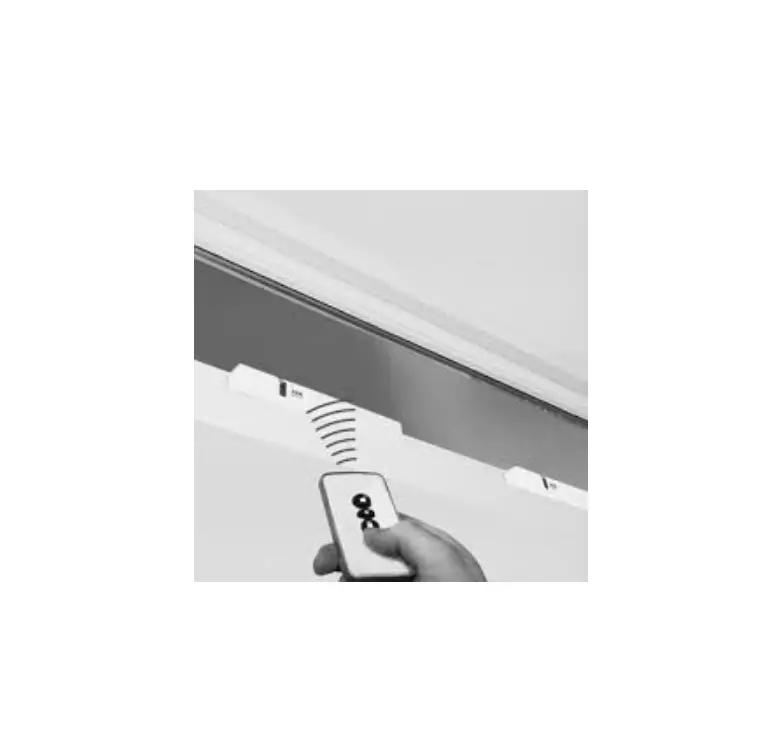
- Turn on the Fireplace with te switch and keep the remote close to the Fireplace
- If the steps are followed correctly the lamps will start blinking and the display of the remote will show a blinking “PAIR”sign.
- Press the Enter button
- The remote is Paired
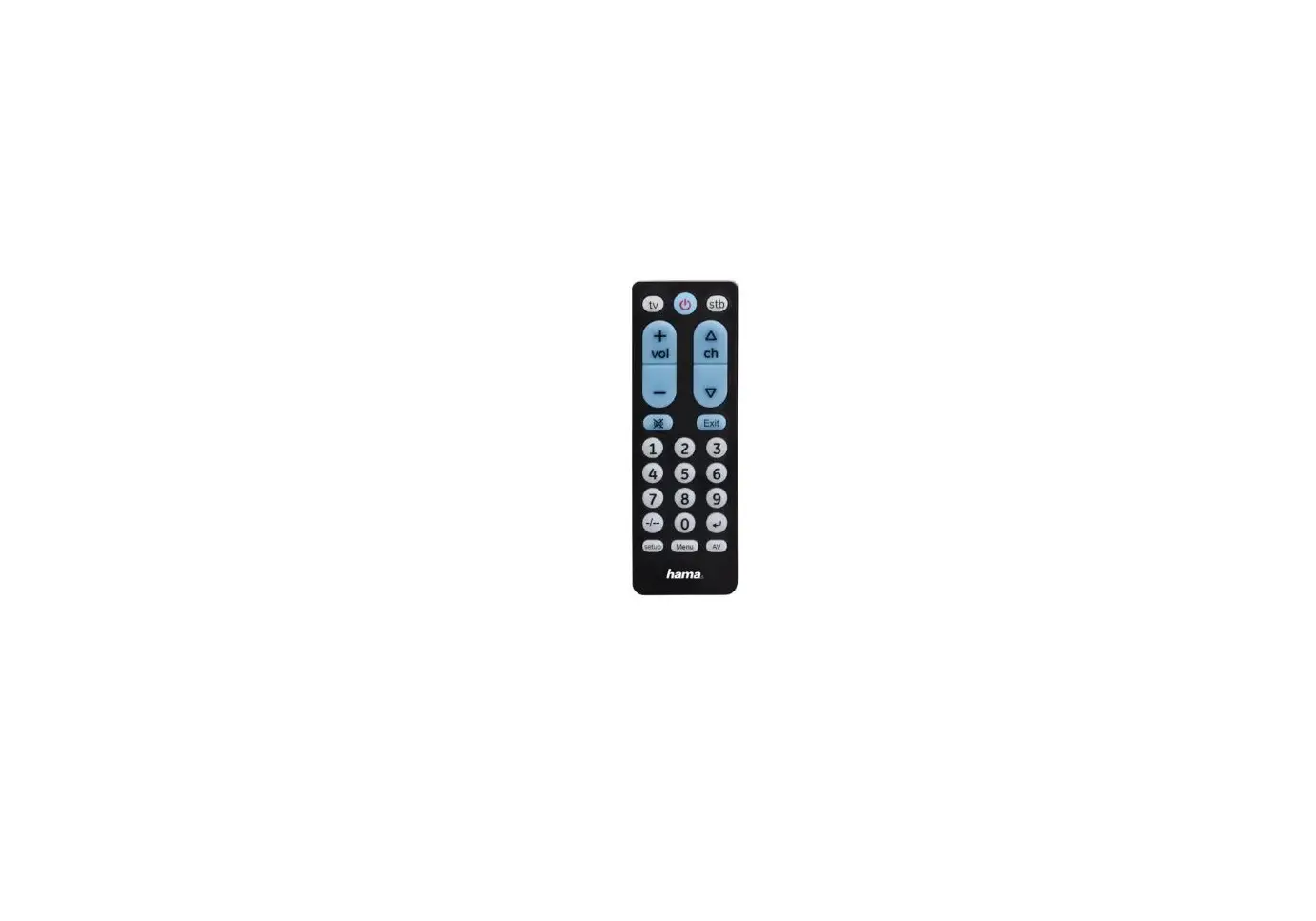
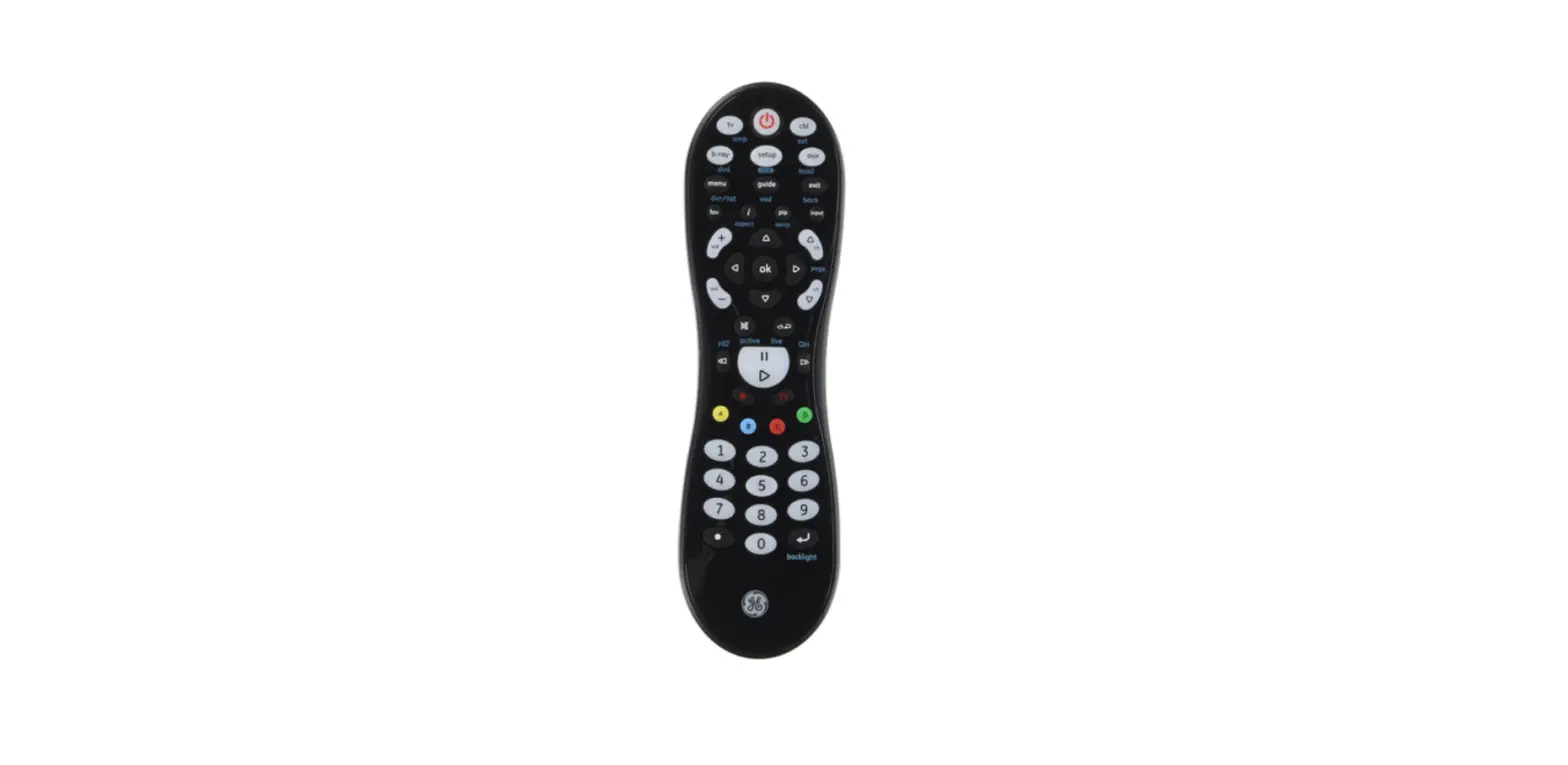
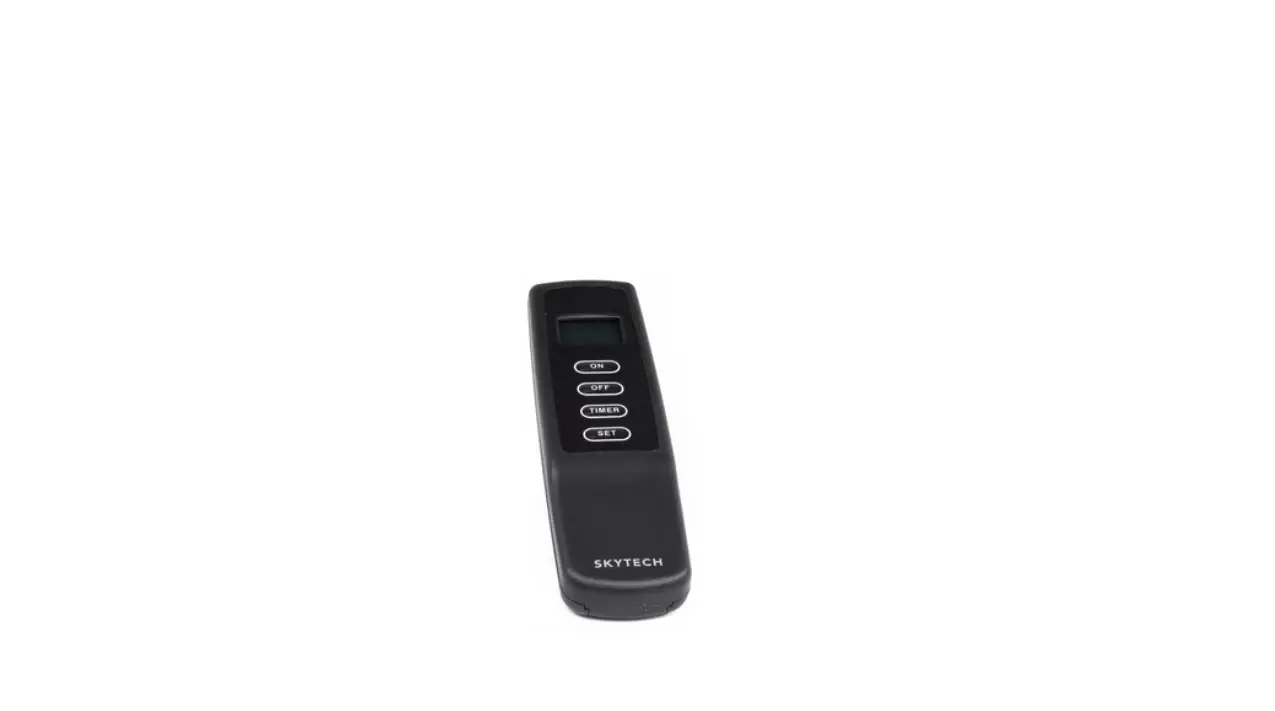
REMOTE
 = Menu
 = Enter
 = Back
 = Advanced
 = Up and Down
 = Pair Symbol
 = Menu
 = Enter
 = Back
 = Advanced
 = Up and Down
 = Pair Symbol
Turn the remote on
- (This can be done when the remote is paired)
- Turn on the remote = 1x
Turn on the fireplace with remote
- (The fireplace must be switched on)
- Turn on the fireplace with the remote = 2 x
- Turn off the Fireplace with the remote = – 2x
Adjust flame height
- Turn on the remote

- There can be switched between this modes by pressing the up and down buttons.

Turn on/Adjust heating

- Heater has 3 Modes : HI (High), Low (Low) en OFF (Off)
- There can be switched between this modes by pressing the up and down buttons.
Display/ Adjust temperature
- Press ‐
- Press 2 times and “SP” will start blinking
- Press to confirm.
- Press to choose between C and F
- Press to confirm.
- Press to choose your maximum temperature setting.
- Press to confirm.
- Press 3 times to return to the home screen.