 User Guide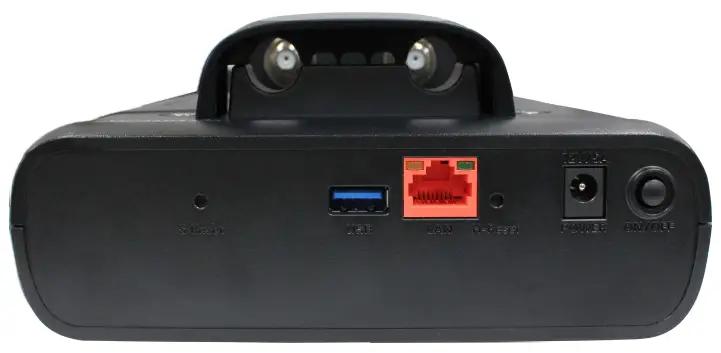
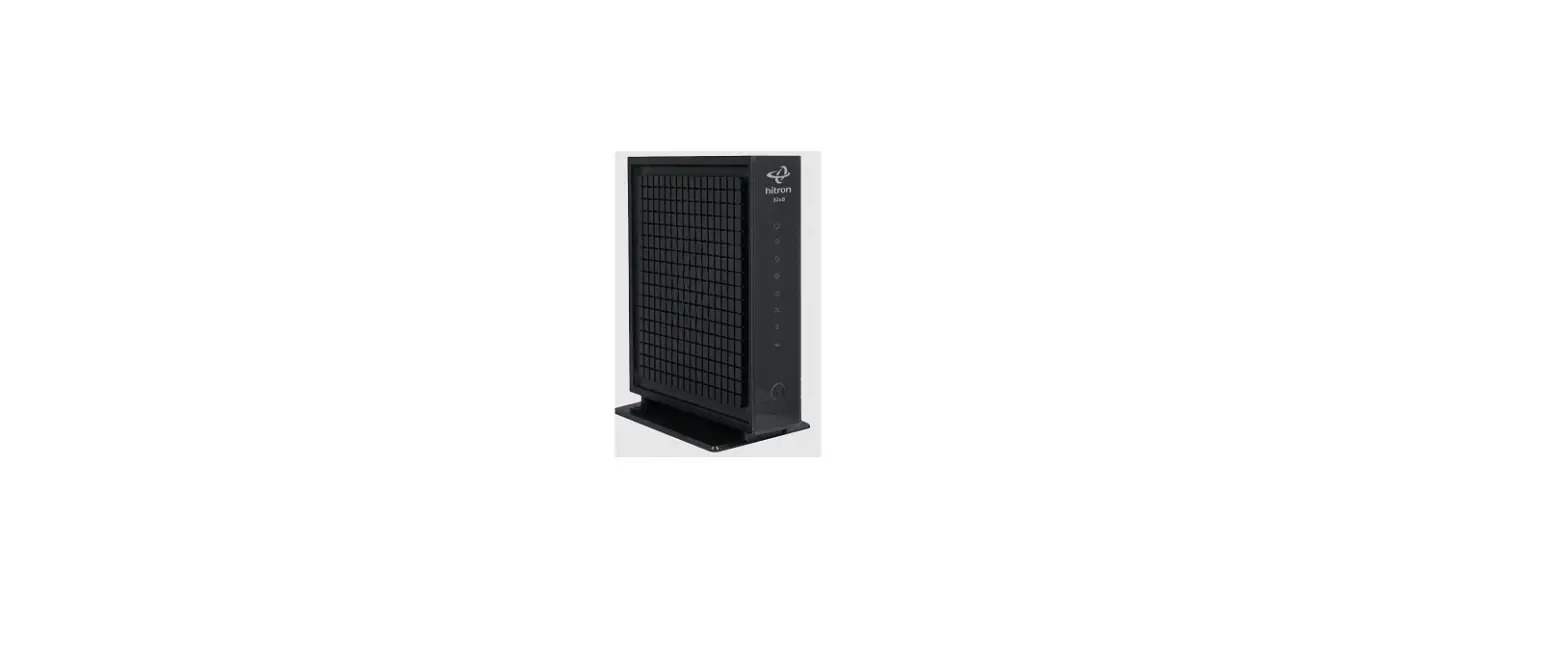
CGNDP3M Coax Network Testing Meter
 | Battery Level |
 | Battery Charging Indicator |
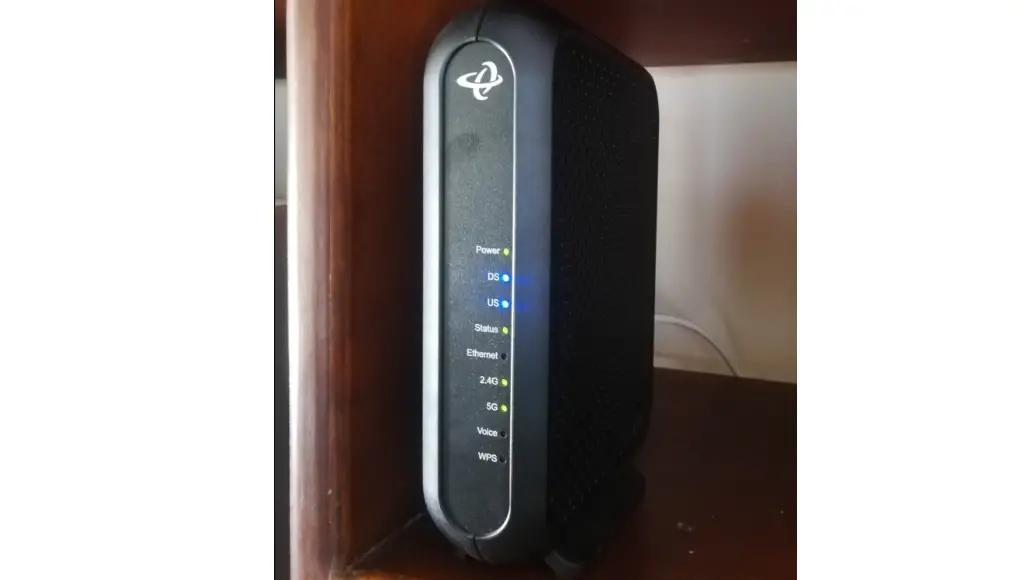
 | Wi-Fi Indicator |
 | DOCSIS Registration Indicator |
 | Upstream Ranging Indicator |
 | Downstream Scan Indicator |
 | Power Indicator |
S-Reset: Short press for a reboot
S-Reset: 6+ seconds for factory reset (When Wi-Fi is broadcasting)
H-Reset: Force power off
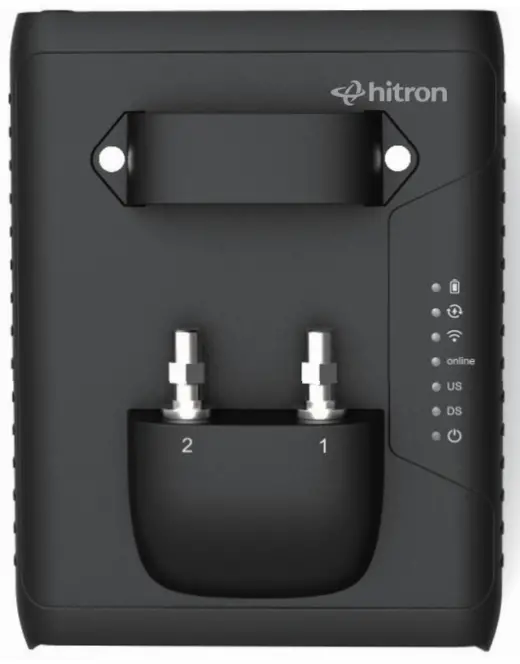
|  | Charge:100% |
| 75% | ||
| 50% | ||
| 25% | ||
| (Red/Green/Blue blinking) <10% |
|  | Charging |
|  | Wi-Fi Broadcasting |
|  | Registration Complete |
| Registration in Progress | |
| | Upstream Ranging Complete |
| Upstream Ranging | |
| | Downstream Lock Complete |
| Scanning Downstream | |
| | Power on |
 | Port1: AC Detected | |
 | Port2: AC Detected |
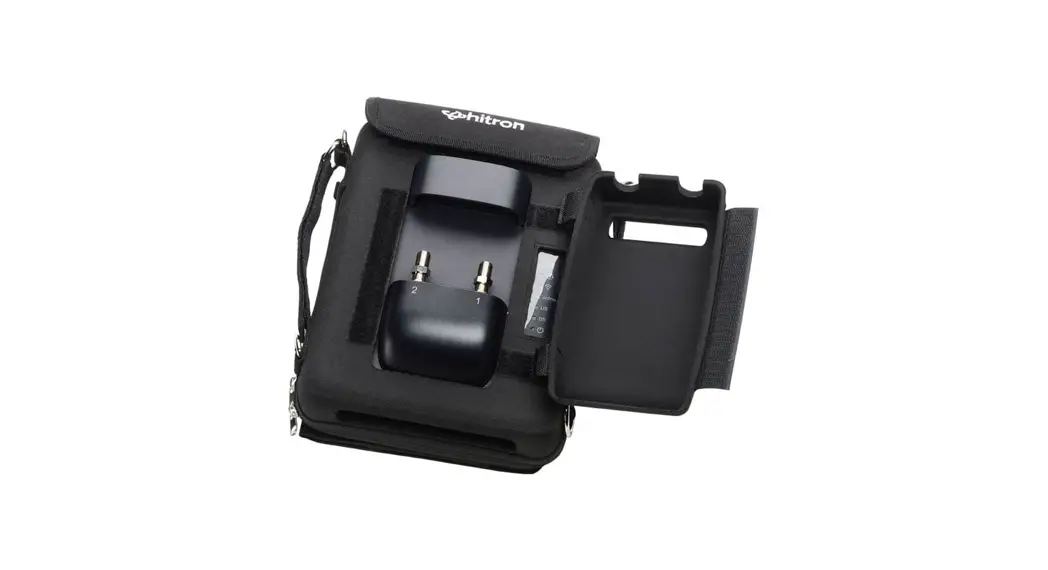
- Attach barrel and jumper to Port 1 and route jumper through jumper guide. Terminate Port 2 if not in use (Port 2 is designed for advanced functions).
- Power on CGNDP3M and connect to CGNDP3M Wi-Fi under device settings :
SSID: CGNDP3M-(last 4 of MAC)
Password: default key
For certification statements and Safety Warnings, please go to: us.hitrontech.com/cgndp3m
Keep this card inside the carrying bag