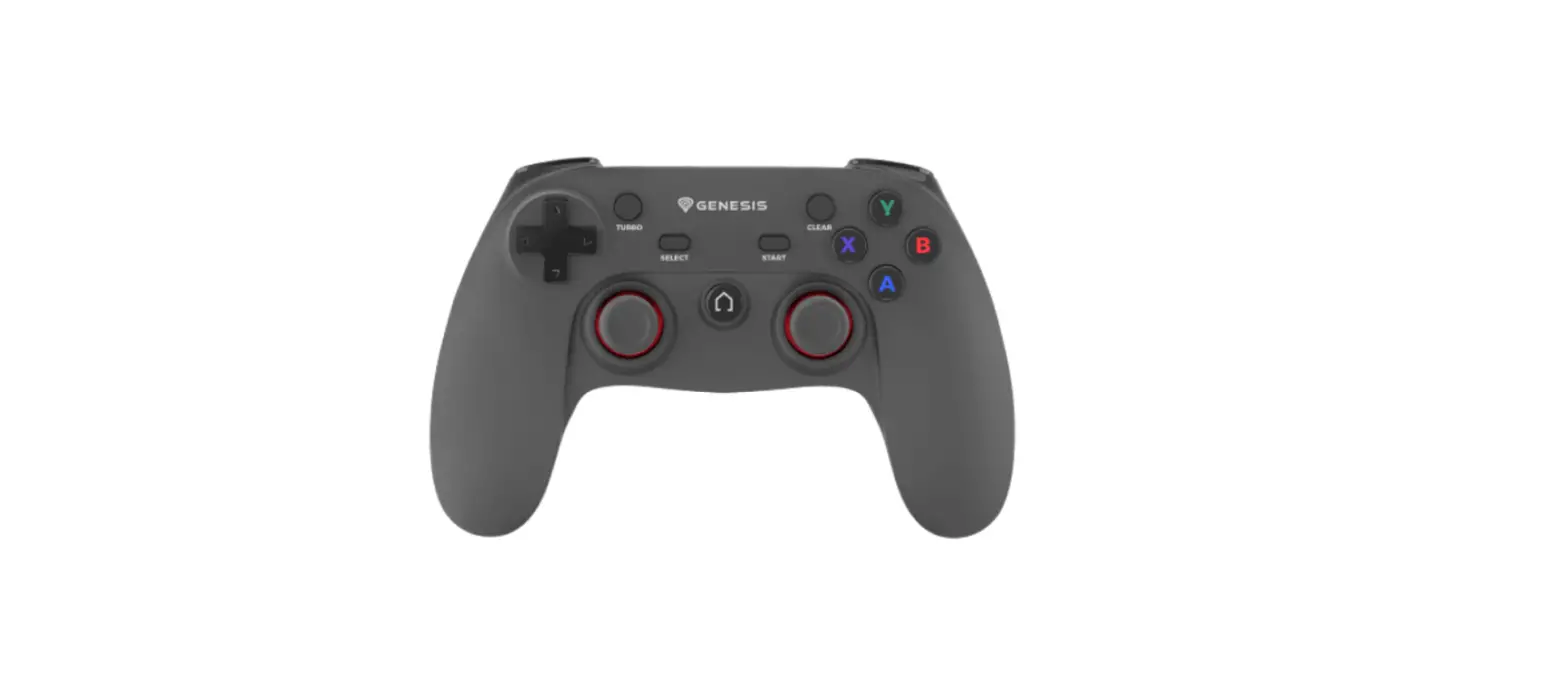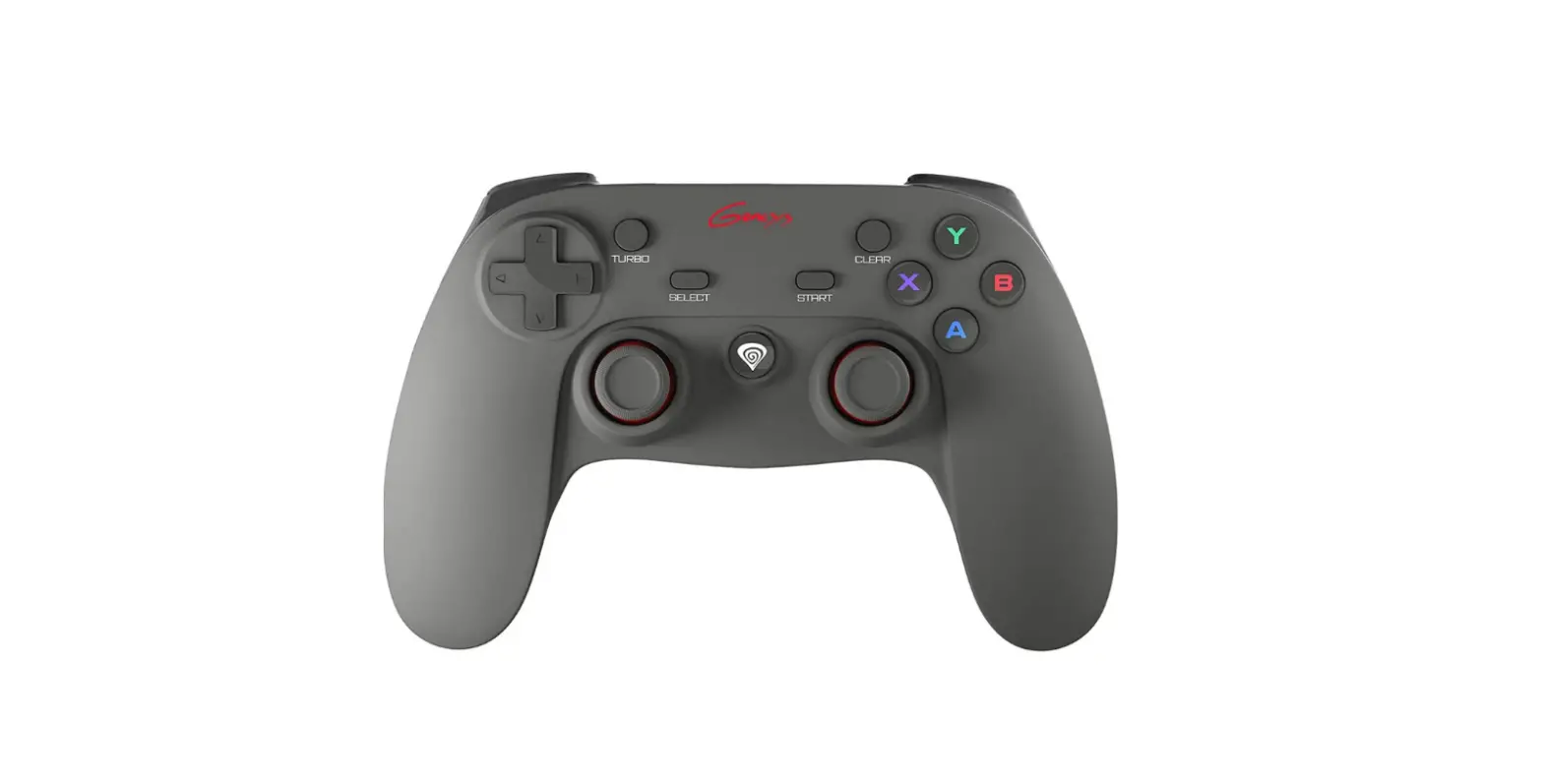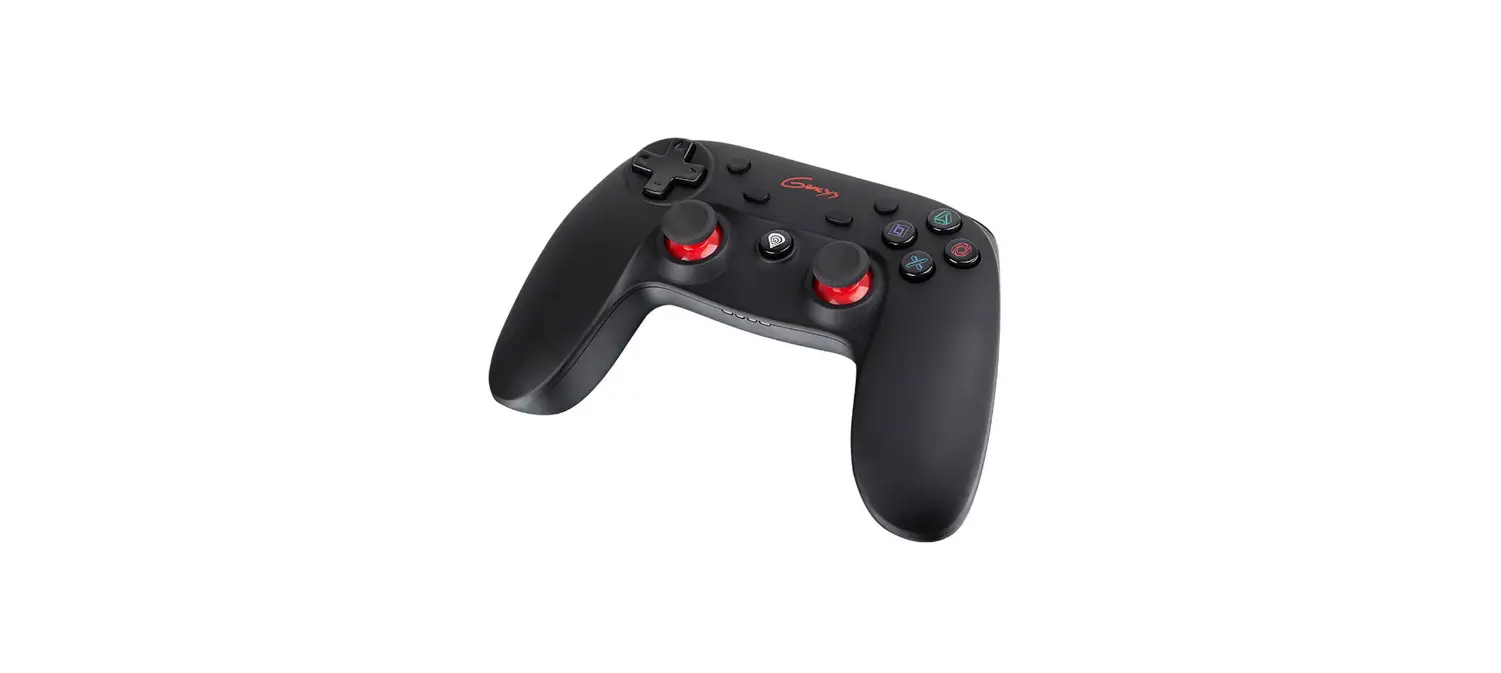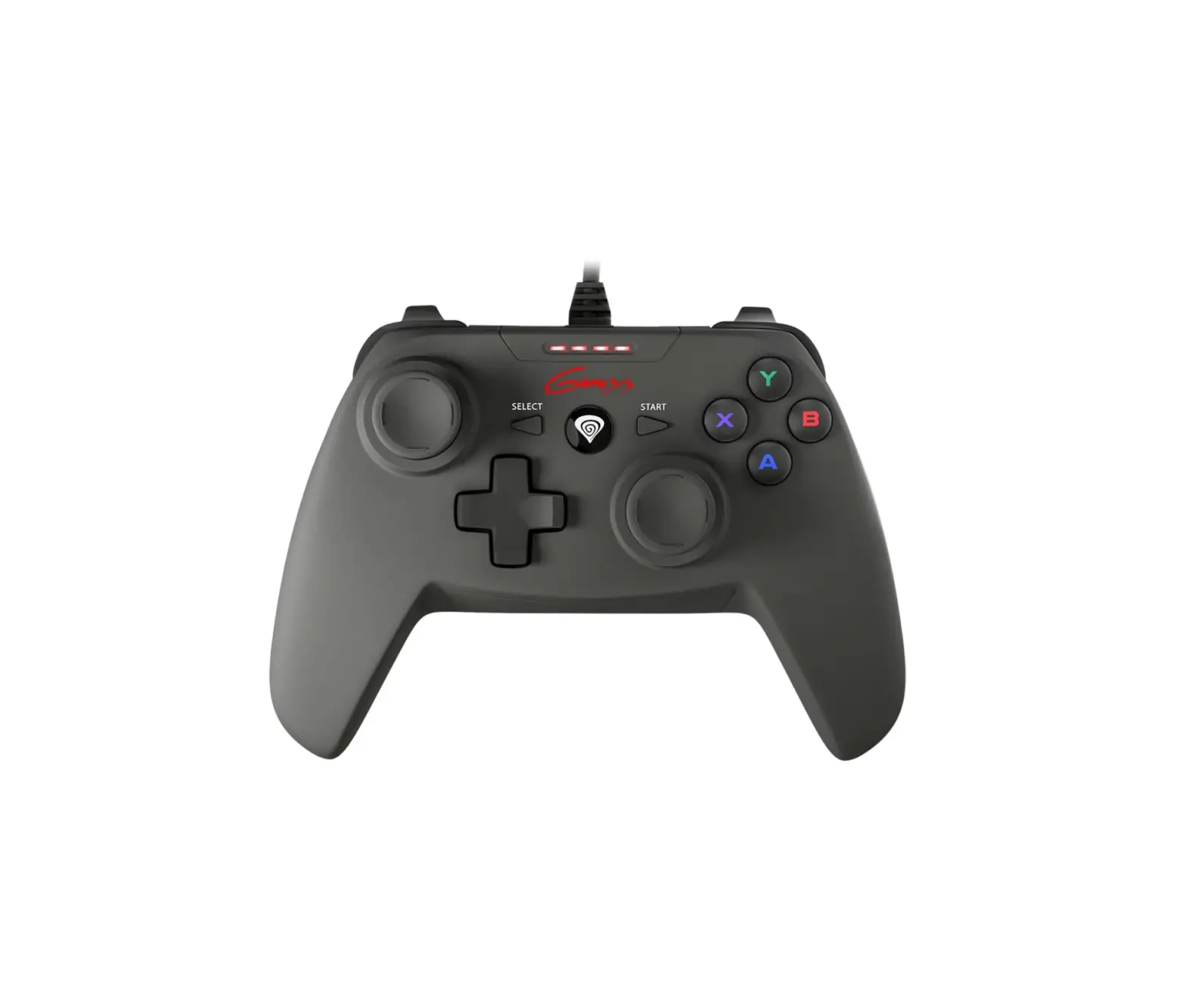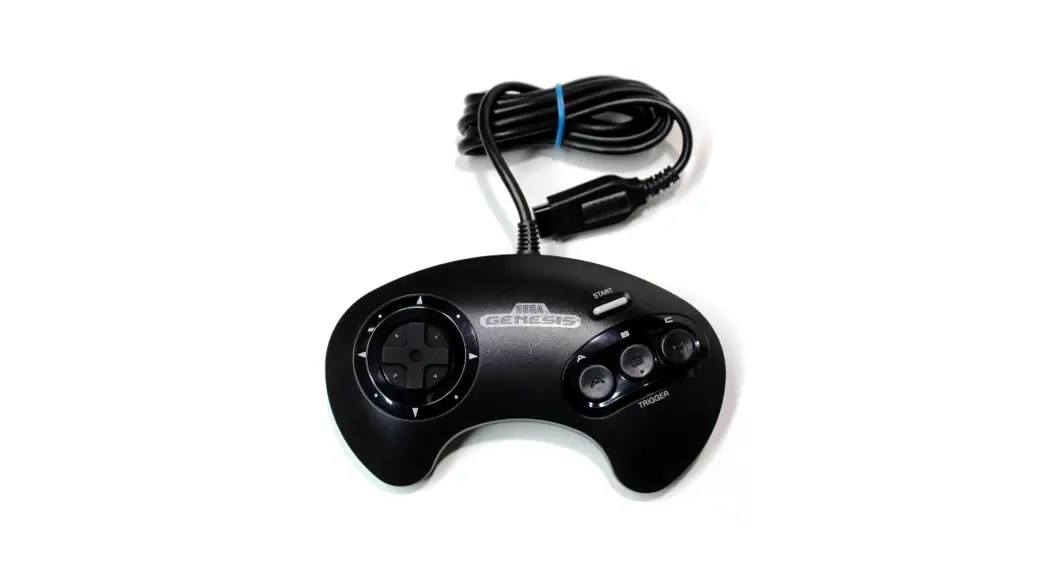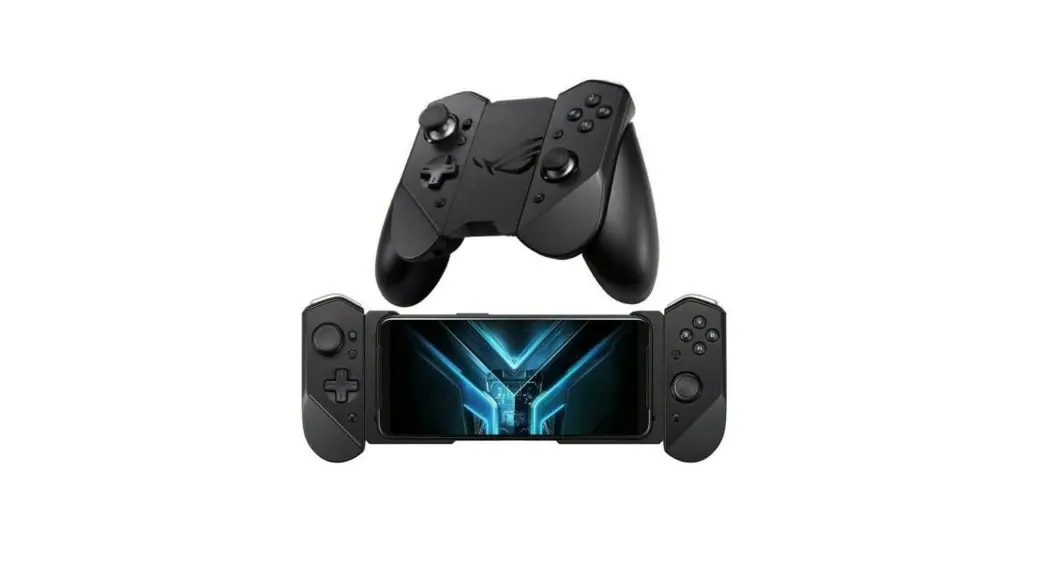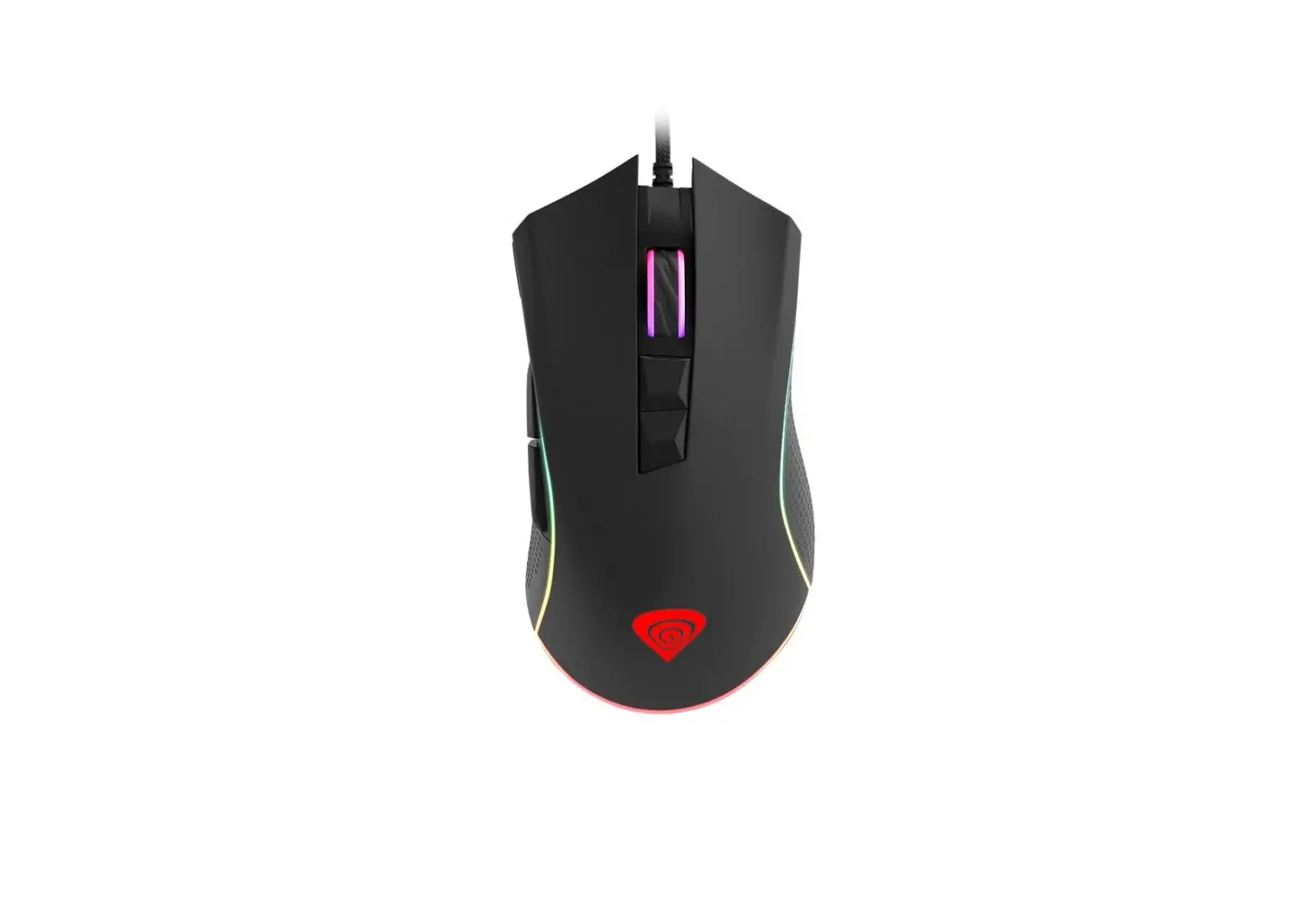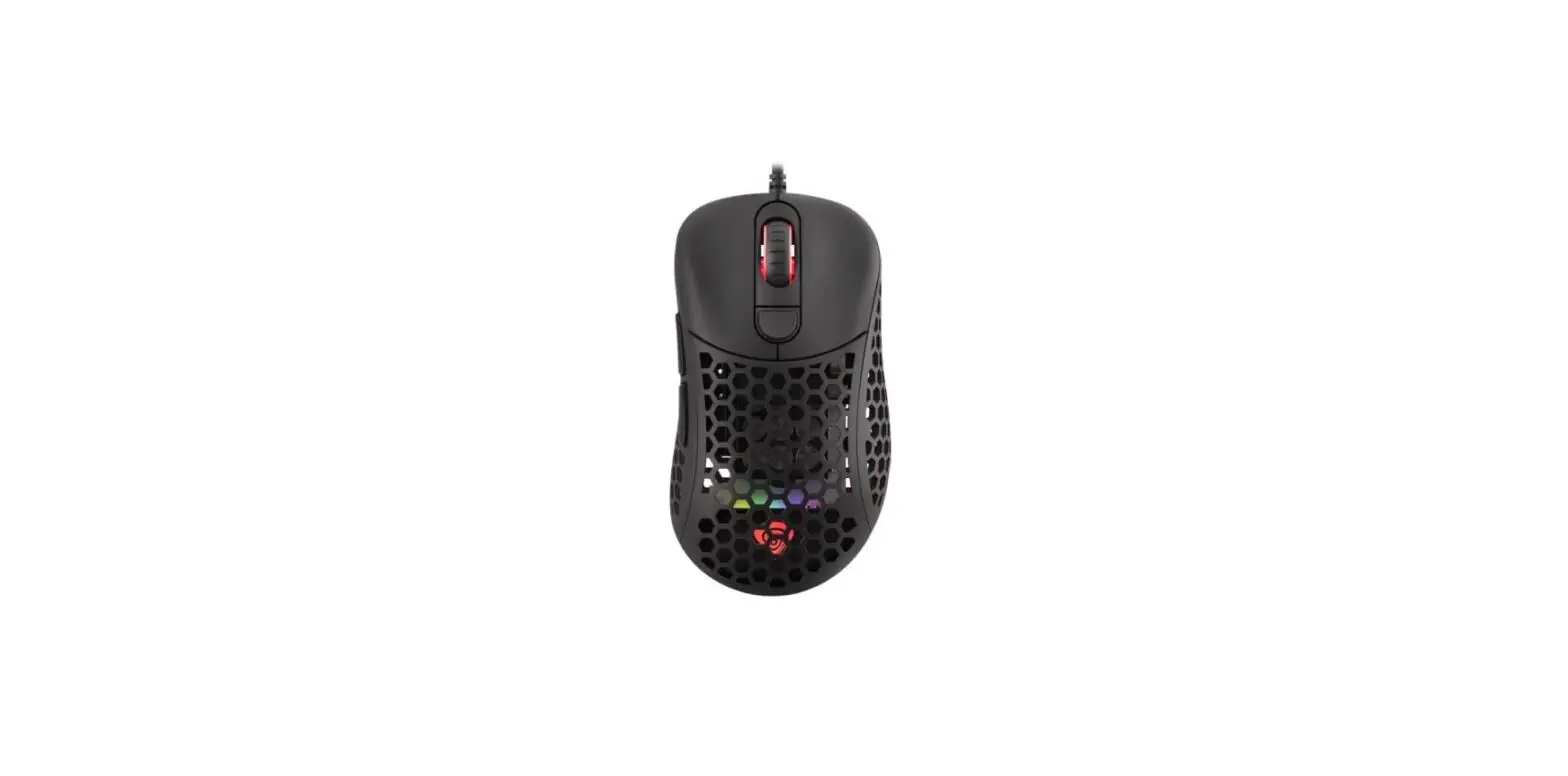
Features
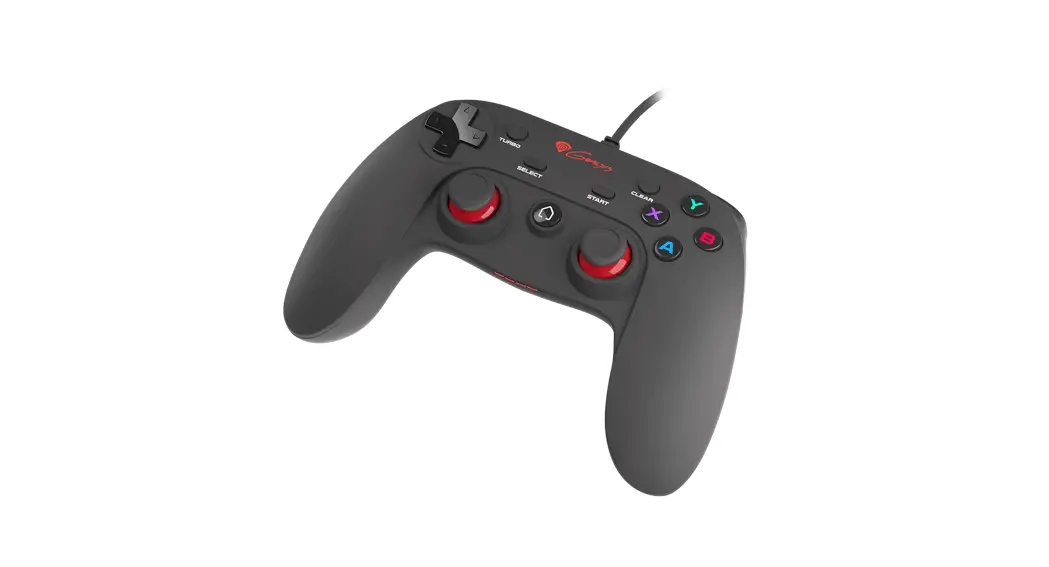
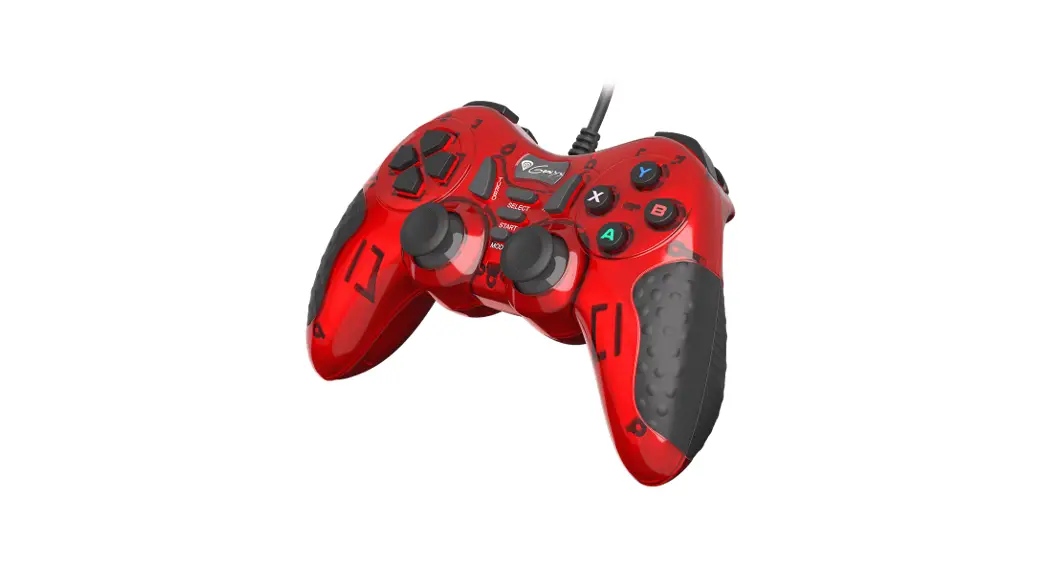
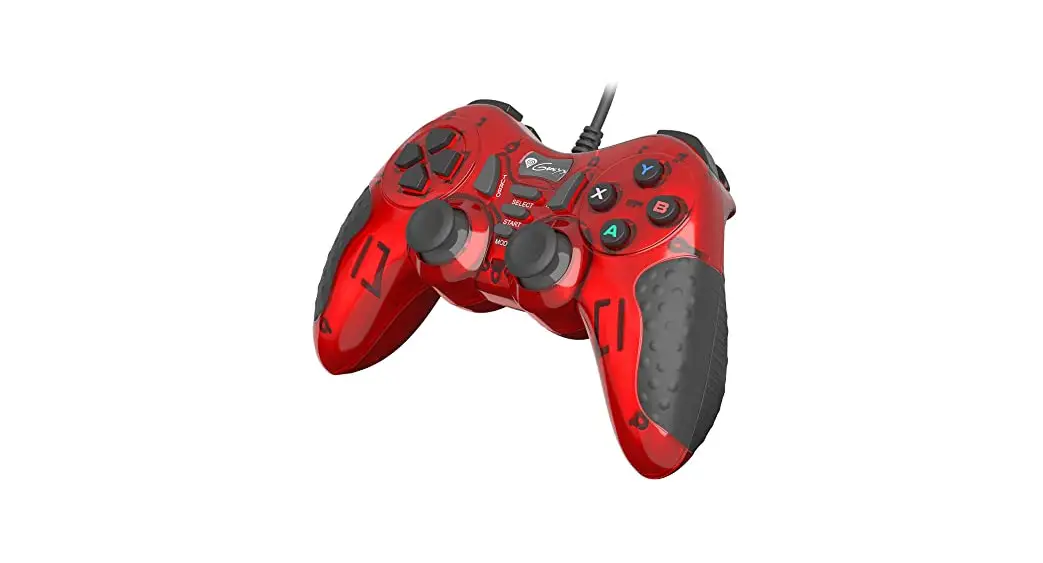
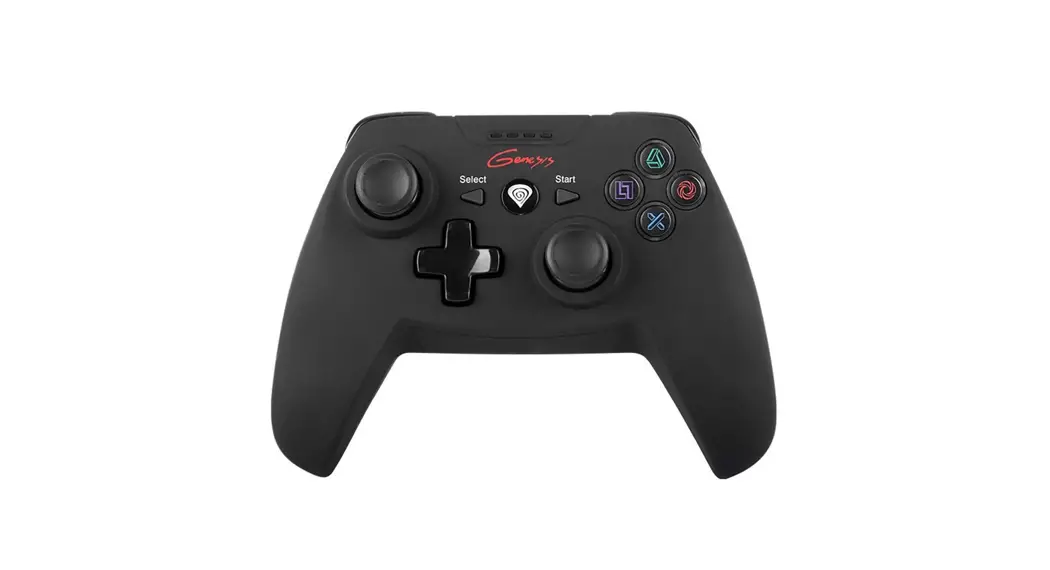
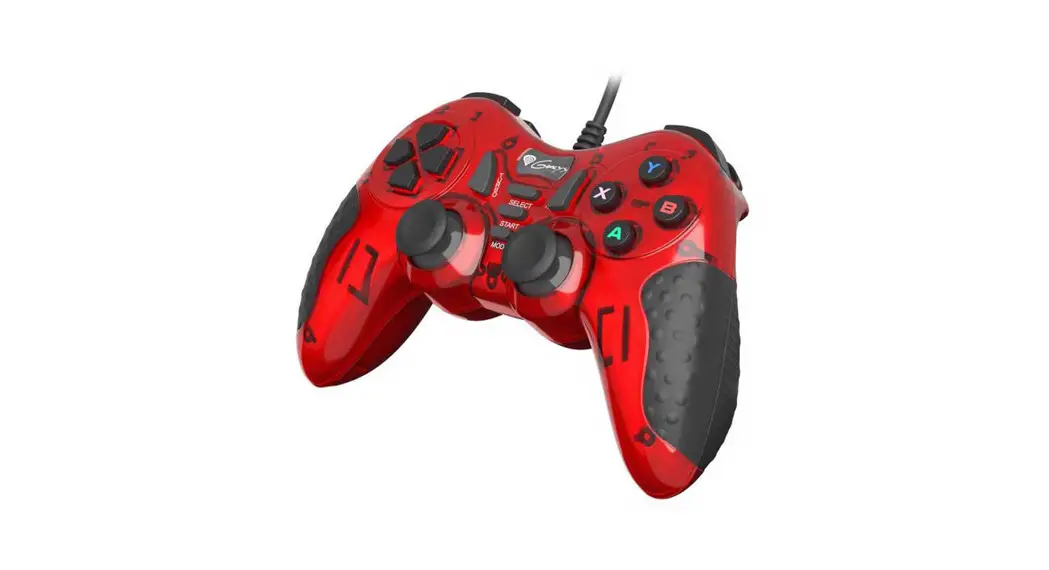
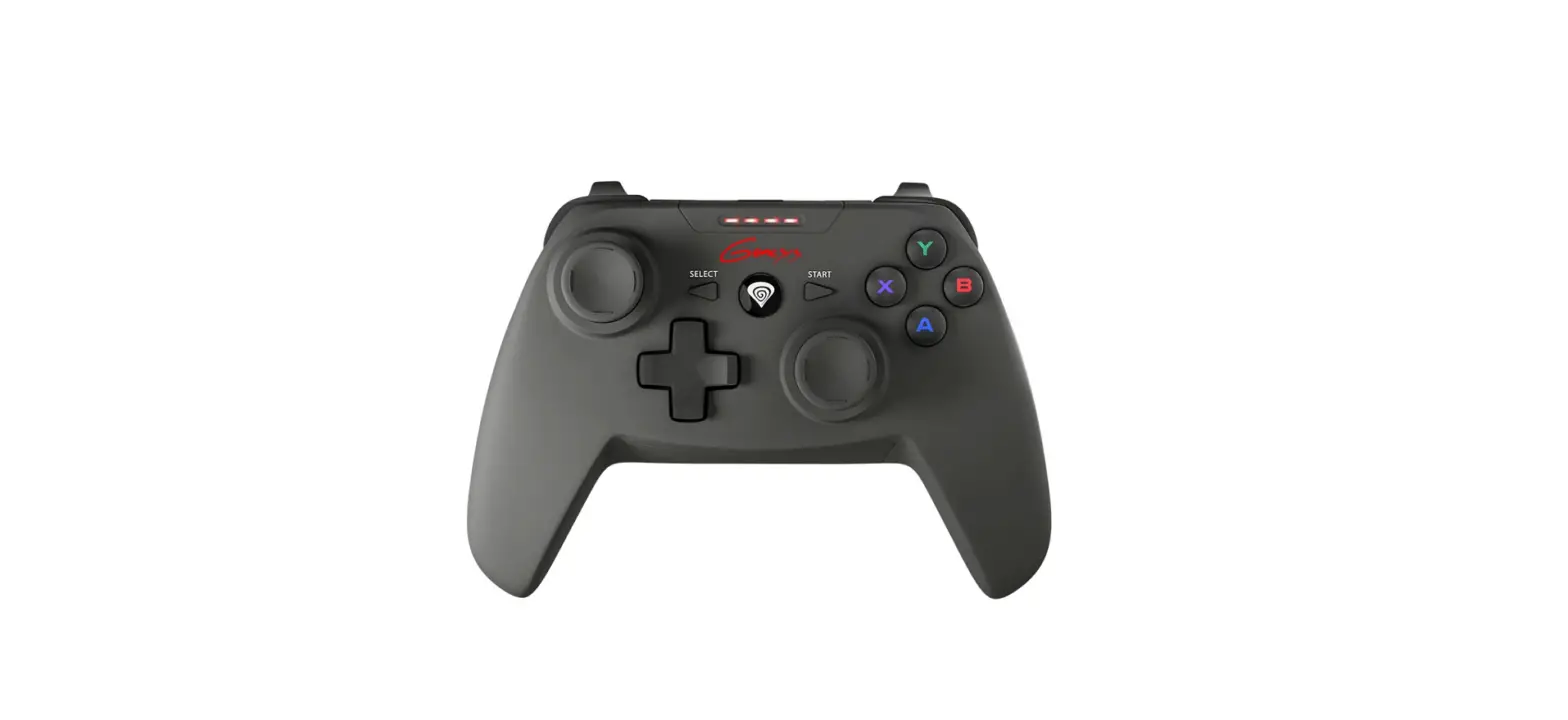
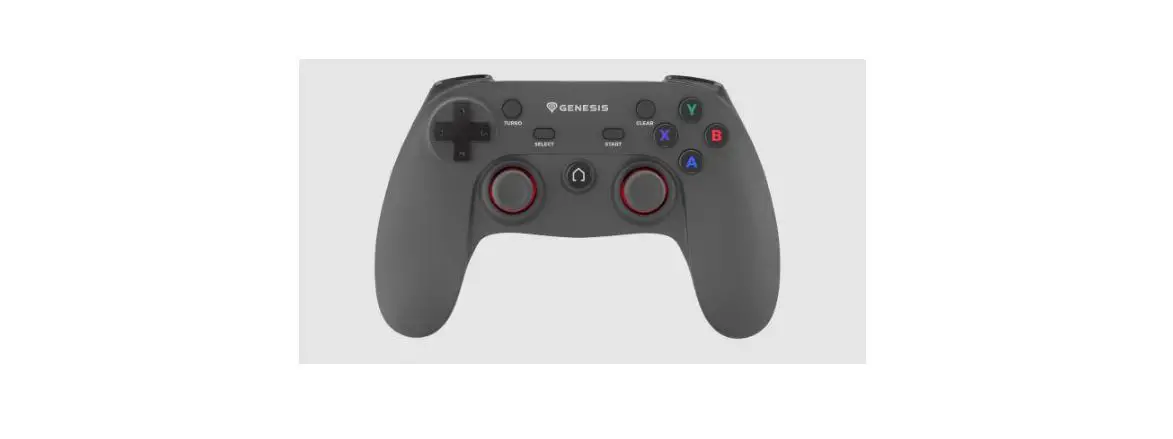
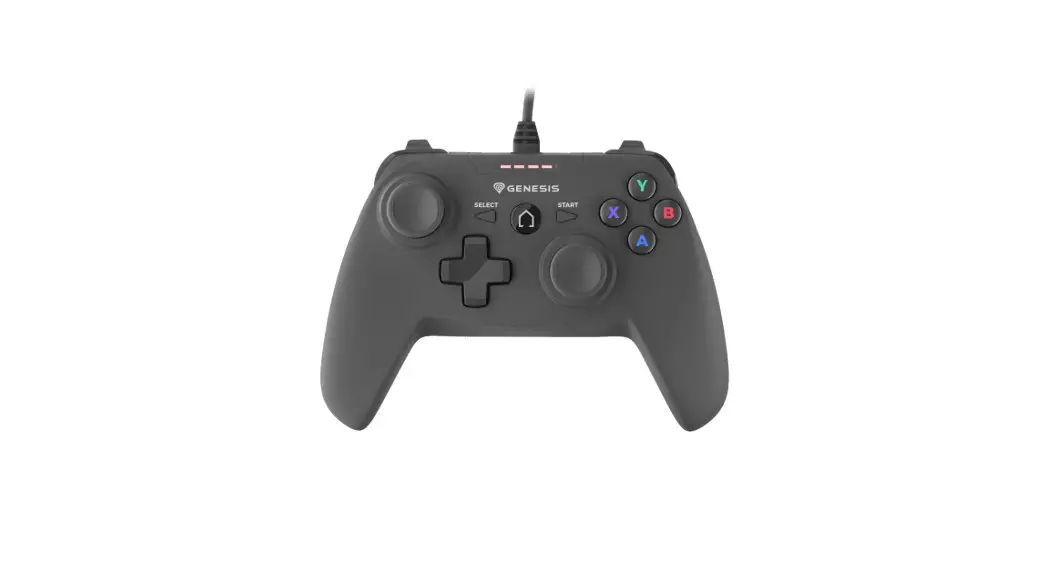
- Analog Sticks with concave domes
- Gaming design
- Vibration Feedback
Installation
- Connect the device to the USB port
- System will install driver automatically
Specification
Buttons number 15
Analog sticks 2
Interface USB
Communication Wired
Package content
- Mangan 200 Gamepad
- Quick installation guide
Requirements
- PC or compatible device with a USB port
- Windows® 2000/ME/XP/Vista/7/8/10
Warranty
2 years limited manufacturer warranty
Safety information
- For intentional purpose only.
- Non-authorized repairs or taking the device to pieces make the warranty void and may cause the product damage.
- Avoid to hit or friction with a hard object, otherwise it will lead to grind surface or other hardware damage.
- Do not use the product in low and high temperatures, in strong magnetic felds and in the damp or dusty atmosphere.
- Do not drop, knock, or shake the device. Rough handling can break it.
General
- The safe product, conforming to the EU requirements.
- The product is made in accordance with RoHS european standard.
- The WEEE symbol (the crossed-out wheeled bin) using indicates that this product in not home waste. Appropriate waste management aids in avoiding consequences which are harmful for people and environment and result from dangerous materials used in the device, as well as improper storage and processing. Segregated household waste collection aids recycle materials and components of which the device was made. In order to get detailed information about recycling this product please contacts your retailer or a local authority.


Product & Support Information | please scan qrcode |

 Genesis | Complete solutions for gamers - mice, keyboards, headphones and other devices