 GUIDE FOR
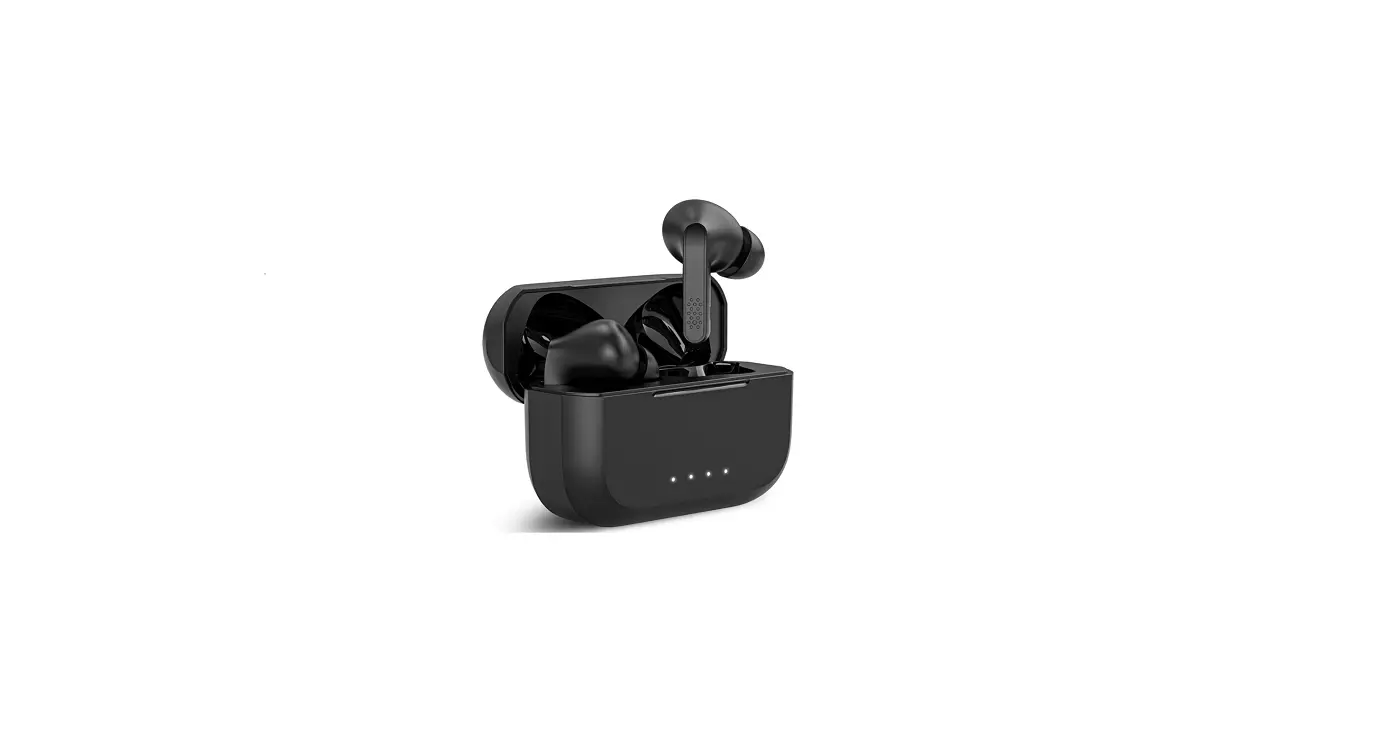
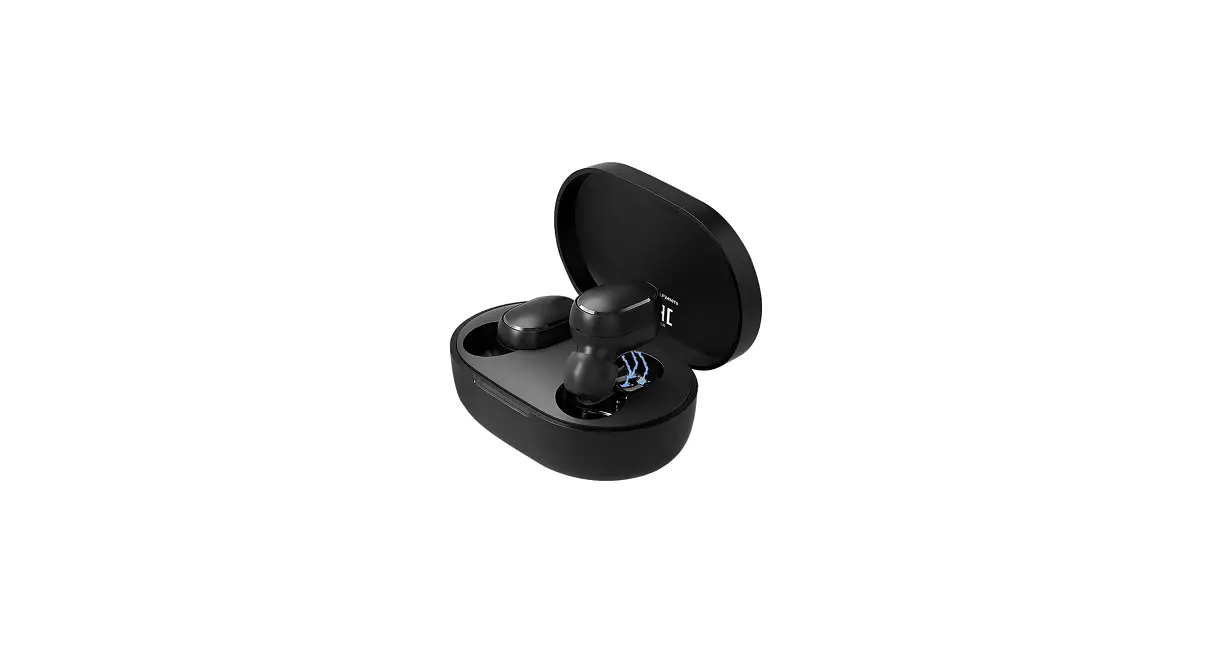
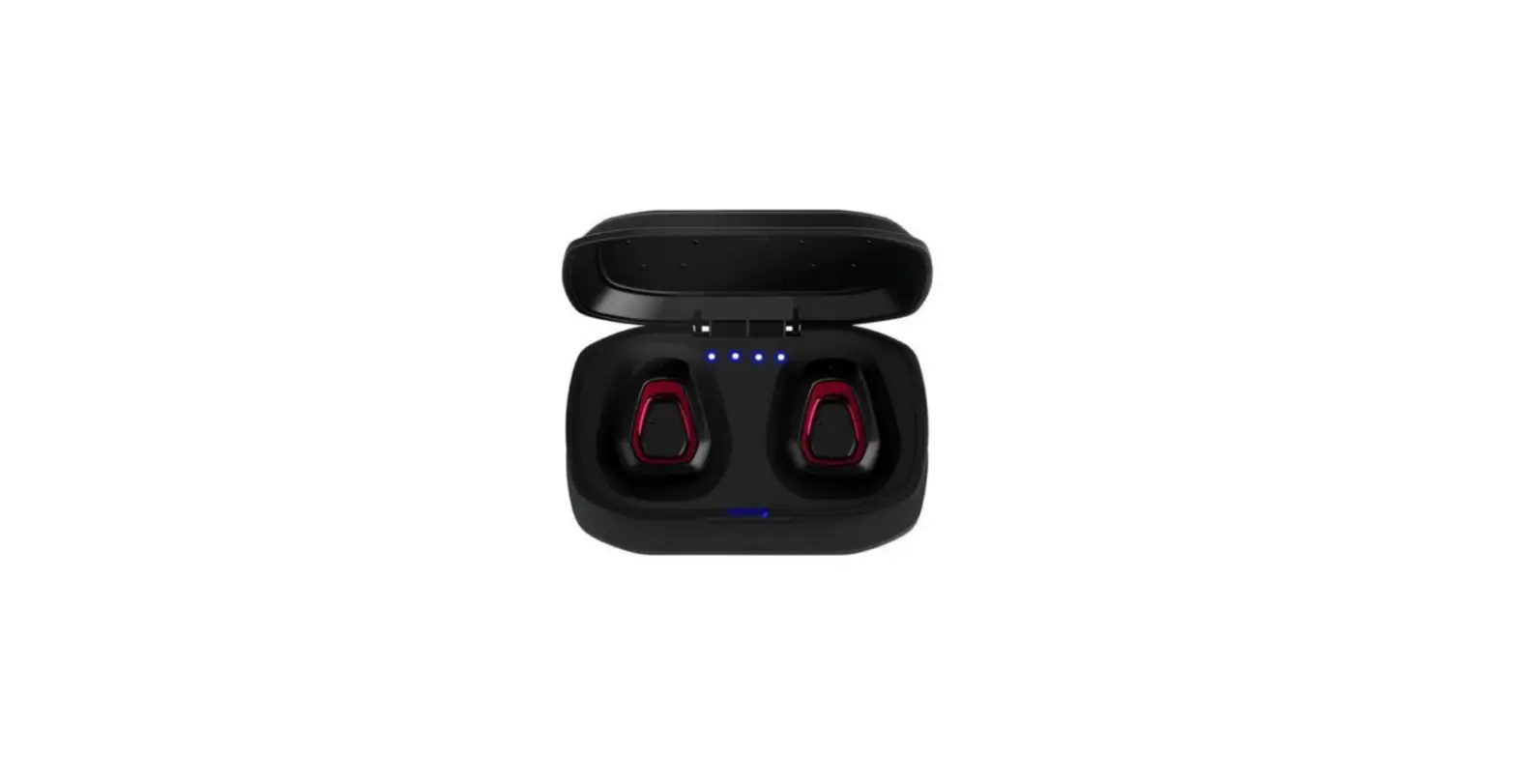
F2 3-In-1 Wireless Headset Bluetooth Earbud
MIVOX F2 USER GUIDE
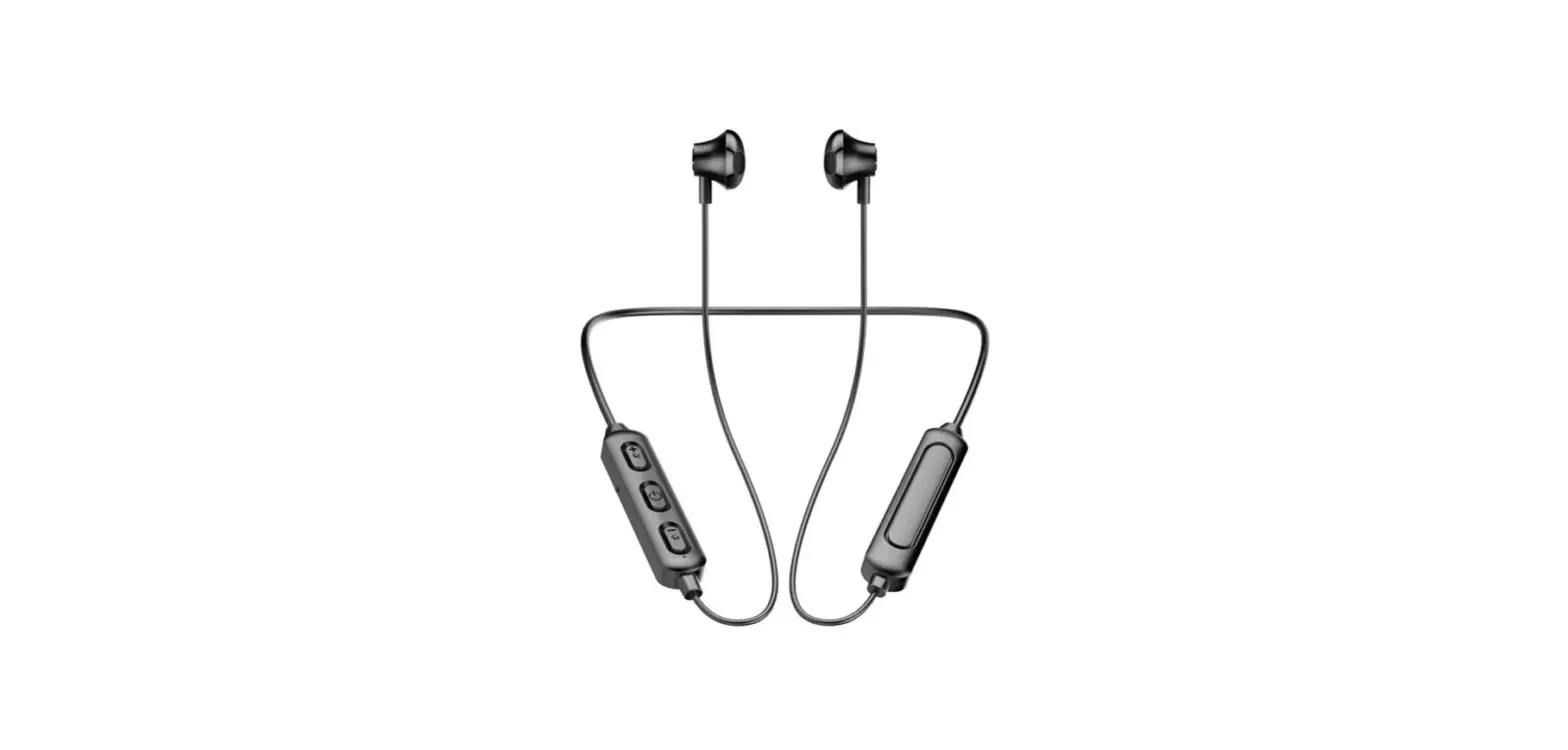
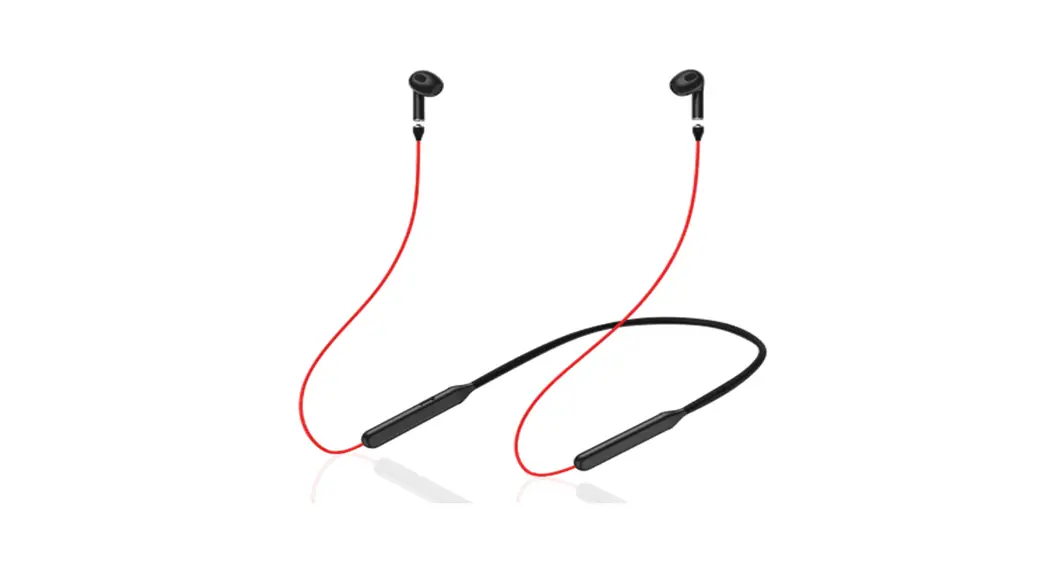
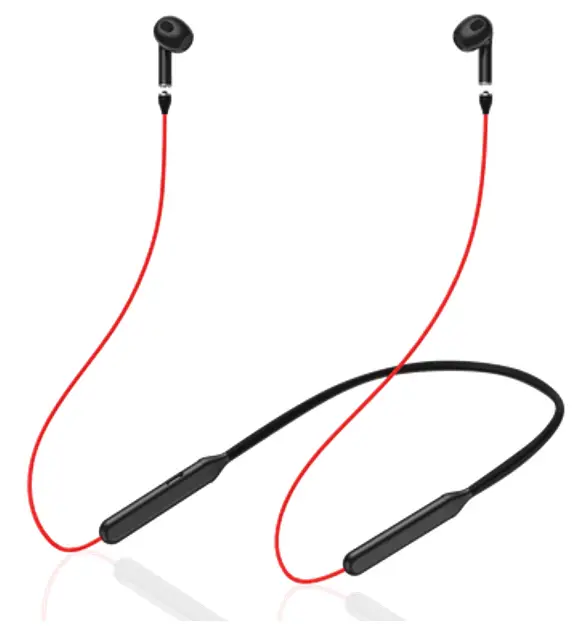
Thanks for choosing MIVOX F2, the wireless earphone with magnetic charging neck cord. In order to have a better user experience, please read this user guide before you start your journey with MIVOX F2.
Please follow the directions to avoid damages of the earphones.
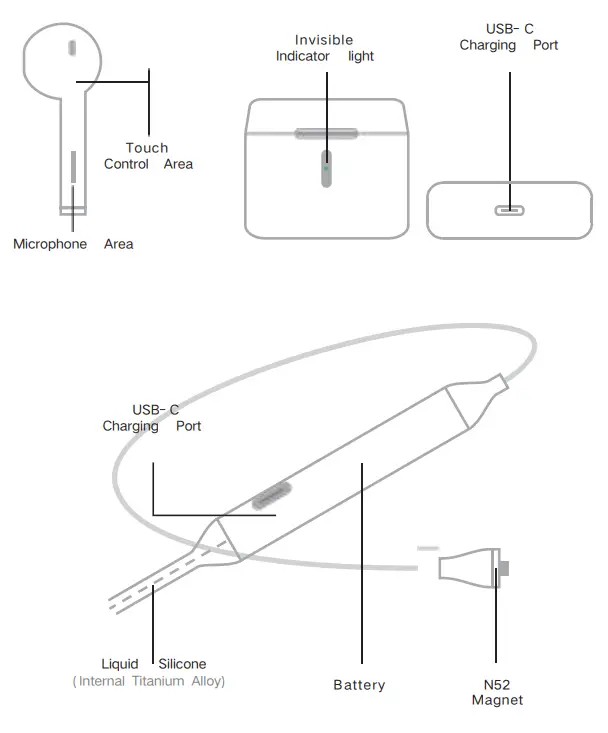
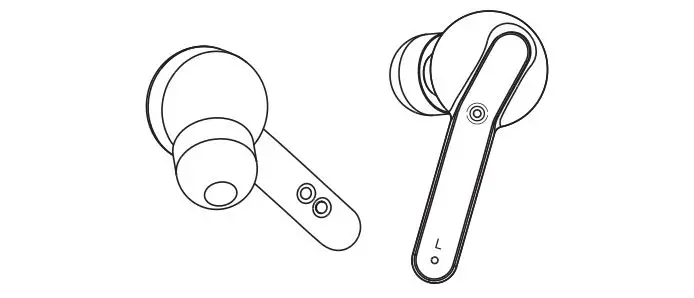
EARBUDS TOUCH CONTROL GUIDE
| Function | Operation | Function | Operation |
| Turn On/Turn Off | Long Hold 8 sec | Switch to Last Song | Triple Click |
| Switch ANC Mode | Hold 3 sec | Switch to Next Song | Double Click |
| Play/ Stop Songs | Single Click | Calling Reject | Double Click |
PRODUCT PARAMETER
| Model | MIVOX F2 | Battery Type | Level A Pure Cobalt |
| CPU | BT8892E | Frequency Range | 20Hz-20KHz |
|
Battery | Earbud: 30mAh/each | Mic Sensitivity | -42±1 dB |
| Neck Band:150mAh | Bluetooth | Bluetooth V5.0 | |
| Case: 350mAh | Bluetooth Range | >15M | |
|
Fully Charged Time | Earphone: 20min | ANC | ±20 dB |
| Neck Band:40min | Bluetooth Protocol | A2DP,AVRCP,HFP,HSP | |
| Case: 70min | Play Time | 30 Hours /Earbud | |
| Case Size | 57.5X47.5X22.5mm | Waterproof Level | IPX4 |
| Band Length | 750mm | Warranty Time | 1 Year |
LED INDICATION
|
Charing Case | Power the Charging Case | In Charging: orange light flash |
| Half Charged: white light flash | ||
| Fully Charged: green light on | ||
| Power Earbudswith the Case | Put the earbuds in the case, the orange/ green light will flash for 10 seconds | |
| Checking the Charging Case’s Power without the Earbuds | Orange light flash 3S: low power | |
| White light flash 3S: power half full | ||
| Green light flash 3 S: enough power | ||
| Charging Neck Cord | Power the Neck Cord | In charging: the red light breath |
| Fulled charged: red light on | ||
| Power Earbudswith Neck Cord | In charging: green light on | |
| Fulled charged: green light off | ||
STORAGE AND MAINTENANCE
- The headset should be stored in a cool and dry place. The working temperature should be -10℃—45℃. Working in an environment that is too cold, too hot, or humid may shorten the battery life.
- Listening to music at a high volume may damage your hearing and the sound may be distorted. Please choose a suitable volume to listen to music and make calls.
- Using earphones for a long time may cause discomfort to the ears and risk of hearing damage.
- The connection between the neckline and the earplugs is a magnet and a nickel-plated patch. Please try to keep it dry and wipe it dry after exercise to prevent being rusted.
- Before charging, please make sure the charging port is dry, so as not to damage the earphone circuit.
- If you haven’t use the earphone for a long time, please charge it first before using.
This device complies with part 15 of the FCC Rules. Operation is subject to the following two conditions: (1) this device may not cause harmful interference, and (2) this device must accept any interference received, including interference that may cause undesired operation. Any changes or modifications not expressly approved by the party responsible for compliance could void the user’s authority to operate the equipment.
NOTE: This equipment has been tested and found to comply with the limits for a Class B digital device, pursuant to Part 15 of the FCC Rules. These limits are designed to provide reasonable protection against harmful interference in a residential installation. This equipment generates, uses, and can radiate radio frequency energy and, if not installed and used in accordance with the instructions, may cause harmful interference to radio communications. However, there is no guarantee that interference will not occur in a particular installation.
If this equipment does cause harmful interference to radio or television reception, which can be determined by turning the equipment off and on, the user is encouraged to try to correct the interference by one or more of the following measures:
- Reorient or relocate the receiving antenna.
- Increase the separation between the equipment and receiver.
- Connect the equipment into an outlet on a circuit different from that to which the receiver is connected.
- Consult the dealer or an experienced radio/TV technician for help.
The device has been evaluated to meet general RF exposure requirements. The device can be used in portable exposure conditions without restriction
www.mivox99.com
Email: [email protected]
MIVO INC (CO. USA)