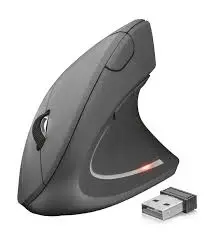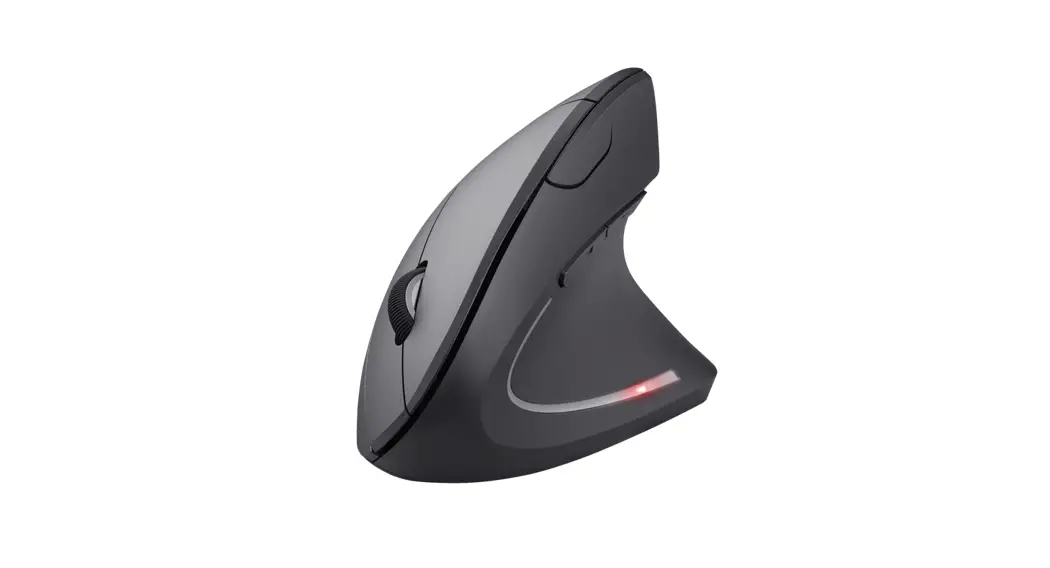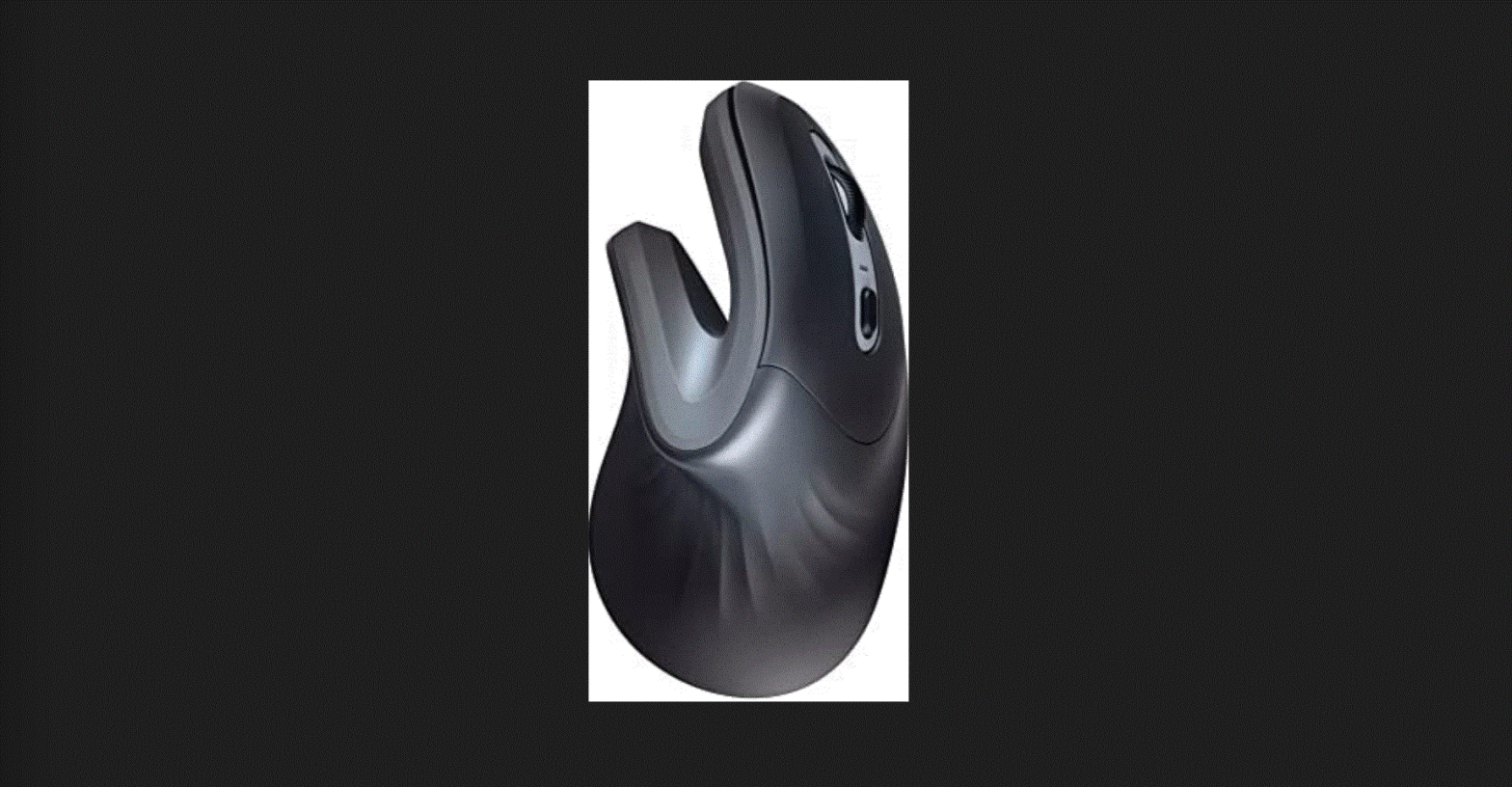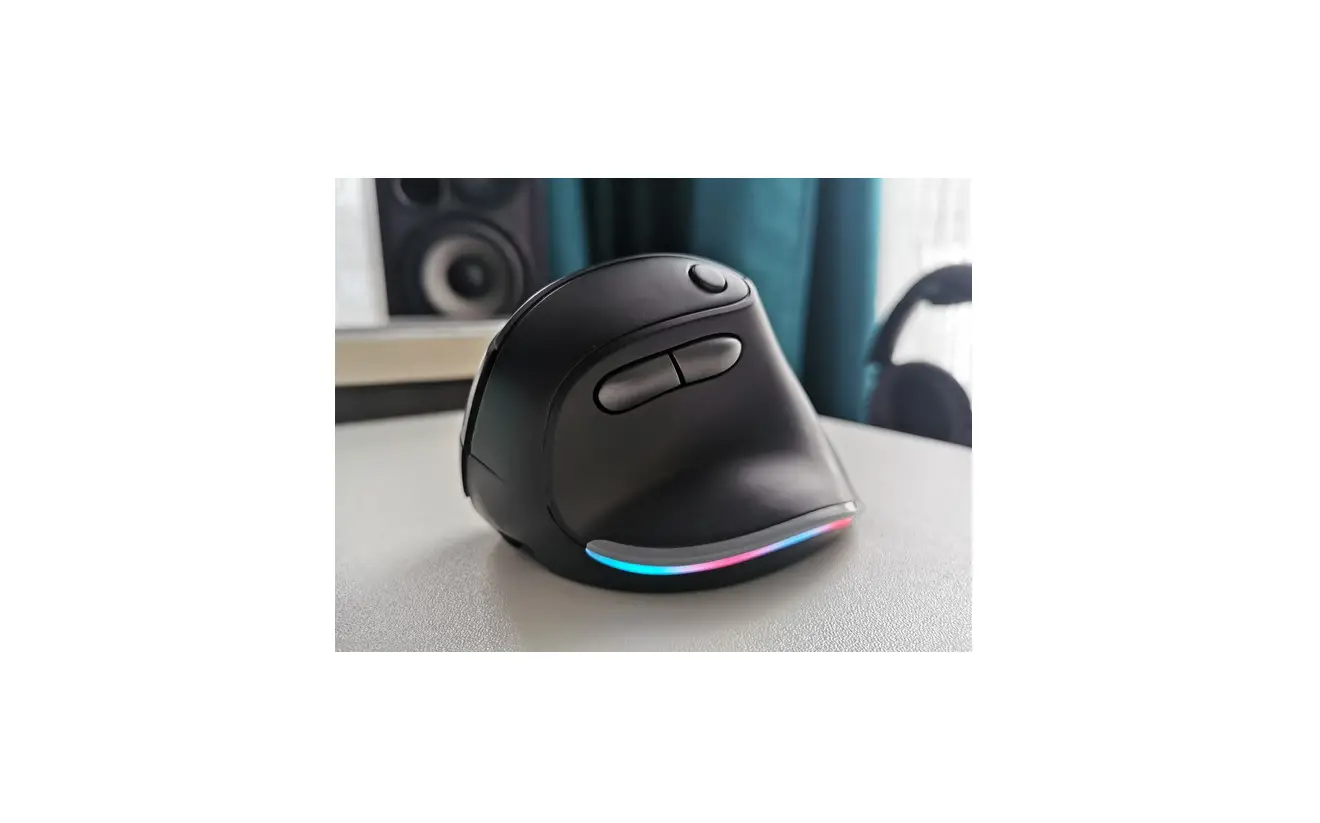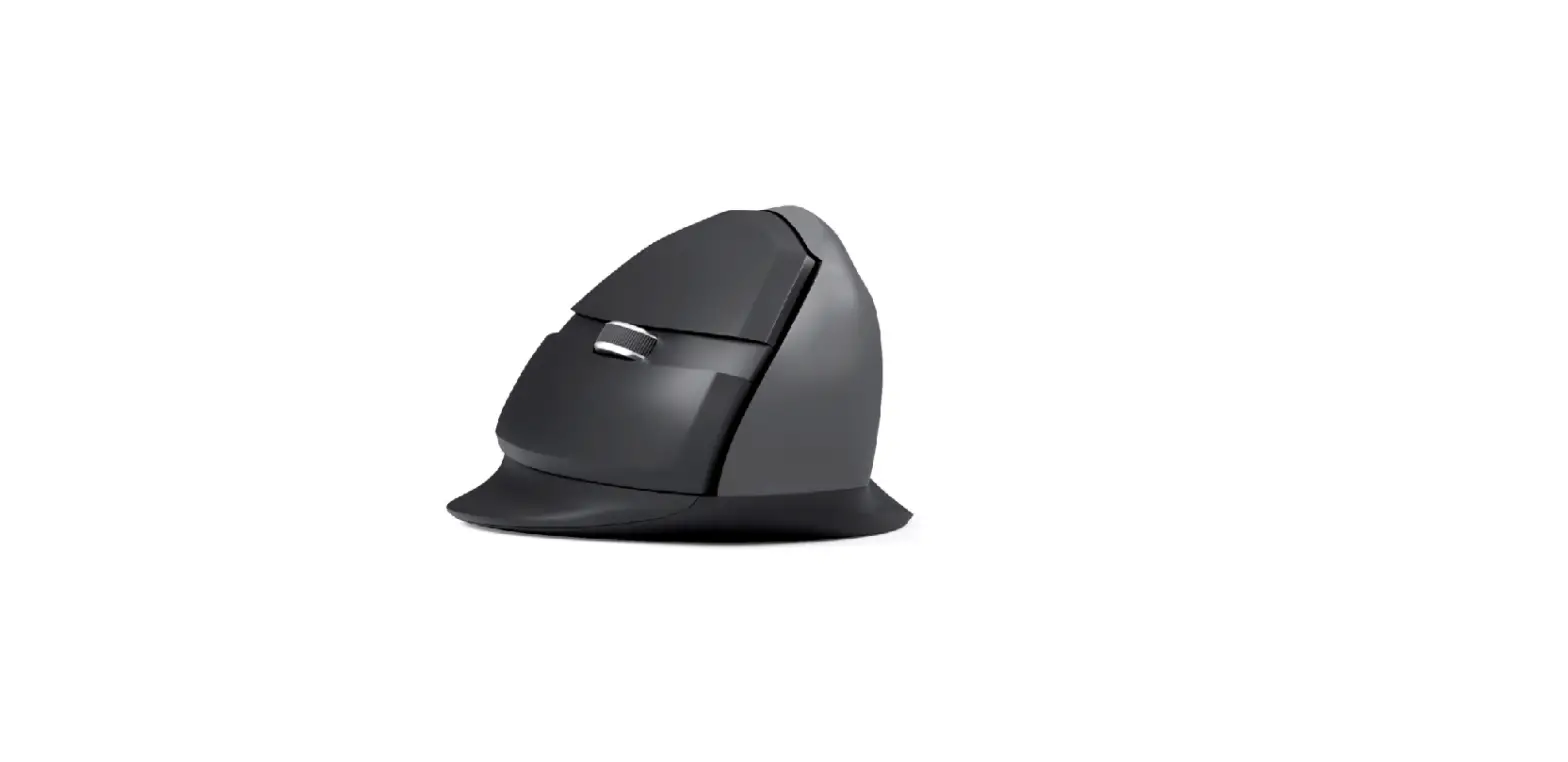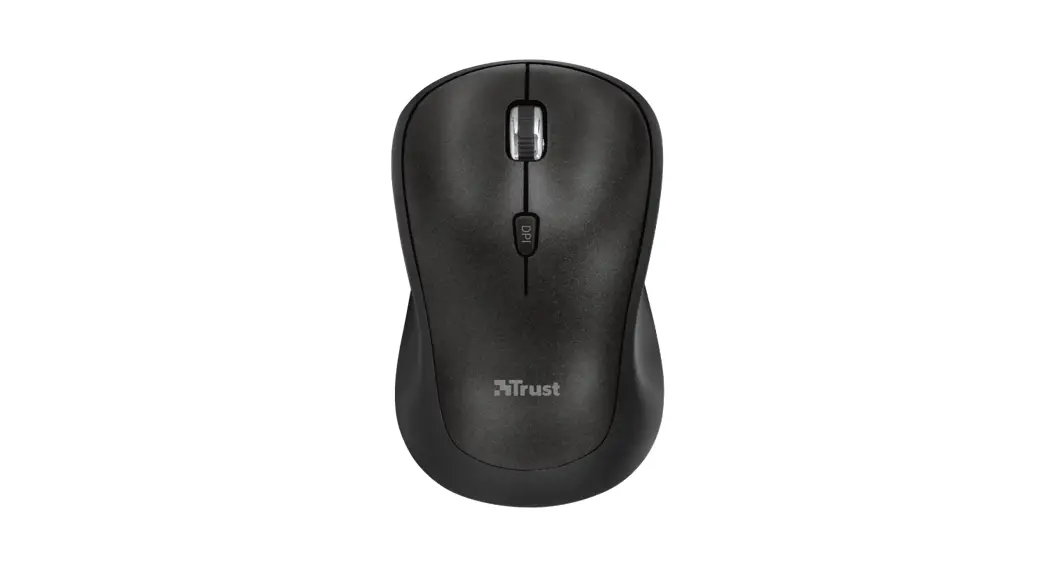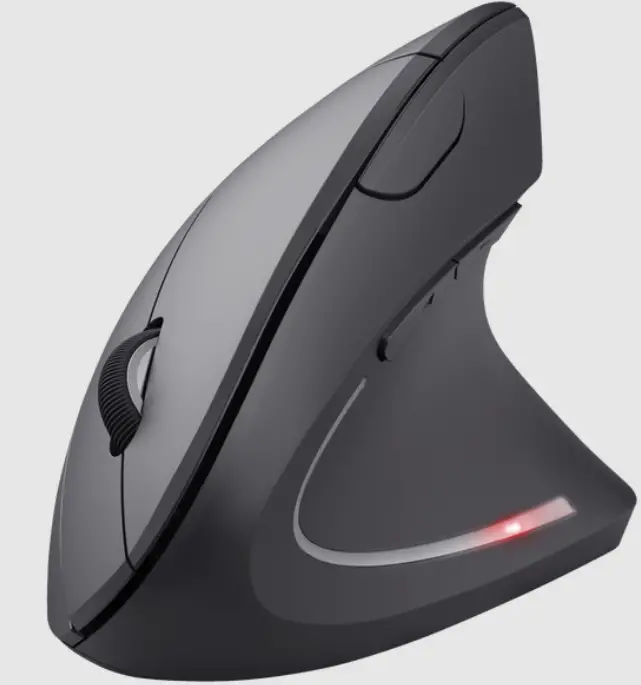

Trust VERTO Ergonomic Wireless Mouse
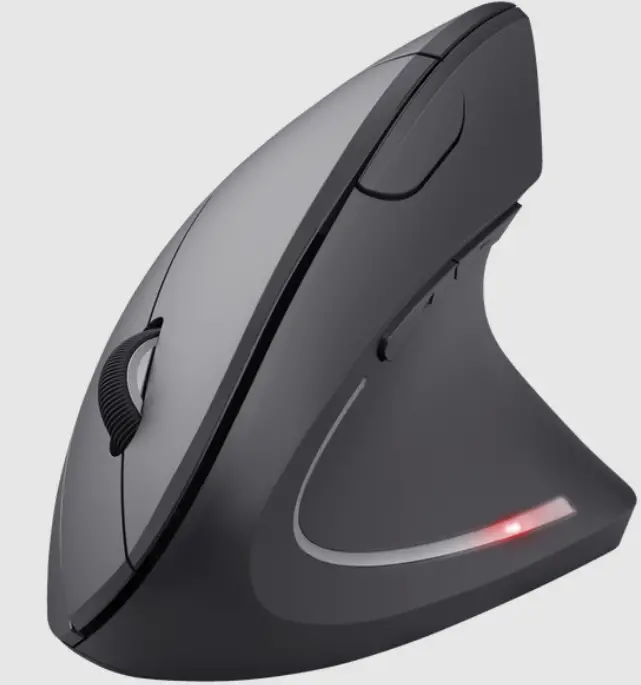
Product Information
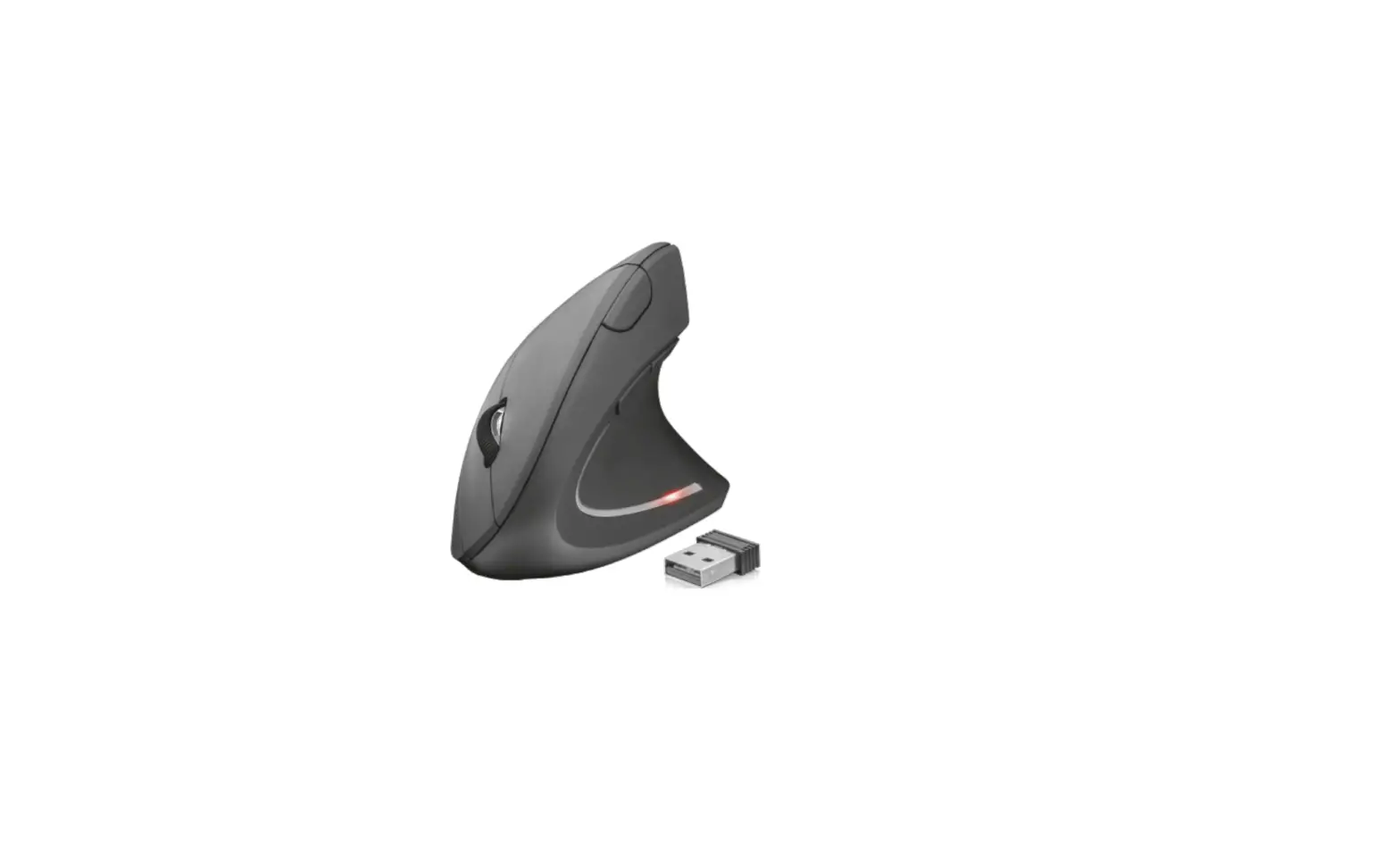
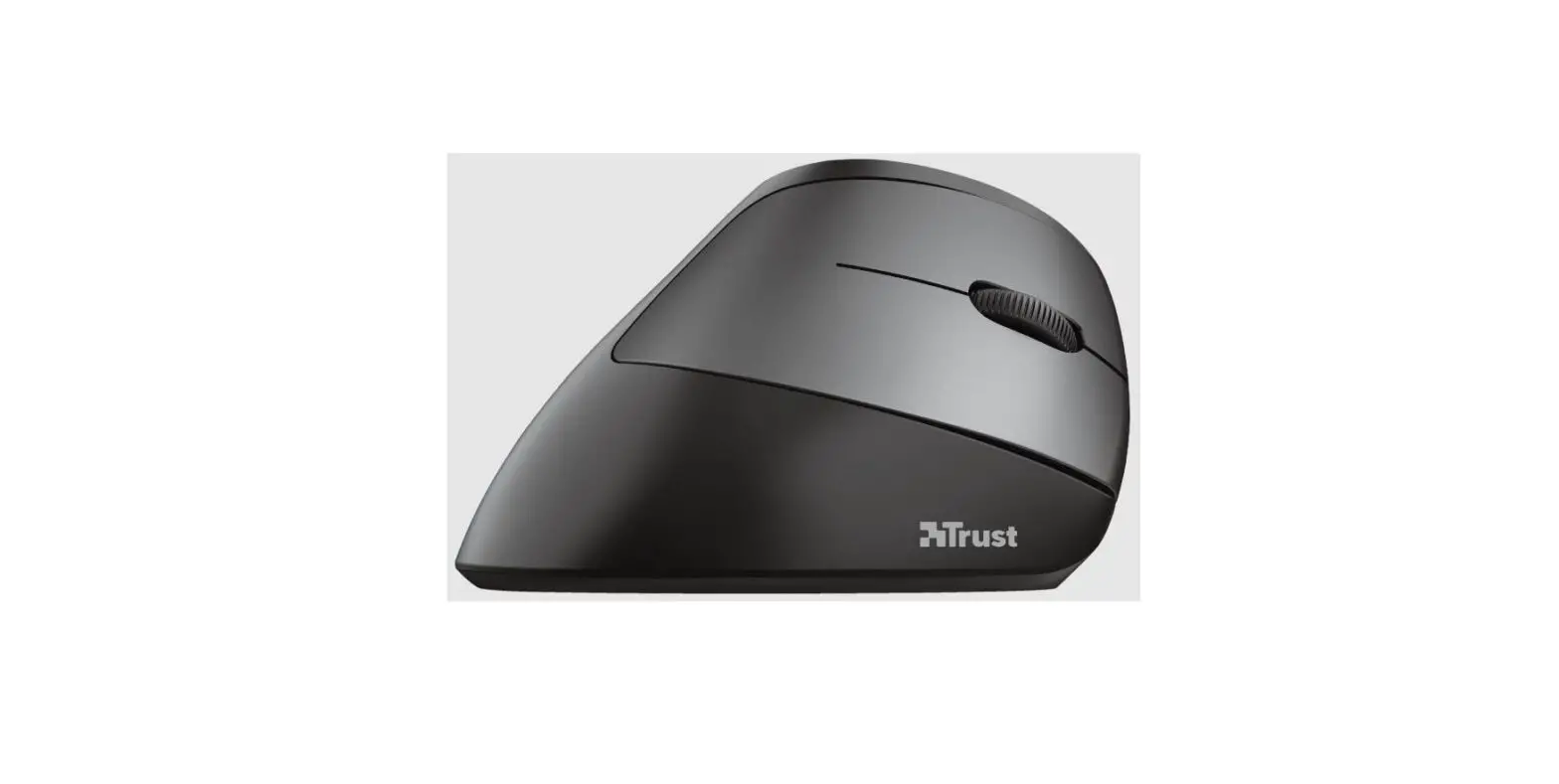
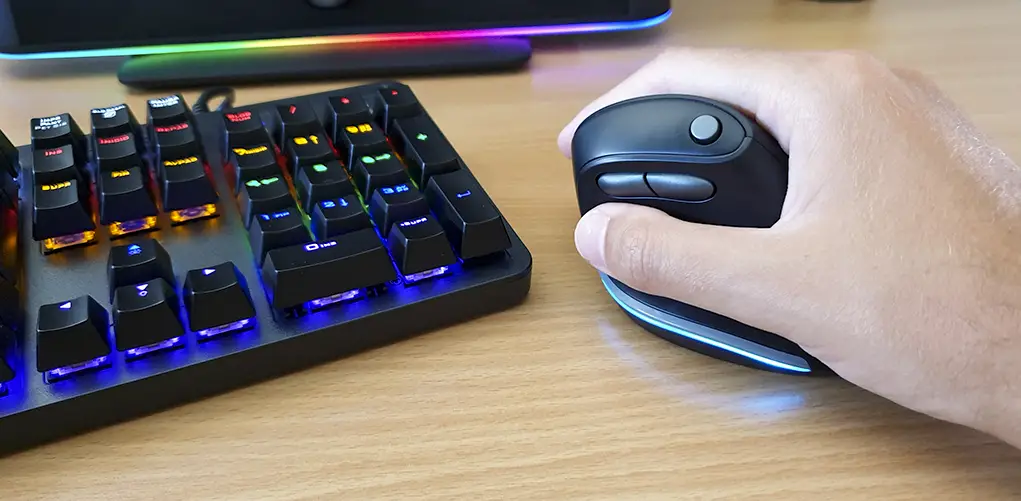
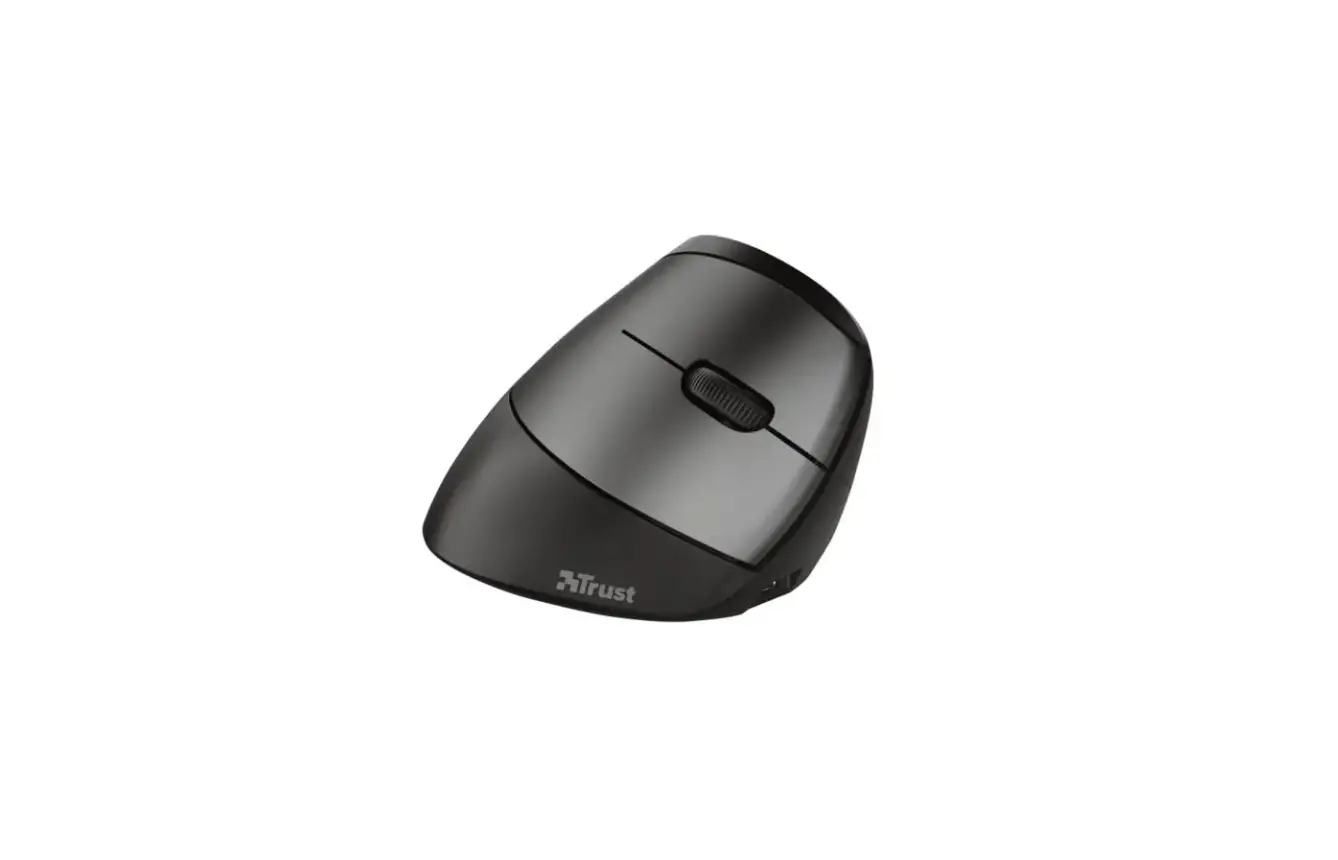
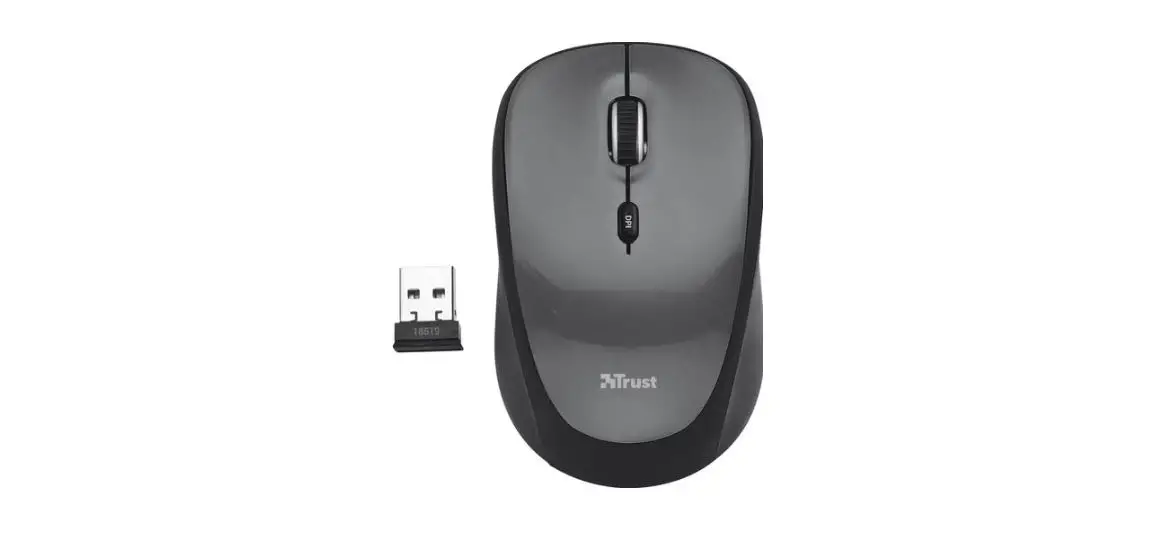
Trust is a company that provides clever solutions to simplify everyday life. The Trust Verto is an ergonomic wireless mouse that requires 2 AAA batteries. It has a USB-A connector and can be turned on and off.
For more information or help with the product, please visit
www.trust.com/25132/FAQ.
Product Usage Instructions
- Insert 2 AAA batteries into the mouse.

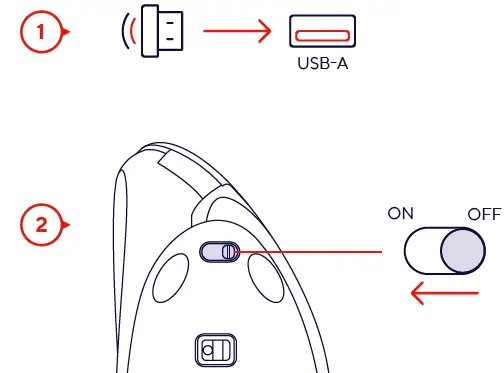
- Insert the USB-A connector into your computer’s USB port.
- Turn the mouse on by sliding the switch to the “ON” position.
Turn it off by sliding the switch to the “OFF” position.
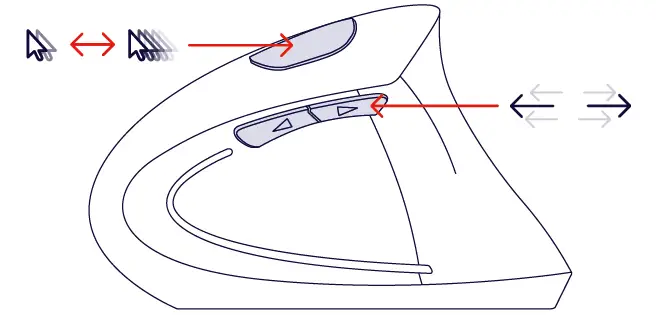
- Use the mouse to navigate your computer.
- When you’re finished using the mouse, consider the environment when disposing of its packaging.


 Trust.com - Verto Ergonomic Wireless Mouse - White