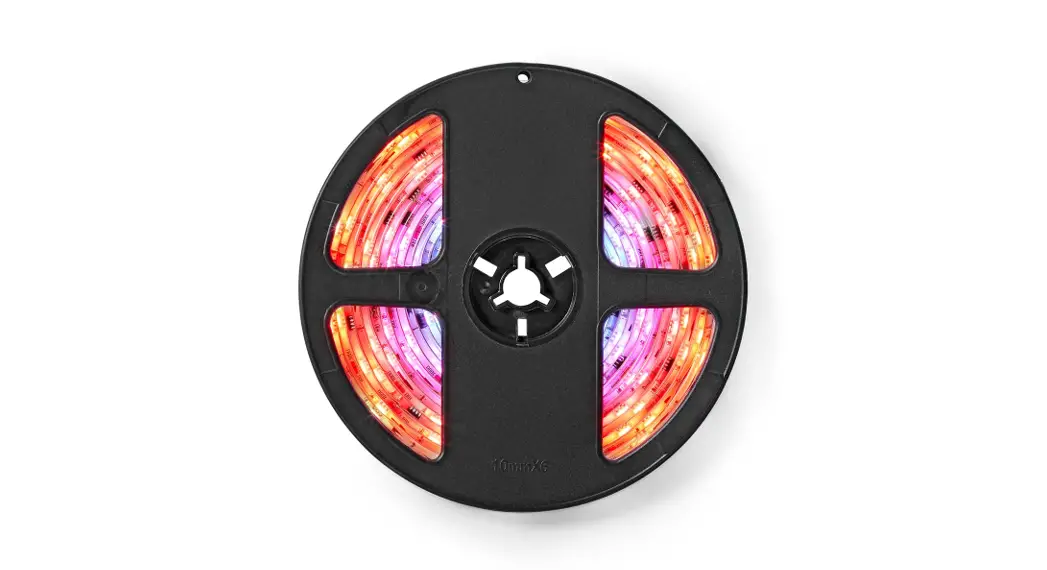

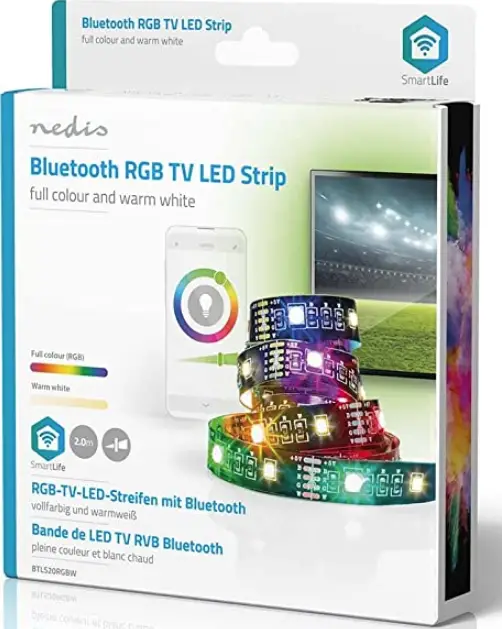
nedis BTLS20RGBW 2 Meter Smart Bluetooth USB LED Strip
Product Information
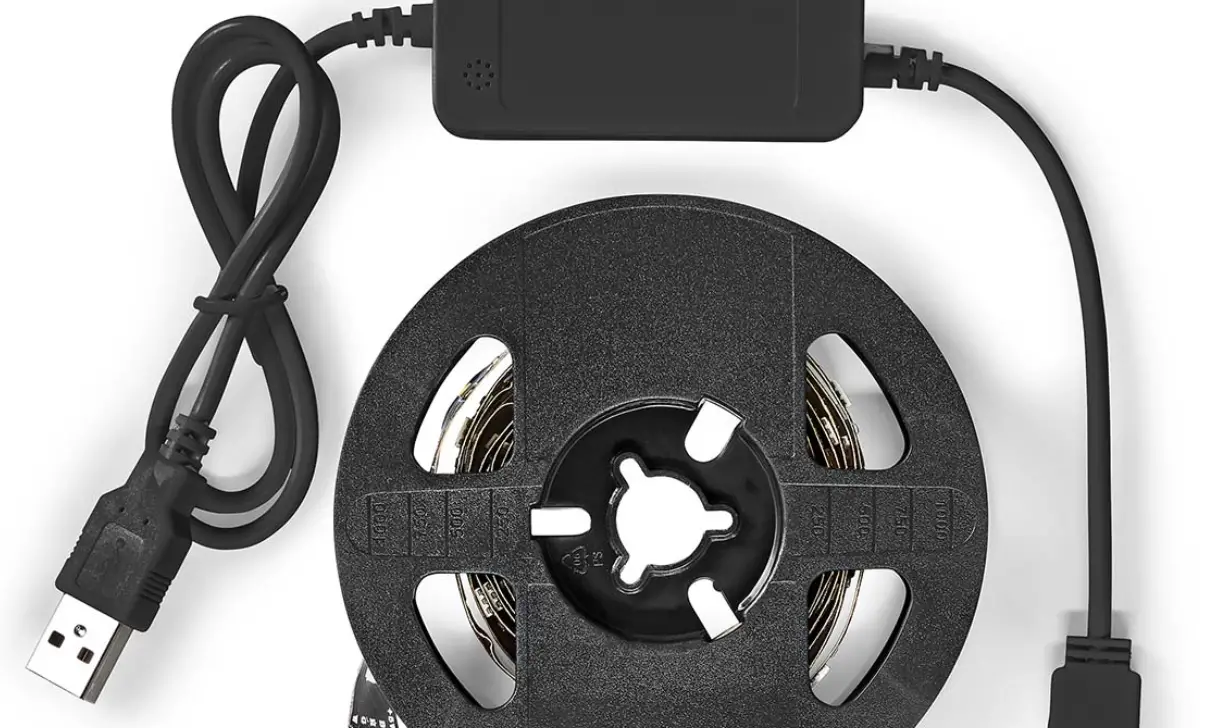
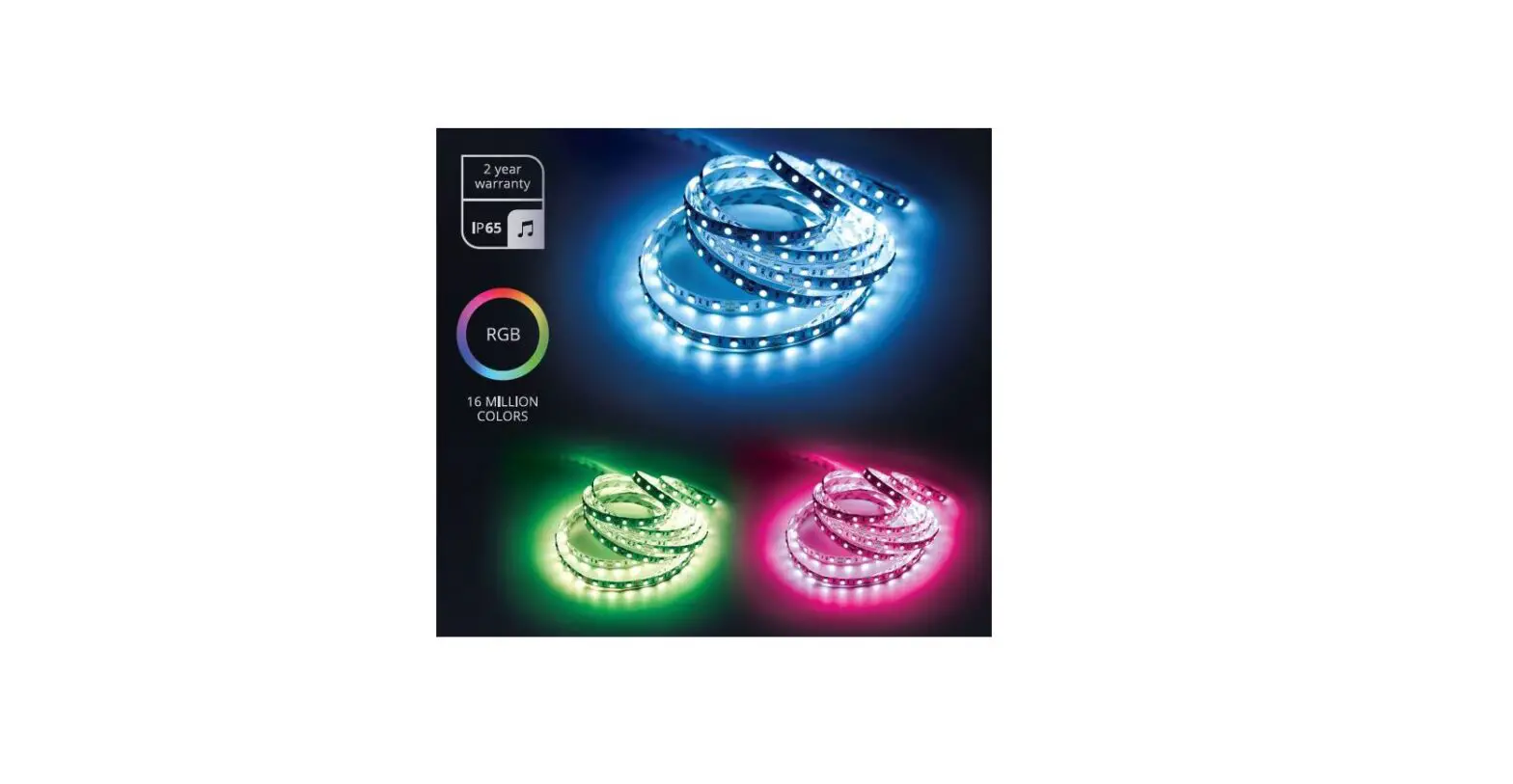
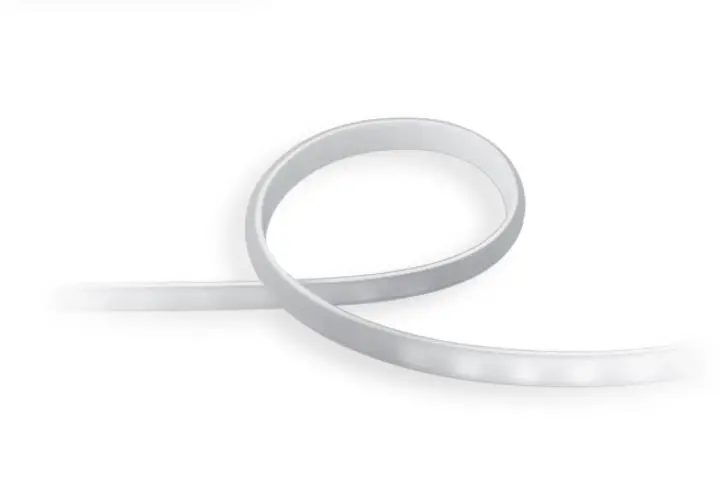
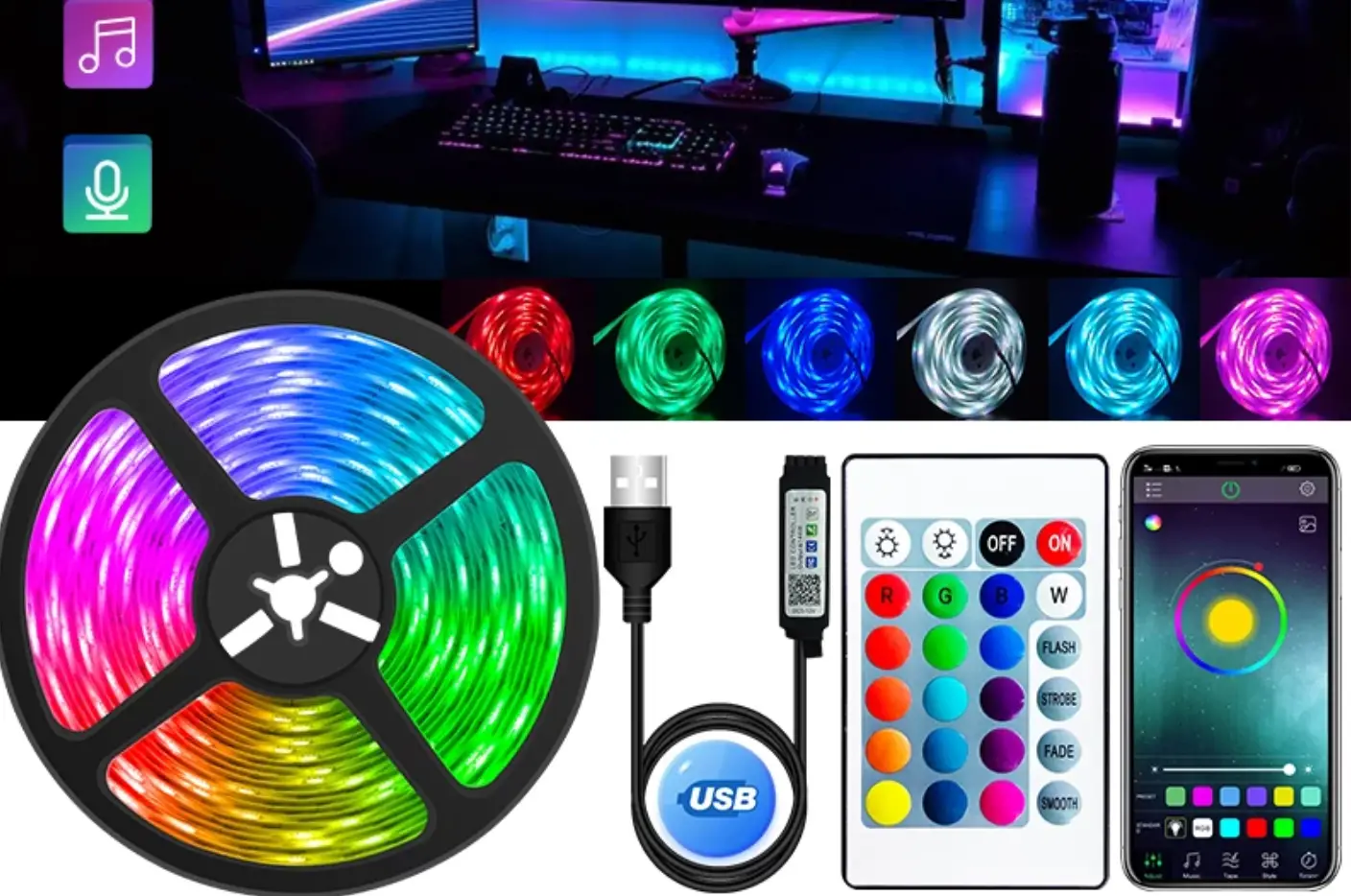
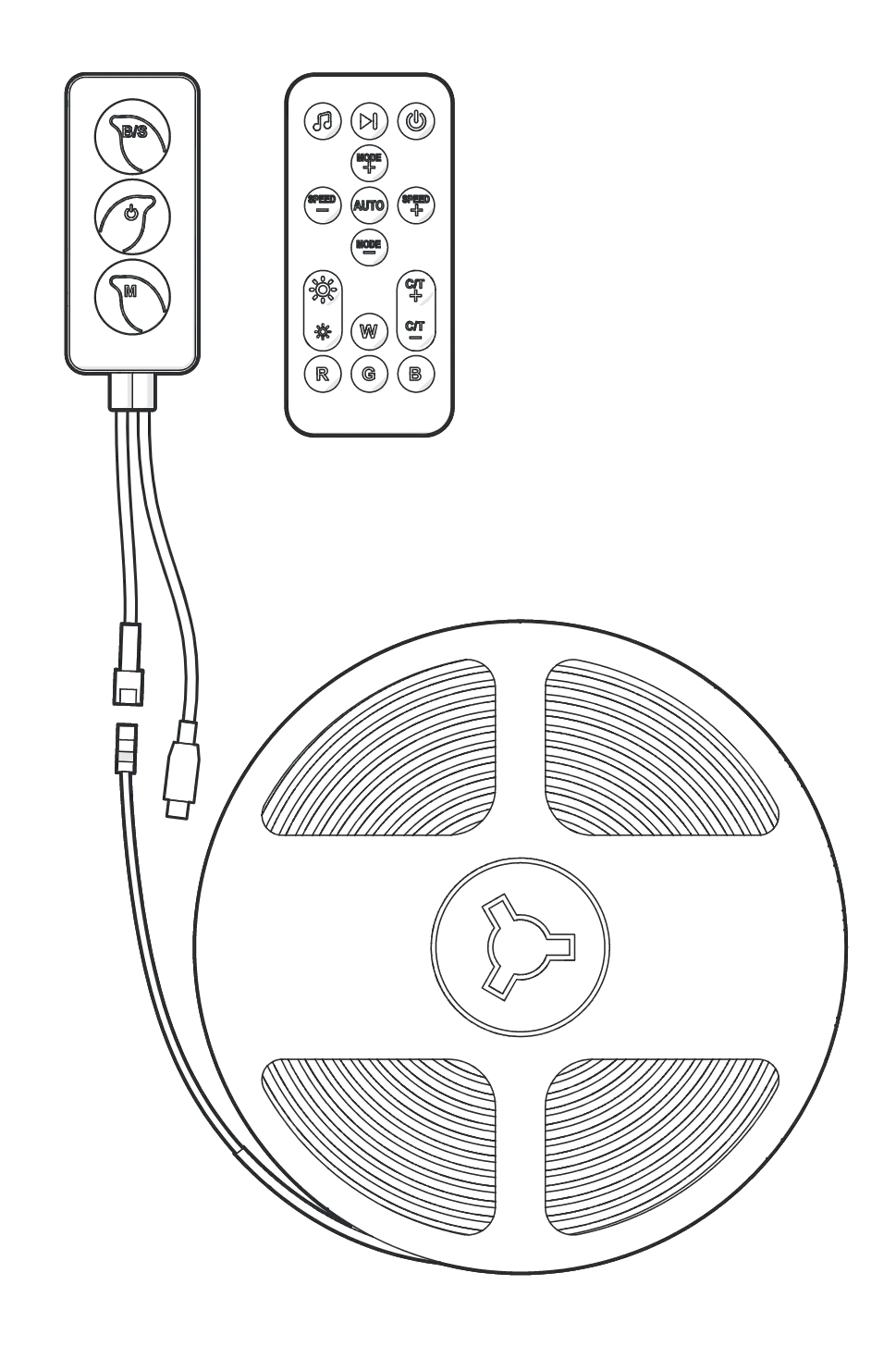
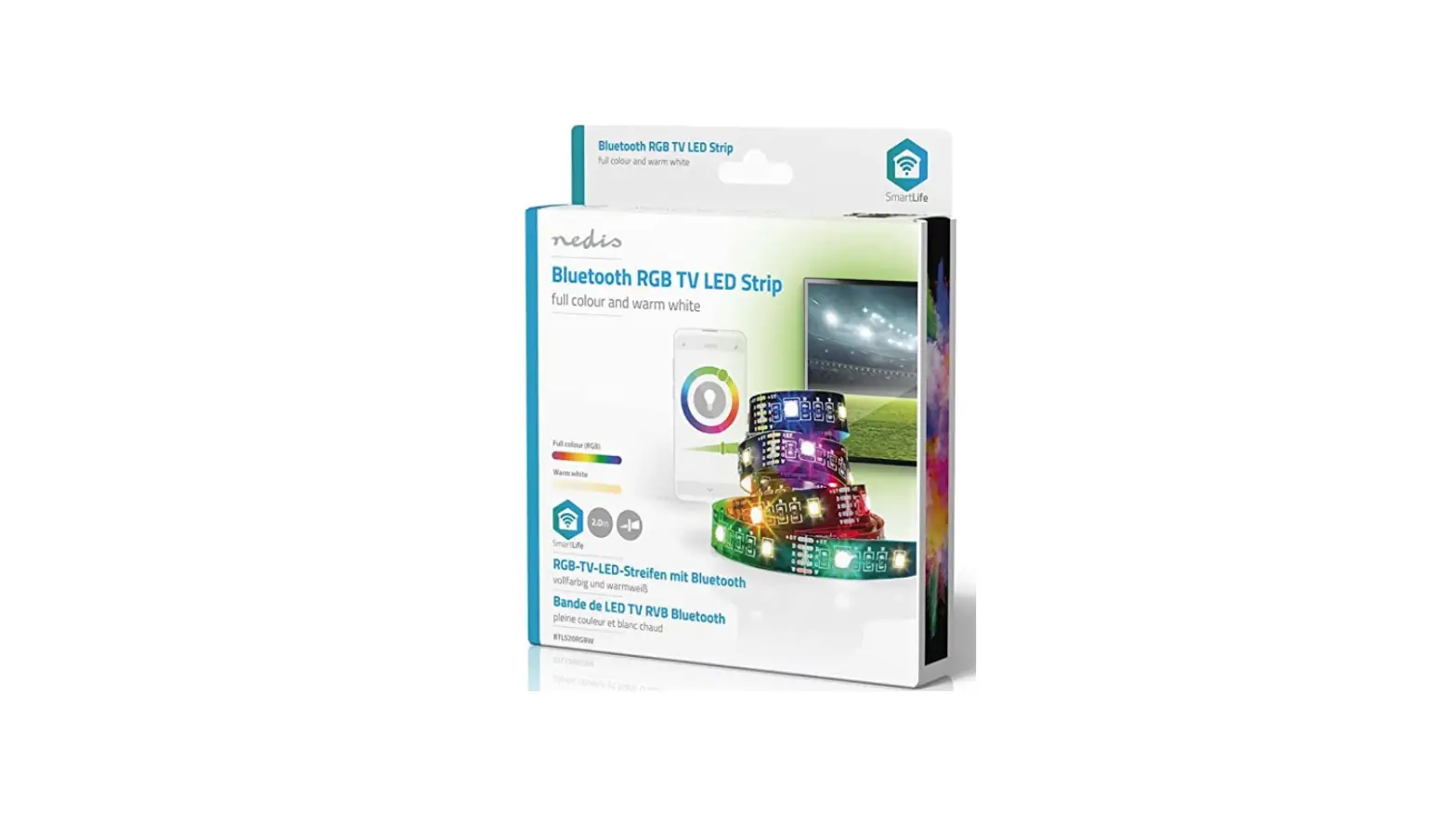
The Smart Bluetooth USB LED Strip, model BTLS20RGBW, is a product that can be controlled through a smartphone. It is intended for indoor use only and not for professional use. Any modification of the product may affect its safety, warranty, and proper functioning.
Specifications:
- Article number: BTLS20RGBW
- LED strip length: 2m
- LED strip width: 12mm
- Brightness: 380lm
- Light colour: RGB + 2700K
- LED type: 5050 + 2835
- LED quantity: 2 x 30 per meter
- Connection: 5 pins at 2mm each
- Power: 4W
- Waterproof: IP20
- Energy class: F
Main Parts:
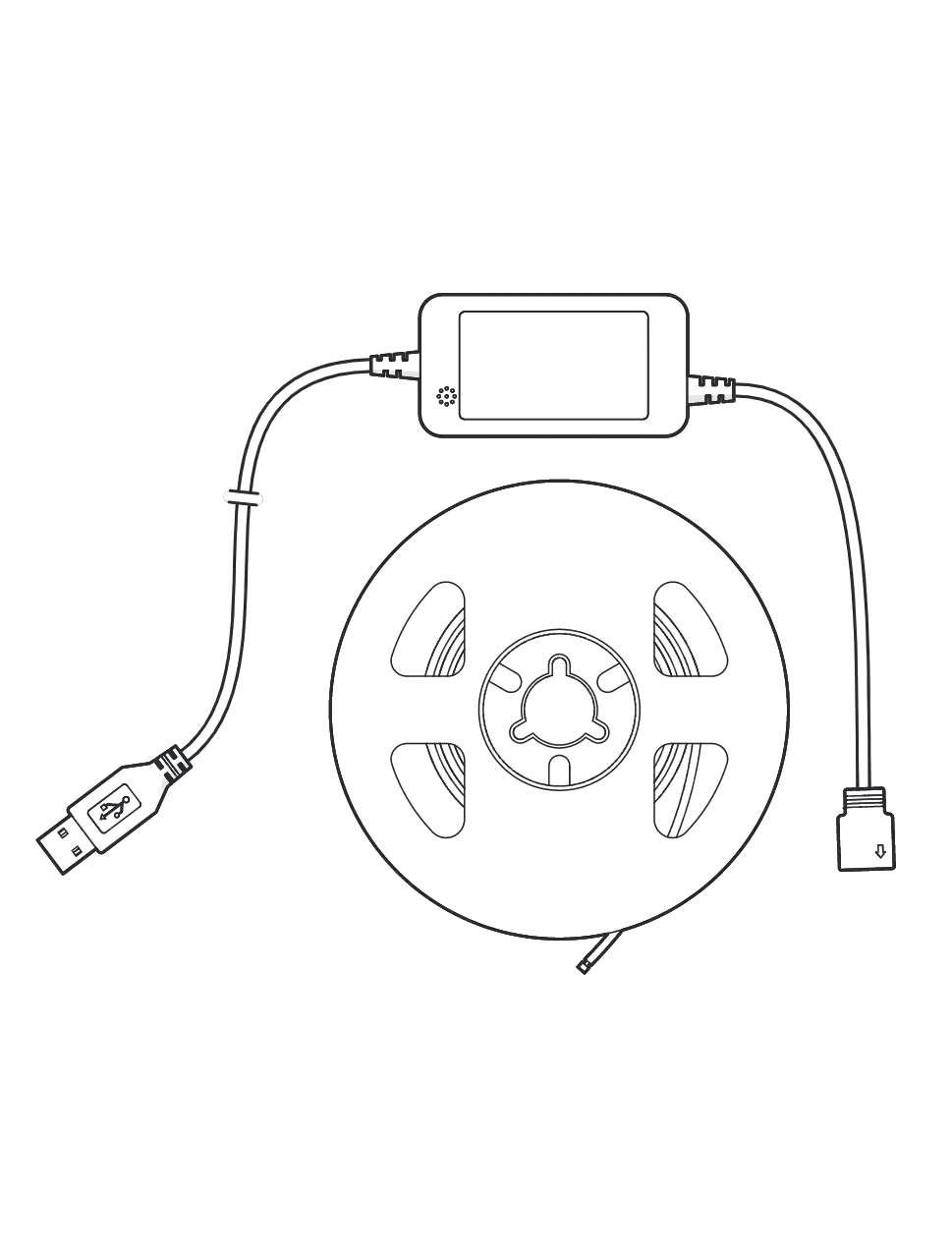
- USB cable
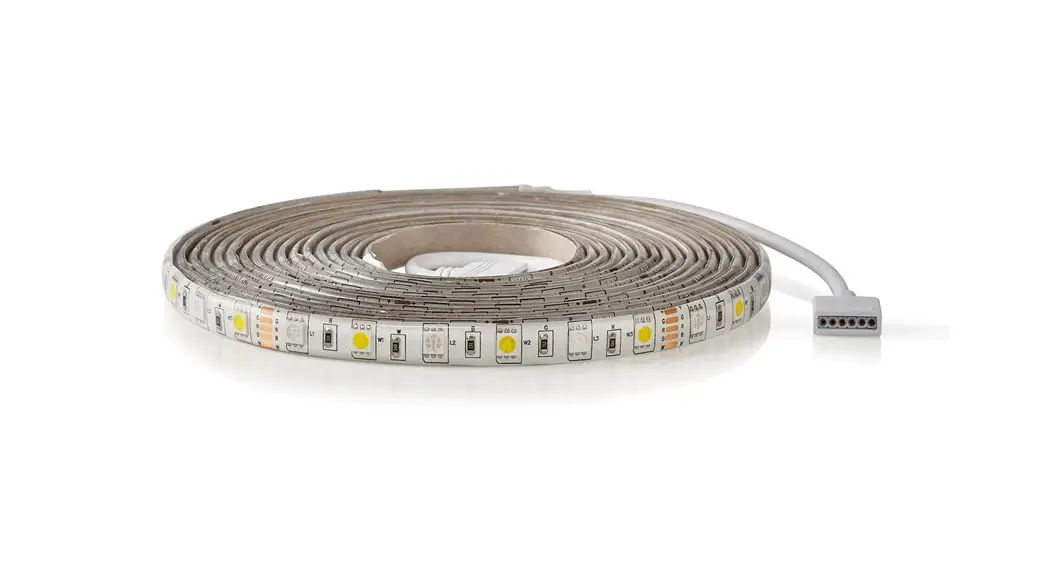
- LED strip
- LED strip connector
Safety Instructions:
WARNING: Replace a damaged or defective product immediately.
Product Usage Instructions:
Installing the App:
- Download the Nedis Smartlife app for Android or iOS on your phone via Google Play or the Apple App Store.
- Open the Nedis Smartlife app on your phone.
- Create an account with your mobile phone number or your e-mail address and tap Continue.
- Enter the received verification code.
- Create a password and tap Done.
- Tap Add Home to create a SmartLife Home.
- Set your location, choose the rooms you want to connect with, and tap Done.
Connecting the Product:
- Align the arrow on the LED strip connector A3 to the +5V sign on the LED strip A2.
- Plug A3 into A2.
- Plug the USB cable A1 into a power source. A2 blinks.
- If A2 does not blink, disconnect and reconnect A1 from the power source three times until A2 starts to blink.
- Enable Bluetooth on the device you want to pair.
- Tap + in the top right corner.
- Under Search Device, select the product from the list of available devices.
- Rename the product after it has been found and added.
Setting up the Product:
- Unplug A1 from the power source.
- Clean the surface from dust and grease. The surface must be smooth. Do not place the product on knitted/wool fabrics, dust wall, rough plastic surface, or frosted glass.
- Remove part of the 3M tape from the back of A2.
- Place the start of A2 in the desired position. Make sure the power source is within reach.
- Unroll A2.
- Remove the 3M tape and press A2 into the desired position.
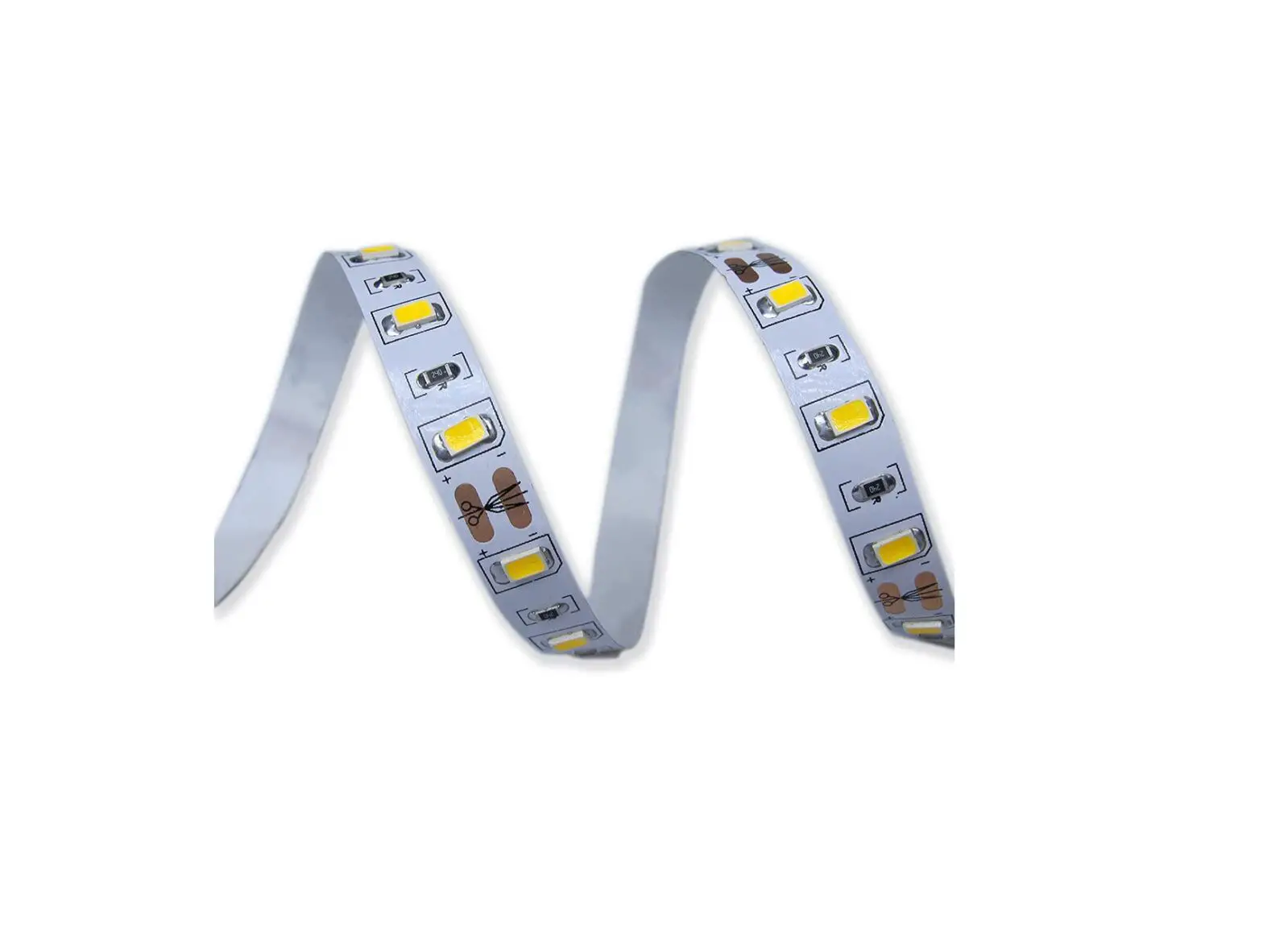
- Firmly press A2 down with your hand. Do not use hard objects to press A2 down to prevent damage. Only fold/bend A2 around the cut lines to prevent damage to the components.
- If desired, cut A2 to size on the indicated cut lines.
For more information see the extended manual online: ned.is/btls20rgbw
Intended use
- This product is a Smart Bluetooth USB LED strip that can be controlled by smartphone.
- The product is not intended for professional use.
- The product is intended for indoor use only.
- Any modification of the product may have consequences for safety, warranty and proper functioning.
Specifications
| Product | Smart Bluetooth USB LED Strip |
| Article number | BTLS20RGBW |
| LED strip length | 2 m |
| LED strip width | 12 mm |
| Brightness | 380 lm |
| Light colour | RGB + 2700K |
| LED type | 5050 + 2835 |
| LED quantity | 2 x 30 per meter |
| Connection | 5 pins at 2 mm each |
| Power | 4 W |
| Waterproof | IP20 |
| Energy class | F |
Main parts 
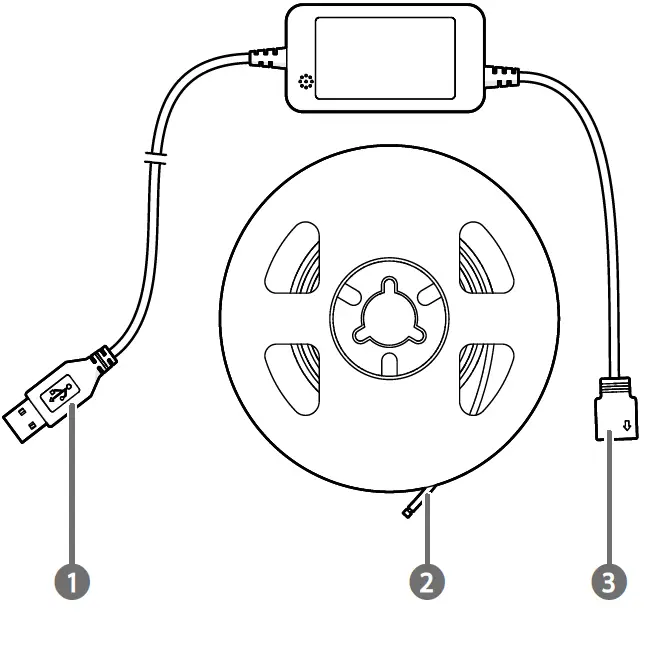
- USB cable
- LED strip
- LED strip connector
Safety instructions
WARNING
- Ensure you have fully read and understood the instructions in this document before you install or use the product. Keep the packaging and this document for future reference.
- Only use the product as described in this document.
- Do not use the product if a part is damaged or defective. Replace a damaged or defective product immediately
- Do not drop the product and avoid bumping.
- This product may only be serviced by a qualified technician for maintenance to reduce the risk of electric shock.
- Only use the provided power cable.
- Do not expose the product to water or moisture.
Installing the app
- Download the Nedis Smartlife app for Android or iOS on your phone via Google Play or the Apple App Store.
- Open the Nedis Smartlife app on your phone.
- Create an account with your mobile phone number or your e-mail address and tap Continue.
- Enter the received verification code.
- Create a password and tap Done.
- Tap Add Home to create a SmartLife Home.
- Set your location, choose the rooms you want to connect with and tap Done
Connecting the product
- Align the arrow on the LED strip connector A3 to the +5V sign on the LED strip A2.
- Plug A3 into A2.
- Plug the USB cable A1 into a power source. A2 blinks.
- If A2 does not blink, disconnect and reconnect A1 from the power source three times until A2 starts to blink.
- Enable Bluetooth on the device you want to pair.
- Tap + in the top right corner.
- Under Search Device, select the product from the list of available devices.
- Rename the product after it has been found and added.
Setting up the product
- Unplug A1 from the power source.
- Clean the surface from dust and grease.
The surface must be smooth. Do not place the product on knitted/wool fabrics, dust wall, rough plastic surface or frosted glass. - Remove part of the 3M tape from the back of A2.
- Place the start of A2 in the desired position.
Make sure the power source is within reach. - Unroll A2.
- Remove the 3M tape and press A2 into the desired position.
- Firmly press A2 down with your hand.
Do not use hard objects to press A2 down to prevent damage.
Only fold/bend A2 around the cut lines to prevent damage to the components
If desired, cut A2 to size on the indicated cut lines. - Plug A1 into a power source.
Controlling the product
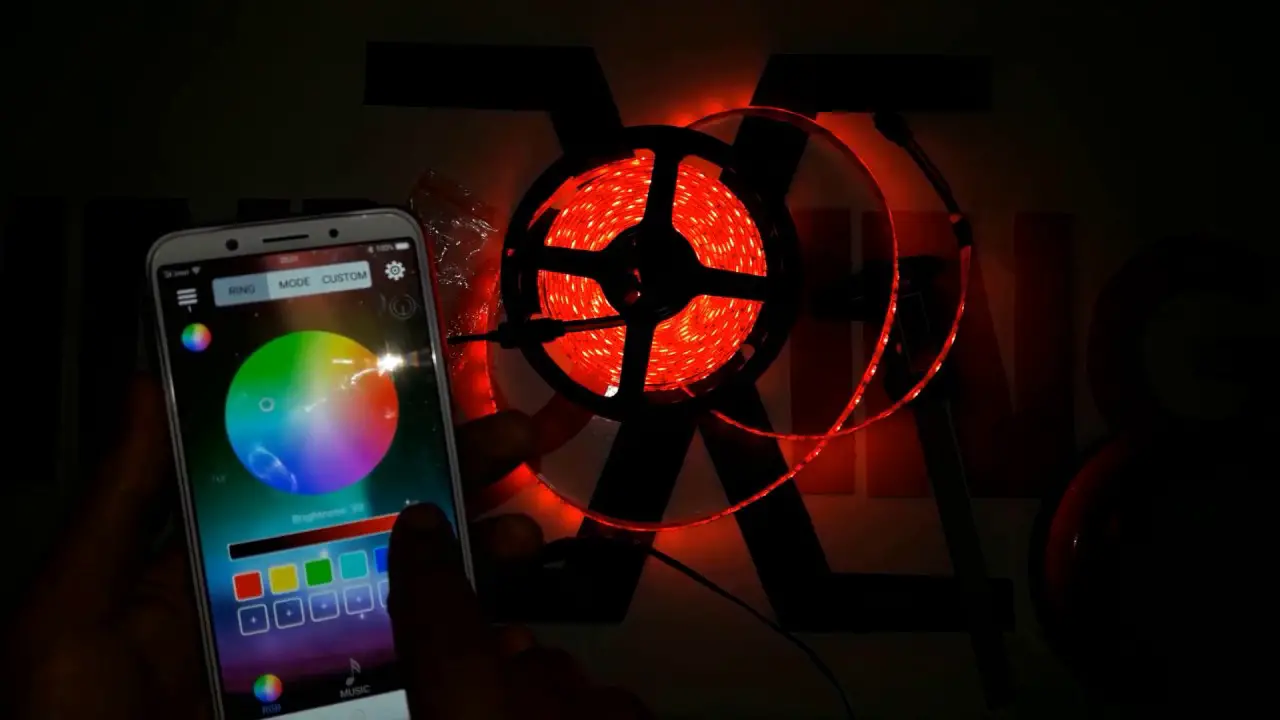
Use the app to change modes, speed, LED colour, and LED brightness.
Declaration of Conformity
We, Nedis B.V. declare as manufacturer that the product BTLS20RGBW from our brand Nedis®, produced in China, has been tested according to all relevant CE standards and regulations and that all tests have been passed successfully.
This includes, but is not limited to the RED 2014/53/EU regulation.
The complete Declaration of Conformity (and the safety datasheet if applicable) can be found and downloaded via: nedis.com/btls20rgbw#support
For additional information regarding the compliance, contact the customer service:
Web: www.nedis.com
E-mail: [email protected]
Nedis B.V., de Tweeling 28
5215 MC ’s-Hertogenbosch, the Netherlands
Nedis BV
De Tweeling 28, 5215 MC ’s-Hertogenbosch The Netherlands
ned.is/btls20rgbw
References
 All-guides – Innovative Search Service of Online Manuals
 ned.is/btls20rgbwBestimmungsgemäße
-
Nedis | Your wholesaler of consumer electronics
-
ned.is/btls20rgbwKäyttötarkoitusTämä
-
Nedis | Your wholesaler of consumer electronics
-
Nedis | Your wholesaler of consumer electronics
-
Nedis | Your wholesaler of consumer electronics
-
Nedis | Your wholesaler of consumer electronics
-
Nedis | Your wholesaler of consumer electronics
-
ned.is/btls20rgbwUrčené
-
Nedis | Your wholesaler of consumer electronics
-
Nedis | Your wholesaler of consumer electronics
-
ned.is/btls20rgbwUtilização
-
Nedis | Your wholesaler of consumer electronics
-
ned.is/btls20rgbwZamýšlené
-
ned.is/btls20rgbwΠροοριζόμενη
-
SmartLife LED Strip | Bluetooth® | RGB / Warm White | SMD | 2.00 m | IP20 | 2700 K | 380 lm | Android™ / IOS
-
SmartLife LED-Streifen | Bluetooth® | RGB / Warmweiss | SMD | 2.00 m | IP20 | 2700 K | 380 lm | Android™ / IOS
-
Tira LED SmartLife | Bluetooth® | Blanco Cálido / RGB | SMD | 2.00 m | IP20 | 2700 K | 380 lm | Android™ / IOS
-
SmartLife LED-Nauha | Bluetooth® | Lämmin Valkoinen / RGB | SMD | 2.00 m | IP20 | 2700 K | 380 lm | Android™ / IOS
-
Bande LED SmartLife | Bluetooth® | Blanc Chaud / RGB | SMD | 2.00 m | IP20 | 2700 K | 380 lm | Android™ / IOS
-
Striscia LED SmartLife | Bluetooth® | Bianco caldo / RGB | SMD | 2.00 m | IP20 | 2700 K | 380 lm | Android™ / IOS
-
Strona domeny nedis.pl
-
SmartLife LED Strip | Bluetooth® | RGB / Warm White | SMD | 2.00 m | IP20 | 2700 K | 380 lm | Android™ / IOS
-
SmartLife LED Strip | Bluetooth® | RGB / Warm White | SMD | 2.00 m | IP20 | 2700 K | 380 lm | Android™ / IOS
 All-guides – Innovative Search Service of Online Manuals
 ned.is/btls20rgbwBestimmungsgemäße
 SmartLife LED Strip | Bluetooth® | RGB / Warm White | SMD | 2.00 m | IP20 | 2700 K | 380 lm | Android™ / IOS
 SmartLife LED-Streifen | Bluetooth® | RGB / Warmweiss | SMD | 2.00 m | IP20 | 2700 K | 380 lm | Android™ / IOS
 Tira LED SmartLife | Bluetooth® | Blanco Cálido / RGB | SMD | 2.00 m | IP20 | 2700 K | 380 lm | Android™ / IOS
 SmartLife LED-Nauha | Bluetooth® | Lämmin Valkoinen / RGB | SMD | 2.00 m | IP20 | 2700 K | 380 lm | Android™ / IOS
 Bande LED SmartLife | Bluetooth® | Blanc Chaud / RGB | SMD | 2.00 m | IP20 | 2700 K | 380 lm | Android™ / IOS
 Striscia LED SmartLife | Bluetooth® | Bianco caldo / RGB | SMD | 2.00 m | IP20 | 2700 K | 380 lm | Android™ / IOS
 Strona domeny nedis.pl
 SmartLife LED Strip | Bluetooth® | RGB / Warm White | SMD | 2.00 m | IP20 | 2700 K | 380 lm | Android™ / IOS
 SmartLife LED Strip | Bluetooth® | RGB / Warm White | SMD | 2.00 m | IP20 | 2700 K | 380 lm | Android™ / IOS