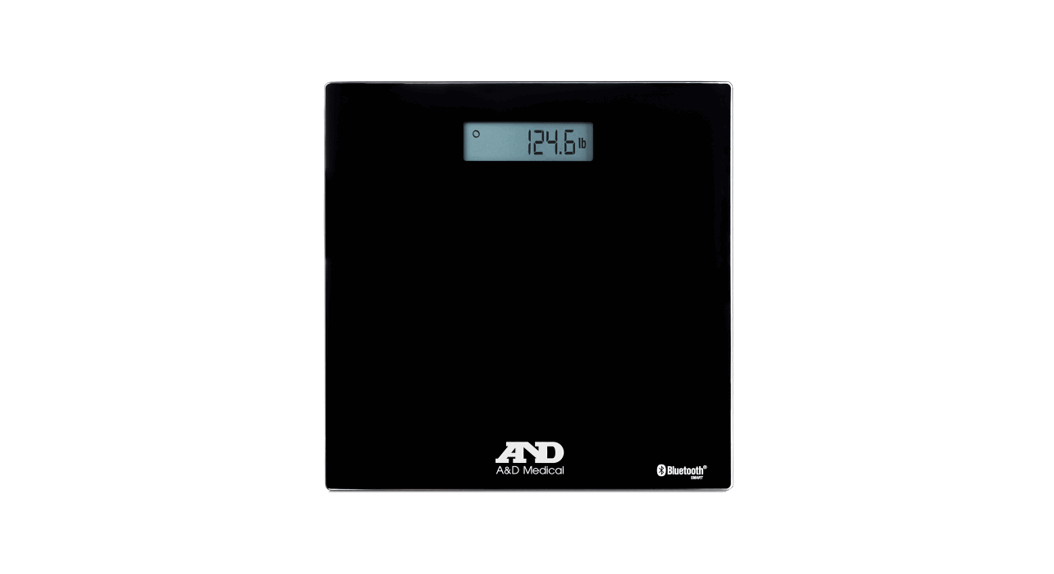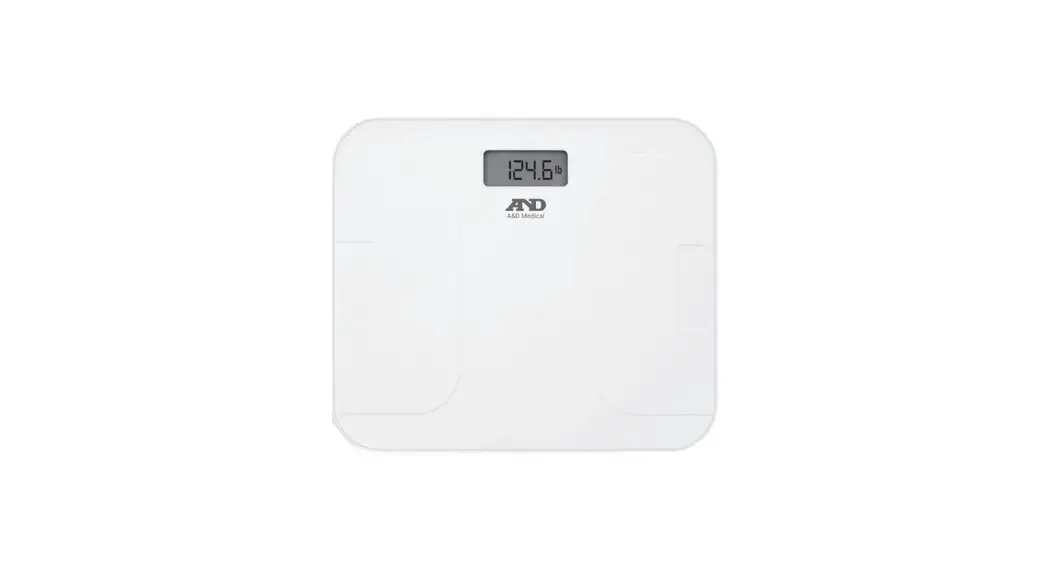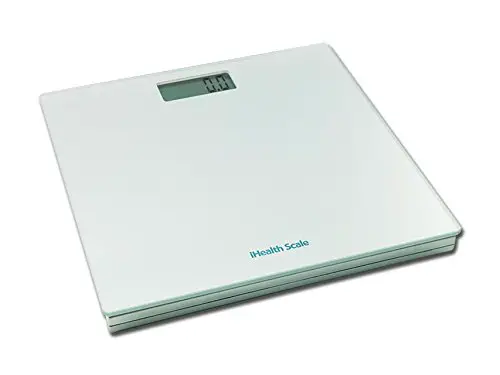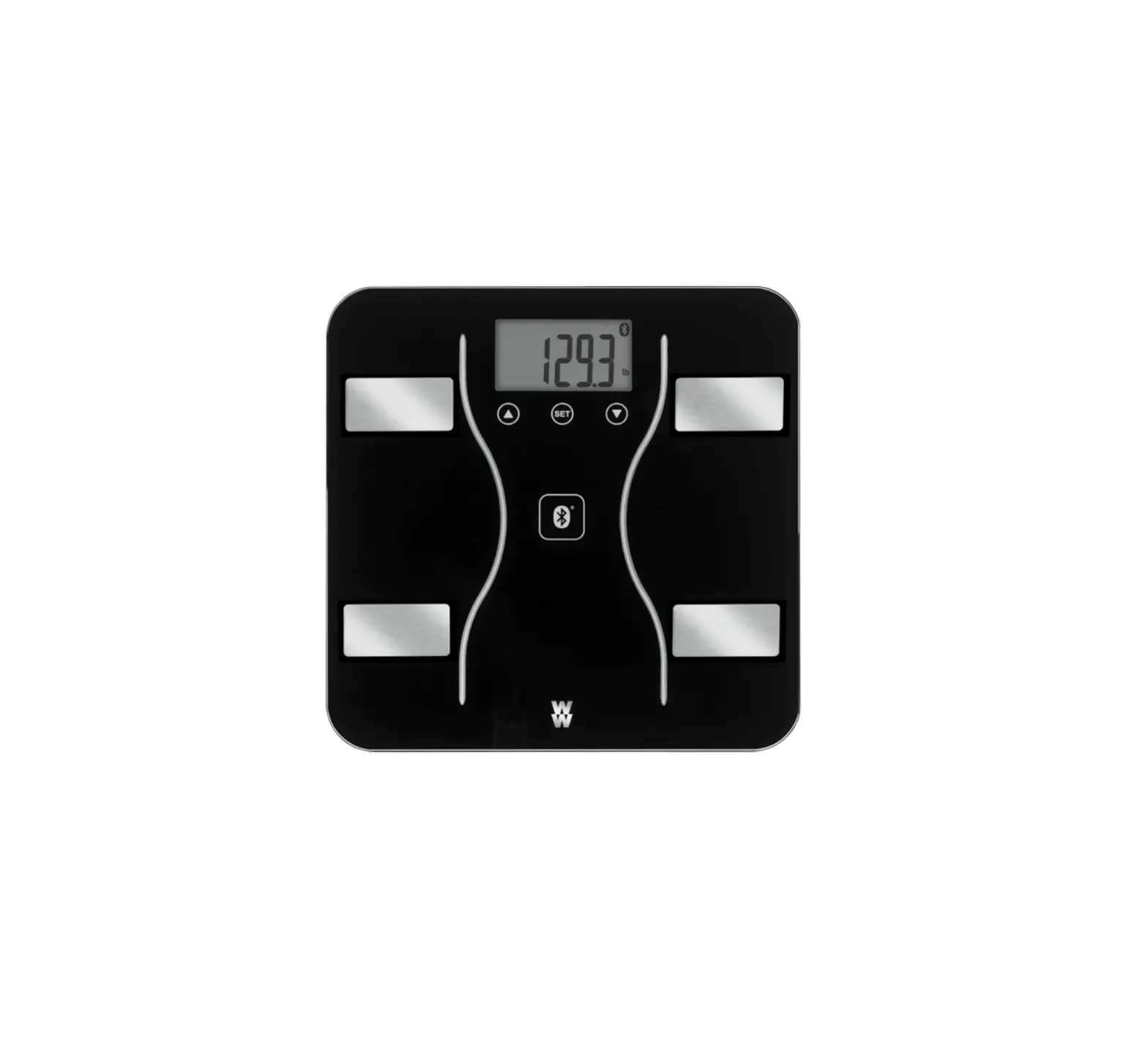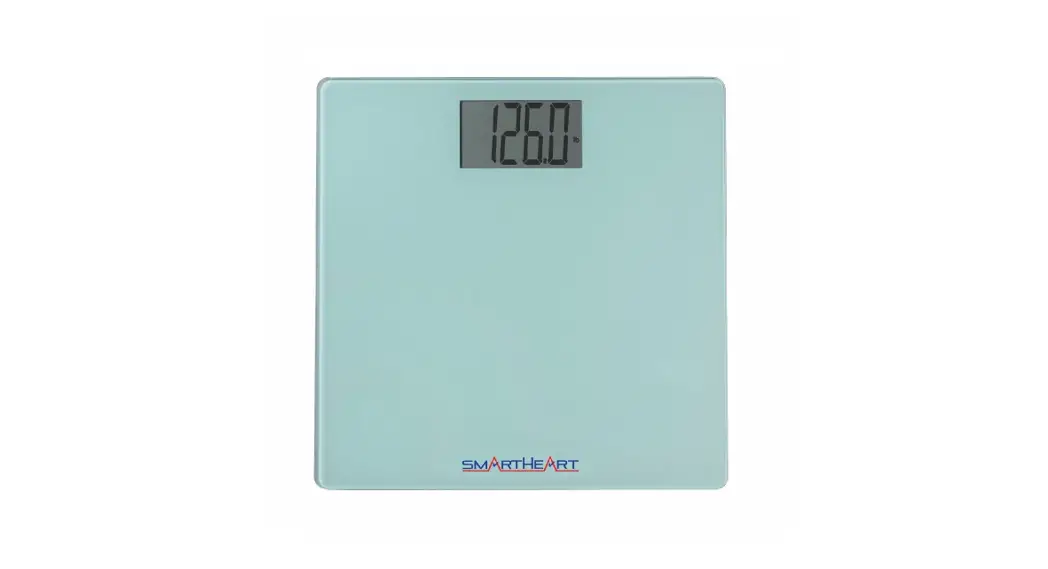
AND UC-352BLE Wireless Premium Weight Scale User Manual

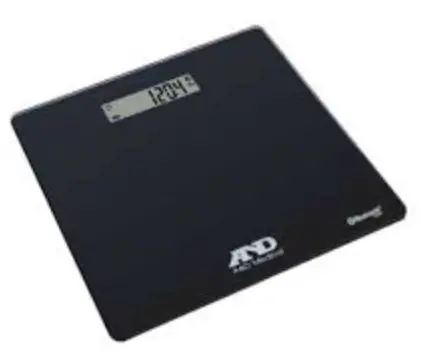
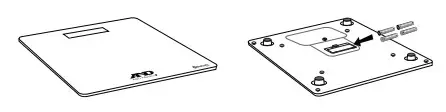
- Install the included batteries into your scale.

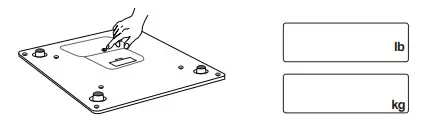
- To change the units, push and release the set switch. Default is lb.

- Turn on Bluetooth® settings on your mobile device (smartphone or tablet).
- D ownload the free A&D Heart Track app from the App Store or Google Play.

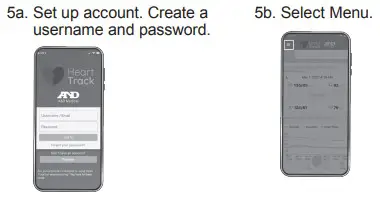
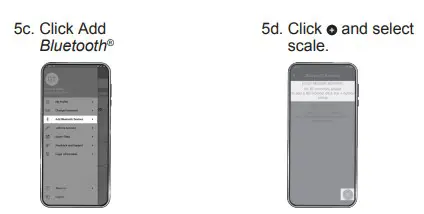
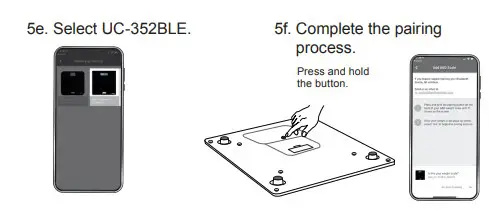
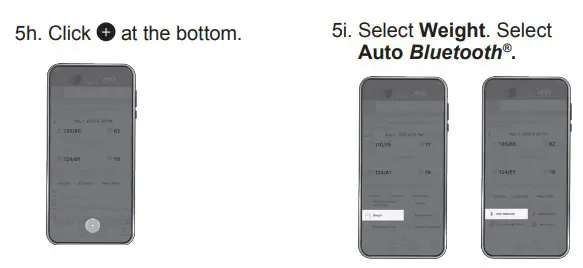
- Getting started with A&D Heart Track app.


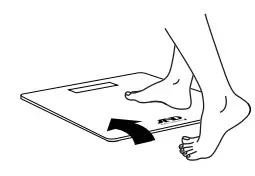
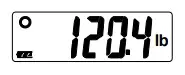
- The scale is now ready to be used. Step on the scale to take a reading.

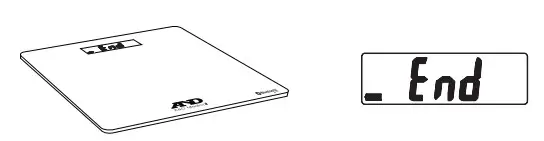
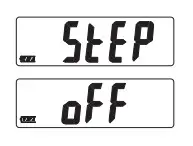
- Stay on the scale until “ ” and “ ” are alternately displayed.

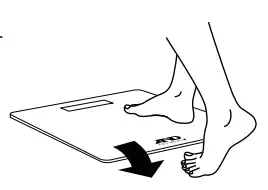
- Step off the scale.

- See your weight. Measurements are sent to your mobile device. When the A&D Heart Track app is open and running. Results are stored in the scale when your mobile device is not available.


 A&D - Medical