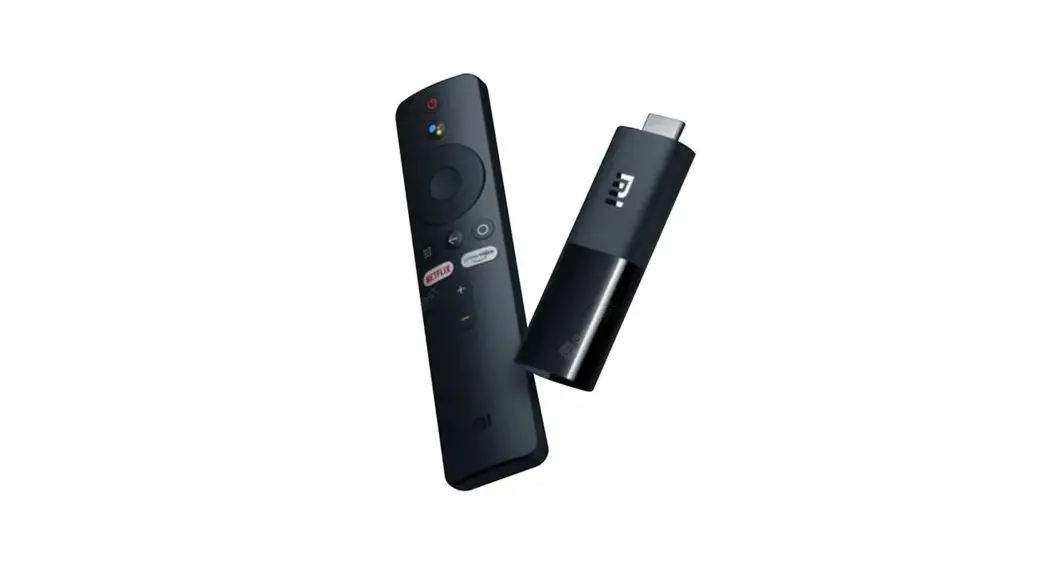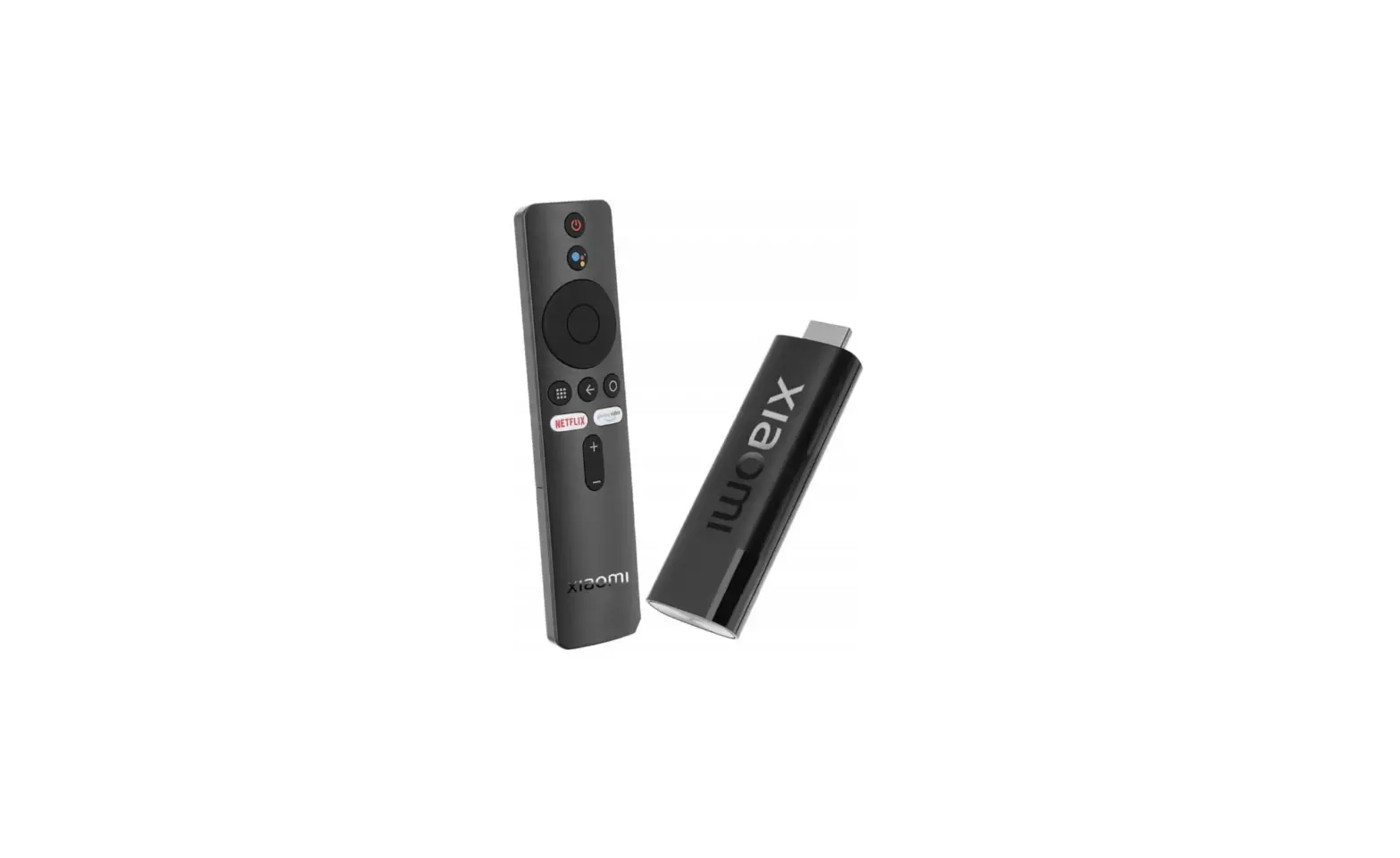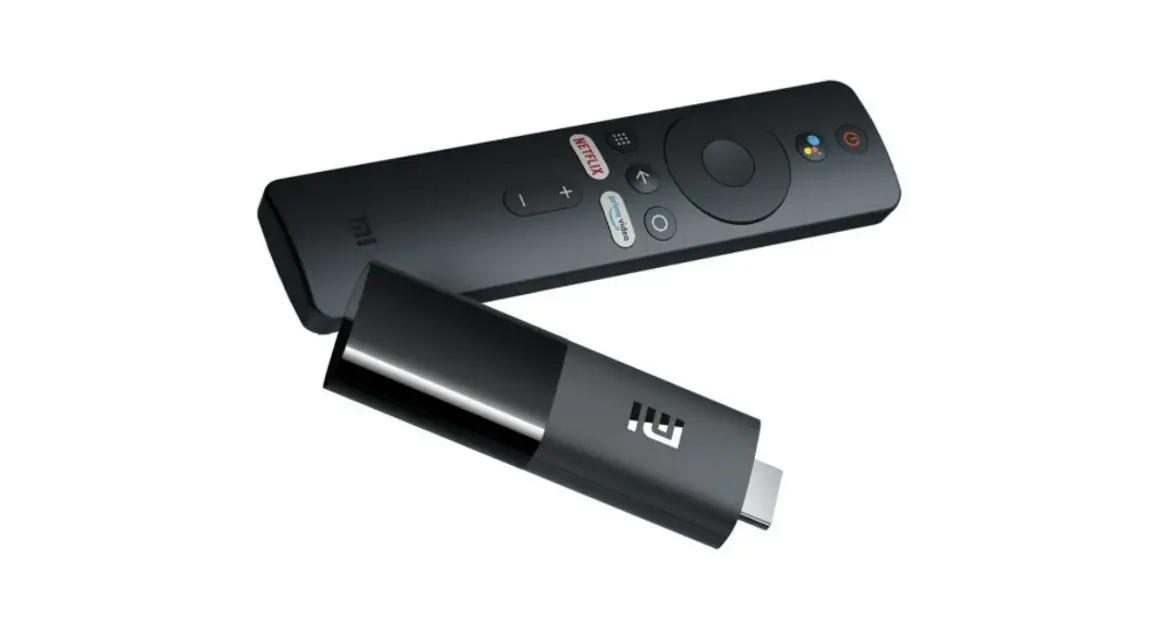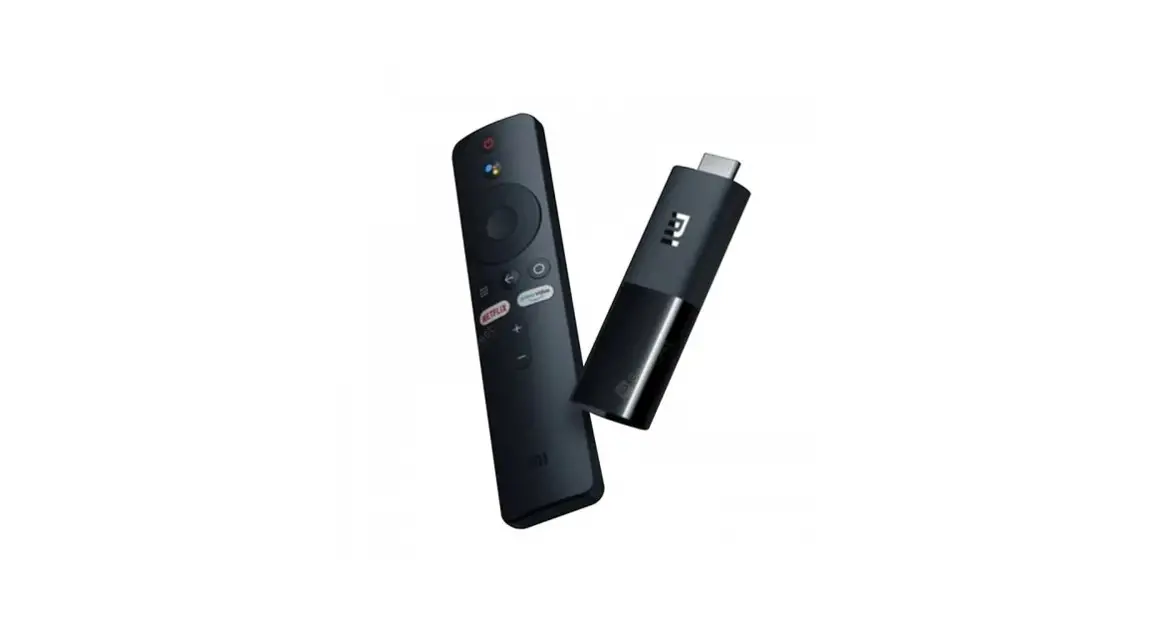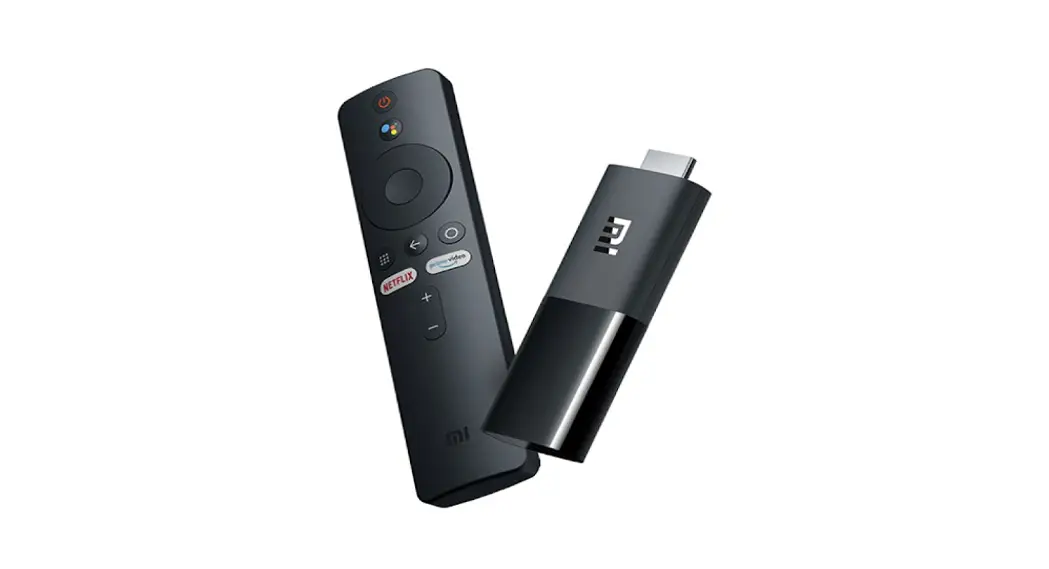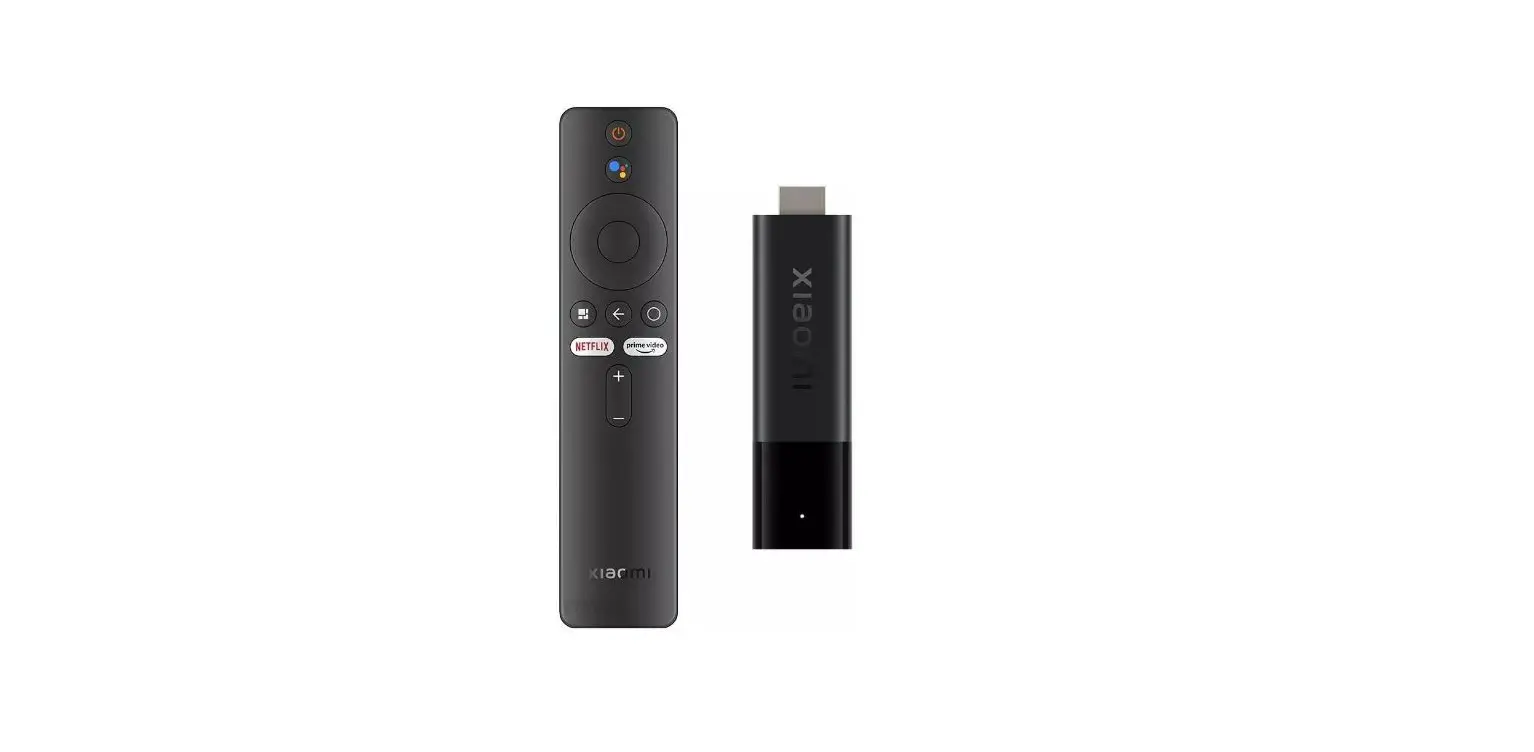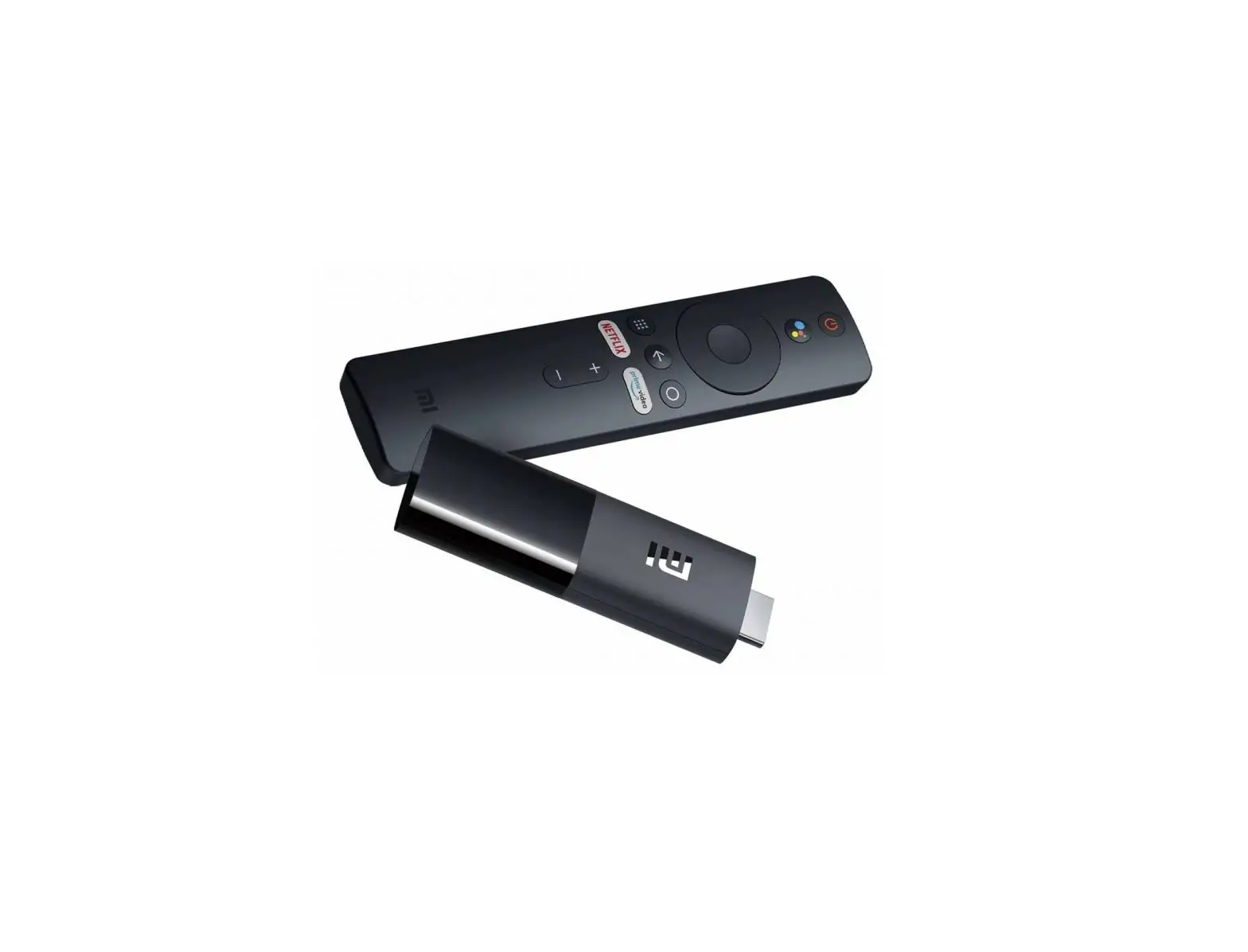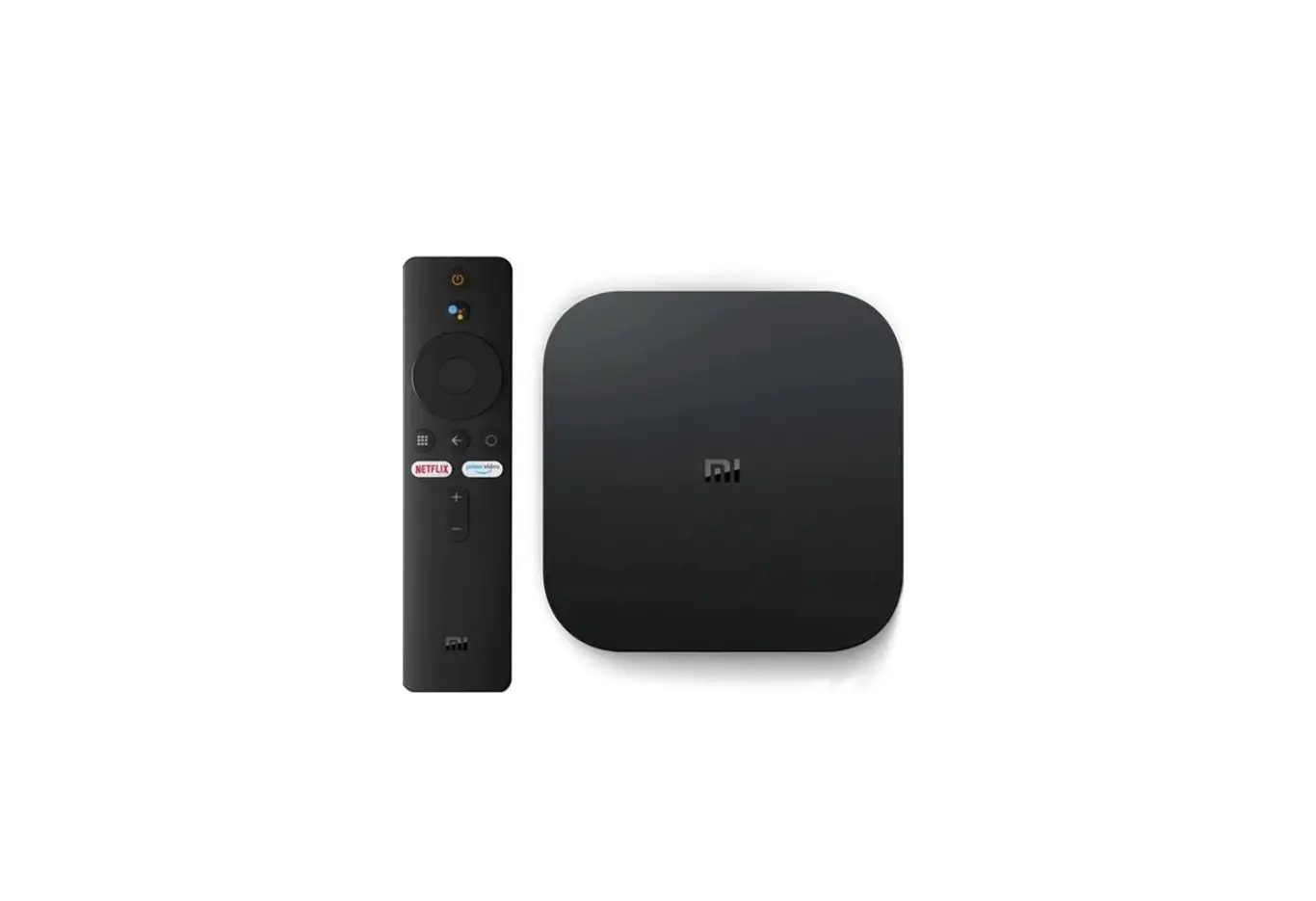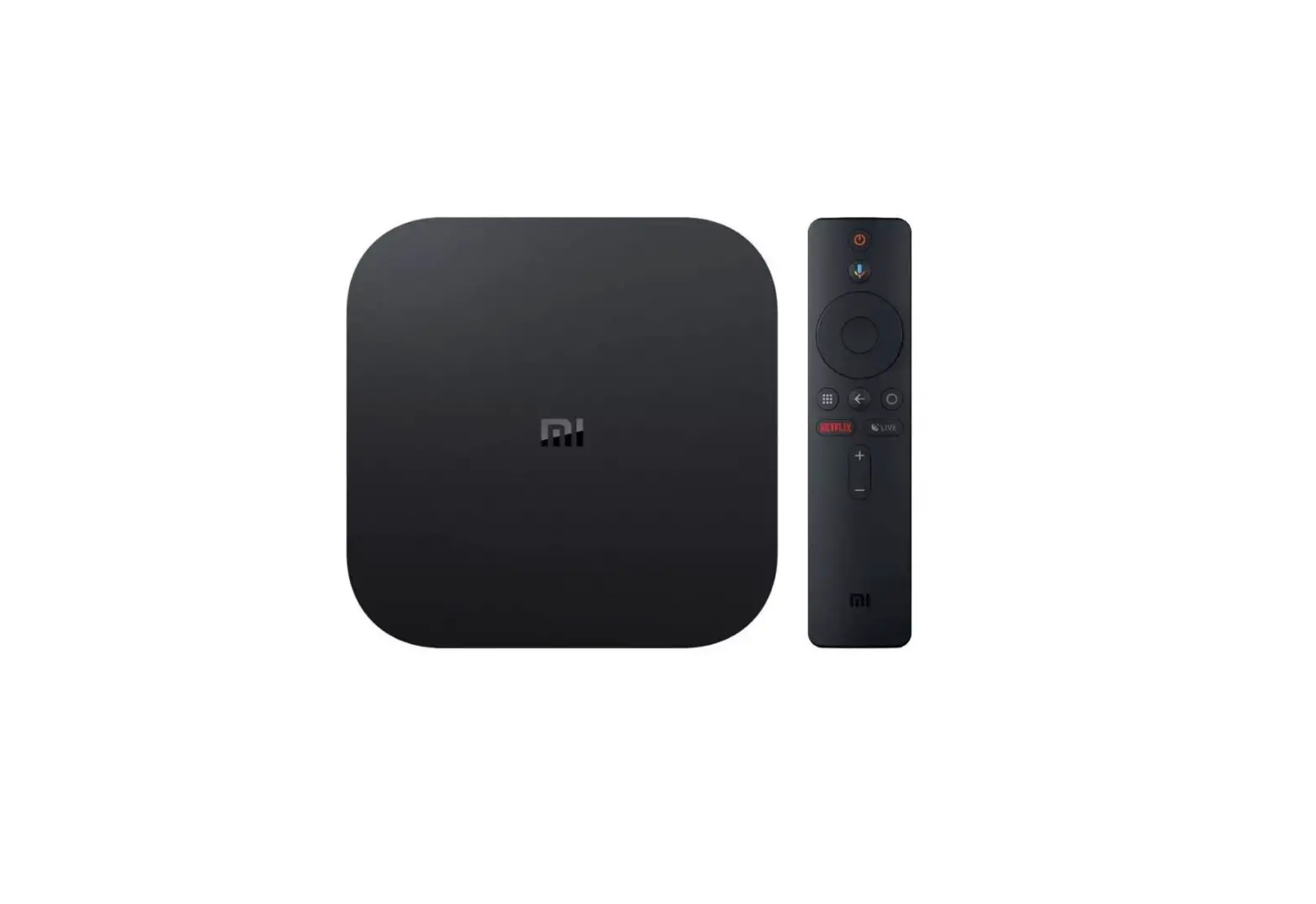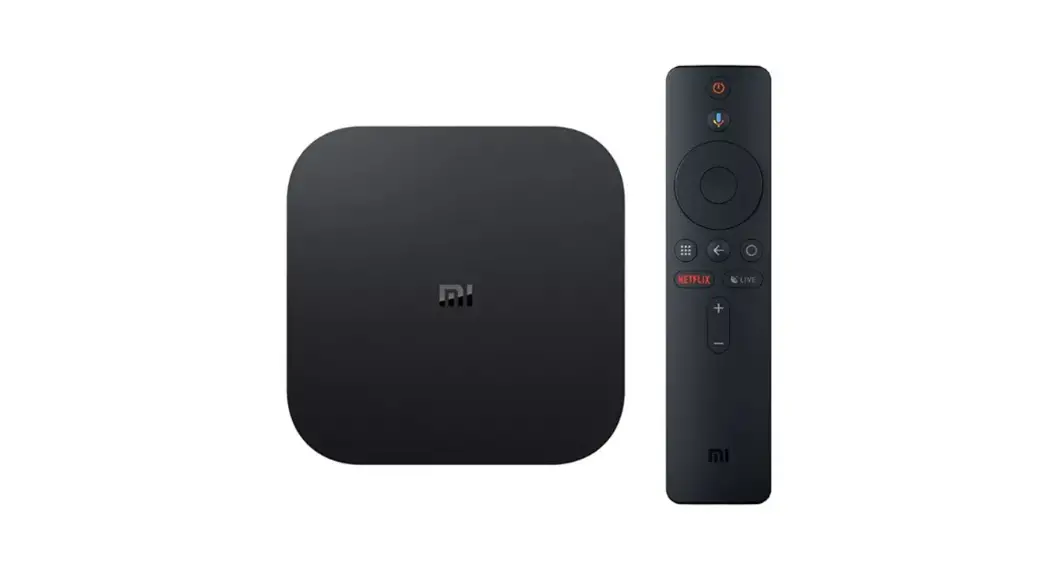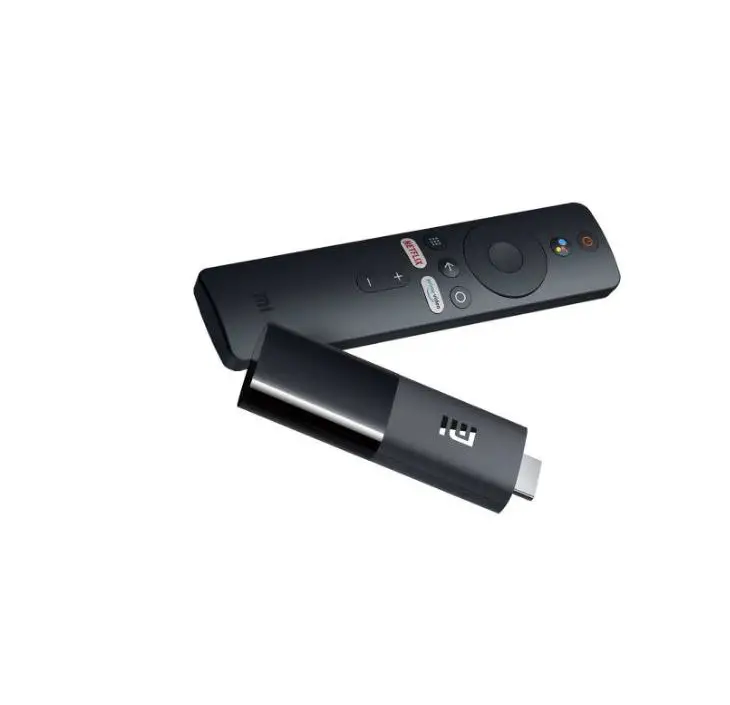

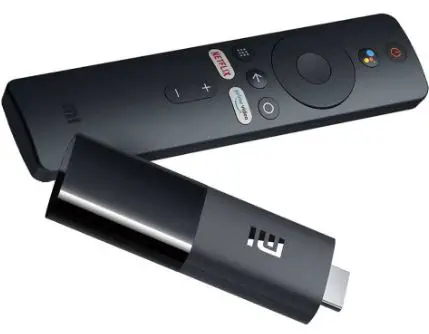
xiaomi MDZ-24-AA Mi TV Stick 1080P Portable Streaming Media Player
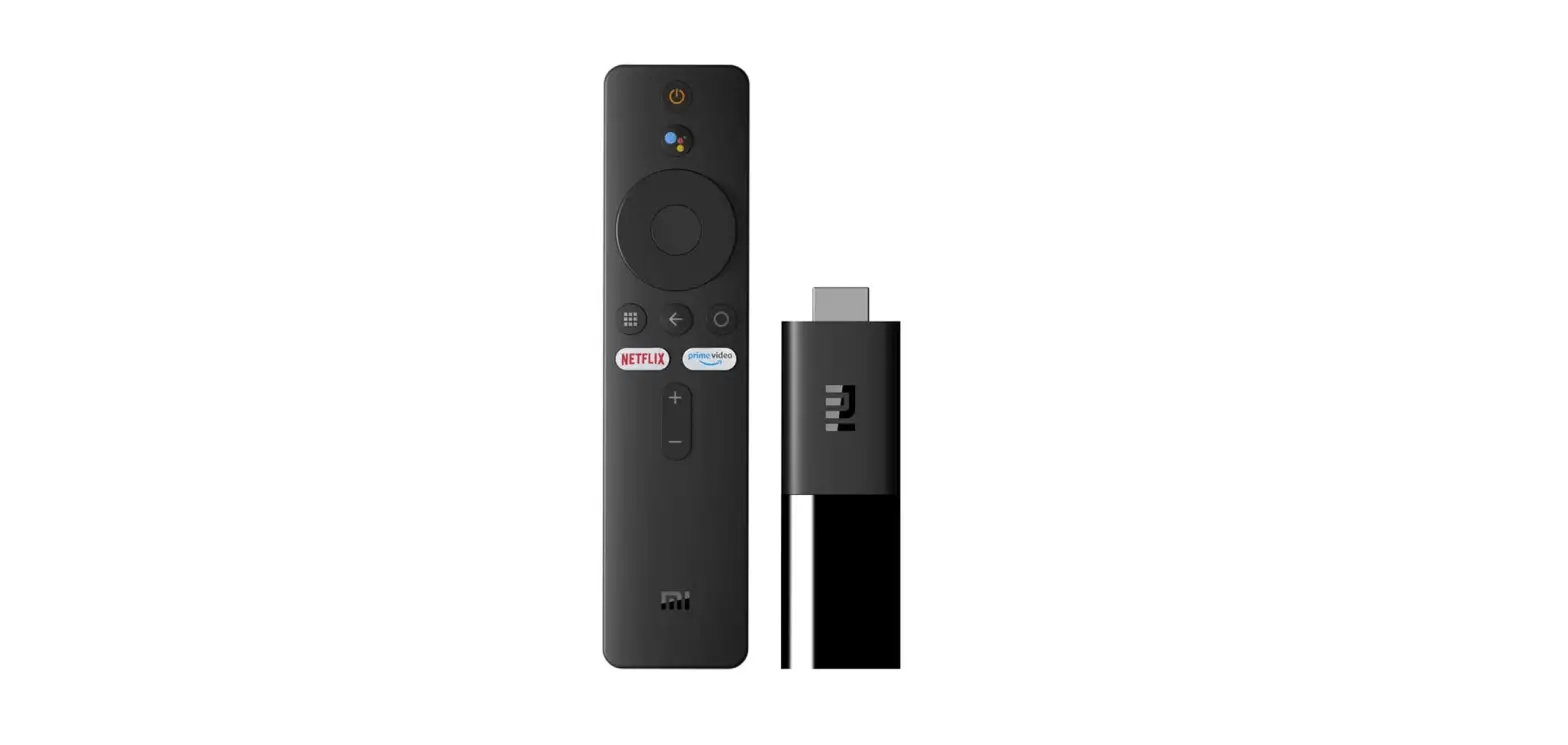
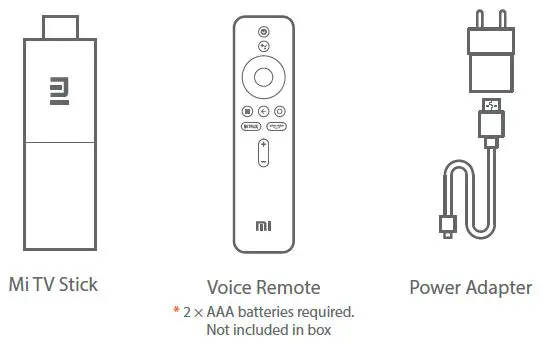
What’s in the box
For DTS patents, see http://patents.dts.com. Manufactured under license from DTS Licensing Limited. DTS, the Symbol, DTS and the Symbol together, Digital Surround, and the DTS 2.0+Digital Out logo, are registered trademarks and/or trademarks of DTS, Inc. in the United States and/or other countries. © DTS, Inc. All Rights Reserved.
Installation guide
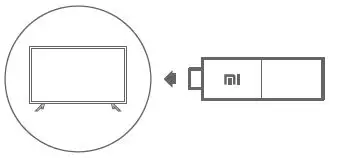
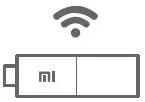
- Plug Mi TV Stick into TV’s HDMI port

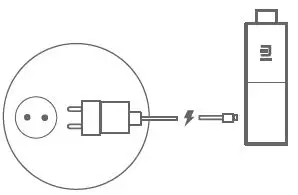
- Plug the power adapter into a socket

- Switch your TV to HDMI source accordingly in TV settings

- Set-up Mi TV Stick and connect to Wi-Fi networking

- Enjoy streaming content from your favourite apps

The terms HDMI and HDMI High-Definition Multimedia Interface, and the HDMI Logo are trademarks or registered trademarks of HDMI Licensing Administrator, Inc. in the United States and other countries.