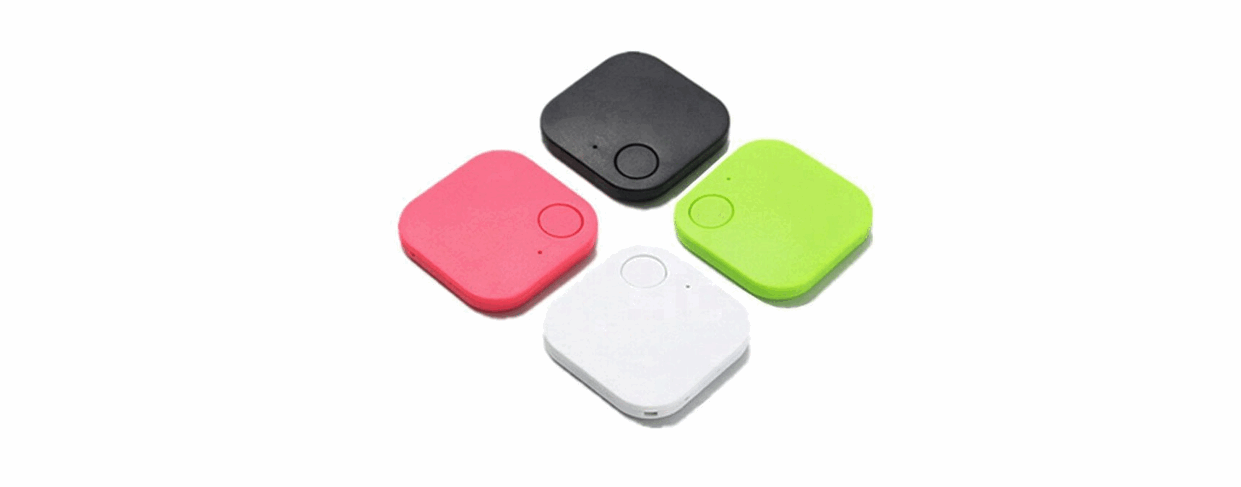
 S4 Smart Finder
User Guide
APP Installation
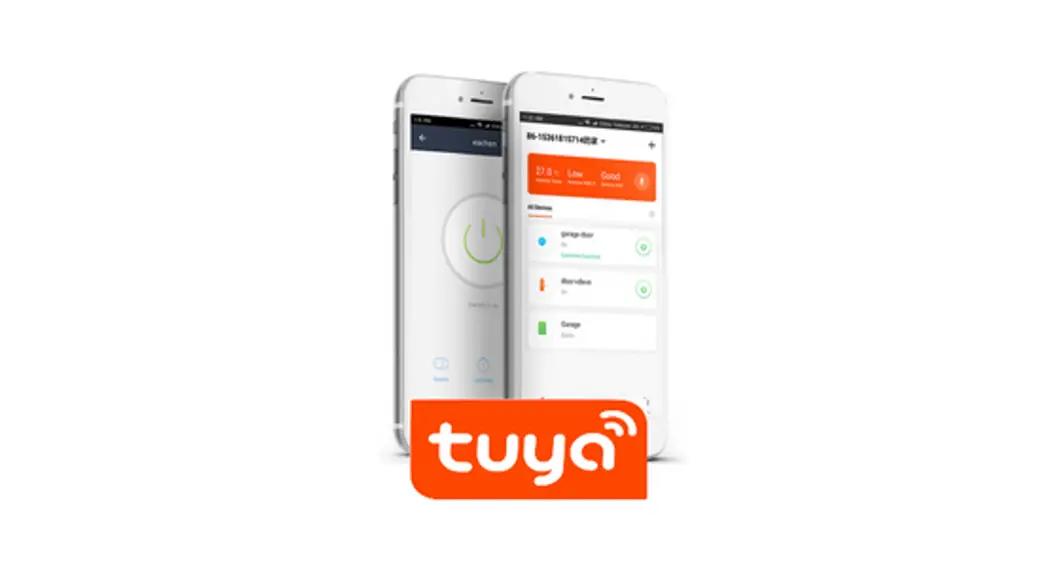
Scan the QR code with your smartphone or tablet to download the Tuya app. Alternatively, you can search “Tuya or “Smart Life” on App._ or Google Play to get to the respective downloads.

https://smartapp.tuya.com/tuyasmart
https://smartapp.tuya.com/smartlife
Pairing
Before pairing, please turn on the BT of your smartphone.
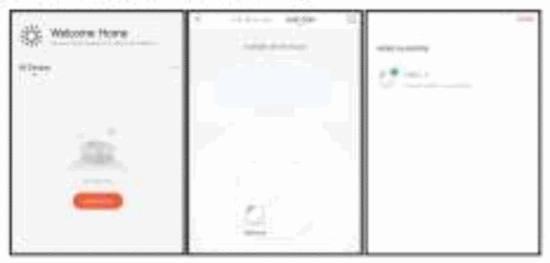
- Open the Tuya app, and click + icon to add a new smart finder device.
- Press and hold the button on the smart flnder for 3 seconds to activate It for the first time. The smart finder will beep twice when activated.
- Select Smart Finder from the list, it wit! connect to your smartphone automatically.

- You can name your smart finder, then click”√” to save.
Ring Smart Finder
Click the bell icon in the app to ring smart tinder which can be attached to your valuable items like keys, wallets, purses, luggage, cameras, bikes, and a table. backpacks etc.
Ring your Phone
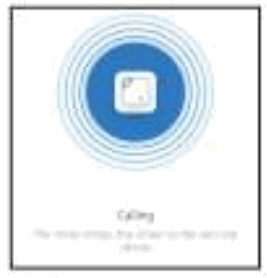
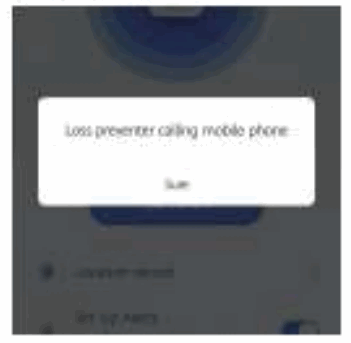
Double-click the button on the smart finder to ring your phone. This can help you find your phone in seconds, even if It’s on silent mode.
Lost Location
In artier to use this feature, you have to activate the GPS on your smartphone.
If you lose your smart finder or the object equipped with it. the last lost location will be saved automatically.
You can see this location by pressing  within the app.
Setting
In configuring important settings for your smart finder, press … within the app.
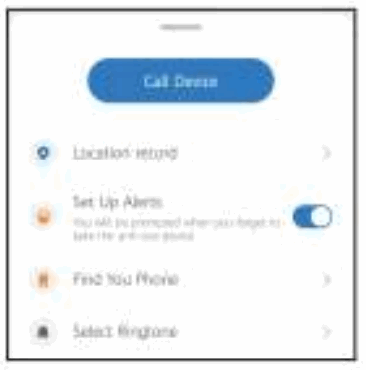
Disconnecting Notification
Toggle on the ‘Set Up Alerts’, your phone will alarm when it is out of the BT range. This is to remind you don’t leave your things behind.
Toggle off to disable the anti-lost alarm function.
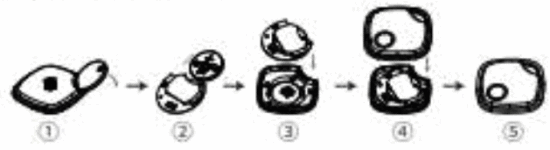
Battery Replacement
- Open the outer shell with the opening tool provided
- Replace CR2032 battery. Please mind the polarity of the battery.
- Close the outer shell.
Specification
| Dimensions : L40mrn x Wittlnun x H9.7mm |
| BT Version BT 1.0 MT Low Energy) |
| Range: 0-50 peters On open space) |
| Buzzer : 90-95dB |
| Battery: CR2032 button better), or |
| Water-prod: IP67 |
Compatible Smartphones
| iSO (iSO 8.0 or higher ) | iPhono. 45..55C.5STINSPlusAa’SE7+7Plus iPad: 3th Gert.h GanAir,o or later iPad Mini or later iPod Touch 5 or later |
| Andriod (Andriod 4.4 or higher ) | Samsung Galaxy S4SSS6.S7 Galaxy Not. 1.5,6 Galaxy C.C,C9 Galaxy ASIA7iA9 Maxus 4/1505X.NWP |
Note:
If your smartphone is not on this lot but also uses Android 4A and BT 4.0. there is a good chance the smart finder will work fine, but we are not able to offer the same level of support in troubleshooting scenarios.
About BT Low En
This smart finder uses BT Low Energy ISLE) technology to help you locate your items_ While BT technology is wireless technology. there are significant differences between BT. Wi-Fr. and GPS technology. The BT range of smart Wier is up to 50m in open space. BT is most effective in the 10m ranges depending on the environment