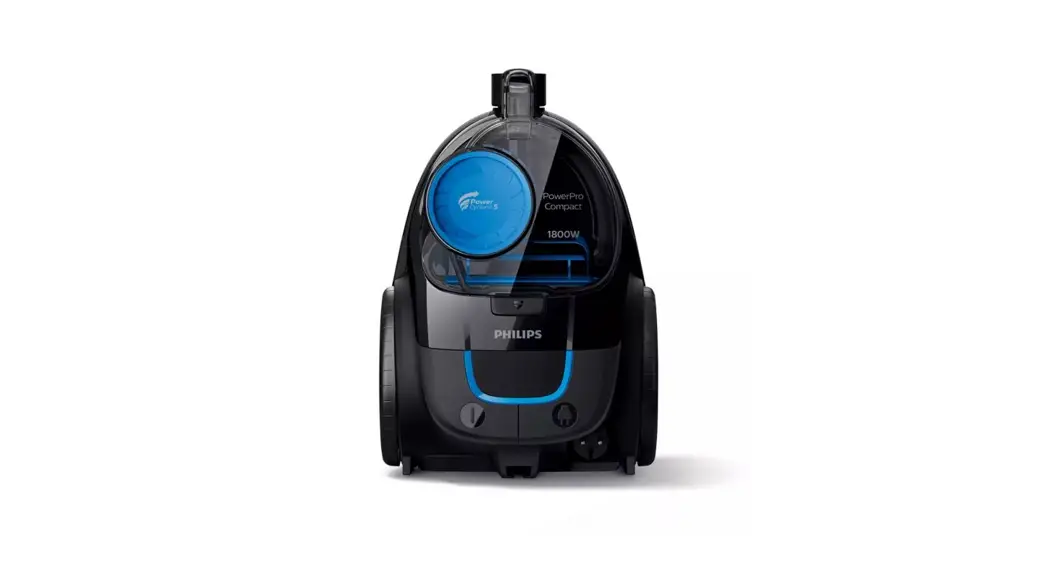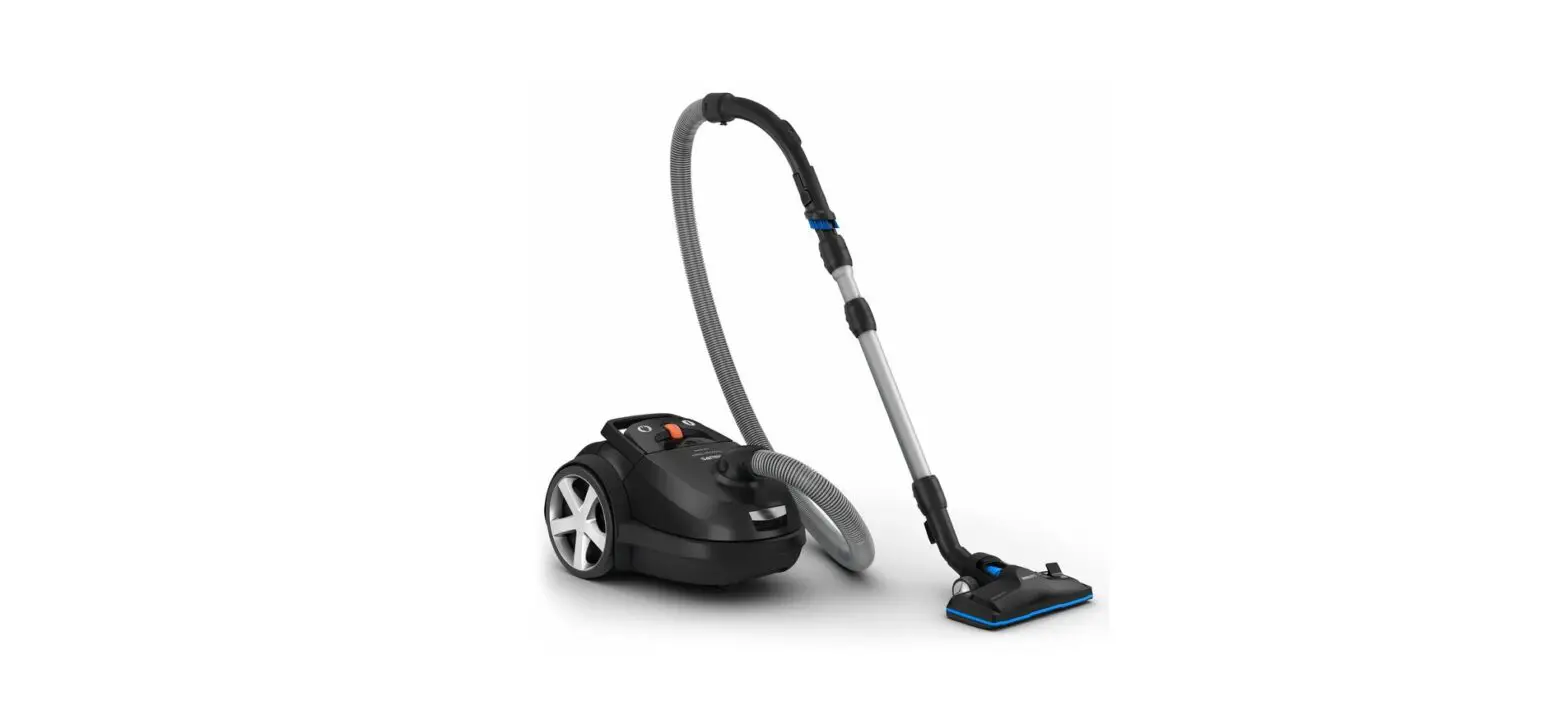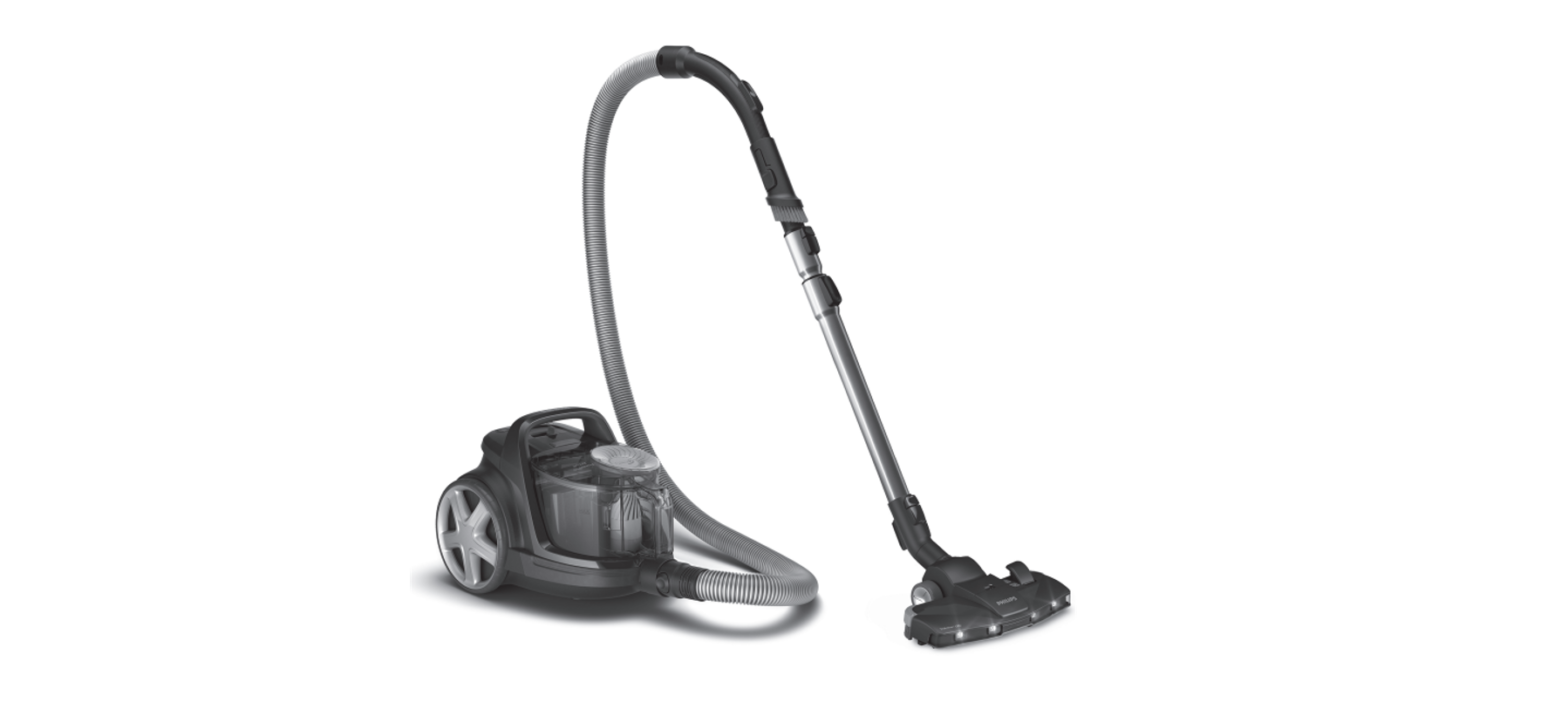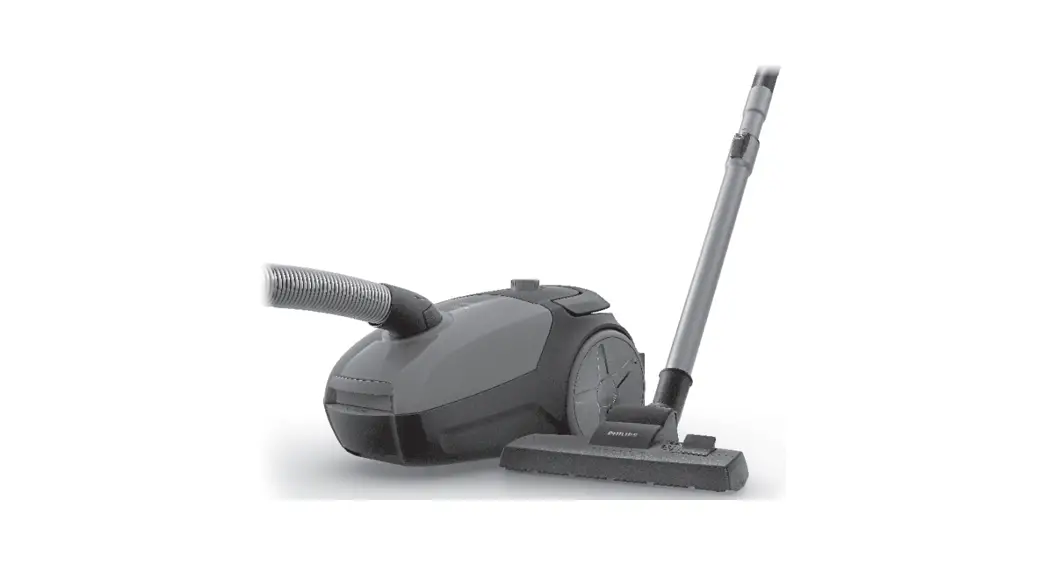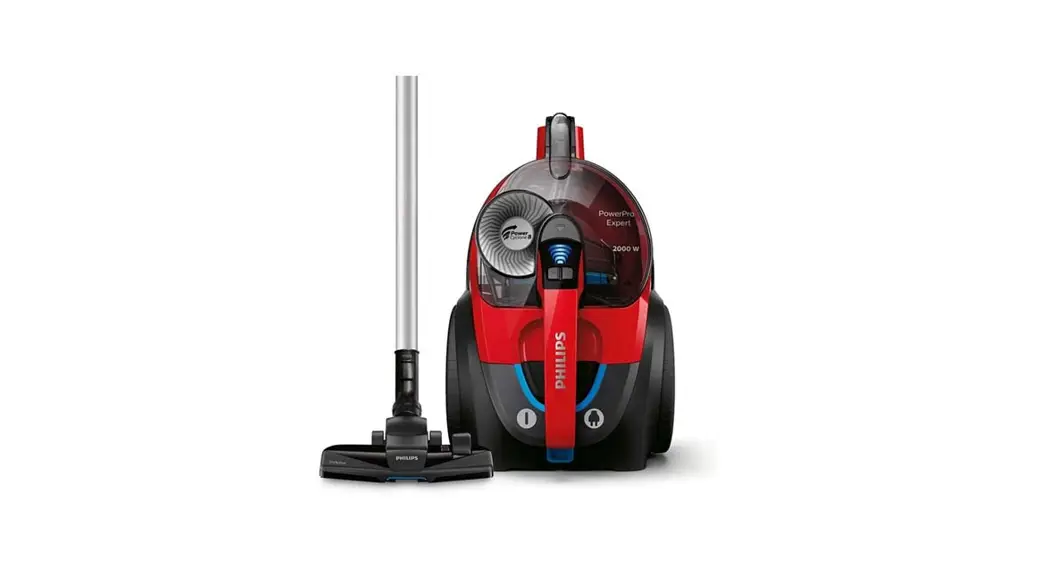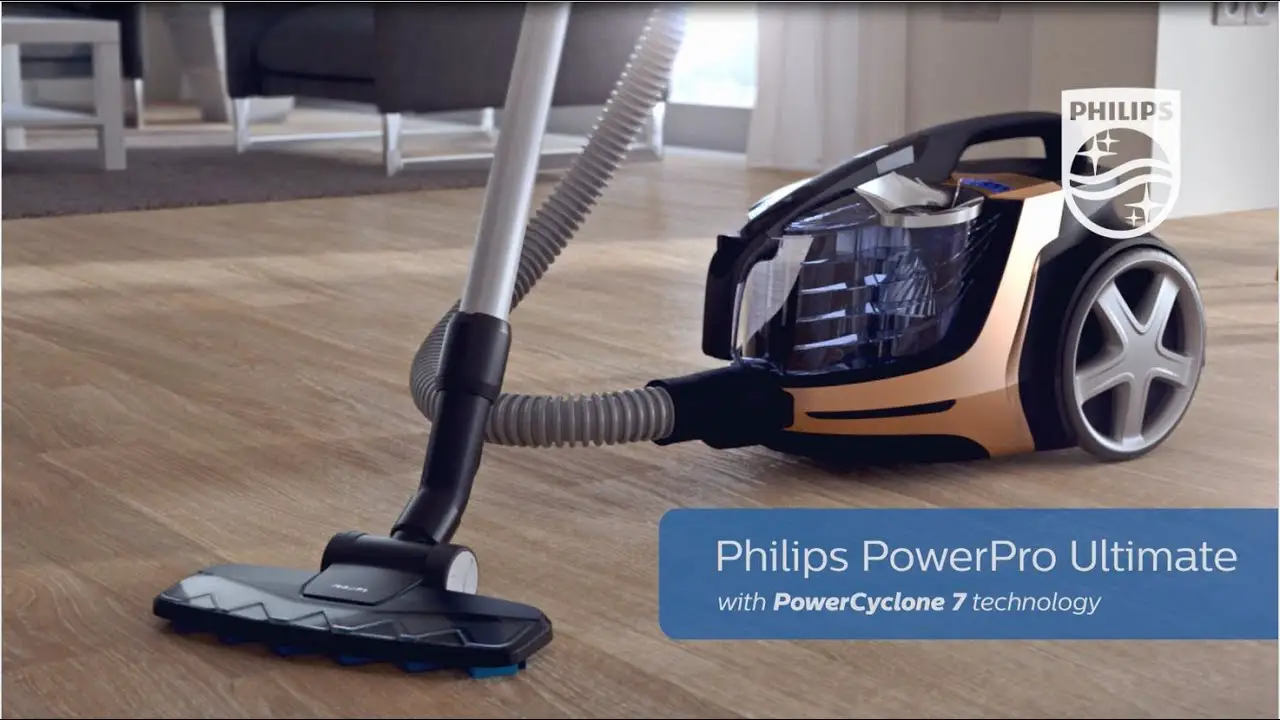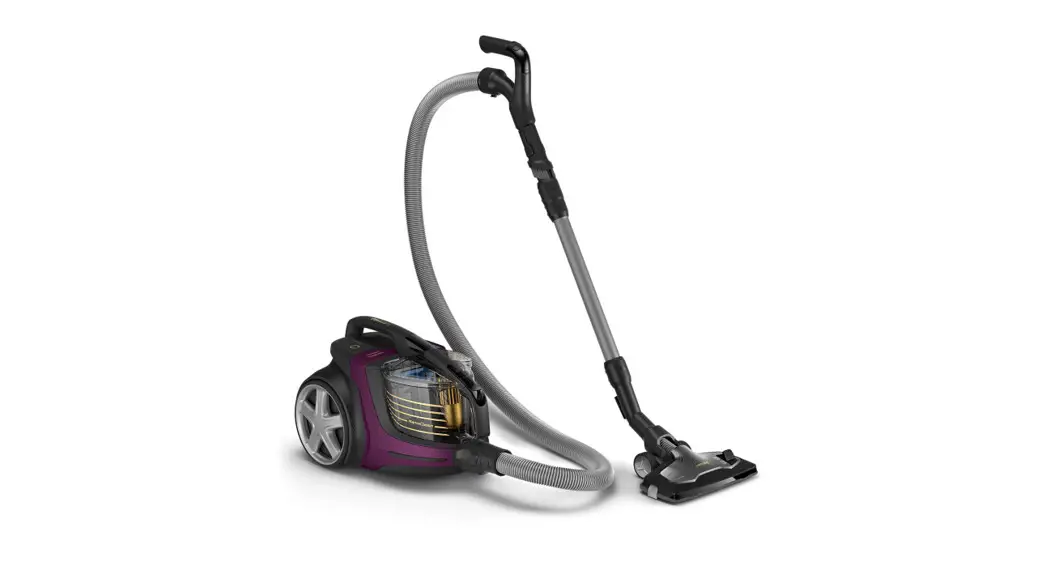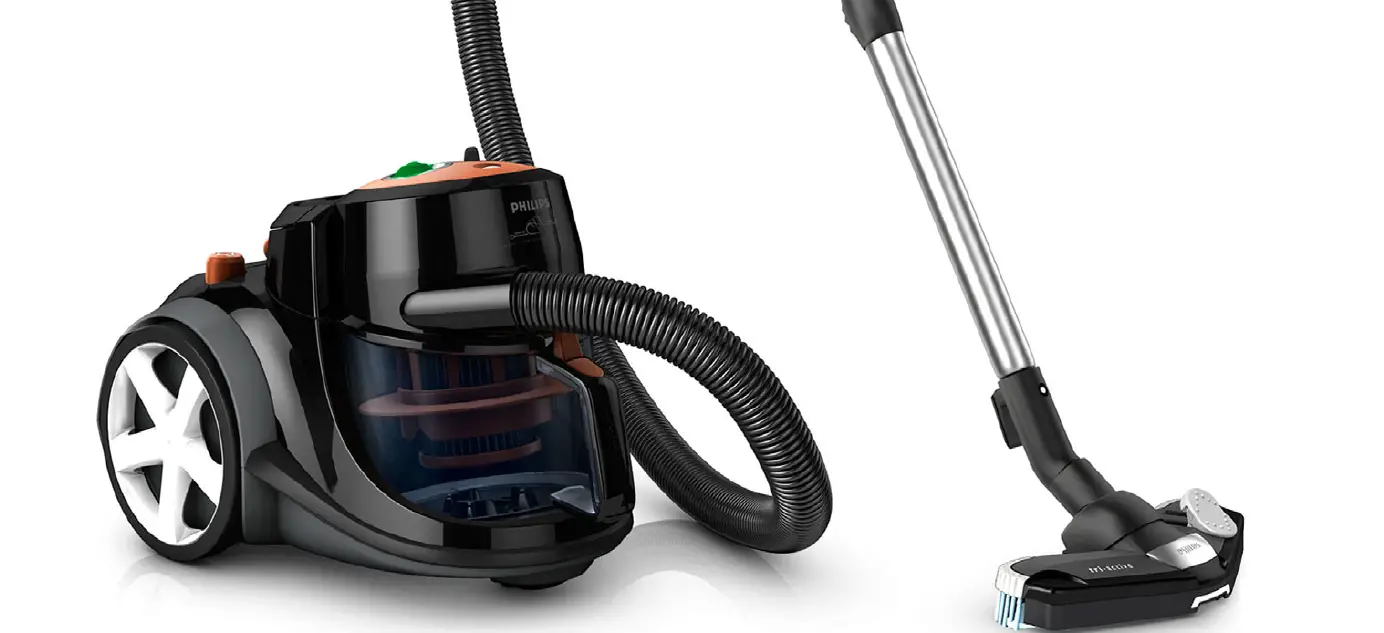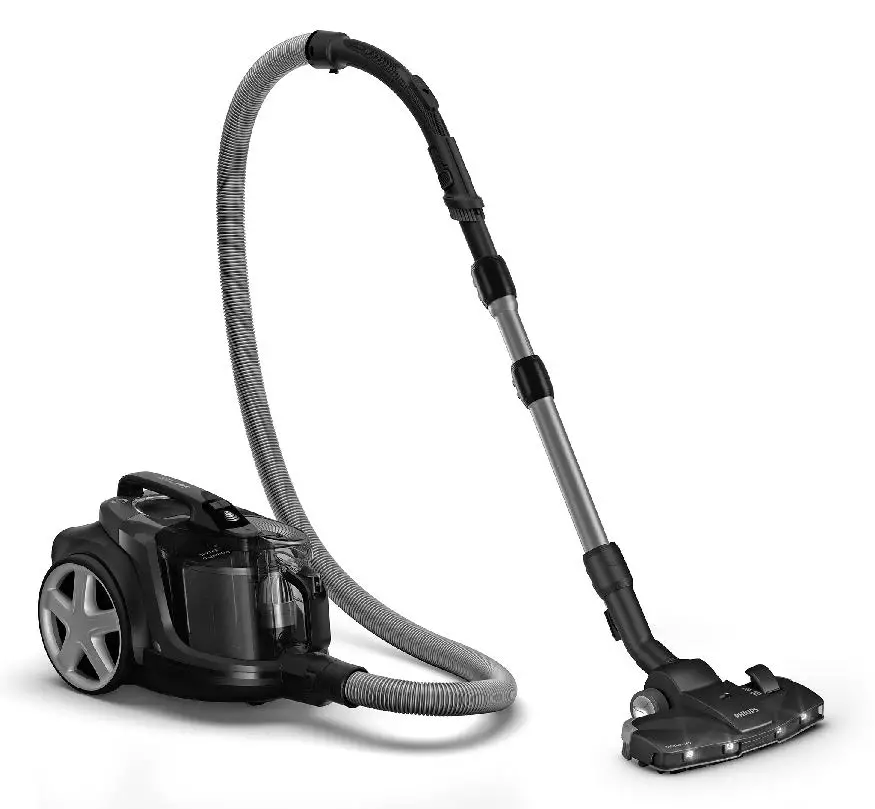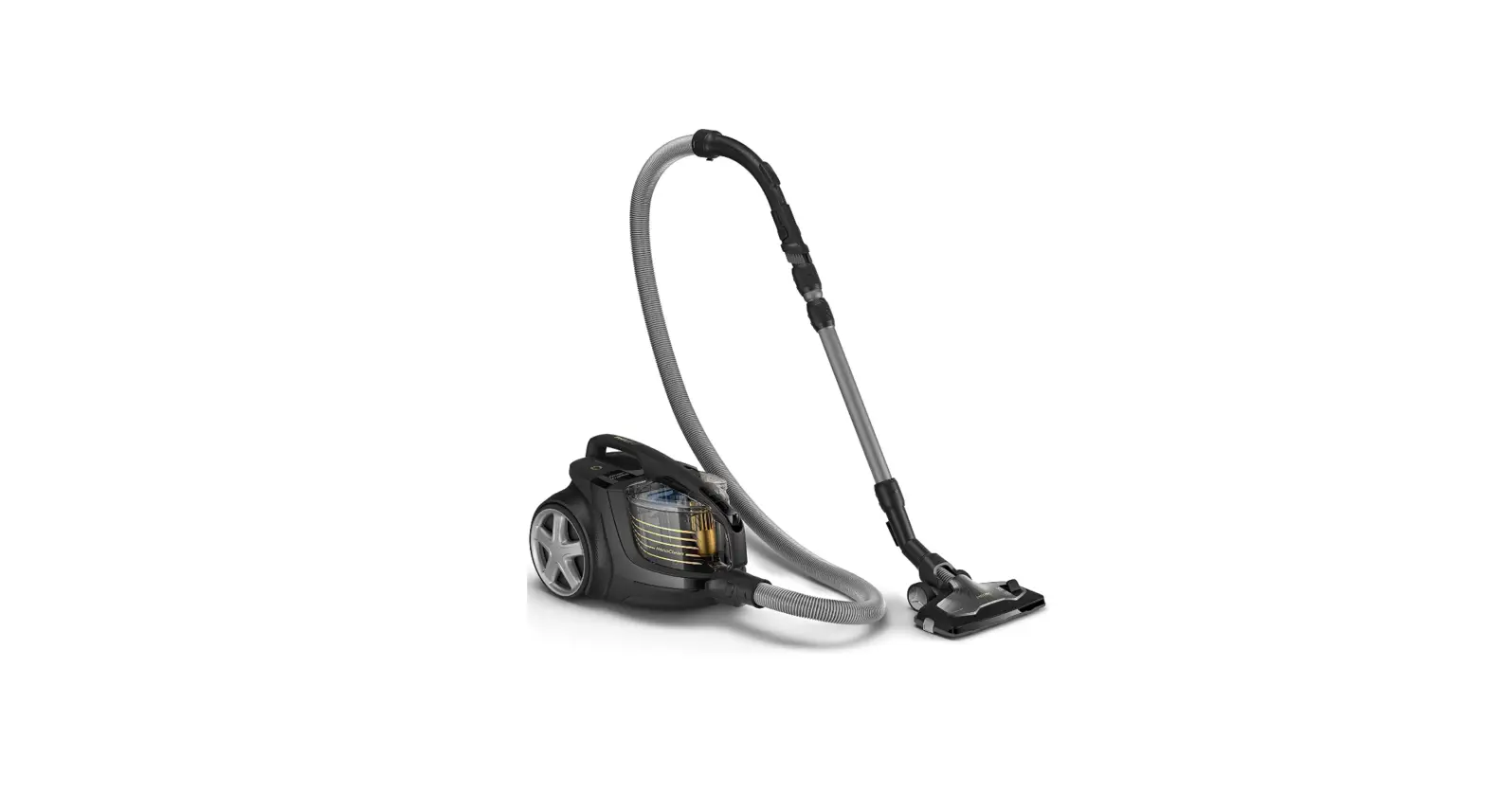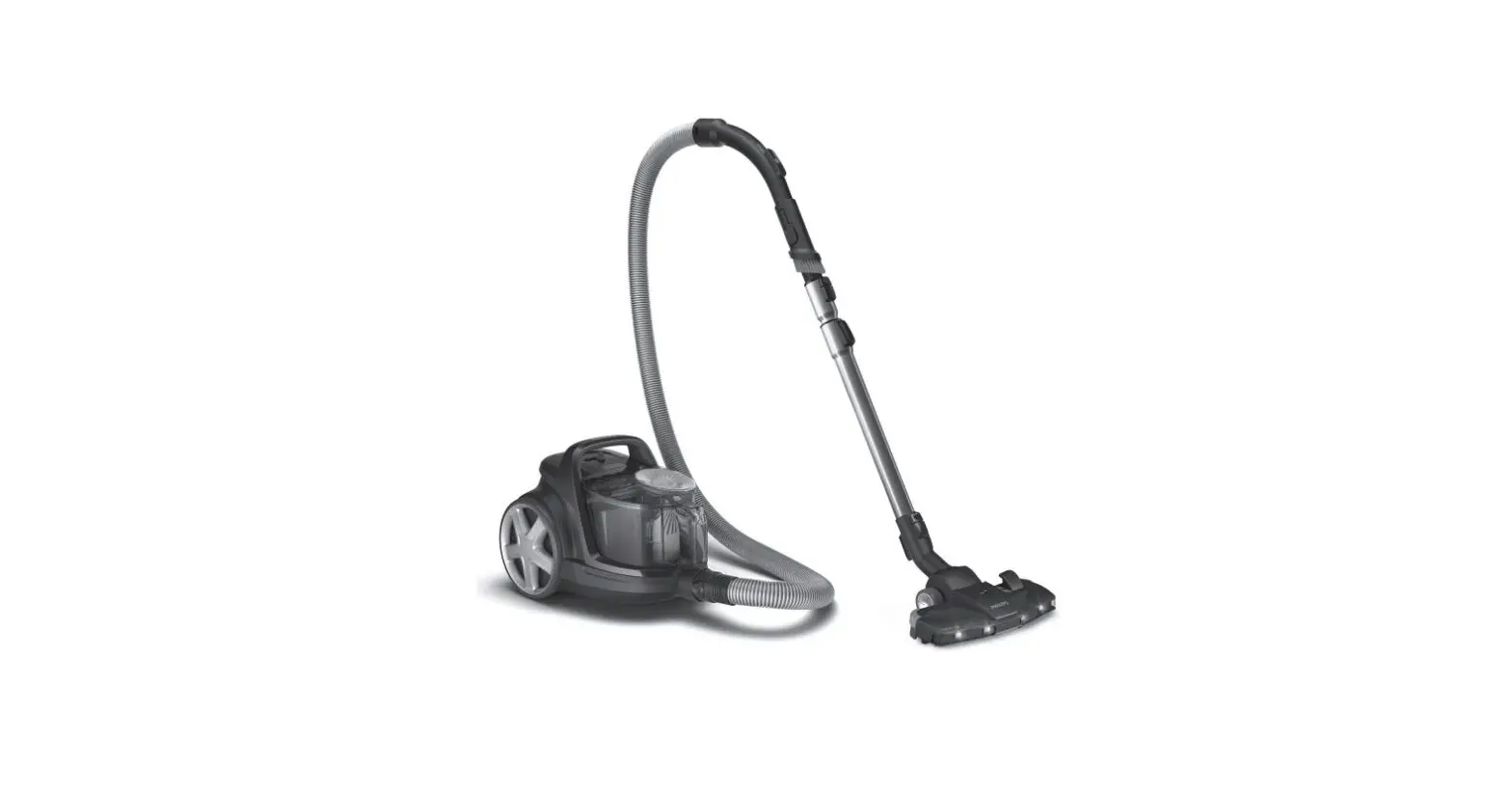
 PHILIPS FC9557 Vacuum Cleaner
 PHILIPS FC9557 Vacuum Cleaner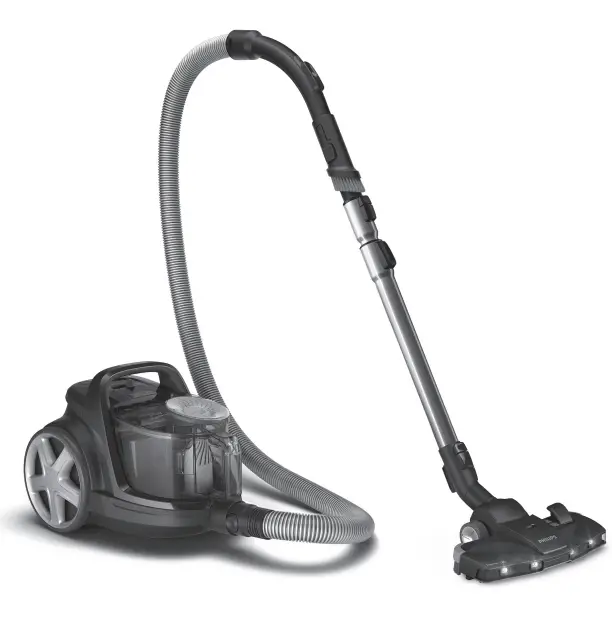
Congratulations on your purchase and welcome to Philips! To fully benefit from the support that Philips offers, register your product at www.philips.com/MyVacuumCleaner.
Important safety information
Read this important information carefully before you use the appliance and save it for future reference.
Danger
Never vacuum up water or any other liquid, flammable substances or hot ashes.
Warning
- Check if the voltage indicated on the appliance corresponds to the local mains voltage before you connect the appliance.
- Do not use the appliance if the plug, the mains cord or the appliance itself is damaged.
- If the mains cord is damaged, you must have it replaced by Philips, a service center authorized by Philips or similarly qualified persons in order to avoid a hazard.
- Do not point the hose, the tube or any other accessory at the eyes or ears nor put it in your mouth.
- Do not use the appliance in combination with a transformer, as this could cause hazardous situations.
- This appliance can be used by children aged from 8 years and above and persons with reduced physical, sensory or mental capabilities or lack of experience and knowledge if they have been given supervision or instruction concerning use of the appliance in a safe way and understand the hazards involved. Children shall not play with the appliance. Cleaning and user maintenance shall not be made by children without supervision.
- The plug must be removed from the socket-outlet before cleaning or maintaining the appliance.
- This vacuum cleaner is designed for household use only. Do not use this vacuum cleaner to vacuum up building waste, cement dust, ashes, fine sand, lime and similar substances. Never use the vacuum cleaner without any of the filters. This could damage the motor and shorten the life of the vacuum cleaner. Always clean all parts of the vacuum cleaner as shown in the user manual. Do not clean any parts with water and/or cleaning agents if this is not specifically shown in the user manual.
- Only use the batteries specified.
- Keep product and batteries away from fire and do not expose them to direct sunlight or high temperatures.
- If the product becomes abnormally hot or smelly, or changes color, stop using the product and contact Philips.
- Do not place products and their batteries in microwave ovens or on induction cookers.
- Do not modify, pierce, damage or dismantle the product or battery to prevent batteries from heating up or releasing toxic or hazardous substances. Do not short-circuit, overcharge or reverse charge batteries.
- If batteries are damaged or leaking, avoid contact with the skin or eyes. If this occurs, immediately rinse well with water and seek medical care.
- When you handle batteries, make sure that your hands, the product and the batteries are dry.
- Insert batteries with the + and – poles pointing in the direction indicated in the battery compartment or holder.
- Do not mix different brands and types of batteries, do not mix new and used batteries and do not use batteries with different date codes.
- Remove batteries from the product if you are not going to use it for some time.
- To avoid accidental short-circuiting of batteries after removal, do not let battery terminals come into contact with metal objects (e.g. coins, hairpins, rings). Do not wrap batteries in aluminum foil. Tape battery terminals or put batteries in a plastic bag before you discard them.
- Do not leave empty disposable batteries inside the product.
Caution
- The TriActive LED nozzle contains LED lights. Do not look directly at the light source.
- Do not point the LED lights directly at the eyes of people or pets.
- Only clean the nozzle with a damp cloth. Check the suction opening in the bottom of the nozzle regularly. Remove threads and hairs from the suction opening to ensure proper operation.
- Besides disposable 1.5V AA batteries, you can also use rechargeable 1.5V AA batteries in the battery-operated LED nozzle. You have to recharge these rechargeable batteries in a separate battery charger.
- If you clean a washable filter with water, make sure it is completely dry before you put it back into the appliance. Do not dry the filter in direct sunlight, on a radiator or in a tumble dryer. Replace a washable filter if it can no longer be cleaned properly or if it is damaged.
- To guarantee optimal dust retention and performance of the vacuum cleaner, always replace the filters with original Philips filters of the correct type (see ‘Ordering accessories’).
- Always adjust the tube to its shortest length when you insert the parking ridge on the nozzle into the parking slot in the bottom to store the appliance.
- Maximum noise level: Lc = 84 dB(A)
Electromagnetic fields (EMF)
This Philips appliance complies with all applicable standards and regulations regarding exposure to electromagnetic fields.
Ordering accessories
To buy accessories or spare parts, visit www.philips.com/parts-and-accessories or go to your Philips dealer. You can also contact the Philips Consumer Care Center in your country (see the international warranty leaflet for contact details).
Warranty and support
If you need information or support, please visit www.philips.com/support or read the international warranty leaflet.
Recycling
- This symbol means that electrical products and batteries shall not be disposed of with normal household waste .
- Follow your country’s rules for the separate collection of electrical products and batteries.
Removal of disposable batteries
Remove disposable batteries from the product when they are empty and when you discard the product. To remove disposable batteries, see the instructions for placing and/or removing batteries in the user manual.
Take any necessary safety precautions when you dispose of batteries.
Troubleshooting
This chapter summarizes the most common problems you could encounter with the appliance. If you are unable to solve the problem with the information below, visit www.philips.com/support for a list of frequently asked questions or contact the Consumer Care Center in your country.
| Problem | Possible cause | Solution |
| The suction power is | The dust container is full. | Empty the dust container. |
| insufficient. | ||
| The filters are dirty. | Clean or replace the filters. | |
| The suction power is set | Increase the suction power with the regulator on | |
| to a low setting. | the appliance or on the handgrip. | |
| The nozzle, tube or hose | To remove the obstruction, disconnect the | |
| is blocked up. | blocked-up item and connect it (as far as | |
| possible) the other way around. Switch on the | ||
| vacuum cleaner to force the air through the | ||
| blocked-up item in opposite direction. | ||
| When I use my | Your vacuum cleaner | Discharge the appliance by frequently holding the |
| vacuum cleaner I | builds up static | tube against other metal objects in the room (for |
| sometimes feel | electricity. The lower the | example the legs of a table or chair, a radiator |
| electric shocks. | air humidity, the more | etc.). You can also raise the air humidity level in |
| static electricity the | the room. | |
| appliance builds up. | ||
| The nozzle with lights | The suction power is set | Set the suction power to a higher setting to |
| does not work. | to a too low setting to | activate the sensor and the LED lights will switch |
| make the sensor work. | on. | |
| The disposable batteries | Remove the lid of the battery compartment and | |
| do not make full contact | insert the disposable batteries correctly. Make | |
| with the battery tags or | sure the – and + poles point in the right direction. | |
| have not been inserted | ||
| properly into the battery | ||
| compartment. | ||
| The batteries are empty. | Replace empty disposable batteries with new | |
| ones. If you use rechargeable 1.5V batteries, | ||
| recharge them in a separate battery charger. | ||
| The LED lights switch off | The LED lights need vacuum to function. This | |
| when you lift the nozzle | vacuum is only created when the nozzle is placed | |
| off the floor. | on the floor. Place the nozzle back on the floor | |
| and you will see that the lights come on again. |
| English 9 | ||
| Problem | Possible cause | Solution |
| The suction opening in | Clean the suction hole in the bottom of the | |
| the bottom of the nozzle | nozzle by removing the threads and hairs that are | |
| is blocked with dirt and | blocking the air passage. Scrape the air passage | |
| this prevents the sensor | clean with a plastic or wooden tool. To clean the | |
| that activates the lights | sensor hole, use a cotton swab and turn it a little | |
| to work. | to remove the dirt. | |
| The LED lights of the | The batteries are running | Replace empty disposable batteries with new |
| nozzle flash or do not | low. | ones. If you use rechargeable 1.5V batteries, |
| give out a steady | recharge them in a separate battery charger. | |
| beam of light while | ||
| vacuuming. | ||
| The nozzle does not | The air passage in the | Clean the air passage of the nozzle by removing |
| vacuum up dirt. | nozzle is blocked with | the threads and hairs from the suction opening in |
| threads and hairs. | the bottom. |
 Преимущества регистрации продуктов | Philips
 Startseite