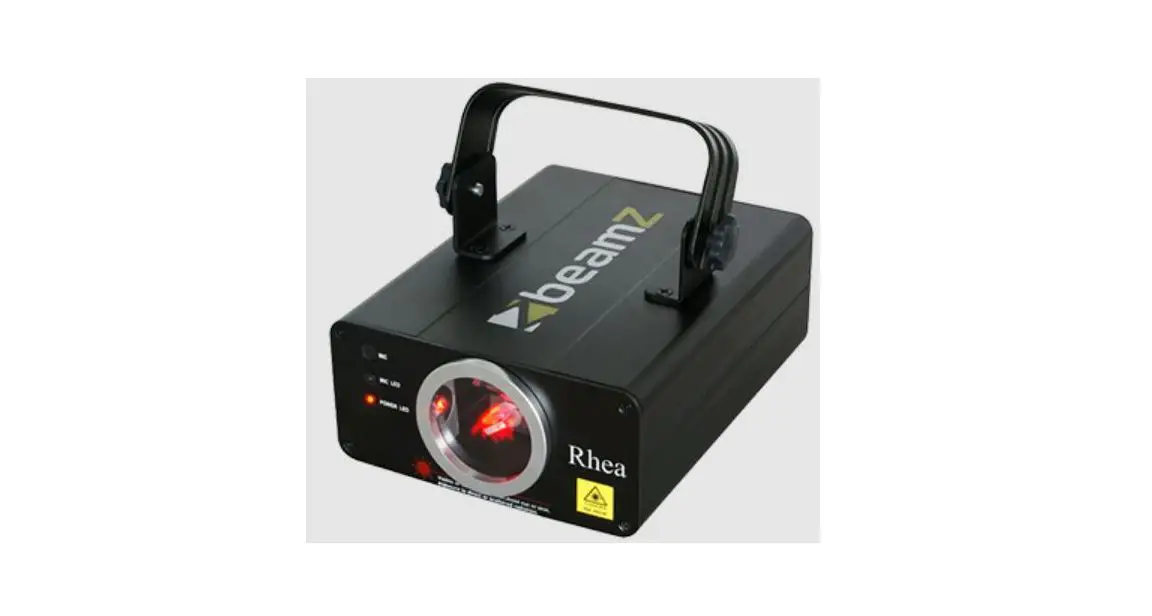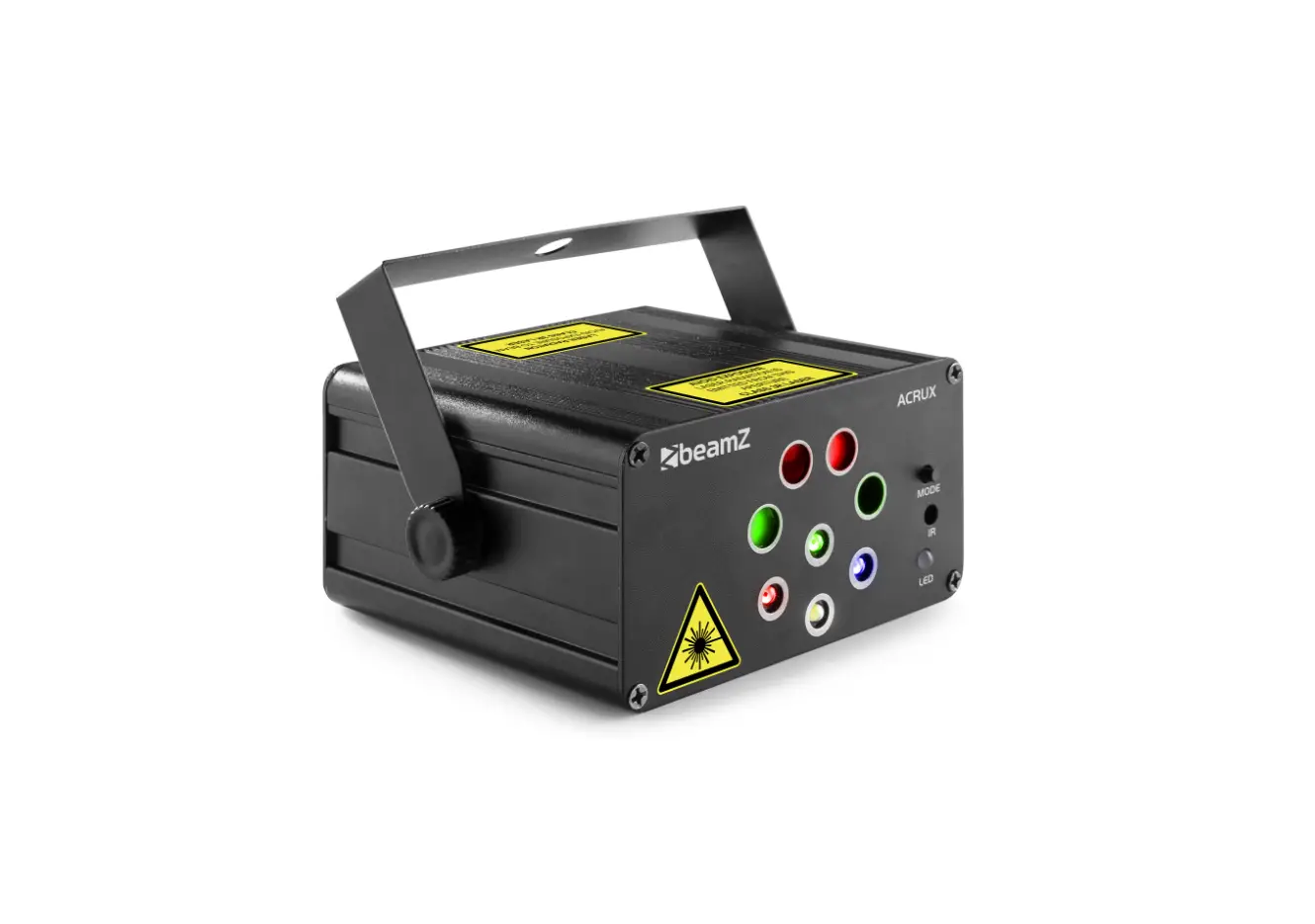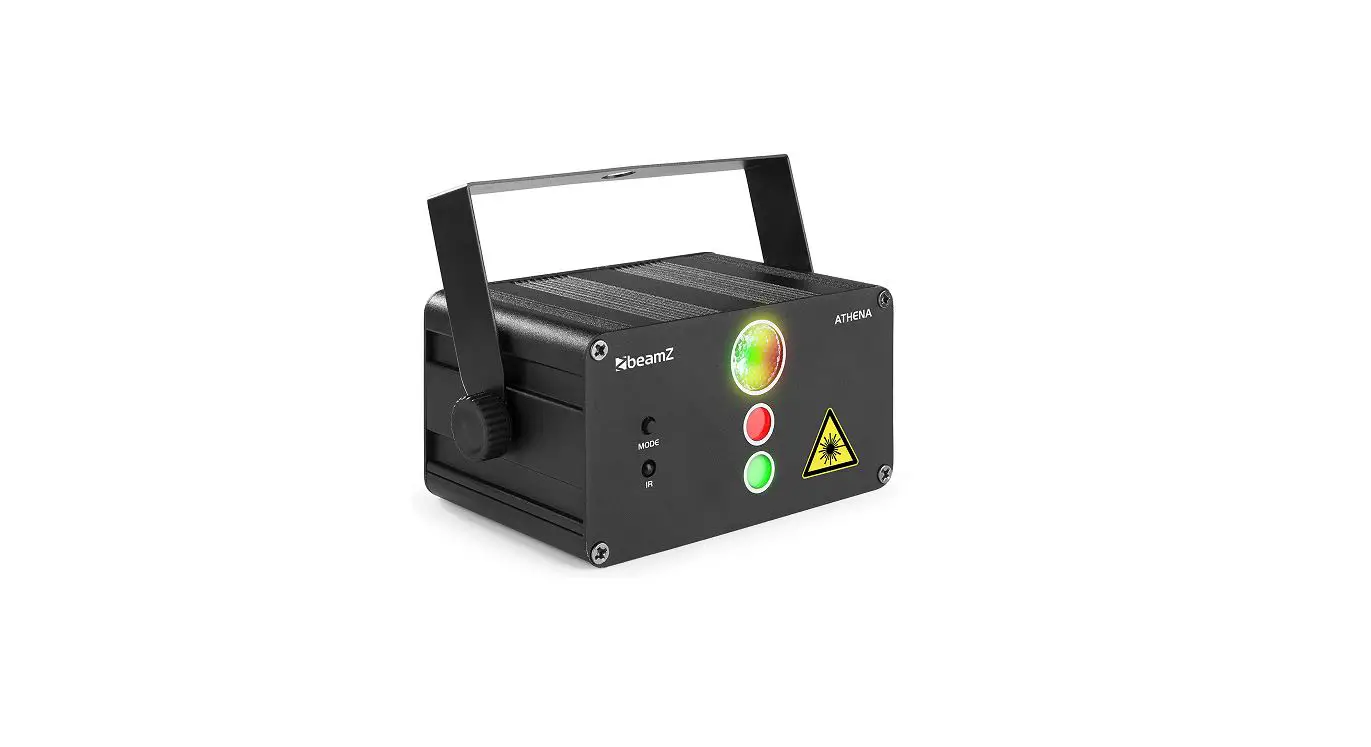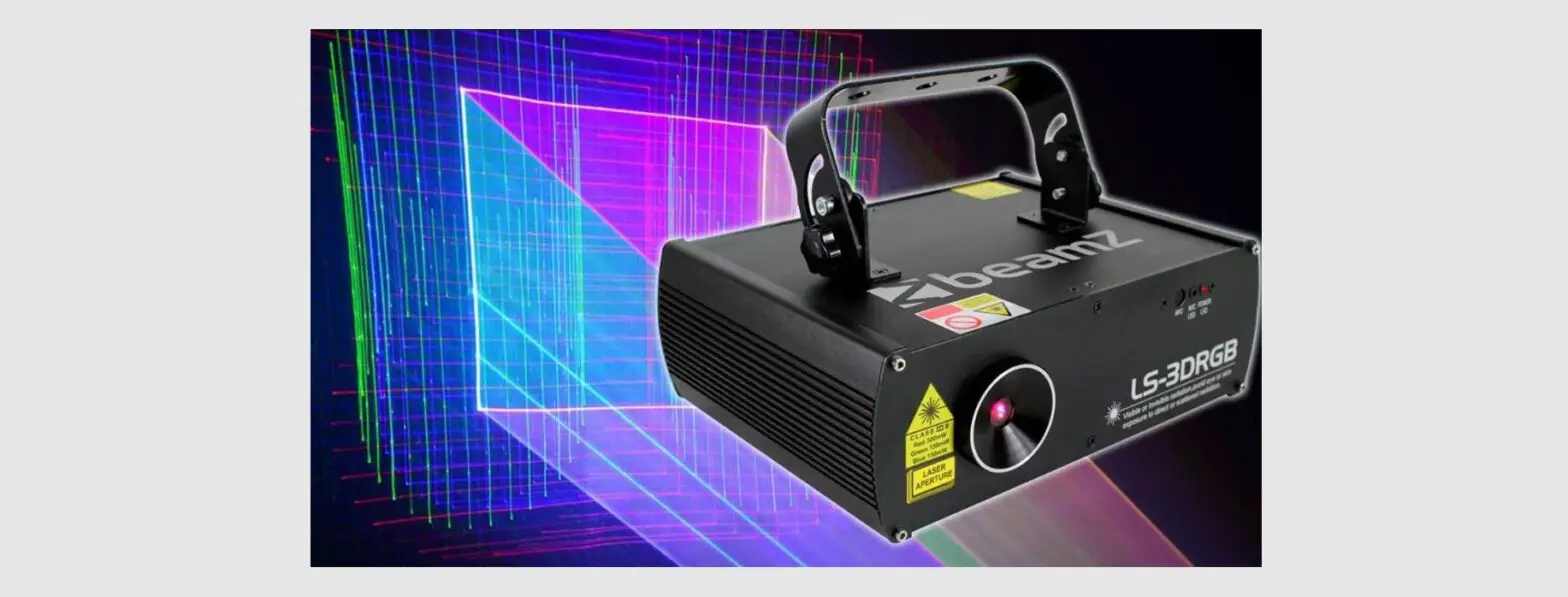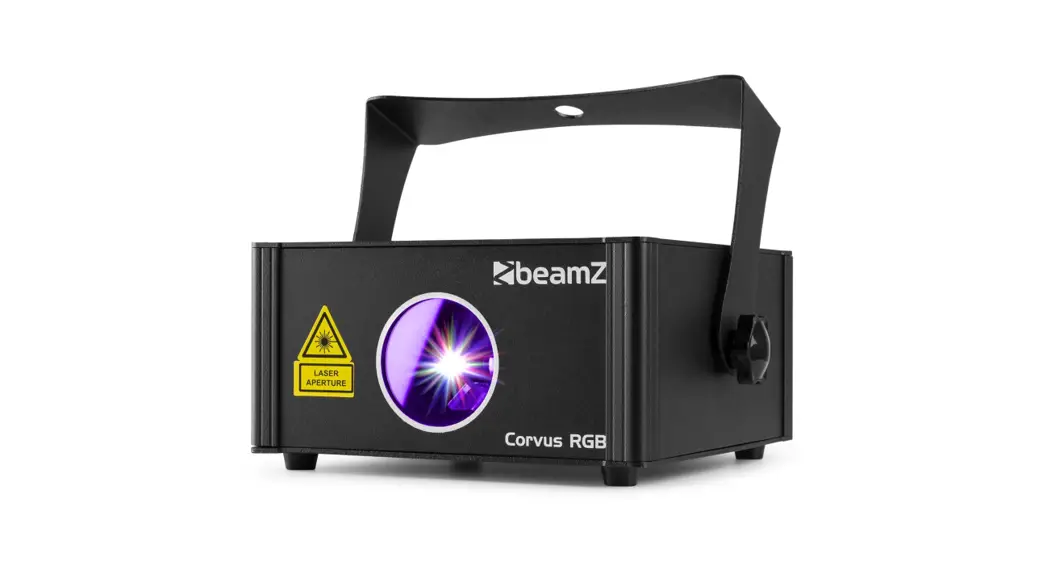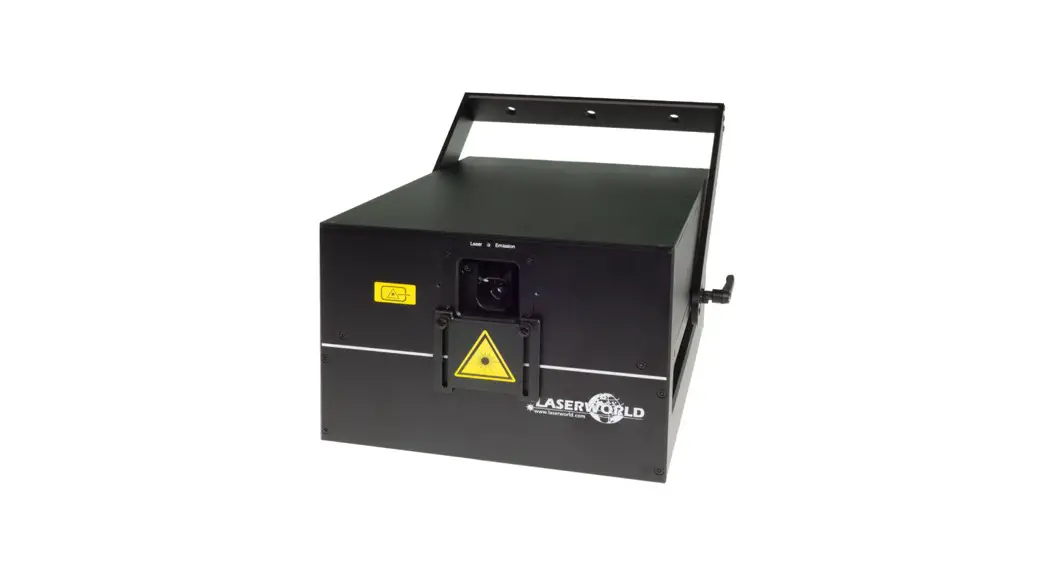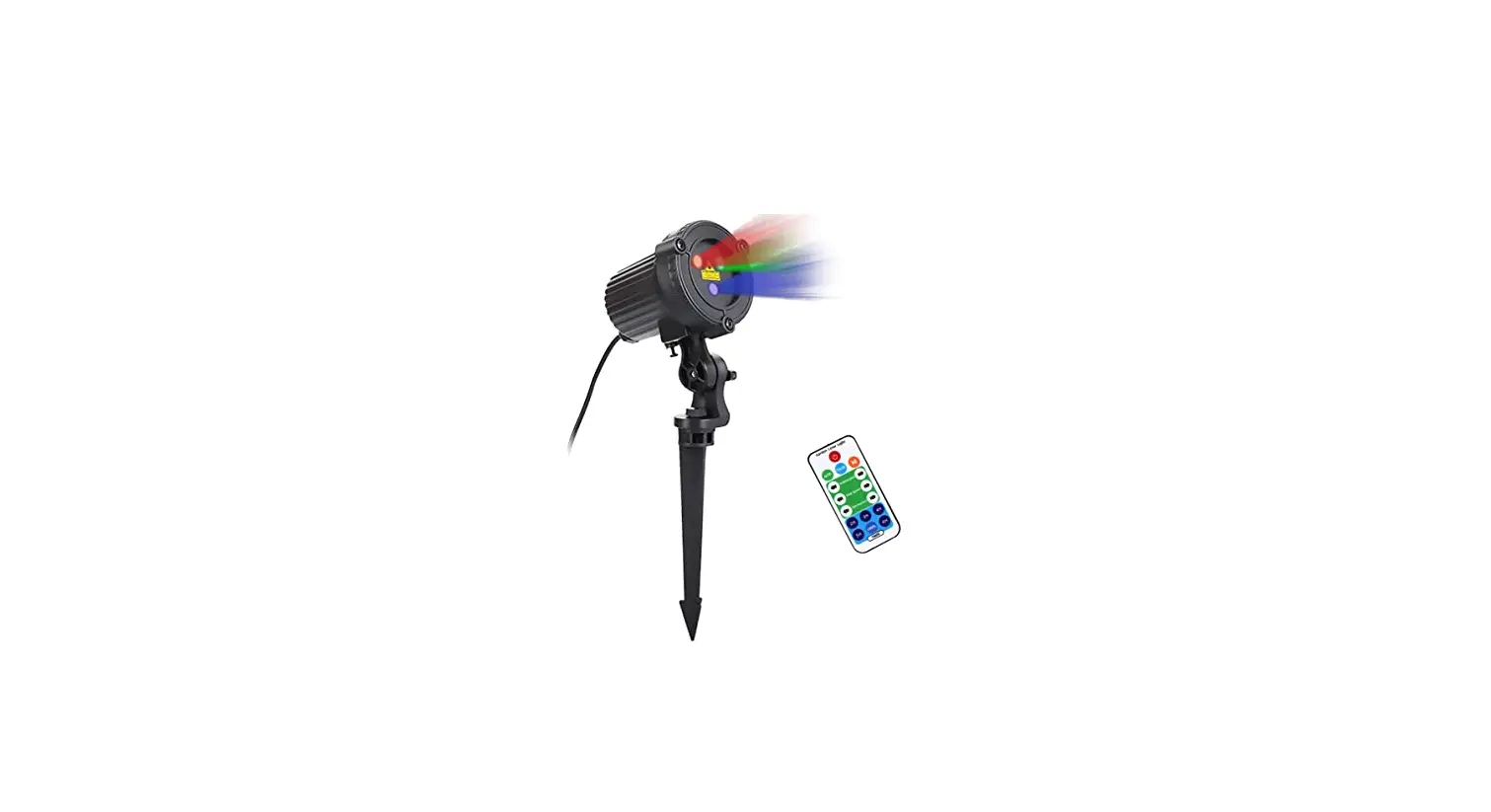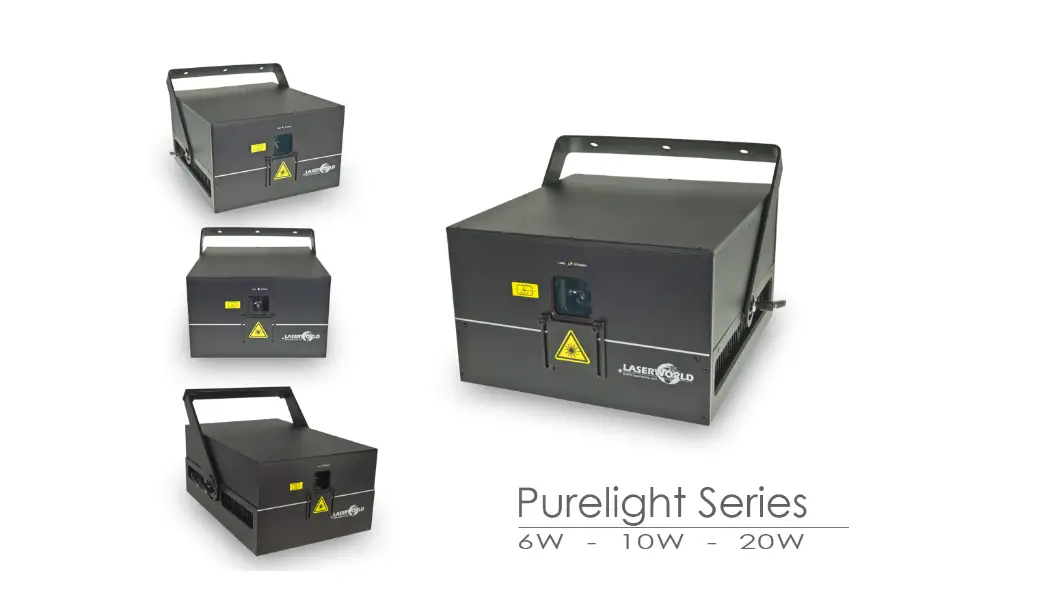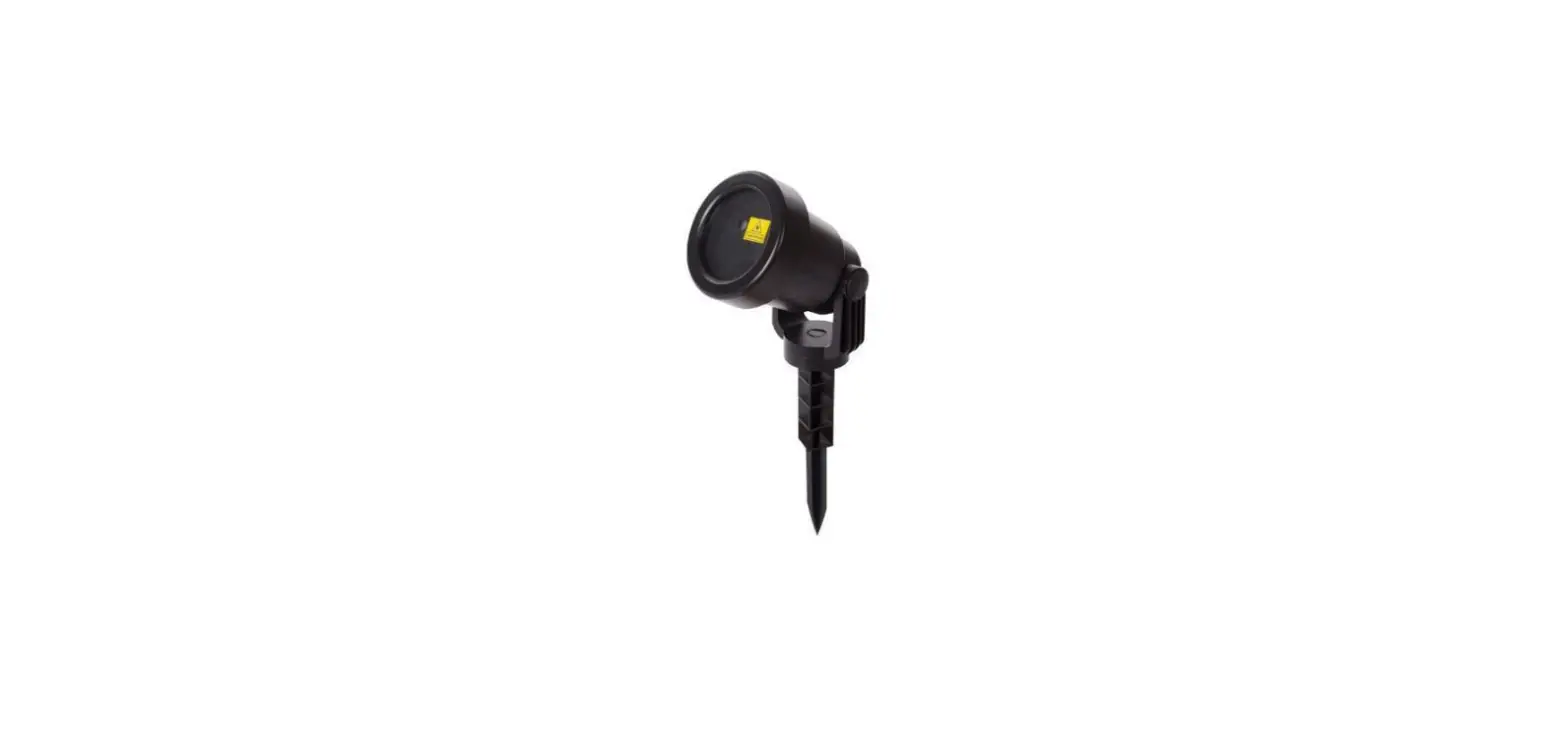

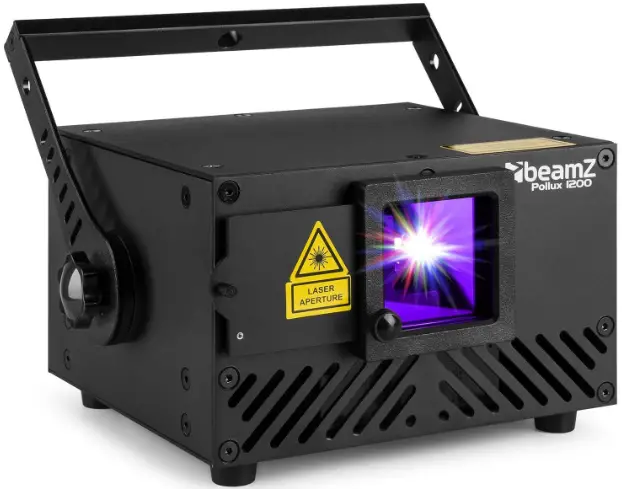
beamZ Pollux 1200 Laser
Product Information
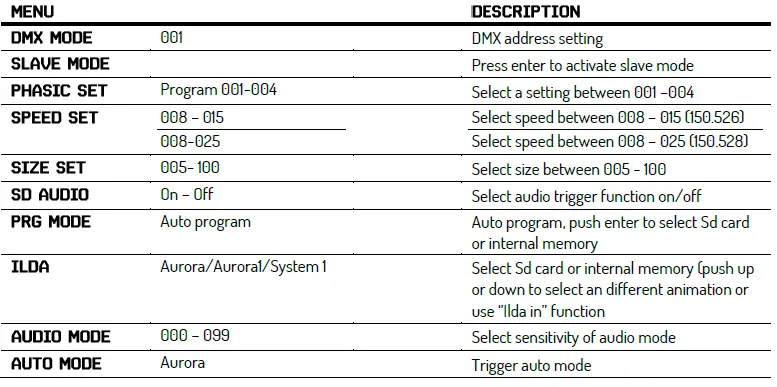
The Pollux is a laser light show device with various functions and modes. It has a model number of 152.526_152.528_V2.0 and belongs to the Aurora/Aurora1/System 1 series. The device can display patterns and colors, and has audio trigger functionality. It also features different modes such as automatic, PRG, ILD, and manual modes. The device can be controlled using a remote control and can be connected to a DMX mode.
Product Usage Instructions
- Choose the appropriate size between 005 – 100.
- Select the audio trigger function and choose between Auto program or push enter to select Sd card or internal memory.
- Select Sd card or internal memory and push up or down to select a different animation or use ‘Ilda in’ function.
- Select the sensitivity of audio mode.
- Trigger auto mode by pressing the button with the number 1 on the remote control.
- Select the model by pressing the button with the number 2 on the remote control.
- Choose the pattern/folder by pressing the button with the number 3 on the remote control.
- Select flashing/file by pressing the button with the number 4 on the remote control.
- Select RGB models color by pressing the button with the number 5 on the remote control.
- Adjust X move by pressing the button with the number 6 on the remote control.
- Adjust Y move by pressing the button with the number 7 on the remote control.
- Adjust zoom (+/-) by pressing the button with the number 8 on the remote control.
- Adjust rolling x by pressing the button with the number 9 on the remote control.
- Adjust rolling y by pressing the button with the number 10 on the remote control.
- Adjust rolling center by pressing the button with the number 11 on the remote control.
- Adjust X wave by pressing the button with the number 12 on the remote control.
- Adjust Y wave by pressing the button with the number 13 on the remote control.
- Choose display mode by pressing the button with the number 14 on the remote control.
- Adjust red dimmer by pressing the button with the number 15 on the remote control.
- Adjust green dimmer by pressing the button with the number 16 on the remote control.
- Adjust blue dimmer by pressing the button with the number 17 on the remote control.
- To turn on/off laser tube, press the button labeled “tube off” on the device.
- To turn on/off DMX mode, press the button labeled “DMX” on the device.
- To enable automatic mode, press the button labeled “auto” on the remote control. This will allow you to run automatic programs on the device.
- To activate gradient sound control, choose music mode 1.
- To activate hopping sound control, choose music mode 2.
- To turn on/off mirror image of X, Y axis, press the button labeled “mirror” on the remote control.
- To select programs from the SD card directory, press the button labeled “file” on the remote control.
- To play all programs in the current SD card directory, press the button labeled “play” on the remote control.
- To play a single program in the current directory, press up or down to change programs and press the button labeled “play” on the remote control.
- To adjust the size of the program, press up or down to adjust.
DMX CHANNELS
| 1 | Model select | 000-049 | Auto mode | |
| 050-099 | Audio(Sound Active) mode | |||
| 100-149 | PRG mode | |||
| 150-199 | ILD mode | |||
| 200-255 | Manual mode | |||
| 2 | Pattern/folder select | 000-255 | Manual mode | Pattern select, every 3 value one pattern |
| PRG/ILD mode | File select | |||
| 3 | Flashing/file select | 000-010 | No strobe | Play file select |
| 011-199 | Auto strobe | |||
| 200-255 | Audio strobe | |||
| 4 | RGB models color select | 000-005 | Laser off | |
| 006-010 | Original color | |||
| 011-016 | White | |||
| 017-033 | Red | |||
| 034-050 | Green | |||
| 051-067 | Blue | |||
| 068-084 | Yellow | |||
| 085-101 | Purple | |||
| 102-118 | Cyan | |||
| 119-135 | White, red, green, blue color section | |||
| 136-152 | Blue, yellow, purple, cyan color section | |||
| 153-169 | W, R, G, B, Y, P, C 7 color section | |||
| 170-186 | White, red, green, blue 4 color flow | |||
| 187-203 | Blue, yellow, purple, cyan 4 color flow | |||
| 204-220 | Red, green, blue, white, yellow, purple, cyan 7 color flow | |||
| 221-237 | Color subsection by inflexion | |||
| 238-255 | Sound active color change | |||
| 5 | X move | 000-125 | Adjust position by manual | |
| 126-185 | Move circle from left to right automatically | |||
| 186-225 | Move circle from right to left automatically | |||
| 226-245 | Auto jumping | |||
| 246-255 | Audio jumping | |||
| 6 | Y move | 000-125 | Adjust position by manual | |
| 126-185 | Move circle from up to down automatically | |||
| 186-225 | Move circle from down to up automatically | |||
| 226-245 | Auto jumping | |||
| 246-255 | Audio jumping | |||
| 7 | Zoom(+/-) | 000-010 | No change | |
| 011-087 | Adjust size by manual | |||
| 088-150 | Zoom automatically + | |||
| 151-200 | Zoom automatically- | |||
| 201-255 | Zoom (+/-) automatically | |||
| 8 | Rolling x | 000-000 | No change | |
| 001-128 | Manual rotation | |||
| 129-255 | Auto rotation | |||
| 9 | Rolling y | 000-000 | No change | |
| 001-128 | Manual rotation | |||
| 129-255 | Auto rotation | |||
| 10 | Rolling center | 000-000 | No change | |
| 001-128 | Manual rotation | |||
| 129-192 | Auto clockwise rotation | |||
| 193-255 | Auto counterclockwise rotation | |||
| 11 | Drawing | 000-010 | No change | |
| 010-074 | Manual drawing | |||
| 075-104 | Auto drawing + | |||
| 105-144 | Auto drawing – | ||
| 145-184 | Auto drawing circle | ||
| 185-224 | End to end drawing circle – | ||
| 225-255 | End to end drawing circle + | ||
| 12 | X wave | 000-010 | No wave |
| 011-069 | Small wave | ||
| 070-129 | Medium wave | ||
| 130-189 | Big wave | ||
| 190-255 | Biggest wave | ||
| 13 | Y wave | 000-010 | No wave |
| 011-069 | Small wave | ||
| 070-129 | Medium wave | ||
| 130-189 | Big wave | ||
| 190-255 | Biggest wave | ||
| 14 | Display mode | 000-063 | Normal display |
| 064-127 | Light dot display | ||
| 128-191 | Segment display | ||
| 192-255 | Dot display | ||
| 15 | Red dimmer | 000-255 | (*) Analogue modulation from 100% to 0% (**) TTL modulation:000-220 ON,221-225 OFF This channel must work with channel 4 together. |
| 16 | Green dimmer | 000-255 | (*) Analogue modulation from 100% to 0% (**) TTL modulation:000-220 ON,221-225 OFF This channel must work with channel 4 together. |
| 17 | Blue dimmer | 000-255 | (*) Analogue modulation from 100% to 0% (**) TTL modulation:000-220 ON,221-225 OFF This channel must work with channel 4 together. |
(*) works together with 152.528
(**) works together with 152.526
REMOTE CONTROLLER
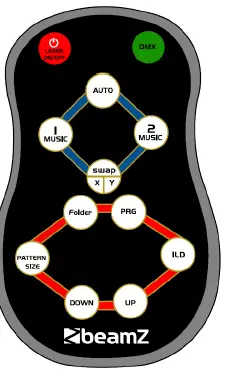
- ON/OFF
Press (LASER ON/OFF> to turn on the laser tube. Press (LASER ON/OFF> again to turn the laser tube off. - DMX MOOE
Press (DMX> to turn on/off DMX mode. - AUTO MODE
Automatic mode will enable you to run the automatic programs on the product.
To turn on/off Automatic mode, press (AUTO) on the remote control. - 1 MUSIC MODE
I music mode will activate gradient sound control: colors change gradually. - 2 MIEIC MOOE
2 music mode will activate hopping sound control: colors jump into the next. - SNAP X/Y
To turn on/off the mirror image of the X, Y axis:
Press (SNAP X/ Y) on the remote control. - FOLDER
To select programs from the SD card directory, press (FOLDER) - PRG
To play all programs in the current SD card directory, press - ILO
To play a single program in the current directory, press, and press (DONN) to change programs. - PATTERN SIZE
To adjust the size of the program, press (PATTERN SIZO and press (DONN> to adjust.
CAUTION
The remote control is supplied with a battery inserted. An insulating foil between the battery and the battery contacts prevents the battery from being discharged during storage. Prior to the first operation remove the foil from the battery support on the rear side of the remote control. Otherwise, the operation of the remote control is not possible.
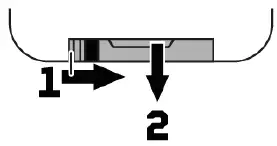
If the range of the remote control decreases, replace the battery. For this purpose, on the rear side of the remote control press the small bar with the groove to the right (1) and at the same time remove the battery support (2). For operation, one 3 V button cell type CR 2025 is required. When inserting, pay attention that the positive pole of the button cell shows upwards in the support.
BEAMZ
is a leading developer of lighting products, including intelligent DMX moving heads, wireless battery-operated DMX effects, static washes, sound-activated club effects, strobes & blacklights, LED lighting, fog and special effects machines, lasers and indoor and outdoor architectural lighting, as well as lighting controllers and protective bags.