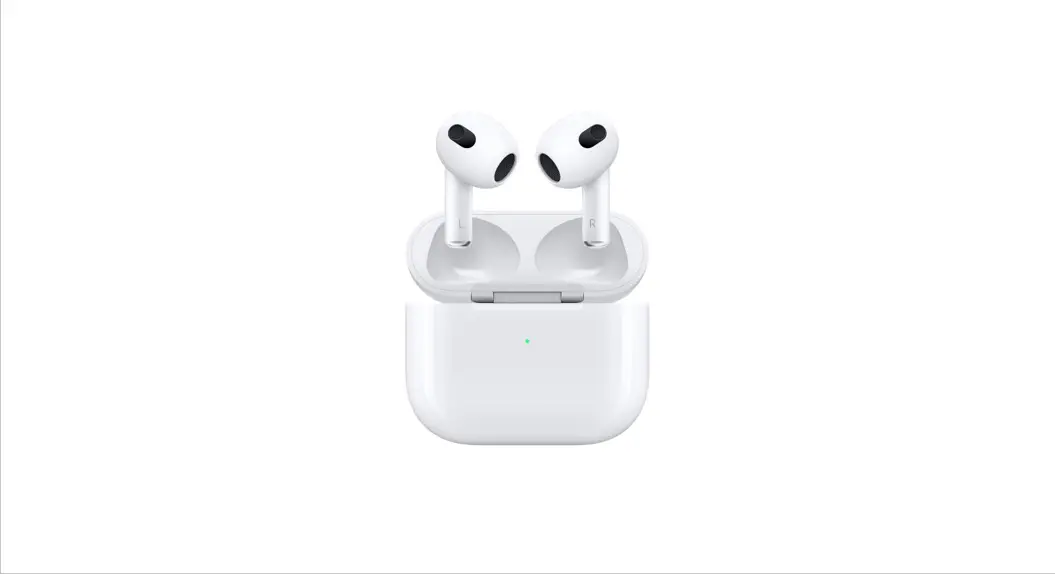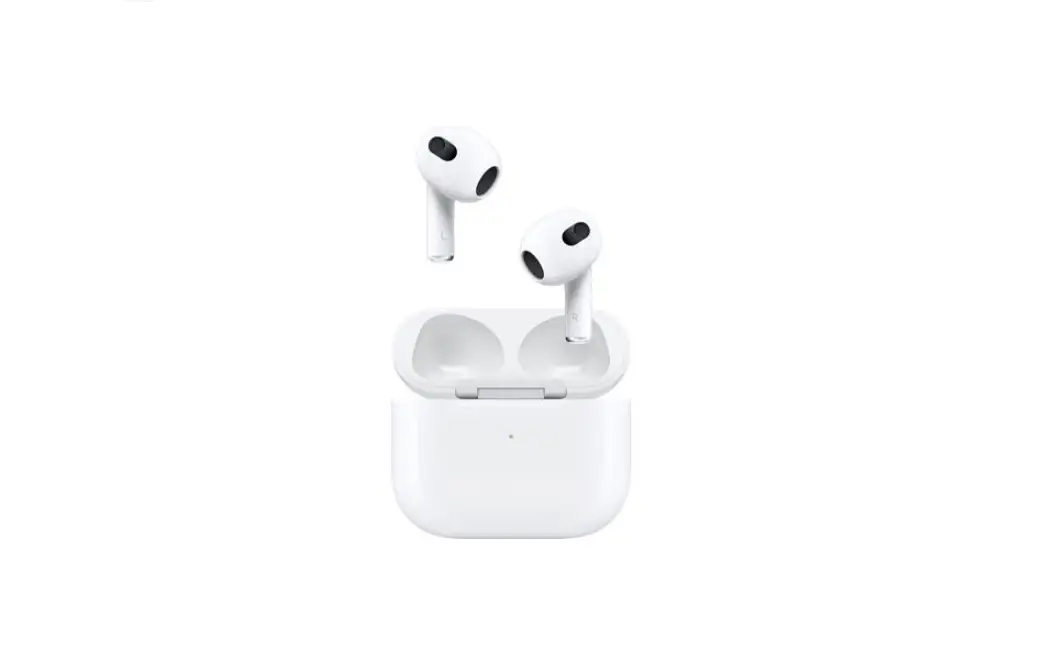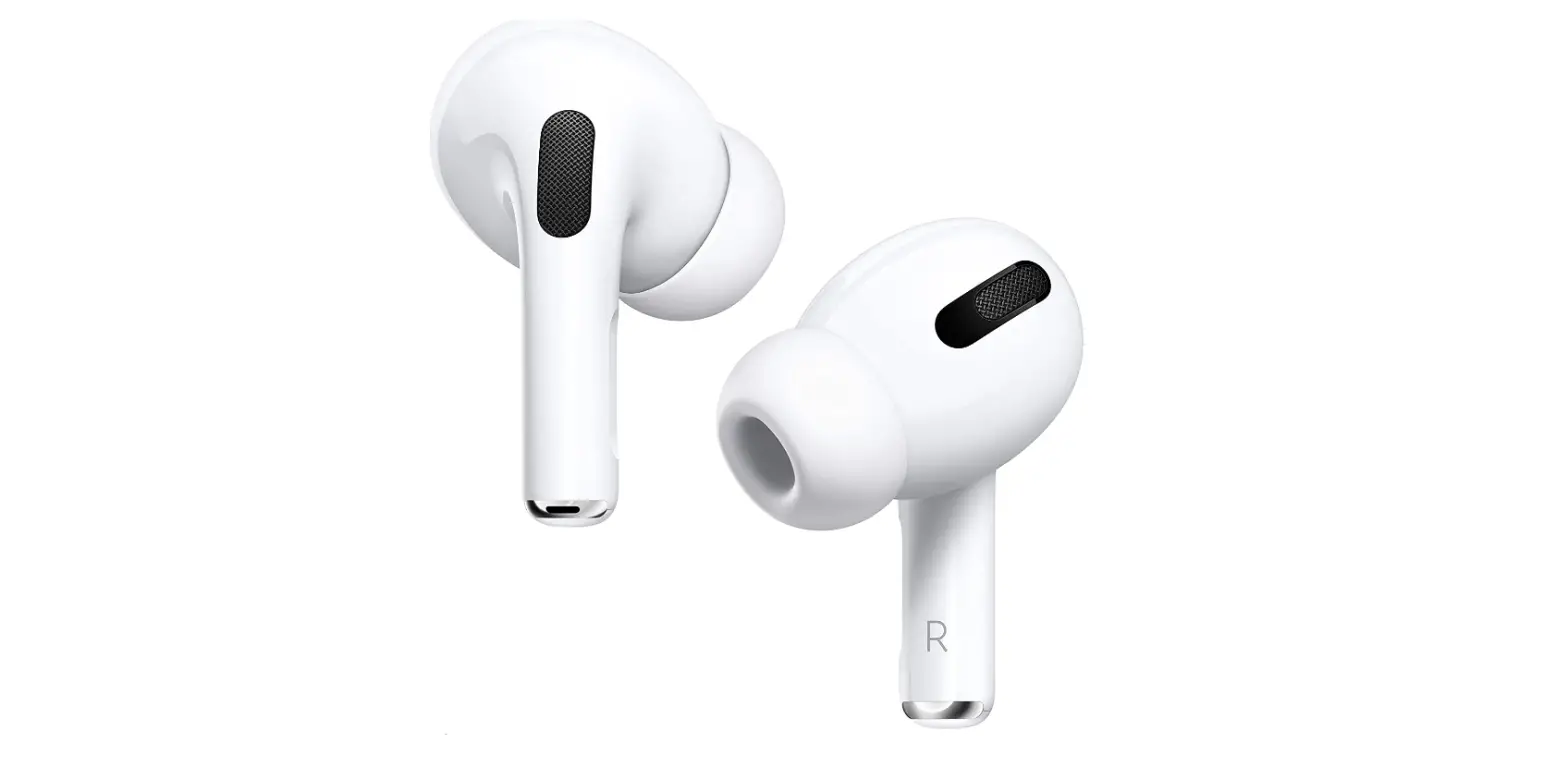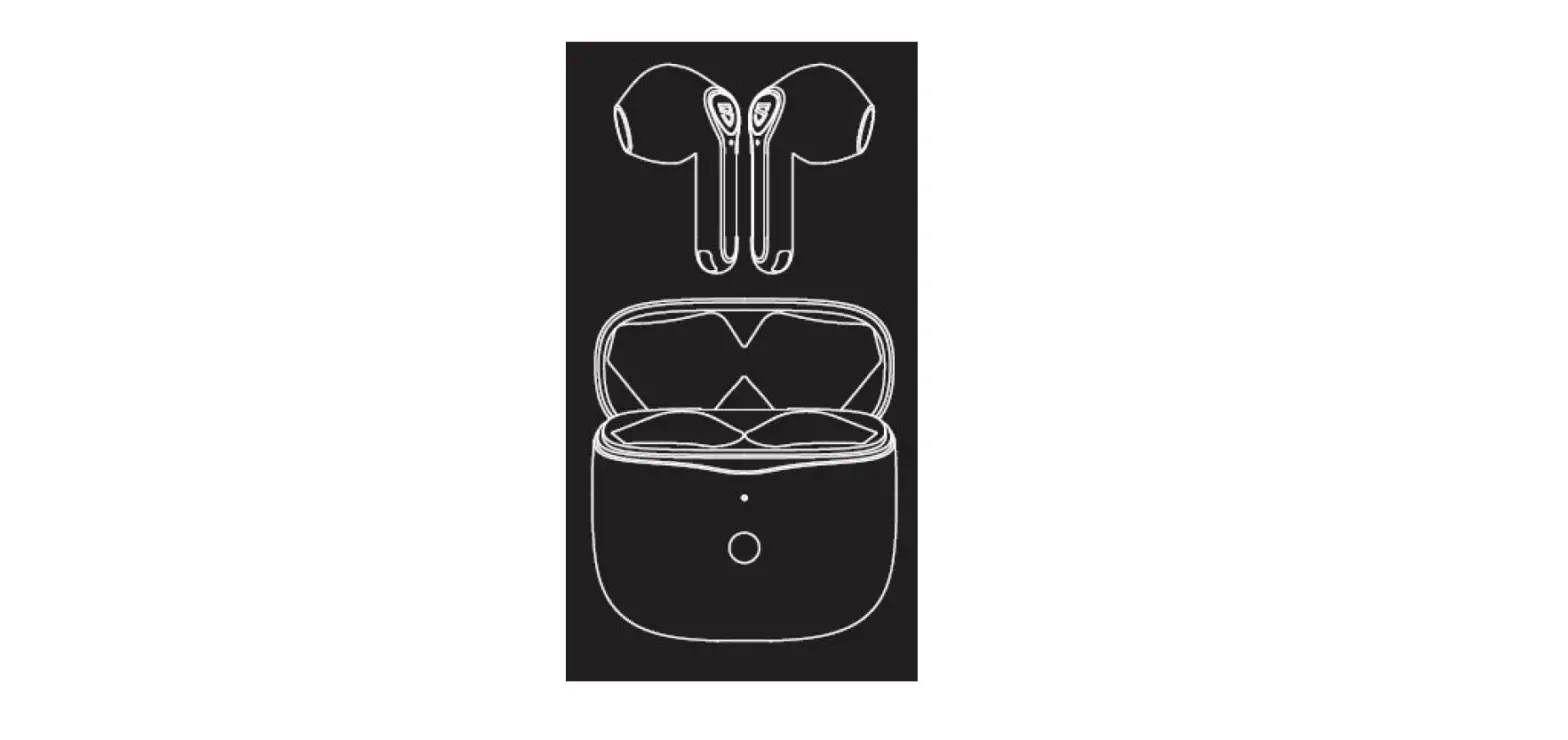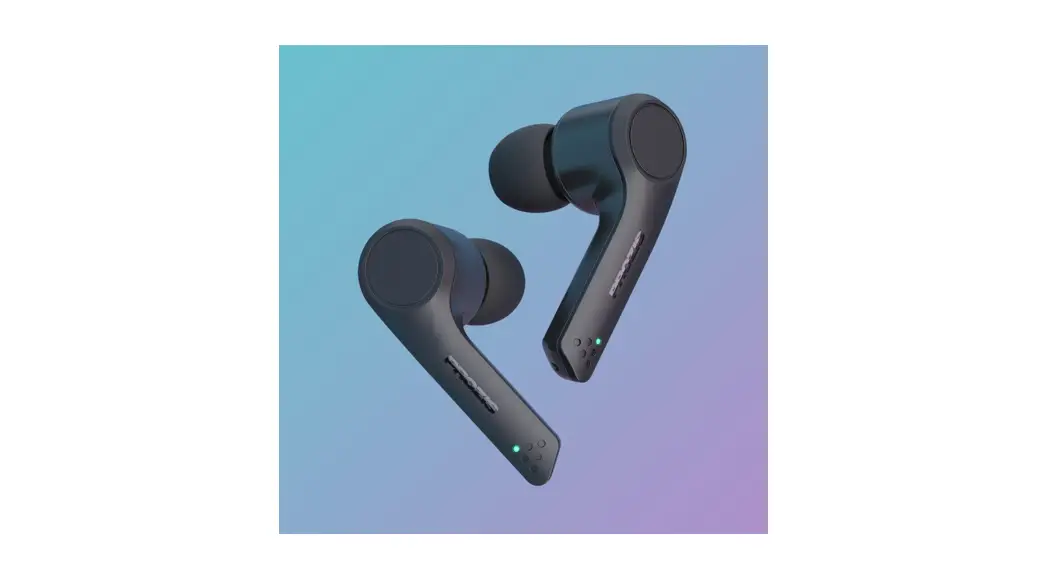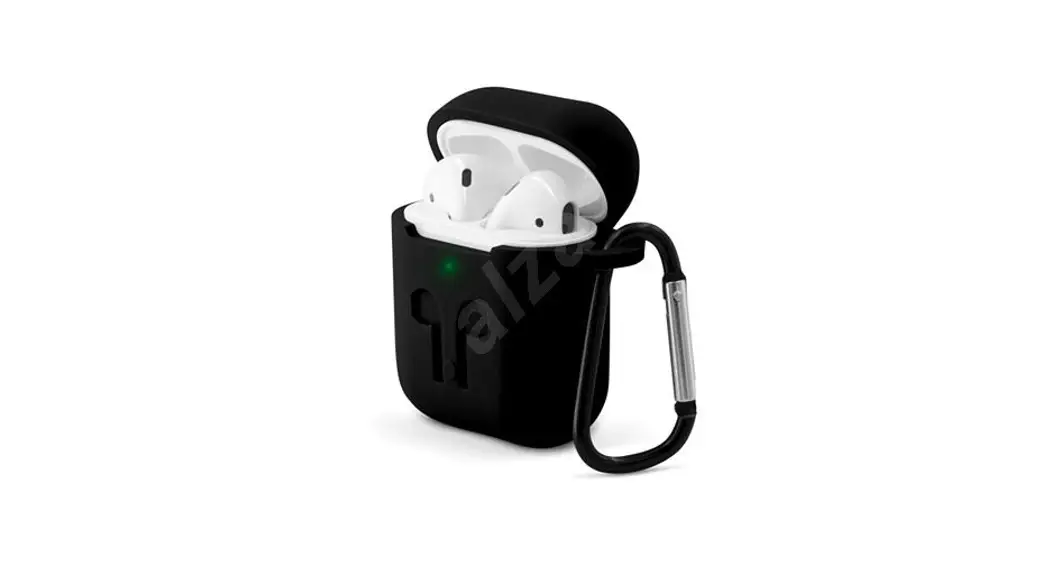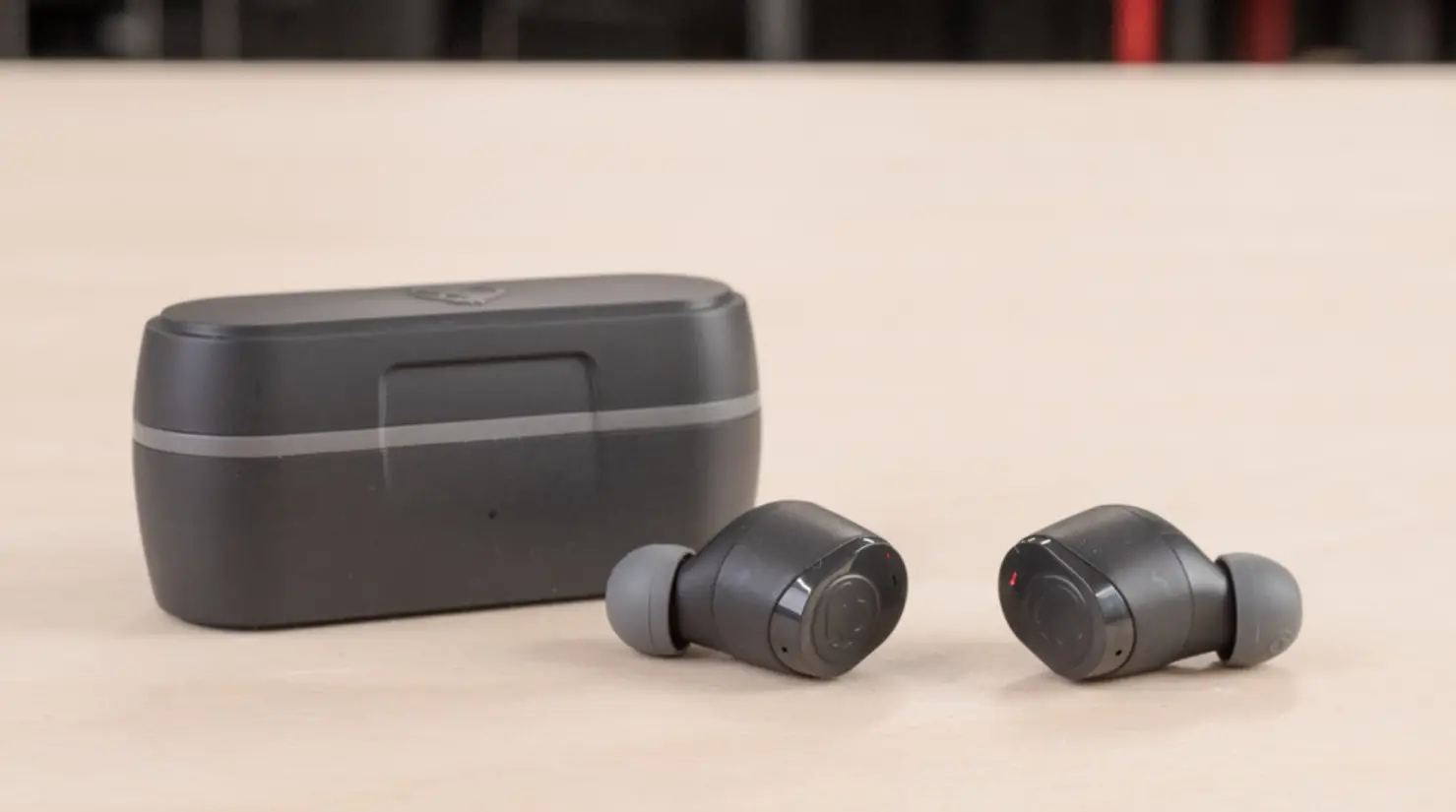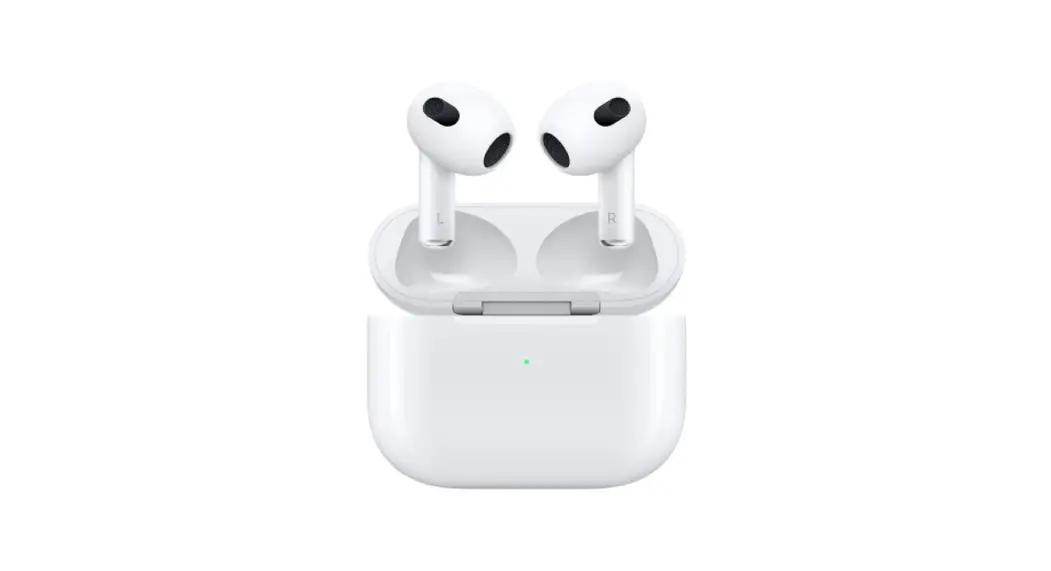
 MME73AM 3rd Generation AirPods
User Manual
MME73AM 3rd Generation AirPods
•  Press to play or pause.
• •  Double-press to skip forward.
• • •  Triple-press to skip back.
 Siri Say “Hey Siri” to activate Siri.
Spatial Audio in Control Center.
Touch and hold the volume control to turn on Spatial Audio and see status.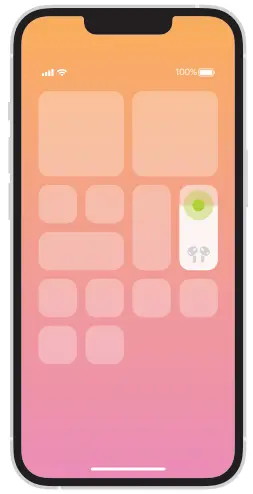
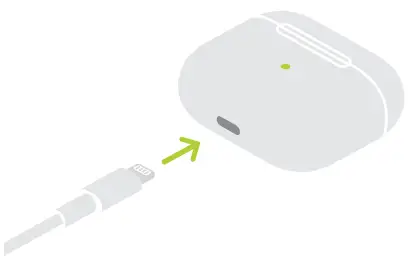
Charge AirPods.
AirPods charge while in the case.
Use Lightning connector to charge.
 |  |
 To connect to iPhone or iPad with latest software, follow steps 1–2.
For all other devices, see fourth panel on this side.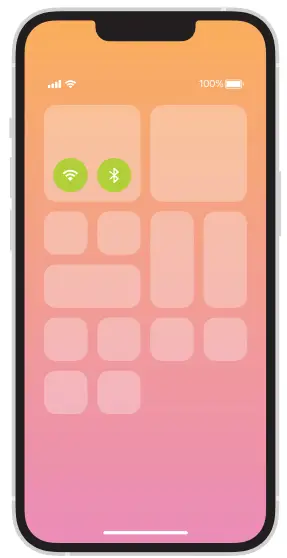
- Turn on Bluetooth®.
Connect to Wi-Fi and turn on Bluetooth.
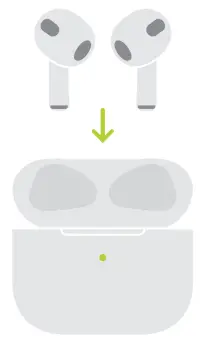
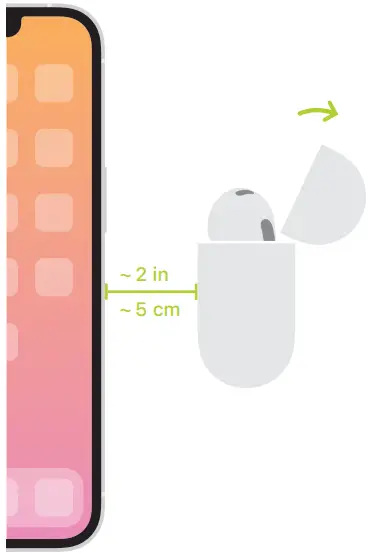
- Connect AirPods.
Open case and hold near device to set up. Apple devices signed in to iCloud pair automatically.
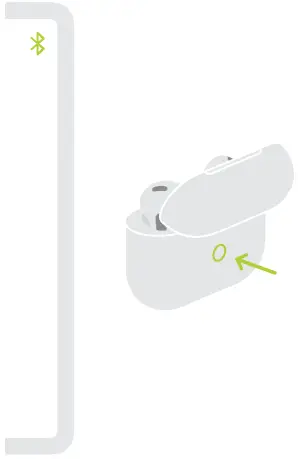
Connect to other devices.
With AirPods in open case, press button on back until light blinks. Then choose them in Bluetooth settings.
© 2022 Apple Inc. All rights reserved. The Bluetooth® word mark and logos are registered trademarks owned by Bluetooth SIG, Inc. and are used under license.
Designed by Apple in California. Printed in XXXX. AM034-05243-A