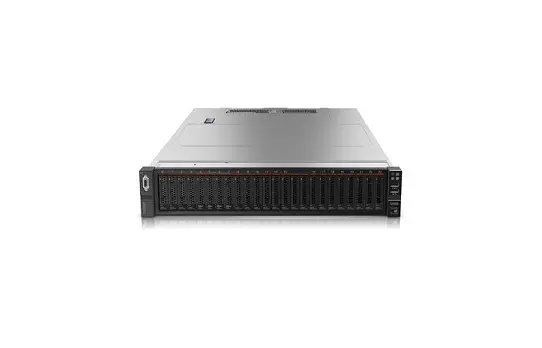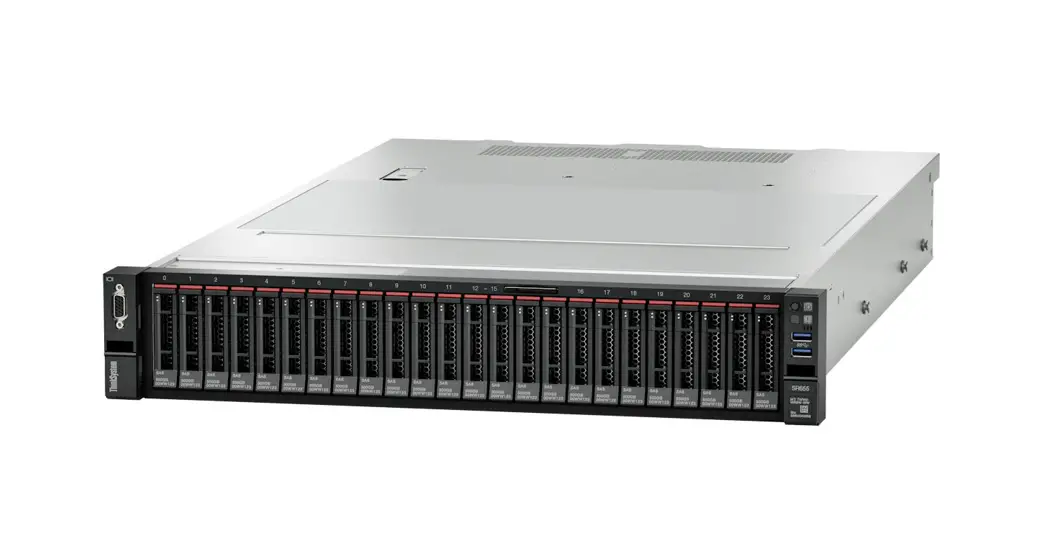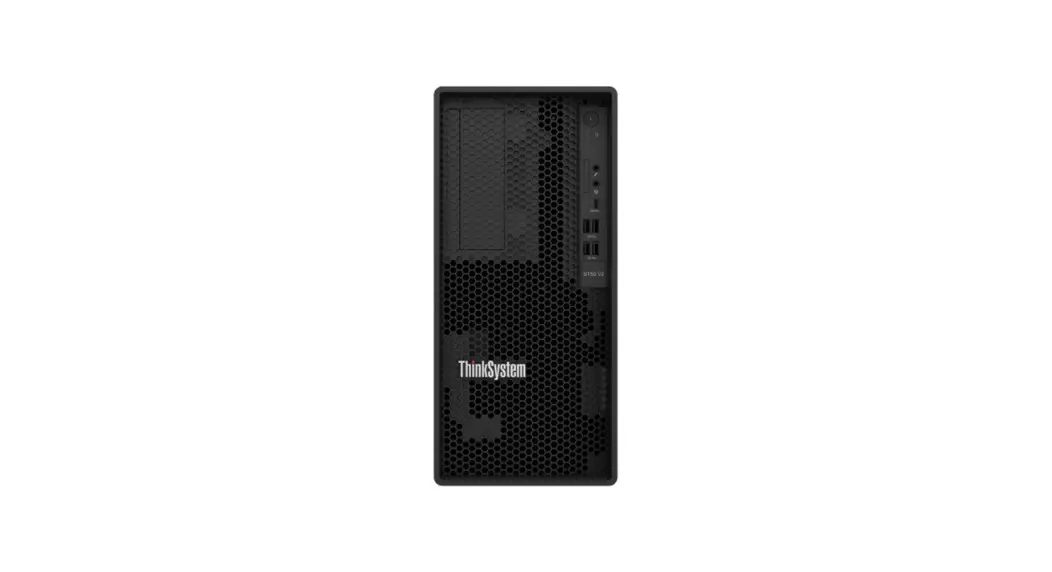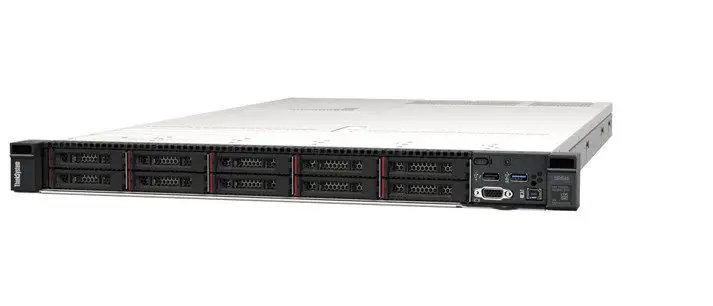

ThinkSystem SR645 Quick Start
In the box
- Server
- Rail kit*
- Cable management arm*
- Material box, including items such as accessory kit, power cords* and documentation
Note: Items marked with asterisk (*) are available on some models only.
If any item is missing or damaged, contact your place of purchase.
Ensure that you retain your proof of purchase. They might be required to receive warranty service.
First glance
Front view:
Note: Your server might look different from the following illustrations.
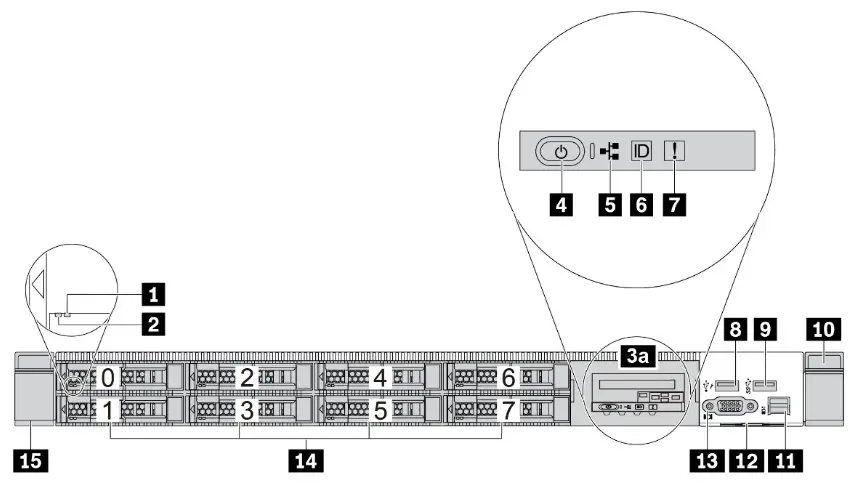
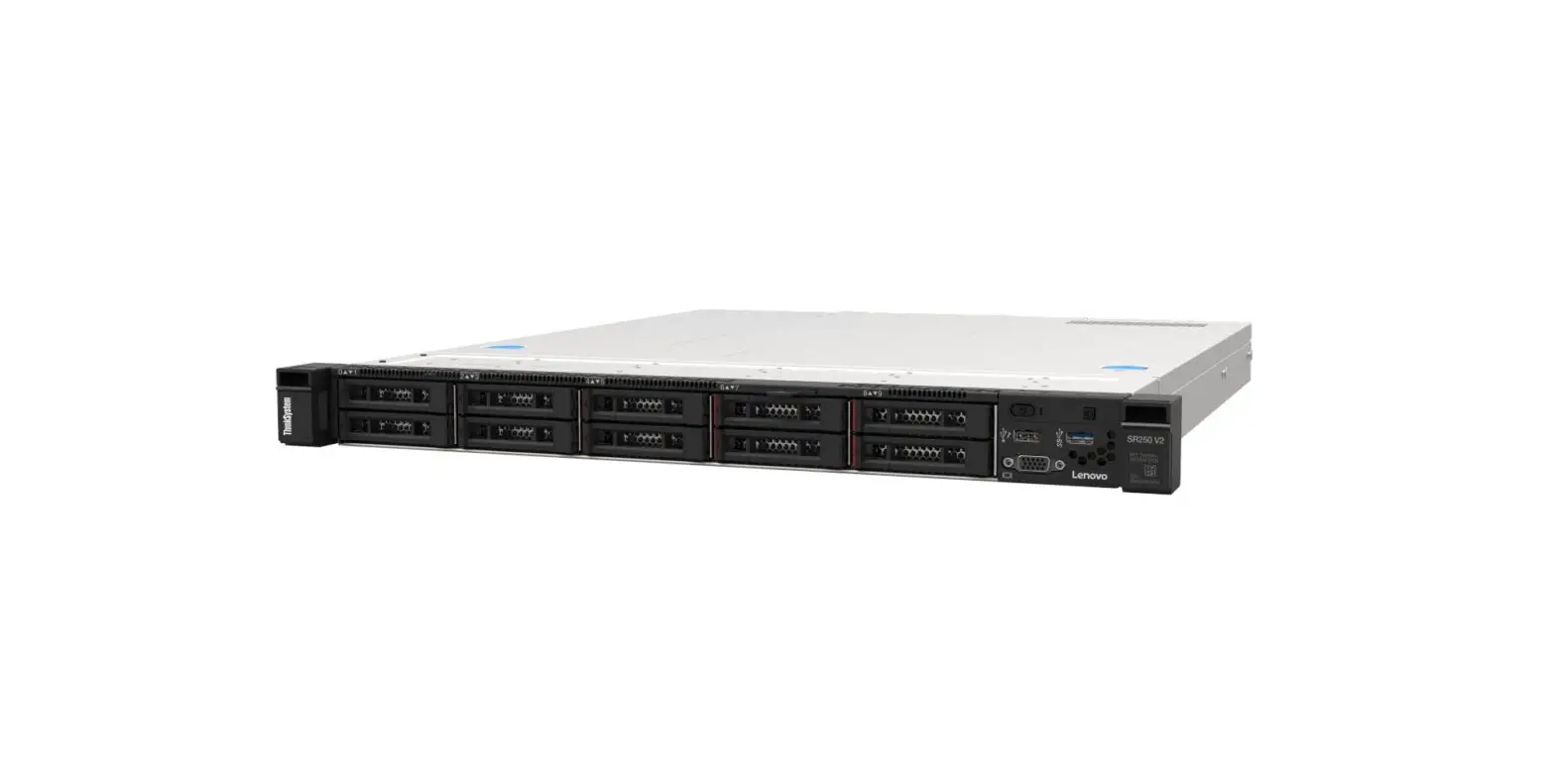
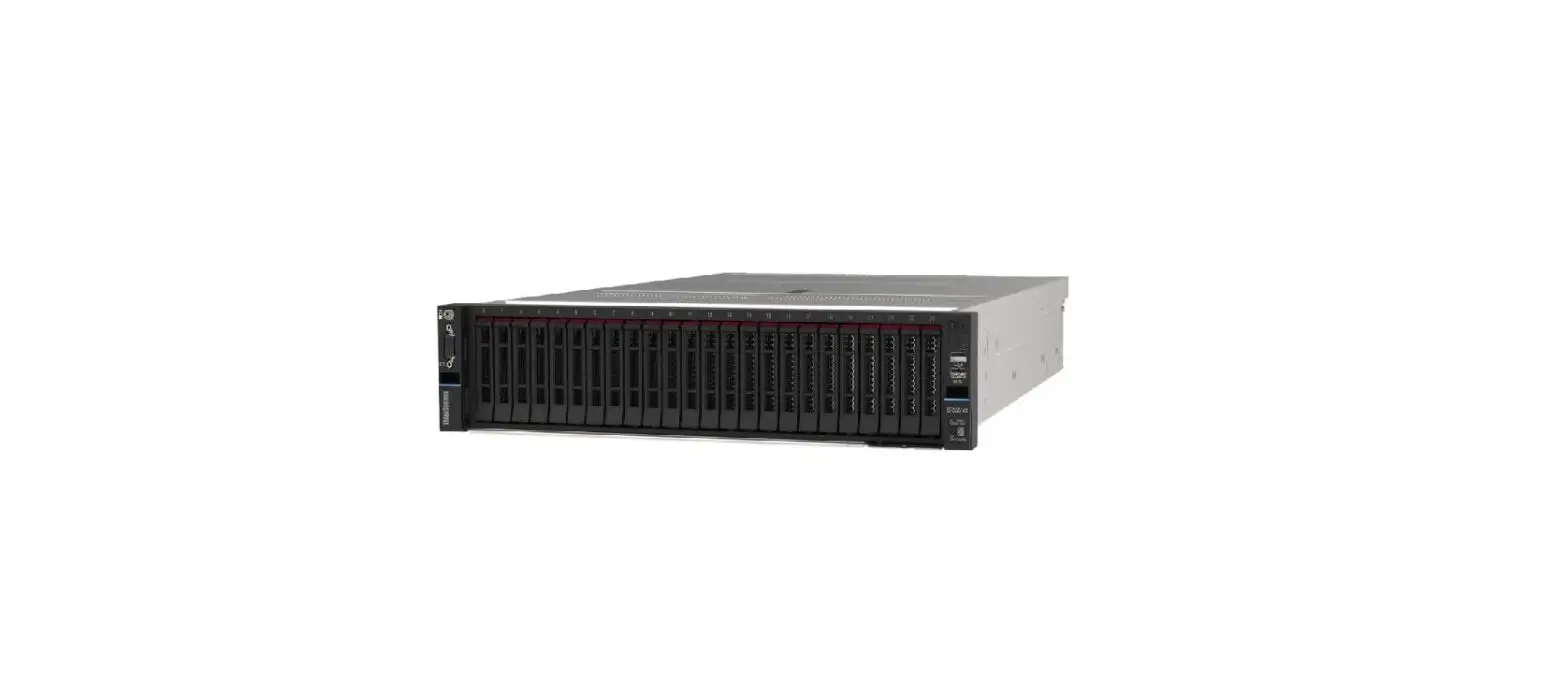
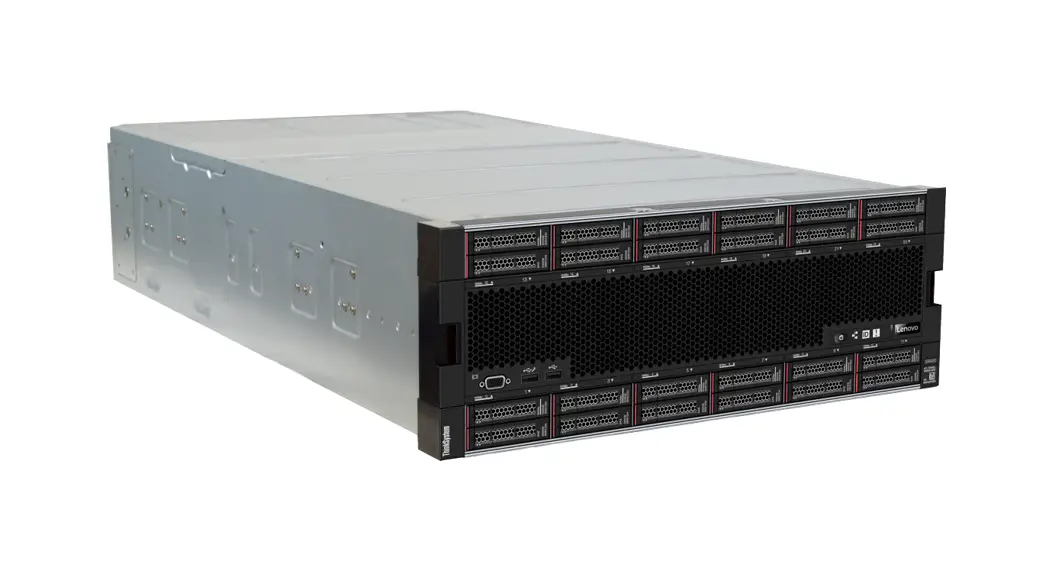
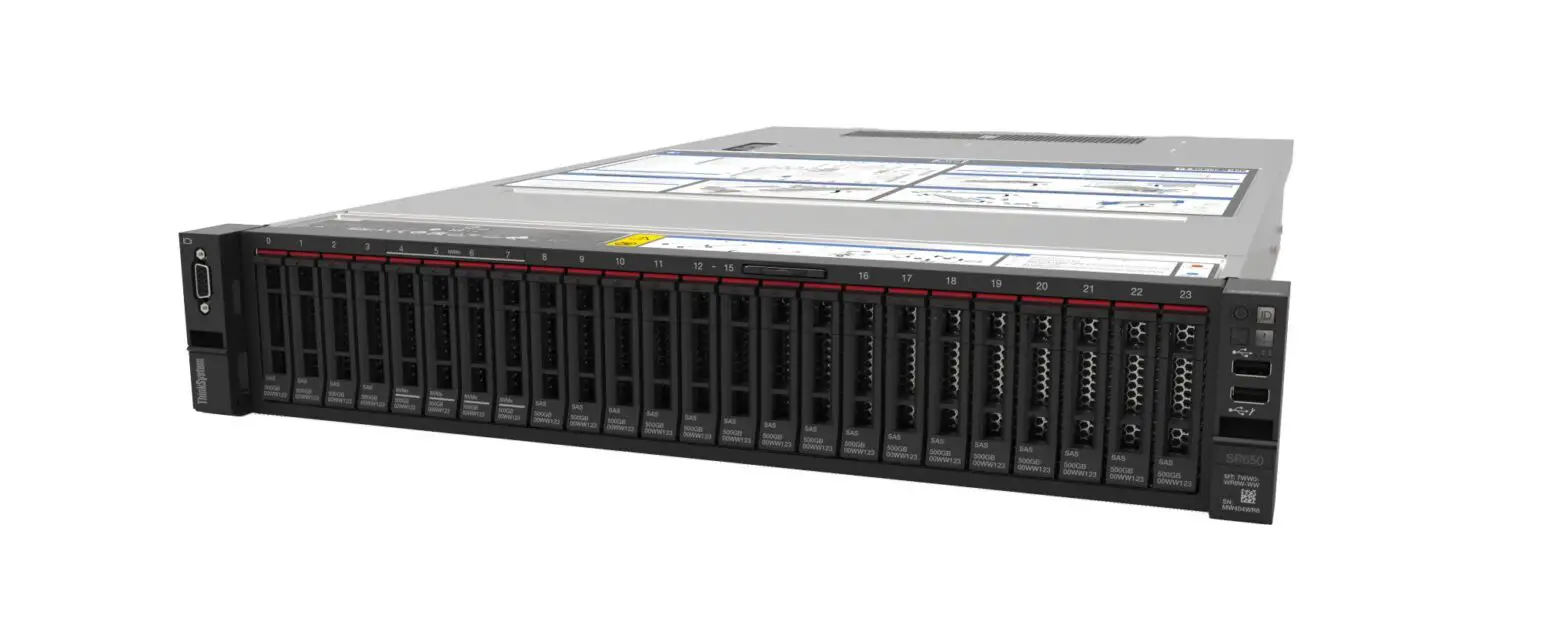
Figure 1. Server model with 8 x 2.5-inch drive bays and pull-out LCD diagnostics panel

Figure 2. Server model with 8 x 2.5-inch drive bays

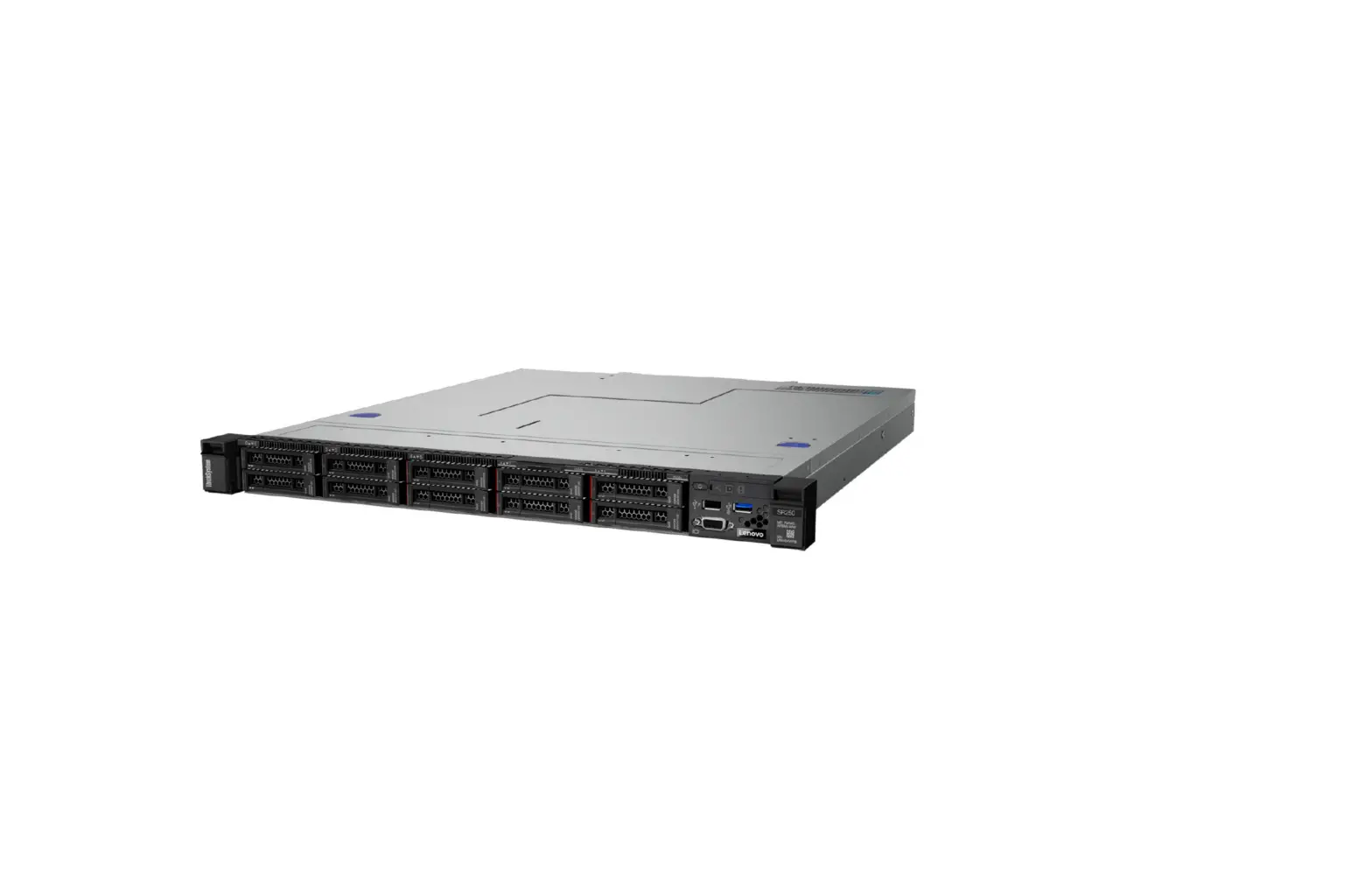
Figure 3. Server model with 10 x 2.5-inch drive bays

Figure 4. Server model with 4 x 2.5-inch drive bays
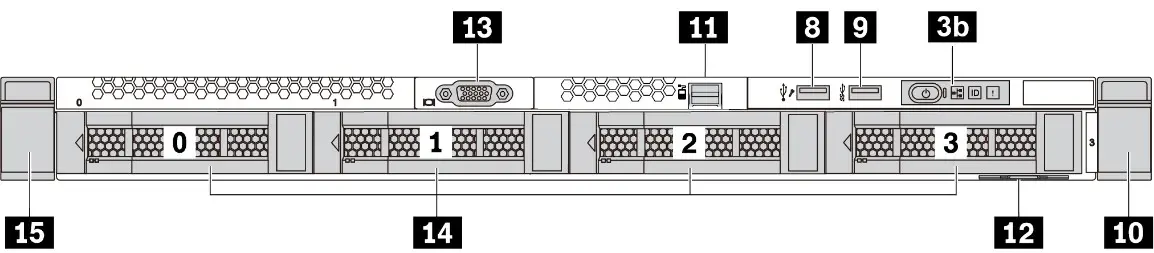
Figure 5. Server model with 4 x 3.5-inch drive bays
| 1 Drive status LED | 2 Drive activity LED |
| 3a LCD diagnostics panel | 3b Diagnostics panel |
| 4 Power button with power status LED | 5 Network activity LED (for OCP 3.0 Ethernet |
| 6 System ID button with system ID LED | 7 System error LED |
| 8 USB 2.0 connector with XClarity Controller manangement | 9 USB 3.1 Gen 1 connector |
| 10 Rack latch (right) | 11 External diagnostics connector |
| 12 Pull-out information tab | 13 VGA connector (optional) |
| 14 Drive bays | 15 Rack latch (left) |
Rear view:
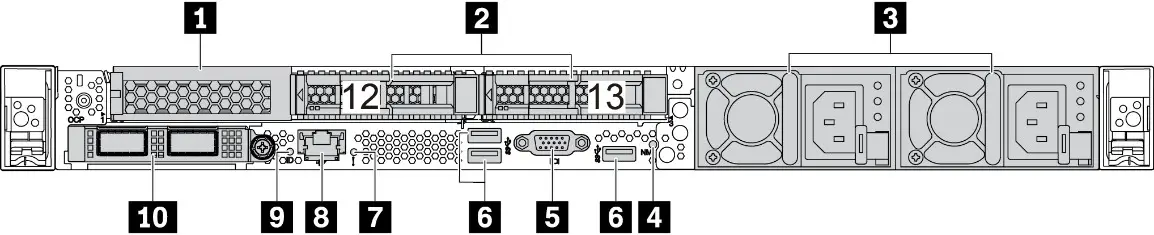
Figure 6. Rear view with one PCIe slot and two 2.5-inch rear drive bays
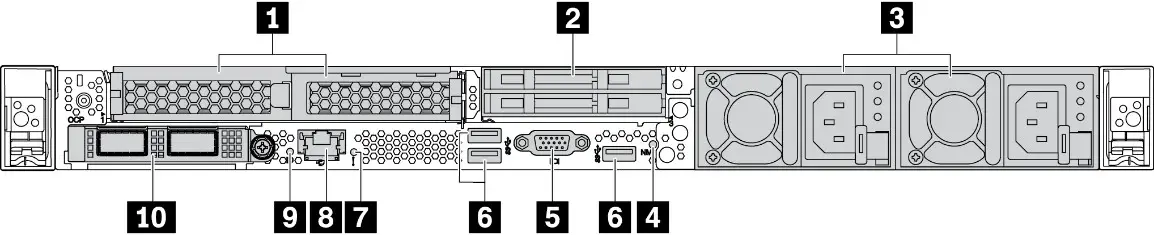
Figure 7. Rear view with two PCIe slots and two 7mm rear drive bays
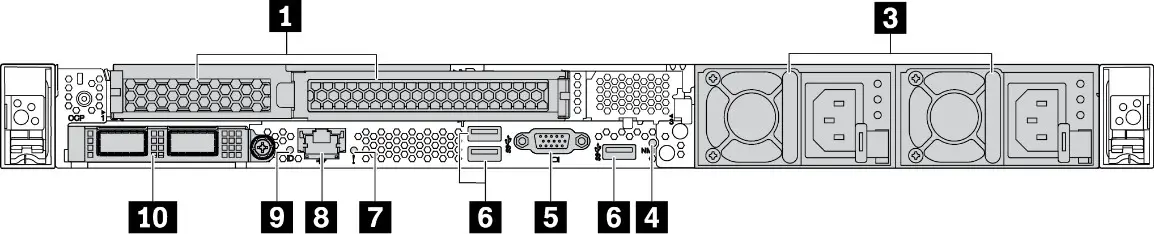
Figure 8. Rear view with two PCIe slots
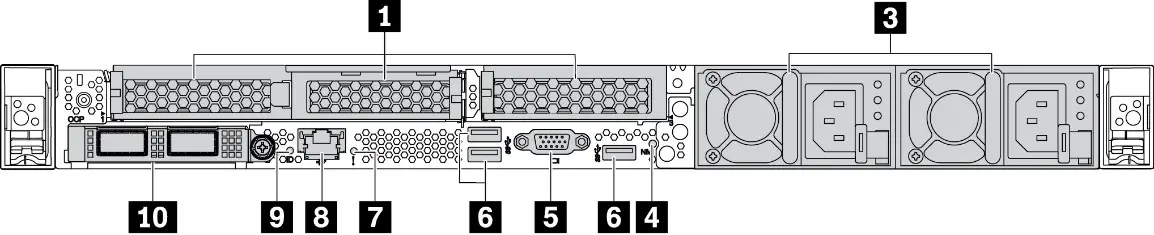
Figure 9. Rear view with three PCIe slots
| 1 PCIe slots | 2 Rear drive bays |
| 3 Power supplies | 4 NMI button |
| 5 VGA connector | 6 USB 3.1 Gen 1 connectors |
| 7 System error LED | 8 XClarity Controller network connector |
| 9 System ID LED | 10 Ethernet connectors on OCP 3.0 Ethernet adapter (optional) |
Setting up the system
1. Install the required server components.
2. Install the server into the rack.
3. Connect the server to power.
4. Connect the server to the network.
5. Turn on the server.
6. Configure the server.
For detailed information about installing hardware options and
configuring the server, see the following Web site: http://thinksystem.lenovofiles.com/help/topic/7d2x/introduction.html

Technical specifications
Dimensions and weight
- Height: 43.0 mm (1.7 inches)
- Width:
- With rack latches: 481.7 mm (19.0 inches)
- Without rack latches: 445.0 mm (17.5 inches)
- Depth: 771.8 mm (30.4 inches)
Note: The depth is measured with rack latches installed, but without the security bezel installed. - Weight: up to 20.2 kg (44.6 lb)
Processor
Supports (depending on the model):
- Two AMD® EPYC™ processors
- Designed for Land Grid Array (LGA) 4094 (SP3) socket
- Scalable up to 64 cores
For a list of supported processors, see the Lenovo ServerProven Web site: https://static.lenovo.com/us/en/serverproven/index.shtml
Memory
- Slots: 32 DIMM slots
- Minimum: 16 GB
- Maximum: 4 TB
- Type (depending on the model):
- TruDDR4 3200, dual-rank, 16 GB RDIMM
- TruDDR4 3200, dual-rank, 32 GB RDIMM
- TruDDR4 3200, dual-rank, 64 GB RDIMM
- TruDDR4 3200, dual-rank, 128 GB 3DS RDIMM
Note: Operating speed and total memory capacity depend on the processor model and UEFI settings.
Storage
Supports (depending on the model and installed drive backplanes):
- Front bays:
- Up to 10 x 2.5-inch SAS/SATA/NVMe drives
- Up to 4 x 3.5-inch SAS/SATA/NVMe drives
- Rear bays:
- Up to 2 x 2.5-inch SAS/SATA/NVMe drives
- Up to 2 x 7mm drives
- Up to two internal M.2 drives
Networking
- One XClarity Controller network connector
- Ethernet connectors on OCP 3.0 Ethernet adapter
Where to go for support
| Link | QR Code | |
 | Lenovo Press (Product guides and white papers) https://lenovopress.com/ |  |
 | Lenovo ThinkSystem forum https://forums.lenovo.com/t5/Datacenter-Systems/ct-p/sv_eg |  |
 | Lenovo Support – SR645 (including drivers and software) https://datacentersupport.lenovo.com/us/en/products/servers/thinksystem/sr645/7d2x |  |
 | Lenovo Product Security Advisories https://support.lenovo.com/us/en/product_security/home |  |
 | Lenovo ServerProven (Compatibility information) http://www.lenovo.com/us/en/serverproven/ |  |
Reduce | Deuse | Recycle

First Edition (June 2020)
© Copyright Lenovo 2020.
LIMITED AND RESTRICTED RIGHTS NOTICE: If data or software is delivered pursuant to a General Services Administration (GSA) contract, use, reproduction, or disclosure is subject to restrictions set forth in Contract No. GS‐35F‐05925.
 Page not found
 Lenovo Press
 ServerProven
 Lenovo Support – Drivers, Updates, How-To Guides, Technical Help and more - Lenovo Support US