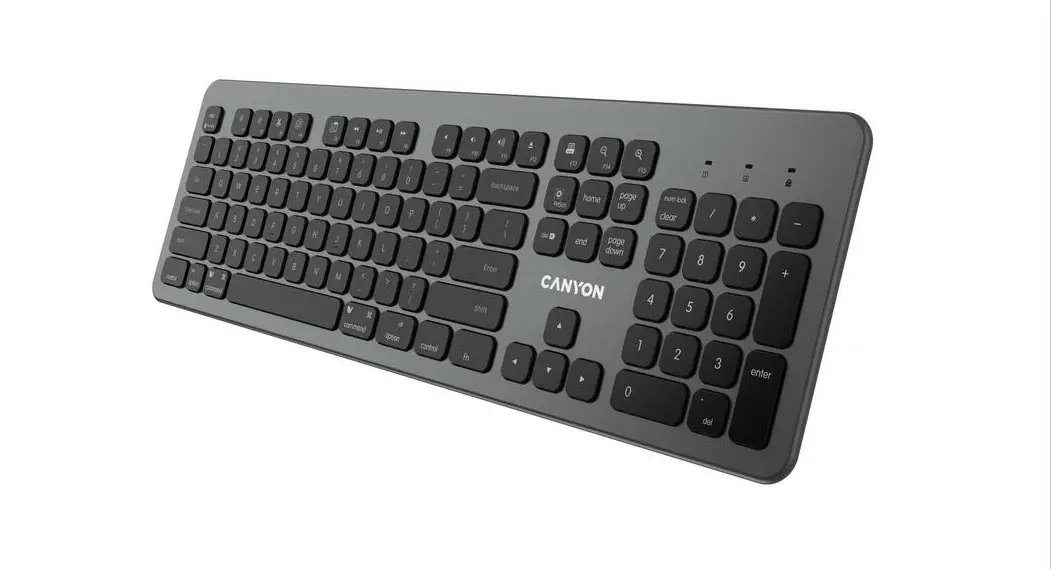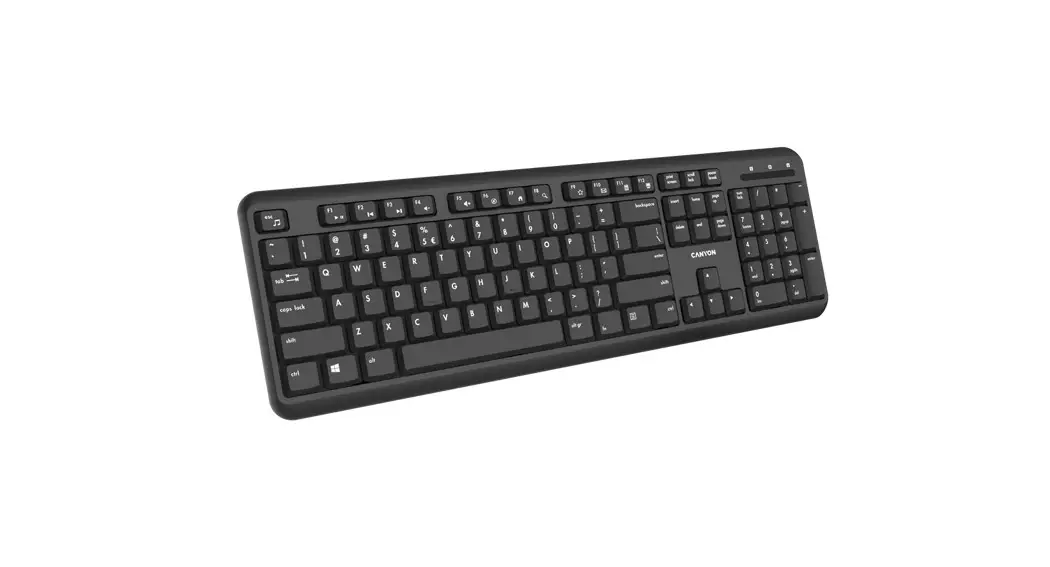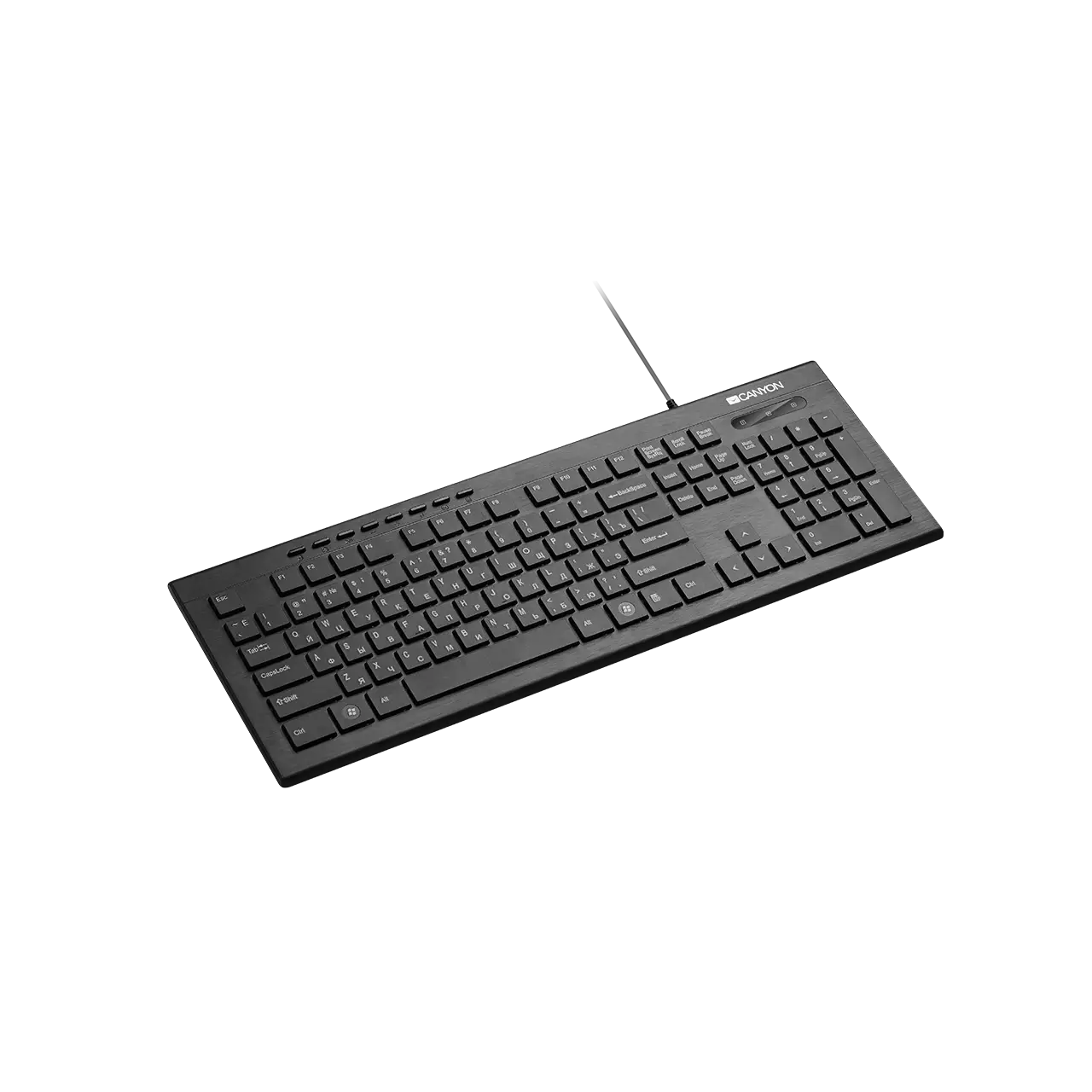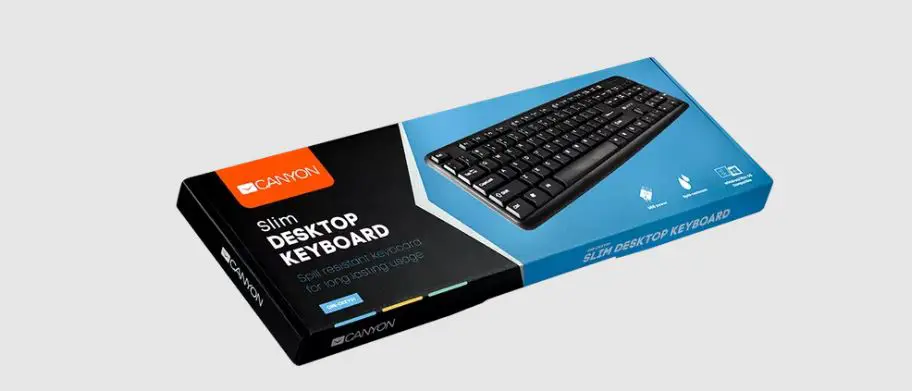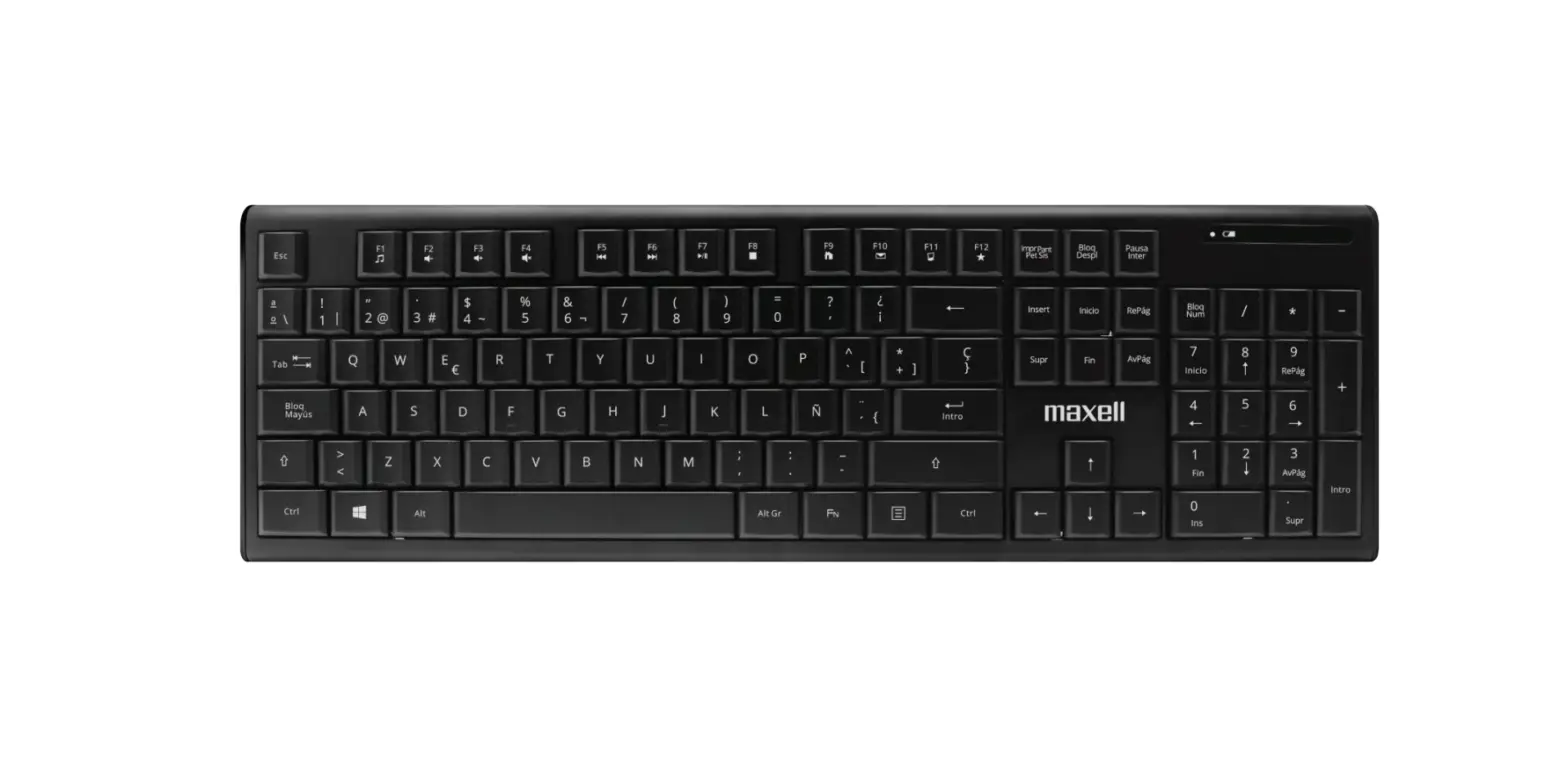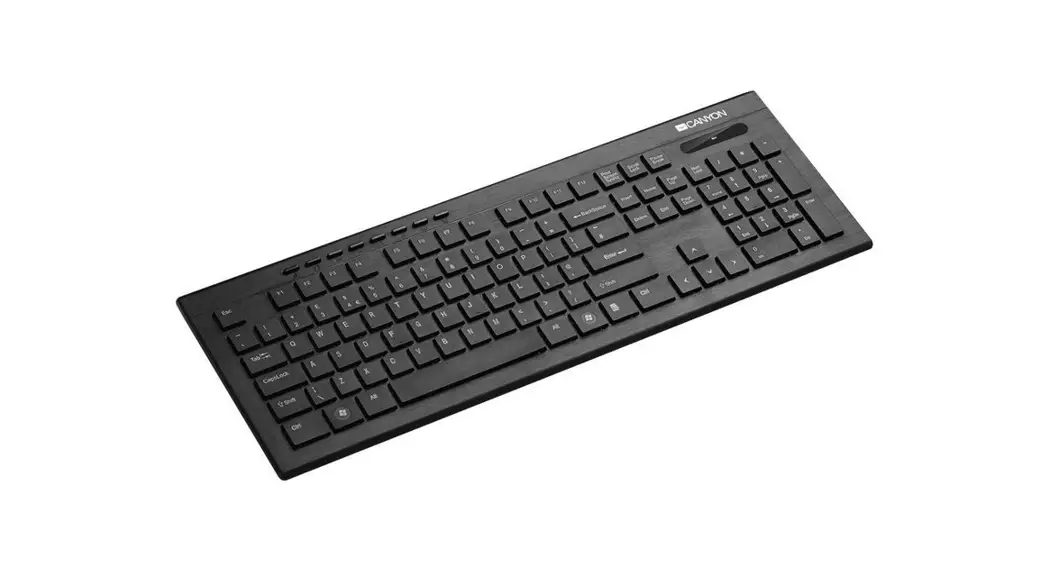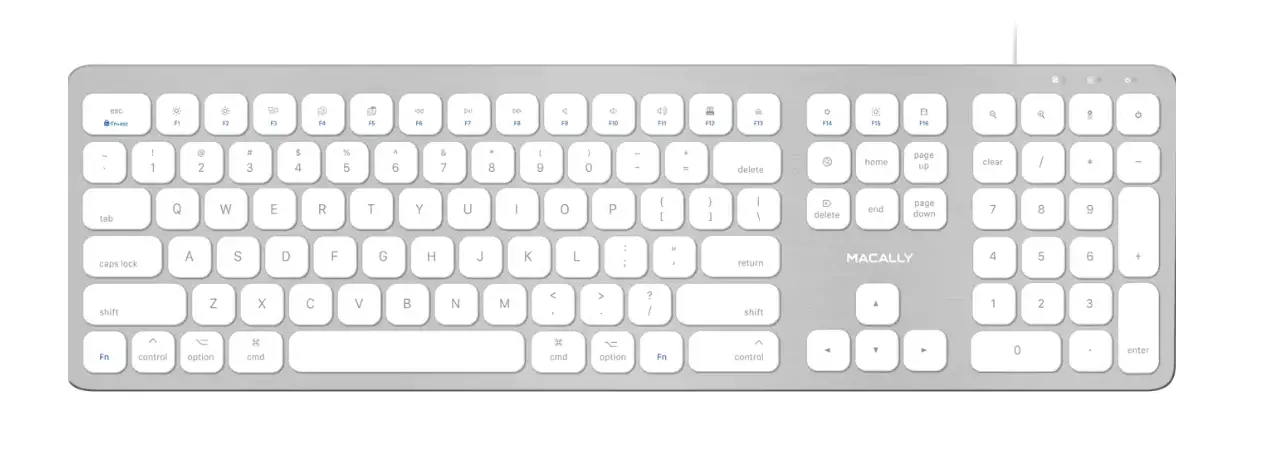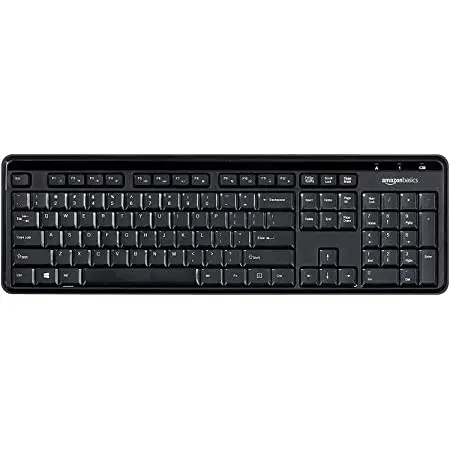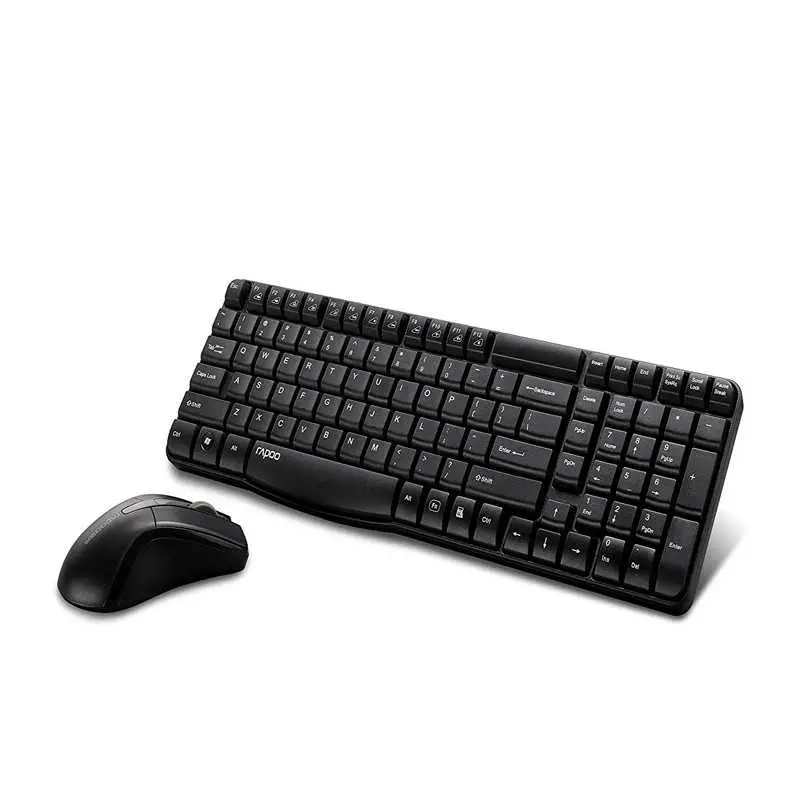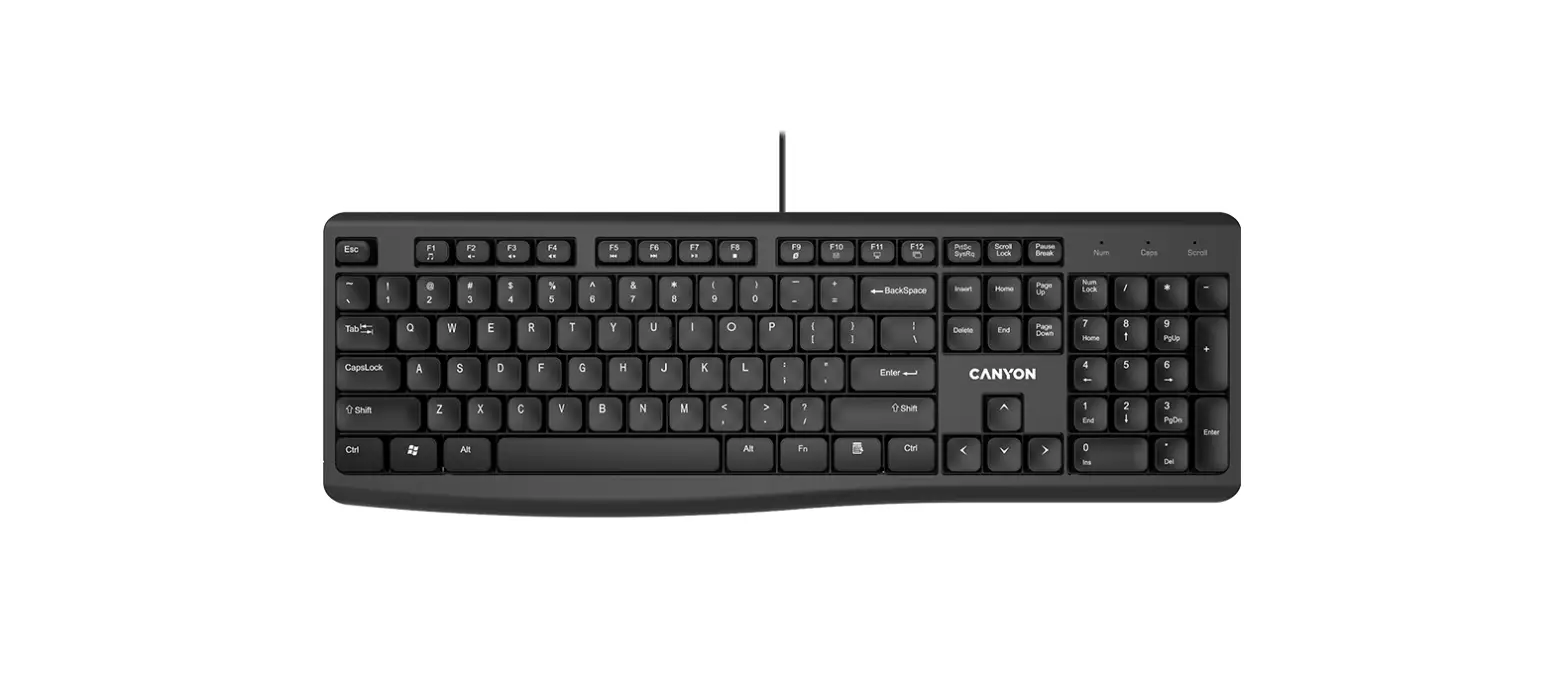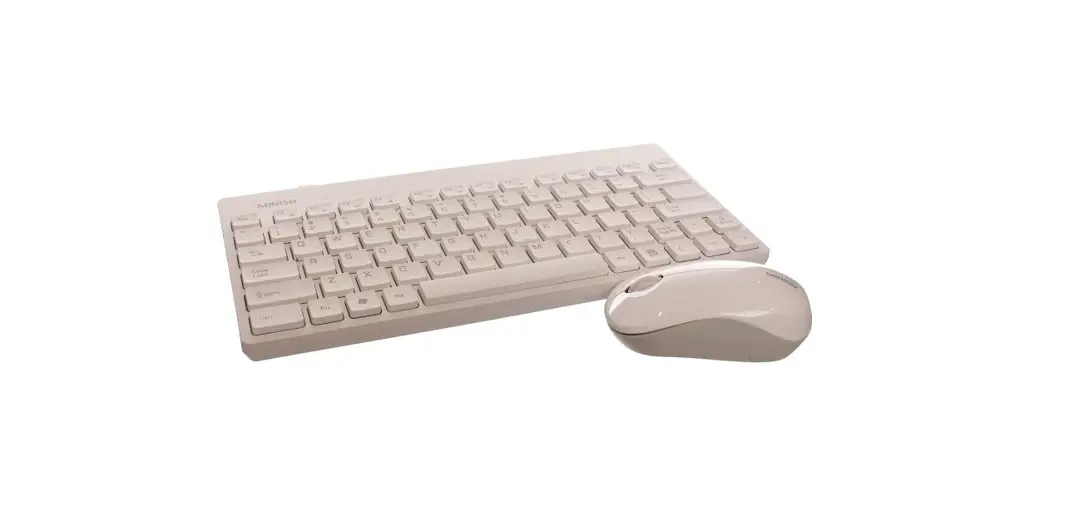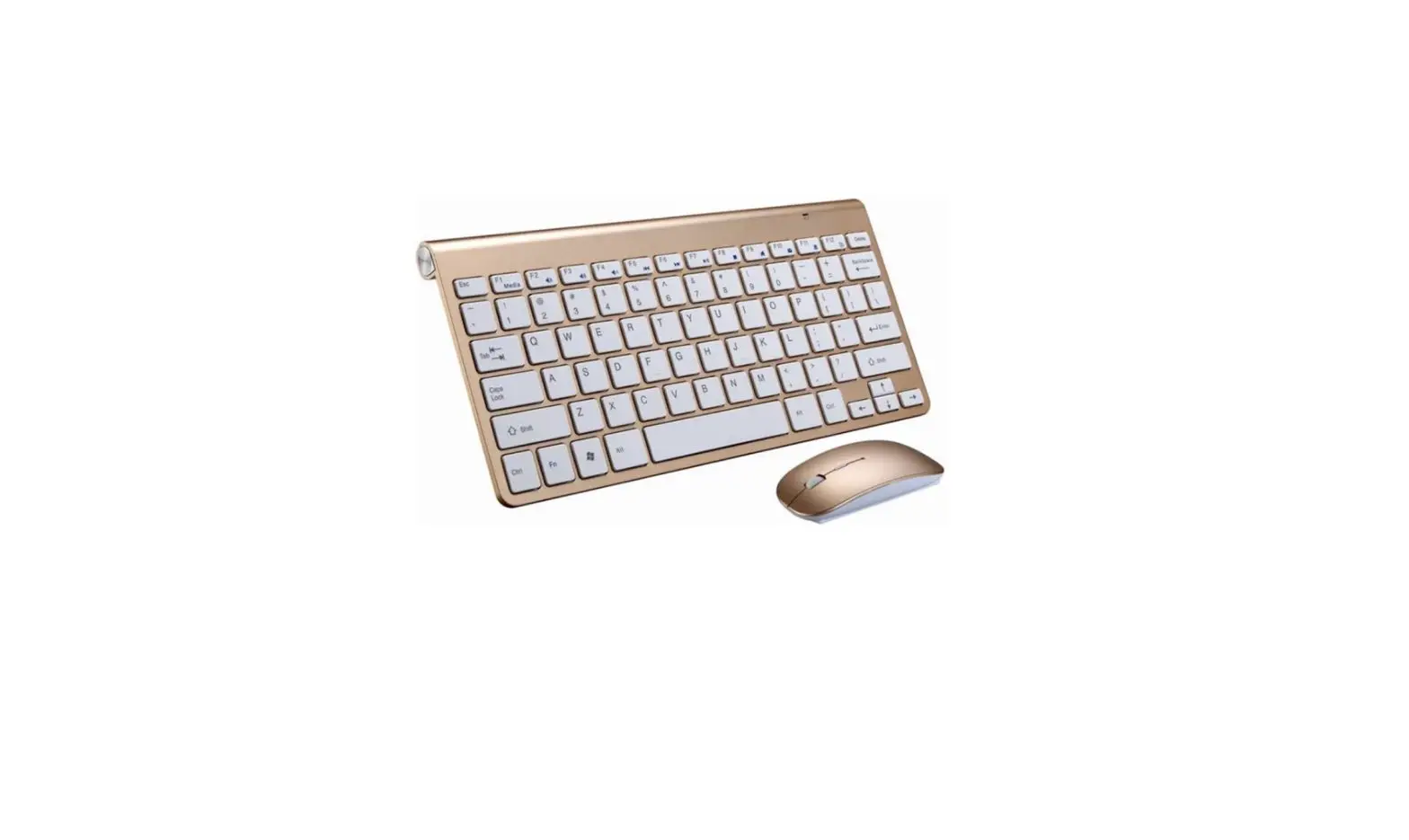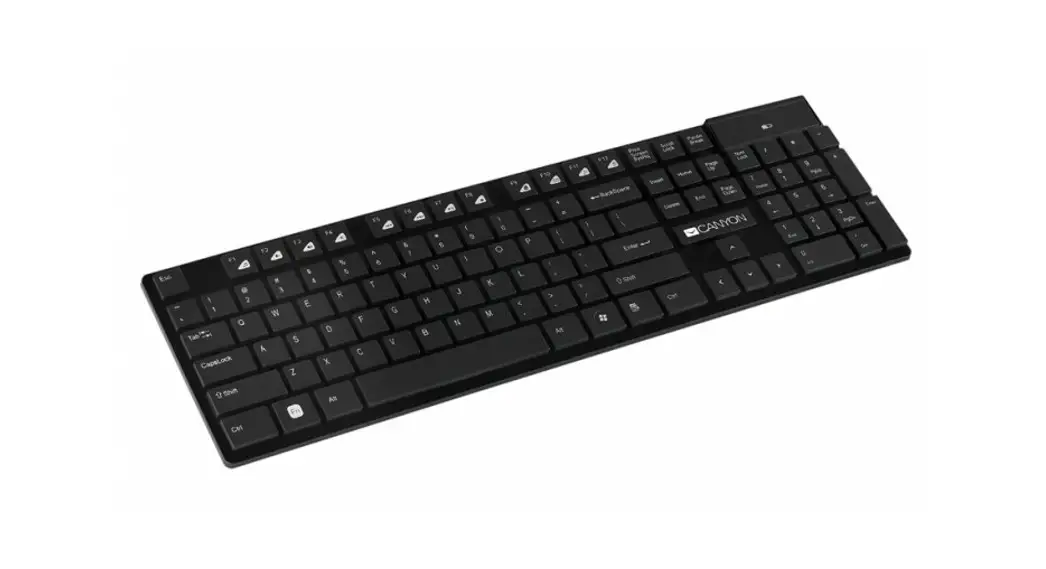
 Ultra-slim wireless keyboard
HKB-W2
Quick Guide v1.6

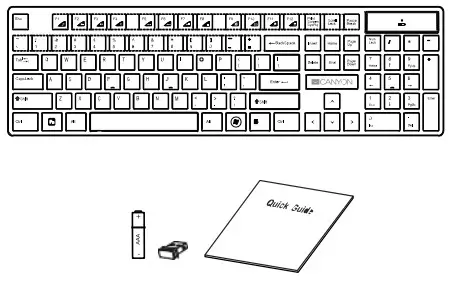
Package Contents
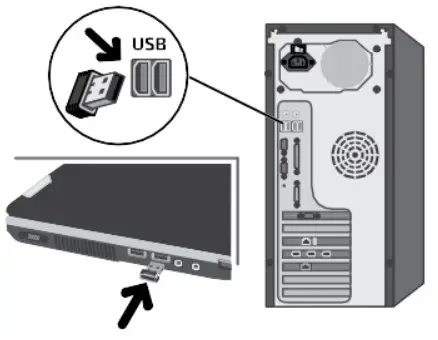
Inserting the Nano Receiver
Warranty
For detailed information regarding warranty terms, please refer to: http://canyon.eu/warranty-terms/
Features:
Connectivity: Wireless
Number of keys: 105, 12 Hot Keys
Keyboard layout: Chocolate Keycap Design
Compatible with Apple Mac OS / Microsoft windows
User manual. Ultra-slim wirelesskeyboard
| Package contents | Connection |
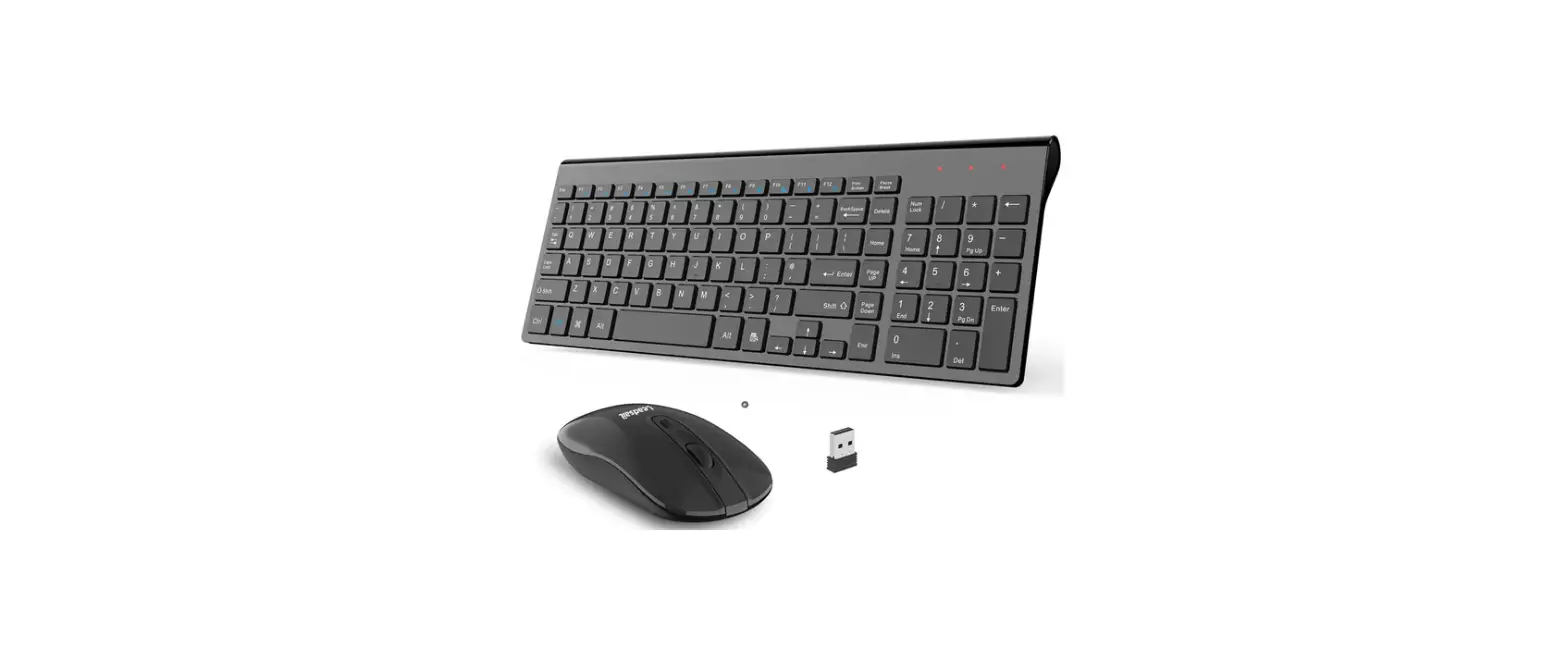
| Keyboard USB receiver Batteries 1 pc, AAA type User manual | 1. Open the battery compartment. Insert AAA batteries. Led indicator will alert if the battery is low. 2. Connect USB receiver to computer, namely free USB port. Driver not required. 3. Install the keyboard feet for a comfortable angle. |
 SAFETY INSTRUCTIONS
 SAFETY INSTRUCTIONS
Read carefully and follow all instructions before using this product.
- Do not expose the mouse to excessive moisture, water, or dust. Do not install in rooms with high humidity and dust level.
- Do not expose the mouse to heat: do not place it close to heating appliances, and do not expose it to direct sun rays.
- The product shall be connected to the power supply source of the type indicated in the operation manual only.
- Never spray liquid detergents. Use only dry clothes for device cleaning.
WARNING
It is forbidden to dismantle the device. Attempt to repair this device is not recommended and leads to cancellation of the warranty.
Troubleshooting
| Problem | Solution |
| Keyboard does network | 1. Low battery power. To test, insert new batteries of the specified type. 2. Absence of signal from the transmitter installed in the USB port of the computer. Check the receiver, connecting it to another USB port. 3. Remove the device from the system and install it again. |
If the actions from the above list do not contribute to problem-solving, please contact the support team at Canyon:http://canyon.eu/ask-your-question
WARRANTY
The warranty period starts from the day of the product purchase from Canyon authorized Seller. The date of purchase is the date specified on your sales receipt or on the waybill. During the warranty period, repair, replacement, or refund for the purchase shall be performed at the discretion of Canyon. In order to obtain warranty service, the goods must be returned to the Seller at the place of purchase together with proof of purchase (receipt or bill of lading). 2 years warranty from the date of purchase by the consumer. The service life is 2 years. Additional information about the use and warranty is available at https://canyon.eu/warranty-terms/
Manufacturer: Asbisc Enterprises PLC, 43, Kolonakiou Street, DiamondCourt 4103 Ayios Athanasios http://canyon.eu

References
 Гаранционни уÑÐ»Ð¾Ð²Ð¸Ñ - Canyon
-
Canyon | Mobile and Computer Accessories
-
Canyon | Mobile and Computer Accessories
-
Canyon
-
Canyon
-
Certificates
-
Limited warranty statement - Canyon
-
Limited warranty statement - Canyon
-
Garantie produse - Canyon
 Canyon | Мобильные и ПК-акÑеÑÑуары
-
ÐŸÐ¾Ð»Ð¾Ð¶ÐµÐ½Ð¸Ñ Ð¾Ð³Ñ€Ð°Ð½Ð¸Ñ‡ÐµÐ½Ð½Ð¾Ð¹ гарантии - Canyon
-
Podmienky záruky - Canyon
-
A Korlátozott Jótállás - Canyon
-
Canyon | Mobile and Computer Accessories
-
Canyon | Mobile and PC Accessories
-
Certificates
-
Сертификати
-
Limited warranty statement - Canyon
-
Canyon
-
Canyon
-
Технічна підтримка - Canyon
 Гаранционни уÑÐ»Ð¾Ð²Ð¸Ñ - Canyon
 Canyon | Mobile and Computer Accessories
 Garantie produse - Canyon
 Canyon | Мобильные и ПК-акÑеÑÑуары
 Podmienky záruky - Canyon
 A Korlátozott Jótállás - Canyon
 Canyon | Mobile and Computer Accessories
 Canyon