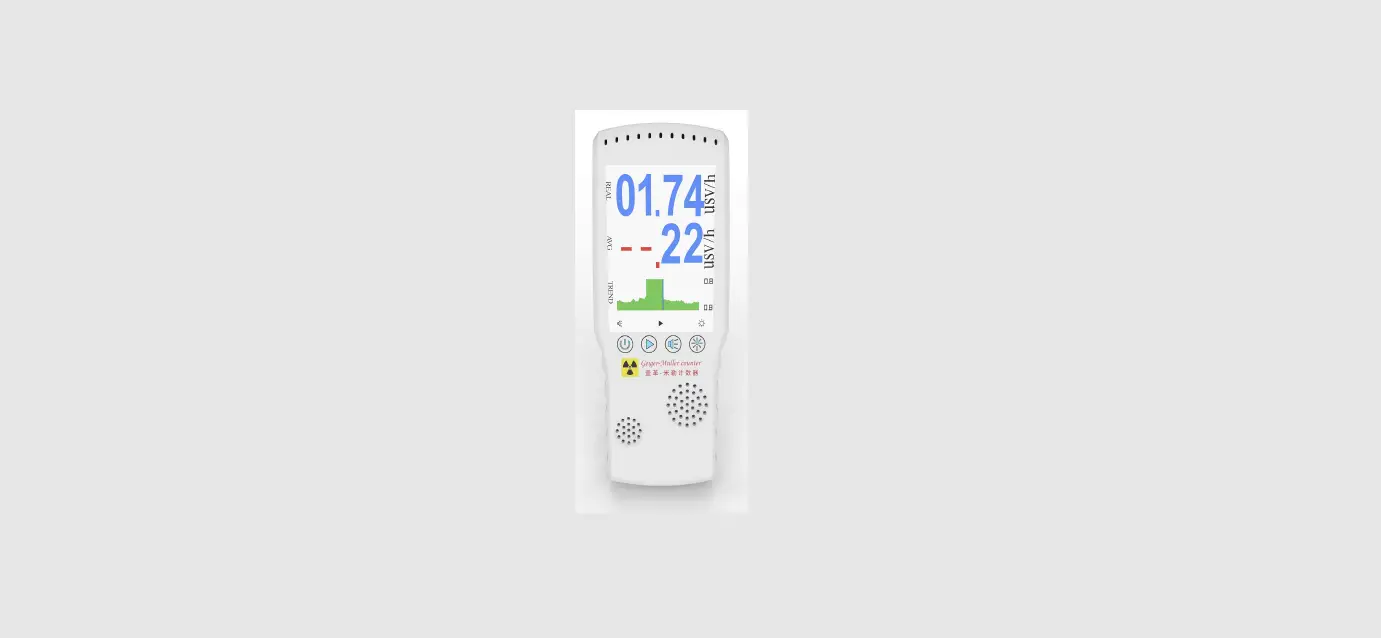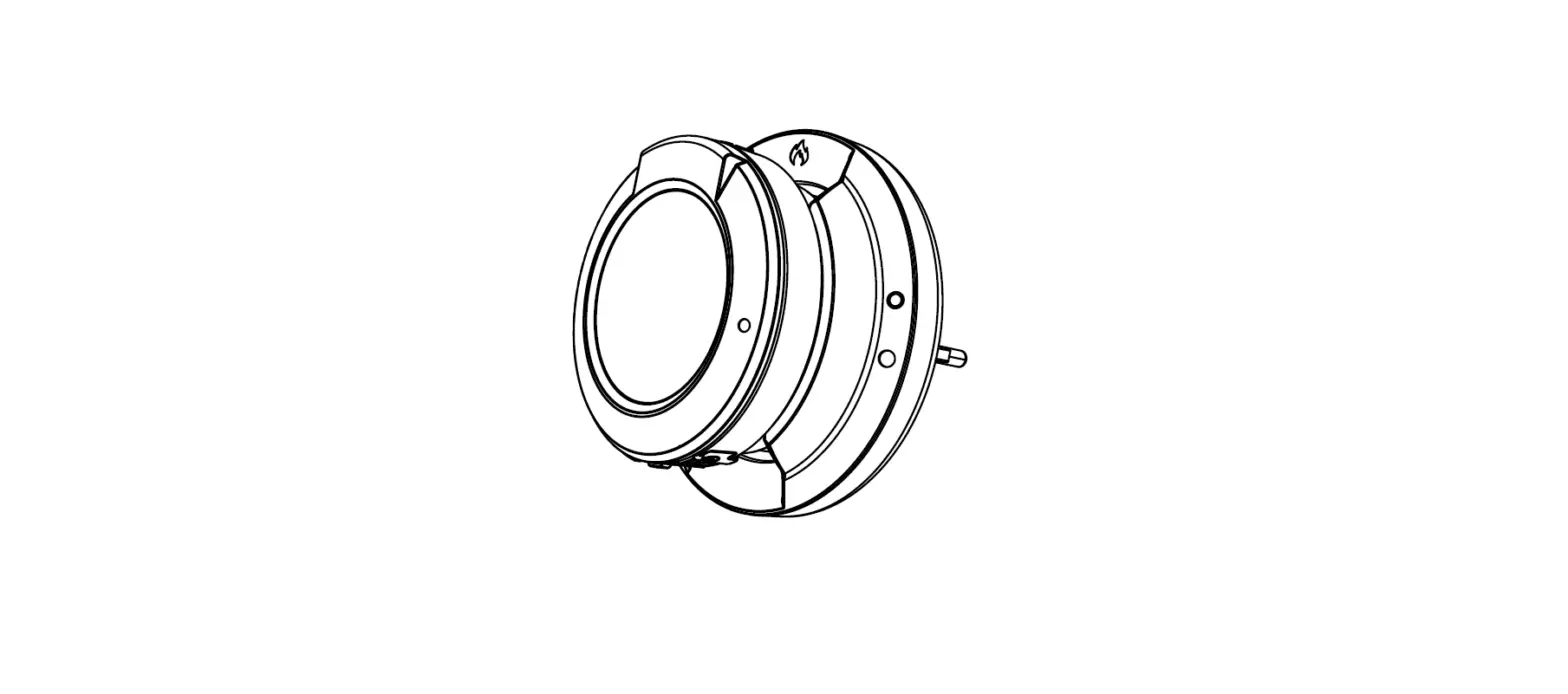

ATO JD-3001 Portable Geiger Counter
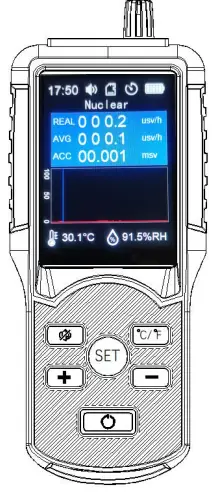
Overview
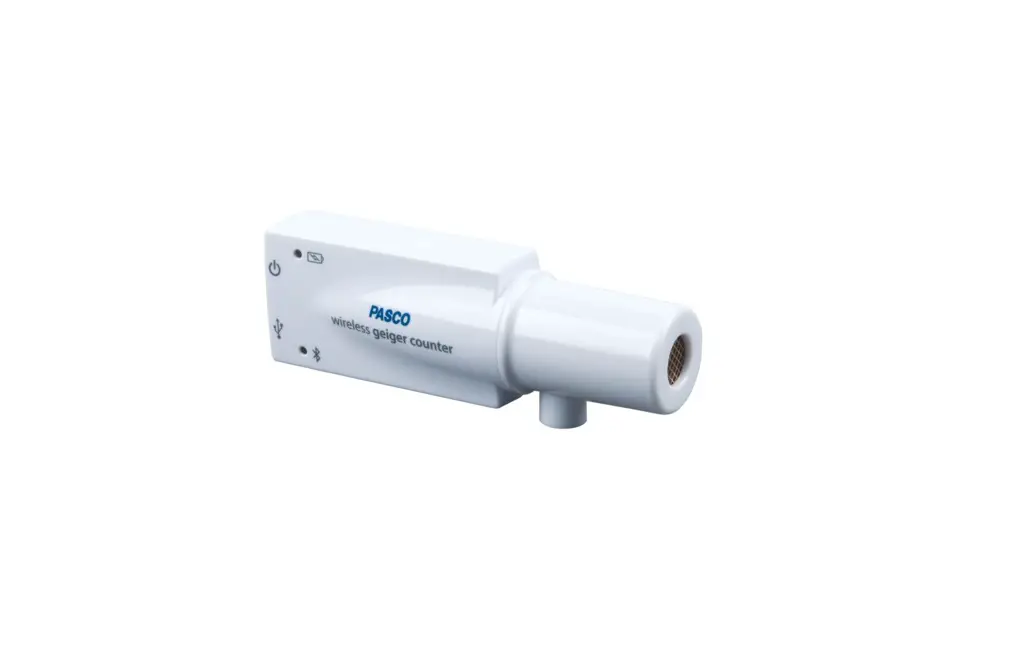
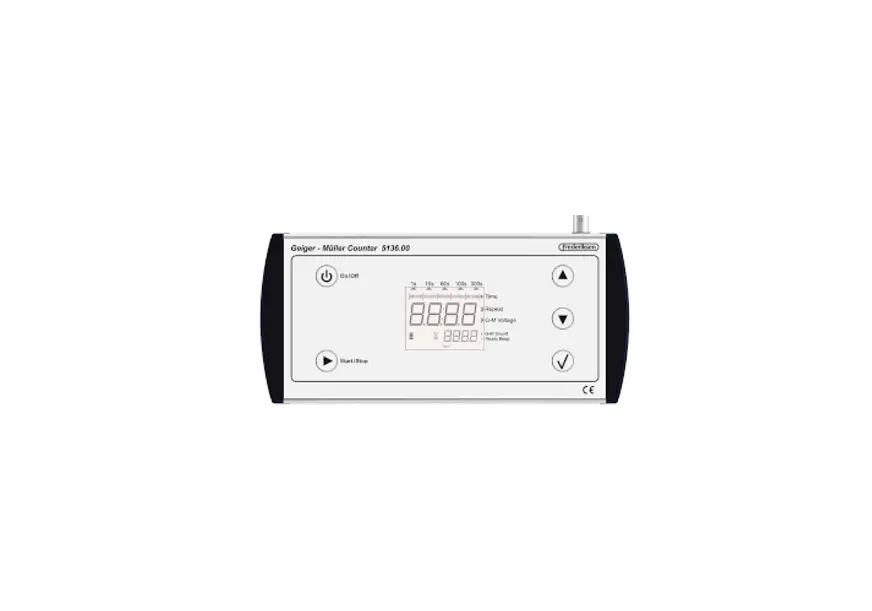
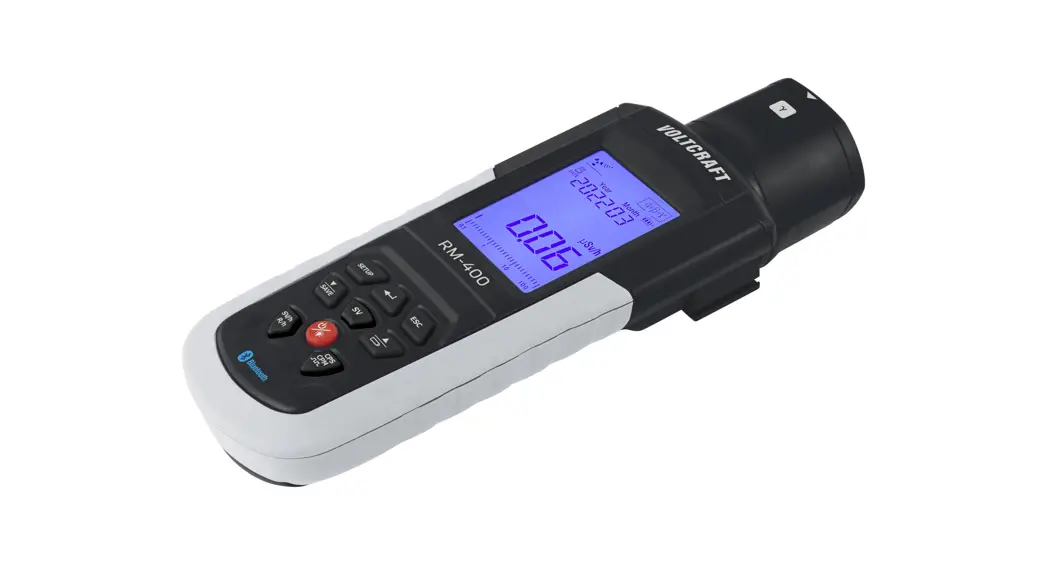
Portable geiger counter, it is an intelligent instrument that can measure nuclear radiation and electromagnetic radiation.Within the measurement range, an alarm threshold can be set. When the threshold is exceeded, an audible alarm will be issued to prevent excessive doses and protect the users.
Important Tips
- Before use, please read the following detailed introduction carefully, and use the instrument correctly according to the manual.
- It is forbidden to disassemble the instrument or throw it into fire.
- Prevent severe vibration and drop of the instrument.
- Do not allow liquid to flow into the inside of the instrument.
Product Introduction
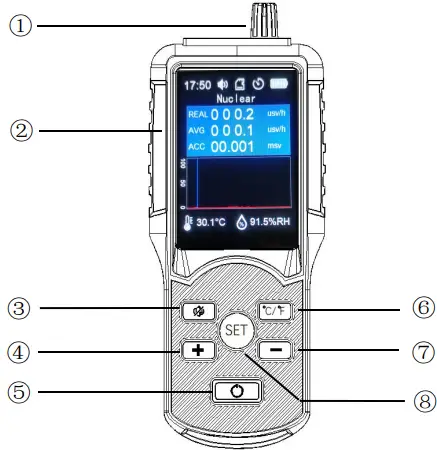
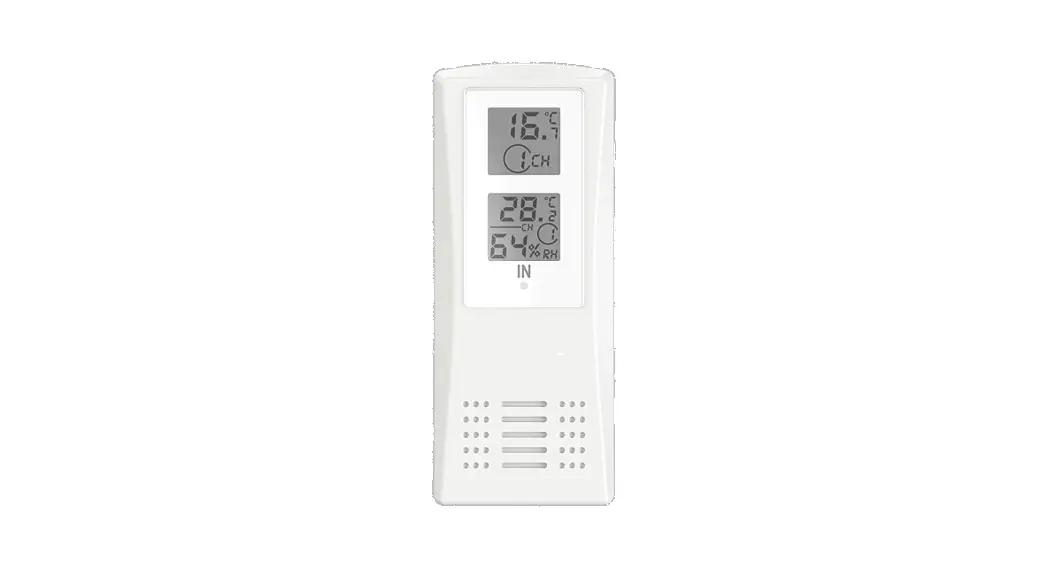
- Digital temperature and humidity sensor.
- LCD Monitor.
- Mute button: turn on or off the alarm sound. The default is to turn on the sound.
- “+” button: Quickly switch between nuclear radiation detection and electromagnetic radiation detection. When setting the menu, the cursor moves up and increases the value.
- Power button: Long press for 2 seconds to turn on or off the power.
- Temperature unit selection button: Celsius and Fahrenheit conversion.
- “―” button: Short press to start recording data, and the “
 “icon appears on the screen. When setting the menu, the cursor moves down and decreases the value.
 - Setting button: short press to enter the menu, long press for 2 seconds to exit the menu.
 “icon appears on the screen. When setting the menu, the cursor moves down and decreases the value.
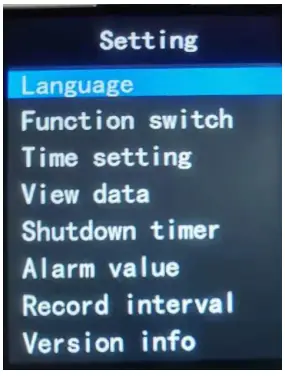
- .Short press the “SET” button to enter the menu page, and long press the “SET” button to exit the menu page.

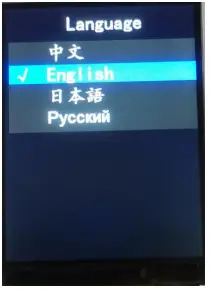
- Language: 4 operation pages are provided in Chinese, English, Japanese and Russian.
Move the cursor bar to the desired option and press the “SET” button to confirm.
Long press the “SET” button to return to the previous operation page.
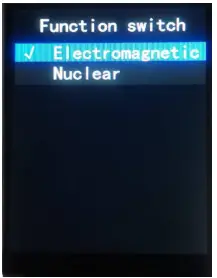
- Function switch: Move the cursor bar to the desired option, and press the “SET” button to confirm.
Long press the “SET” button to return to the previous operation page.
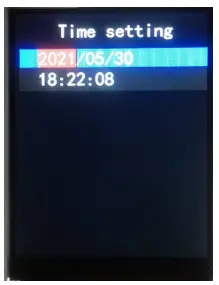
Press the “+” button to switch quickly on the main page. - Time setting: Move the cursor bar to the desired option, short press the “SET” button, the background turns red, and press the “+” button or “―” button to set.
Long press the “SET” button to return to the previous operation page.
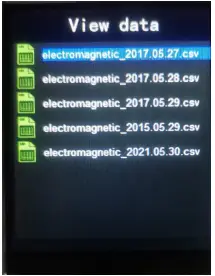
- View data: Move the cursor bar to the desired option, and short press the “SET” button to view the recorded data.
Long press the “SET” button to return to the previous operation page.
It can store up to 7 days of data, please connect the important data to the computer through the data cable to export. - Shutdown timer : Move the cursor bar to the desired option, and press the “SET” button to confirm. The default shutdown is 5 minutes. The
 icon is displayed on the screen.
Long press “SET” button to return to the previous operation page. - Alarm value: move the cursor bar to the desired option, short press the “SET” button, the background turns red, press the “+” button or “―” button to set. The picture on the left shows the default alarm threshold.

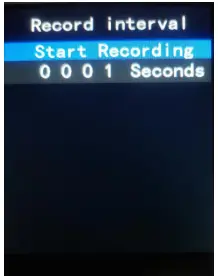
Long press “SET” button to return to the previous operation page. - Record interval: Move the cursor bar to the desired option, short press the “SET” button, the background turns red, press the “+” button or “―” button to set. The default logging interval is 1 second.

Long press the “SET” button to return to the previous operation page.
 icon is displayed on the screen.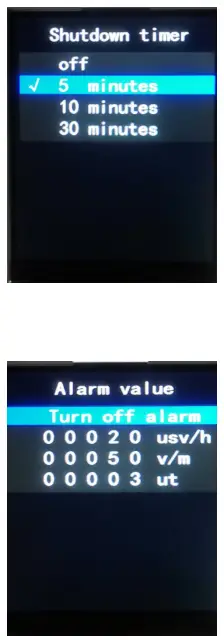
LCD Monitor Introduction
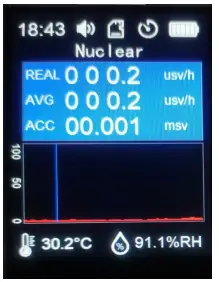
- REAL: Real-time dose display
- AVG: Average display
- ACC: Cumulative dose display
Real-time trend chart
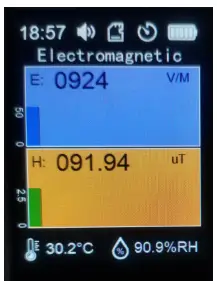
- E: Electric field intensity display
Real-time electric field trend chart - H: Magnetic field intensity display
Real-time magnetic field trend chart
Parameter Introduction
Operating temperature: 0 ℃ ~ 50 ℃
Operating humidity: 10% RH ~ 80% RH
Nuclear
Response time: 3s
Dose rate response: <±20%(1μSv/h~99.99 mSv/h)
Energy response: <±30%(48 KeV~1.3 MeV)
Relative inherent error: <±15%(137 Cs )
Electromagnetic
Unit:Electric field: V/m; Magnetic field: μT
Precision: Electric field: 1V/m; Magnetic field: 0.01μT
Alarm threshold value:
Electric field: 50V/m;
Magnetic field: 0.3μT Range:
Electric field: 1V/M~1999V/
M;Magnetic field: 0.01μT~999.99μT
Power Supply
Built-in 3.7V lithium battery.
Please use a standard and safe  charger for charging.
- www.ato.com
- [email protected]
- 18005851519
- Global Shipping