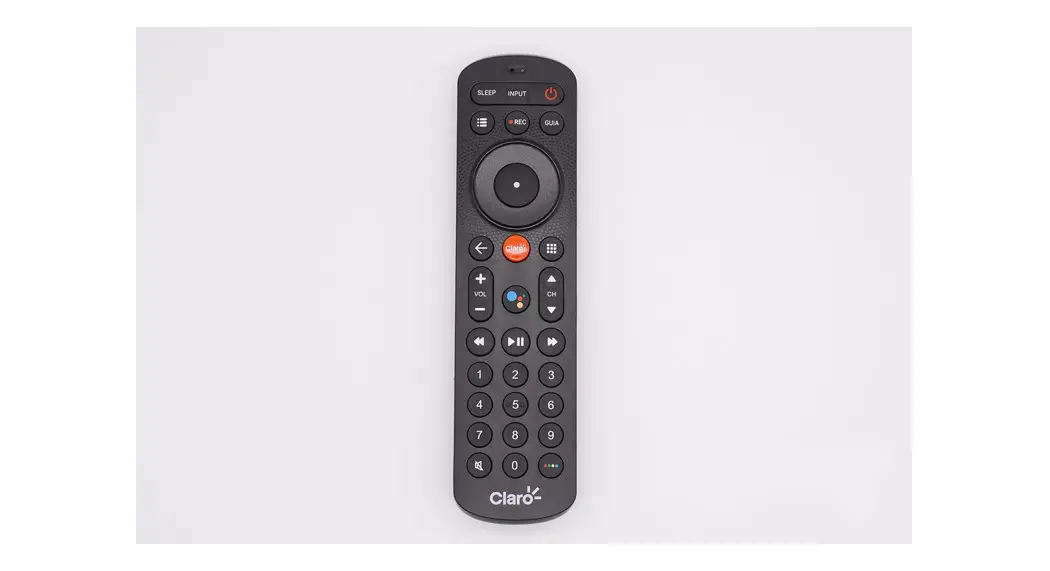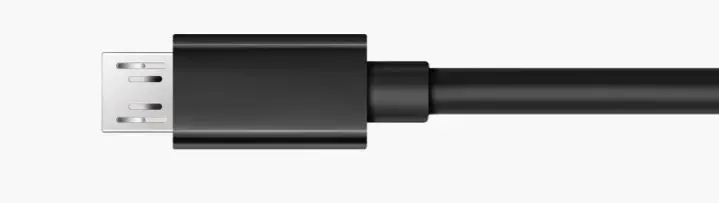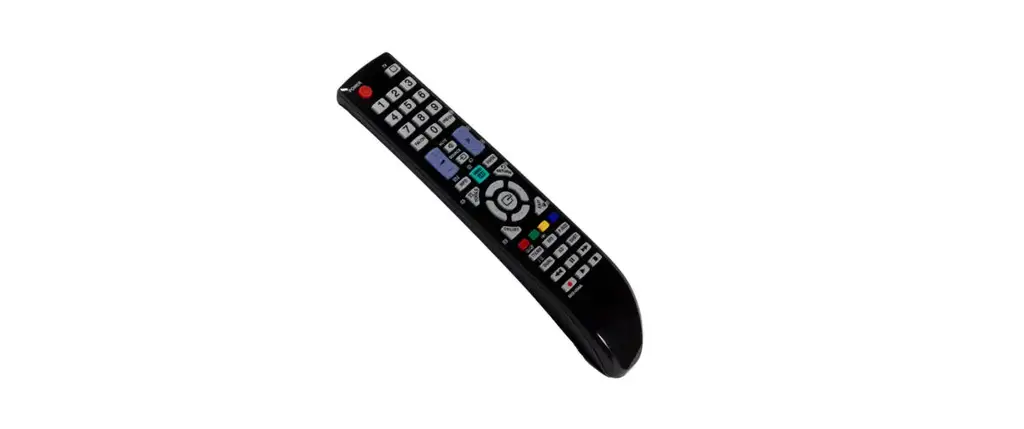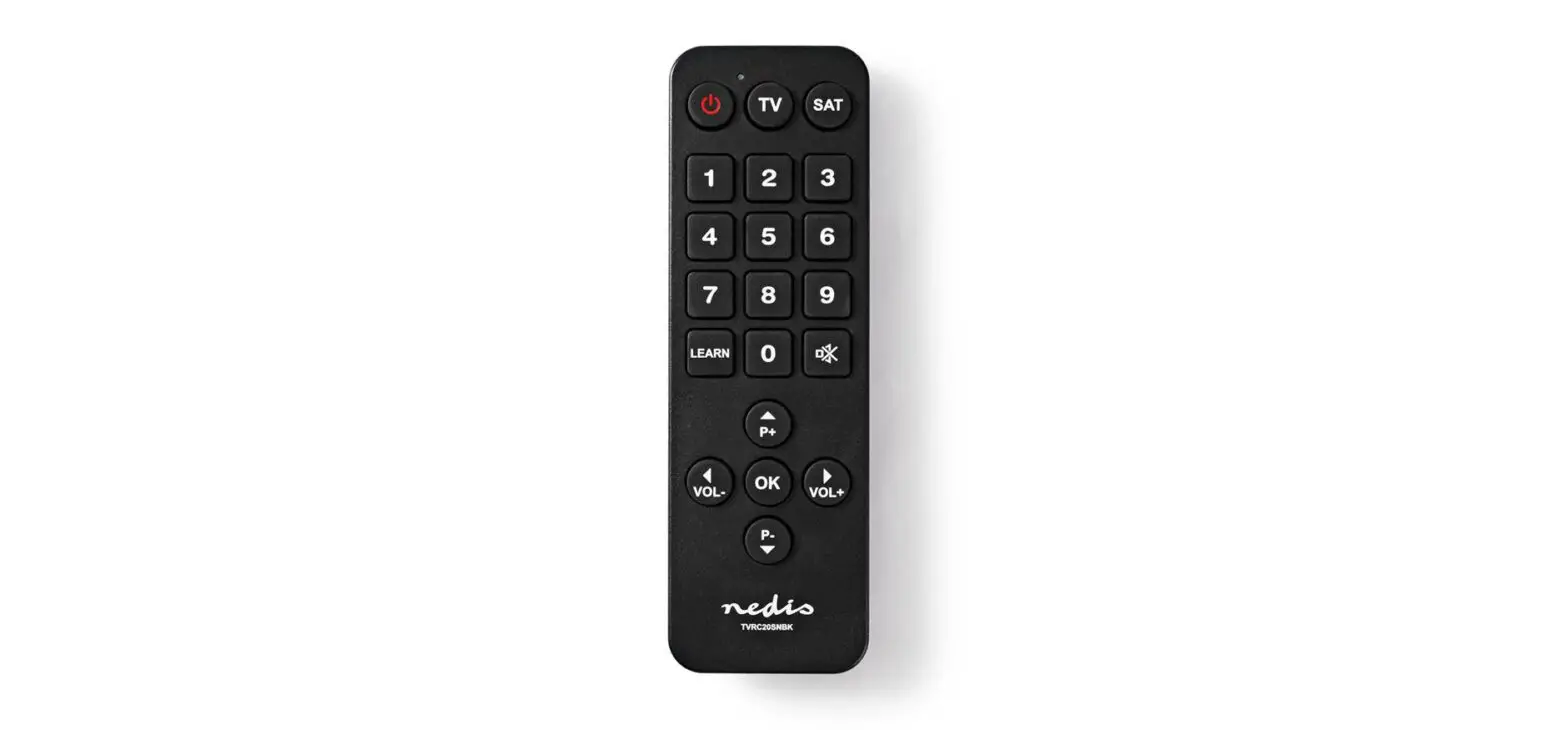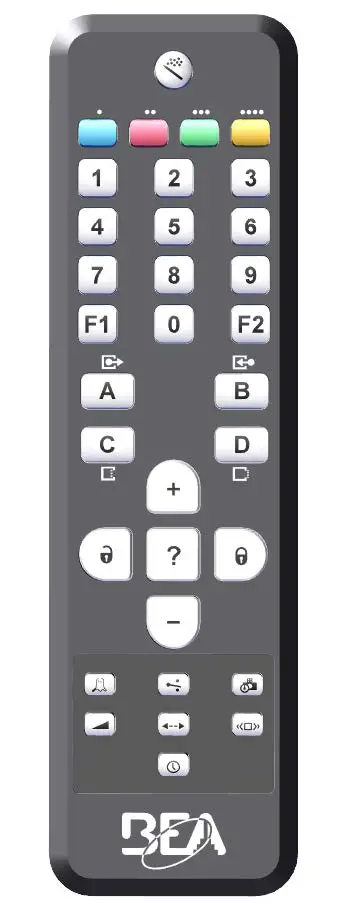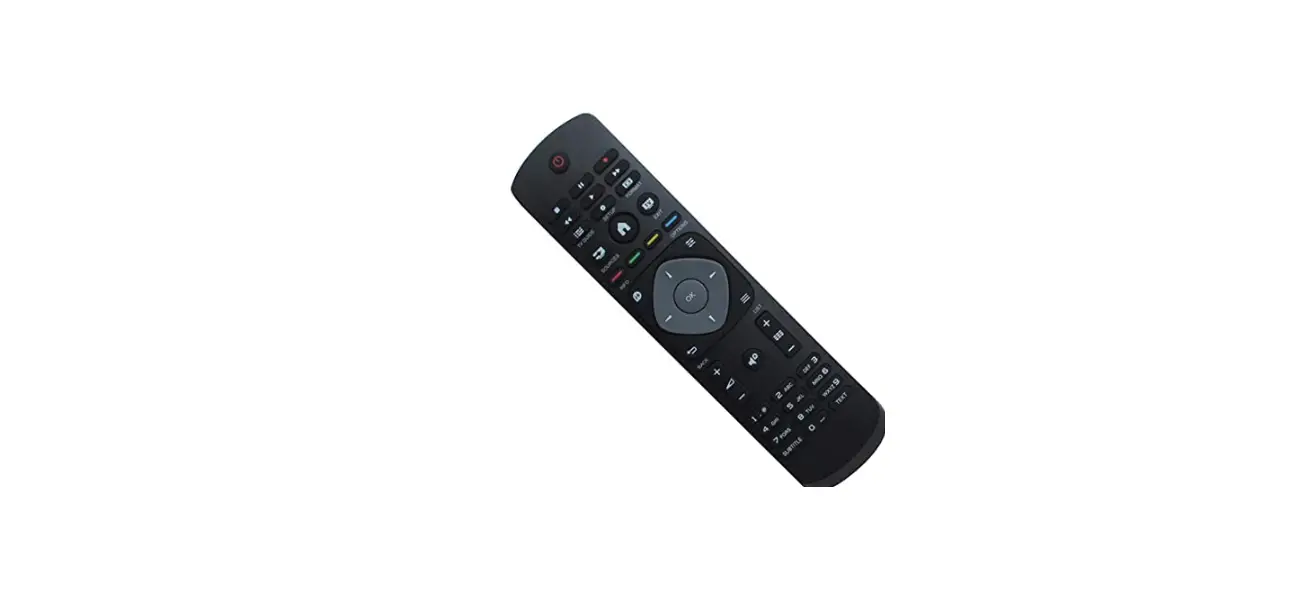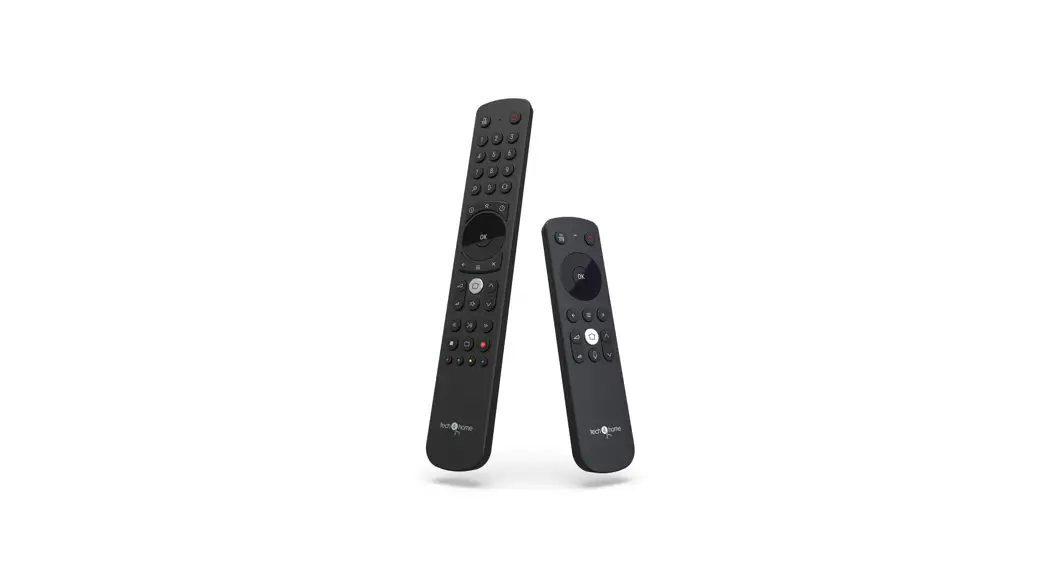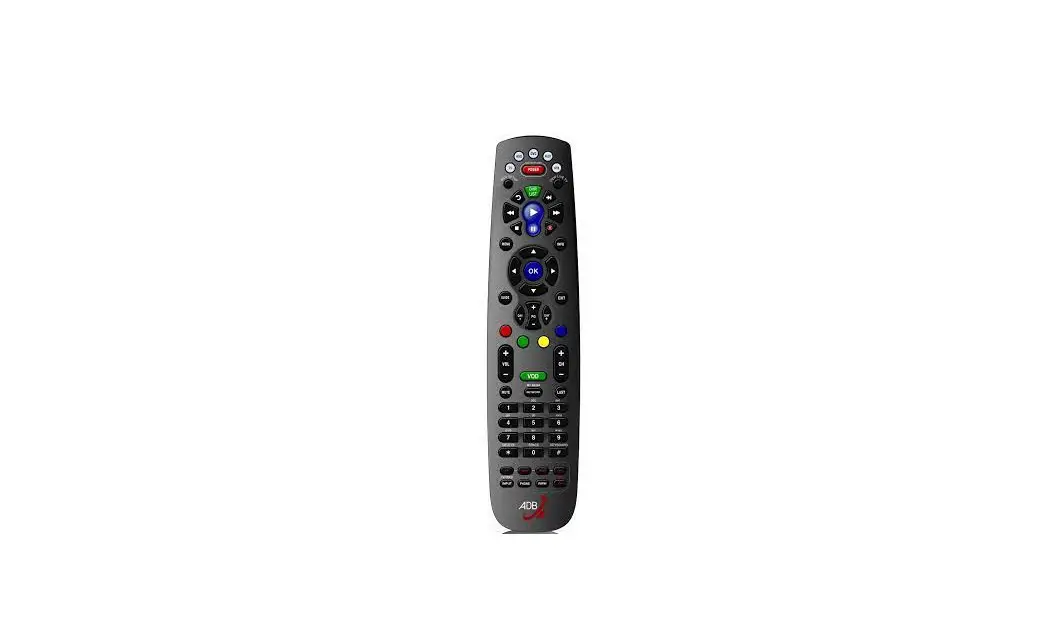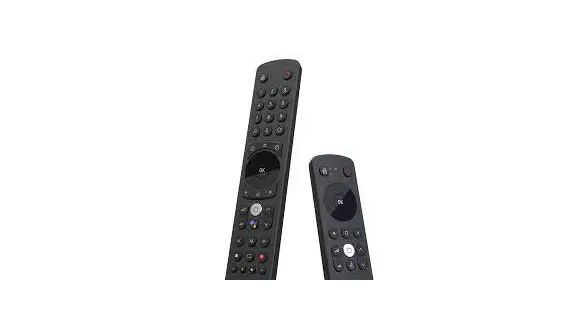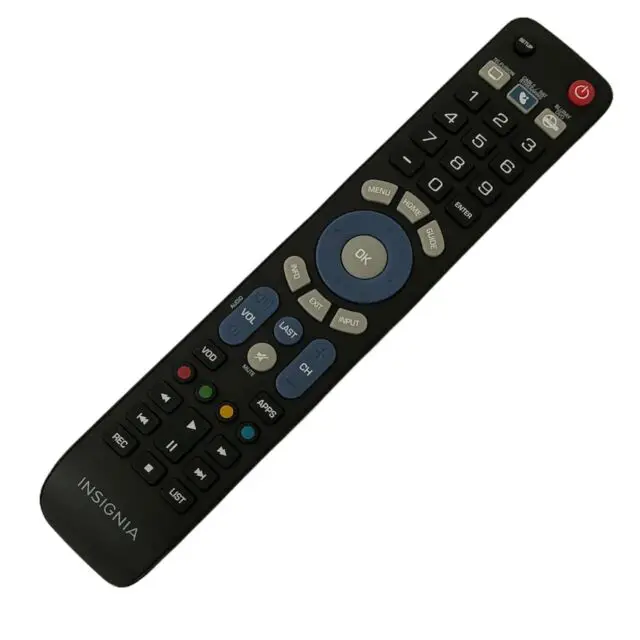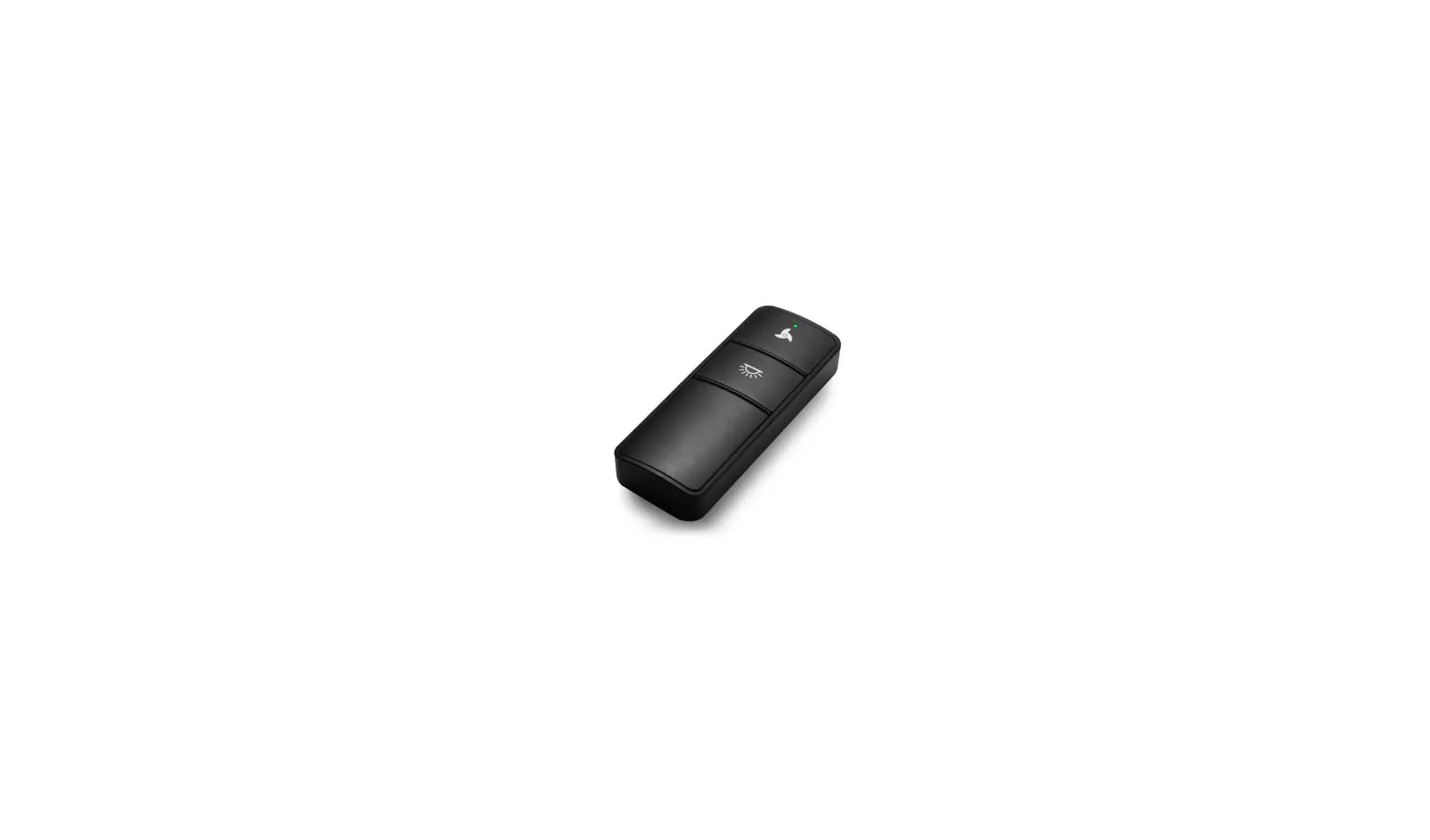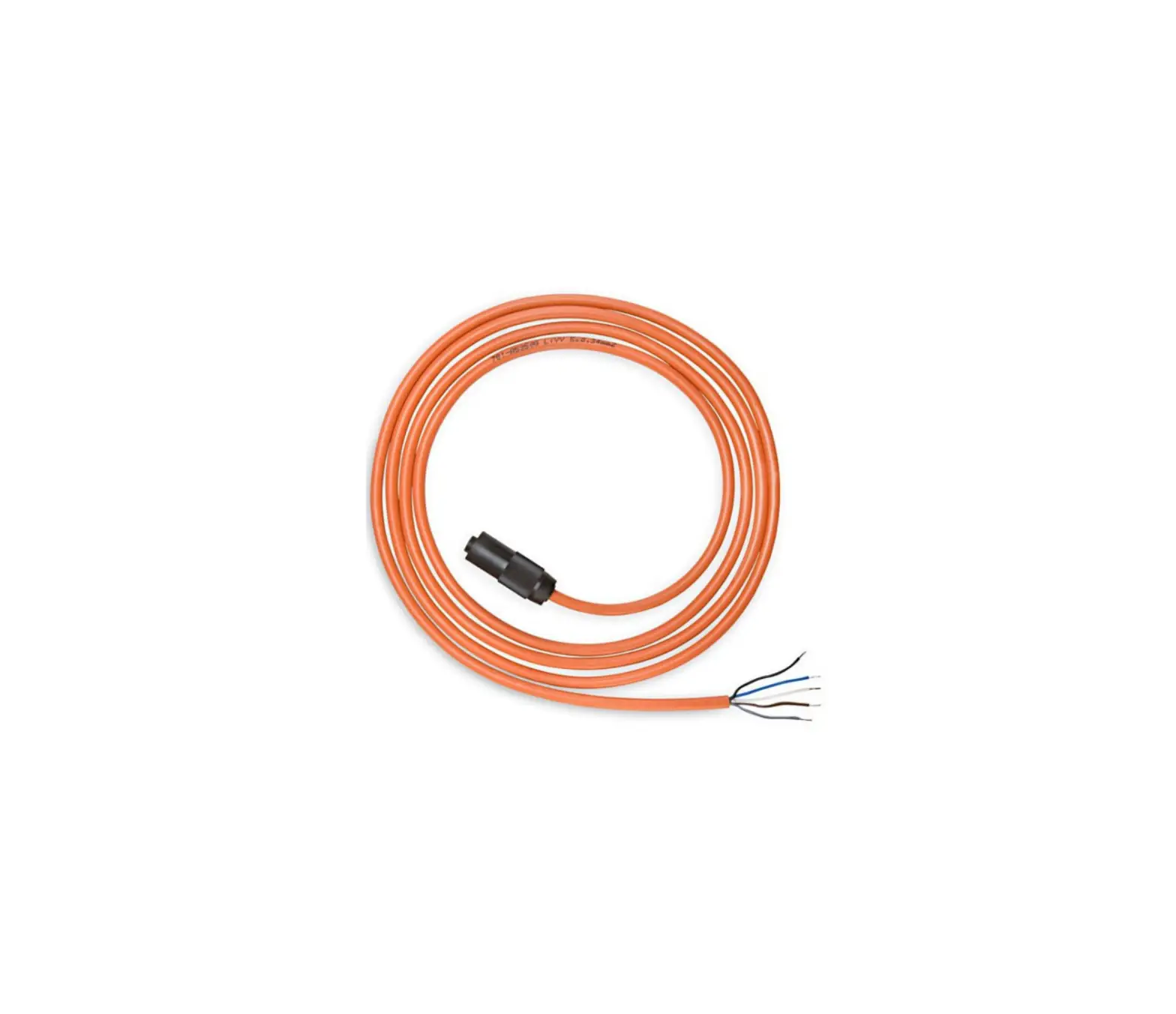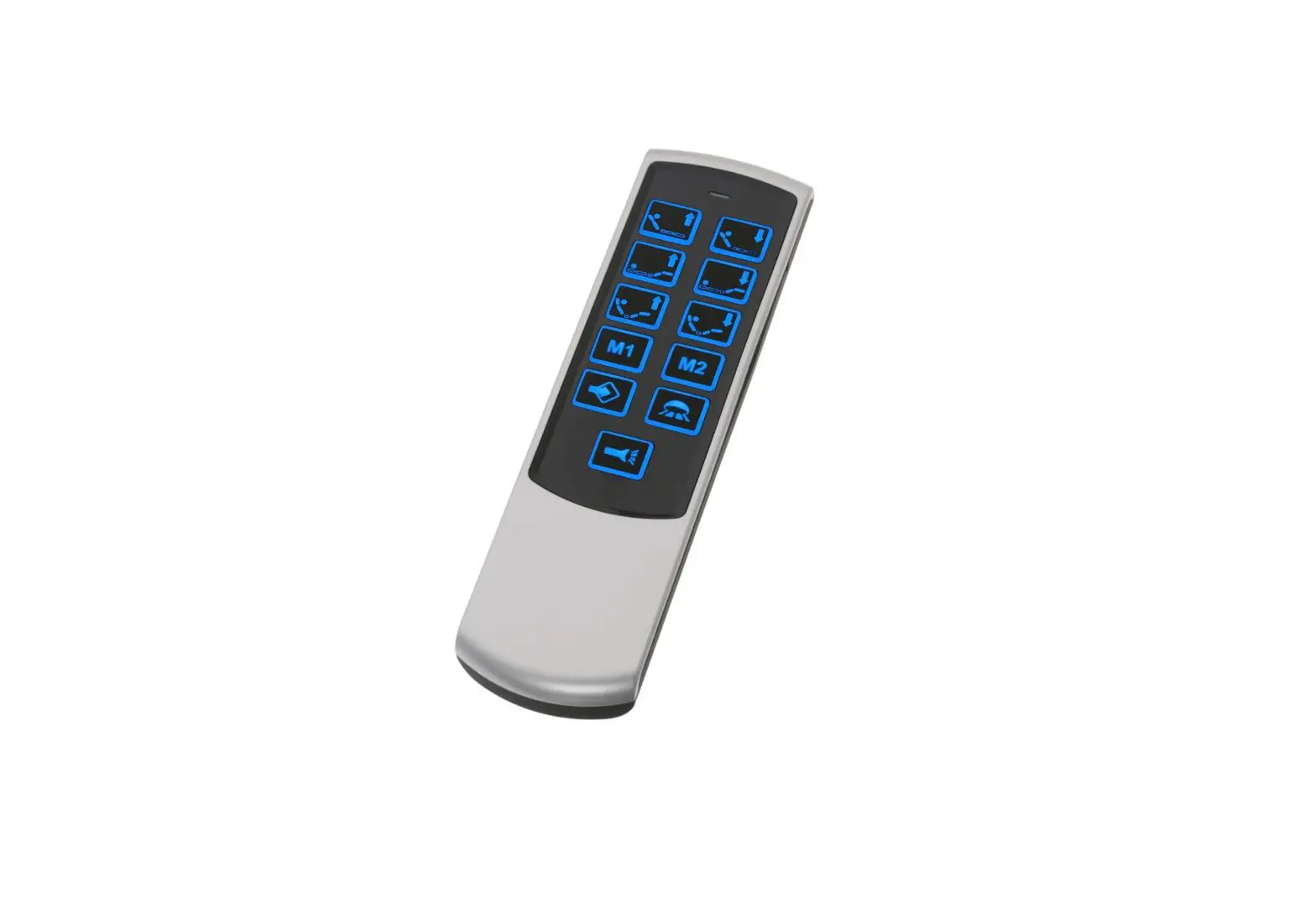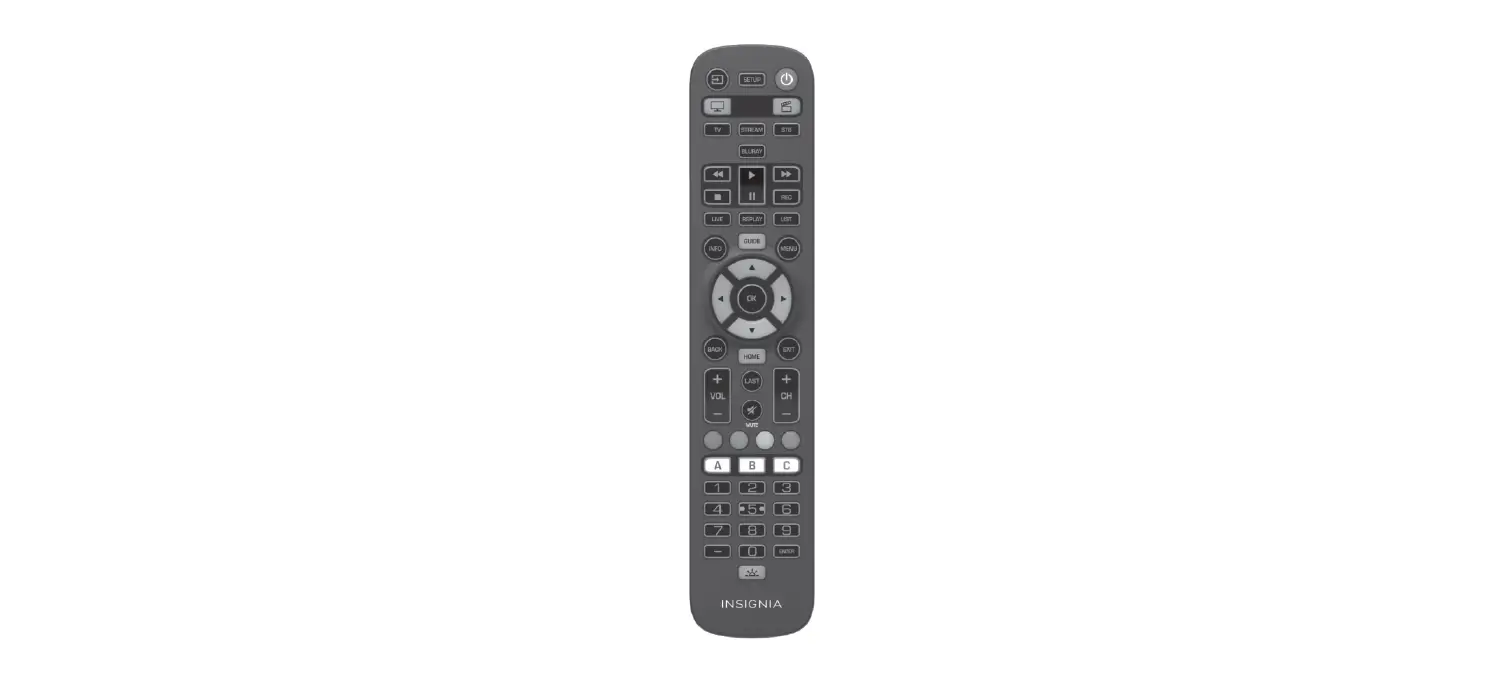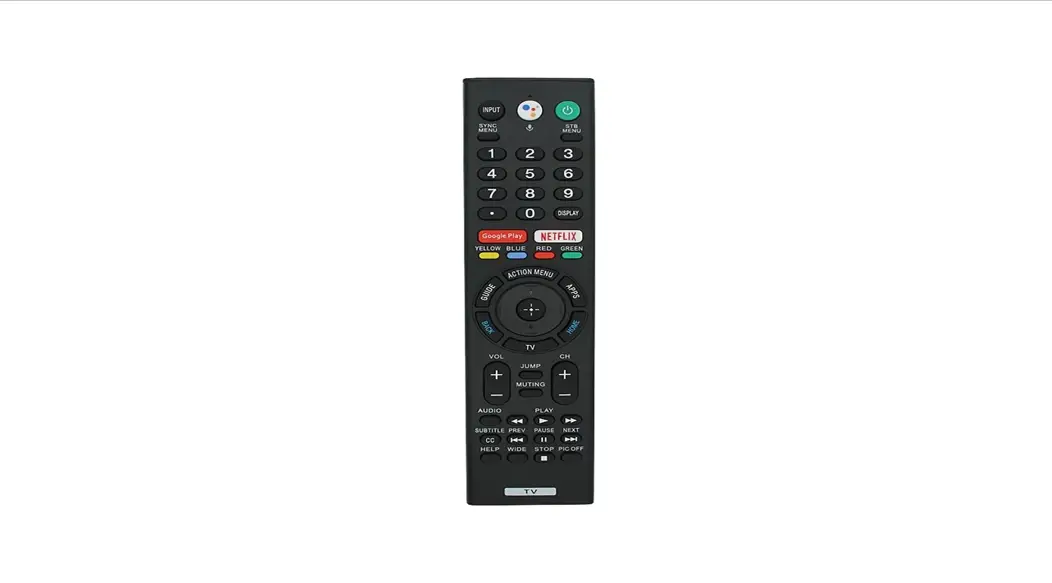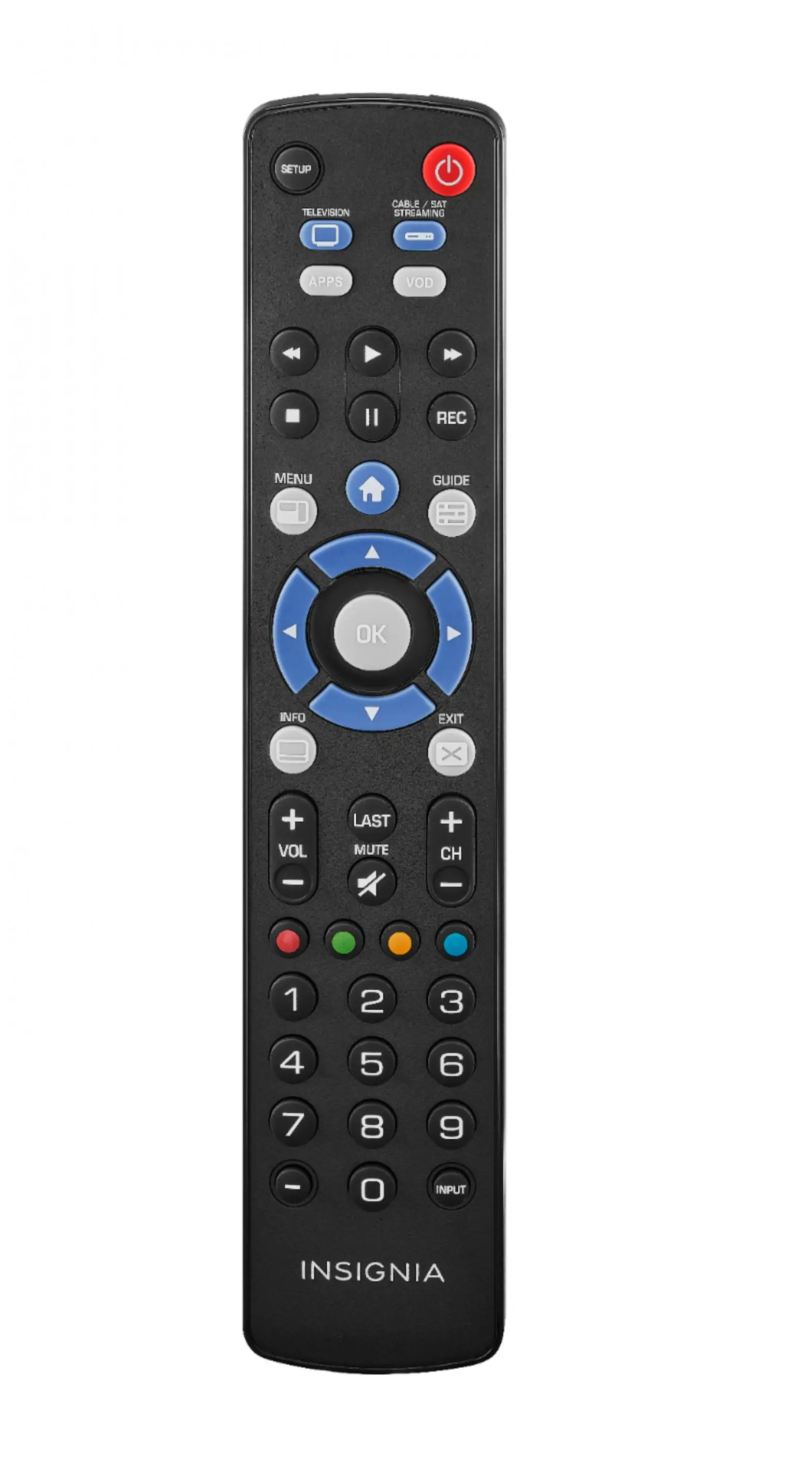
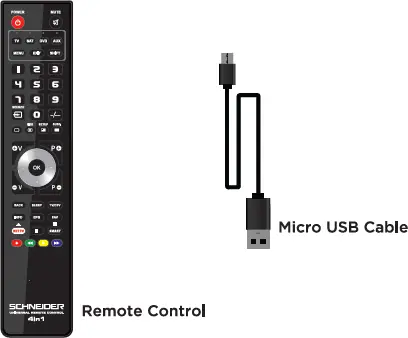
Remote Control and Micro USB Cable
USER GUIDE
INCLUDED:
INSTRUCTIONS
Download and install the free software from «www.dea-factory.com> and install it on your Windows computer Micro use Software Quitter Configuration
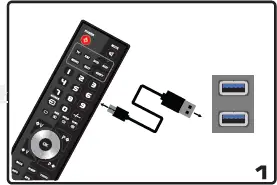
Plug the remote to your Windows computer with the included micro USB cable
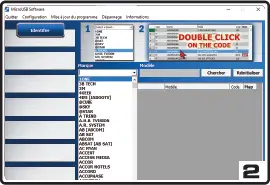
Follow the instructions on the screen to pair your remote to your device.
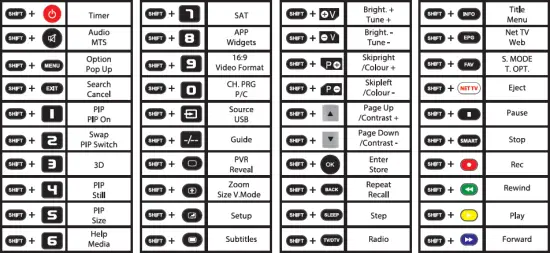
Press the shift key and the indicated key to reach the desired function :