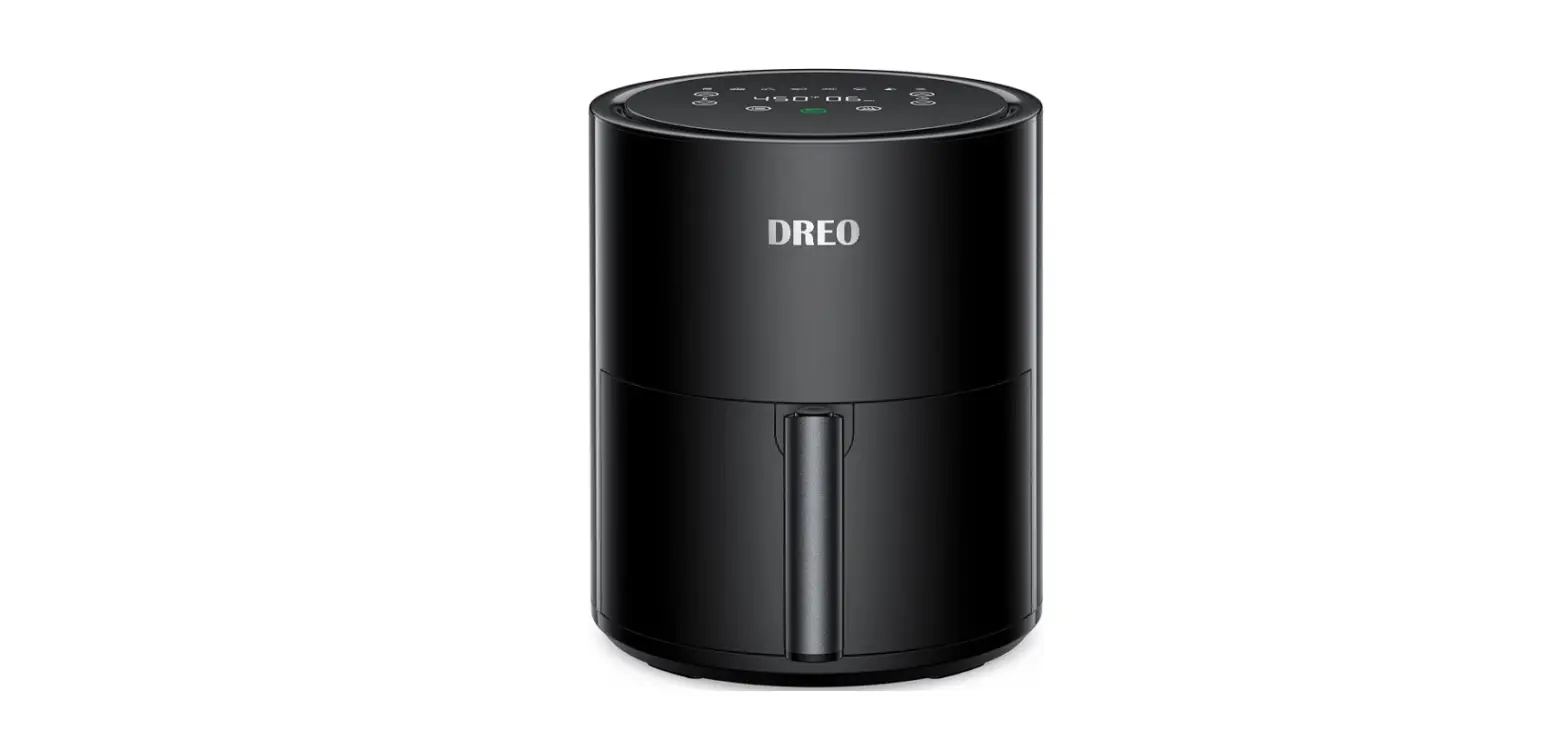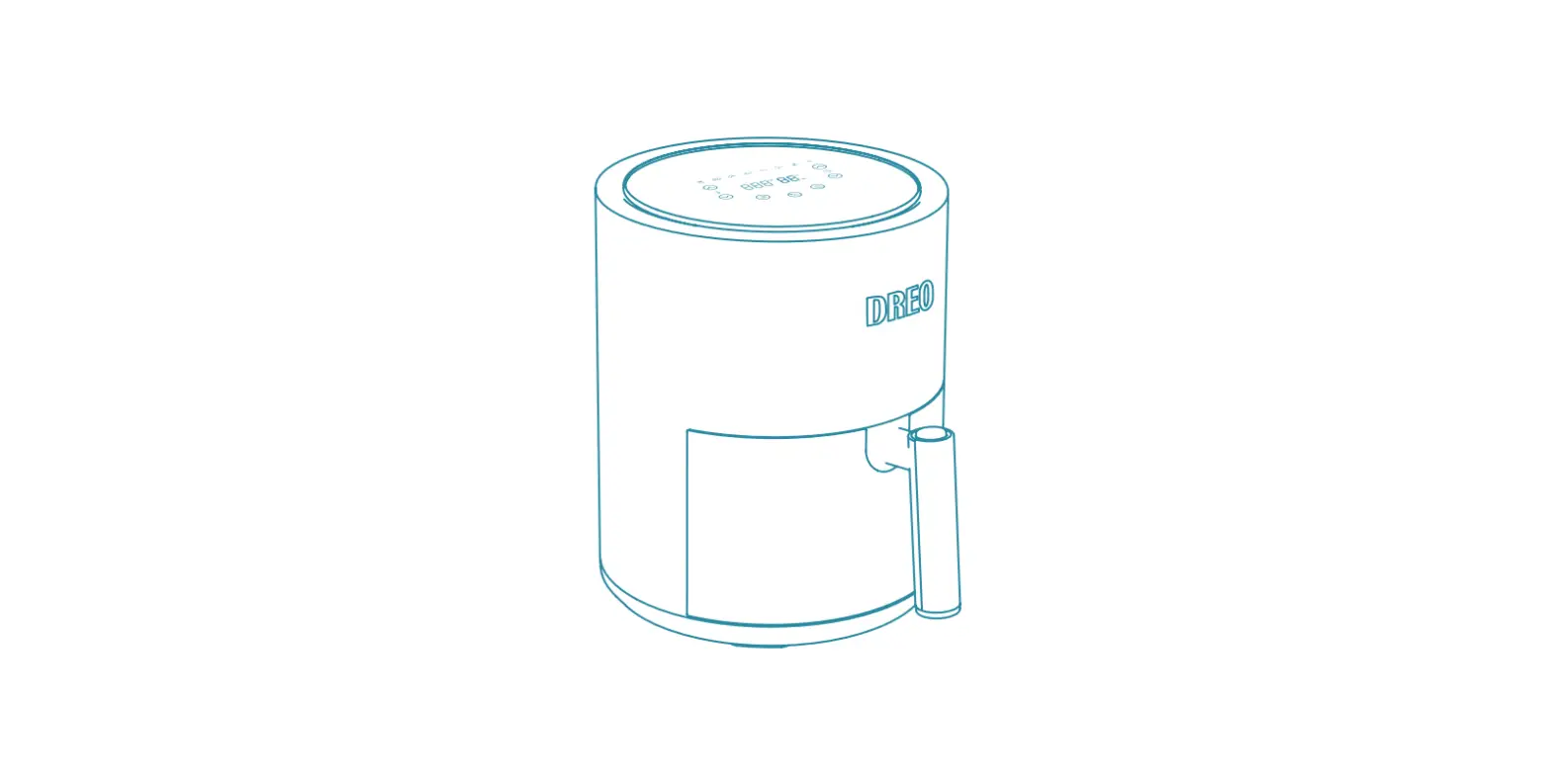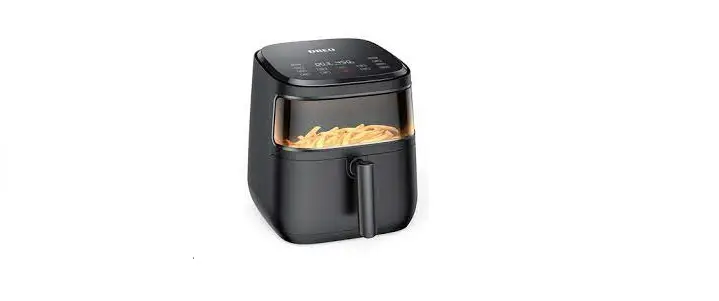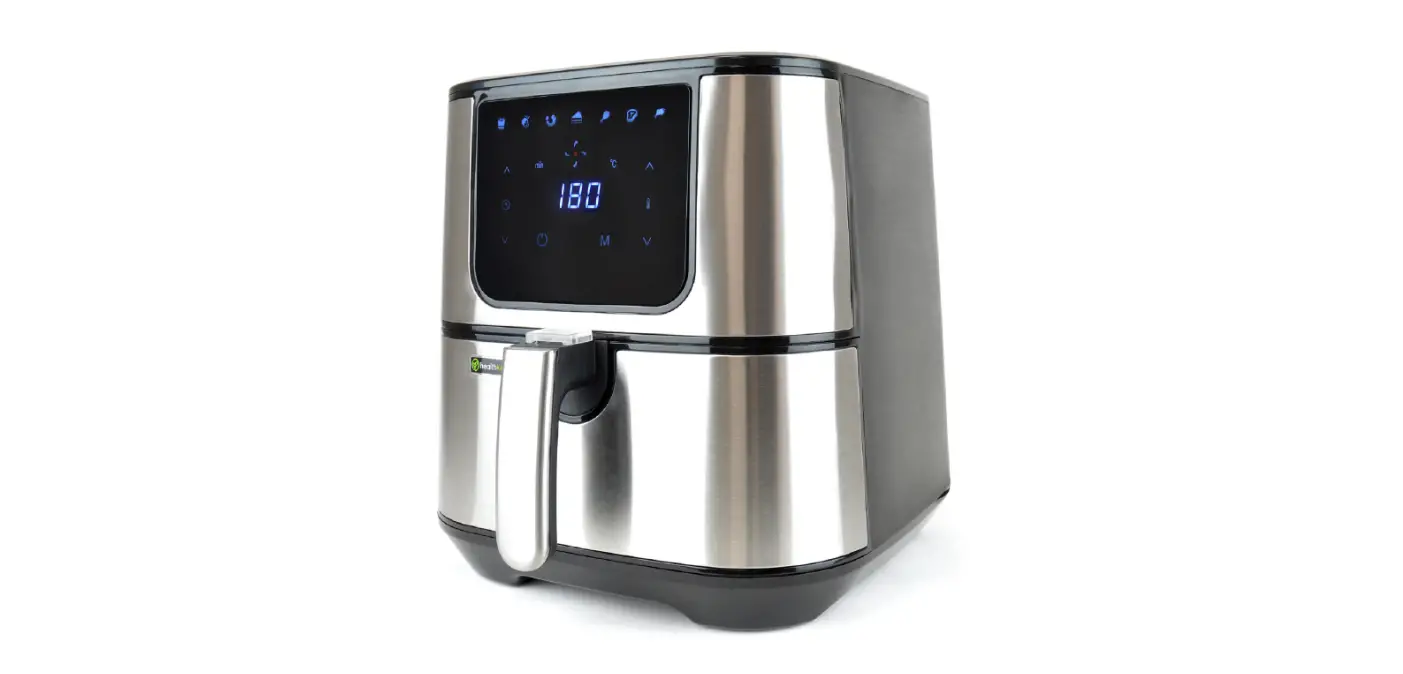
 Dreo DR-KAF001 Air Fryer
 Dreo
Dreo 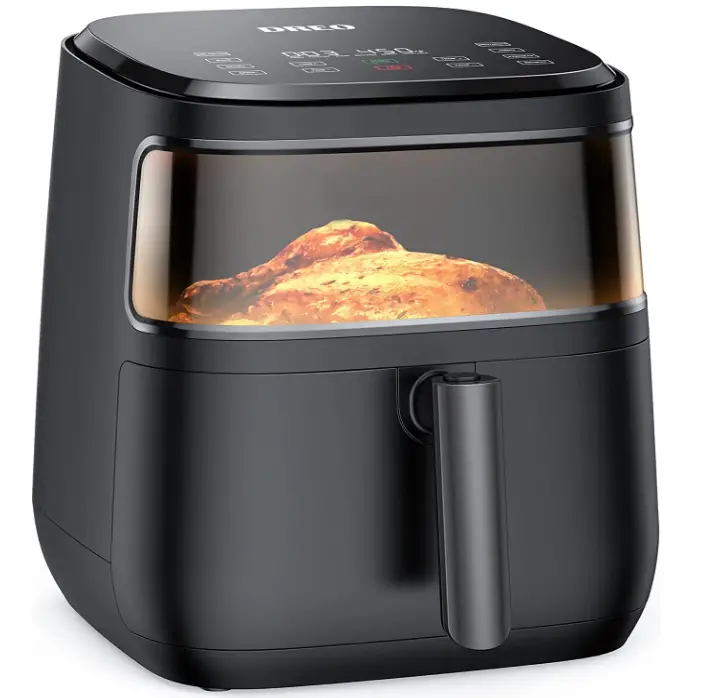
Important Safety Instructions
BEFORE USING THIS APPLIANCE READ ALL INSTRUCTIONS AND CAUTIONARY MARKINGS IN YOUR USER GUIDE AND ON\ THE APPLIANCE
When using an electrical appliance, basic precautions should always be followed, including the following:
DANGER!
- DO NOT touch hot surfaces. Use handle.

- DO NOT block any ventilation openings. Hot steam is released through air outlet. Keep your hands and face clear of openings.

- To protect against electrical shock, do not immerse the appliance, cord, or plug in water or other liquid.

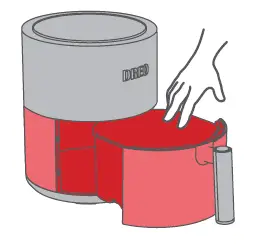
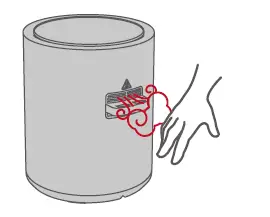
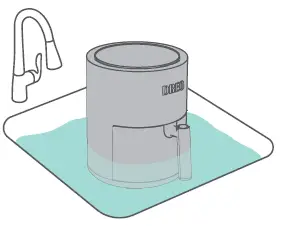
WARNING
- This appliance is not intended for use by persons (including children) with reduced physical, sensory or mental capabilities, or lack of experience and knowledge, unless they have been given supervision or instruction concerning the use of the appliance by person responsible for their safety.
- Check if the voltage indicated on the appliance corresponds to the local main voltage before you connect the appliance.
- DO NOT operate the appliance if the plug, the main cord or the appliance itself is damaged. Always make sure that the plug is inserted properly into a wall outlet.
- Close supervision is necessary when any appliance is used by or near children. Children should be supervised to ensure that they do not play with the appliance. Cleaning and user maintenance shall not be done by children unless they are older than 8 and supervised.
- DO NOT plug in the appliance or operate the control panel with wet hands.
- DO NOT place the appliance against a wall or other appliances. Leave at least 4 inches of free space on the back and sides and 4 inches of free space above the appliance.
- DO NOT let the power cord hang over the edge of table or counter.
- Keep away from hot surfaces.
- Never connect this appliance to an external timer switch or separate remote control system in order to avoid a hazardous situation. To disconnect, turn off the appliance, then remove plug from the wall outlet.
- Keep your air fryer away from flammable materials (curtains, tablecloths, etc.). Use on a flat, stable, heat-resistant surface away from heat sources or liquids.
- DO NOT place on a stove, near gas or electric burners, or in a heated oven.
- Never connect this appliance to an external timer switch or separate remote control system in order to avoid a hazardous situation. To disconnect, turn off the appliance, then remove plug from the wall outlet.
- Keep your air fryer away from flammable materials (curtains, tablecloths, etc.). Use on a flat, stable, heat-resistant surface away from heat sources or liquids.
- DO NOT place on a stove, near gas or electric burners, or in a heated oven.
- Never connect this appliance to an external timer switch or separate remote control system in order to avoid a hazardous situation. To disconnect, turn off the appliance, then remove plug from the wall outlet.
- Keep your air fryer away from flammable materials (curtains, tablecloths, etc.). Use on a flat, stable, heat-resistant surface away from heat sources or liquids.
- DO NOT place on a stove, near gas or electric burners, or in a heated oven.
FOR HOUSEHOLD USE ONLY
READ AND SAVE THESE INSTRUCTIONS
Package Contents
| 1 x 4-Quart Air Fryer |
| 1 x Non-Stick Plate |
| 1 x Recipe Book |
| 1 x Reference Guide |
| 1 x User Guide |
Specifications
| Model | DR-KAF001 |
| Voltage | 220-240VAC 50/60Hz |
| Power | 1500W |
| Capacity | 4 Quart |
| Temperature Range | 40˚C – 200˚C |
Getting to Know Your Air Fryer
Product Diagram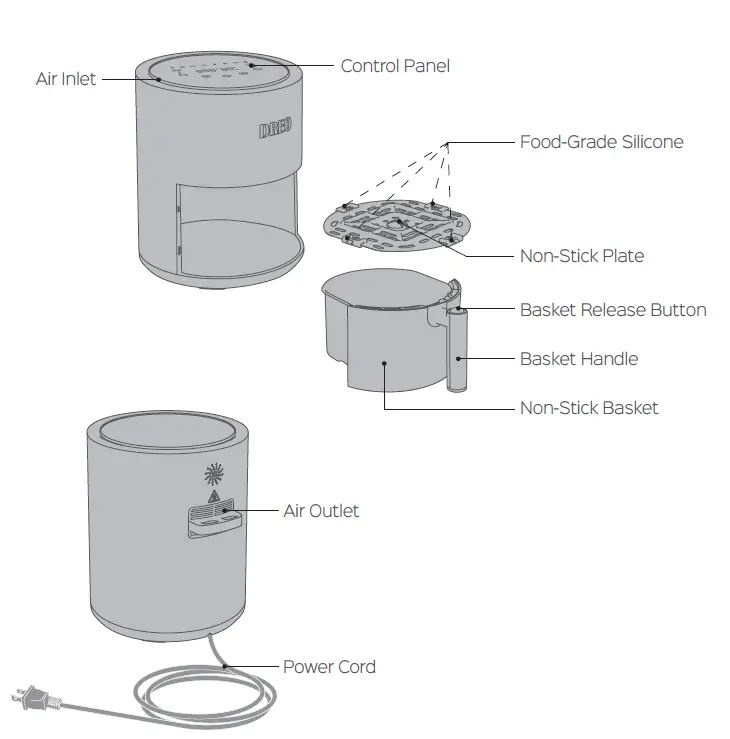
Control Panel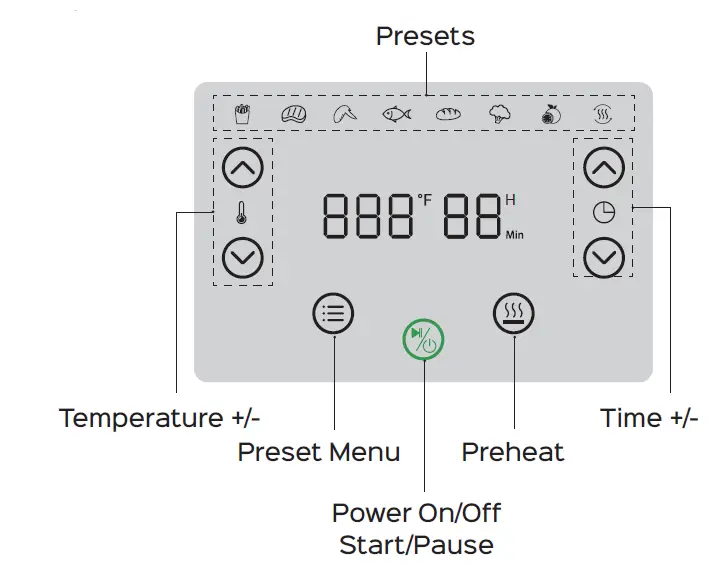
- French Fries
- Steak
- Chicken
- Fish
- Bread
- Vegetable
- Dehydrate
- Reheat
- Temperature +/-
Adjust the cook temperature. - Preset Menu
Repeatedly press to select a preset.
 - Power ON/OFF
- Press POWER
 to turn on the air fryer.
 - Press POWER to start or pause cooking
- Press and hold POWER for 2 seconds to turn off the air fryer when it is on.
- Press POWER
- Time +-
Adjust the cook time. - Preheat
Press to preheat your air fryer (see page 8).)
 to select a preset.
 to turn on the air fryer.
 to preheat your air fryer (see page 8).)
Using Your Air Fryer
Before First Use
There’s plastic inside! Make sure to pull out and separate the baskets(on a countertop), and remove ALL plastic before plugging in.
Initial Use
Note:
- Before first use of your new Air Fryer, we strongly recommend you to clean and preheat the air fryer at 200°C for 15 minutes to remove any remaining odor.
- Then wash the non-stick plate and basket with hot, soapy water and a non-abrasive sponge.

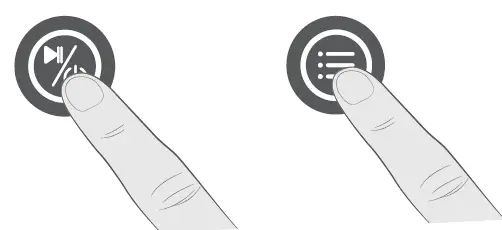
- Tap to turn on.

- Tap MENU to select STEAK.
- Adjust time to 15 minutes.

- Tap to start.
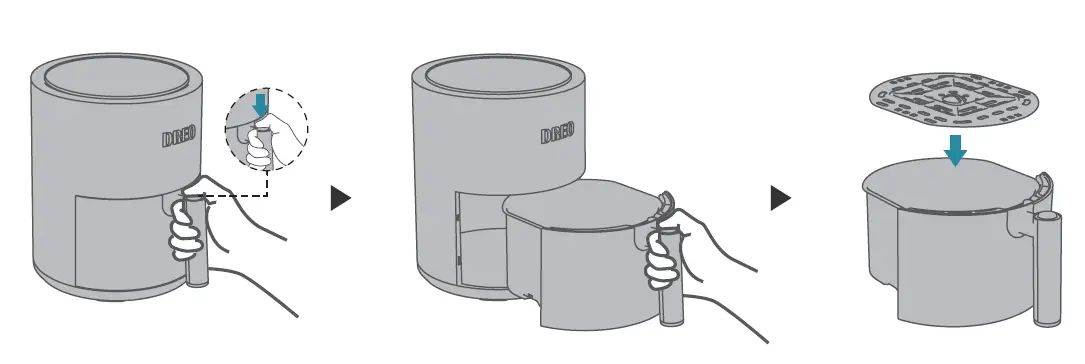
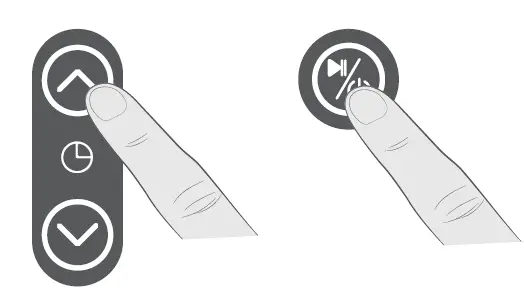
Preheating
- It is recommended to preheat before placing food into the air fryer unless your air fryer is already hot. Food will not cook thoroughly without preheating.
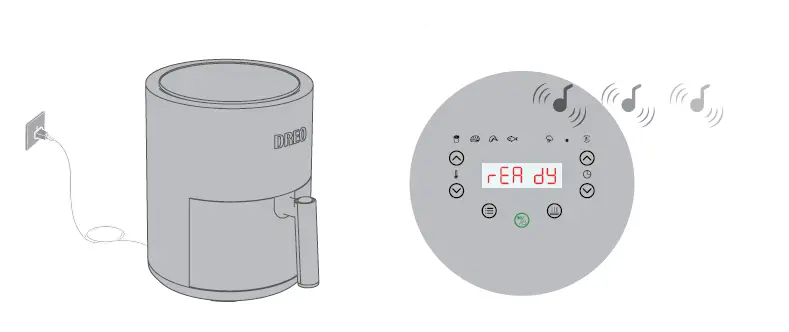
- Plug into an electrical outlet.
Tapto turn on the air fryer.
- Press , the display will show the default setting 200˚C and 3 min.
- Optionally, you can press
 to change the cooking temperature, the time will adjust accordingly
- Press
 to start preheating.
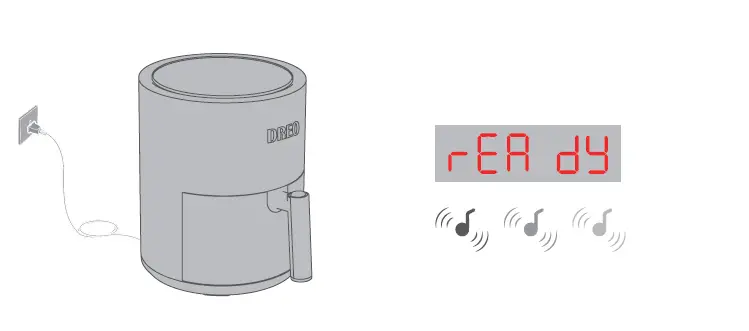
 - When preheating is done, the air fryer will beep 3 times and the display will show “READY”.

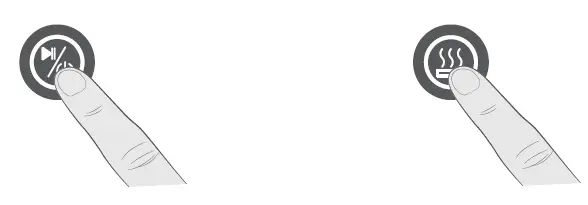
 to change the cooking temperature, the time will adjust accordingly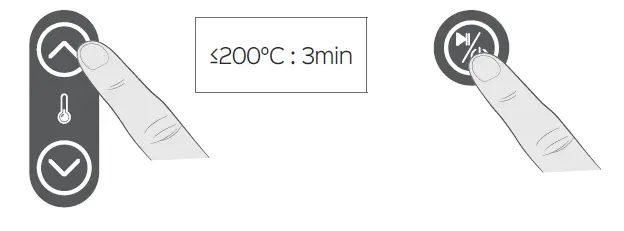
 to start preheating.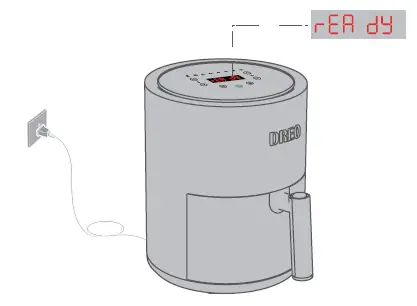
Preset Default Settings
For general users, using a preset menu is the easiest way to air fry. Preset menus are programmed with an ideal time and temperature for cooking certain foods.
|
Sym- bol |
Preset | Default
Tempera- ture (°C) |
Adjustable Temperature (°C) |
Default Time (Min) | Adjust- able
Time (Min) |
Shake Re- minder |
| French Fries | 195 | 80-200 | 18 | 1~60 | Y | |
| Steak | 200 | 80-200 | 9 | 1~60 | – | |
| Chicken | 195 | 80-200 | 18 | 1~60 | Y | |
| Fish | 175 | 80-200 | 10 | 1~60 | – | |
| Bread | 175 | 80-200 | 8 | 1~60 | Y | |
| Vegetable | 150 | 80-200 | 9 | 1~60 | Y | |
| Dehydrate | 150 | 40-80 | 1 hour | 1~72 hour | – | |
| Reheat | 120 | 50-180 | 10 | 1~60 | – |
Note:
- Cooking time may vary as your desired flavor or thickness of ingredients, etc.
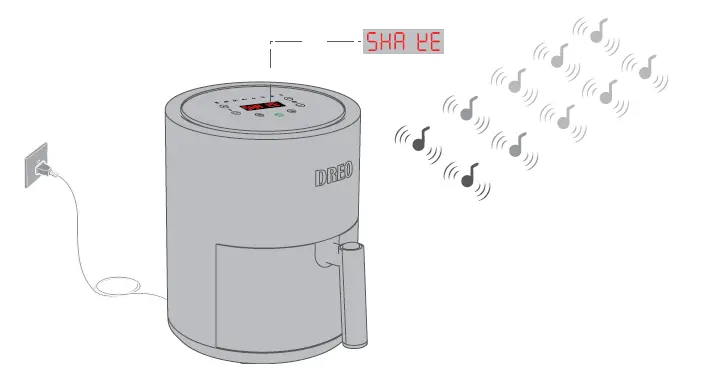
You can check food during the cooking process. - Shake reminder will alert you when 60% of the cooking time has passed, which is ideal for evenly cooking both sides of your food. The LED display will show “SHAKE” with 2 consecutive beep sounds that repeat 5 times
Air Frying Under Preset
- Preheat your air fryer first.

- Place the ingredients in the air fryer after preheating is done and the display shows “READY”.
- Repeatedly press to select a preset menu.

- Press to start air frying.
Note: You can adjust temp and time by pressing temperature +, temperature – and time + , time -during cooking process. - Shake or flip the food following the prompt of the air fryer if a preset with shake reminder is selected. The LED display will show “SHAKE” with 2 consecutive beep sounds and repeating 5 times.

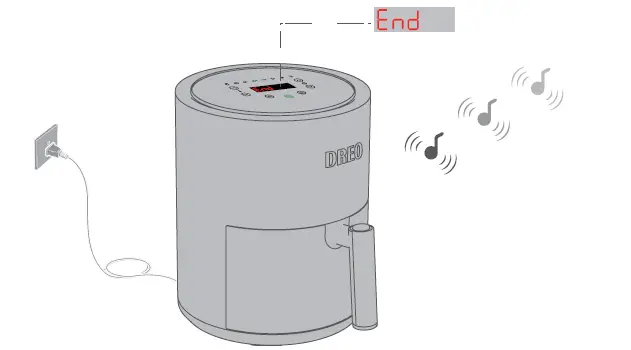
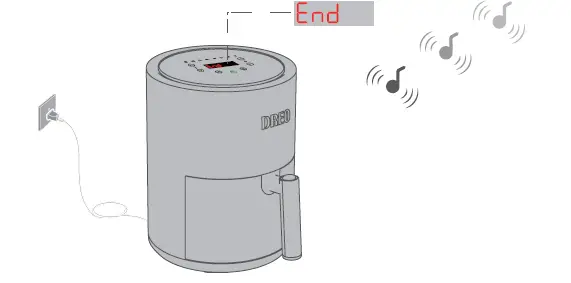
- Once finished, the air fryer will beep 3 times and the display will show “END”.

Manual Air Frying
- Preheat your air fryer first.

- Place the ingredients in the air fryer after preheating is done and the display shows “READY” .
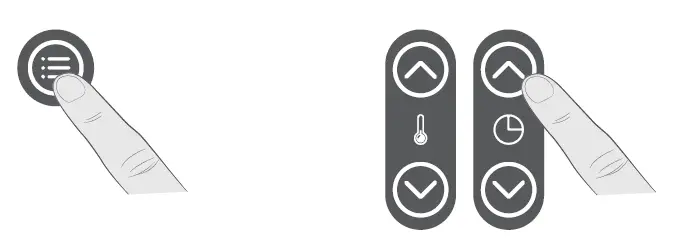
- Repeatedly press to select a preferred preset menu.

- Adjust temperature and time by pressing .
Note:
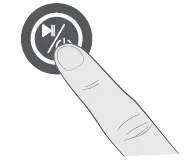
If you would like to receive a shake reminder, select a preset with Shake Reminder. - Press to start air frying.

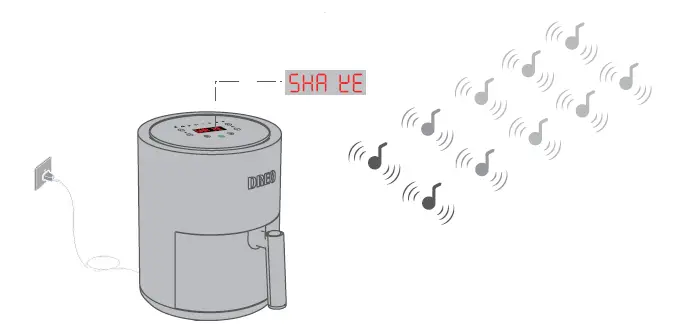
- Shake or flip the food following the prompt of the air fryer if a preset with shake reminder is selected. The LED display will show “SHAKE” with 2 consecutive beep sounds and repeating 5 times.

- Once finished, the air fryer will beep 3 times and the display will show “END”.

More Functions
- Auto Standby
The air fryer will automatically turn off if there is no button pressed in 5 minutes and the air fryer has no active air frying programs. - Automatically Resume Cooking
The air fryer will automatically pause when the basket is removed. Reinsert the basket and cooking will resume.
Cooking Guide
- Don’t overfill the basket, or the food will cook unevenly.
- Pat dry liquid-marinated food with a paper towel before air frying.
- To make your food crispier, you can spray or brush a small amount of oil on both sides of the food.
- Use presets with shake reminders for tossing ingredients or for the food that needs shaking/flipping during cooking.
- Checking food while air frying
- Checking food
Take out the air fryer basket and check the food, the air fryer will automatically pause. - Resume cooking
Place the basket back and the air fryer will resume the air frying
- Checking food
- Cook time and temperature can be adjusted at any time during cooking. Simply press the TIME or TEMP arrows to adjust the time or temperature.
- To convert recipes from a conventional oven, reduce the temperature by 4°C, and cut cooking time by 20%. Please check food frequently to avoid overcooking
- An instant-read thermometer is recommended to use to monitor the internal temperature of proteins. After the cooking time is complete, remove food immediately to avoid overcooking.
Cleaning and Maintenance
Unplug your air fryer and let it cool to room temperature before cleaning.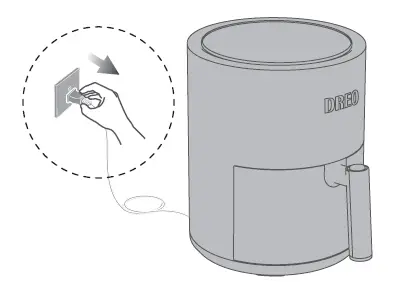
Non-Stick Plate (Dishwasher Safe)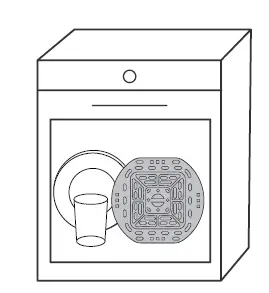
- Use the dishwasher for cleaning.
- Or wash the non-stick plate with hot, soapy water and a non-abrasive sponge. Soak if necessary.
Unplug your air fryer and let it cool to room temperature before cleaning.
Notes:
- Remove, disassemble and clean after each use.
- Ensure all grease and food debris are fully removed.
Air Fryer Basket
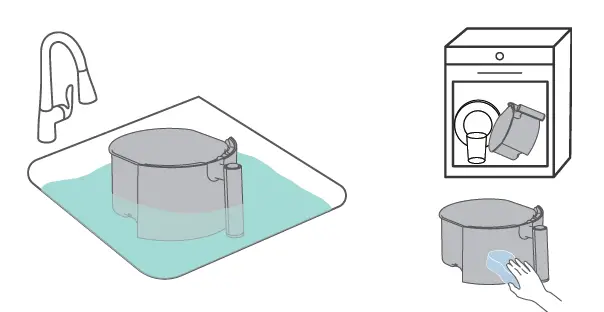
- Wash the baskets with hot, soapy water and a non-abrasive sponge.
Soak if necessary. - Or use the dishwasher for cleaning.

Notes:
- Clean after each use.
- Ensure all grease and food debris are fully removed.
Heating Element
Use a soft brush to clean the heating element.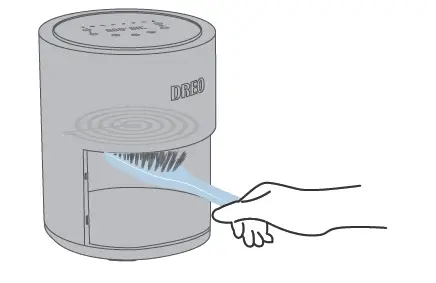
Inside of the Air Fryer
Use a slightly moist, non-abrasive sponge or cloth to clean the inside of the air fryer. Do not immerse in water.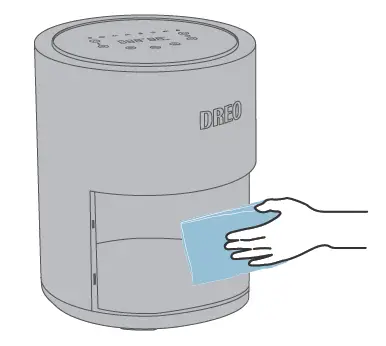
Dry Before Using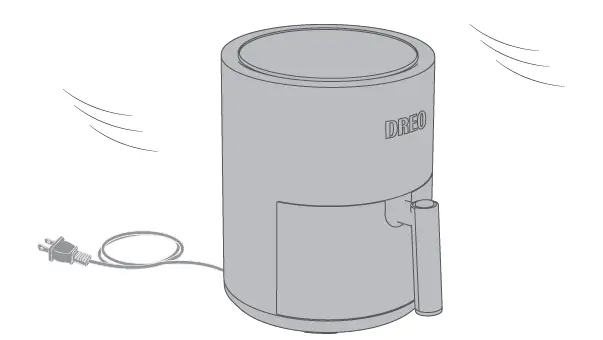
Note:
It is recommended to use a degreaser for efficient cleaning of remaining residue.
Troubleshooting
| Problem | Possible Solution |
| The air fryer will not turn on. | Make sure the air fryer is plugged in. |
| Push the baskets securely into the air fryer. | |
| Foods are not completely cooked. | Place smaller batches of ingredients into the basket. If the basket is overstuffed, then in- gredients will be undercooked. |
| Increase cooking temperature or time. | |
| Foods are cooked unevenly. | Ingredients that are stacked on top of each other or close to each other need to be shak- en during cooking.
The non-stick plate should be placed in the basket. |
| Foods are not crispy after air frying. | Spraying or brushing a small amount of oil on foods can increase crispiness (see Cooking Guide, page 14). |
| Temperature won’t go high- er than 200˚C. | The max temperature is 200˚C for STEAK only. Please refer to Preset Default Settings (Page 9) |
| White smoke is coming out of the air fryer. | The air fryer may produce some white smoke when you use it for the first time. This is nor- mal. |
| Make sure the basket and the non-stick plate is cleaned properly and not greasy. | |
| Frying greasy foods will cause oil leaks into the basket. This oil will produce white smoke. This is normal and should not affect cooking. | |
| Dark smoke is coming out of the air fryer. | Immediately unplug your air fryer. Food is burning. Wait for smoke to clear before pulling the basket out. |
| How do I pause or stop the cooking? | Remove the basket from the unit to pause the cooking and place it back to resume. Press and hold POWER for 2 seconds to turn off the air fryer. |
|
Is the basket safe to put on my countertop? |
Use caution when handling, and place on heat-safe surfaces only. |
| The Display shows Error Code “E1”. | There is an open circuit in the temperature monitor. Contact Customer Support. |
| The Display shows Error Code “E2”. | There is a short circuit in the temperature monitor. Contact Customer Support. |
Warranty and Service
Default 12-Month Warranty
Thanks for choosing DREO air fryer. This product is covered with Dreo product and labor warranty for 12 months from the date of its original purchase.
Extend Your Warranty
Extend your warranty by registering your new product on our website https://dreo.com/warranty.
The warranty will not apply in cases of:
- Accident, misuse, or repairs performed by unauthorized personnel.
- Any unit that has been tampered with or used for commercial purposes.
- Normal wear and tear of wearable parts.
- Use of force, damage caused by external influences.
- Damage caused by non-observance of the User Guide, e.g. connection to an unsuitable mains supply or non-compliance with the instructions.
- Partially or completely dismantled appliances.
- Defects caused by or resulting from damages from shipping or from repairs, service, or alteration to the product or any of its parts that have been performed by a repair person not authorized by DREO.
We can only provide after-sales service for products that are sold by DREO or DREO-authorized retailers and distributors. If you have purchased your unit from a different place, please contact your seller for return and warranty issues.
Customer Support
We’re Here to Help!
If you encounter any issues or have any questions regarding your new product, please contact our helpful Customer Support Team. Your satisfaction is our goal!
Email: [email protected]
* Please have your order confirmation number ready before contacting the Customer Support.
It will hold 3 baked potatoes. As far as the strip steaks, it depends on the size
It has a preheat setting. No designated warm setting.
Had it since October. Dont feel like cleaning everytime I use. so I almost always use foil and even parchment paper
The size of the basket is 9.6”*9.6”*4.78”, it fits for 9inch pizza or 2 small chickens. Besides, this air fryer’s spacious 6.8-quart square baskets can fit a whole 5-pound chicken.
There is no reheat button on mine. Not sure why you would need one. Makes no difference. When reheating, just watch closely and add a few minutes at a time.
YouTube has excellent videos for homemade pizza in the air fryer.
probably available on Amazon’s product description…sometimes you need to scroll down to see it.
Yes. It has a dehydrate button. I dehydrate fruits all the time. It works great.
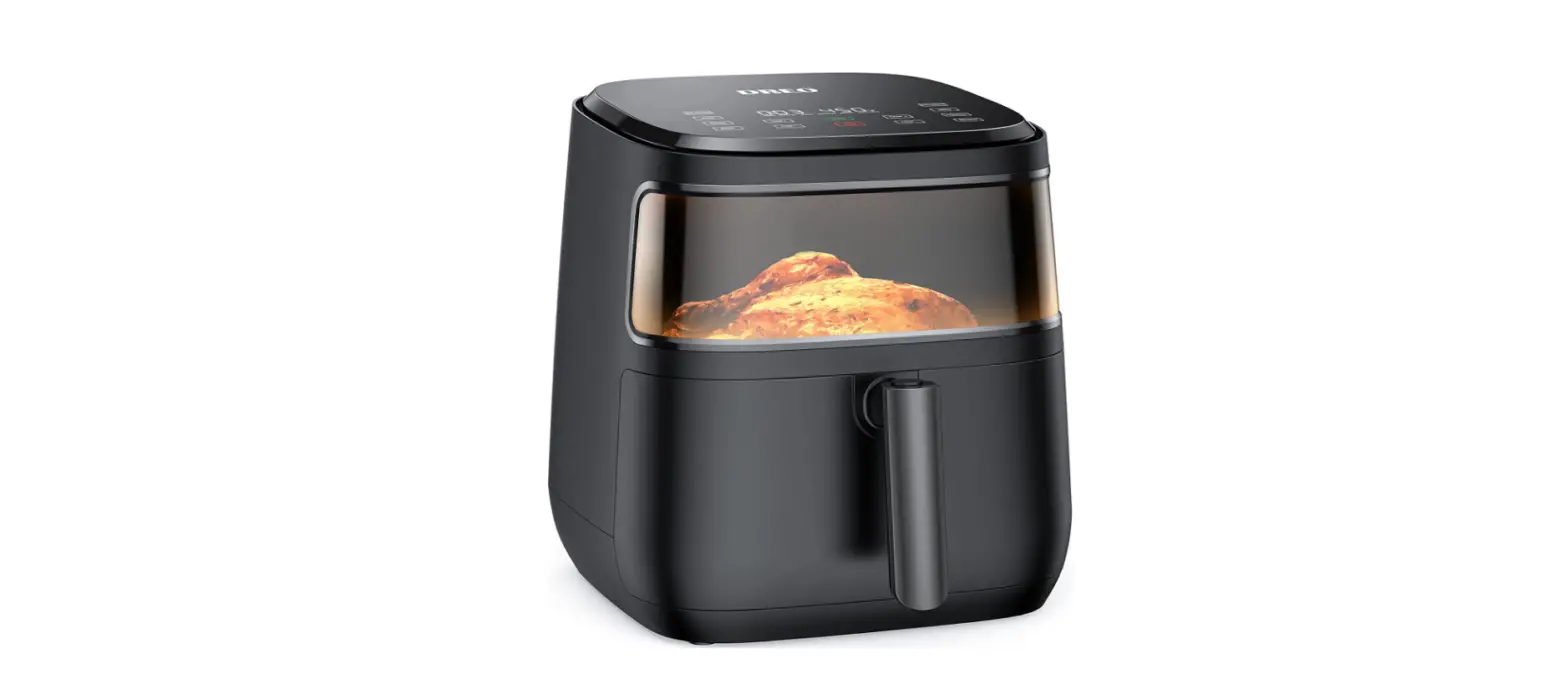
The outside window on the front is plastic but never heats up. The inside horizontal window is glass and cleans up easily.
Check your manual for instructions/contact Dreo Support or whatever model you have
It is 46 1/2 inches long from machine to end of electric plug.
The exterior doesn’t get hot. It can be touched while cooking.