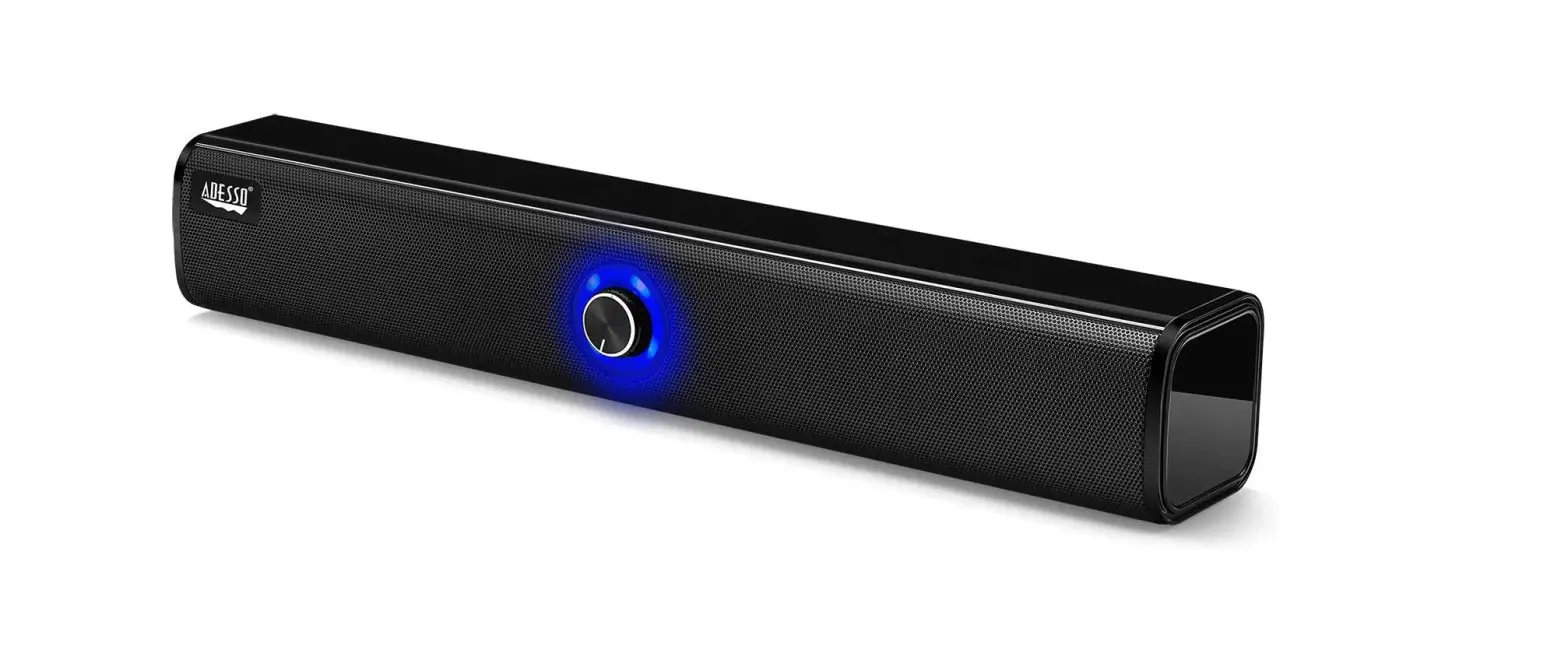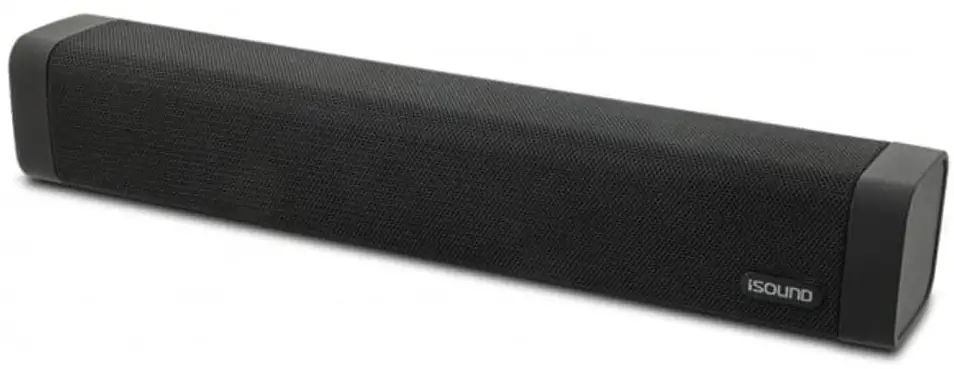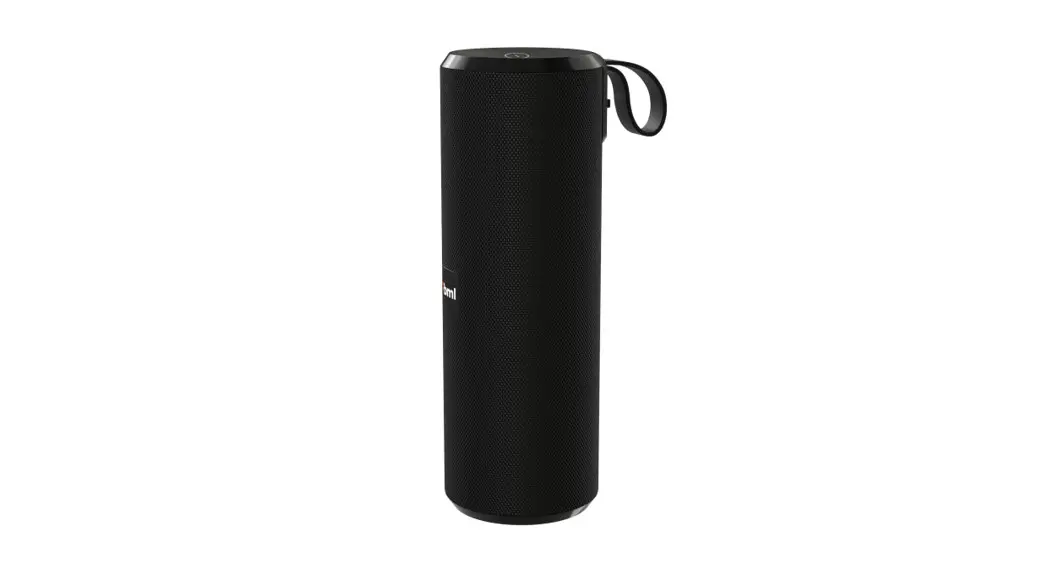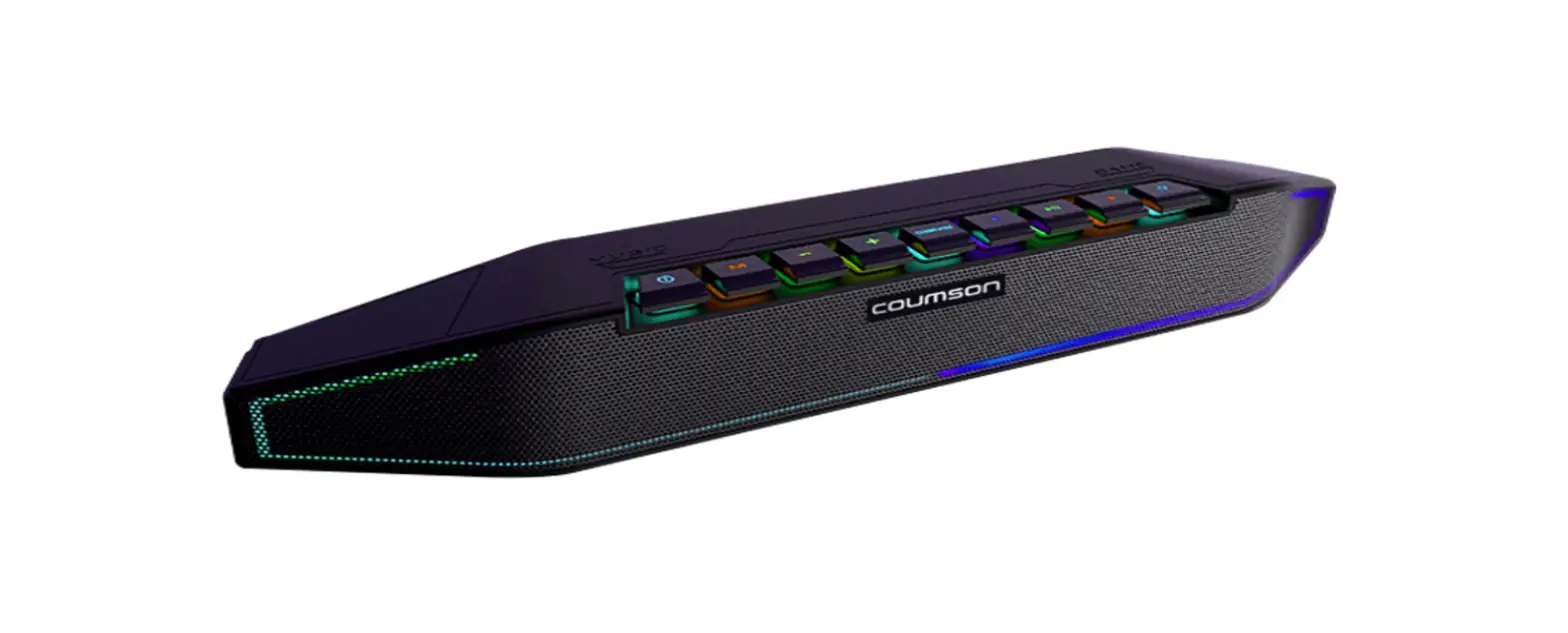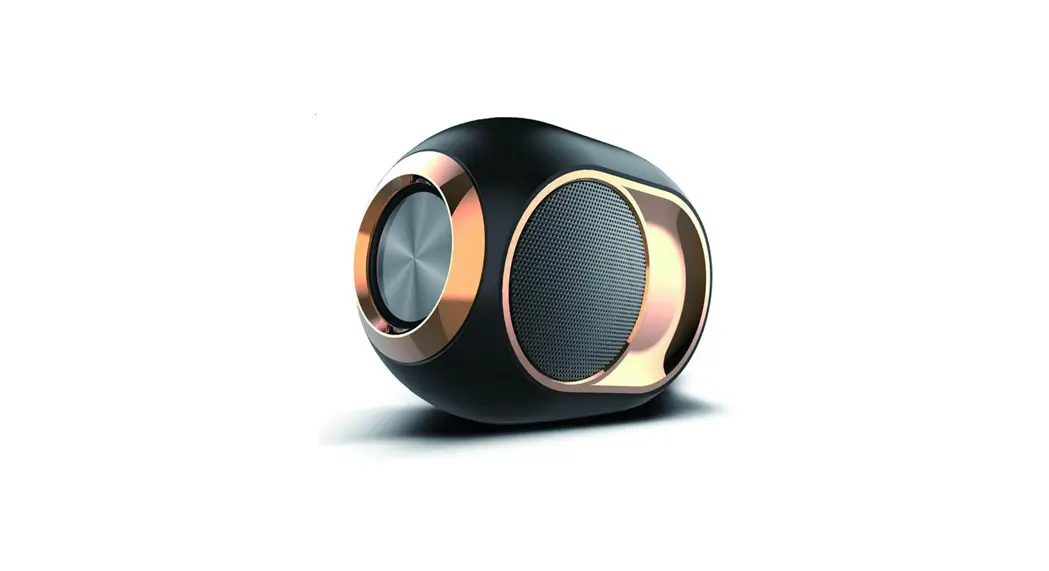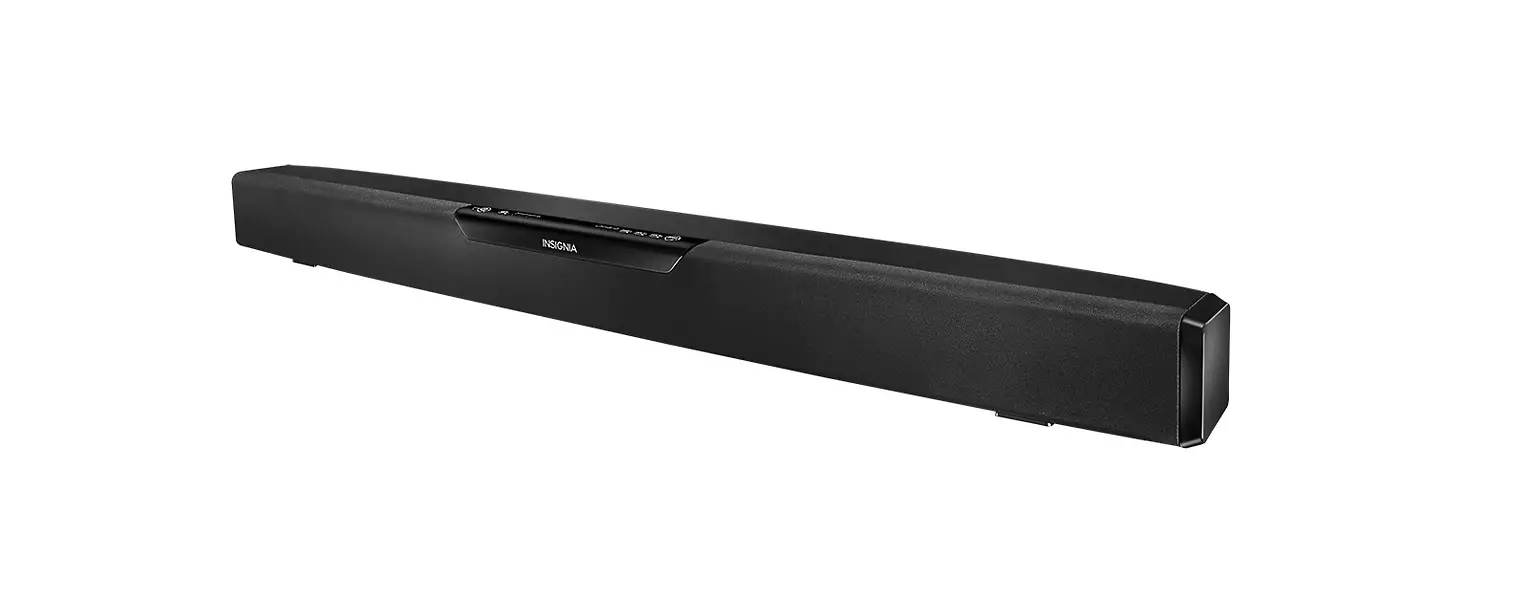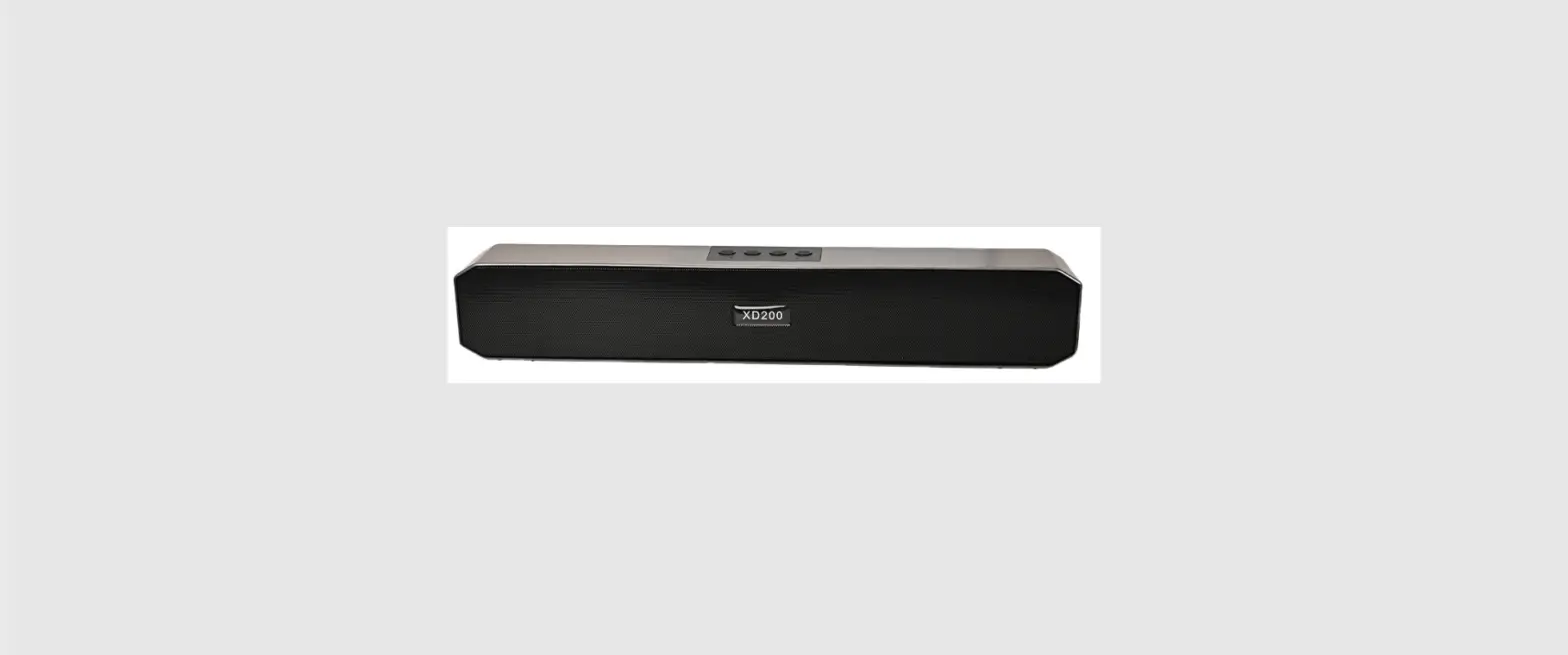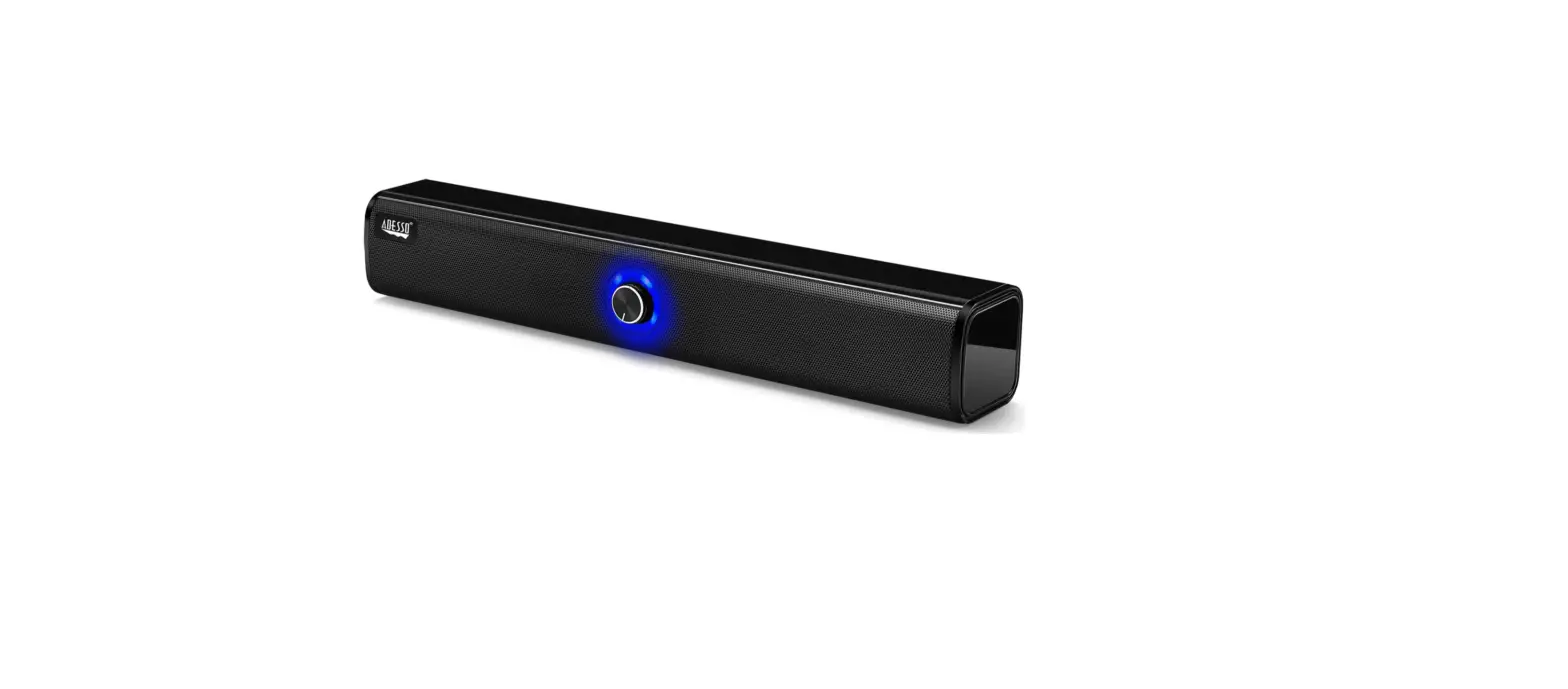

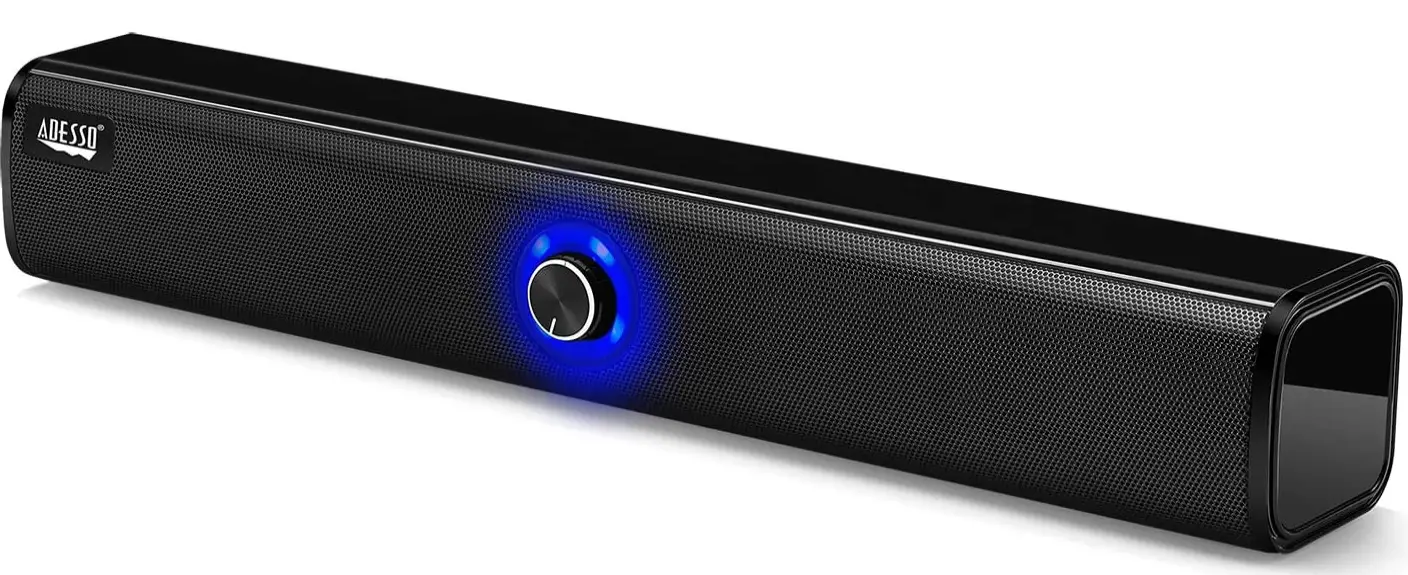
Adesso Xtream S6 Bluetooth and AUX Sound Bar Speaker
Specification
- BRAND: Adesso
- MODEL NAME: Xtream S6
- SPEAKER TYPE: Subwoofer
- CONNECTIVITY TECHNOLOGY: Bluetooth, Auxiliary
- SOUNDTRACK: Stereo
- DRIVER TYPE AND SIZE:0″ full range Neodymium speaker driver
- COMPATIBILITY: PC / Notebook, iPhone, iPad, Smart Phone, Tablet
- CABLE LENGTH: 6 FT (1.8 m)
- IMPEDANCE: 4 ohm
- SENSITIVITY: 80 dB
- OUTPUT POWER: 10 W*2
Introduction
High power 10W*2 desktop wireless/aux sound bar speaker: the Adesso Xtream S6. Along with wireless Bluetooth 5.0 audio, the Adesso Xtream S6 also has bass subwoofer sound technology. Enjoy the full sound of your favorite music, movies, and video games with this speaker’s inbuilt two speaker units, which produce breathtaking stereo sound. Ideal for use in your home, business, school, or any other setting. It also makes a wonderful present for friends and family.
WHAT’S IN THE BOX
- Adesso Xtream S6 Bluetooth Sound Bar Speaker
- Micro USB Charging Cable
- 5 mm audio cable
HIGH POWER OUTPUT
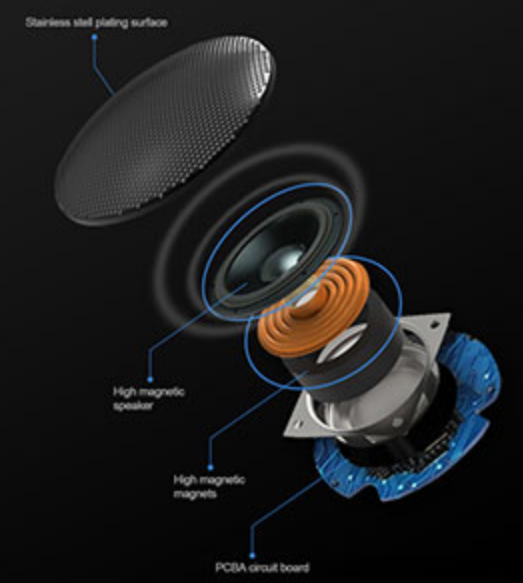
The Xtream S6 Sound Bar packs with 10w x 2 large dual drive unit. High quality sound lets you indulge in the sea of music. Brings sound to life for a fantastically dynamic Audio experience.
BUILT-IN MIC& LONG PLAYING TIME
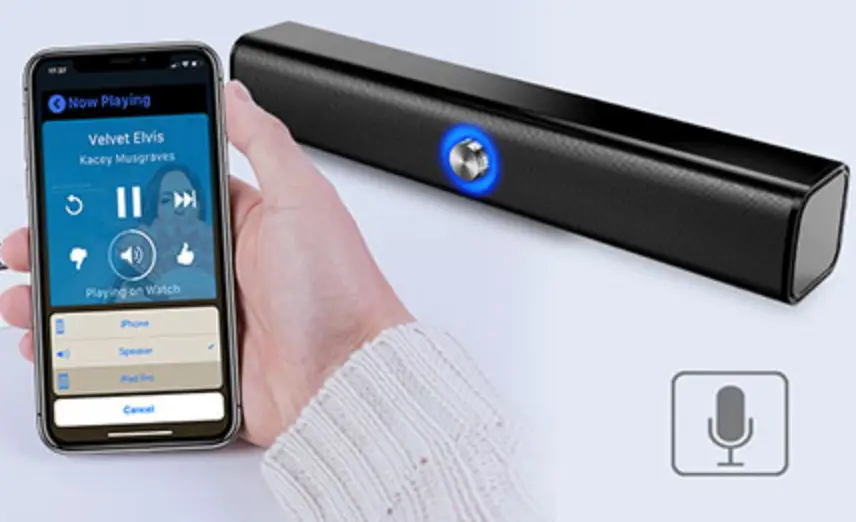
Play from morning till night with up to 6 hour playtime; Built-in Mic for hands free personal speakerphone for calls from an iPhone or Smartphone and talking to Siri from your iPhone or iPad.
HOW TO CONNECT TO TV
One end of the HDMI cable (available separately) should be connected to the TV’s HDMI IN port. The sound bar’s TV OUT (ARC) port should be connected to the other end. Next, join an optical audio cable from your TV’s optical digital audio out to your sound bar’s optical in (this is necessary to hear the TV audio).
HOW TO CHARGE
Connect the USB charging cord to the DC Power Input on the speaker, a running computer or USB power adapter (not included), and a regular power outlet to charge the internal battery.
FAQs
actually, I used this item every few days, then detach it from my personal desktop, before I experience the battery problem. The reason is that every time I used it, I can hear loudly buzz sound continuously. when I turn the volume up, the buzz sound gets loud simultaneously.
It is compatible with any device that is Bluetooth 5.0 compatible.
You can either connect this model through the AUX port in the back or pair it to your computer through Bluetooth.
yes. Although there are numerous considerations to take into account, as was already discussed, you can pair your soundbar with additional speakers. You might find the process excessively complicated, depending on your soundbar model, output device connection, and external speakers.
You can use a soundbar without a TV as long as it has more input options than just HDMI.
As many surround speakers as your receiver will support can be used. As long as your receiver permits it, you can create a 5.1, 7.1, 9.1, etc. sound system using this technique.
While many functions on soundbars are unnecessary, wireless streaming is a notable exception. There are two basic variations of this: Bluetooth and Wi-Fi.
You can utilize a soundbar and the built-in speakers of some TVs simultaneously. However, you should only utilize the soundbar and turn off the TV’s built-in speakers if you want high-quality audio.
Some soundbars have app control capabilities. A few people also have Chromecasts or voice assistants. In a single intelligent application or using your voice, you may select the music, volume, and streaming service.
A subwoofer is not necessary for a soundbar to sound nice. Soundbars include numerous internal speakers that can provide amazing sound on their own, but many soundbars struggle to produce low frequencies without the assistance of a subwoofer.
A passive soundbar lacks an external power supply, just as passive speakers. In order to drive the speakers, it needs a powered signal.
A sound bar is an integrated speaker system that produces high-quality TV sound without taking up as much room as a home theatre receiver and surround sound speaker setup, and it is also less expensive.
Component cables or optical cables are used to connect it to your television. It communicates with the subwoofer through Bluetooth. When connected directly to your TV, Bluetooth will still function as a capability for streaming music from other devices.
A mobile device can be connected to your sound bar to produce a rich, immersive sound. However, please check your soundbar’s handbook to see if it can connect to your mobile device. All sound bars can connect to mobile devices utilizing Bluetooth.
A soundbar with 2.1 channels could be useful if all you want to do is improve the sound on your TV.