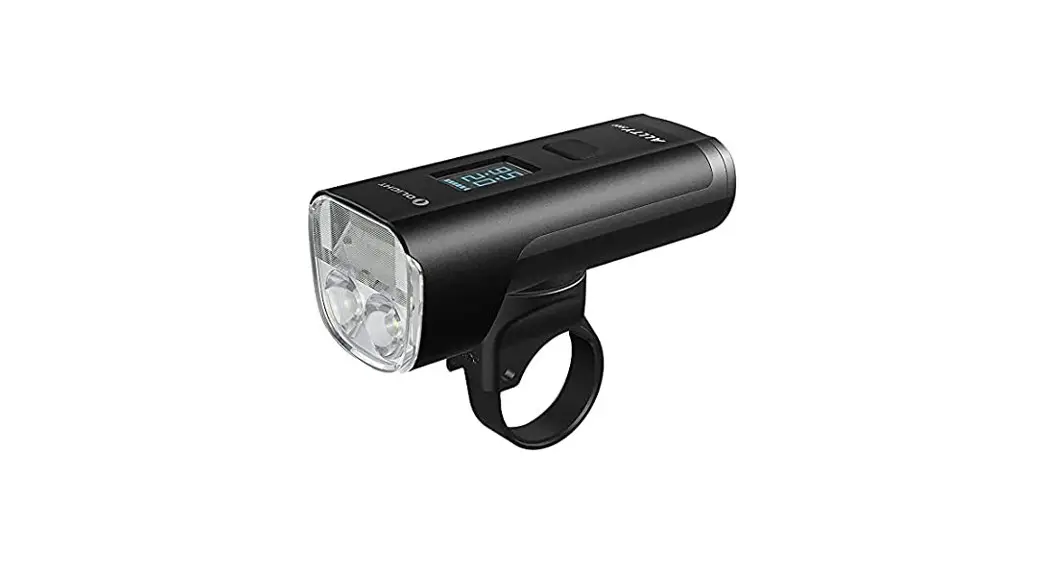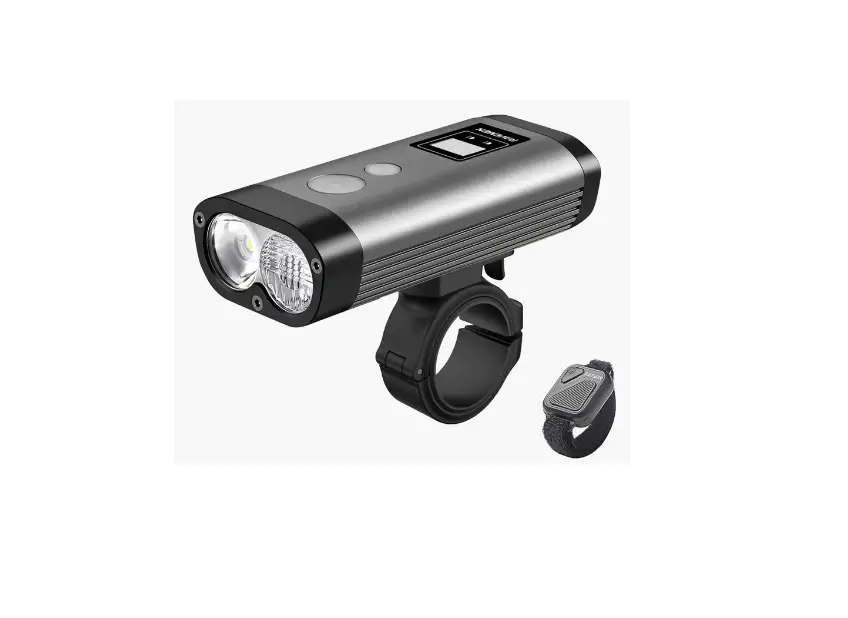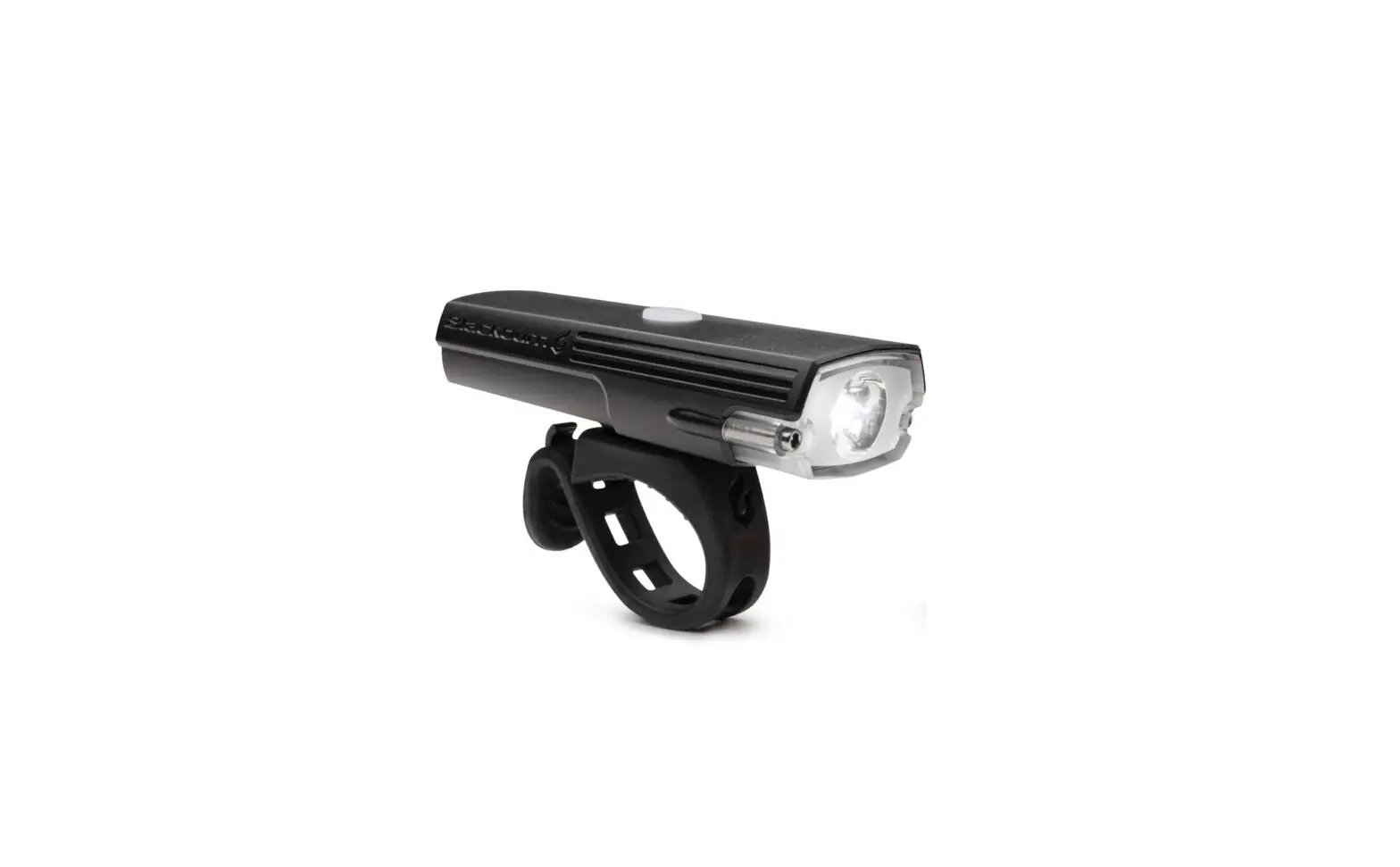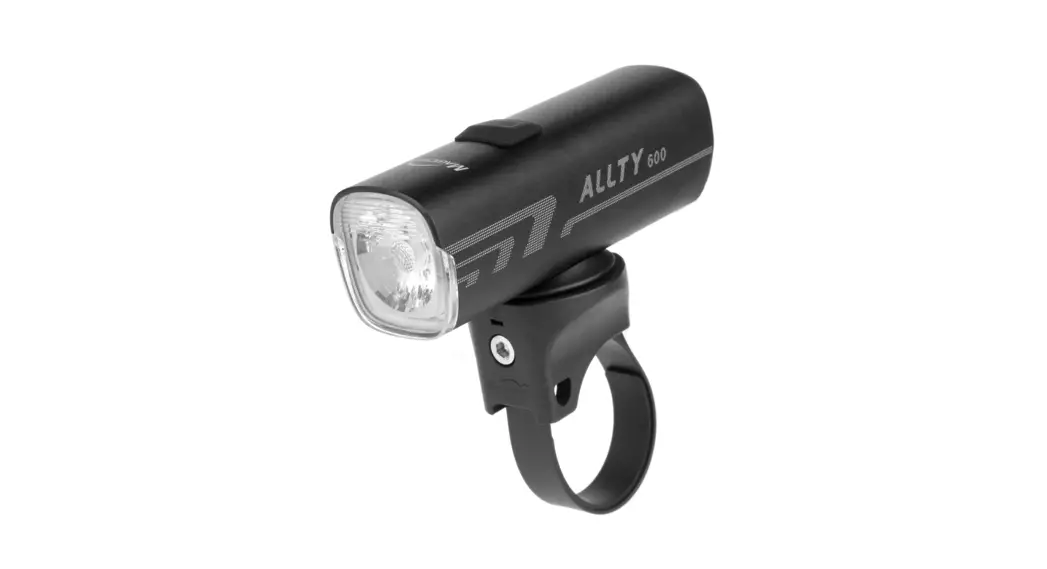

Allty 600 Front Light
User Manual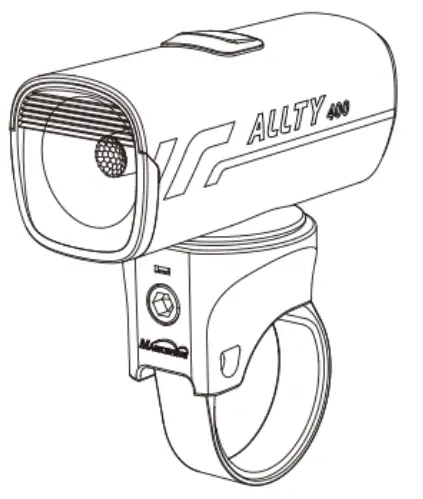
BATTERY INDICATOR
When the device is power-on, the power button light will indicate the battery level. When the device is power-off, short press the power button to activate the indicator light (light will shut down automatically after 2 seconds).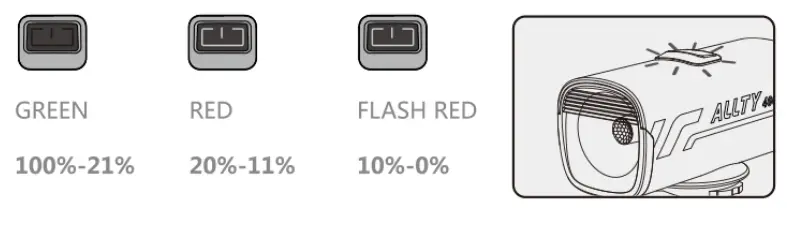
 WARNING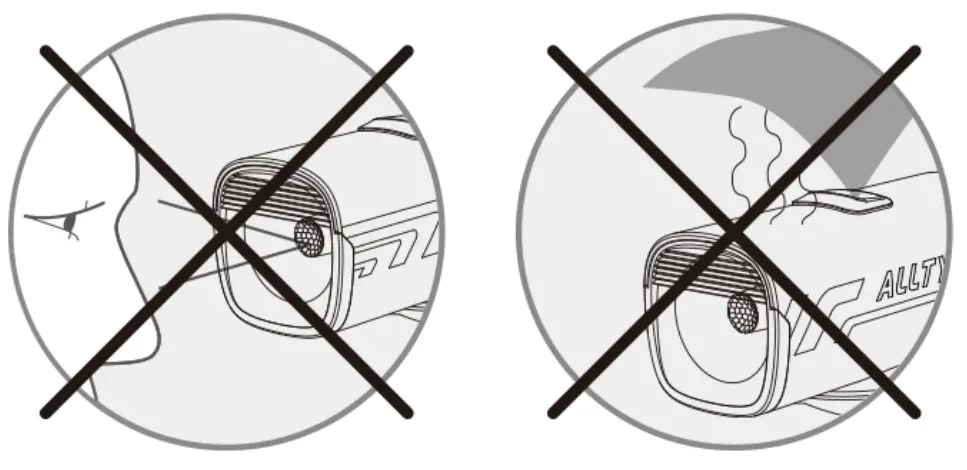
HOW TO RECHARGE 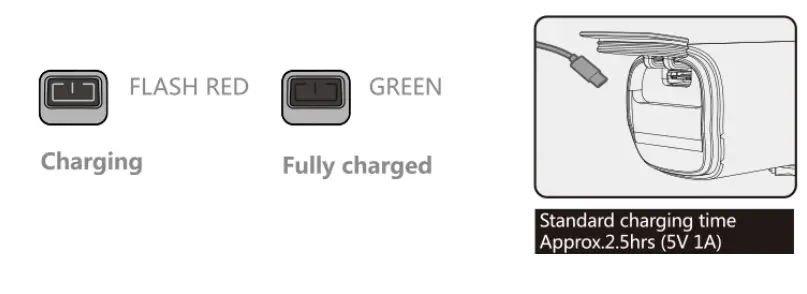
WHAT’S IN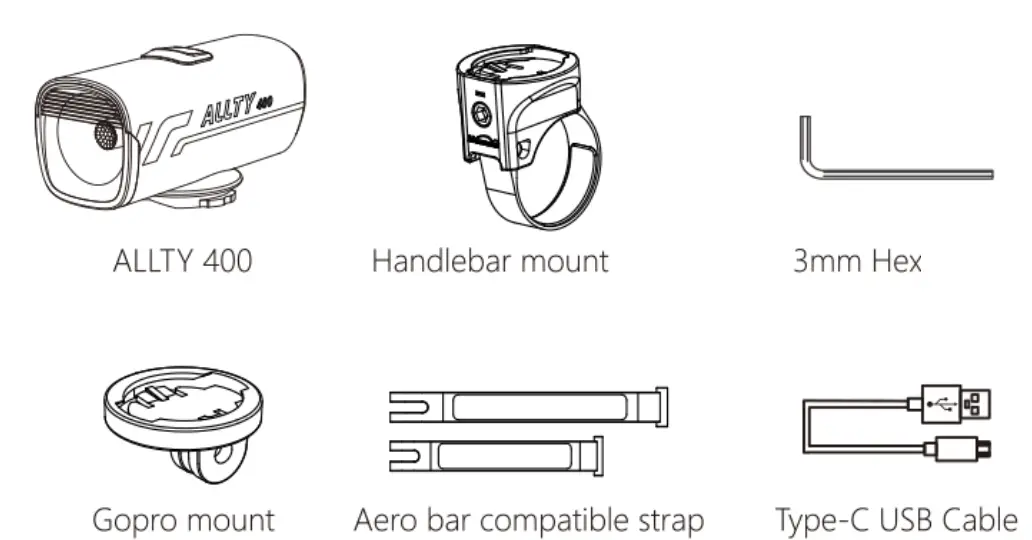
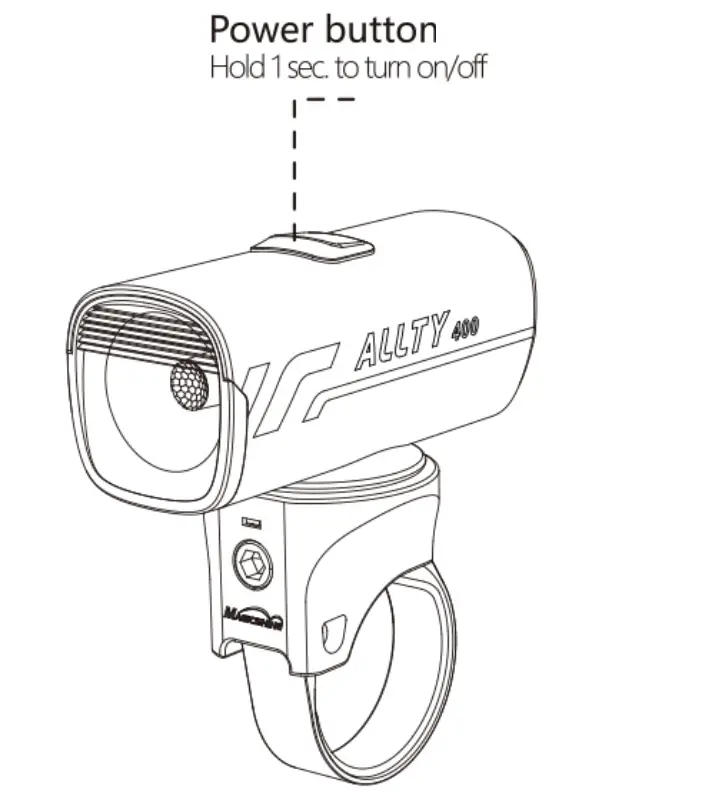
HOW TO INSTALL 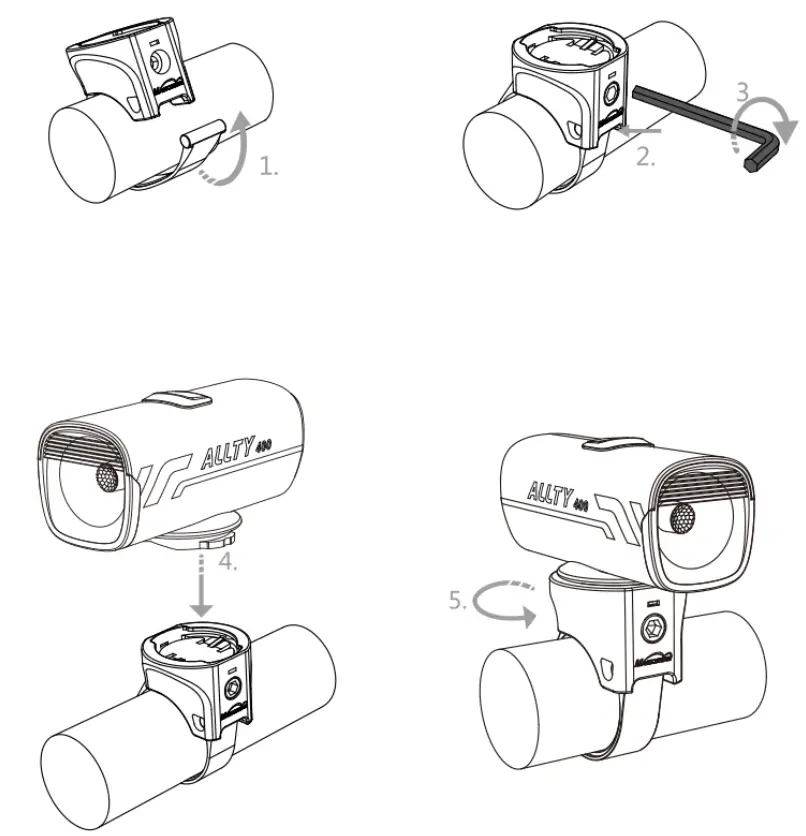
SWITCHING THE LIGHTING MODE
When you turn the light on, it lights up in the last lighting mode you used. (Mode memory function)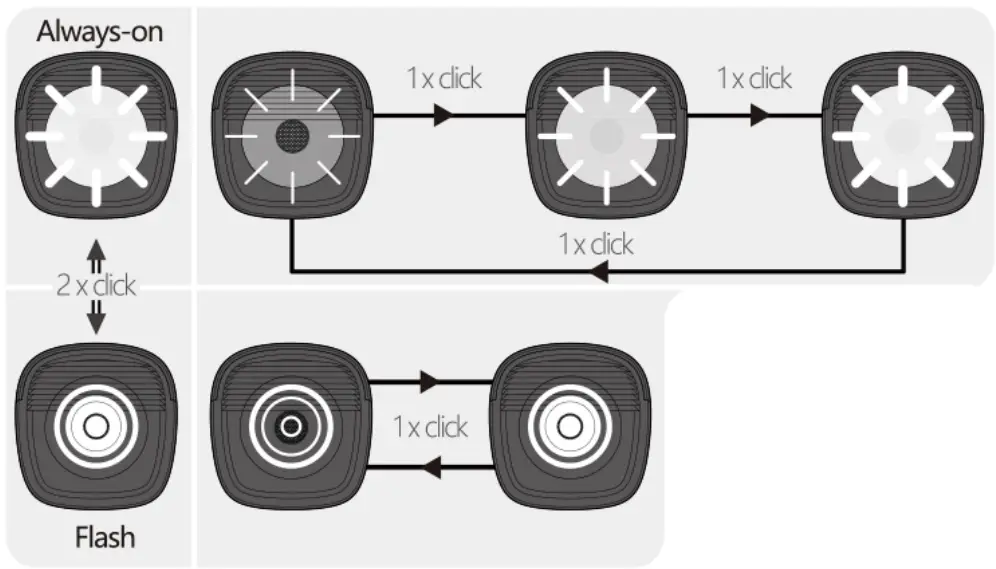
OPTIONAL PARTS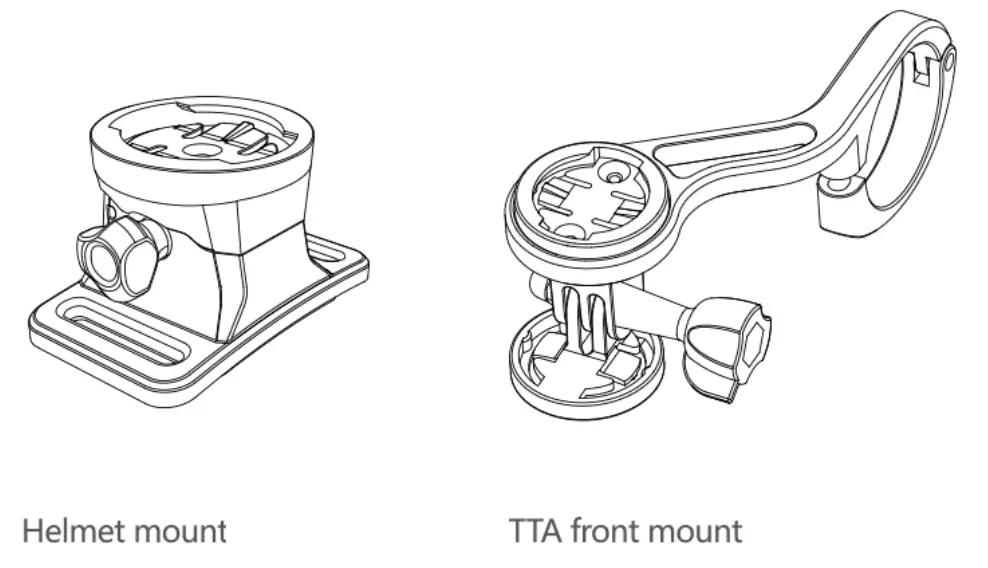
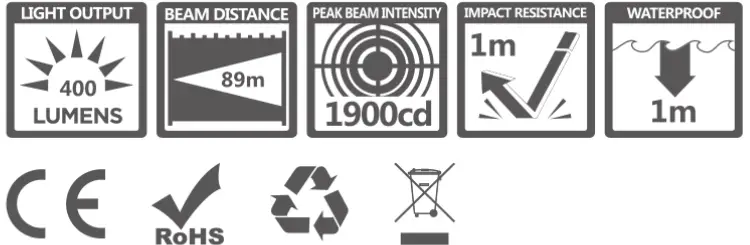
LUMENS/RUN TIME
| MODE | LOW | MID | HIGH | FLASH 1 | FLASH 2 |
LUMENS | 150 | 300 | 600 | 0-200 | 0-300 |
h: min | 05:30 | 02:50 | 01:30 | 6:00 | 4:30 |
SPECIFICATION
ANSI FL 1 STANDARD