

Mickey Mouse Café
© Disney
www.disney.com
91-003980-000
INTRODUCTION
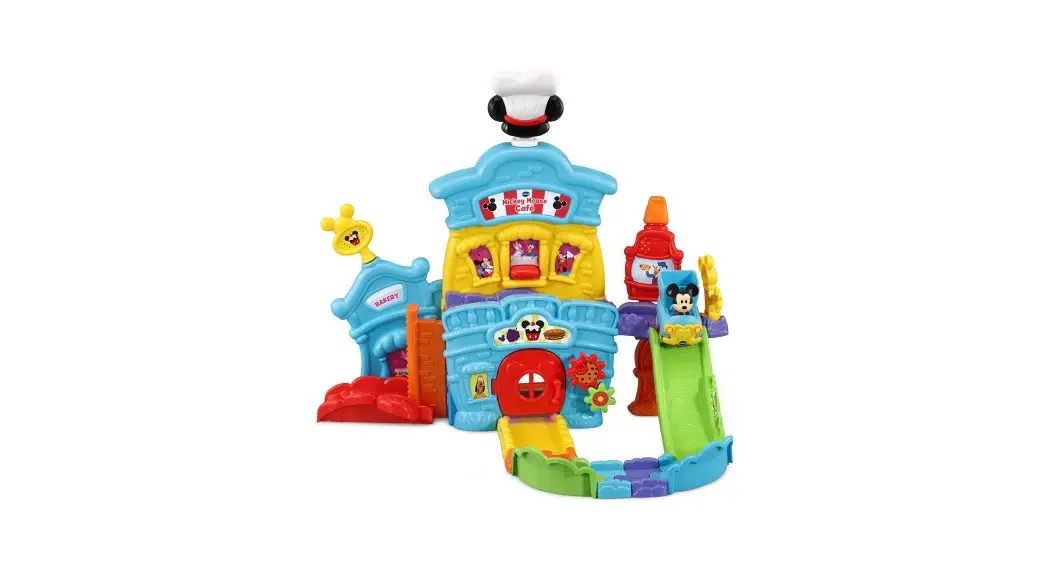
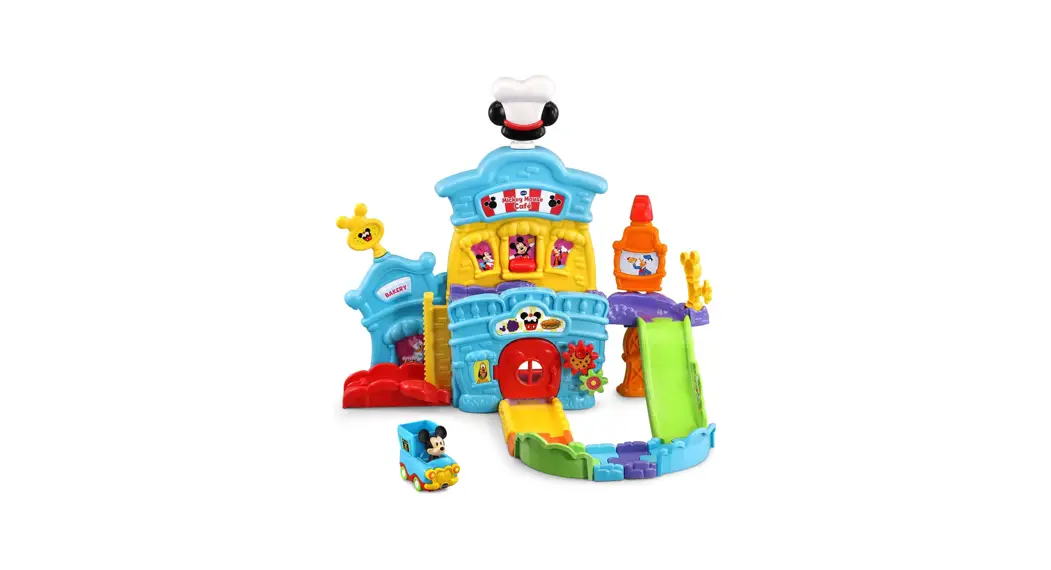
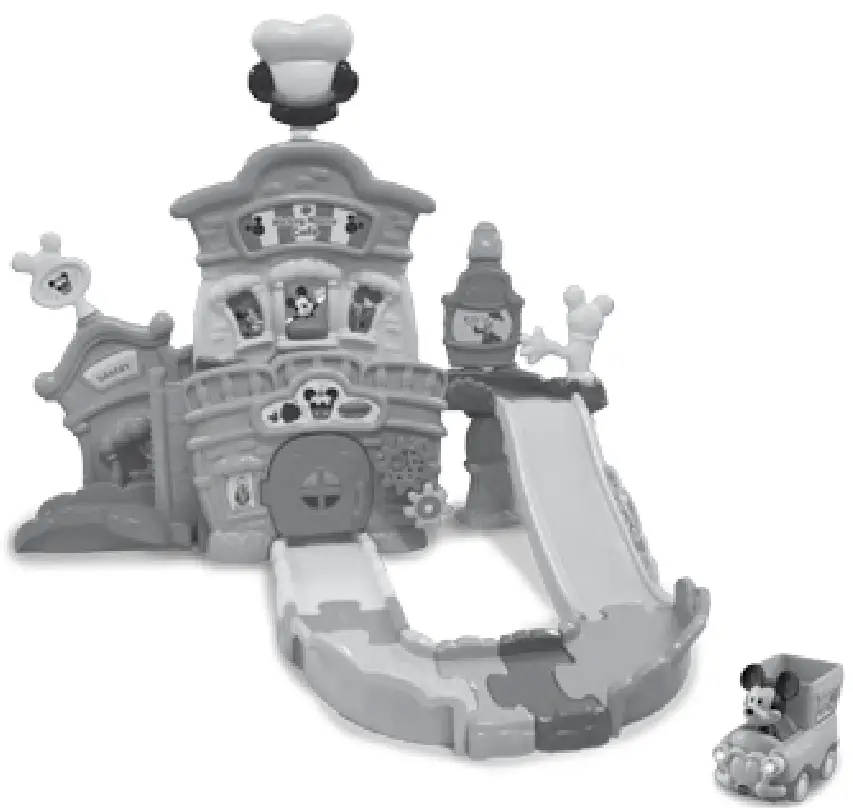
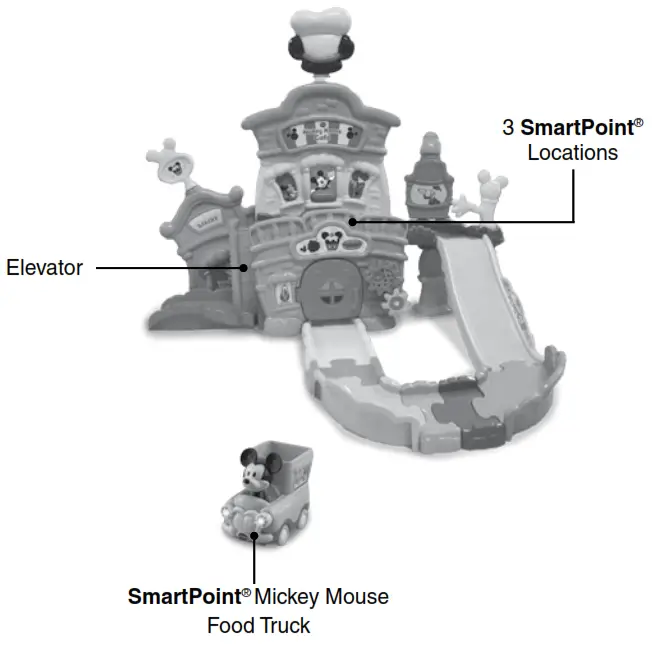
Thank you for purchasing the Go! Go! Smart Wheels ® – Disney Mickey Mouse Café. Take Mickey Mouse and the Food Truck on a ride to pick up food and make deliveries, triggering the three SmartPoint ® locations along the way. Plus, turn the chef’s hat, spin the gears, open and close the door and windows, and move the elevator up and down
for even more sensory play.
INCLUDED IN THE PACKAGE
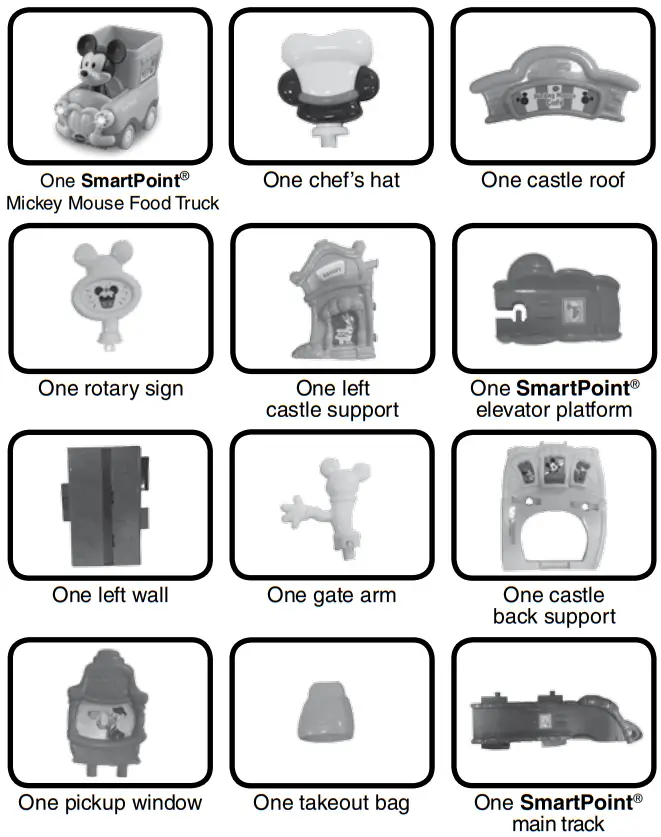
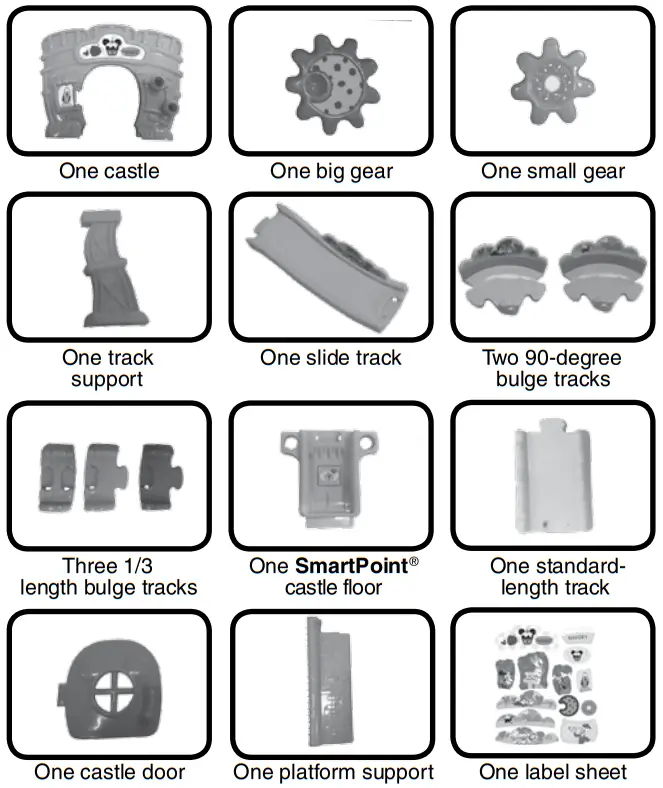
• One Quick Start Guide
WARNING
All packing materials such as tape, plastic sheets, packaging locks, removable tags, cable ties, cords, and packaging screws are not part of this toy and should be discarded for your child’s safety.
NOTE
Please save this Instruction Manual as it contains important information.
Adult assembly required.
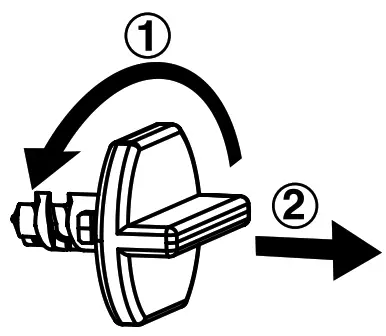
Unlock the Packaging Locks
- Turn the packaging locks counterclockwise several times.
- Pull out the packaging locks and discard them.
GETTING STARTED
Battery Removal and Installation Food Truck
- Make sure the unit is turned Off.
- Find the battery cover located on the bottom of the unit, use a coin or screwdriver to loosen the screw and then open the battery cover.
- Remove old batteries by pulling up on one end of each battery.

- Install 2 new AAA (AM-4/LR03) batteries following the diagram inside the battery box. (For best performance, alkaline batteries or fully charged Ni-MH rechargeable batteries are recommended).
- Replace the battery cover and tighten the screw to secure.
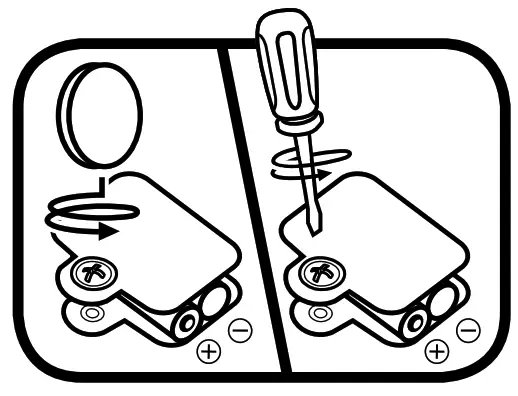
 WARNING:
Adult assembly is required for battery installation.
Keep batteries out of reach of children.
IMPORTANT: BATTERY INFORMATION
- Insert batteries with the correct polarity (+ and -).
- Do not mix old and new batteries.
- Do not mix alkaline, standard (carbon-zinc) or rechargeable batteries.
- Only batteries of the same or equivalent type as recommended are to be used.
- Do not short-circuit the supply terminals.
- Remove batteries during long periods of non-use.
- Remove exhausted batteries from the toy.
- Dispose of batteries safely. Do not dispose of batteries in fire.
RECHARGEABLE BATTERIES
- Remove rechargeable batteries from the toy before charging.
- Rechargeable batteries are only to be charged under adult supervision.
- Do not charge non-rechargeable batteries.
LABEL APPLICATION
Please securely stick the labels to the playset as indicated below:
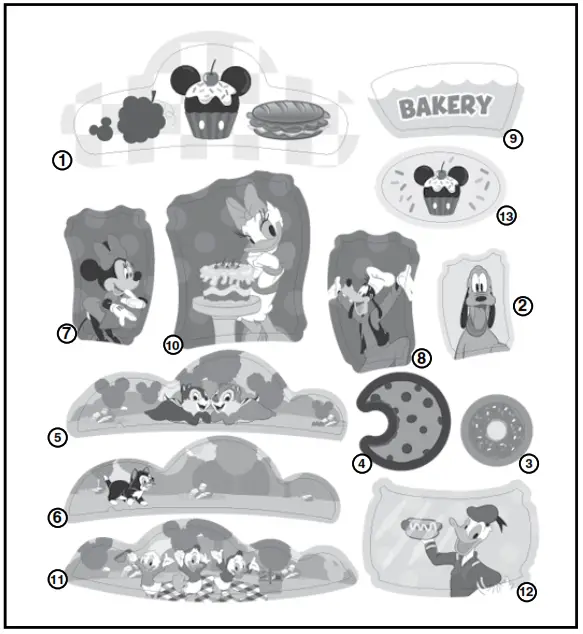
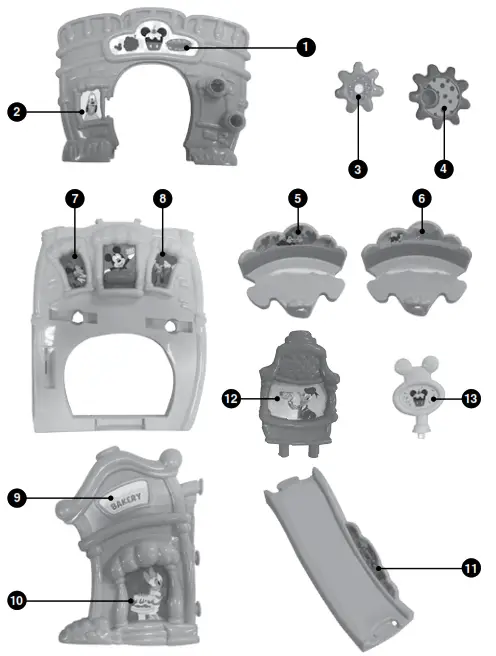
ASSEMBLY INSTRUCTIONS
Mickey Mouse Café
With the Go! Go! Smart Wheels ® – Disney Mickey Mouse Café, safety comes first. To ensure your child’s safety, adult assembly is required.
- Attach the Castle Door onto the front wall of the Castle. Then, attach both the Big Gear and the Small Gear onto the right side of the front wall. A click sound will indicate the pieces are secure.
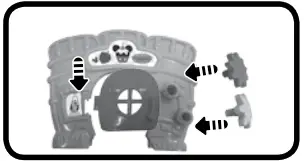
- Attach the SmartPoint ® Main Track into the slots on the front side of the Castle Back Support. A click sound will indicate the pieces are secure.

- Set the Castle Back Support on its side. Insert the Left Wall into the slot on the left side of the Castle Back Support, beneath the SmartPoint ® Main Track.
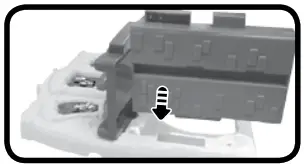
- Turn the structure upright again and attach the Track Support beneath the right side of the SmartPoint ® Main Track.

- Connect the pegs on the Left Wall and the SmartPoint ® Main Track to the slots on the back of the Castle.
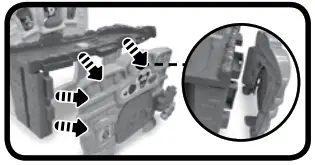
- Connect the SmartPoint ® Castle Floor under the structure.

- Attach the Platform Support to the Left Wall.

- Attach the Left Castle Support to the Castle Back Support.

- Attach the Castle Roof to the top of the Castle Back Support.
- Connect the SmartPoint ® Elevator Platform to the bottom of the Platform Support.
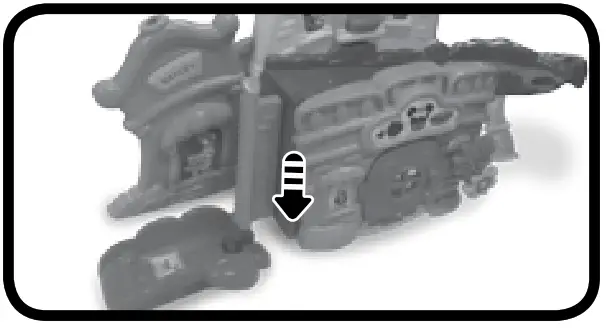
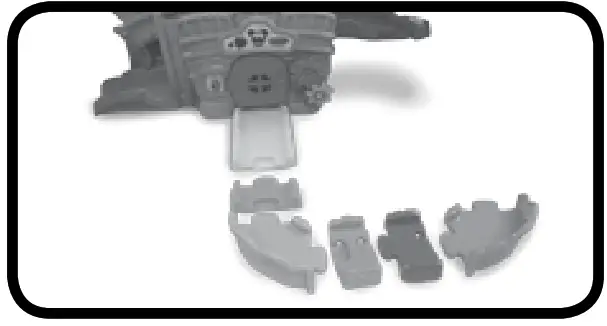
- Connect the Standard-Length Track to the front of the SmartPoint ® Castle Floor.

- Link the other tracks to the Standard-Length Track in the following order: 1/3 Length Bulge Track, 90-Degree Bulge Track, two 1/3 Length Bulge Tracks, 90-Degree Bulge Track.

- Use the Slide Track to link the SmartPoint ® Main Track to the second level with the 90 Degree Bulge Track on the first level.
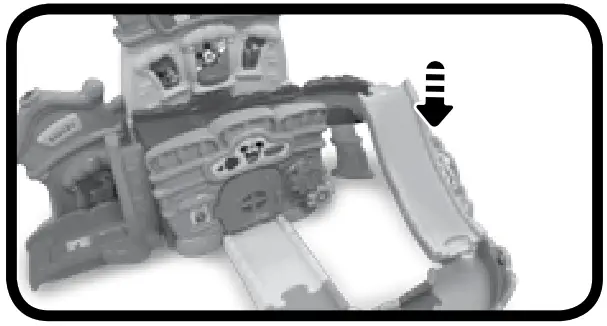
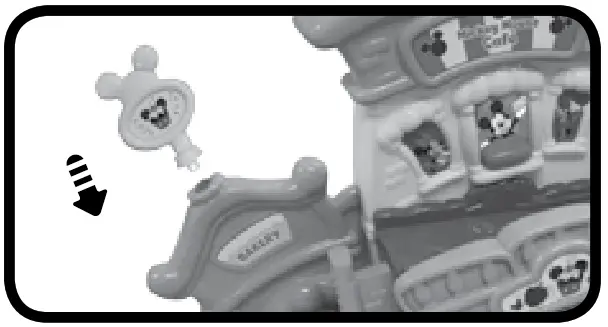
- Insert the Rotary Sign into the top of the Left Castle Support.

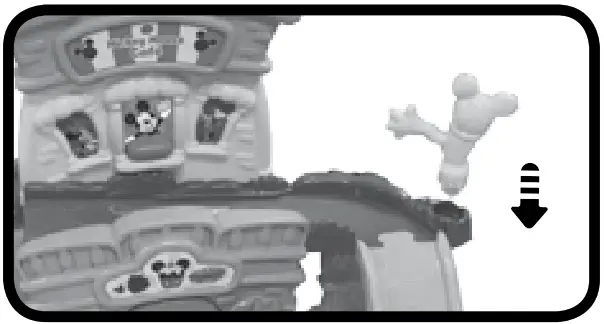
- Attach the Gate Arm to the right side of the SmartPoint ® Main Track. A click sound will indicate the pieces are secure.

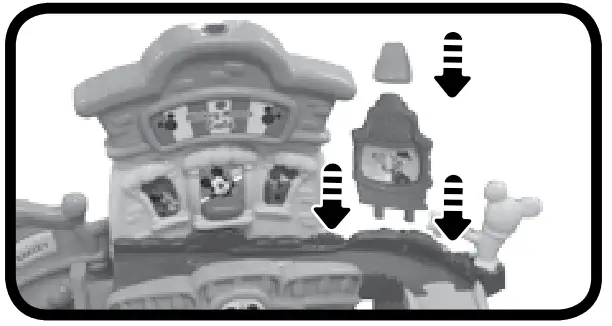
- Attach the Pickup Window next to the Gate Arm and attach the Takeout Bag to the top of the Pickup Window.

- Insert the Chef’s Hat into the top of the Castle Roof.
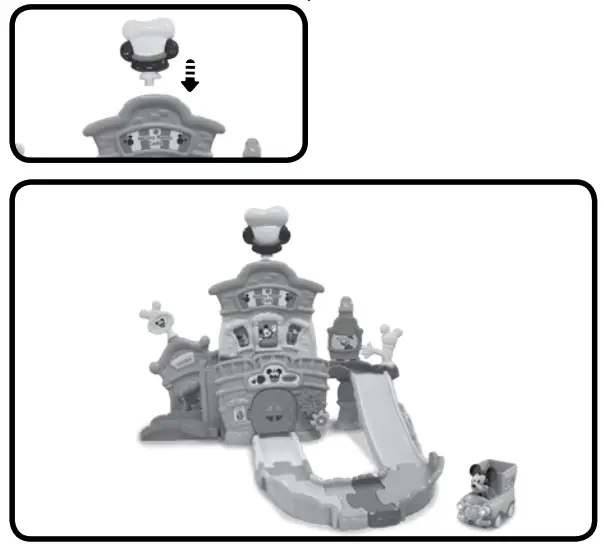
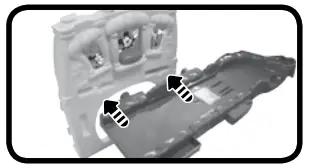
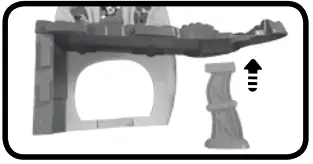
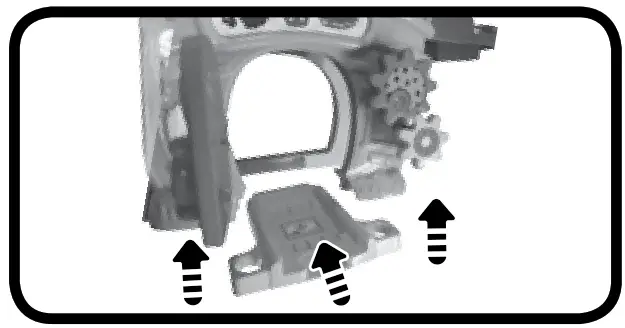
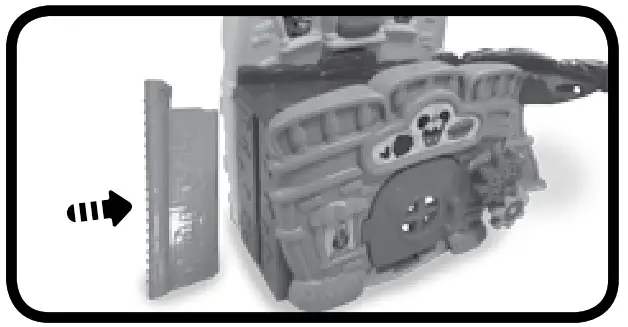
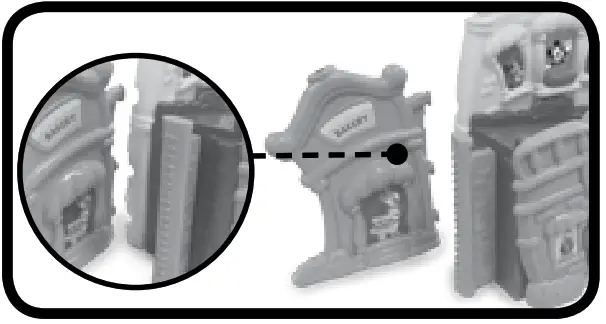
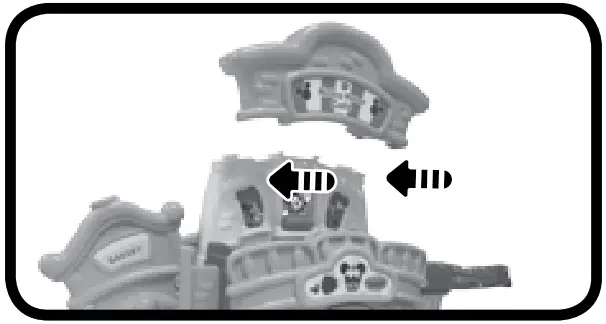
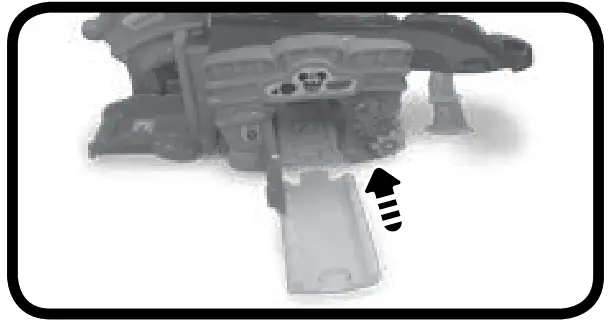
Once you’ve completed the above steps, you are ready to play! You can connect these pieces to other Go! Go! Smart Wheels® playsets and tracks (each sold separately).
PRODUCT FEATURES
Mickey Mouse Food Truck
- On/Off Switch
To turn the Food Truck On, slide the On/Off Switch to the On position.
To turn the Food Truck Off, slide the On/Off Switch to the Off♥position.
- Automatic Shut-Off
To preserve battery life, the Food The truck will automatically power down after approximately 60 seconds without input. The unit can be turned on again by pressing Mickey Mouse, pushing the Food Truck quickly or triggering a SmartPoint ® location.
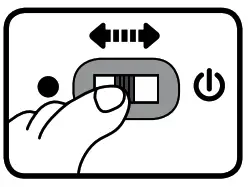
Note: This product is in Try-Me mode in the packaging. After opening the package, turn the Food Truck Off and On again to proceed with normal play. If the unit powers down while playing, we suggest changing the batteries.
ACTIVITIES
Food Truck
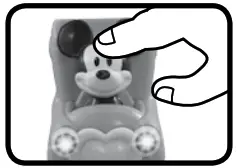
- Character Button
Press Mickey Mouse to hear fun phrases, songs, sounds and melodies. The lights will flash with sounds.
- Sounds and Melodies
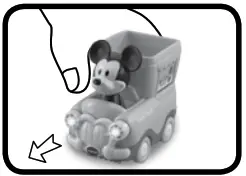
Push the Food Truck to hear fun sounds and phrases. While a melody is playing, continue pushing the Food Truck to add in fun sounds on top of the melody. The lights ill
flash with sounds.
- SmartPoint ® Locations
For added fun, the Food Truck interacts with the Go! Go! Smart Wheels ® – Disney Mickey Mouse Café. Simply place the Food Truck on one of the playset’s three SmartPoint ® locations to see the Food Truck lights flash and hear fun sounds, short tunes and phrases. The Food Truck even interacts with other Go! Go! Smart Wheels ® playsets (sold separately).
Mickey Mouse Café
- Elevator
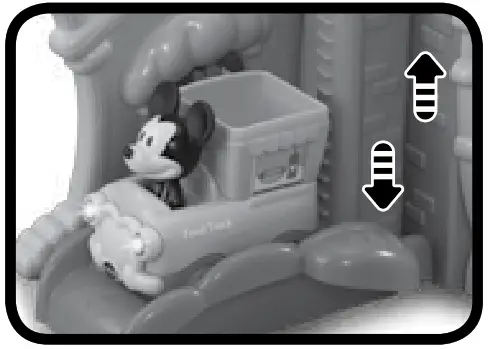
Put the Food Truck on the SmartPoint ® Elevator Platform and then move the Elevator up and down.
- Gate
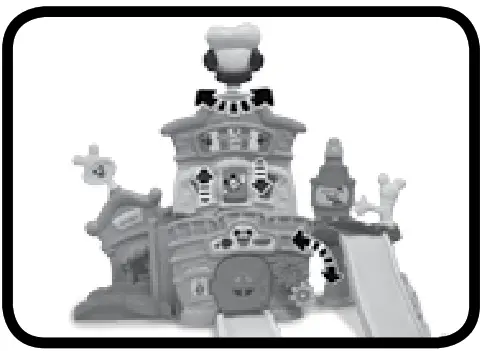
Turn the Gate Arm on the second floor to send the Food Truck down the Slide Track.
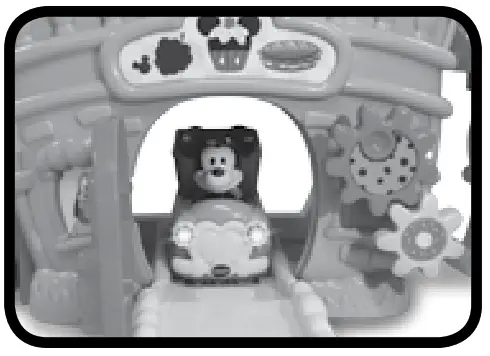
- Castle Door
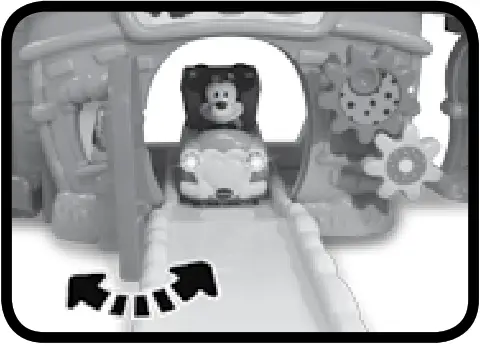
Open the Castle Door and push the Food Truck through the tunnel for role-play fun.
- Motor Skills
Turn the Big and Small Gears on the Castle, open and close the windows to see Mickey Mouse and friends, or twist the Rotary Sign and Chef’s Hat on the top of the Castle for more tactile stimulation.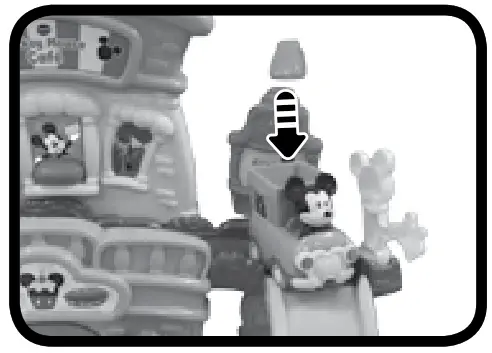
- Pickup Window
Remove the Takeout Bag from the top of the Pickup Window and place it in the bed of the Food Truck formore pretend play.
SONG LYRICS
Song 1
Load up my truck, all the food is to go There’s no time to waste, so let’s hit the road Delivering smiles and saying hello To all the friends we meet as we go!
Song 2
Hey there, are you hungry?
I can cook you up something!
Song 3
My food truck is on the way, On the way, on the way
My food truck is on the way, Delivering meals today
MELODY LIST
- Looby Loo
- Do You Know the Muffin Man?
- Pat-a-Cake
- Dill Pickles Rag
- Diddle, Diddle, Dumpling, My Son John
- Hot Cross Buns
CARE & MAINTENANCE
- Keep the unit clean by wiping it with a slightly damp cloth.
- Keep the unit out of direct sunlight and away from any direct heat sources.
- Remove the batteries when the unit will not be in use for an extended period of time.
- Do not drop the unit on hard surfaces and do not expose the unit to moisture or water.
TROUBLESHOOTING
If for some reason the unit stops working, please follow these steps:
- Please turn the unit Off.
- Interrupt the power supply by removing the batteries.
- Let the unit sit for a few minutes, then replace the batteries.
- Turn the unit On. The unit should now be ready to play again.
- If the product still does not work, replace with an entire set of new batteries.
IMPORTANT NOTE:
If the problem persists, please call our Consumer Services Department at 1-800-521-2010 in the U.S., 1-877-352-8697 in Canada, or by going to our website vtechkids.com and filling out our Contact Us form located under the Customer Support link. Creating and developing VTech products is accompanied by a responsibility that we take very seriously. We make every effort to ensure the accuracy of the information, which forms the value of our products. However, errors sometimes can occur. It is important for you to know that we stand behind our products and encourage you to contact us with any problems and/or suggestions you might have. A service representative will be happy to help you.
Note
This equipment has been tested and found to comply with the limits for a Class B digital device, pursuant to Part 15 of the FCC Rules. These limits are designed to provide reasonable protection against harmful interference in a residential installation. This equipment generates, uses and can radiate radio frequency energy and, if not installed and used in accordance with the instructions, may cause harmful interference to radio communications. However, there is no guarantee that interference will not occur in a particular installation. If this equipment does cause harmful interference to radio or television reception, which can be determined by turning the equipment off and on, the user is encouraged to try to correct the interference by one or more of the following measures:
- Reorient or relocate the receiving antenna.
- Increase the separation between the equipment and receiver.
- Connect the equipment into an outlet on a circuit different from that to which the receiver is connected.
- Consult the dealer or an experienced radio/TV technician for help.
Caution: Changes or modifications not expressly approved by the party responsible for compliance could void the user’s authority to operate the equipment.
Supplier’s Declaration of Conformity
47 CFR § 2.1077 Compliance Information
| Trade Name: | VTech ® |
| Model: | 5439 |
| Product Name: | Go! Go! Smart Wheels ® Disney Mickey Mouse Café |
| Responsible Party: | VTech Electronics North America, L.L.C. |
| Address: | 1156 W. Shure Drive, Suite 200, Arlington Heights, IL 60004 |
| Website: | vtechkids.com |
THIS DEVICE COMPLIES WITH PART 15 OF THE FCC RULES. OPERATION IS SUBJECT TO THE FOLLOWING TWO CONDITIONS: (1) THIS DEVICE MAY NOT CAUSE HARMFUL INTERFERENCE, AND (2) THIS DEVICE MUST ACCEPT ANY INTERFERENCE RECEIVED, INCLUDING INTERFERENCE THAT MAY CAUSE UNDESIRED OPERATION. CAN ICES-003(B)/NMB-003(B)
Visit our website for more
information about our products,
downloads, resources and more.
vtechkids.com
vtechkids.ca
Read our complete warranty policy online at
vtechkids.com/warranty
vtechkids.ca/warranty
TM & © 2021 VTech Holdings Limited.
All rights reserved.
Printed in China.
91-003980-000
References
 VTech Canada | Official Electronic Learning Toys & Games for Kids
-
VTech Canada | Official Electronic Learning Toys & Games for Kids
-
Best Kids Tech Toys | Electronic Learning Toys | VTech America
-
Best Kids Tech Toys | Electronic Learning Toys | VTech America
 Disney.com | The official home for all things Disney
 VTech Canada | Official Electronic Learning Toys & Games for Kids
 Best Kids Tech Toys | Electronic Learning Toys | VTech America
 Disney.com | The official home for all things Disney