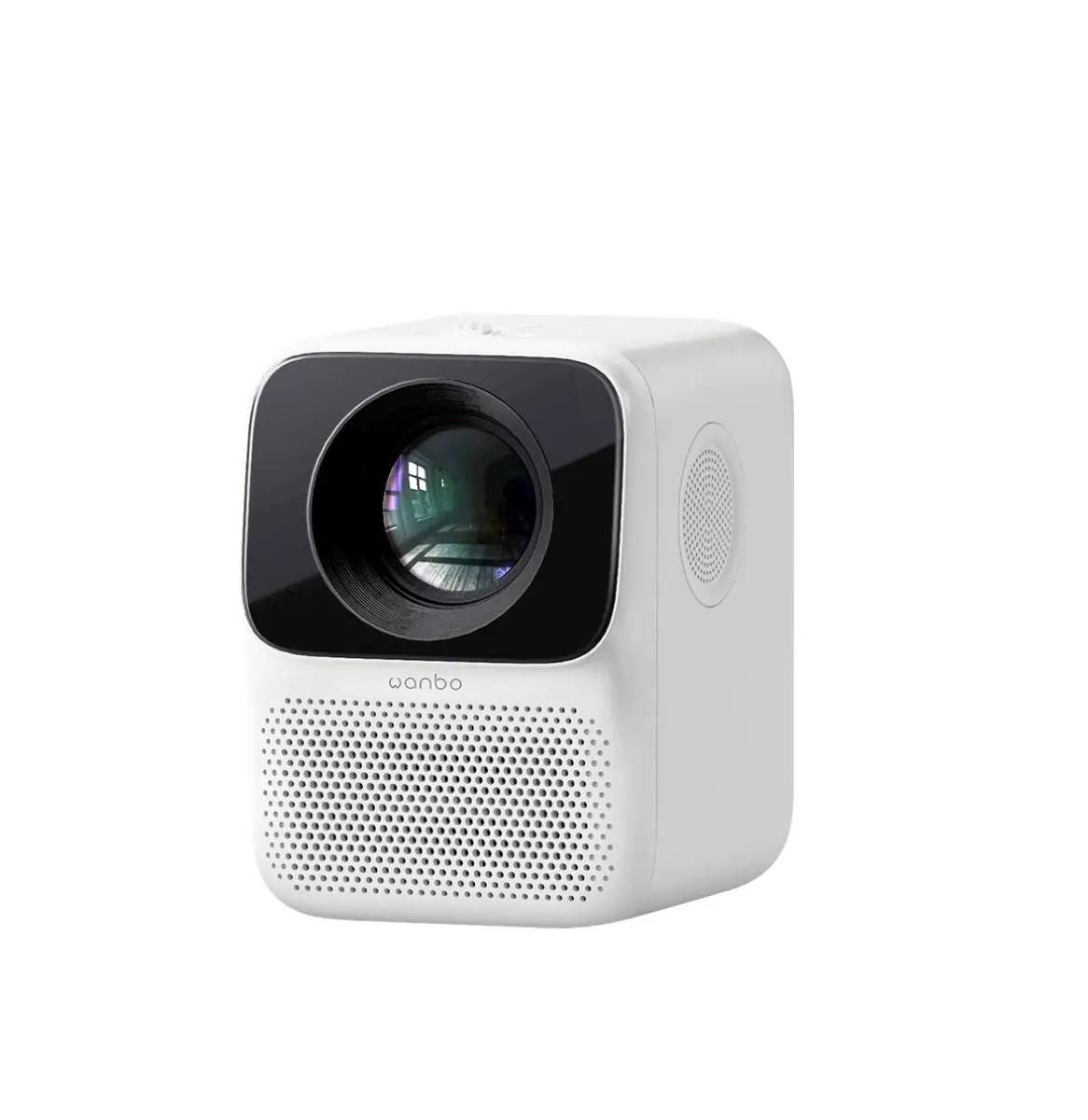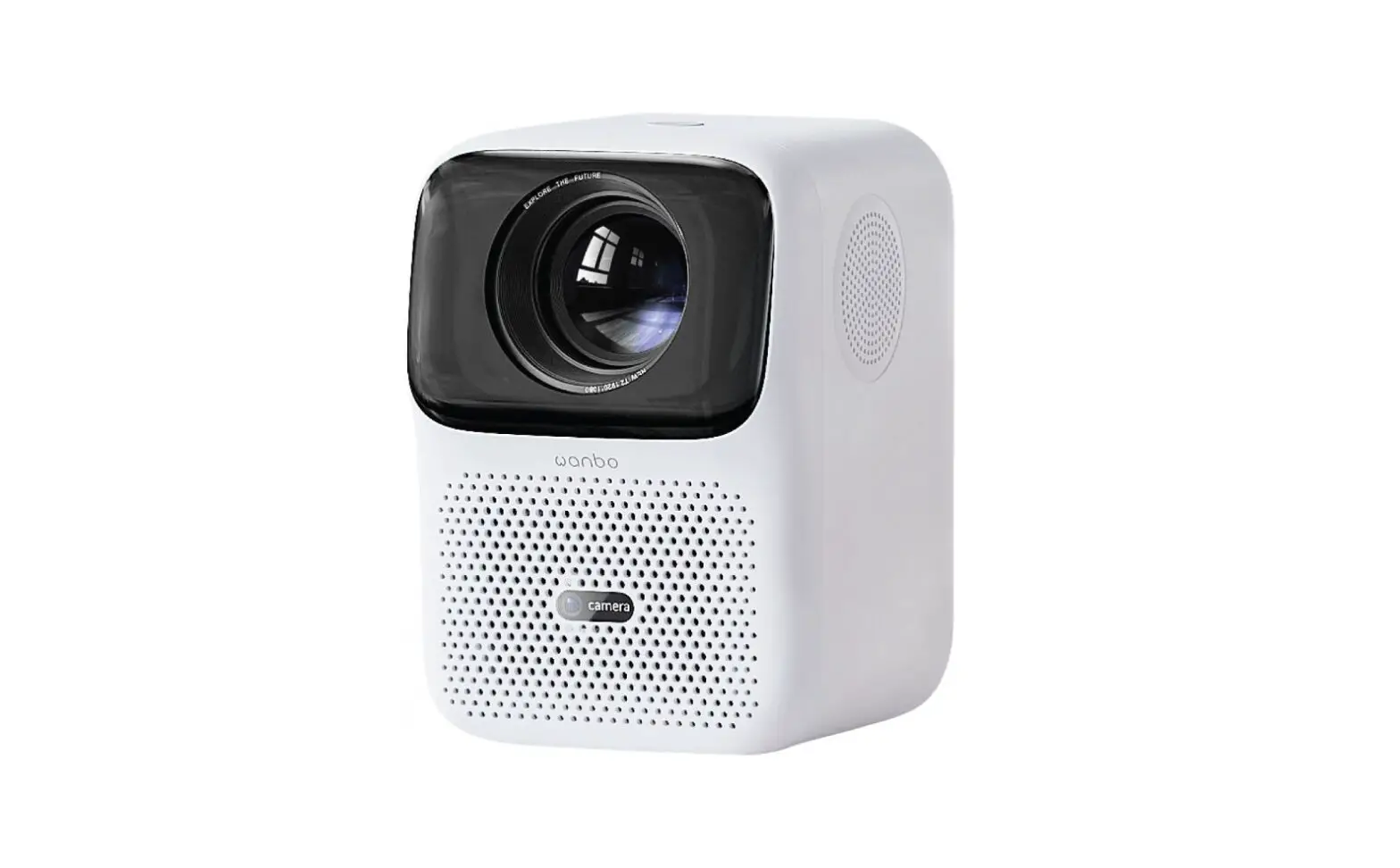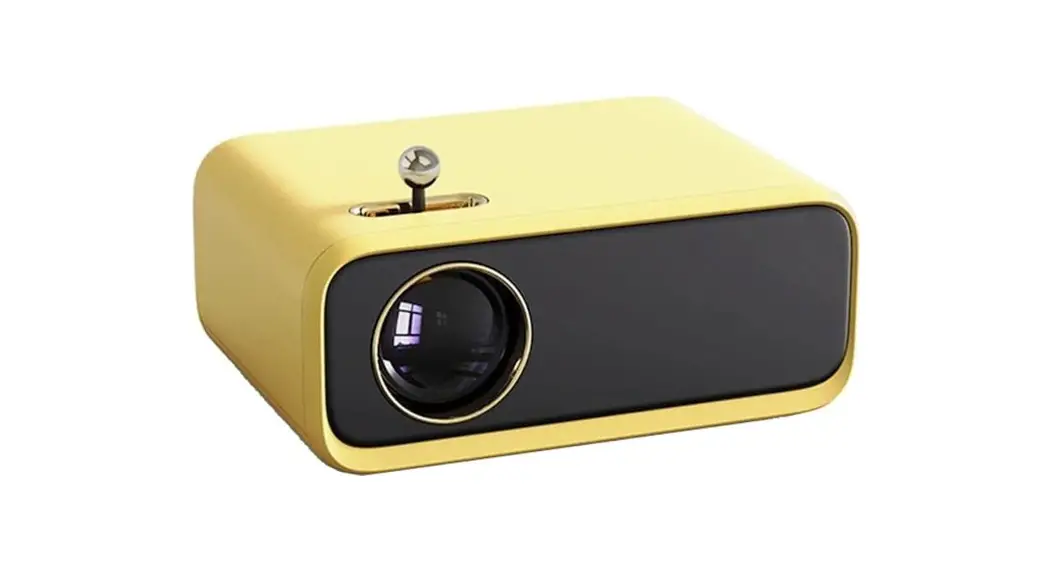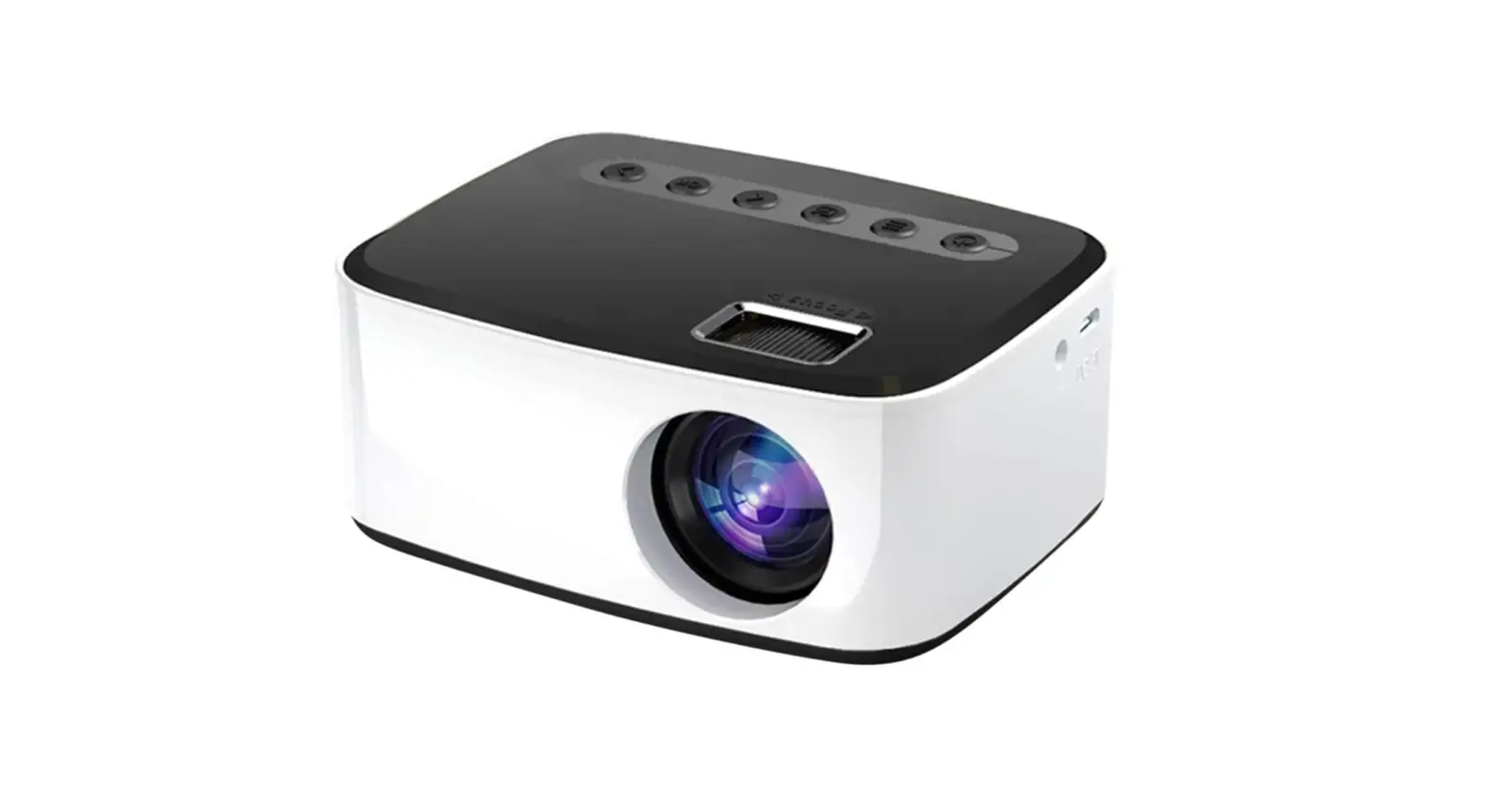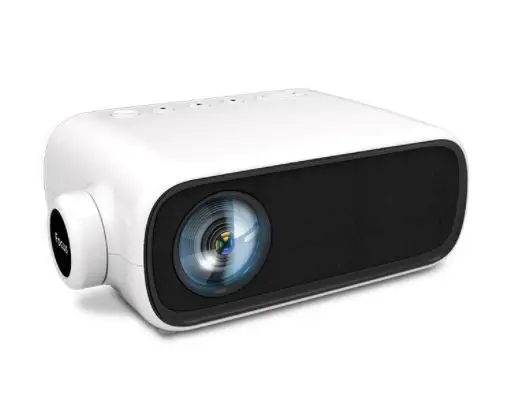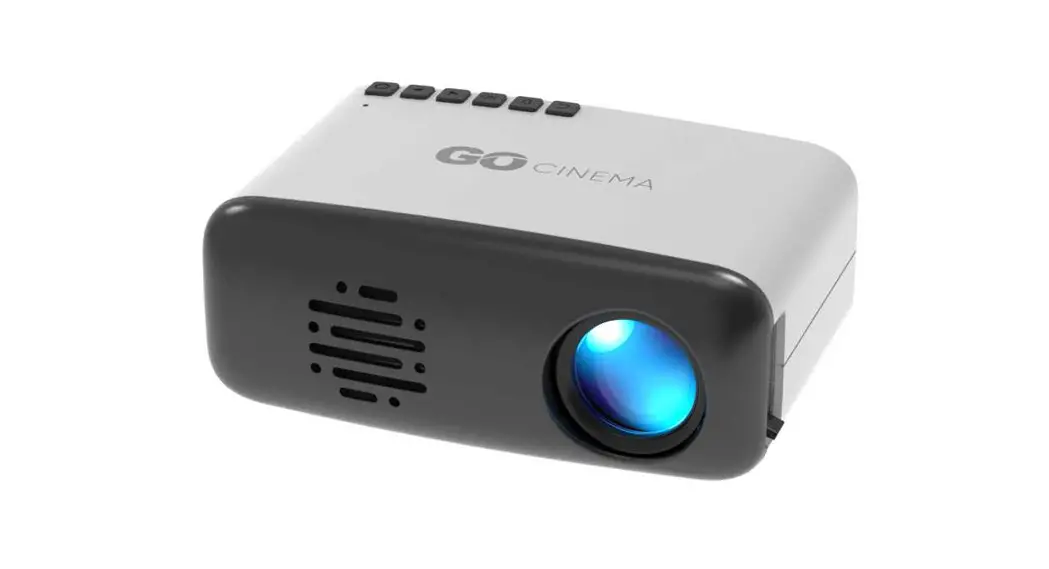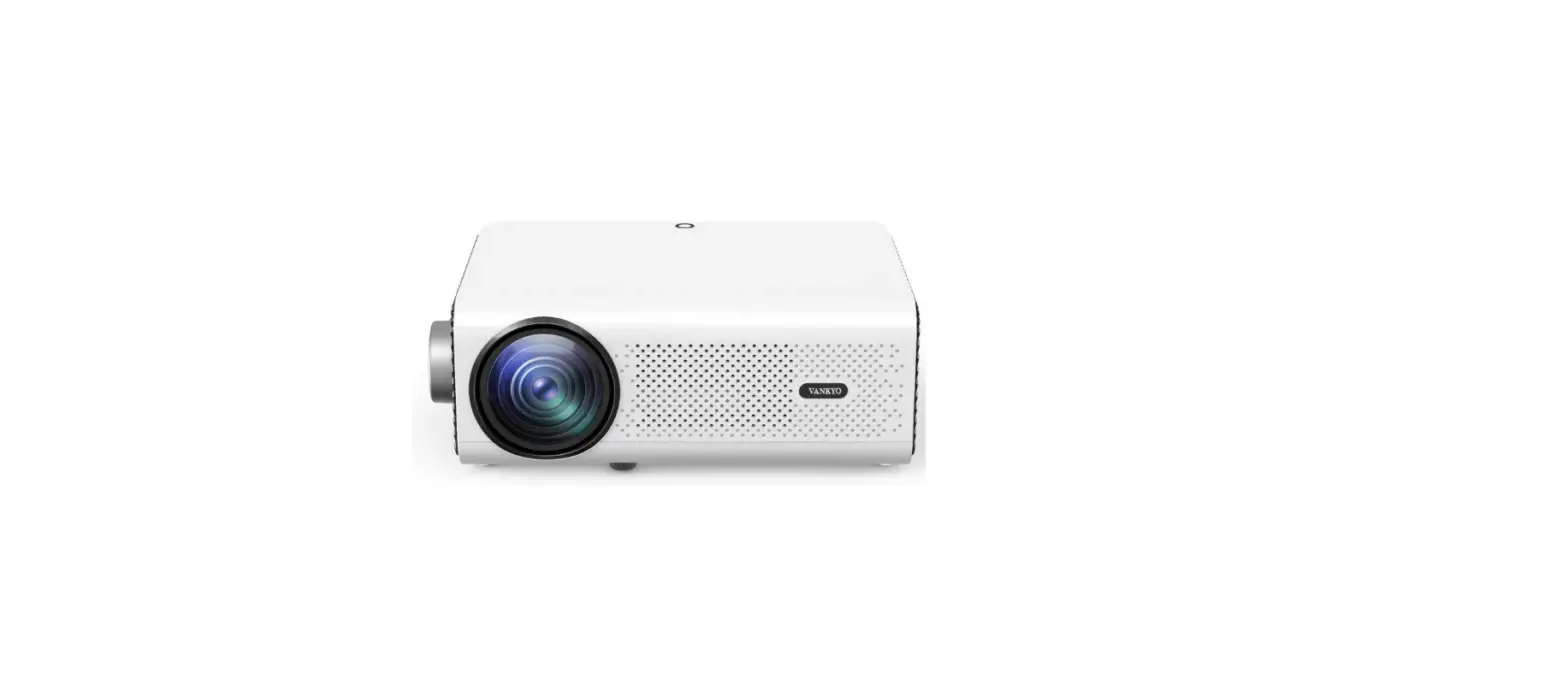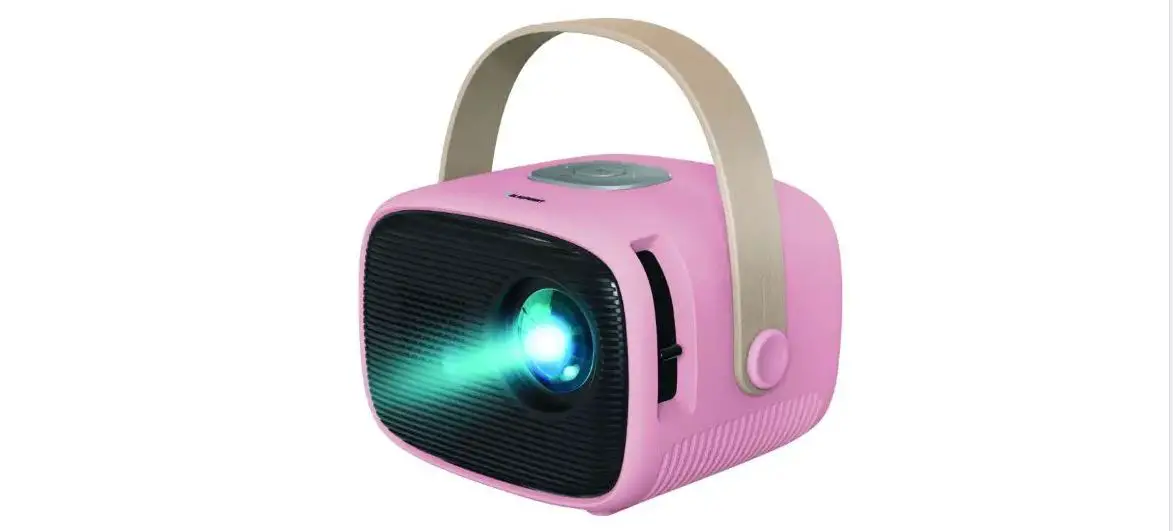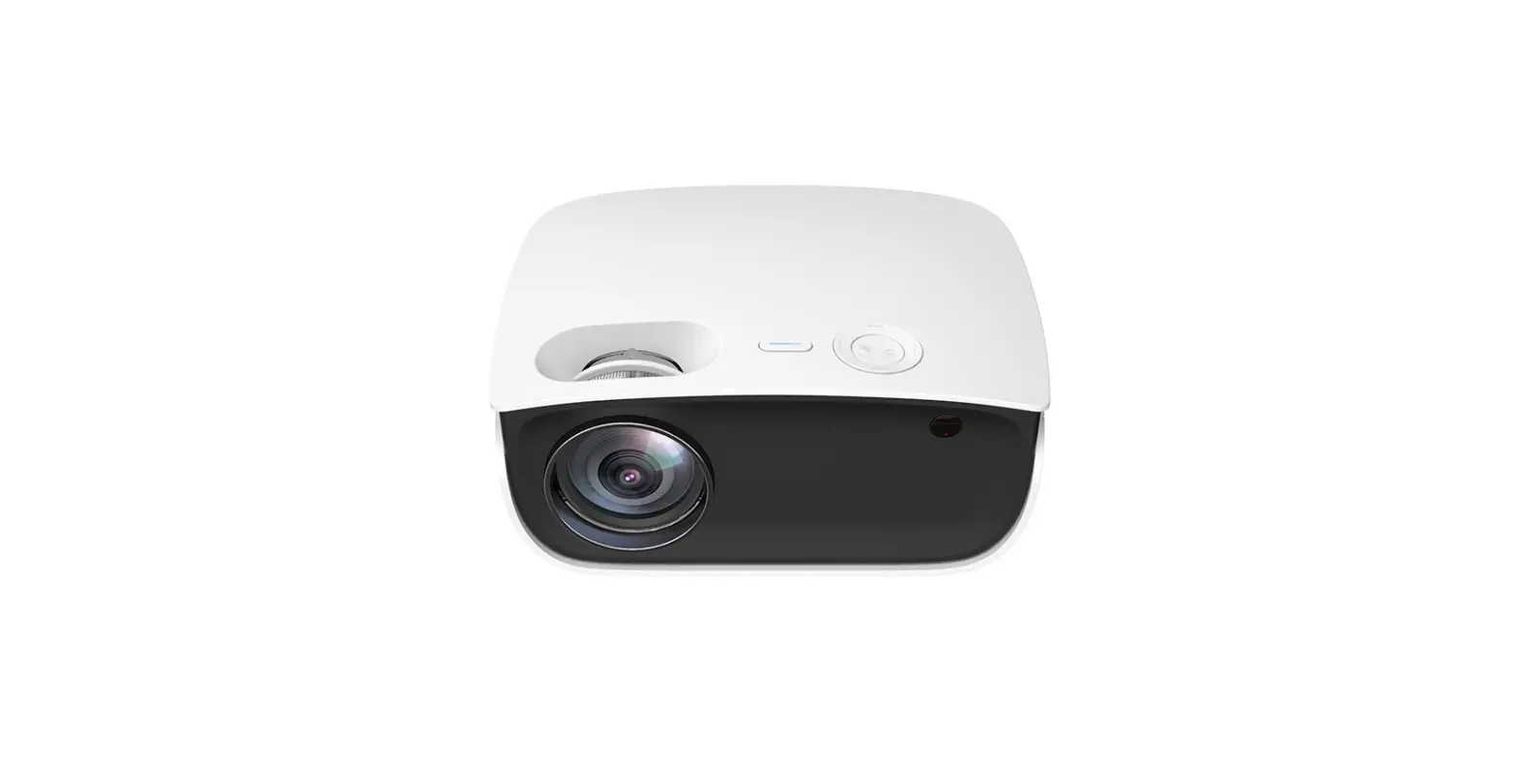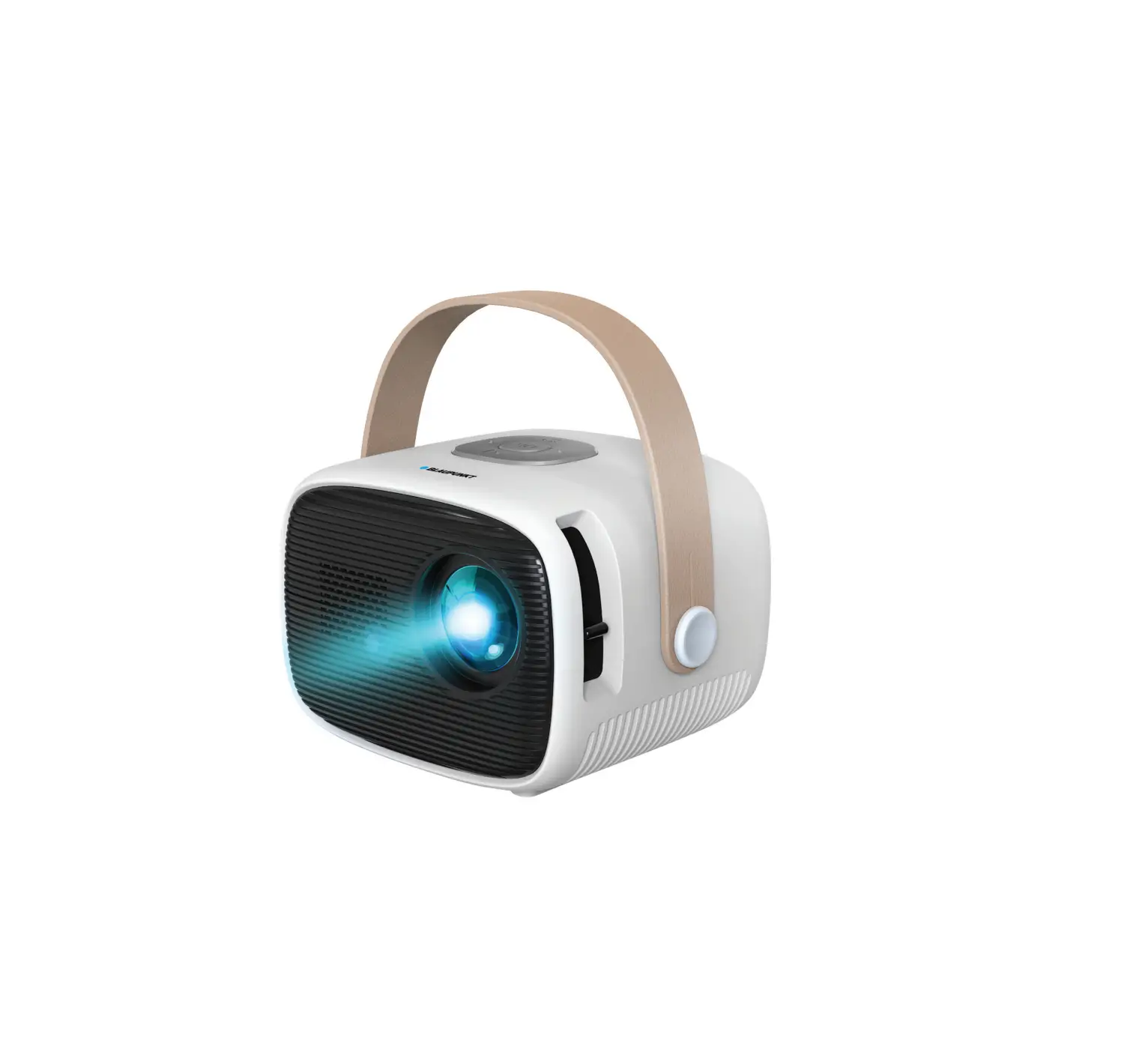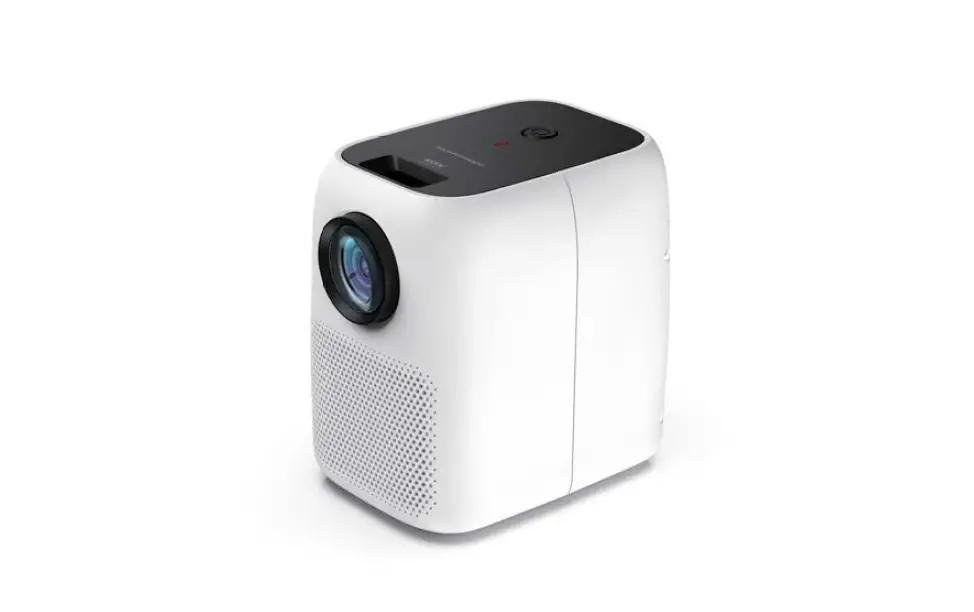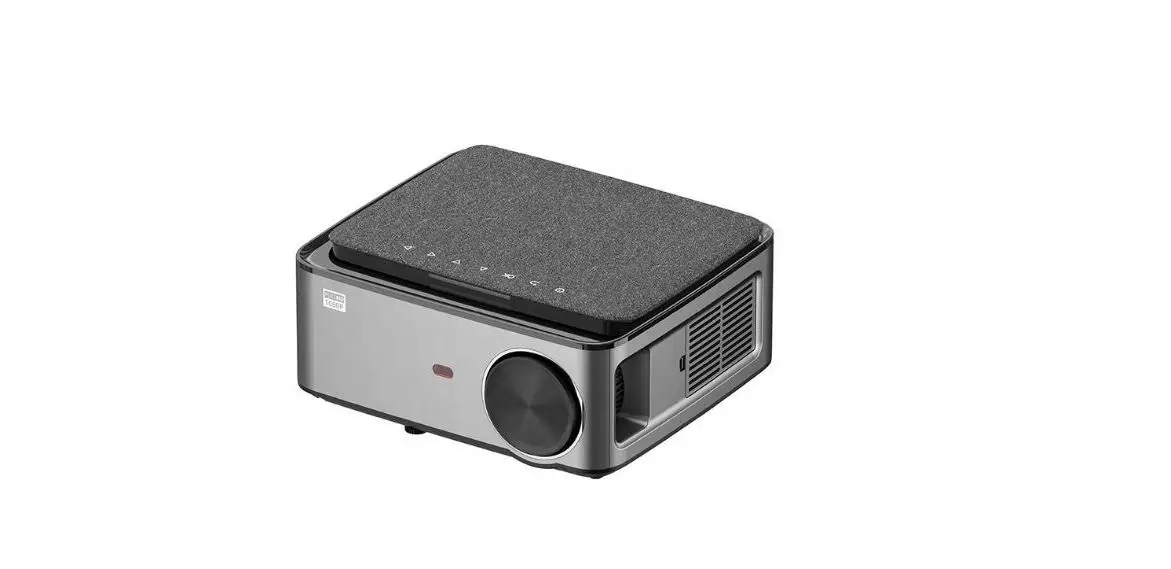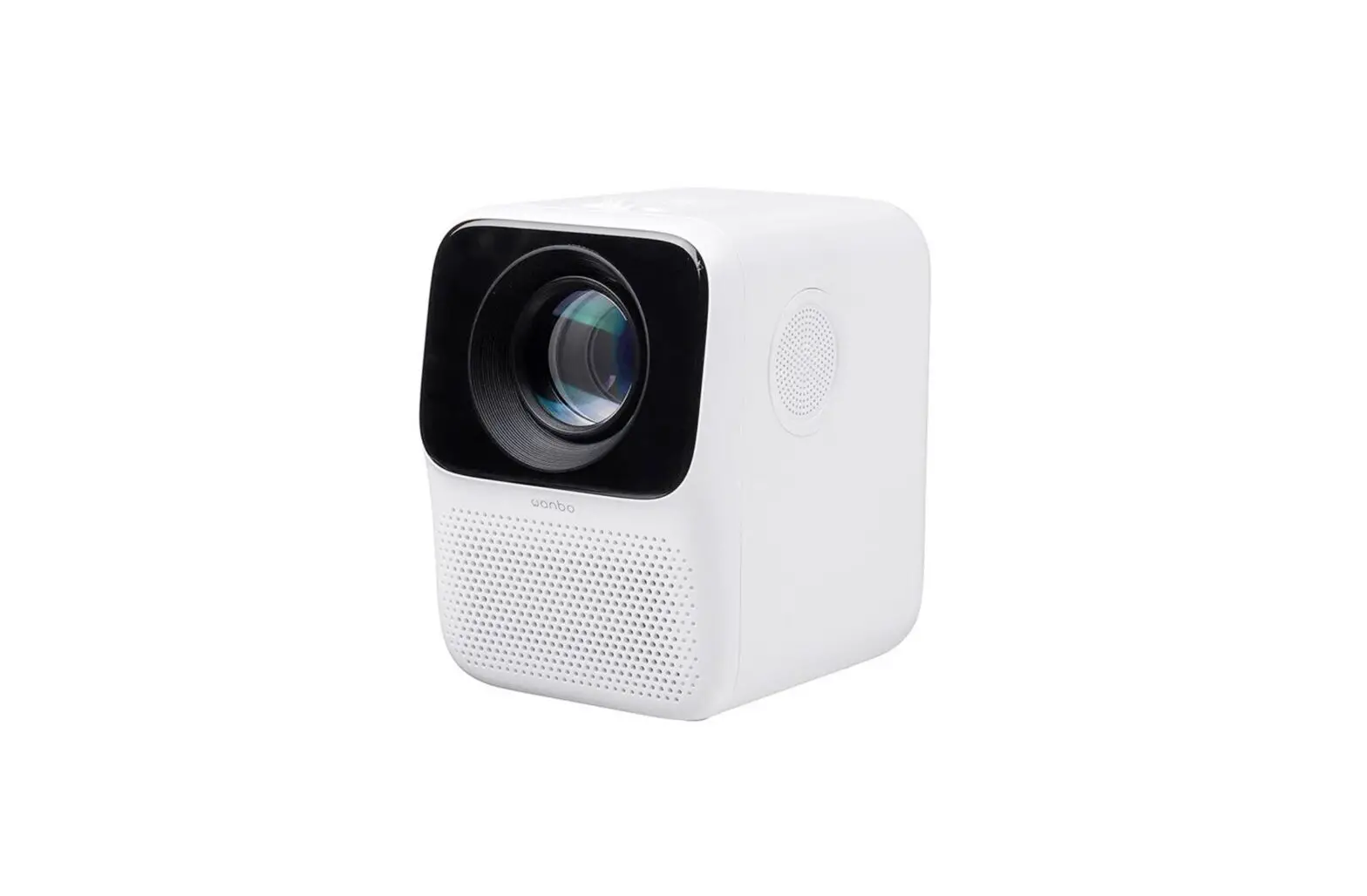
wanbo T2 Max 1080P Mini LED Projector Instruction Manual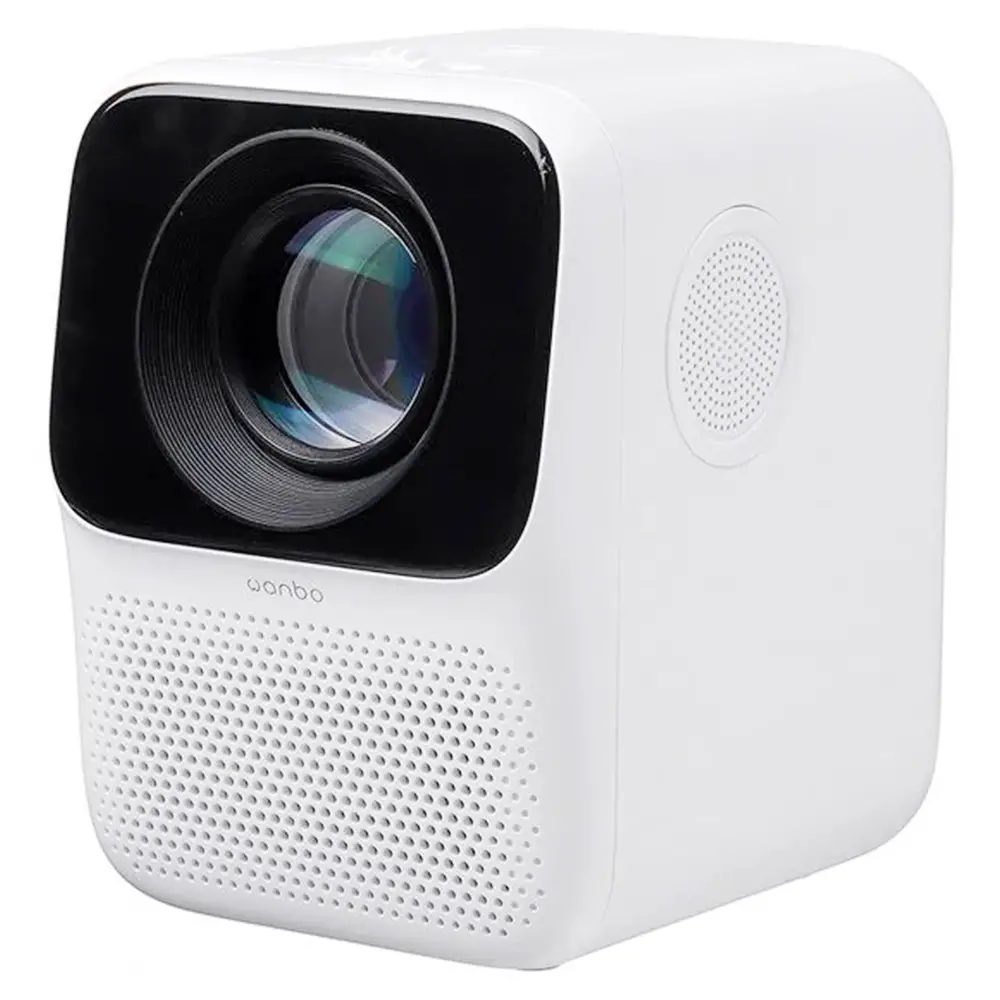
Before using this product, please read this product manual carefully
Thank you for purchasing our products. For your safety and benefit, please read this product manual carefully before using the product. If you fail to follow the product instructions or precautions, and cause any personal injury. property or other losses, the company will not bear any responsibility.
Packing List
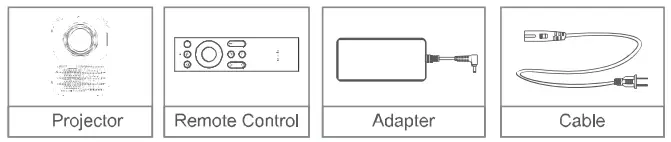
Note: Some accessories are different due to different models.
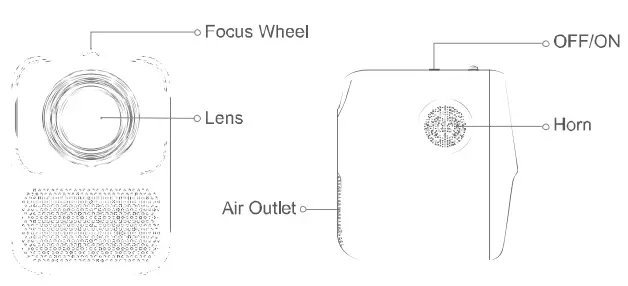
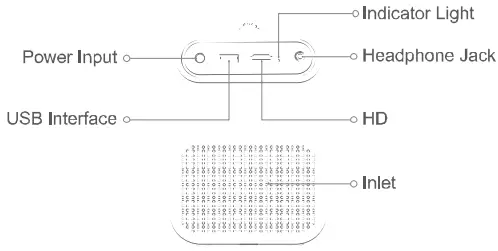
Product Brief
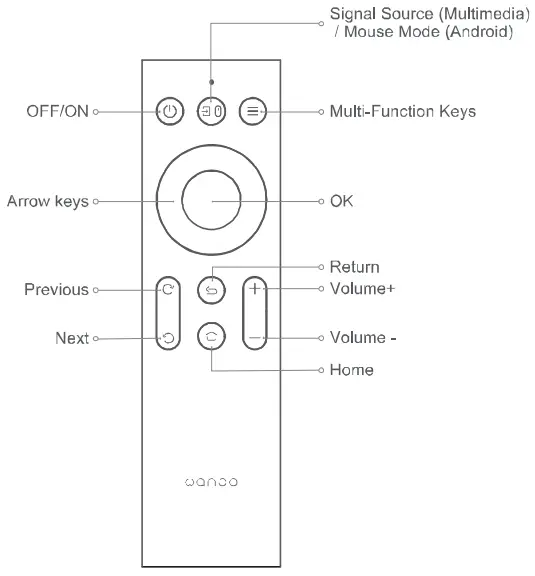
Remote Control
Basic Parameters
| Display Technology | LCD | Type of Light Source | LED | Product Type | Desktop |
| Size | 110*140*150mm | Keystone Correction | ±40°
| Focusing Method | Manual Focus |
| Weight | 0.9KG | Throw Ratio | 1.35:1 |
Instructions
ON
Method 1. Press the power button on the top of the projector to turn it on. Method 2. Point the remote control at the projector and press the power button of the remote control to turn it on.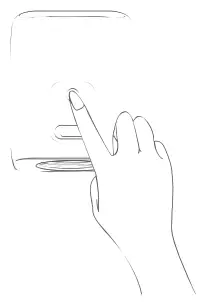
OFF
Short press the power button of the machine or the power button on the remote control, after the shutdown prompt box appears, short press the power button of the machine or the power button on the remote control again.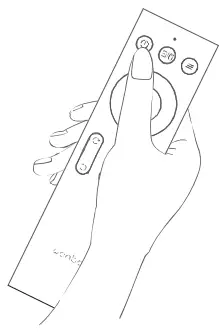
General Fault Description
| Faults | Solution |
| No display | Shut down and reboot |
| Android system crash | Shut down and reboot |
| Abnormal display | Shut down and reboot |
| Overheat indication or shut-down automatically | Please do not block the front air outlet and rear air inlet mesh, restart |
Indicator Status
| Working state | Red | Green |
| Standby | ON | OFF |
| Starting up | OFF | ON |
| Working temperature alarm | Slow flash | OFF |
Product Considerations
- When using the projector, please avoid watching lens directly so as to prevent our eyes from being hurt.

- Please do not use in hot and humid environment.

- Please do not block the air outlet or air inlet.
- Install away from the wall In order to maintain proper performance and feasibility, please leave at least 30cm between the projector and the wall.



Warning:
- Don’t block the projector Vented slits and openings.
- Don’t wipe the device with a scrub, paraffin or solvent.
- Used under the following conditions:
- Extremely hot, cold or humid environment are not permitted.
- Ensure indoor temperature is between 5-40 C°
- Relative humidity is 80% maximum at 5-40 C° , no condensation.
- Areas susceptible to large amounts of dust and dirt are not permitted.
- Near any equipment that produce strong magnetic field is not permitted.
- Sunlight exposure directly is not permitted.
- The product is suitable for non-tropical climate.


Note:
Without the consent of the manufacturer, the user should not disassemble, squeeze or impact the projector, and avoid using under high temperature, high pressure, flammable or explosive environments. The manufacturer does not take any responsibility for damage to the projector caused by human reasons!
Projection size / distance
| Projection size (inch, no keystone correction) | Screen length*width (m) | Lens — screen (m) |
| 30 | 0.7*0.4 | 0.94 |
| 40 | 0.91 *0.51 | 1.23 |
| 50 | 1.13*0.64 | 1.51 |
| 60 | 1.36’0.77 | 1.80 |
| 70 | 1.57*0.88 | 2.06 |
| 80 | 1.78*1.0 | 2.33 |
| 90 | 2.0′11.12 | 2.61 |
| 100 | 2.20*1.24 | 2.84 |
The color, appearance and specifications of this product are subject to the actual product and may change without notice due to performance improvement.
Poisonous and Harmful Substance, Element Name and Content
| Part name | Hazardous substances | |||||
| Lead (Pb) | Mercury (Hg) | Cadmium (Cd) | Hexavalent chromium {COW | Polybro minated Biphenyls (PBS) | Polybro minated Diphenyl Ethers (P0oE) | |
| Shell |  | | | | | |
| Optical Machine | | | | | | |
| Circuit Board | | | | | | |
| Fan | | | | | | |
| Other Wires |  | | | | | |
| Remote Control | | | | | | |
| Power Supply | | | | | | |
| : Content of the hazardous substance in all homogeneous materials of the component is under the limits of SJ/T11363-2006.: Content of the hazardous substance exceeds the limit requirements specified by SJ1T11363-2006 in at least one homogeneous material of the component. The components labeled *X” ” have no substitutive due to global technology development limits. Circuit board assembly’: including printed circuit board and its components, electronic components, etc.
| ||||||
 The number in the logo represents the normal environmental service life of the product. (Battery Excluded)
Product Warranty Description
The after-sale service of projector is strictly based on the “Consumer Rights Protection Law of the People’s Republic of China” and “Product Quality Law of the People’s Republic of China”, service content detailed as below:
Within 12 months upon purchasing, faults that not caused by improper use of human factors shall be inspected by after-sale service center, free maintenance service shall be provided for you with valid purchase proof if it’s determined as defect that caused by product quality itself
Non Warranty Regulations:
- Machine Casing, User Manual, Packaging, Promotional Items and random gifts are out of warranty range.
- Damage caused by self-disassembly or unauthorized maintenance, modification etc.
- Damage that caused by artificial damage
- Period of warranty validity has expired
Warranty Time:: 1 year 
Warranty Card
- We offer “three guarantees ” for this product, One year warranty for non-artificial damaged since purchasing (subject to purchase record).
- We will provide warranty service for any default caused by product technical reasons during warranty period.
- Following situations are out of the range of guarantee:
- Accessories out of the mainframe
- Unauthorized disassembly and repair without our consent.
- Damage that caused by external force and other natural disasters.
- Please fill this card and contact your distributor when products have quality problem
- This warranty is limited to product maintenance during the warranty period, no other liability
After-Sale Service Card
Customer Name: _________________________________
Purchase of Shop: _________________________________
Customer ID : _________________________________
Customer Tel: _________________________________
Fault Description (Please describe in detail for quick maintenance):
_____________________________________________________
FCC Statement
This device complies with part 15 of the FCC Rules. Operation is subject to the following two conditions:
- This device may not cause harmful interference, and
- this device must accept any interference received, including interference that may cause undesired operation.
This equipment has been tested and found to comply with the limits for a Class B digital device, Pursuant to pan 15 of the FCC; Rules. These limits are designed to provide reasonable protection against harmful interference in a residential installation. This equipment generates, uses and can radiate radio frequency energy and, if not installed and used in accordance with the instructions, may cause harmful interference to radio communications. However, there is no guarantee that interference will not occur in a particular installation. If this equipment does cause harmful interference to radio or television reception, which can be determined by turning the equipment off and on, the user is encouraged in try to correct the interference by one or more of the following measures:
- Reorient or relocate the receiving antenna.
- Increase the separation between the equipment and receiver.
- Connect the equipment into an outlet on a circuit different from that to which the receiver is connected
- Consult the dealer or an experienced radio/TV technician for help.
Caution: Any changes or modifications to this device not explicitly approved by manufacturer could void your authority to operate this equipment.
This equipment complies with FCC radiation exposure limits set forth for an uncontrolled environment. This equipment should be installed and operated with minimum distance 20cm between the radiator and your body.
Shenzhen Wanbo Technology Co.Ld
E-mail: [email protected]