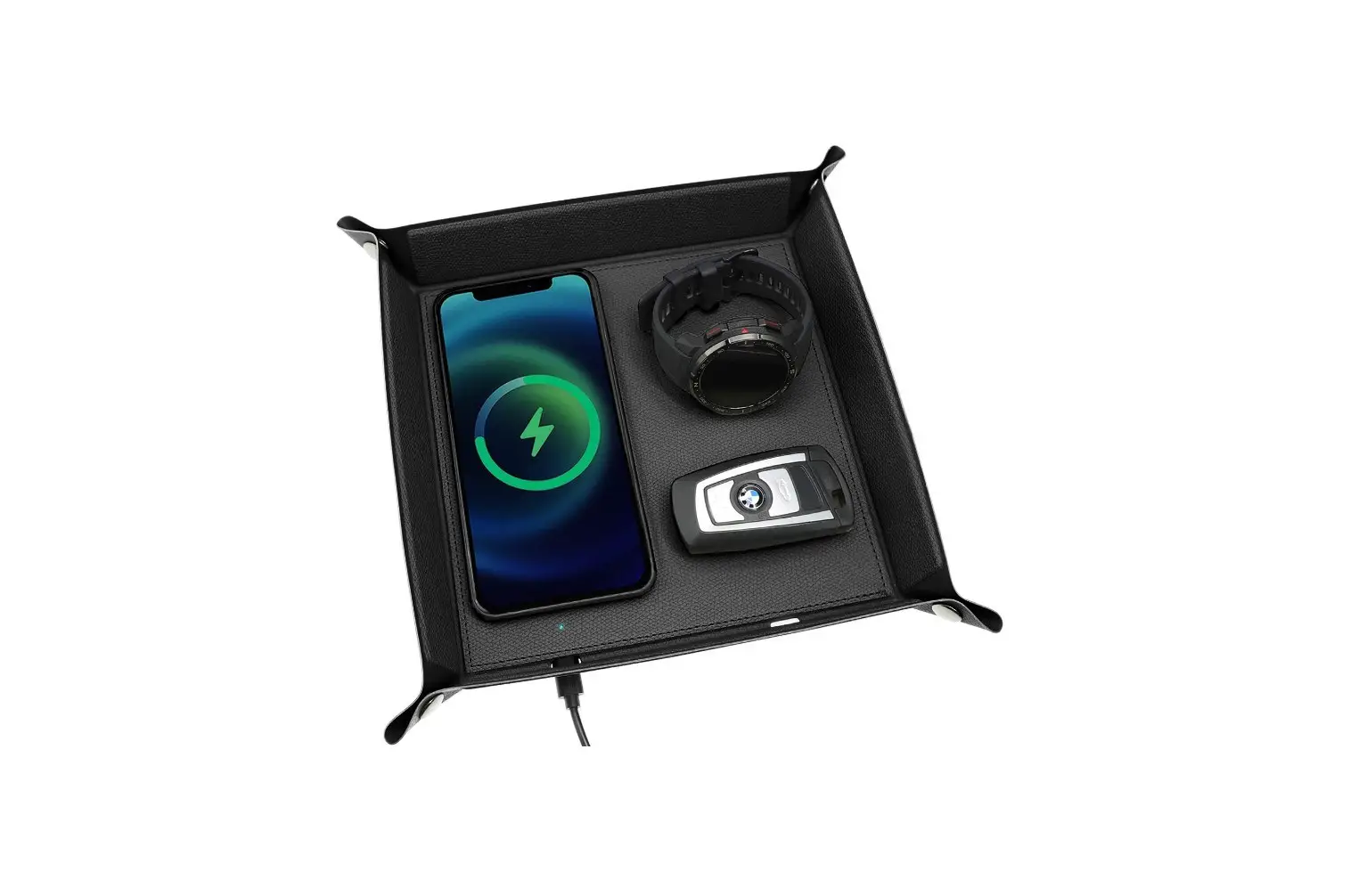
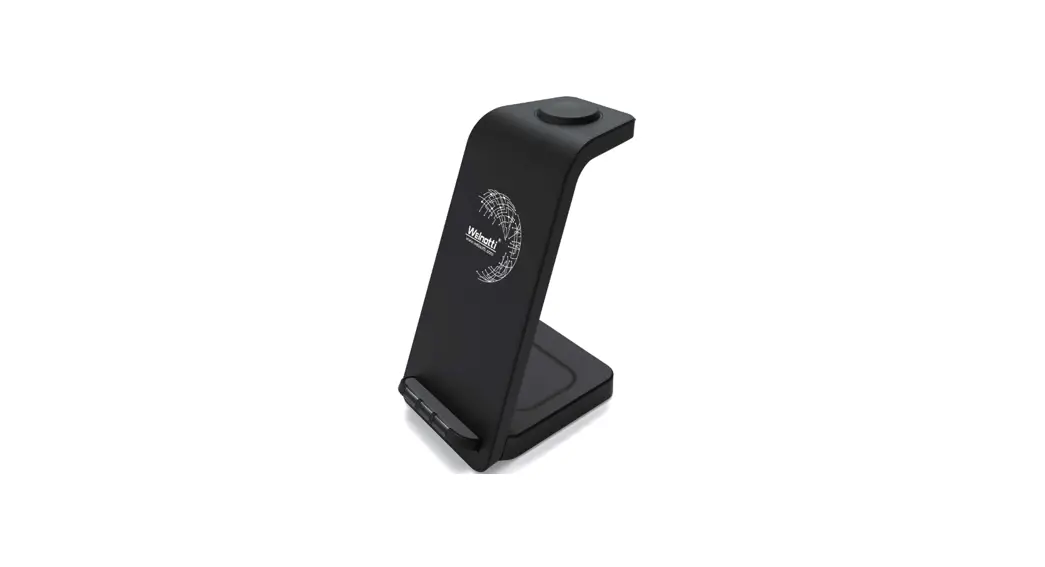
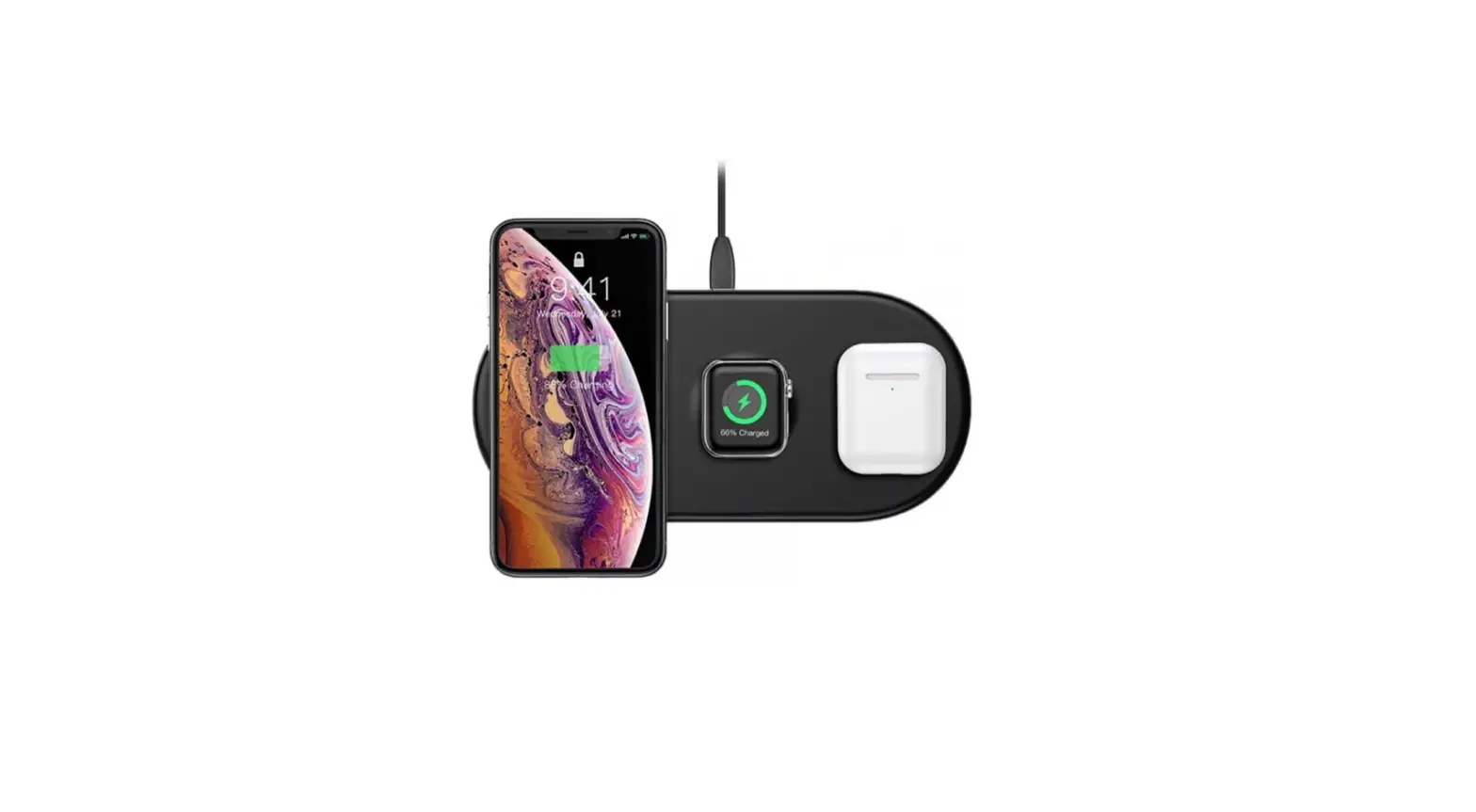
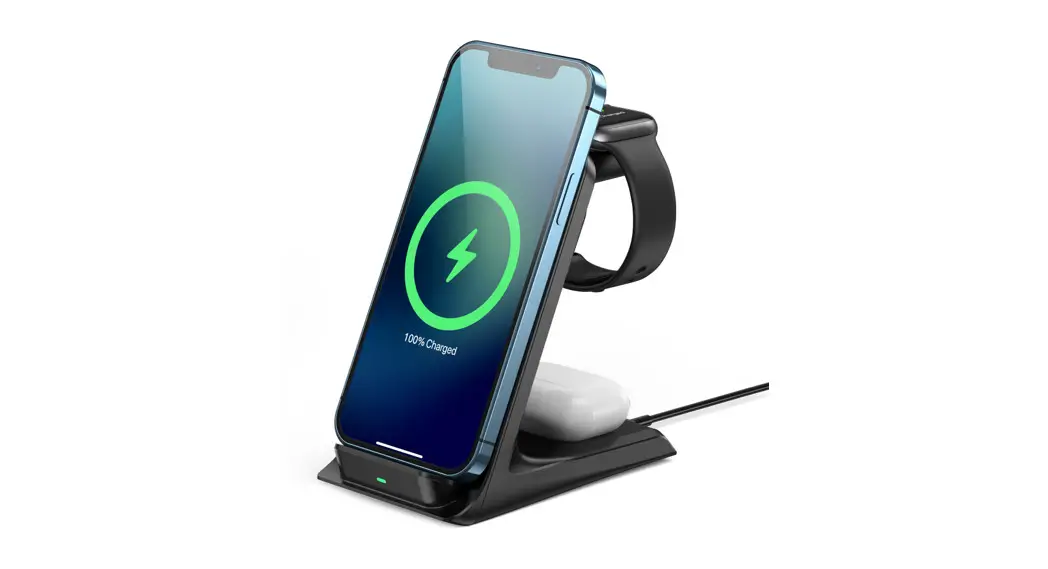
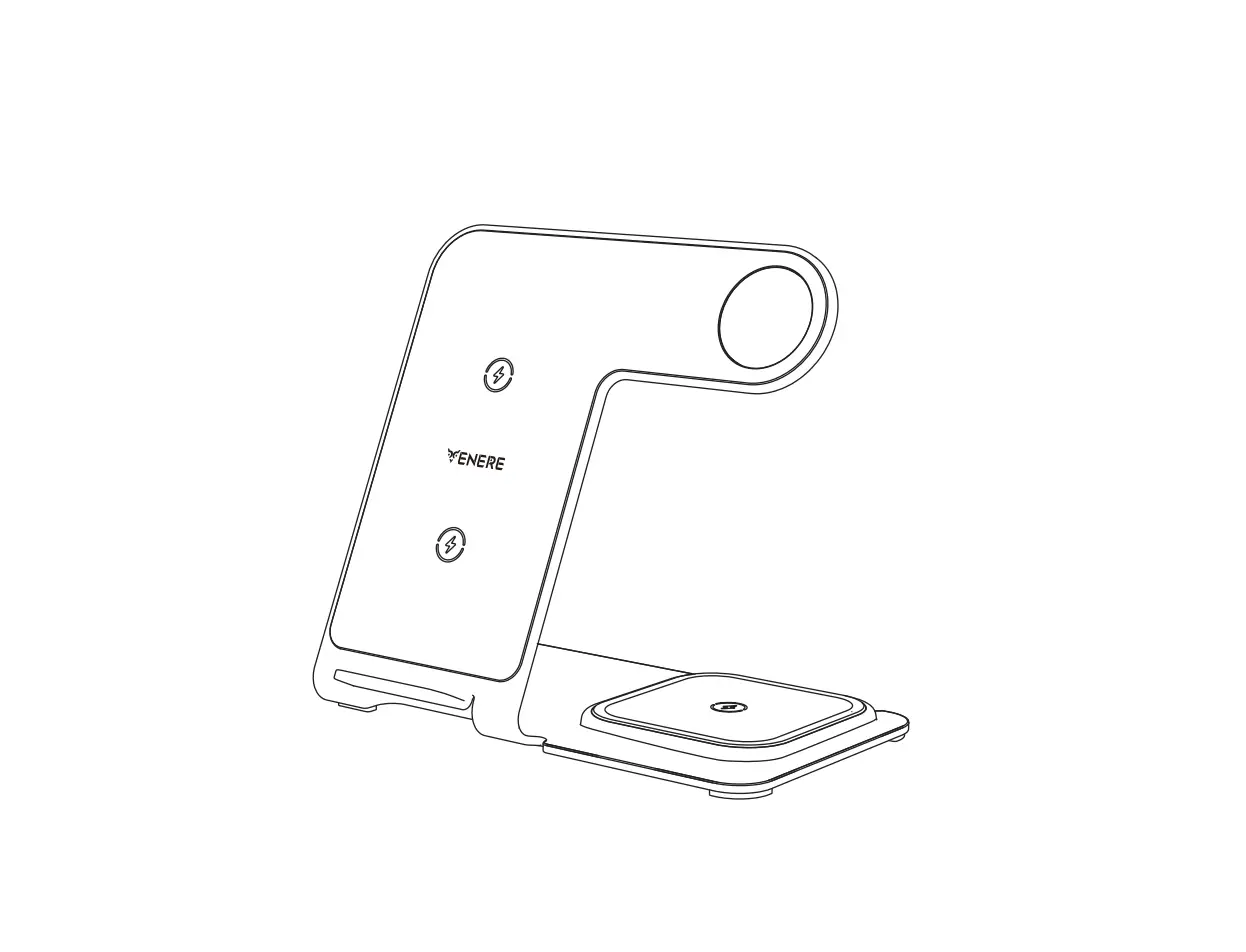
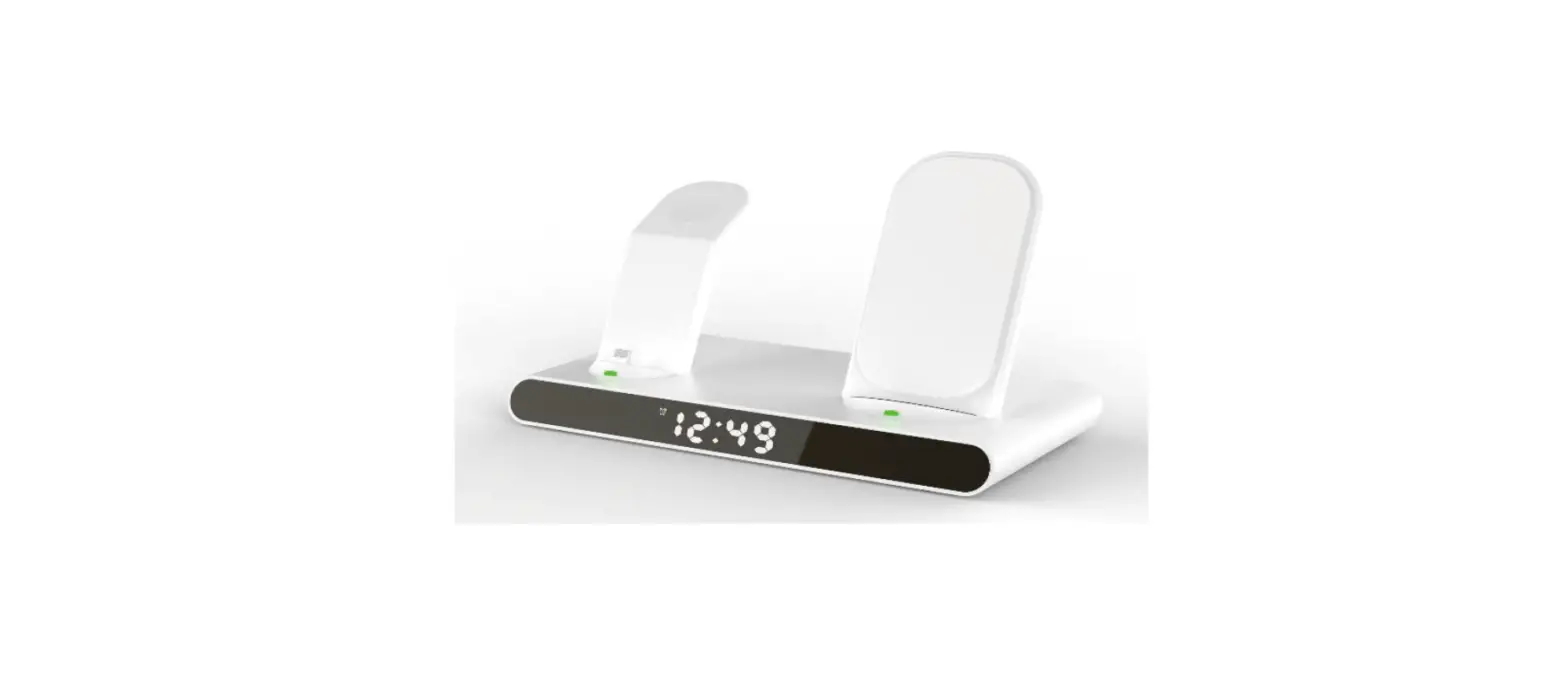
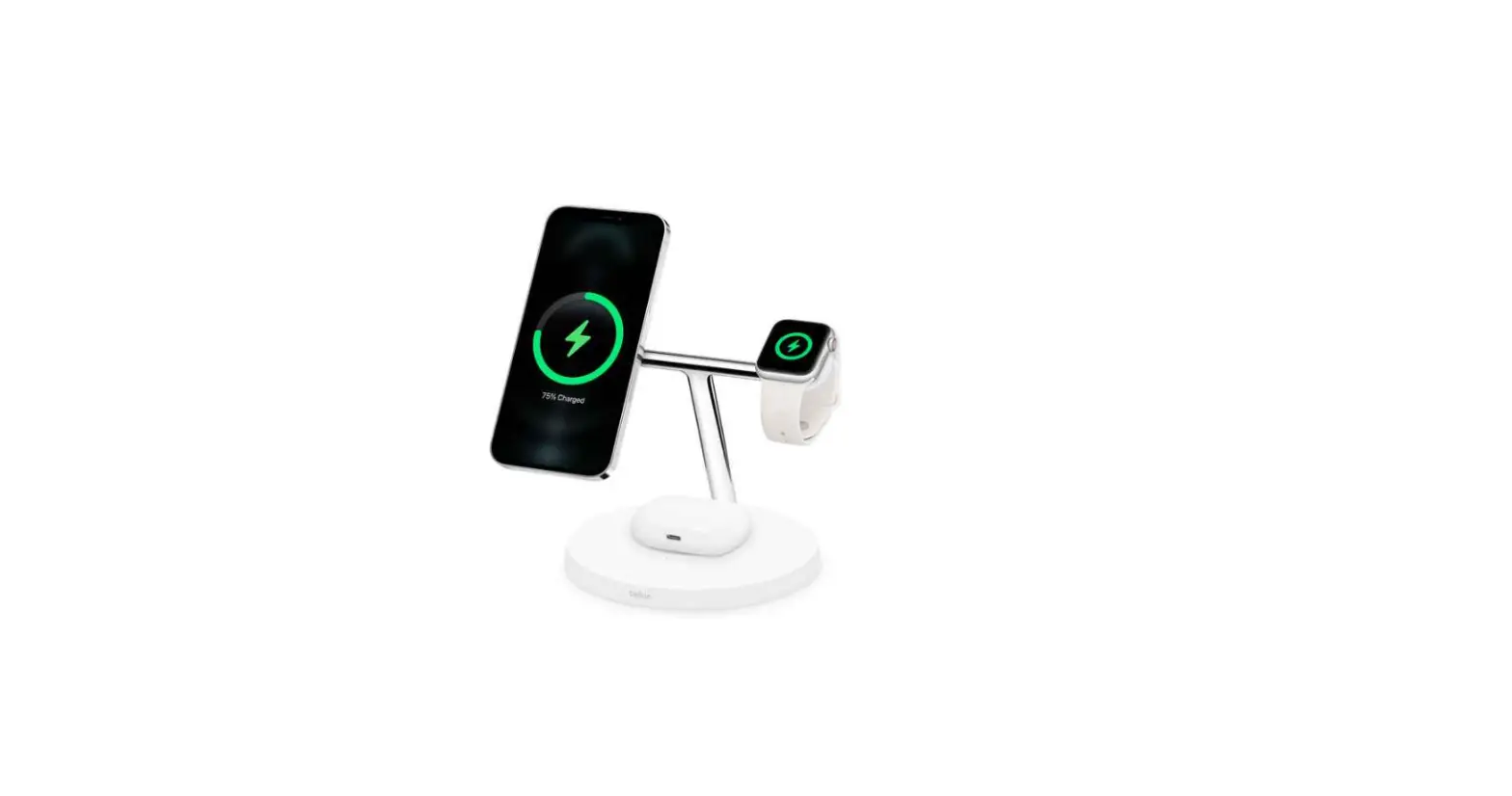
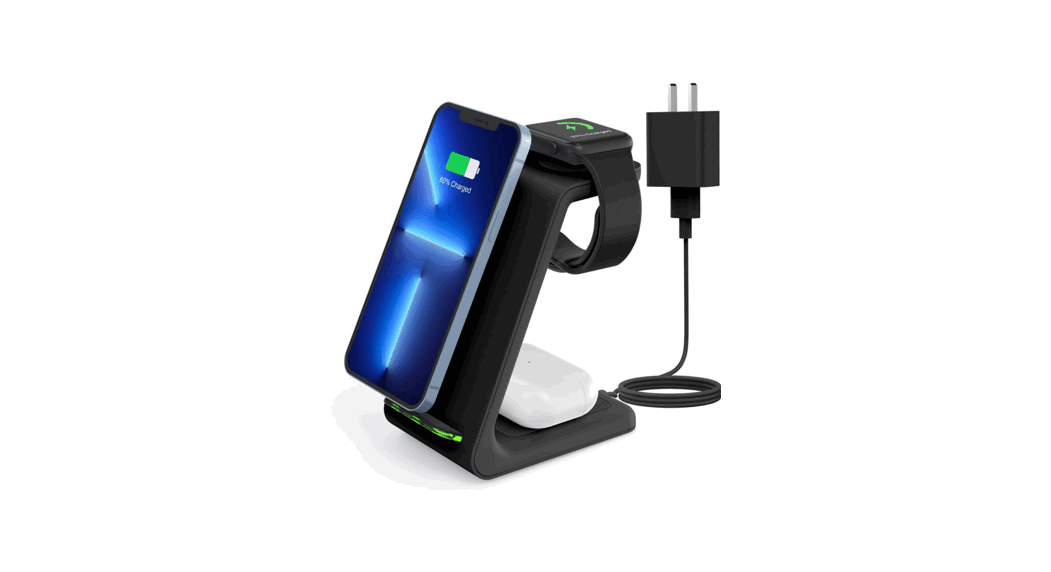
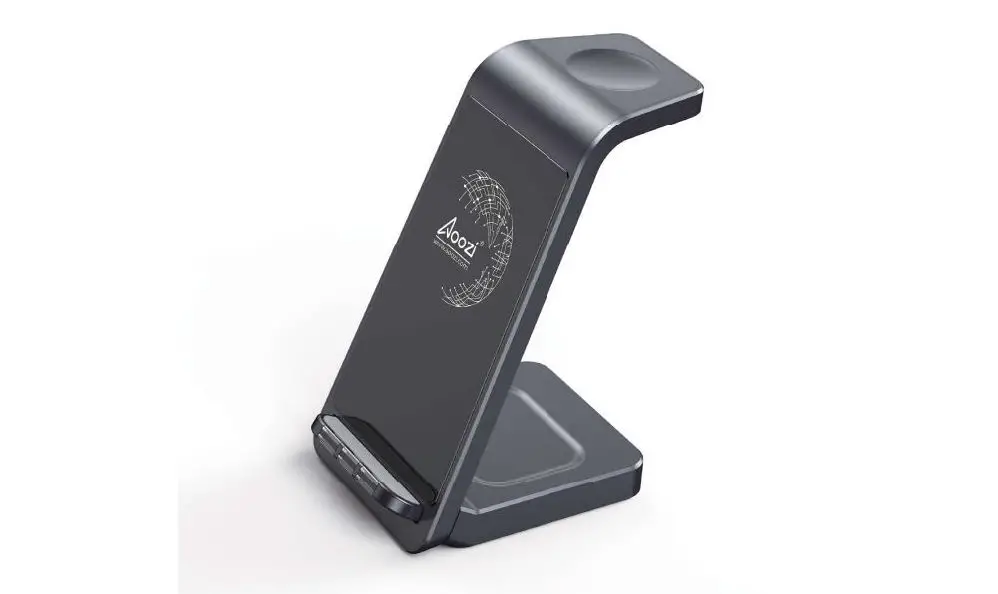
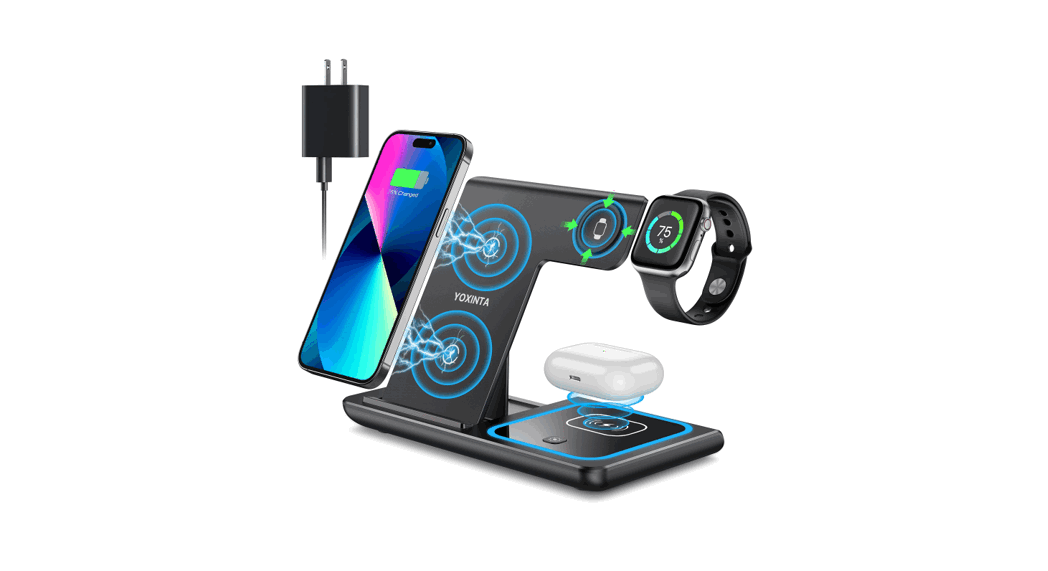
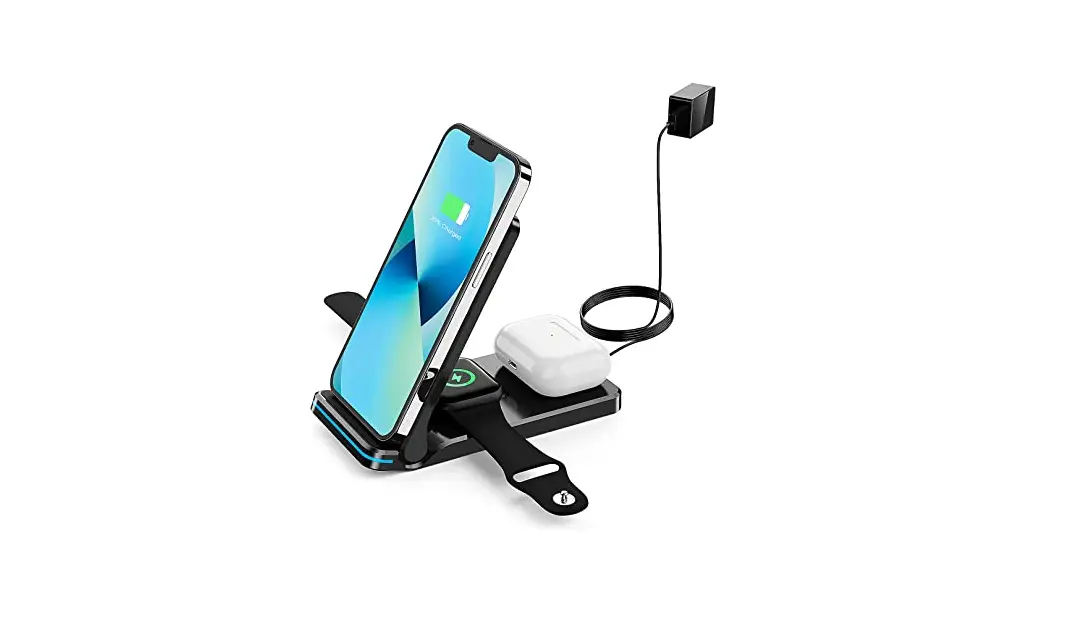
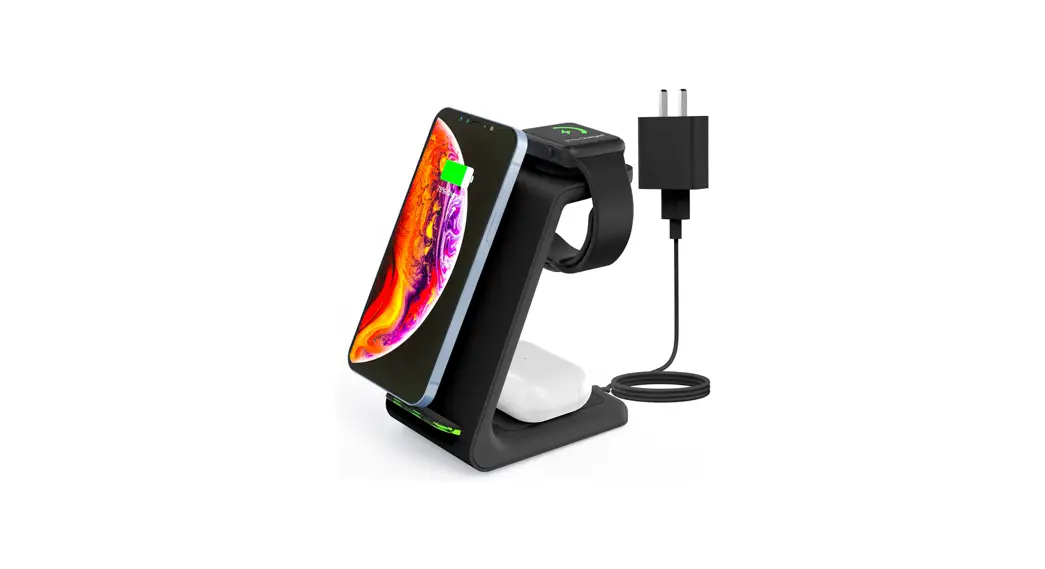
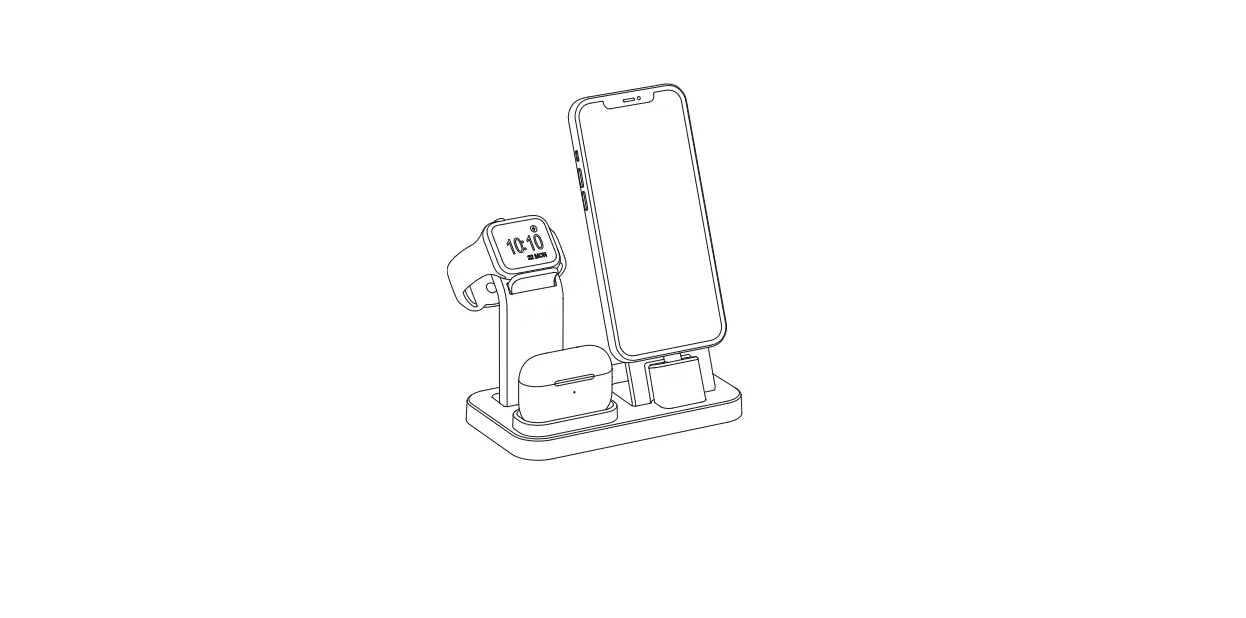
SR-WC3N1 3 In 1 Wireless Charging Frame
Product Information
The 3-in-1 Wireless Charging Frame is a device that allows for
wireless charging of compatible devices. It has been tested and
found to comply with the limits for a Class B digital device,
pursuant to Part 15 of the FCC Rules. The equipment is designed to
provide reasonable protection against harmful interference in a
residential installation.
This equipment generates and can radiate radio frequency energy.
If not installed and used in accordance with the instructions, it
may cause harmful interference to radio communications. However,
there is no guarantee that interference will not occur in a
particular installation.
If this equipment does cause harmful interference to radio or
television reception, which can be determined by turning the
equipment off and on, the user is encouraged to try to correct the
interference by reorienting or relocating the receiving antenna,
increasing the separation between the equipment and the receiver,
connecting the equipment into an outlet on a circuit different from
that to which the receiver is connected, or consulting the dealer
or an experienced radio/TV technician for help.
FCC RF exposure statement: The equipment complies with FCC
radiation exposure limits set forth for an uncontrolled
environment. This equipment should be installed and operated with a
minimum distance of 20cm between the radiator and your body.
Product Usage Instructions
To use the 3-in-1 Wireless Charging Frame:
- Ensure that the frame is placed at least 20cm away from your
body to comply with FCC radiation exposure limits. - Connect the frame to a power source using the provided power
cable. - Place your compatible device on the charging area of the
frame. - Ensure that your device is properly aligned with the charging
coils on the frame for efficient charging. - Monitor the charging progress on your device’s screen or LED
indicators. - Once your device is fully charged, remove it from the charging
area.
Note: Avoid placing any metallic objects or credit cards between
your device and the charging area, as they may interfere with the
wireless charging process.
3 i n 1 Wi r el ess Char gi ng Fr ame 3 i n 1 Wi r el ess Char gi ng Fr ame
Any Changes or modi f i cat i ons not expr essl y appr oved by t he par t y r esponsi bl e f or compl i ance coul d voi d t he user ‘ s aut hor i t y t o oper at e t he
equi pment .
Thi s equi pment has been t est ed and f ound t o compl y wi t h t he l i mi t s f or a Cl ass B di gi t al devi ce, pur suant t o par t 15 of t he FCC Rul es. These
l i mi t s ar e desi gned t o pr ovi de r easonabl e pr ot ect i on agai nst har mf ul i nt er f er ence i n a r esi dent i al i nst al l at i on. Thi s equi pment gener at es uses
and can r adi at e r adi o f r equency ener gy and, i f not i nst al l ed and used i n accor dance wi t h t he i nst r uct i ons, may cause har mf ul i nt er f er ence t o
r adi o communi cat i ons. However , t her e i s no guar ant ee t hat i nt er f er ence wi l l not occur i n a par t i cul ar i nst al l at i on. I f t hi s equi pment does cause
har mf ul i nt er f er ence t o r adi o or t el evi si on r ecept i on, whi ch can be det er mi ned by t ur ni ng t he equi pment of f and on, t he user i s encour aged t o t r y
t o cor r ect t he i nt er f er ence by one or mor e of t he f ol l owi ng measur es:
–
Reor i ent or r el ocat e t he r ecei vi ng ant enna.
–
I ncr ease t he separ at i on bet ween t he equi pment and r ecei ver .
–
Connect t he equi pment i nt o an out l et on a ci r cui t di f f er ent f r om t hat t o whi ch t he r ecei ver i s connect ed.
–
Consul t t he deal er or an exper i enced r adi o/ TV t echni ci an f or hel p.
FCC RF exposur e st at ement :
The equi pment compl i es wi t h FCC r adi at i on exposur e l i mi t s set f or t h f or an uncont r ol l ed envi r onment . Thi s equi pment shoul d be i nst al l ed and
oper at ed wi t h mi ni mum di st ance bet ween 20cm t he r adi at or your body.