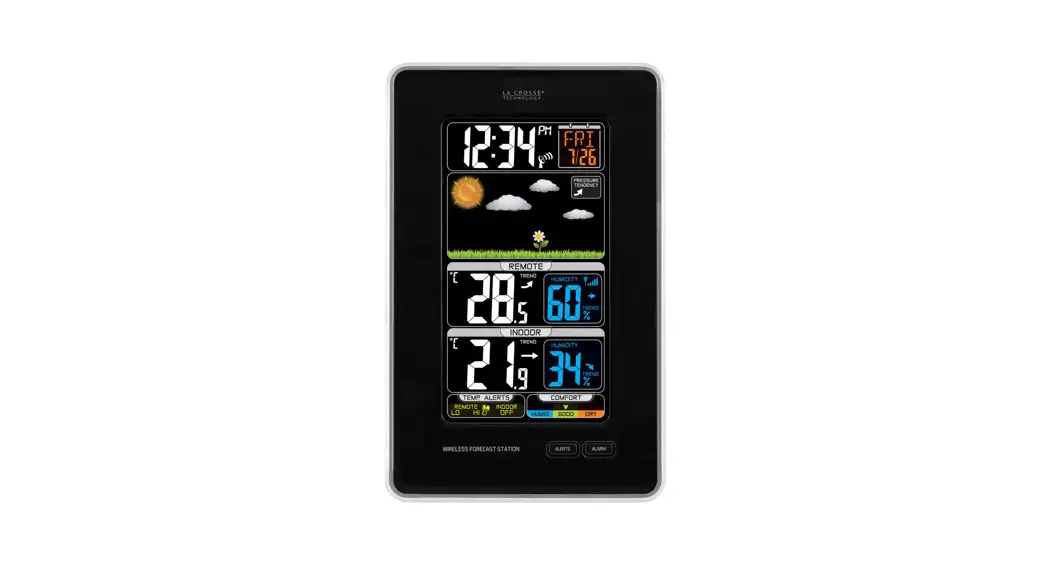
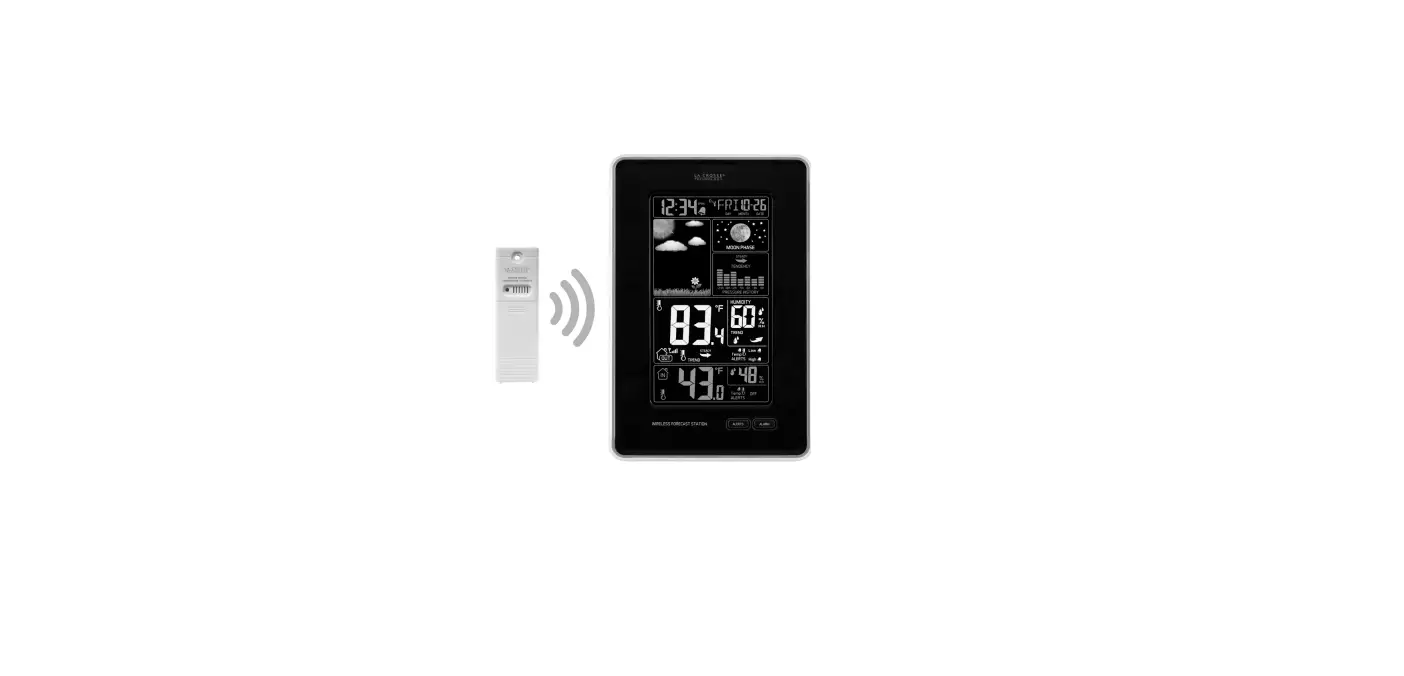
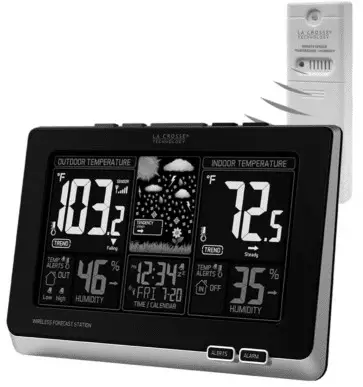
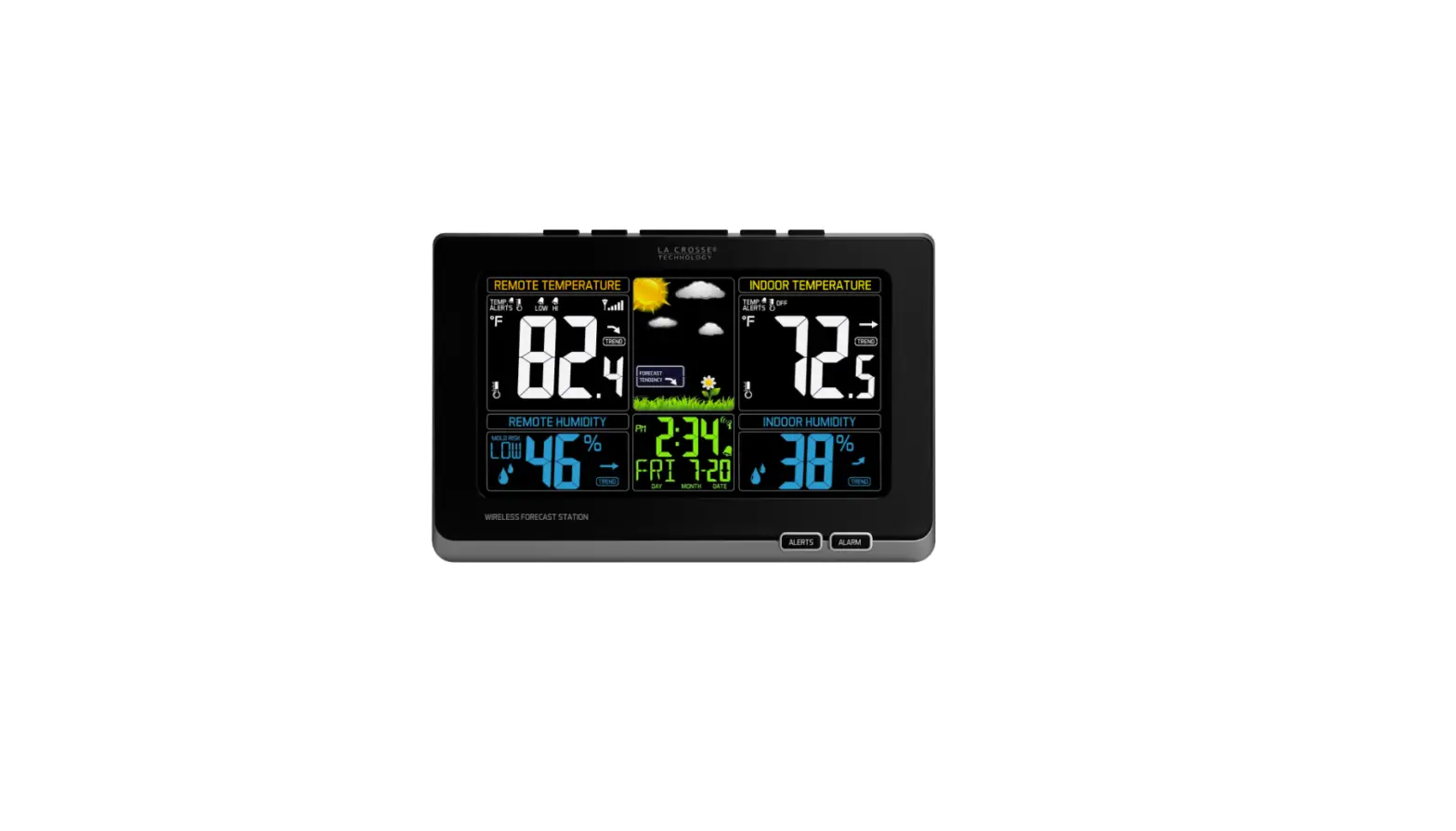
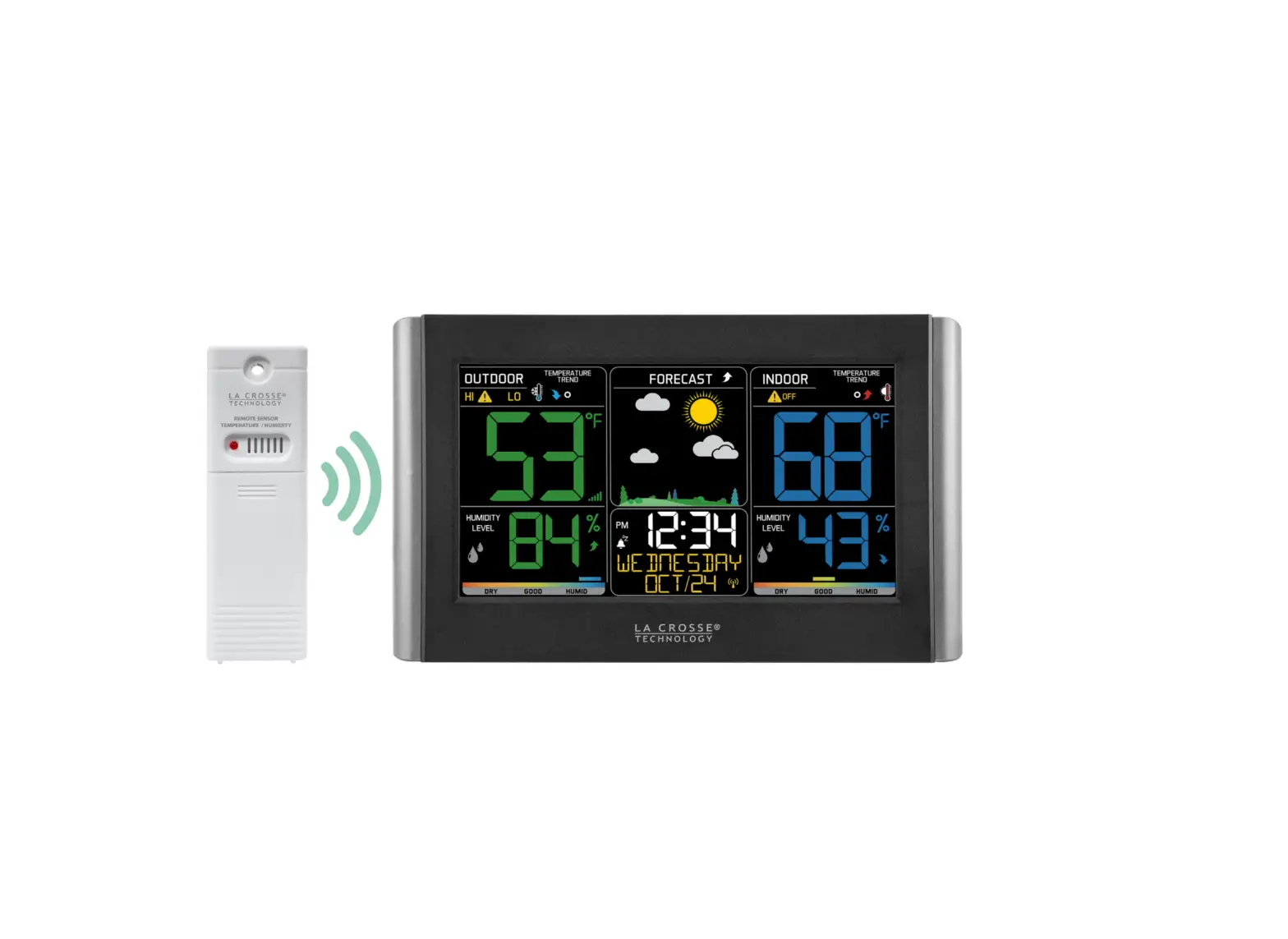
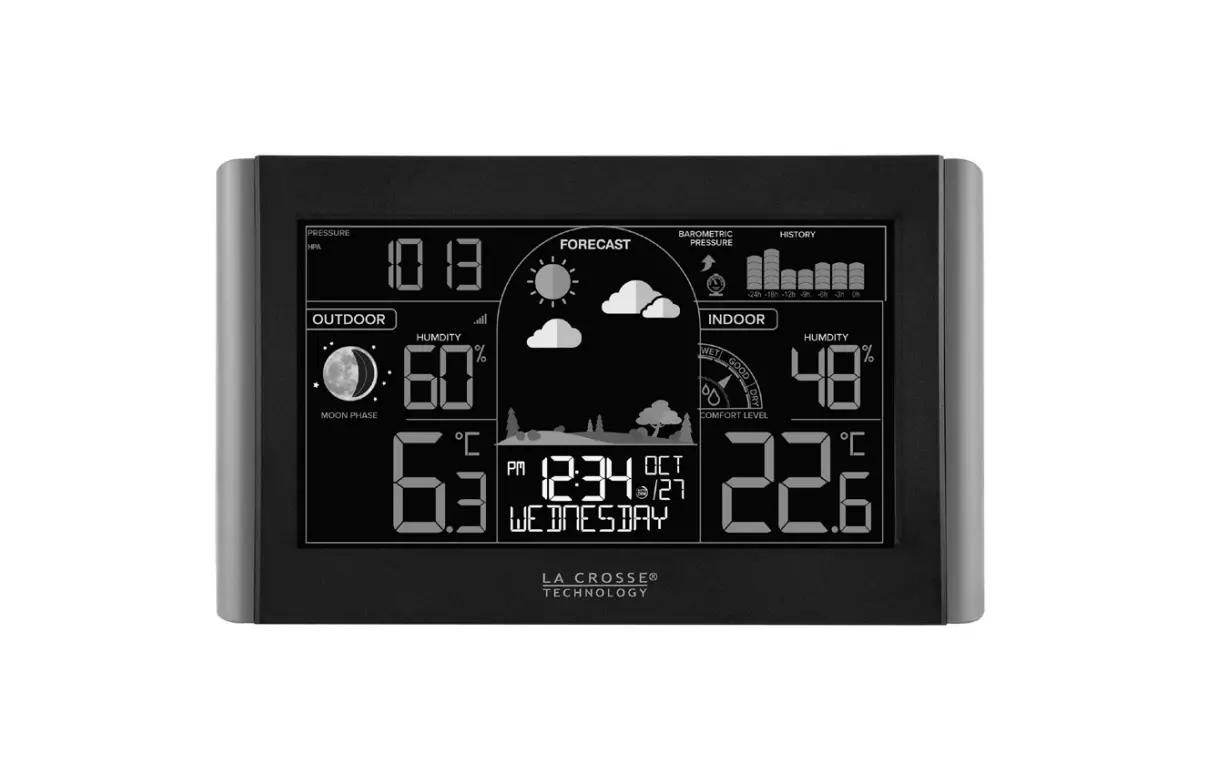
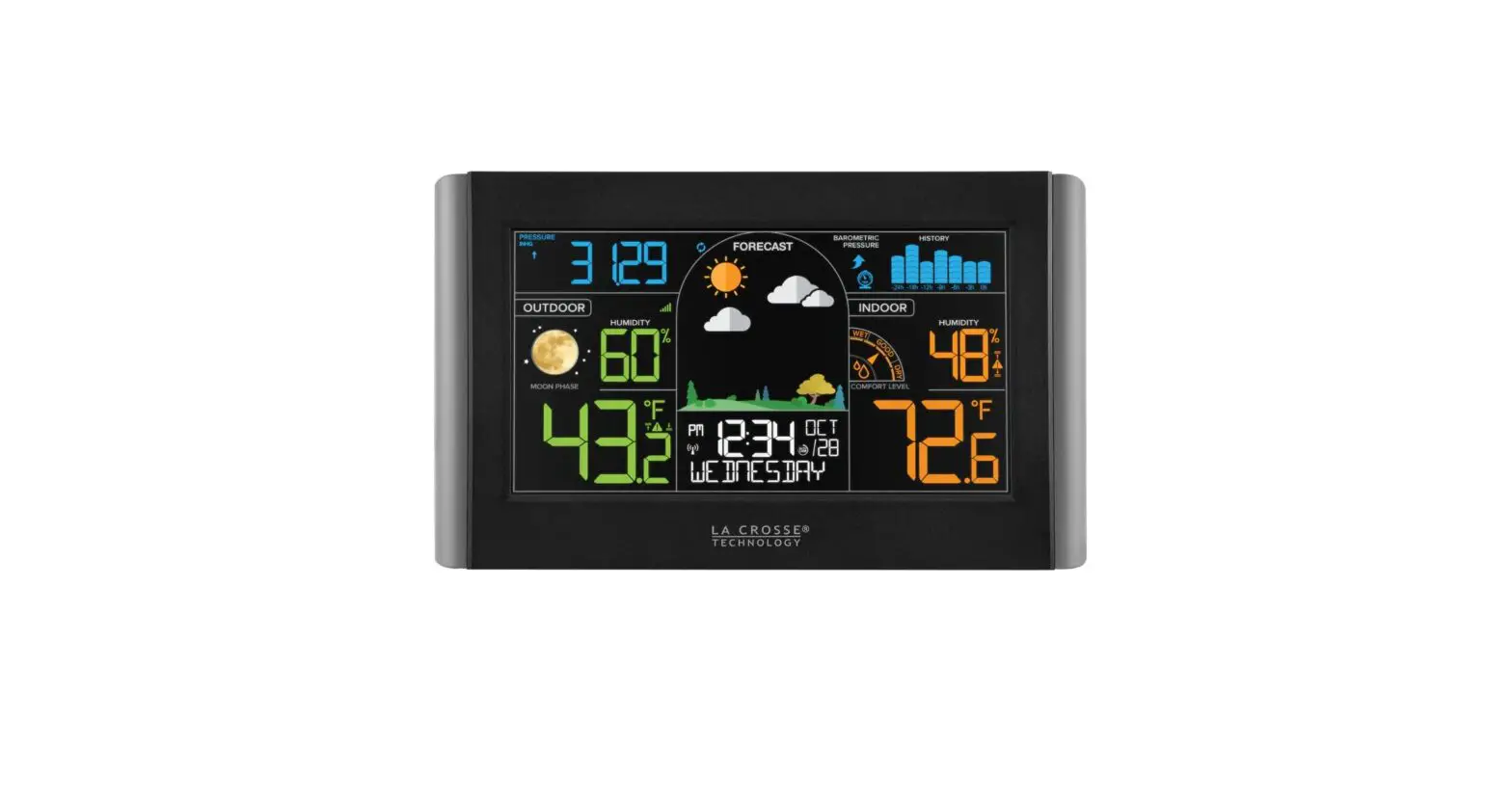
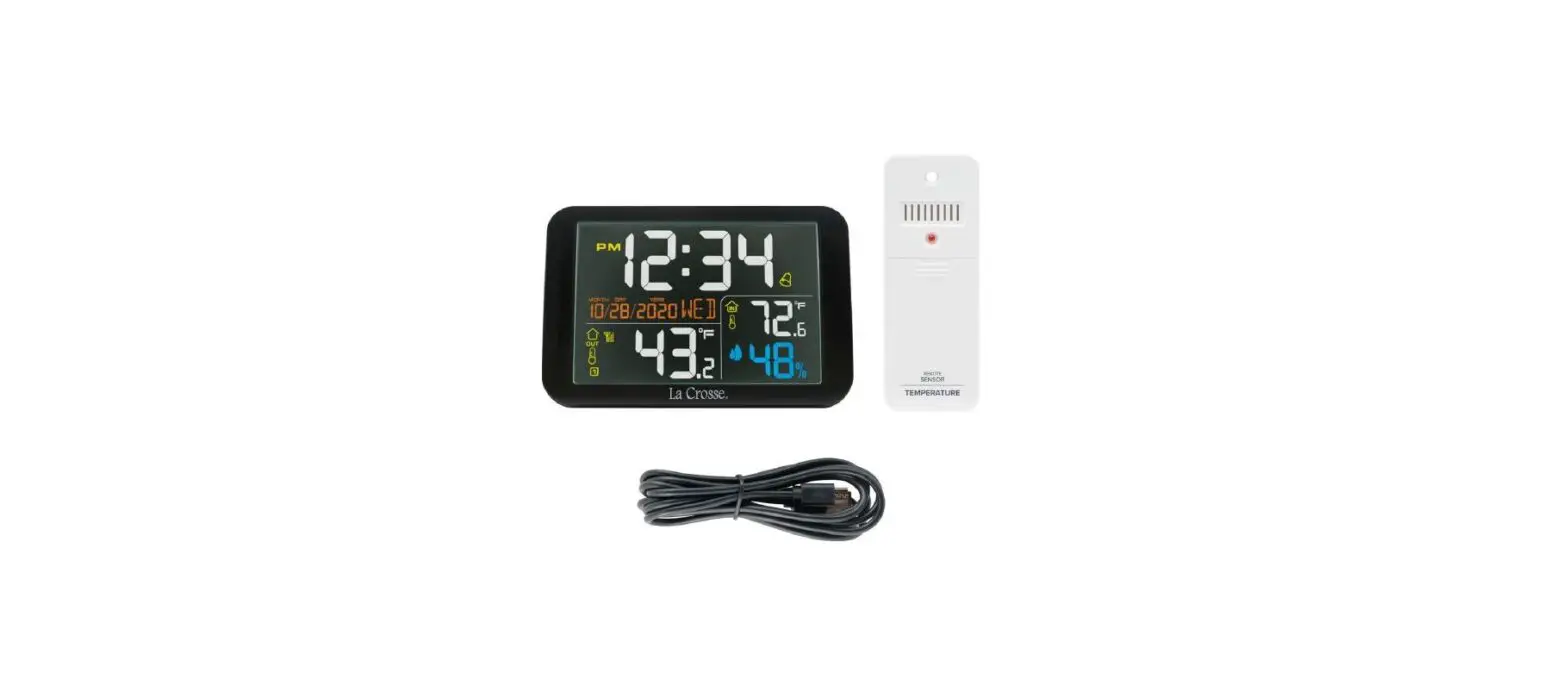
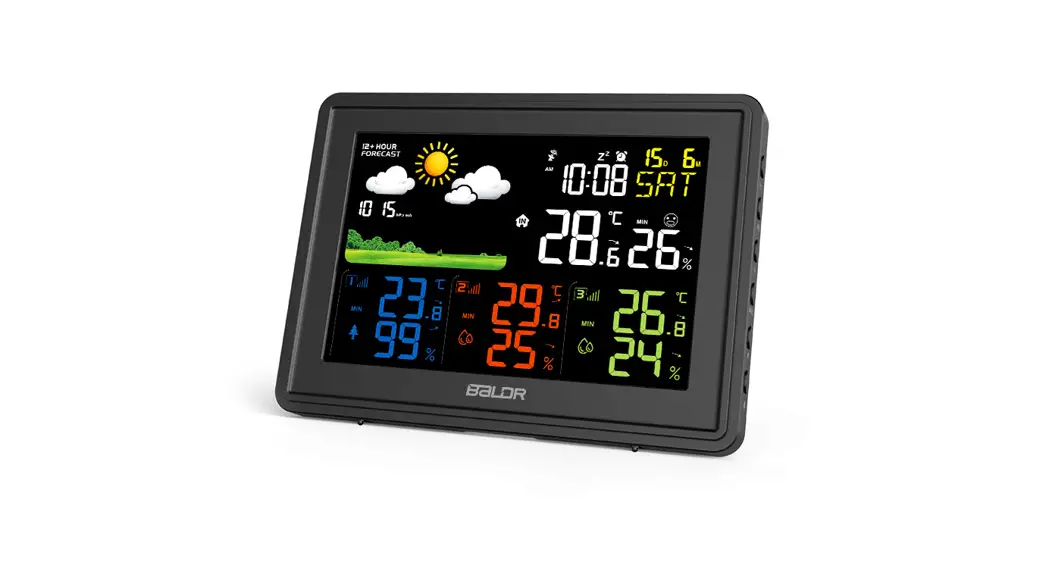
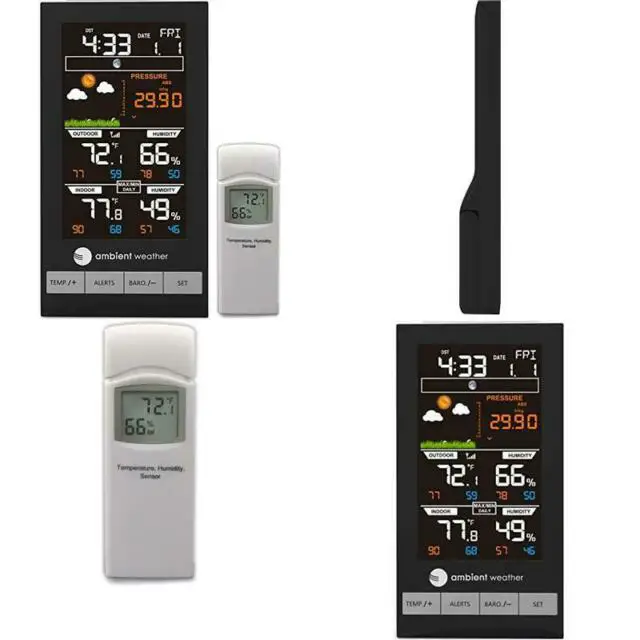
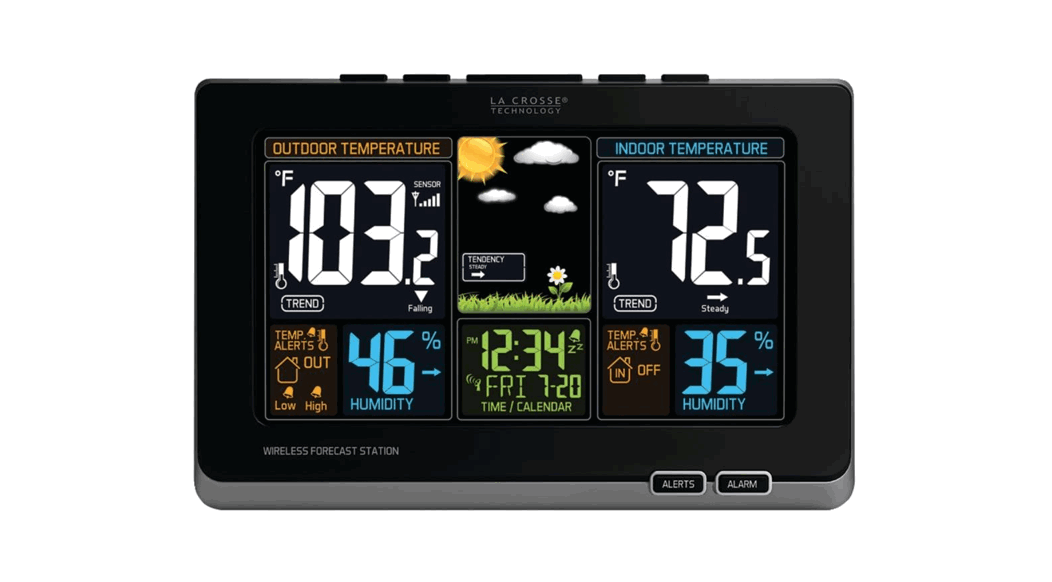
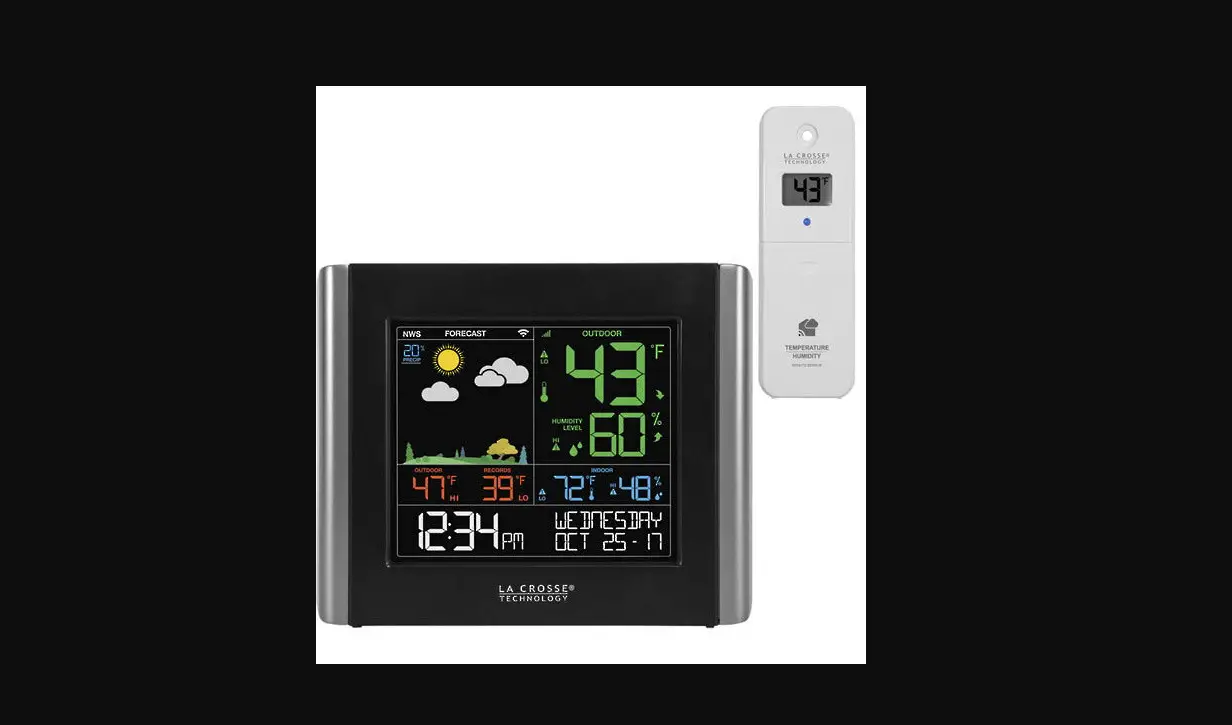
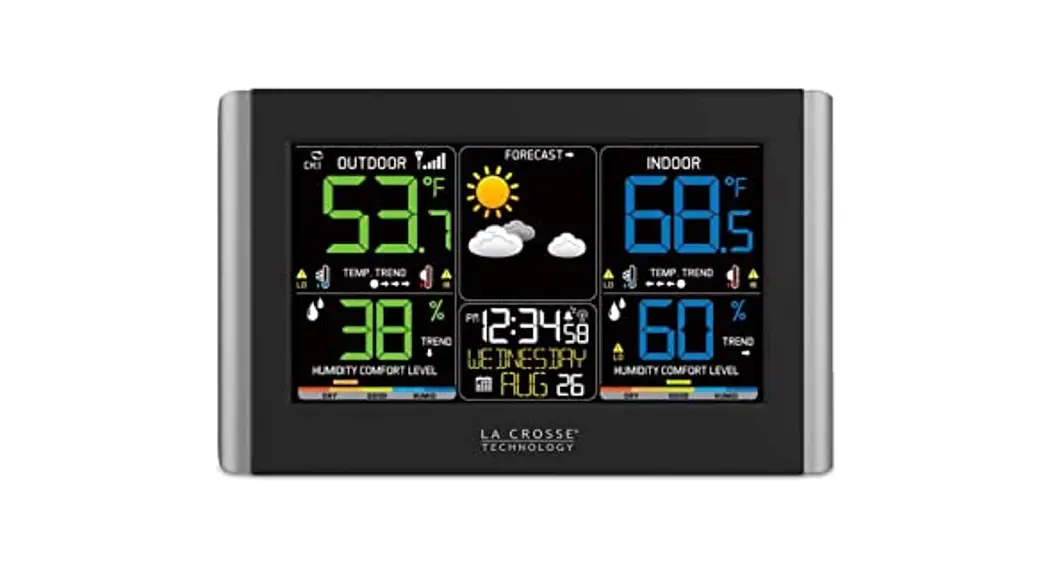
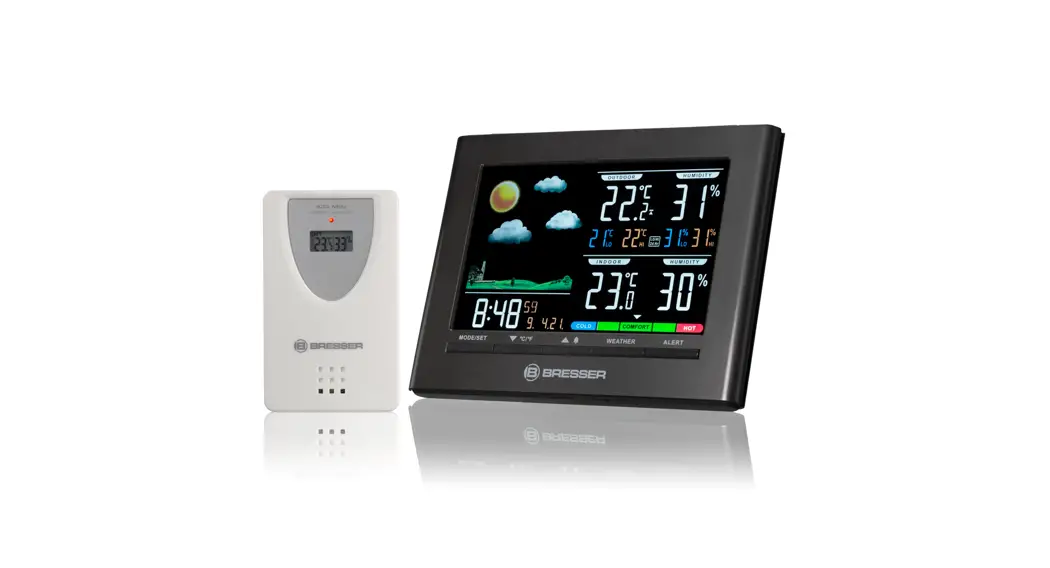
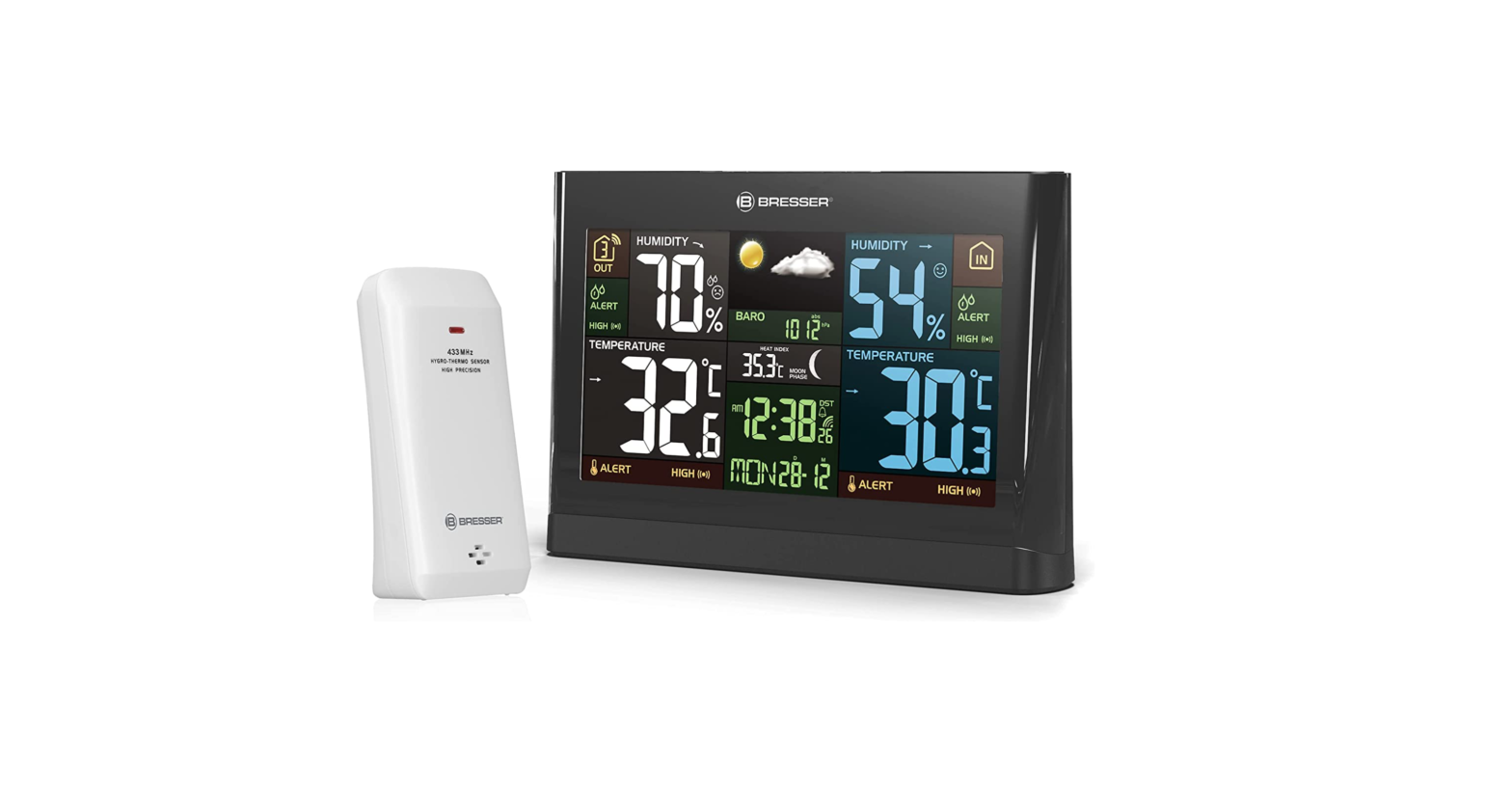
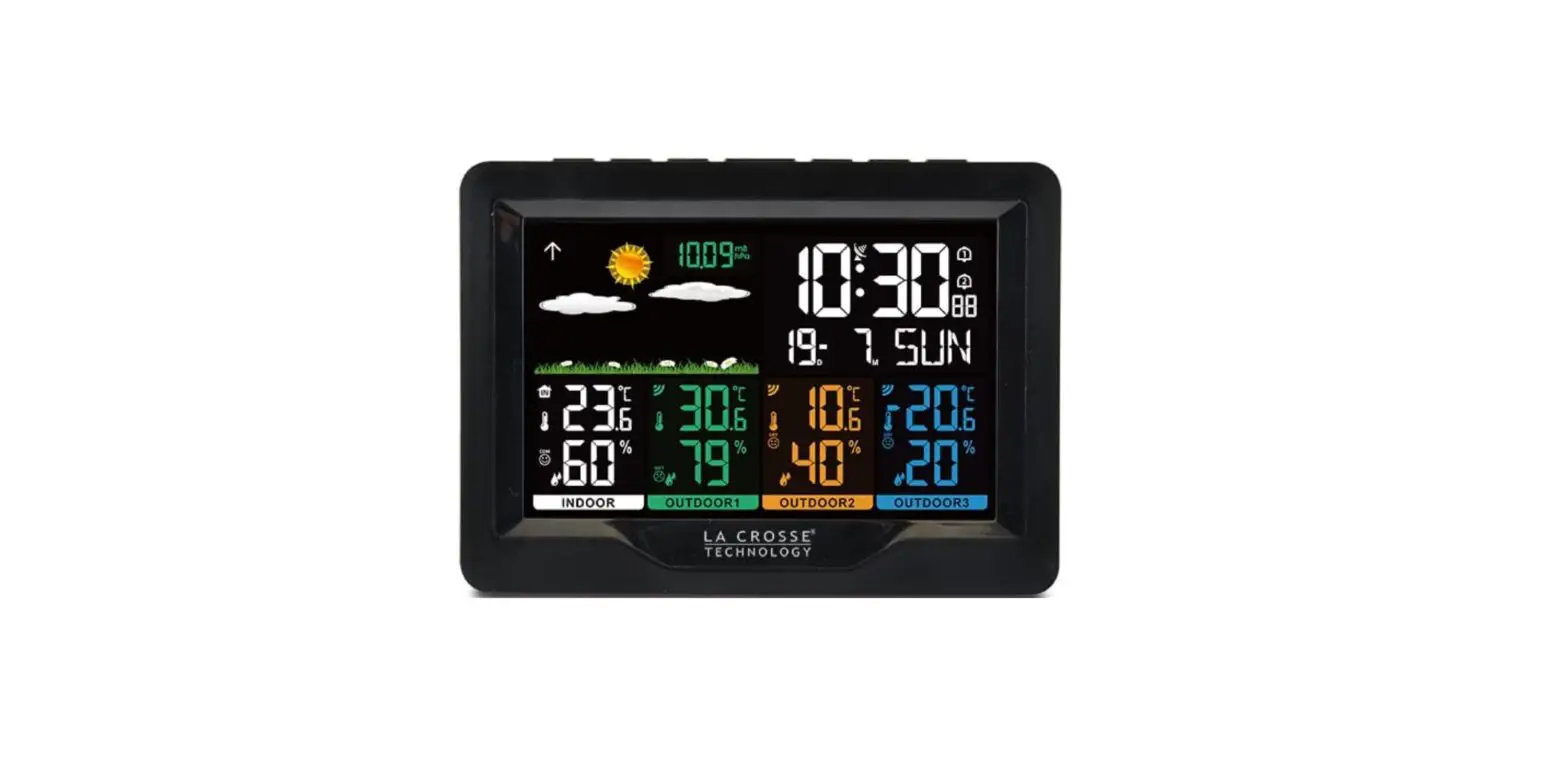
308-1414W Wireless Color Weather Station
Product Information
Model: 308-1414W/308-1414B
Product: Wireless Color Weather Station
Features:
- Color Animated Forecast with Tendency
- Outdoor Temperature, Humidity with Trends & Temperature
Alerts - Indoor Temperature, Humidity with Trends & Temperature
Alerts - Time, Calendar + Alarm
Power Source:
- Weather Station: 5 volt AC cord (included) or 3 AAA batteries
(not included) - Outdoor Sensor: 2 AA batteries (not included)
Product Usage Instructions
Quick Setup:
- Insert the 5 volt AC cord (included) into the wall outlet then
into the weather station. - Insert the 3 new AAA Alkaline batteries (not included) into the
weather station. Observe the correct polarity. - Insert the 2 new AA batteries (not included) into the
TX141TH-BV2 outdoor sensor. Observe the correct polarity. The red
LED will flash during transmission.
Restart:
If the outdoor temperature is not displayed after 3 minutes,
unplug the AC adapter and remove batteries from the weather station
& sensor and press any button 20 times. After 15 minutes return
to Step 1 above.
Detailed Setup: Weather Station and Outdoor Sensor
- Insert the 5-volt AC power adapter into the designated area on
the back of the Weather station. Plug the AC power adapter into a
wall outlet for continuous backlight (ON/OFF), and dimmer
feature. - (optional battery operation) Slide tab to down and pull out to
remove the battery cover. Insert three new AAA Alkaline batteries
into the back of the weather station. Observe the correct polarity
(see marking inside the battery compartment). The weather station
will light up and show indoor temperature, humidity, and time.
(Backlight will illuminate for 8 seconds when using only battery
power with a press/release of the SNOOZE/LIGHT button) - Ensure that the transmitter is within 10 feet of the Weather
station. Remove battery cover from transmitter. Slide the battery
cover down and lift off the front. Insert two new AA batteries into
the TX141TH-BV2 transmitter. Observe the correct polarity. Within
three minutes, the Weather station will show readings.
Button Functions:
The weather station has 5 buttons across the top and 2 on the
front.
- (Down) Button – Press to decrease values during setting. Hold 2
seconds to quickly adjust values. - Default Time Display – Press to display minimum
temperature/humidity. Hold 2 seconds to clear minimum
temperature/humidity memory. - Temperature Alert – Press to disarm alerts
- TIME SET Button – Press to start or stop a WWVB time signal
search. Hold for 3 seconds to set time/calendar, etc. - SNOOZE/LIGHT (HI-LOW-OFF) Button – Press to change the LCD
backlight brightness. HI/LOW/OFF. Press to activate backlight for
10 seconds (without adaptor).
Model: 308-1414W/308-1414B Instruction Manual DC: 101614
WIRELESS COLOR WEATHER STATION
Color Animated Forecast with Tendency
Outdoor
Temperature, Humidity
with Trends & Temperature
Alerts
Indoor Temperature,
Humidity with Trends & Temperature Alerts
Time, Calendar + Alarm
AC Power Jack GPU280500150WD00
Battery Compartment
3 “AAA”
Wall Hanging Holes
Battery Cover
SENSOR TX141TH-BV2
LED
TX
Base Stand
Sensor Battery Cover
Sensor Battery
Compartment
2 “AA”
Model: 308-1414B/308-1414W
www.lacrossetechnology.com/support
Page | 1
Quick Setup
Step 1: Insert the 5 volt AC cord (included) into the wall outlet then into the weather station.
Step 2: Insert the 3 new AAA Alkaline batteries (not included) into the weather station. Observe the correct polarity.
Step 3: Insert the 2 new AA batteries (not included) into the TX141TH-BV2 outdoor sensor. Observe the correct polarity. The red LED will flash during transmission.
Restart: If the outdoor temperature is not displayed after 3 minutes, unplug the AC adapter and remove batteries from the weather station & sensor and press any button 20 times. After 15 minutes return to Step 1 above.
Table of Contents
WIRELESS COLOR WEATHER STATION ……………………………………………………………………………….. 1 Quick Setup ………………………………………………………………………………………………………………………………. 2 Table of Contents…………………………………………………………………………………………………………………….. 2 Introduction……………………………………………………………………………………………………………………………… 3 Features…………………………………………………………………………………………………………………………………….. 3 Detailed Setup: Weather Station and Outdoor Sensor…………………………………………………….. 4 Button Functions……………………………………………………………………………………………………………………… 4 (Down) Button………………………………………………………………………………………………………………………… 4 TIME SET Button…………………………………………………………………………………………………………………………. 5 SNOOZE/LIGHT (HI-LOW-OFF) Button ………………………………………………………………………………………. 5 HEAT/DEW/SENSOR SEARCH button …………………………………………………………………………………………. 5 (UP) Button …………………………………………………………………………………………………………………………….. 5 ALERT Button………………………………………………………………………………………………………………………………. 5 ALARM Button …………………………………………………………………………………………………………………………….. 5 Set Time, Date, Temperature Unit ……………………………………………………………………………………….. 6 WWVB Reception ON/OFF…………………………………………………………………………………………………………… 6 Time Zone …………………………………………………………………………………………………………………………………… 6 Daylight Saving Time Indicator ………………………………………………………………………………………………….. 6 12-hour or 24-hour Time Format……………………………………………………………………………………………….. 7 Set Time ……………………………………………………………………………………………………………………………………… 7 Set Calendar ……………………………………………………………………………………………………………………………….. 7 Fahrenheit/Celsius………………………………………………………………………………………………………………………. 7 Temperature Alerts …………………………………………………………………………………………………………………. 7 Arm/Disarm Temperature Alerts ………………………………………………………………………………………………… 8 Temperature Alert Sounds ………………………………………………………………………………………………………….. 8 Adjust Backlight (HI-LOW-OFF) …………………………………………………………………………………………… 8
Model: 308-1414B/308-1414W
www.lacrossetechnology.com/support
Page | 2
Time Alarm Set ………………………………………………………………………………………………………………………… 8 Deactivate Alarm ………………………………………………………………………………………………………………………… 9 Snooze ………………………………………………………………………………………………………………………………………… 9 Heat Index/Dew Point …………………………………………………………………………………………………………… 9 Heat Index ………………………………………………………………………………………………………………………………….. 9 Dew Point Temperature ………………………………………………………………………………………………………………. 9 Search for Outdoor Sensor ……………………………………………………………………………………………………. 9 Temperature/Humidity Trend indicators……………………………………………………………………………. 9 MIN/MAX (View, Reset) ………………………………………………………………………………………………………. 10 Animated Color Forecast Icons …………………………………………………………………………………………… 10 Forecast Tendency Indicators (Up, Right, Down Arrows) …………………………………………….. 11 Manual WWVB Time Signal Search…………………………………………………………………………………….. 11 Outdoor Positioning and Use ………………………………………………………………………………………………. 11 Low Battery icon ……………………………………………………………………………………………………………………. 11 Specifications …………………………………………………………………………………………………………………………. 12 Care and Maintenance ………………………………………………………………………………………………………….. 12 Warranty Information ………………………………………………………………………………………………………….. 13 FCC Statement ……………………………………………………………………………………………………………………….. 13
Introduction
La Crosse Technology® introduces a Wireless Color Weather Station with precise, realtime backyard weather. Animated color forecasts with trends react to changing barometric pressure. Monitor in/out temperature trends with high and low alert settings. Measure in/out temperature and humidity with daily min/max records — all on one easyto-read color display with adjustable brightness.
Features
12/24 hr. atomic time (manual setting) Signal strength icon for sensor transmission Outdoor humidity (%RH) with trend indicator IN / OUT outdoor temperature (°F / °C) with trend Animated forecast icons Forecast tendency indicator Customize IN / OUT temp. alerts (low / high) for weather station and outdoor sensor Perpetual calendar (day / month / date / year) Indoor humidity (%RH) with trend indicator Indoor temperature (°F / °C) with trend Back light control (high / low / off) Time alarm Heat index and dew point Min. / max. temperature and humidity Mold Risk (0, LOW, MED, HI)
Model: 308-1414B/308-1414W
www.lacrossetechnology.com/support
Page | 3
Station and sensor low battery icon Atomic reception indicator Snooze / alarm icon
Detailed Setup: Weather Station and Outdoor Sensor
STEP 1: Insert the 5-volt AC power adapter into the designated area
on the back of the Weather station. Plug the AC power adapter into a wall outlet for continuous
backlight (ON/OFF), and dimmer feature.
STEP 2: (optional battery operation) Slide tab to down and pull out to remove the battery
cover. Insert three new AAA Alkaline batteries into the back of the weather
station. Observe the correct polarity (see marking inside the battery compartment). The weather station will light up and show indoor temperature, humidity and time. (Backlight will illuminate for 8 seconds when using only battery power with a press/release of the SNOOZE/LIGHT button)
STEP 3: Ensure that the transmitter is within 10 feet of the Weather station. Remove battery cover from transmitter. Slide the battery cover down
and lift off the front. Insert two new AA batteries into the TX141TH-BV2 transmitter.
Observe the correct polarity. Within three minutes, the Weather station will show readings in the
outdoor temperature area on the LCD. Note: Use Alkaline batteries (or Lithium for temperatures below -20°F/28.8°C).
Button Functions
The weather station has 5 buttons across the top and 2 on the front.
(Down) Button
Setting Press to decrease values during setting. Hold 2 seconds to quickly adjust values.
Default Time Display Press to display minimum temperature/humidity. Hold 2 seconds to clear minimum temperature/humidity memory.
Model: 308-1414B/308-1414W
www.lacrossetechnology.com/support
Page | 4
Temperature Alert Press to disarm alerts
TIME SET Button
Default Time Display Press to start or stop a WWVB time signal search Hold for 3 seconds to set time/calendar, etc.
SNOOZE/LIGHT (HI-LOW-OFF) Button
Default Time Display Press to change the LCD backlight brightness. HI/LOW/OFF Press to activate backlight for 10 seconds.(without adaptor)
Time Alarm Press to activate the snooze function when alarming
HEAT/DEW/SENSOR SEARCH button
Default Time Display Press once to view Heat Index. Press twice to view Dew Point. Hold to search for Outdoor sensor.
(UP) Button
Setting Press to increase the values during setting. Hold 2 seconds to quickly adjust values.
Default Time Display Press to view maximum temperature/humidity. Hold 2 seconds to clear maximum temperature/humidity memory.
Temperature Alert Press to arm alerts
ALERT Button
Default Time Display Press to toggle between Outdoor High Alert, Outdoor Low Alert, Indoor High Alert and
Indoor Low Alert. Hold to enter Alert setting
ALARM Button
Default Time Display Press once to show alarm time Hold for 2 seconds enter alarm setting mode
Alarm Mode Press to activate or deactivate time alarm.
Model: 308-1414B/308-1414W
www.lacrossetechnology.com/support
Page | 5
Set Time, Date, Temperature Unit
Hold the TIME SET button to enter time set mode.
1. Press the or buttons to adjust the values. 2. Press the TIME SET button to confirm adjustments and move to the next item.
Time Set Order: 1. WWVB time signal (On/Off) 2. Time Zone – 7 time zones 3. DST (Daylight Saving Time On/Off) 4. 12/24 hour time format 5. Hour 6. Minutes 7. Year 8. Month 9. Date 10.Fahrenheit/Celsius
Press the TIME SET button to exit, or wait 20 seconds without pressing buttons to return to the normal time display.
WWVB Reception ON/OFF
The WWVB atomic time reception defaults to ON. To turn the WWVB reception OFF: 1. Hold the TIME SET button for 5 seconds. 2. WWVB and ON will flash. 3. Press and release the or buttons to turn this OFF if you do not
want to receive the WWVB time signal. 4. Confirm with the TIME SET button and move to the Time Zone.
ON WWVB
Time Zone
This station offers seven time zones listed in letter format (default is EST):
EST
AST Atlantic Time
EST Eastern Time
CST Central Time
MST Mountain Time
PST Pacific Time
AKT Alaskan Time
HAT Hawaiian Time
1. EST will flash above the date.
2. Press and release the or buttons to select a different Time Zone. 3. Confirm with the TIME SET button and move to Daylight Saving Indicator.
Daylight Saving Time Indicator
DST will default to the ON position as most of the country observes the DST change. If you live in an area does not observe the DST change, switch this to the OFF position.
1. DST and ON will flash above the date. 2. Press and release the or buttons to turn DST to OFF.
ON DST
Model: 308-1414B/308-1414W
www.lacrossetechnology.com/support
Page | 6
3. Confirm with the TIME SET button and move to 12/24 hour time format.
12-hour or 24-hour Time Format
The Time may be displayed in 12-hour or 24-hour format. Default is 12-hour time. Note: When in 12-hour format AM or PM will show in front of the hour.
1. 12H will flash in the time display.
2. Press and release the or buttons to select 24-hour time. 3. Confirm with the TIME SET button and move to Set Time.
12H
Set Time
To set the time manually:
1. The hour digit will flash.
2. Press and release the or buttons to select the hour. 3. Press and release the TIME SET button to set the minutes.
4. The minute’s digit will flash. 5. Press and release the or buttons to select the minutes. 6. Confirm with the TIME SET button and move to Set Calendar.
Set Calendar
The date default of the weather station is 1. 1. 2014.
To set the calendar: 1. The year will flash. 2. Press and release the or buttons to set the year (between years 2000-2039). 3. Press the TIME SET button again to confirm and to enter the month setting. 4. The month will flash. 5. Press and release the or buttons to set the month. 6. Press the TIME SET button again to confirm and enter the date setting. 7. The date will flash. 8. Press and release the or buttons to set the date. 9. Confirm all calendar settings with the TIME SET button to confirm and move to select
Fahrenheit/Celsius.
Note: The day of the week will set automatically once the year, month and date are set.
Fahrenheit/Celsius
1. °F will flash. 2. Press and release the or buttons to select Fahrenheit or Celsius.
°F
3. Confirm with the TIME SET button and exit the program menu.
Temperature Alerts
The weather station offers individual, programmable high and low temperature alerts. Hold the ALERT button for five seconds, until the weather station beeps, to select and set temperature alert values. Each alert value will flash separately during alert set mode.
Model: 308-1414B/308-1414W
www.lacrossetechnology.com/support
Page | 7
OUTDOOR HIGH alert will flash. Press the or buttons to set the alert value, and press the ALERT button to confirm. Then press the ALERT button again switch to OUTDOOR LOW setting.
OUTDOOR LOW alert will flash. Press the or buttons to set the alert value, and press the ALERT button to confirm. Then press the ALERT button again switch to INDOOR HIGH setting.
INDOOR HIGH alert will flash. Press the or buttons to set the alert value, and press the ALERT button to confirm. Then press the ALERT button again switch to INDOOR LOW setting.
INDOOR LOW alert will flash. Press the or buttons to choose the value, and press the ALERT button to confirm and exit.
Note: After selecting temperature alert values use the next step to turn individual alerts ON or OFF.
Arm/Disarm Temperature Alerts
In normal time mode, press and release the ALERT button to toggle between: o Outdoor HI o Outdoor Lo o Indoor HI o Indoor LO
Press the button to arm the selected alert. The alert bell appears when each alarm is activated. Press the button to disarm the selected alert. OFF will show in the Alerts area if no alert is active.
Temperature Alert Sounds
When temperature alert sounds, the corresponding alert bell will flash. The alert beeps once every minute, until the temperature is out of alert range. Press any button to stop alert. The alert bell will still show. Disarm Alert: In normal mode, hold and release the ALERT button to select the alert
to disarm. With HI or LO alert selected, press the button disarm alert.
Adjust Backlight (HI-LOW-OFF)
When using AC power: Press the HI/LOW/OFF button to adjust the backlight: When using Battery power only: Press the HI/LOW/OFF button for 10 second backlight.
Time Alarm Set
Hold the ALARM button for 5 seconds to enter the alarm time set mode. 1. The alarm hour digit will flash in the time display. 2. Press and release the or buttons to select the hour. 3. Press and release the ALARM button to set the minutes. 4. The minute digits will flash. 5. Press and release the or buttons to select the minutes. 6. Confirm with the ALARM button and exit. 7. The bell icon will show indicating the alarm is active. 8. The bell icon will flash when the alarm is sounding.
Model: 308-1414B/308-1414W
www.lacrossetechnology.com/support
Page | 8
Deactivate Alarm
1. Press and release the ALARM button once to show alarm time. 2. Press and release the ALARM button to deactivate the Alarm. 3. The bell icon will disappear indicating the alarm is no longer active.
Snooze
1. When the alarm sounds, press the SNOOZE/LIGHT button to trigger snooze alarm for 10 minutes. The snooze icon Zz will flash by the weekday when the snooze feature is active.
2. To stop alarm for one day, press ALARM button, while in snooze mode. The bell icon will remain solid. Note: When the alarm sounds, it continues for 2 minutes and then shuts off completely.
Heat Index/Dew Point
The HEAT/DEW button toggles between Heat Index, Dew Point, and Mold Risk. Each feature will display for 10 seconds then return to default display if the button is not pressed again.
Heat Index
Heat Index combines the effects of heat and humidity. It is the apparent temperature of how hot it feels to a human being. As humidity increases, the body is unable to cool effectively; therefore, the temperature will feel warmer.
View Heat Index: From a normal display, press the HEAT/DEW button once and Heat Index will show in place of the outdoor temperature. Note: Heat index will be the same number as the temperature until the outdoor temperature is above 80 °F (26.7°C).
Dew Point Temperature
Dew Point Temperature is the saturation point of the air, or the temperature to which the air has to cool in order to create condensation. The higher the dew points, the higher the moisture content of the air at a given temperature.
View Dew Point Temperature: From a normal display, press the HEAT/DEW button twice and Dew Point will show place of the outdoor temperature. Note: Dew Point is lower than the actual temperature.
Search for Outdoor Sensor
Hold the HEAT/DEW button to search for the outdoor sensor. The strength signal icon will animate until the sensor signal is received or
for 3 minutes if no signal available.
Temperature/Humidity Trend indicators
The indoor and outdoor temperature/humidity trend indicators will update every 30
minutes or less. These trends represent temperature changes over the past three hours.
Model: 308-1414B/308-1414W
www.lacrossetechnology.com/support
Page | 9
Example: At 1:00pm, the arrow indicates the change in temperature since 10:00am. At 1:30pm, the arrow will indicate the temperature change since 10:30am.
Temperature has risen in the past 3 hours. Humidity has risen in the past 3 hours.
Temperature has not changed in the past 3 hours. Humidity has not changed in the past 3 hours.
Temperature has fallen in the past 3 hours. Humidity has fallen in the past 3 hours.
MIN/MAX (View, Reset)
The Weather station provides the daily minimum and maximum temperatures each day starting at midnight (12:00 AM). The Weather station automatically resets the min/max temperatures at midnight (12:00 AM).
View MIN data: Press and release the button to view the minimum Indoor and Outdoor Temperatures.
Reset MIN data: Hold the button for five seconds and the Indoor and Outdoor Minimum Temperatures will be reset.
View MAX data: Press and release the button to view the maximum Indoor and Outdoor Temperatures.
Reset MAX data: Hold the button for five seconds and the Indoor and all Outdoor Maximum Temperatures will be reset.
Note: The temperature areas will show dashes briefly then return to current temperatures.
Animated Color Forecast Icons
Animated forecast icons use changing atmospheric pressure to predict weather conditions for the next 12-hours with 70-75% accuracy.
INTELLIGENT WEATHER FORECAST This station learns; please allow 3 to 4 weeks for barometric calibration. This will ensure an accurate personal forecast for your location.
SUNNY
PARTLY SUNNY CLOUDY
RAINY
STORMY
SNOWY
Model: 308-1414B/308-1414W
www.lacrossetechnology.com/support
Page | 10
The Weather station samples the barometric pressure every twelve minutes. These samples are averaged hourly and daily then stored in nonvolatile memory. The three hour pressure icon change is based off of the last four average hourly
readings.
IMPORTANT: As the Weather station builds memory, it will compare the current average pressure to the past forty day average pressure for increased accuracy. The longer the Weather station operates in one location, the more accurate the forecast icons will be.
The icons forecast the weather in terms of getting better or worse and not necessarily sunny or rainy as each icon indicates. For example, if the current weather is cloudy and the rainy icon is displayed, it does not mean that the product is faulty because it is not raining. It simply means that the air pressure has dropped and the weather is expected to get worse, but not necessarily rainy.
Forecast Tendency Indicators (Up, Right, Down Arrows)
Working with the forecast icons, the tendency indicators let you know if the weather is improving, steady or worsening.
Rising Pressure Weather is Expected to Improve
Steady Pressure Weather is Expected to Stay the Same
Falling Pressure Weather is Expected to Worsen
Manual WWVB Time Signal Search
Press the TIME SET button to start or stop a manual signal search. The WWVB Icon flashes during signal search.
For information about WWVB visit: www.nist.gov/pml/div688/grp40/wwvb.cfm
WWVB ATOMIC
ICON
Outdoor Positioning and Use
Mount the Outdoor Sensor on a north-facing wall or in any well shaded area. Under an eave or deck rail is preferred.
The maximum wireless transmission range to the weather station is over 300 feet (91 meters) in open air, not including walls or floors.
Be sure the outdoor sensor is mounted vertically.
Low Battery icon
Low battery icon indicates low battery for station or sensor. If the icon is displayed in the Outdoor Temperature section, replace
batteries in the Outdoor Sensor. If the icon is displayed in the Indoor Temperature section, replace
batteries in the Weather Station.
Low Battery Icon
Model: 308-1414B/308-1414W
www.lacrossetechnology.com/support
Page | 11
Indoor Temperature Range: Humidity Range: Interval: Outdoor Temperature Range: Alkaline Batteries: Lithium Batteries:
NOTE:
Humidity Range: Distance: Power Weather Station Primary AC Power:
AC Adapter No.:
Optional/Battery Backup
TX141TH-BV2 Outdoor Sensor: Battery Life Weather Station Battery Backup:
TX141TH-BV2 Outdoor Sensor:
Dimensions Weather Station:
TX141TH-BV2 Outdoor Sensor:
Specifications
+32°F to +122°F (0°C to 50°C) 19%-97% (RH) About every 30 seconds
-40°F to 140°F (-40°C to 60°C) -20°F to 140°F (-29°C to 60°C) -40°F to -20°F (-40°C to -29°C) Temperatures below – 20°F (-29°C) require Lithium batteries in the outdoor sensor 19%-97% (RH) Over 300 ft. (91 meters) RF 433MHz (open air)
5-volt AC 0.6A power adapter (included)
GPU28050015WD00
Optional 3-AAA, IEC, LR3 batteries (not included) 2-AA, IEC, LR6 batteries (not included)
Battery life is over 36 months when using the AC adapter for primary power Battery life is over 12 months when using reputable battery brands for both Alkaline and Lithium batteries
8.34″ L x 1.03″ W x 5.48″ H (211.836 x 26.162 x 139.192mm) 1.57″L x 0.79″W x 5.12″H (40 x 20 x 130mm)
Care and Maintenance
Do not mix old and new batteries Do not mix Alkaline, Standard, Lithium or Rechargeable Batteries Always purchase the correct size and grade of battery most suitable for the intended
use. Replace all batteries of a set at the same time. Clean the battery contacts and also those of the device prior to battery installation. Ensure the batteries are installed correctly with regard to polarity (+and -). Remove batteries from equipment with is not to be used for an extended period.
Model: 308-1414B/308-1414W
www.lacrossetechnology.com/support
Page | 12
Remove expired batteries promptly. Do not expose to extreme temperature, vibration or shock. Clean with a soft damp cloth. Do not use solvents or scouring agents. The product is not a toy. Keep it out of reach of children. The product is not to be used for medical purpose or for public information. It is
intended for home use only. The specs of this product may change without prior notice. Improper use or unauthorized opening of housing voids warranty. If the product is not working properly, change the batteries and/or check the AC cord
connection.
Warranty Information
La Crosse Technology, Ltd. provides a 1-year limited time warranty (from date of purchase) on this product relating to manufacturing defects in materials & workmanship.
Before returning a product, please contact our friendly customer support with questions or visit our online help (manuals and FAQS):
Phone:
1-608-782-1610
Online Product Support: www.lacrossetechnology.com/support
Product Registration: www.lacrossetechnology.com/support/register
View full warranty details online at: www.lacrossetechnology.com/warranty_info.pdf
Warranty Address: La Crosse Technology, Ltd 2830 S. 26th St. La Crosse, WI 54601
Protected under U.S. Patents: 5,978,738 | 6,076,044 |RE43903
FCC Statement
This equipment has been tested and found to comply with the limits for a Class B digital device, pursuant to part 15 of the FCC Rules. These limits are designed to provide reasonable protection against harmful interference in a residential installation. This equipment generates, uses and can radiate radio frequency energy and, if not installed and used in accordance with the instructions, may cause harmful interference to radio communications. However, there is no guarantee that interference will not occur in a particular installation. If this equipment does cause harmful interference to radio or television reception, which can be determined by turning the equipment off and on, the user is encouraged to try to correct the interference by one or more of the following measures: Reorient or relocate the receiving antenna.
Model: 308-1414B/308-1414W
www.lacrossetechnology.com/support
Page | 13
Increase the separation between the equipment and receiver. Connect the equipment into an outlet on a circuit different from that to which the
receiver is connected. Consult the dealer or an experienced radio/TV technician for help.
This device must not be co-located or operating in conjunction with any other antenna or transmitter. Operation is subject to the following two conditions: (1) this device may not cause harmful interference, and (2) this device must accept any interference received, including interference that may cause undesired operation.
Caution! The manufacturer is not responsible for any radio or TV interference caused by unauthorized modifications to this equipment. Such modifications could void the user authority to operate the equipment.
All rights reserved. This manual may not be reproduced in any form, even in part, or duplicated or processed using electronic, mechanical or chemical process without the written permission of the publisher. This booklet may contain errors or misprints. The information it contains is regularly checked and corrections are included in subsequent editions. We disclaim any responsibility for any technical error or printing error, or their consequences. All trademarks and patents are recognized.
Model: 308-1414B/308-1414W
www.lacrossetechnology.com/support
Page | 14
 Radio Station WWVB | NIST