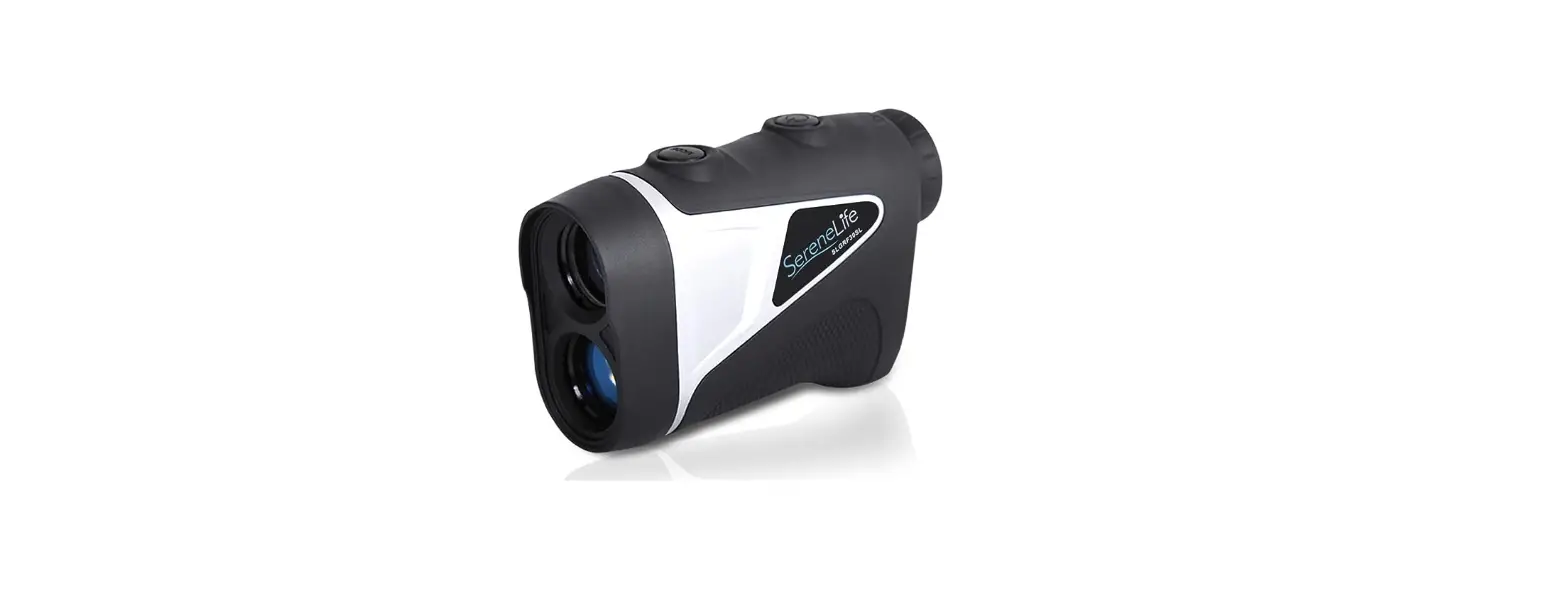
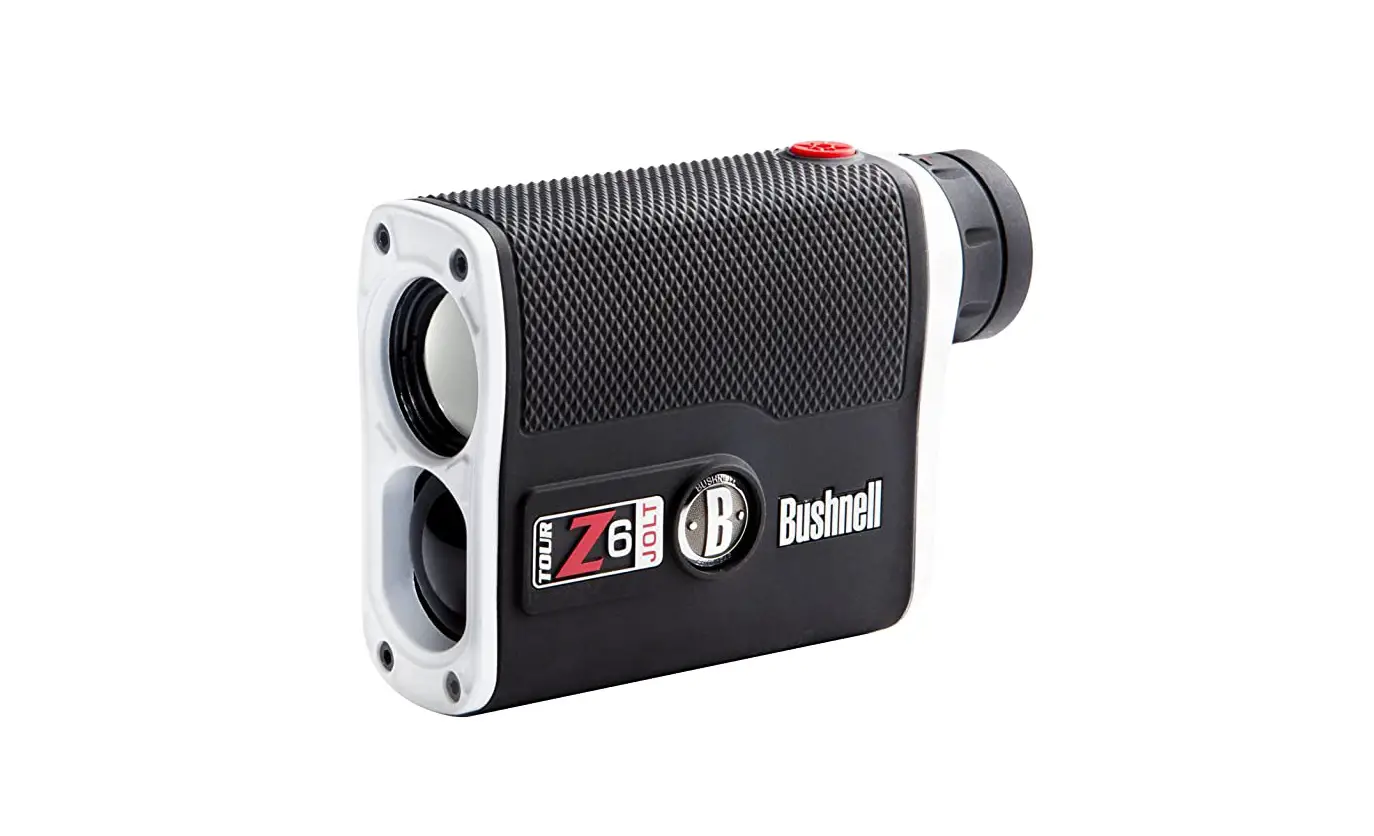
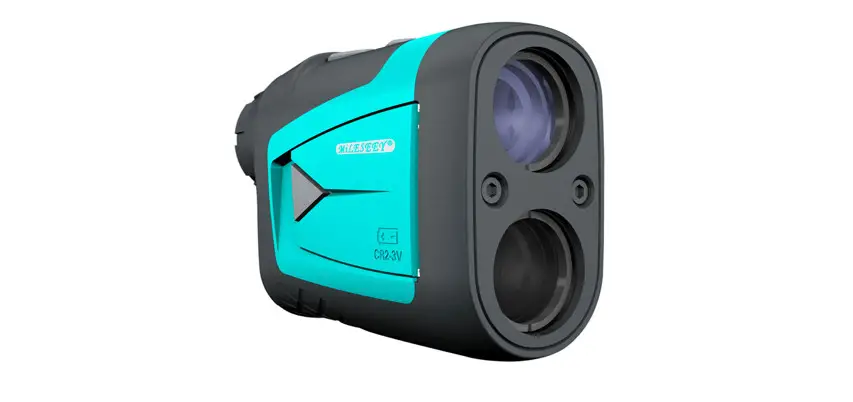
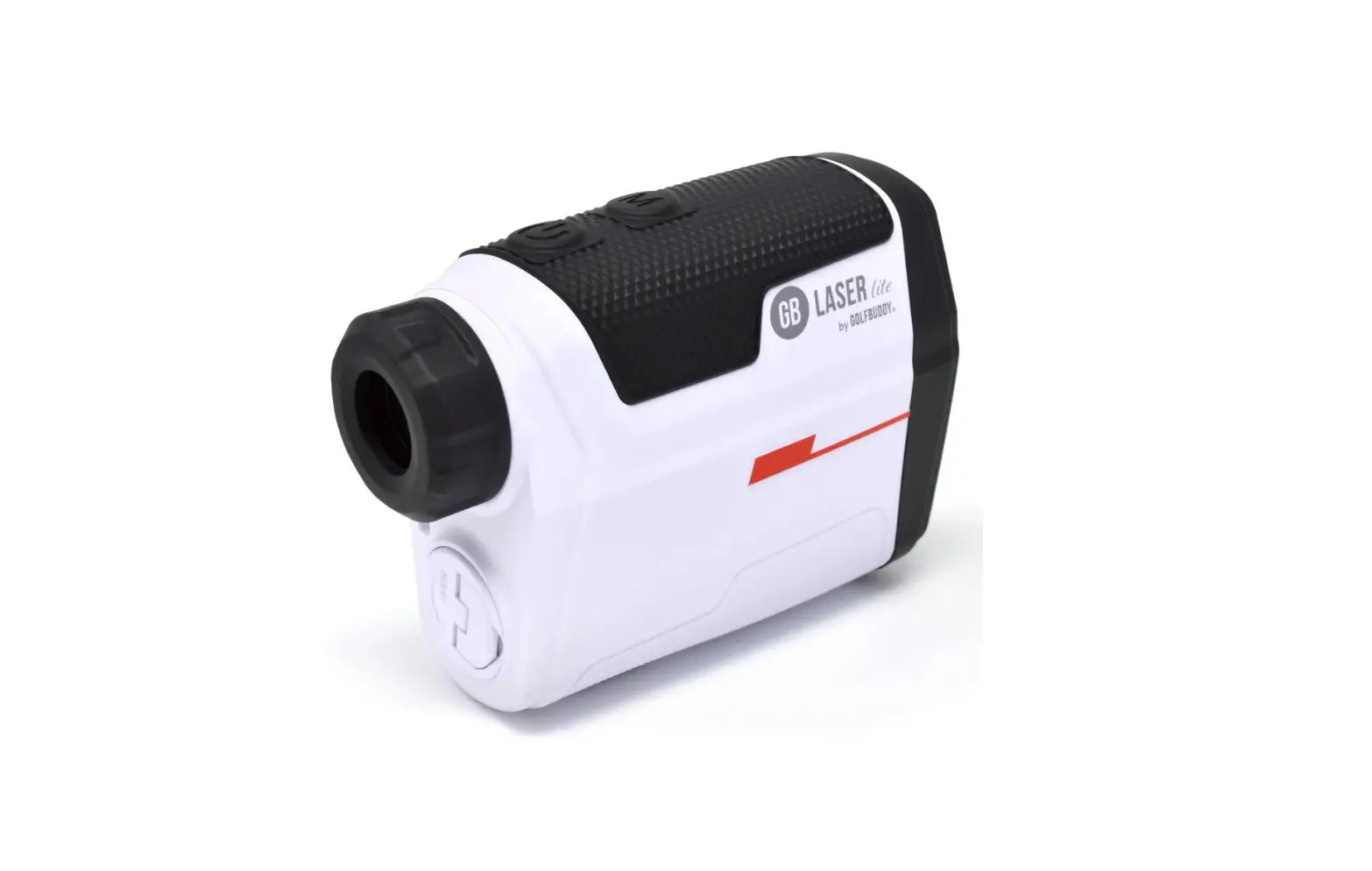
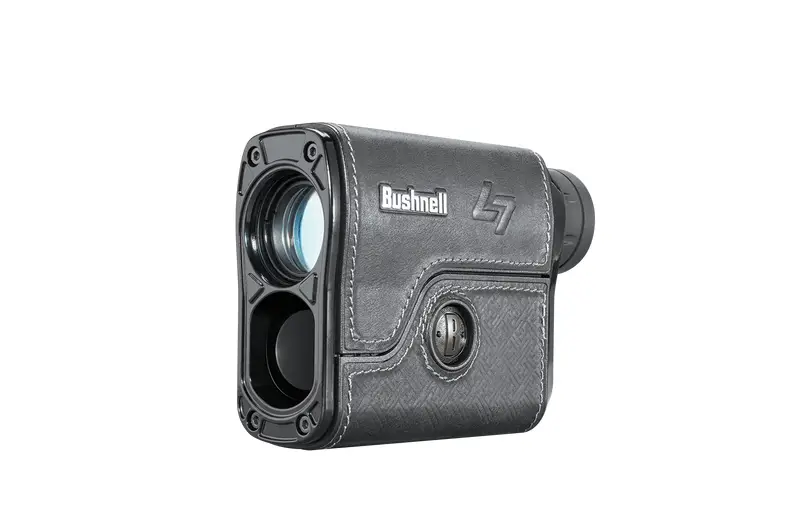
SLGRF20SL Golf Pro Laser Range Finder
GOLF LASER RANGE FINDER
MODELS: SLGRF20SL SLGRFS25SL
Before operating this device, please read the manual thoroughly,
and retain it for future reference.
1. INTRODUCTION
The Golf Laser Range Finder is a portable optoelectronic device
that can be used to measure the distance of a stationary object
within a certain range. It possesses advantages such as high
accuracy, short measuring time, low power consumption, and
automatic power-off for power saving. It excels at identifying
small objects (such as flagsticks) from background targets, like
trees or bushes, and locking the measurement data accurately.
2. APPEARANCE
- Eyepiece
- Battery House
- Power button
- Mode button
- Monocular Objective/ Laser Emission Tube
- Laser Receiving Tube
3. SPECIFICATIONS
| Item No. | Specifications |
|---|---|
| LRM 400M | 5400M |
| LRM 600M | 5600M |
| Battery Type | CR2-3V |
| Low Battery Indicator | Yes |
| Flag-lock Range to Flag | 5-200m |
| Weight | Dimensions |
4. LCD DISPLAY
5. OPERATION INSTRUCTIONS
a) Start
The range finder has two buttons: the power button and the mode
button MODE. Press the power button for one second, the range
finder will power on and quickly measure the target. The LCD will
display as shown in the figure below:
b) Adjust the focus
The range finder is designed with an adjustable eyepiece
(dioptre). By adjusting the dioptre, users with either sighted or
near-sighted vision can use the laser range finder without glasses.
Looking through the eyepiece, turn the dioptre left or right until
the view is focused with clarity to suit you.
c) Mode Change
The range finder has two modes: golf range finder mode (with on
LCD) and common range finder mode (no LCD). Press the MODE button,
the range finder will change between the two modes.
Mode]
d) Common Object Measuring
Keep the range finder in common range finder mode. Hold the
range finder toward the target, keep the target into the rectangle
box, and press the power button, the measurement data will be
displayed on the LCD screen.
e) Pin Seeking
Keep the range finder in golf range finder mode. Aim at the golf
flag or pin, and keep holding down the power button until the
distance of the flag or sticks is locked and displayed on the
LCD.
f) Scanning
Keep the range finder in common range finder mode. Hold the
Power button down and scan across the target area. The data on the
LCD will change with the target change.
g) Unit Change
Keep pressing the MODE button for almost 2 seconds, the unit
will switch between M (Meters) and Y (Yards).
h) Automatic Power-off
The Golf Rangefinder will automatically power off in 30 seconds
without operation.
i) Low Battery Indicator
[Figure: Low Battery Indicator]6. NOTICE
a) The measuring range of the Rangefinder could be influenced by
the angle between the laser and targets. Generally speaking, the
measuring range is better when there is a smooth surface, bright
color, big surface of targets, and a bigger angle between the laser
and the targets.
b) Users need to change to a new battery when [Low Battery
Indicator] displays. A low battery can affect accuracy. If you do
not use the rangefinder for an extended period, remove the
battery.
GOLF LASER RANGE FINDER
MODELS: SLGRF20SL SLGRFS25SL
Before operating this device, please read the manual thoroughly, and retain it for future reference.
1. INTRODUCTION Golf laser rangefinder is a portable optoelectronic device that can be
used to measure the distance of a stationary object within a certain range. It possesses advantages such as high accuracy, short measuring time, low power consumption and automatic power-off for power saving. It excels at identifying small objects (such as flagsticks) from background targets, like trees or bushes, and locking the measurement data accurately.
2. APPEARANCE
Eyepiece
Battery House
Power button Mode button
Monocular Objective/ Laser Emission Tube
Laser Receiving Tube
Page 2 of 9
3. SPECIFICATIONS
Item No. Specifications
Measure Range Objective Lens Magnification Field of View Exit Pupil Diameter Diopter Adjust Range Working Temperature Accuracy Battery Type Low Battery Indicator Flag-lock Range to Flag Weight Dimensions
LRM 400M 5400M
24mm 6X 7°
3.8mm ± 4
-2050°C ±1M(Y)±0.2%
CR2-3V
LRM 600M 5600M
24mm 6X 7°
3.8mm ± 4
-2050°C ±1M(Y)±0.2%
CR2-3V
Yes 5-200m
185g 104×72×41mm
Yes 5-250m
185g 104×72×41mm
Page 3 of 9
4. LCD DISPLAY
5. OPERATION INSTRUCTIONS a) Start The range finder has two buttons: the power button ” ” and the
mode button “MODE”. Press power button for one second, the range finder will power on and quickly measure the target. The LCD will display as shown in the below figure:
Four lines will keep shinning in the progress of measuring distance. And they will disappear after getting the distance data.
Page 4 of 9
In Progress
Distance Locked in
b) Adjust the focus
The range finder is designed with an adjustable eyepiece (dioptre). By
adjusting the focusing dioptre within a 5 to +5 range, people with far
sighted or near sighted vision can use the laser range finder without
glasses. Looking through the eyepiece, turn the dioptre left or right until
the view is focused with clarity to suit you.
c) Mode Change The range finder has two mode, golf range finder mode (with on
Page 5 of 9
LCD) and common range finder mode (no on LCD). Press the “MODE” button, the range finder will change between the two modes.
Golf Range Finder Mode
Common Range Finder Mode
d) Common Object Measuring
Keep the range finder in common range finder mode. Hold the range
finder toward the target, keep the target into the rectangle box, and press
the power button, the measurement data will be displayed on the LCD
screen.
e) Pin Seeking
Keep the range finder in golf range finder mode. Aim at the golf flag
or pin, and keep holding down the power button until the distance of the
flag or sticks is locked and displayed on the LCD.
f) Scanning
Keep the range finder in common range finder mode. Hold the Power
button down and scan across the target area. The data on the LCD will
change with the target change.
g) Unit Change
Page 6 of 9
Keep pressing the “MODE” button for almost 2 second, the unit switch between M (Meters) and Y (Yards).
h) Automatic Power-off Golf Rangefinder will automatically power off in 30 seconds without operation. i) Low Battery Indicator ” “refers to low battery and that the battery needs to be change.
6. NOTICE a) The measuring range of the Rangefinder could be influenced by the angle between the laser and targets. Generally speaking, the measuring range is better when there is a smooth surface, bright color, big surface of targets, and a bigger angle between the laser and the targets. b) Users need to change to a new battery when ” ” displays. A low battery can affect accuracy. If you do not use the rangefinder
Page 7 of 9
for a long time, please take the battery out. c) Do not touch the eyepiece directly, in order to avoid damage. This
device has been accurately aligned and adjusted with precise equipment. Never disassemble it at random. d) If the external lens is stained, please clean it with the lens cloth. Don’t use other materials when cleaning so as to prevent the coating from being damaged. e) Collision or high pressure should be avoided when carrying about or operating. f) Keep the device in a dry, cool and airy place and avoid dust, direct sunshine and extreme change of temperature. g) If there is a problem with the device, send it to a professional department, and never disassemble it by yourselves. h) Never transmit the laser towards sun or strong lightso as to prevent the photosensitive element from damages.
7. ACCESSORIES
Name
Golf Gear Laser Rangefinder Nylon carry Case Color Box Strap Plastic Bag Operation Manual Lens Cloth
Page 8 of 9
Quantity
1 1 1 1 1 1 1