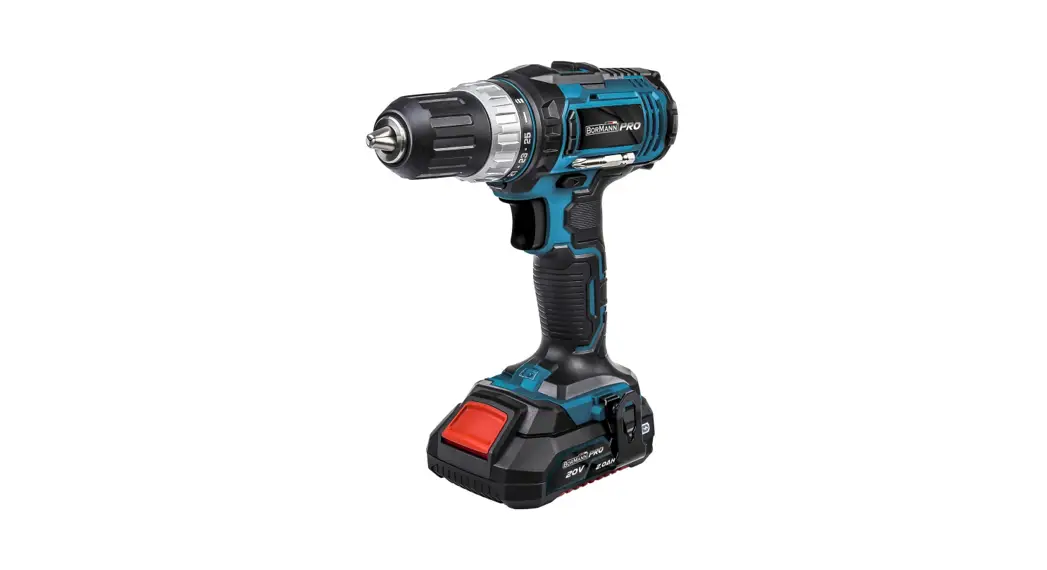
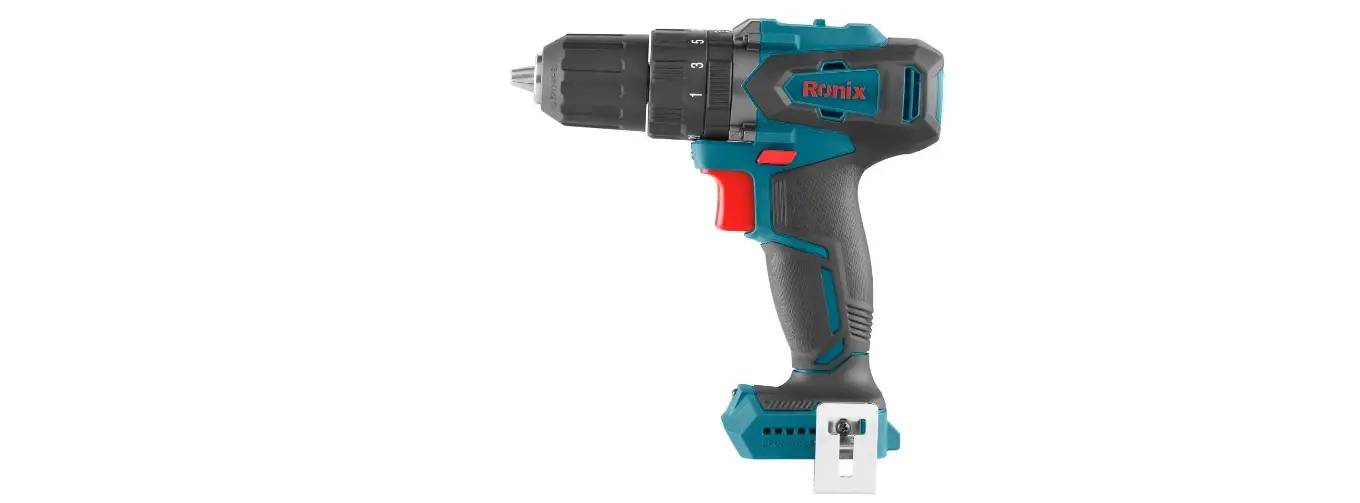
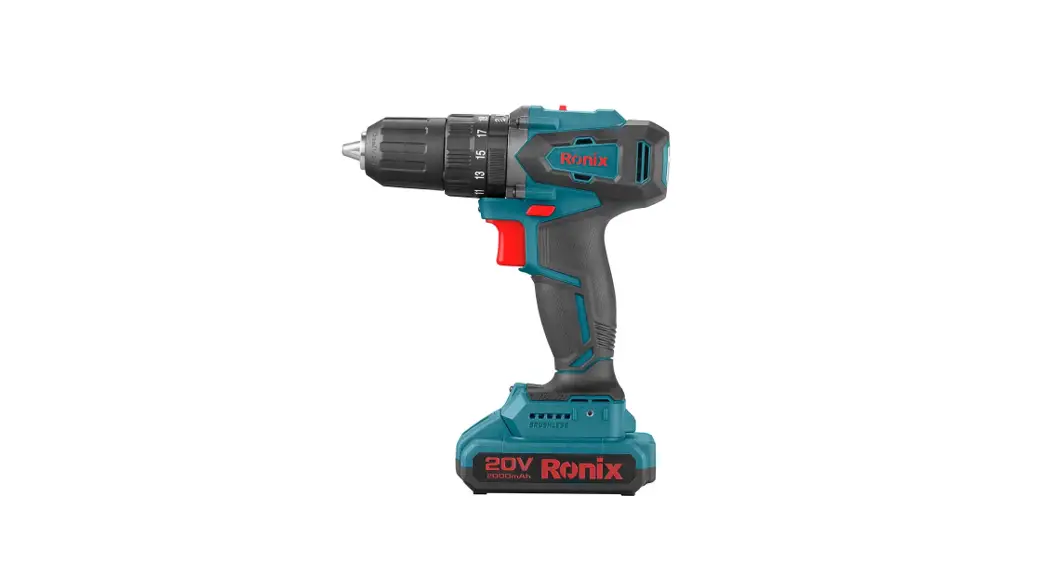
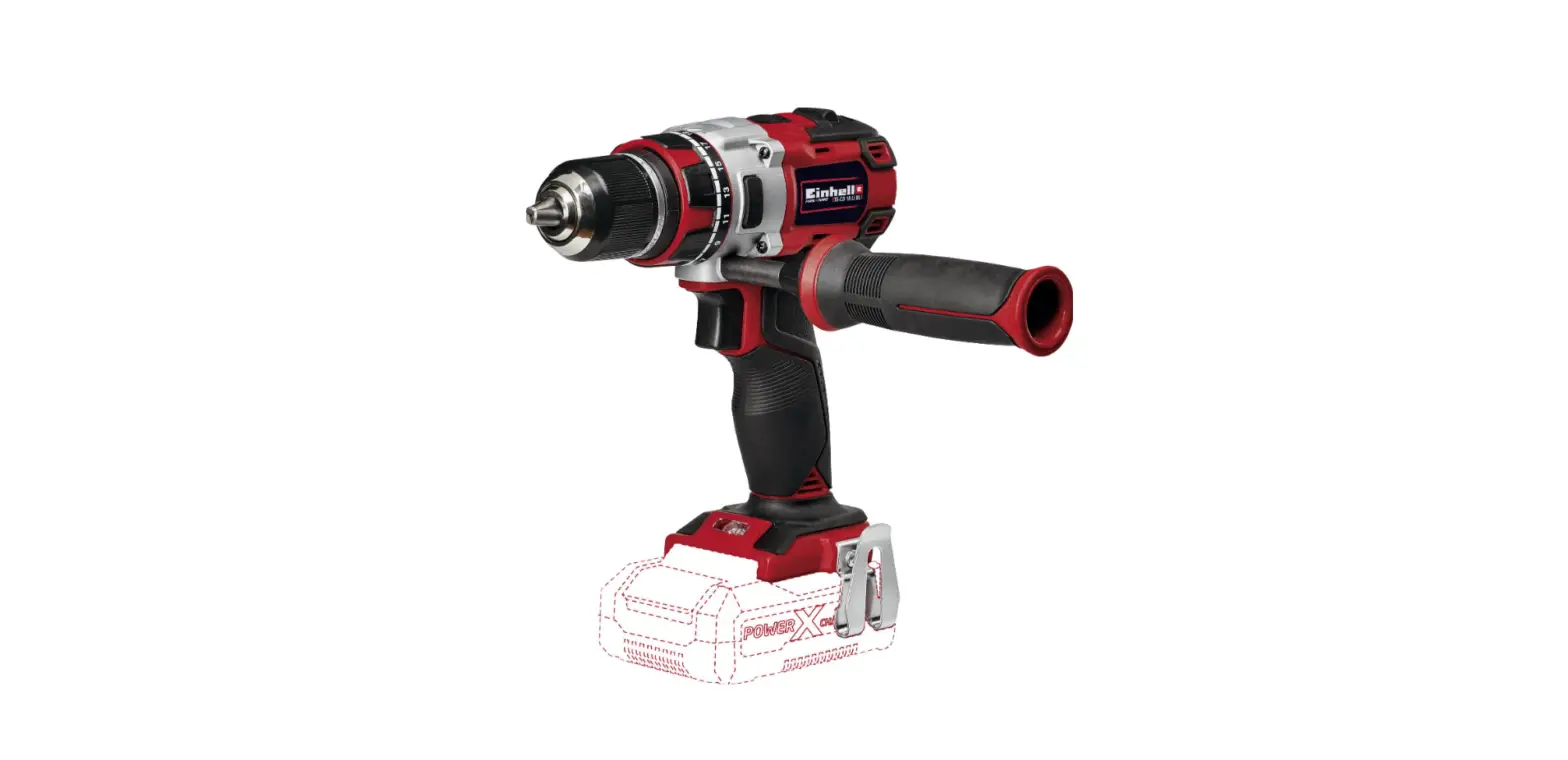
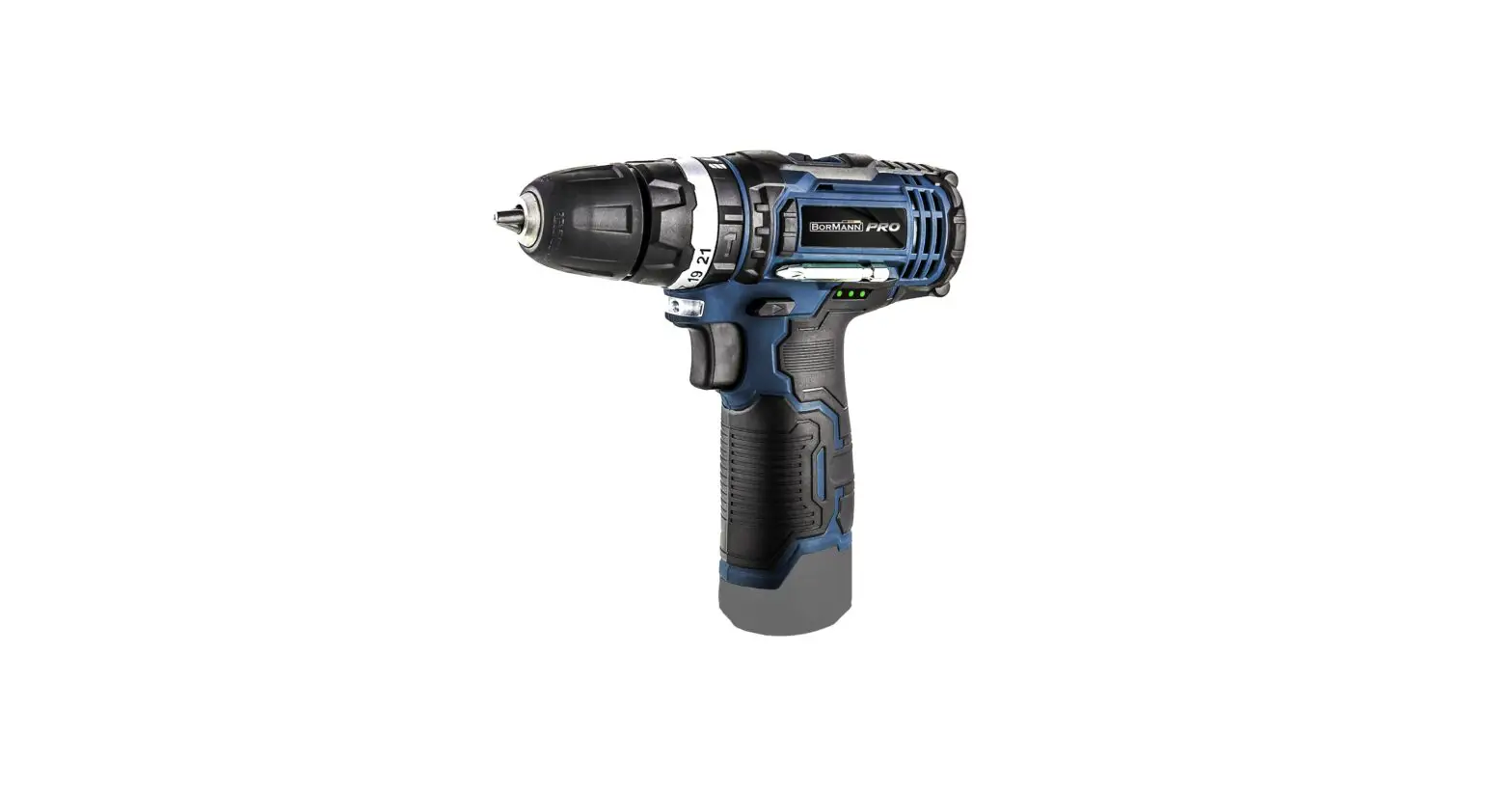
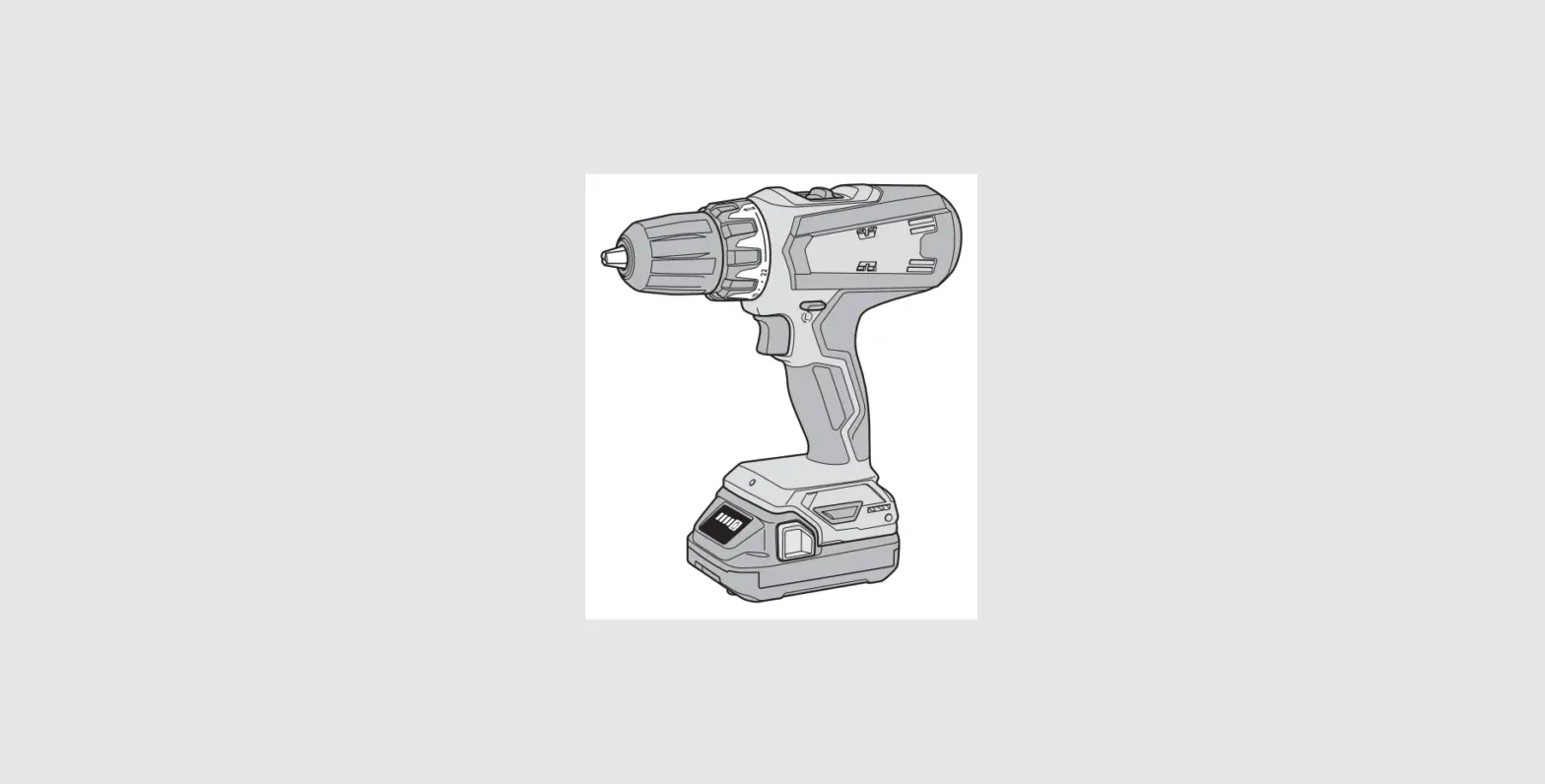
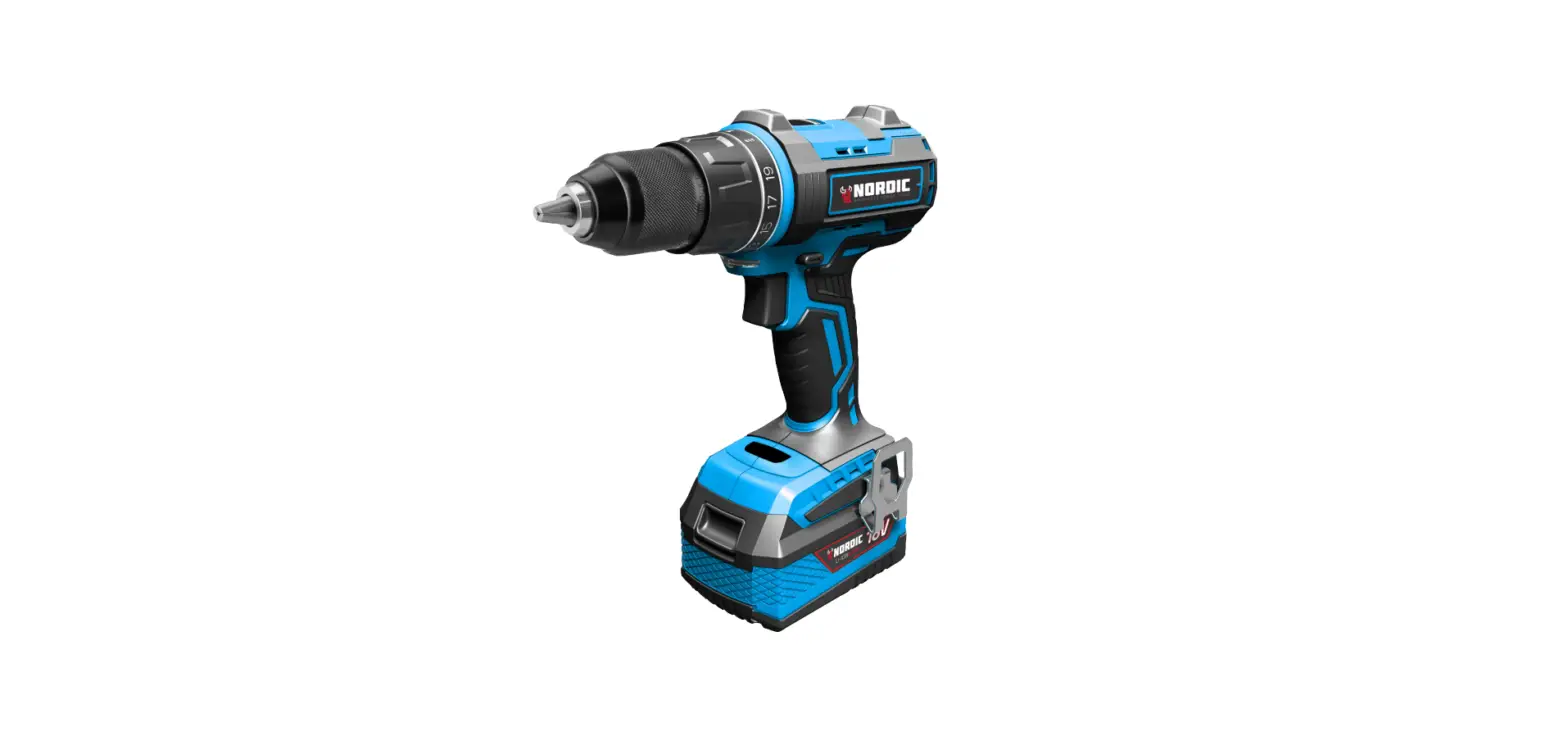
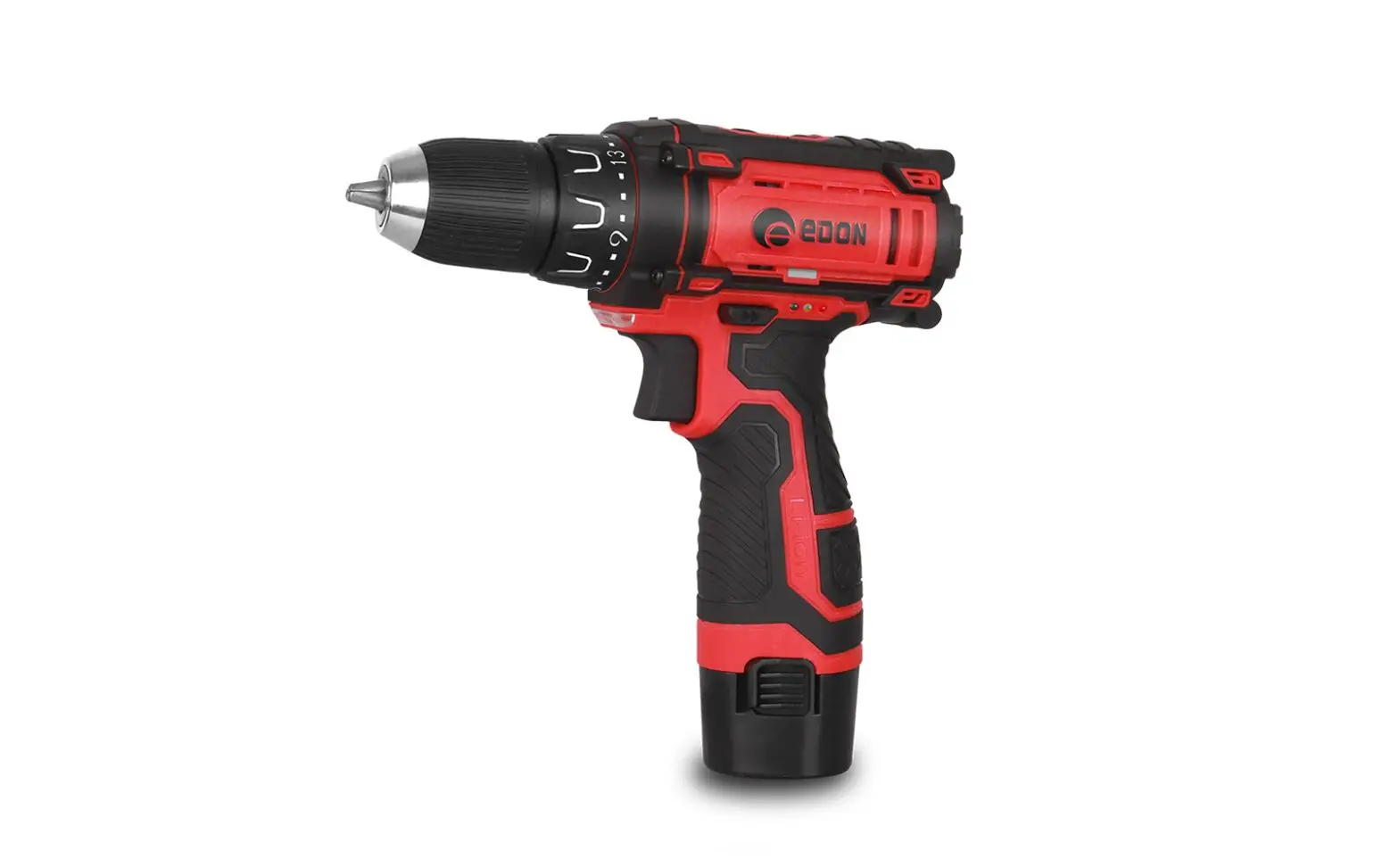
BBT-JOZ57C Cordless Power Drill
Product Information
The Cordless Drill BBT-JOZ57C is a power tool designed for
various drilling and screw driving tasks. It is equipped with a
variable electronic speed control, allowing users to adjust the
speed according to their needs. The drill features rotation in both
left and right directions, making it versatile for different
applications. It is powered by a Li-ion battery, which provides
cordless convenience and can be easily recharged.
Product Usage Instructions
Before using the Cordless Drill BBT-JOZ57C, please read and
understand all safety rules and instructions provided in the user
manual.
Assembly
- Ensure the drill is switched off and the battery is
disconnected before assembly. - Refer to the assembly section in the user manual for detailed
instructions on attaching accessories or adjusting settings. - Make sure all components are securely attached and tightened
before operating the drill.
Operation
- Ensure the work area is clean, well lit, and free of any
obstructions. - Check that the battery is fully charged before use.
- Hold the drill firmly with both hands while operating.
- Use appropriate drill bits or screwdriver bits for the desired
task. - Adjust the speed control according to the material and
application requirements. - Always use the correct drilling or screwdriving technique to
avoid accidents or damage. - After use, switch off the drill and disconnect the
battery.
Maintenance
To ensure optimal performance and longevity of the Cordless
Drill BBT-JOZ57C, follow these maintenance guidelines:
- Regularly clean the drill and remove any debris or dust.
- Inspect the battery for any damage or signs of wear. Replace if
necessary. - Keep the drill stored in a dry and secure place.
Please refer to the user manual for additional information on
safety instructions, machine information, environmental
considerations, and warranty details.
User Manual
CORDLESS DRILL
BBT-JOZ57C
Please scan the QR CODE for more services.
+1 833 635 0955 [email protected]
Read all safety rules and instructions carefully before operating this tool.
geprufte Sicherheit
CONTENTS
Contents …………………………………………………………………………………………………………………………………………………………….
2
Symbols …………………………………………………………………………………………………………………………………………………………………
3
Safety instructions ………………………………………………………………………………………………………………………………….
4-7
Machine information ……………………………………………………………………………………………………………………………
7-8
Assembly ……………………………………………………………………………………………………………………………………………………….
8-11
Operation …………………………………………………………………………………………………………………………………………………..
12-13
Maintenance …………………………………………………………………………………………………………………………………………………
13
Environment ……………………………………………………………………………………………………………………………………………….
13
Warranty …………………………………………………………………………………………………………………………………………………………
14
2
SYMBOLS
The following symbols are used in the user manual or on the product:
Read the user manual.
Denotes risk of personal injury, loss of life or damage to the tool in case of non-observance of the instructions in this manual.
Risk of electric shock.
Time-lag miniature fuse-link. Max temperature 45 0C. Do not throw the battery into fire.
Variable electronic speed.
Do not throw the battery into water.
Rotation, left/right. Do not use in rain.
Separate collection for Li-ion battery.
Indoor use only.
Class II machine – Double insulation You don’t need any earthed plug.
3
SAFETY INSTRUCTIONS
Read the enclosed safety warnings, the additional safety warnings and the instructions. Failure to follow the safety warnings and the instructions may result in electric shock, fire and/or serious injury. Save the safety warnings and the instructions for future reference.
GENERAL POWER TOOL SAFETY WARNINGS
WARNING! Read all safety warnings and all instructions. Failure to follow the warning and instructions may result in electric shock, fire and/or serious injury.
Save all warnings and instructions for future reference.
The term “power tool” in the warnings refers to your mains-operated (corded) power tool or battery-operated (cordless) power tool.
1) Work area safety . Keep the work area clean and well lit. Cluttered or dark areas invite accidents. . Do not operate power tools in explosive atmospheres, such as in the presence of flammable
liquids, gases or dust. Power tools create sparks which may ignite the dust or fumes.
. Keep children and bystanders away while operating a power tool. Distractions can cause you to
lose control.
2) Electrical safety . Power tool plugs must match the outlet. Never modify the plug in any way. Do not use any
adapter plugs with earthed (grounded) power tools. Unmodified plugs and matching outlets will reduce risk of electric shock.
. Avoid body contact with earthed or grounded surfaces, such as pipes, radiators, ranges and
refrigerators. There is an increased risk of electric shock if your body is earthed or grounded.
. Do not expose power tools to rain or wet conditions. Water entering a power tool will increase
the risk of electric shock.
. Do not abuse the cord. Never use the cord for carrying, pulling or unplugging the power tool.
Keep cord away from heat, oil, sharp edges or moving parts. Damaged or entangled cords increase the risk of electric shock.
. When operating a power tool outdoors, use an extension cord suitable for outdoor use. Use of
a cord suitable for outdoor use reduces the risk of electric shock.
. If operating a power tool in a damp location is unavoidable, use a residual current device (RCD)
protected supply. Use a RCD to reduces the risk of electric shock.
3) Personal safety . Stay alert, watch what you are doing and use common sense when operating a power tool. Do not
use a power tool while you are tired or under the influence of drugs, alcohol or medication. A moment of inattention while operating power tools may result in serious personal injury.
. Use personal protective equipment. Always wear eye protection. Protective equipment such as
dust mask, non-skid safety shoes, hard hat, or hearing protection used for appropriate conditions will reduce personal injuries.
. Prevent unintentional starting. Ensure the switch is in the off-position before connecting to power
source and/or battery pack, picking up or carrying the tool. Carrying power tools with your finger on the switch or energising power tools that have the switch on invites accidents.
4
. Remove any adjusting key or wrench before turning the power tool on. A wrench or a key left
attached to a rotating part of the power tool may result in personal injury.
. Do not overreach. Keep proper footing and balance at all times. This enables better control of the
power tool in unexpected situations.
. Dress properly. Do not wear loose clothing or jewelry. Keep your hair, clothing and gloves away
from moving parts. Loose clothes, jewelry or long hair can be caught in moving parts.
. If devices are provided for the connection of dust extraction and collection facilities, ensure these
are connected and properly used. Use of dust collection can reduce dust related hazards.
. Do not let familiarity gained from frequent use of tools allow you to become complacent and ignore
tool safety principles. A careless action can cause severe injury within a fraction of a second.
4) Power tool use and care . Do not force the power tool. Use the correct power tool for your application. The correct power
tool will do the job better and safer at the rate for which it was designed.
. Do not use the power tool if the switch does not turn it on and off. Any power tool that cannot be
controlled with the switch is dangerous and must be repaired.
. Disconnect the plug from the power source and/or the battery pack from the power tool before
making any adjustments, changing accessories, or storing power tools. Such preventive safety measures reduce the risk of starting the power tool accidentally.
. Store idle power tools out of the reach of children and do not allow persons unfamiliar with the
power tool or these instructions to operate the power tool. Power tools are dangerous in the hands of untrained users.
. Maintain power tools. Check for misalignment or binding of moving parts, breakage of parts and
any other condition that may affect the power tool’s operation. If damaged, have the power tool repaired before use. Many accidents are caused by poorly maintained power tools.
. Keep cutting tools sharp and clean. Properly maintained cutting tools with sharp cutting edges are
less likely to bind and are easier to control.
. Use the power tool, accessories and tool bits etc. in accordance with these instructions, taking
into account the working conditions and the work to be performed. Use of the power tool for operations different from those intended could result in a hazardous situation.
. Keep handles and grasping surfaces dry, clean and free from oil and grease. Slippery handles
and grasping surfaces do not allow for safe handling and control of the tool in unexpected situations.
5) Battery tool use and care . Recharge only with the charger specified by the manufacturer. A charger that is suitable for one
type of battery pack may create a risk of fire when used with another battery pack.
. Use power tools only with specifically designated battery packs. Use of any other battery packs
may create a risk of injury and fire.
. When the battery pack is not in use, keep it away from other metal objects, like paper clips, coins,
keys, nails, screws or other small metal objects that can make a connection from one terminal to another. Shorting the battery terminals together may cause burns or a fire.
. Under abusive conditions, liquid may be ejected from the battery; avoid contact. If contact
accidentally occurs, flush with water. If liquid contacts eyes, additionally seek medical help. Liquid ejected from the battery may cause irritation or burns.
5
. Do not use a battery pack or tool that is damaged or modified. Damaged or modified batteries may
exhibit unpredictable behavior resulting in fire, explosion or risk of injury.
. Do not expose a battery pack or tool to fire or excessive temperature. Exposure to fire or
temperature above 130 °C may cause an explosion. NOTE The temperature ,,130 °C” can be replaced by the temperature ,,265 °F”.
. Follow all charging instructions and do not charge the battery pack or tool outside the temperature
range specified in the instructions. Charging improperly or at temperatures outside the specified range may damage the battery and increase the risk of fire.
6) Service
· Have your power tool serviced by a qualified repair person using only identical replacement parts. This will ensure that the safety of the power tool is maintained.
· Never service damaged battery packs. Service of battery packs should only be performed by the manufacturer or authorized service providers.
ADDITIONAL SAFETY WARNINGS FOR DRILLS AND SCREW DRIVERS
Drill safety warnings · Wear ear protectors when impact drilling. Noise exposure can cause hearing loss. · Hold the power tool by insulated gripping surfaces, when performing an operation where the
cutting accessory may contact hidden wiring. Cutting accessory contacting a “live” wire may make exposed metal parts of the power tool “live” and could give the operator an electric shock. · Brace the tool properly before use This tool produces a high output torque and without properly bracing the tool during operation, loss of control may occur resulting in personal injury.
SAFETY INSTRUCTIONS WHEN USING LONG DRILL BITS.
· Never operate at higher speed than the maximum speed rating of the drill bit. At higher speeds, the bit is likely to bend if allowed to rotate freely without contacting the workpiece, resulting in personal injury.
· Always start drilling at low speed and with the bit tip in contact with the workpiece. At higher speeds, the bit is likely to bend if allowed to rotate freely without contacting the workpiece, resulting in personal injury.
· Apply pressure only in direct line with the bit and do not apply excessive pressure. Bits can bend causing breakage or lose of control, resulting in personal injury.
SAFETY WARNINGS FOR BATTERY
· Do not open the battery. Danger of shortcircuiting. · Protect the battery against heat, e. g., against continuous intense sunlight, fire, water, and moisture.
Danger of explosion. · In case of damage and improper use of the battery, vapors may be emitted. Ventilate the area
and seek medical help in case of complaints. The vapors can irritate the respiratory system. · Use the battery only in conjunction with your SnapFresh product. This measure alone protects the
battery against dangerous overload. · The battery can be damaged by pointed objects such as nails or screwdrivers or by force applied
externally. An internal short circuit can occur and the battery can burn, smoke, explode or overheat.
6
SAFETY WARNINGS FOR CHARGER
Intended use
Charge only BBT-DC20A and BBT-DC40A type rechargeable Battery packs with the charger. Other types of batteries may burst to cause personal injury and damage.
· The appliance is not to be used by persons (including children) with reduced physical, sensory or mental capabilities, or lack of experience and knowledge, unless they have been given supervision or instruction.
· Children being supervised not to play with the appliance. · Do not recharge non-rechargeable batteries! · During charging, batteries must be placed in the well ventilated area!
Electrical safety
Always check that the voltage of the power supply corresponds to the voltage on the rating plate.
· Do not use the machine if the mains cable or the mains plug is damaged. · Only use extension cables that are suitable for the power rating of the machine with a minimum
2thickness of 1.5mm . If you use an extension cable reel, always fully unroll the cable.
MACHINE INFORMATION
Intended use This cordless drill is intended for driving in and loosening screws as well as for drilling in wood, metal and plastic.
TECHNICAL SPECIFICATIONS
Model No.
Rated voltage Chuck capacity No load speed Position 1: Position 2:
Weight
BBT-JOZ57C 20V 10 mm
0-400 /min 0-1400 /min 0.9 kg
Sound pressure level L PA
65.4dB(A), K=3dB(A)
Model Number Battery type Voltage Capacity Recommended charger Weight
Model Number Charger input Charger output
BBT-DC20A Lithium-ion 20V 2.0 Ah BBT-YFT20V 0.3 kg
BBT-YFT20V 100-120V~60Hz 65W 21V 2.5A
Sound power level L WA
Hand-arm vibration a h,D (Drilling into metal)
76.4 dB(A), K=3dB(A)
Charging time 2Ah battery Charging time 4Ah battery
Recommended batteries 0.893 m/s 2 K=1.5 m/s 2
Weight
60 minutes 120 minutes BBT-DC20A, BBT-DC40A 0.36 kg
7
Only use the following batteries of the SnapFresh power 20V battery platform. Using any other batteries could cause serious injury or damage the tool. BBT-DC20A 20V, 2Ah Lithium-ion BBT-DC40A 20V, 4Ah Lithium-ion The following charger of the can be used to charge these batteries. BBT-YFT20V Quick charger The batteries of the SnapFresh power 20V battery platform are interchangeable with all the SnapFresh power 20V battery platform tools. Vibration level The vibration emission level stated in this instruction manual has been measured. It may be used to compare one tool with another and as a preliminary assessment of exposure to vibration when using the tool for the applications mentioned. · Using the tool for different applications, or with different or poorly maintained accessories, may
significantly increase the exposure level. · The times when the tool is switched off or when it is running but not actually doing the job, may
significantly reduce the exposure level. Protect yourself against the effects of vibration by maintaining the tool and its accessories, keeping your hands warm, and organizing your work patterns.
8
ASSEMBLY
A
7
6
8
5 4
3
9 1
2
BC
1 3
2
2
12 11
10
13
10
2
9
Before any work on the power tool, remove the battery.
The battery must be charged before first use.
DESCRIPTION
The numbers in the text refer to the diagrams on page 9.
1. Machine 2. Battery 3. Battery unlock button 4. Work light 5. On / off switch 6. Torque adjustment ring 7. Chuck 8. Gear selection switch 9. Direction switch 10. Charger LED indicators 11. Battery LED indicators button 12. Battery LED indicators 13. Charger
Inserting the battery into the machine (Fig. B) Ensure that the exterior of the battery is clean and dry before connecting to the charger or machine.
· Insert the battery (2) into the base of the machine as shown in Fig. B. · Push the battery further forward until it clicks into place.
Removing the battery from the machine (Fig. B) · Push the battery to unlock button (3) · Pull the battery out of the machine like shown in Fig. B.
Checking the battery charging status (Fig. C) · To check the battery charge status, push the button (11) on battery shortly. · The battery has 3 lights indicating the charge level, the more lights that burn, the more charge the
battery has left. · When the lights are not burning it means the battery is empty and must be charged immediately.
10
Charging the battery with the charger (Fig. C)
· Take the battery (2) off from the machine. · Turn the battery (2) to upside down position and slide it onto the charger (13) as shown in Fig. C. · Push the battery until it is fully pushed into the slot. · Plug the charger plug into an electrical outlet and wait for a while. The LED indicators(10) on the
charger(13) will lighten up and show the charger status.
The charger has 2 LED indicators (10) which indicate the status of the charging process:
Red LED Status Off
Off
On
Green LED status Off
On
Off
Charger status
No power
Standby mode: – No battery is
inserted or, – Battery inserted but charging has
finished
Battery charging in progress
· Fully charging the 2Ah battery may take up to 60 minutes. · Fully charging the 4Ah battery may take up to 120 minutes.
After the battery is fully charged remove the charger plug from the outlet and remove the battery from the charger.
When the machine is not being used over a longer period of time it is best to store the battery in charged condition.
Fitting and removing drills or screwdriver bits (Fig. A) The drill chuck (7) is suitable for drills and screwdriver bits with round shaft as well as hexagonal shaft.
· Hold the machine firmly with one hand. · Open the drill chuck (7) by rotating the chuck with your other hand in clockwise direction until it is
opened far enough for the bit to slide in. · Insert the shaft of the drill or screwdriver bit. · Tighten the drill chuck again by firmly rotating the chuck (7) counterclockwise. · Check if the bit is centered well by shortly activating the machine´s on/off switch.
11
OPERATION
Adjusting the gears (Fig.A)
Never switch gears when the motor is running, this will damage your machine.
Never put switch in the middle between both positions, this will damage your machine.
The machine has 2 drill speeds, which can be adjusted by sliding the gear switch (8) forward or backwards. The number on the gear switch (8) shows which position is chosen.
· Position 1: For slow drilling, large drilling diameter or screw driving. The machine has high power at a low speed.
· Position 2: For fast drilling or small drilling diameter.
Adjusting the direction of rotation (Fig. A) · Set the direction switch (9) to position · Set the direction switch (9) to position
in order to drive screws or to use it for drilling. in order to remove screws.
Switching the machine on and off (Fig. A)
The on/off switch (5) is used for activating the machine and adjusting rotation speed.
· Pressing the on/off switch (5) will activate the machine, the further the switch is being pushed, the faster the drill will turn.
· Releasing the on/off switch (5) will stop the machine. · Move the direction reversing switch (9) to the middle position to lock the movement of the on/off
switch.
Adjusting the torque (Fig. A)
The machine has 21 different torque settings and a special drill mode to set the power being transmitted to the chuck. By rotating the torque adjustment ring (6), screws can be driven to a predetermined depth, which is ideal for repetitive work. The higher the number, the more torque will be transmitted.
· Select a low setting for small screws or soft work material.
· Select a high setting for large screws, hard work materials and when removing screws.
· You should preferably choose a setting as low as possible when driving screws. Select a higher
setting if the motor slips before the screw is fully tightened. · For drilling, turn the torque adjustment ring (6) to the setting for drilling (
) by fully turning
it counterclockwise.
12
Ensure that the direction switch (9) is always set to
during drilling.
The machine is equipped with electronic overload protection function. When the machine gets overloaded it will shut down automatically. When this happens, please wait for a few seconds to let the overload protection reset itself.
MAINTENANCE
Before cleaning and maintenance, always switch off the machine and remove the battery pack from the machine.
Clean the machine casings regularly with a soft cloth, preferably after each use. Make sure that the ventilation openings are free of dust and dirt. Remove very persistent dirt using a soft cloth moistened with soapsuds. Do not use any solvents such as gasoline, alcohol, ammonia, etc. Chemicals such as these will damage the synthetic components.
ENVIRONMENT
Faulty and/or discarded electrical or electronic apparatus have to be collected at the appropriate recycling locations.
13
WARRANTY
Ningbo Babytec Technology Co., Ltd (Hereinafter referred to as Babytec) warrants this product against defects in materials and/or workmanship under normal use for a period of ONE (1) YEAR from the date of purchase by the original purchaser (‘Warranty Period’).
The following circumstances are excluded from this guarantee: · Repairs and or alterations have been made or attempted to the machine by unauthorized service
centers; · Normal wear and tear; · The tool has been abused, misused or improperly maintained; · Non-original spare parts have been used.
If a defect arises and a valid claim is received within the Warranty Period, at its option, Babytec will either 1) repair the defect at no charge, using new or refurbished replacement parts, or 2) replace the product with a new product that is at least functionally equivalent to the original product, or provide a store credit in the amount of the purchase price of the original product. A replacement product or part, including a part installed in accordance with instructions product by Babytec, assumes the remaining warranty of the original product. When a product or part is exchanged, any replacement item becomes your property and the replaced item becomes Babytec’s property. When a store credit is given, the original product must be returned to Babytec and becomes Babytec’s property. To obtain warranty service, e-mail Babytec Warranty Service at [email protected]. Please be prepared to describe the product that needs service and the nature of the problem.
+1 833 635 0955
(Monday – Friday 9 a.m. – 5 p.m. EST 6 a.m. – 2 p.m. PST)
All rights reserved by Ningbo Babytec Technology Co.,Ltd 14
 tools.com | Buy Power Tools and Automotive Parts online and save with tools.com