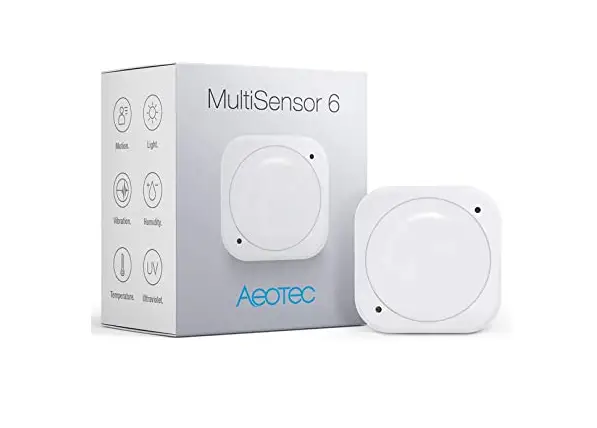
 zoOZ Z-Wave 700S 4-in-1 Motion/Light/Temperature and Humidity Sensor
 zoOZ Z-Wave 700S 4-in-1 Motion/Light/Temperature and Humidity Sensor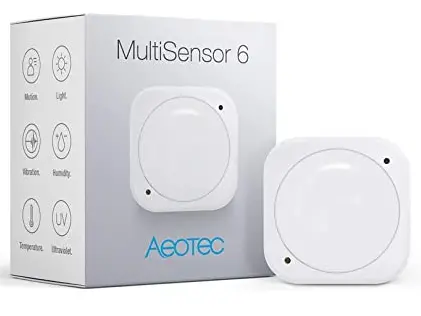
| Version | Written By | Date | Change List |
| 1.0 | Yongqi | 20210509 | Initial |
NOTE: This equipment has been tested and found to comply with the limits for a Class B digital device, pursuant to part 15 of the FCC Rules. These limits are designed to provide reasonable protection against harmful interference in a residential installation. This equipment generates uses and can radiate radio frequency energy and, if not installed and used in accordance with the instructions, may cause harmful interference to radio communications.
However, there is no guarantee that interference will not occur in a particular installation. If this equipment does cause harmful interference to radio or television reception, which can be determined by turning the equipment off and on, the user is encouraged to try to correct the interference by one or more of the following measures:
- Reorient or relocate the receiving antenna.
- Increase the separation between the equipment and receiver.
- Connect the equipment into an outlet on a circuit different from that to which the receiver is connected.
- Consult the dealer or an experienced radio/TV technician for help
Changes or modifications not expressly approved by the party responsible for compliance could void the user’s authority to operate the equipment.
This device complies with Part 15 of the FCC Rules. Operation is subject to the following two conditions:
- this device may not cause harmful interference, and
- this device must accept any interference received, including interference that may cause undesired operation.
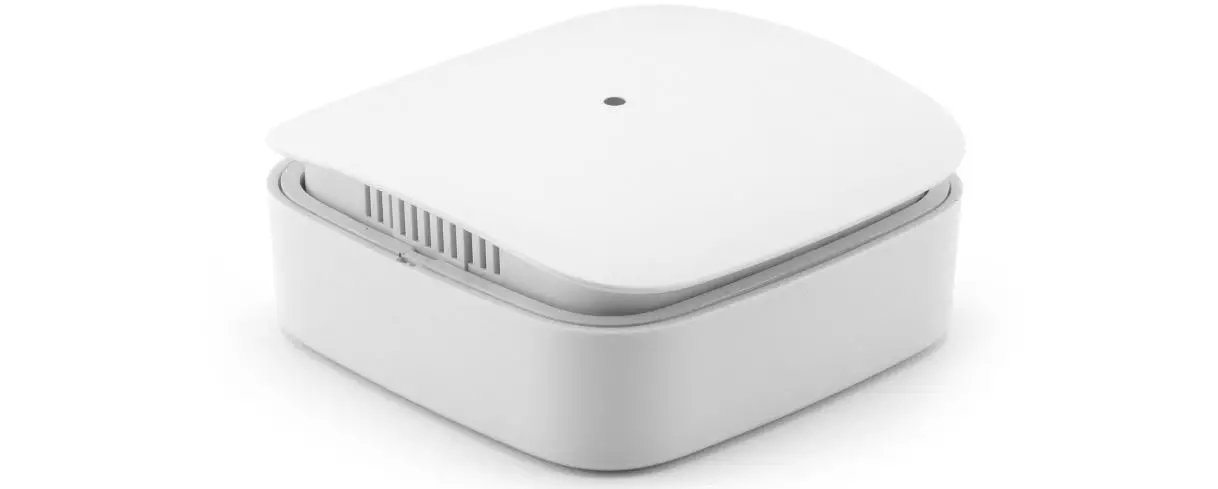
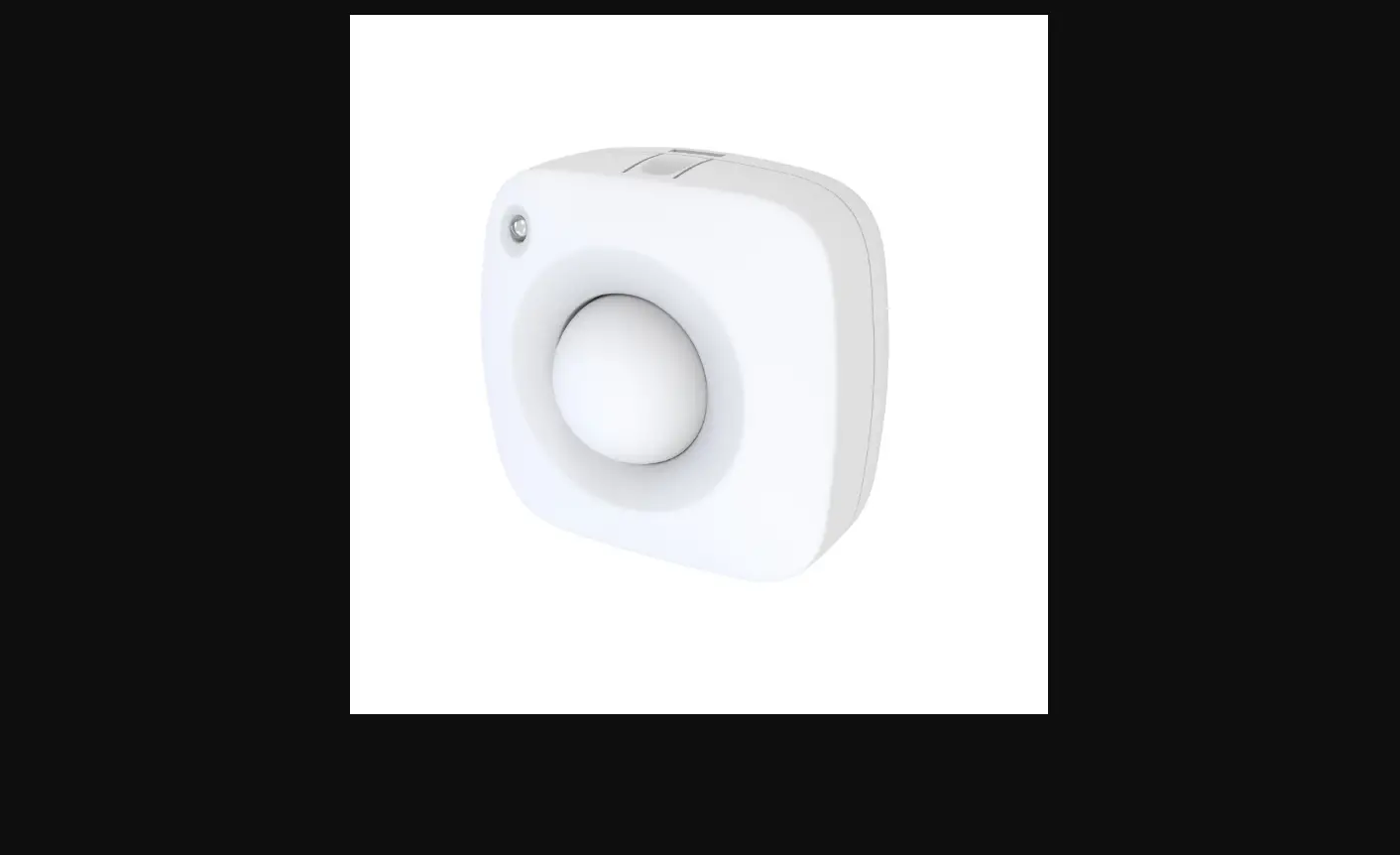
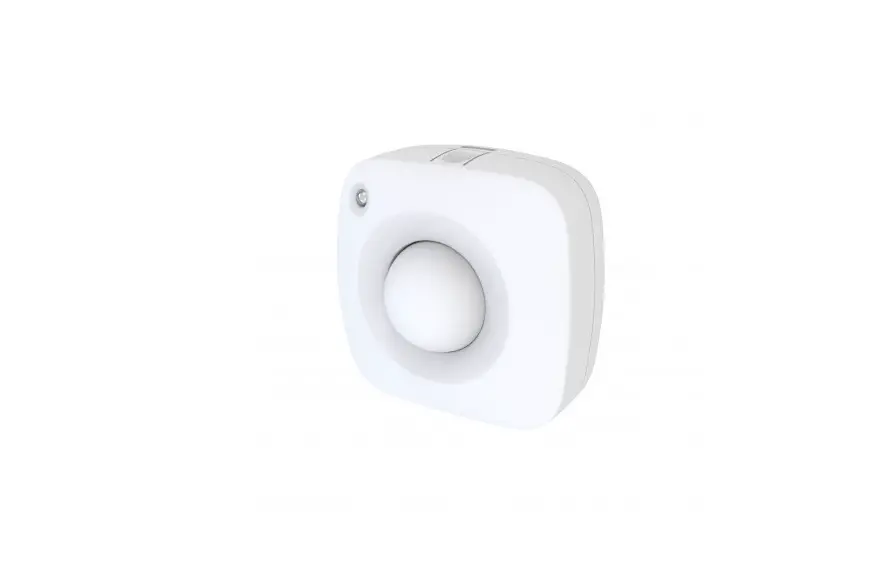
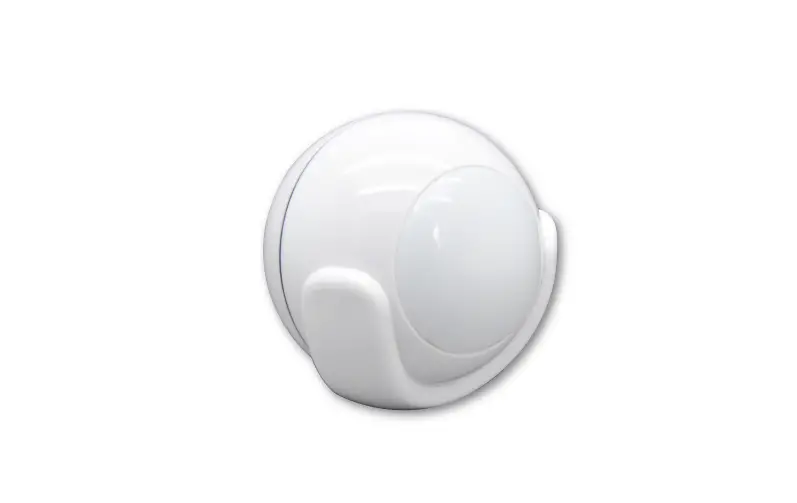
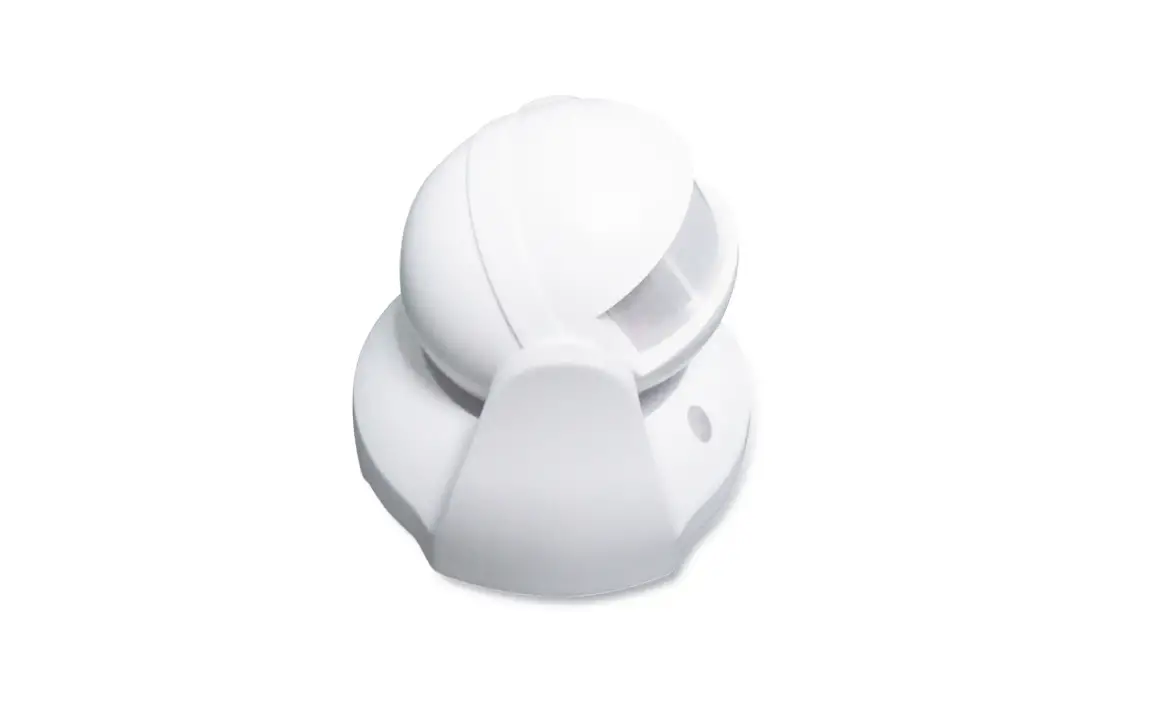
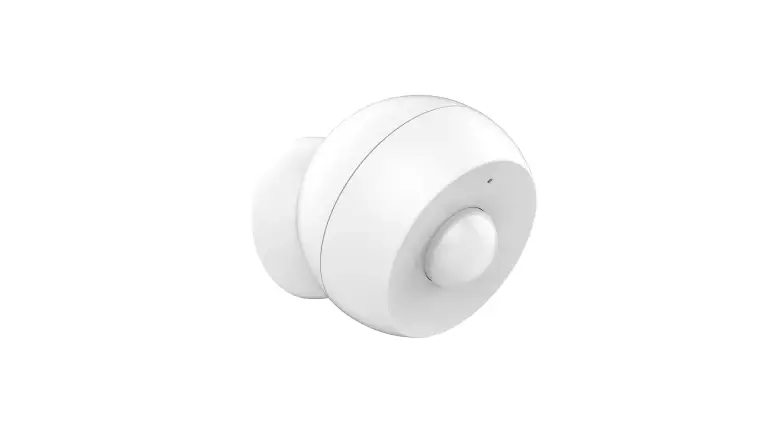
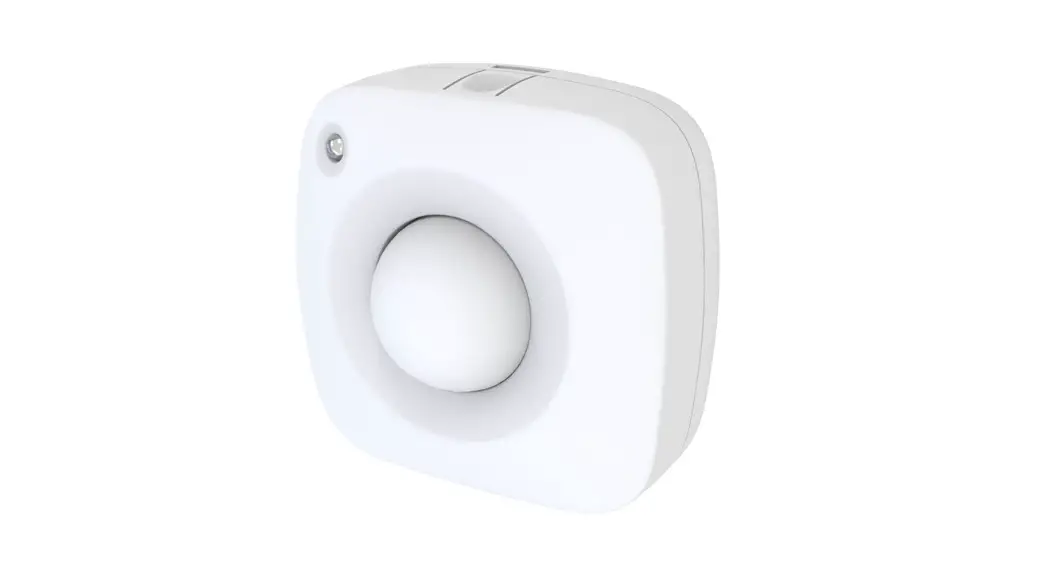
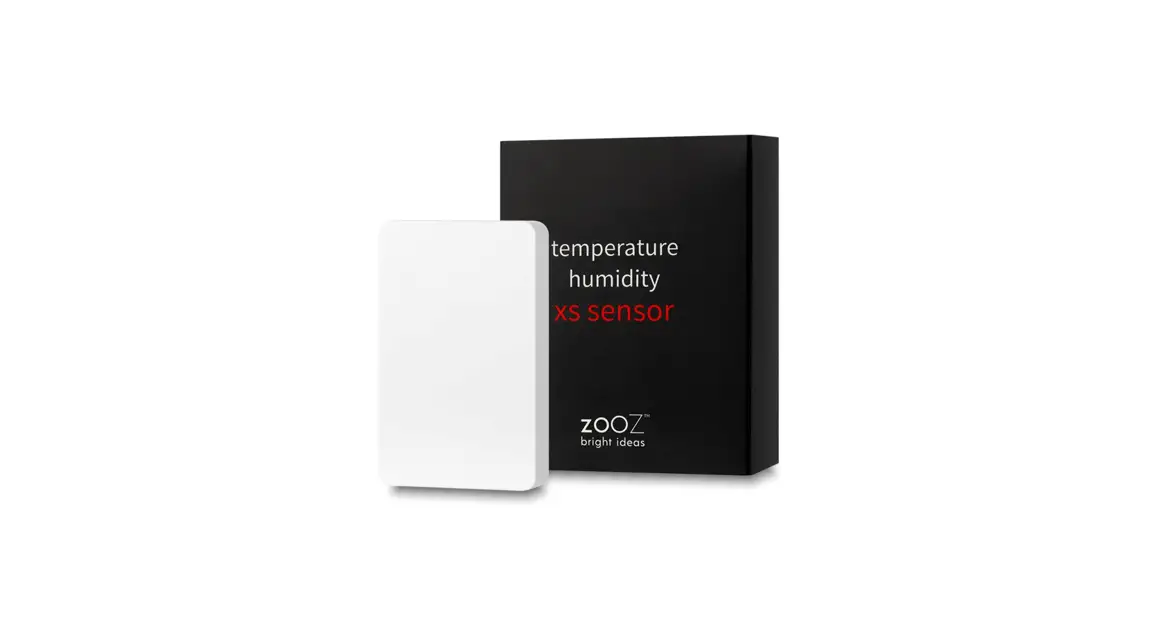
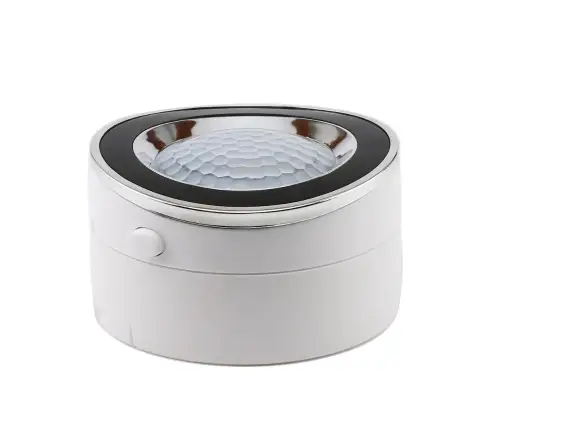
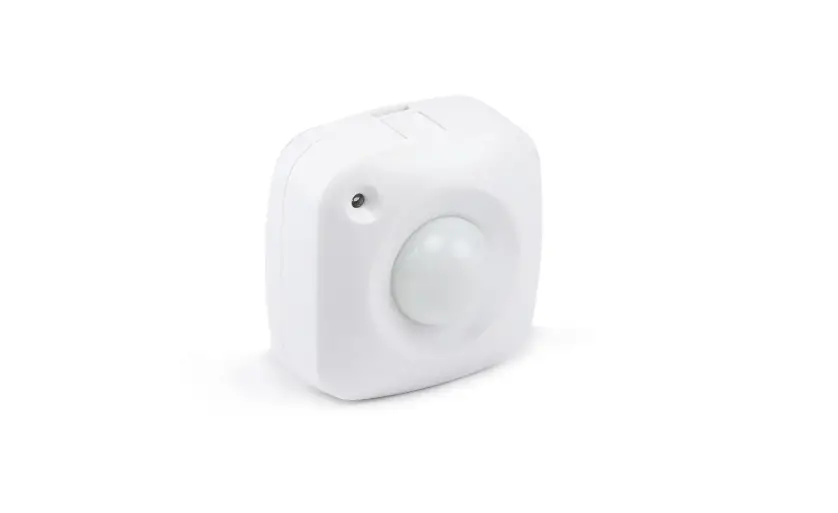
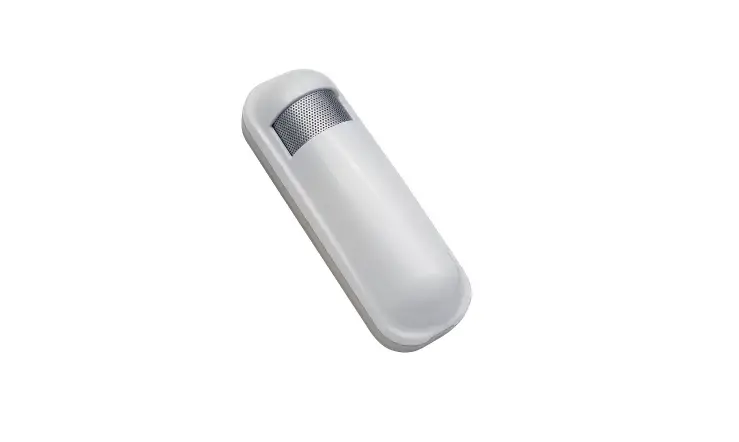
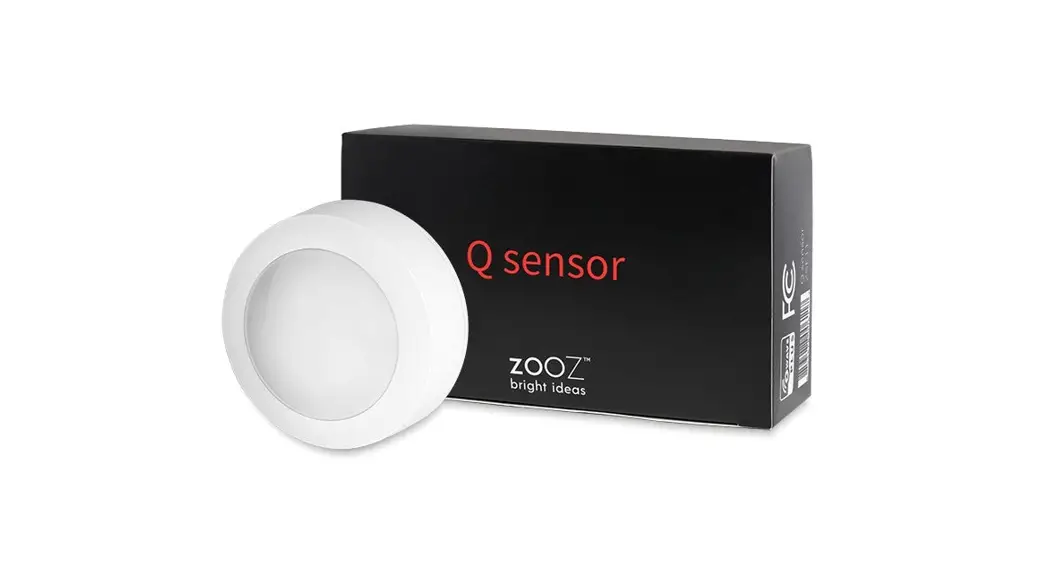
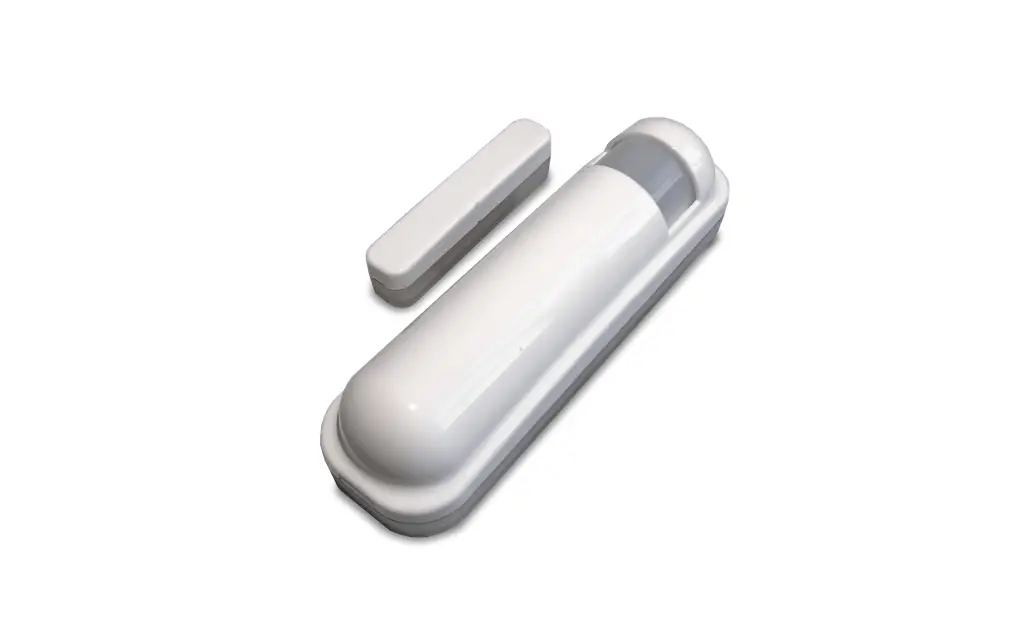
This sensor has motion detector, light intensity sensor and ambient temperature/humidity sensors in one which based on Z-Wave™ Plus technology.
This product can be included and operated in any Z-Wave™ network with other Z-Wave™ certified devices from other manufacturers and/or other applications. All non-battery operated nodes within the network will act as repeaters regardless of vendor to increase reliability of the network.
Z-Wave™ Network Inclusion/Exclusion/Reset
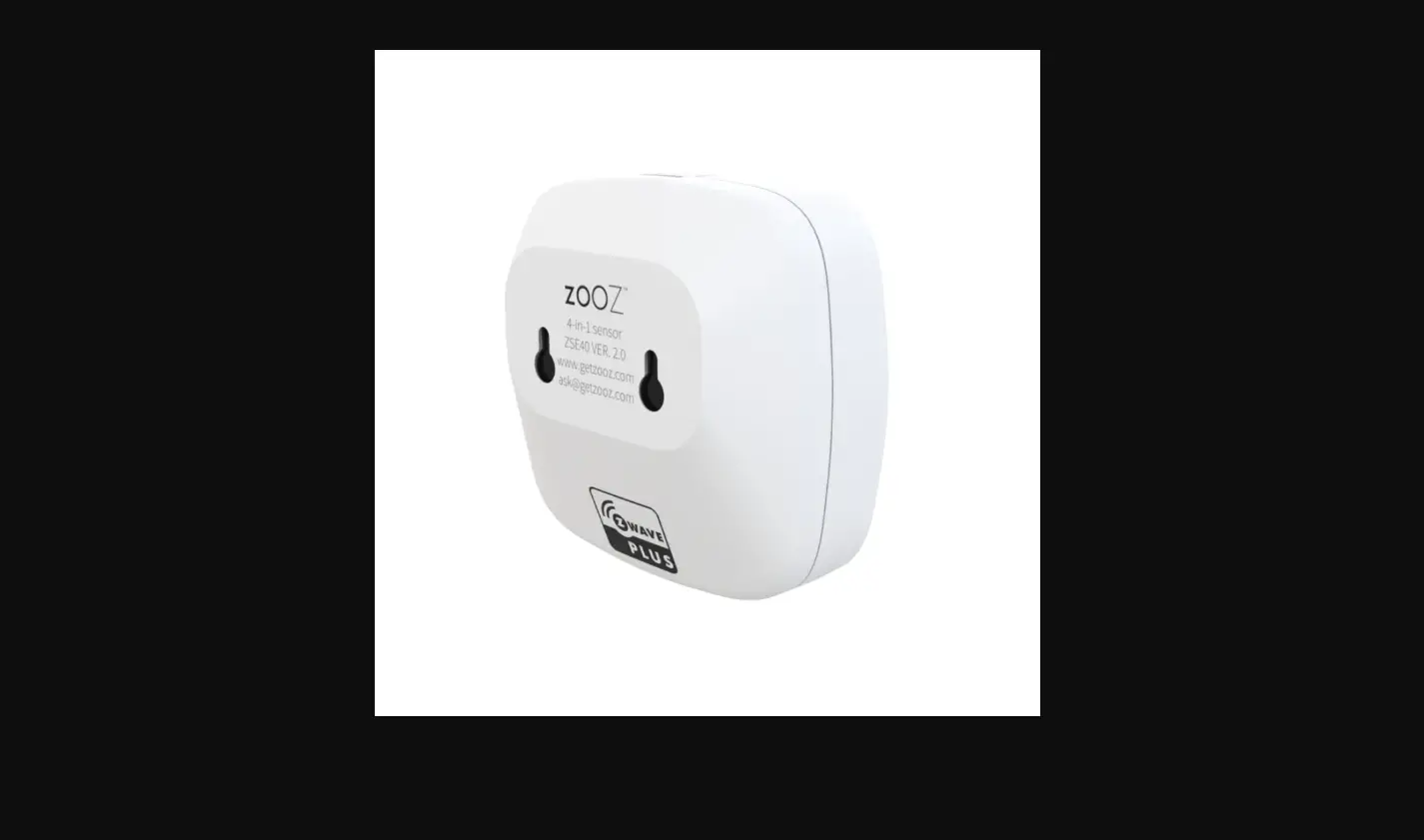
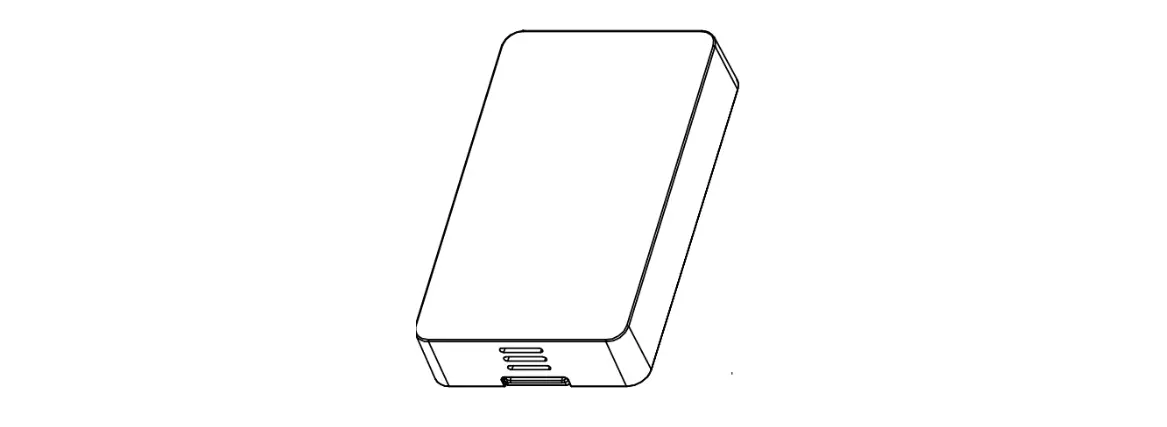
There is one button in the back side of the sensor, it can be executed inclusion, exclusion and reset from Z-Wave™ network.
|
Add¹ | 1、 Power up the device. 2、 Set Z-Wave™ Controller into inclusion mode 3 、 Press and hold the button for 5s until white led lights is on, then release the button before led turn off. | Blue led will blink with 1s interval until inclusion successful. |
|
Remove | 1、 Power up the device. 2、 Set Z-Wave™ Controller into exclusion mode 3 、 Press and hold the button for 5s until white led lights is on, then release the button before led turn off. | Blue led will blink with 0.5s interval until exclusion successful. |
|
Factory Reset² | 1、 Power up the device. 2 、 Press and hold the button for 10s until pink led lights is on, then release the button before led turn off. | |
|
Product Test Mode | 1、 Press and hold the button. 2 、 Power on the device, device will enter into factory product test mode with white light blink one time. | |
| Send NIF³ | Press and hold the button for 5s until white led lights is on, then release the button before led turn off. |
Notice 1: When device enters into inclusion mode, the device all functionality will be useless. The inclusion mode will be timeout after 30s, user can implement step 3 to terminate inclusion mode. Notice 2: Factory Reset will clear the device all Z-Wave™ Network data (include home id, node id, etc…) saved in memory, and restore all configuration parameters to factory default. Please use this procedure only when the network primary controller is missing or otherwise inoperable.
Association
The device supports 2 association groups(Only 1 association group in long range device), and each group supports max 5 associated nodes.
Group 1 is lifeline group; all nodes which associated in this group will receive the messages sent by device through lifeline.
Group 2 is controlling group, all nodes associated in this group will be controlled through BASIC_SET command by the device when device detects a movement event.
The Command Class supported by each association group is shown in the table below:
| Group | Command Class | Event |
| COMMAND_CLASS_NOTIFICATION | NOTIFICATION_REPORT | |
| COMMAND_CLASS_SENSOR_BINARY | SENSOR_BINARY_REPORT | |
| 1 (Lifeline) | COMMAND_CLASS_SENSOR_MULTILEVEL | SENSOR_MULTILEVEL_REPORT |
| COMMAND_CLASS_BATTERY¹ | BATTERY_REPORT¹ | |
| COMMAND_CLASS_DEVICE_RESET_LOCALLY | DEVICE_RESET_LOCALLY_NOTIFICATION | |
| 2 (Control) | COMMAND_CLASS_BASIC | BASIC_SET |
Notice 1: Group 2 does not exist for long range device.
Z-Wave™ Message Report
Once the device detects a movement, it will report the event to the controller and current light intensity value will be followed.
In default, device will use COMMAND_CLASS_NOTIFICATION to represent the motion event. User can also enable COMMAND_CLASS_SENSOR_BINARY report by setting the “Configuration No. 5” to ‘1’.
Notification Report
Motion Detector
When device detects a motion event, it will automatically send the notification report to nodes associated in lifeline.
| Command Class | COMMAND_CLASS_NOTIFICATION | |
| Command | NOTIFICATION_REPORT | |
| Type | HOME_SECURITY (0x07) | |
| Event | Motion Detected | HOME_SECURITY_MOTION_DETECTION_UNKNOWN_LOCATION (0x08) |
| Motion Cleared | HOME_SECURITY_NO_EVENT (0x00) | |
Multilevel Sensor Report
This device embeds in a digital light sensor and a digital temperature sensor. The device measures the ambient light intensity and temperature with a certain time interval that decides by Configuration No. 15.
Light Sensor
When the ambient light intensity differential over 50lux (in default, and decides by Configuration No. 14), the device will unsolicited to send a “SENSOR_MULTILEVEL_REPORT” to nodes which associated in lifeline.
| Command Class | COMMAND_CLASS_SENSOR_MULTILEVEL |
| Command | SENSOR_MULTILEVEL_REPORT |
| Type | Luminance |
| Scale | Lux |
Temperature Sensor
When the ambient temperature differential over 1℃ (in default, and decides by Configuration No. 8), the device will unsolicited to send a “SENSOR_MULTILEVEL_REPORT” to nodes which associated in lifeline.
| Command Class | COMMAND_CLASS_SENSOR_MULTILEVEL |
| Command | SENSOR_MULTILEVEL_REPORT |
| Type | Air Temperature |
| Scale | Fahrenheit(US) / Celsius(Other Region) |
Humidity Sensor
When the ambient humidity differential over 2RH% (in default, and decides by Configuration No. 9, the device will unsolicited to send a “SENSOR_MULTILEVEL_REPORT” to nodes which associated in lifeline.
| Command Class | COMMAND_CLASS_SENSOR_MULTILEVEL |
| Command | SENSOR_MULTILEVEL_REPORT |
| Type | Humidity |
| Scale | RH% |
Command Class Configuration
The device supports the controller to configure parameters of the device through Configuration Command Class, and the device has 16 parameters available for users to set according to their different needs:
Led Indicator Enable
This parameter is configured the Led light on disable or enable.
‘1’ – Enable Led Blink when device detects a motion event.
‘0’ – Disable led blink. This configuration is not affect inclusion, exclusion and reset.
| Parameter Number | Size (Byte) | Available Settings | Default value |
| 1 | 1 | 0, 1 | 1 |
Motion Enable
This parameter is configured the motion detected if enable or not. ‘0’ – Motion detected disable.
‘1’ – Motion detected enable.
| Parameter Number | Size (Byte) | Available Settings | Default value |
| 2 | 1 | 0 , 1 | 1 |
Motion Alarm Once Enable
This Parameter is configured the motion detected event report one time before motion event cleared. ‘0’ – Motion event alarm will be reported when motion event is detected every time.
‘1’ – Motion event alarm report only once before motion event cleared.
| Parameter Number | Size (Byte) | Available Settings | Default value |
| 3 | 1 | 0 , 1 | 1 |
Luminance Associated Enable
‘1’ – Enable current light intensity to associate the motion event, if there has a motion event detected and the current light intensity is less than the settings in Configuration No.14, the device will send a BASIC_SET to nodes associated in Group 2. And if the current light intensity is larger than the settings in Configuration No. 14, the device will not send BASIC_SET to nodes associated in Group 2.
‘0’ – Light intensity is not associated with motion event.
This configuration is invalid for long range device.
| Parameter Number | Size (Byte) | Available Settings | Default value |
| 4 | 1 | 0, 1 | 0 |
Binary Sensor Report Enable
‘1’ – Enable sensor binary report when device detects a motion event. ‘0’ – Disable sensor binary report when device detects a motion event.
| Parameter Number | Size (Byte) | Available Settings | Default value |
| 5 | 1 | 0, 1 | 0 |
Temperature Offset Value
The current measuring temperature value can be add and minus a value by this setting.
| Parameter Number | Size (Byte) | Available Settings | Default value |
| 6 | 1 | -120 ~ 120 | 0 |
Humidity Offset Value
The current measuring humidity value can be add and minus a value by this setting. Humidity Offset Value = [Value] × 0.1 RH%.
| Parameter Number | Size (Byte) | Available Settings | Default value |
| 7 | 1 | -120 ~ 120 | 0 |
Temperature D-Value Setting
This configuration sets the changed value of the temperature. When the difference from the last report exceeds this setting value, the device will report current temperature value to Z-Wave Hubs. The D-Value = [Value] × 0.1 Degree Celsius / Fahrenheit (US).
| Parameter Number | Size (Byte) | Available Settings | Default value |
| 8 | 1 | 0 ~ 100 | 10 |
Humidity D-Value Setting
This configuration sets the changed value of the humidity. When the difference from the last report exceeds this setting value, the device will report current humidity value to Z-Wave Hubs.
The D- Value = [Value] × 0.1 RH%.
| Parameter Number | Size (Byte) | Available Settings | Default value |
| 9 | 1 | 0 ~ 100 | 20 |
Luminance D-Value Setting
This configuration sets the changed value of the humidity. When the difference from the last report exceeds this setting value, the device will report current humidity value to Z-Wave Hubs. Unit: Lux.
| Parameter Number | Size (Byte) | Available Settings | Default value |
| 10 | 1 | 0 ~ 120 | 50 |
Basic Set Level
This parameter is configured the value that BASIC_SET for nodes that associated in Group 2. ‘100’ – BASIC_SET = 0xFF (ON).
‘0’ – BASIC_SET = 0x00 (OFF).
This configuration is invalid for long range device.
| Parameter Number | Size (Byte) | Available Settings | Default value |
| 11 | 1 | 0 – 100 | 100 |
Basic Set Off Delay Time
This Parameter is configured the time delay for device sending BASIC_SET = 0x00 to nodes that associated in Group 2 when device detects a motion event.
[0] – Not Send BASIC_SET = 0x00 Command.
[1 … 30000] – Time delay count. Unit: Second.
This configuration is invalid for long range device.
| Parameter Number | Size (Byte) | Available Settings | Default value |
| 12 | 2 | 0 ~ 30000 | 30 |
Motion Clear Time
This parameter is configured the time to clear motion event after a motion event detected. Time to motion clear, the device will send a clear event report to controller. Unit: Second.
| Parameter Number | Size (Byte) | Available Settings | Default value |
| 13 | 2 | 1 ~ 30000 | 30 |
Luminance Threshold for Associated
This parameter is configured the light intensity threshold. When Ambient light intensity is less than this setting, device will consider the current environment is insufficient light. If “Configuration No. 4” is set ‘1’ and a motion event is detected, the device will send a BASIC_SET to the nodes which associated in Group 2. Unit: 1Lux.
This configuration is invalid for long range device.
| Parameter Number | Size (Byte) | Available Settings | Default value |
| 14 | 2 | 0~ 1000 | 50 |
Sensor Measuring Interval
This parameter is configured the time interval for light sensor, temperature and humidity sensor measuring. This value is larger, the battery life is longer. And the sensors values changed are not obvious. 0 – All sensors are disabled. Unit: Second
| Parameter Number | Size (Byte) | Available Settings | Default value |
| 15 | 2 | 0 – 30000 | 180 (Included with LPM Mode) |
Light Intensity Offset Calibration
This parameter defines the calibrated scale for ambient light intensity. Because the method and position that the sensor mounted and the cover of sensor will bring measurement error, user can get more real light intensity by this parameter setting. User should run the steps as blows for calibrating
- Set this parameter value to default (Assumes the sensor has been added in a Z-Wave Network).
- Place a digital luxmeter close to sensor and keep the same direction, monitor the light intensity value (Vm) which report to controller and record it. The same time user should record the value (Vs) of luxmeter.
- The scale calibration formula: k = Vm / Vs.
- The value of k is then multiplied by 1000 and rounded to the nearest whole number.
- Set the value getting in 5) to this parameter, calibrate finished.
For example, Vm = 300, Vs = 2000, then
k = 300 / 2600 = 0.11538
k = 0.11538 * 1000 = 115.38 ≈ 115 The parameter should be set to 115.
| Parameter Number | Size (Byte) | Available Settings | Default value |
| 99 | 2 | 1 – 32767 | 5320 |
Wakeup Command Class
The device stays in sleep status for the majority of time in order to conserve battery life.
The minimum wakeup interval is 20s
The maximum wakeup interval is 86400s (24 Hours)
Allowable min step among each wakeup interval is 10 seconds, such as 1860s, 1870s,1880s… Note: The default value is 8 hours with factory default. This value is greater, the battery life is longer.
Battery Command Class
The users can also enquire the battery status of the device by sending BATTERY_GET command. Once the device receivers the command, it will return BATTERY_REPORT command.
The device will send BATTERY_LEVEL = 0xFF command to the Z-Wave™ Controller to inform that the device is in dead battery status, otherwise BATTERY_LEVEL value range is 0% to 100%.
Command Class Basic
The COMMAND_CLASS_BASIC is realized to control the devices associated in Group 2 in this motion detector.
When device detects a motion event occurred, it will send a “BASIC_SET = [Value]” command to control the devices in Group 2.
And it will send a “BASIC_SET = 0x00” command to control the devices in Group 2 after the motion event is cleared.
The [Value] is set by configuration No.11.
SmartStart
SmartStart enabled products can be added into a Z-Wave network by scanning the Z-Wave QR Code present on the product with a controller providing SmartStart inclusion. No further action is required and the SmartStart product will be added automatically within 10 minutes of being switched on in the network vicinity.
This device supports SmartStart function. QR code printed by laser can be found on surface of product and the outside of packing box. And the full DSK code is printed can be found on the packing box.
The device will enter SmartStart if the device is not included in network after power up. And if device is not included successfully during 10 second, it will enter sleep mode. And then
- 2nd SmartStart time delay approximately 16s
- 3rd SmartStart time delay approximately 32s
- 4th SmartStart time delay approximately 64s
- 5th SmartStart time delay approximately 128s
- 6th SmartStart time delay approximately 256s
- 7th SmartStart time delay approximately 512s
Afterwards, the Smartstart mode will be auto running with 512 second interval until device is included successfully or battery run down.
Led Action Indicator
| Led Color | Action | Description |
| Red | Light On 1s When Power On | Not Add in Z-Wave Network |
| Pink | Light On 2s | Press And Hold Button 10s, Off at 12th Second |
| Blink One Time | Motion is Detected | |
| Green | Light On 1s When Power On | Add in Z-Wave in Network Already |
| White | Light On 2s | Press And Hold Button 5s, Off at 7th Second |
| Blue | Blink with 1s Interval | Add to Z-Wave Network |
| Blink with 500ms Interval | Remove from Z-Wave Network | |
| Yellow | Blink with 500ms Interval | OTA is Running |
| Light On Always | Button Pressed and Held Time Large Than 12s. |
Security Network
The device supports the security function with S2 encrypted communication. The device will auto switch to the security mode when the device included with a security controller. In the security mode, the follow commands must use security and security_2 command class wrapped to communicate, otherwise the device will not response any commands.
Security Keys
This device supports security levels are listed in below table:
| Security Levels | Support (Yes/No) |
| SECURITY_KEY_S0 | Yes (No for Long Range Device) |
| SECURITY_KEY_S2_UNAUTHENTICATED | Yes (No for Long Range Device) |
| SECURITY_KEY_S2_AUTHENTICATED | Yes |
| SECURITY_KEY_S2_ACCESS | No |
All Supports Command Class
| Command Class | Version | Not Included | Non-secure Included | S0 Included | S2 Included | ||
| Non-Secure | Secure | Non-Secure | Secure | ||||
| COMMAND_CLASS_ZWAVEPLUS_INFO | 2 | ● | ● | ● | ● | ||
| COMMAND_CLASS_SECURITY | 1 | ● | ● | ● | ● | ||
| COMMAND_CLASS_SECURITY_2 | 1 | ● | ● | ● | ● | ||
| COMMAND_CLASS_TRANSPORT_SERVICE | 2 | ● | ● | ● | ● | ||
| COMMAND_CLASS_VERSION | 3 | ● | ● | ● | ● | ||
| COMMAND_CLASS_POWERLEVEL | 1 | ● | ● | ● | ● | ||
| COMMAND_CLASS_ASSOCIATION | 2 | ● | ● | ● | ● | ||
| COMMAND_CLASS_MULTI_CHANNEL_ASSOCIATION | 3 | ● | ● | ● | ● | ||
| COMMAND_CLASS_ASSOCIATION_GRP_INFO | 1 | ● | ● | ● | ● | ||
| COMMAND_CLASS_MANUFACTURER_SPECIFIC | 2 | ● | ● | ● | ● | ||
| COMMAND_CLASS_DEVICE_RESET_LOCALLY | 1 | ● | ● | ● | ● | ||
| COMMAND_CLASS_BATTERY | 1 | ● | ● | ● | ● | ||
| COMMAND_CLASS_WAKEUP | 2 | ● | ● | ● | ● | ||
| COMMAND_CLASS_NOTIFICATION | 8 | ● | ● | ● | ● | ||
| COMMAND_CLASS_SENSOR_MULTILEVEL | 11 | ● | ● | ● | ● | ||
| COMMAND_CLASS_SENSOR_BINARY | 2 | ● | ● | ● | ● | ||
| COMMAND_CLASS_INDICATOR | 3 | ● | ● | ● | ● | ||
| COMMAND_CLASS_CONFIGURATION | 4 | ● | ● | ● | ● | ||
| COMMAND_CLASS_SUPERVISION | 1 | ● | ● | ● | ● | ||
| COMMAND_CLASS_FIRMWARE_UPDATE_MD | 5 | ● | ● | ● | ● | ||
Notice 1: When device is included with S0 level, COMMAND_CLASS_MANUFACTURER_SPECIFIC is supported non-securely. And when device is included with S2 level, COMMAND_CLASS_MANUFACTURER_SPECIFIC is supported securely only.
Notice 2: “●” – Indicates the corresponding command class is supported in NIF, Blank means the command class is not supported
Specifications
| Power Supply | CR123A × 1 |
| Standby Current | 28uA |
| Work Current(RF Tx) | Up to 15mA |
| Operational Temperature | 0 – 70℃ |
| Communication frequency | 868.40MHz, 869.85MHz (EU) 908.40MHz, 916.00MHz(US) |
| Range | Up to 45m indoors (depending on the building structure), and 80m for outdoor open fields. Up to 60m outdoors. |