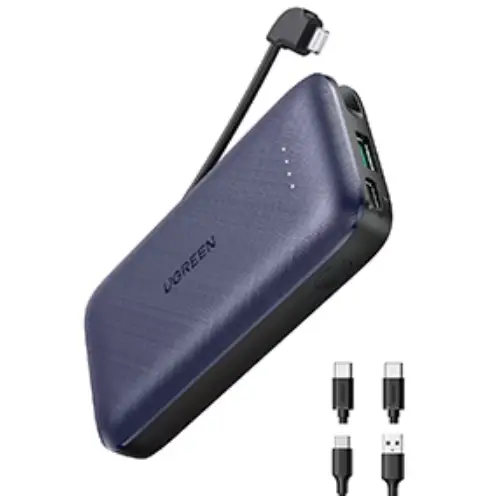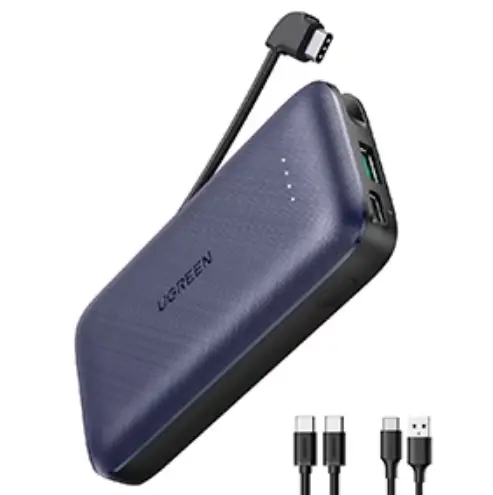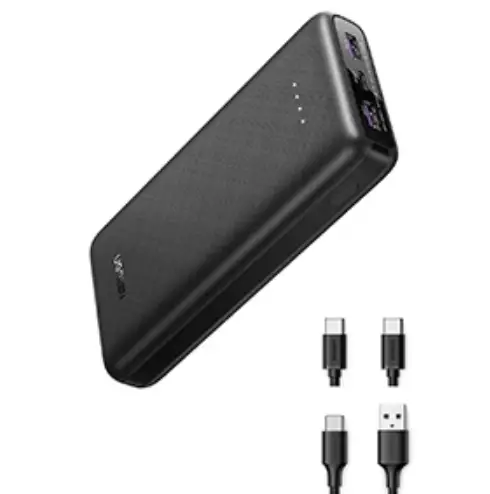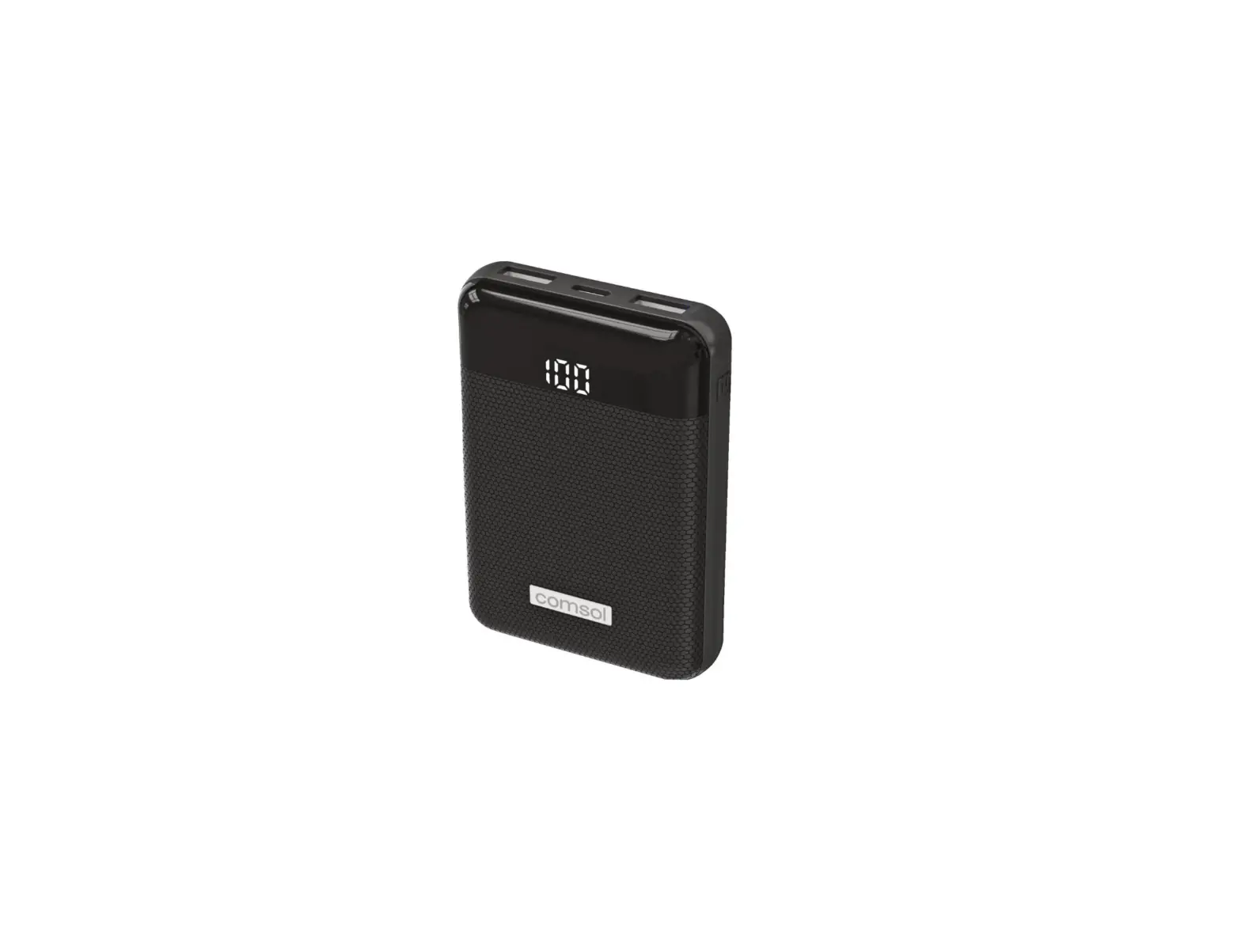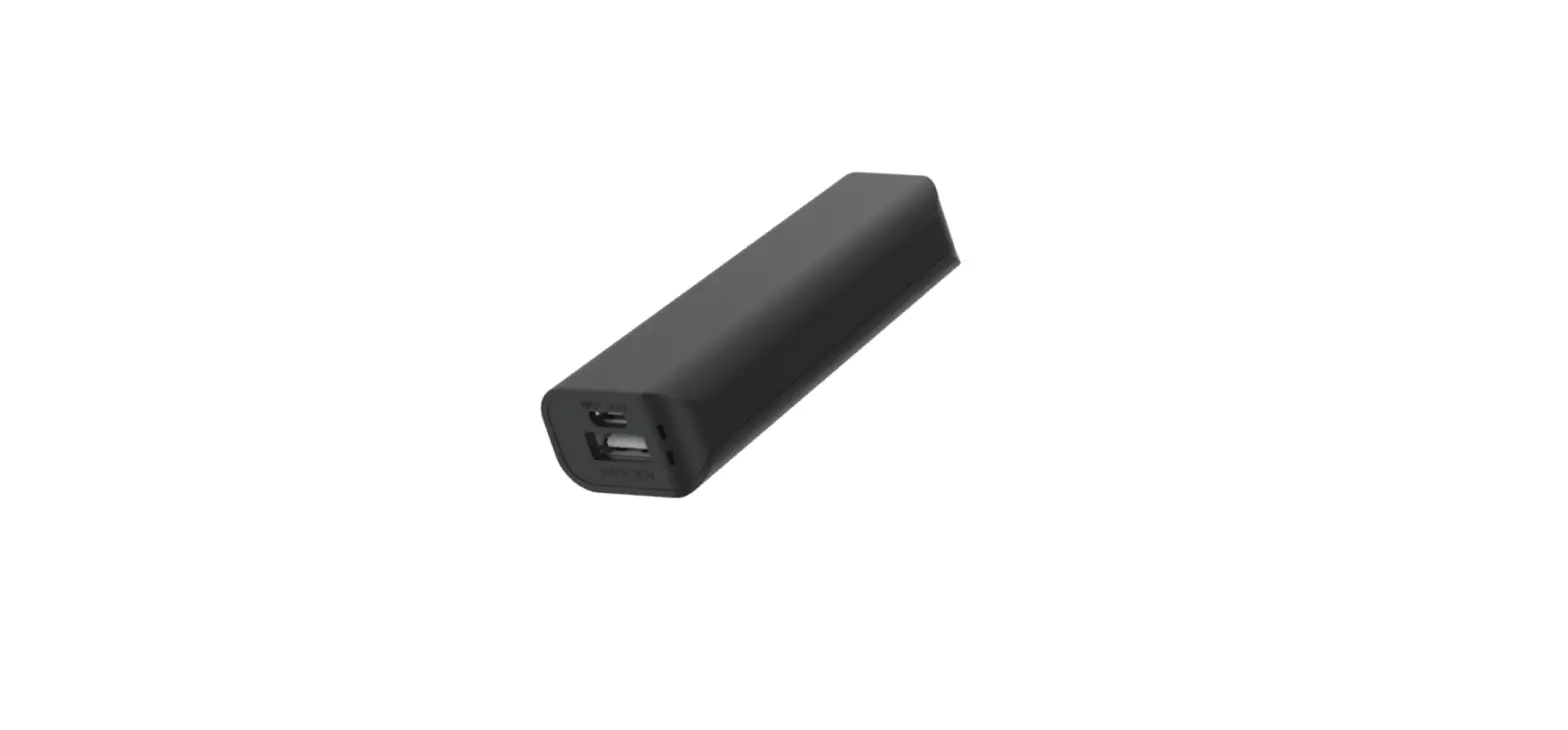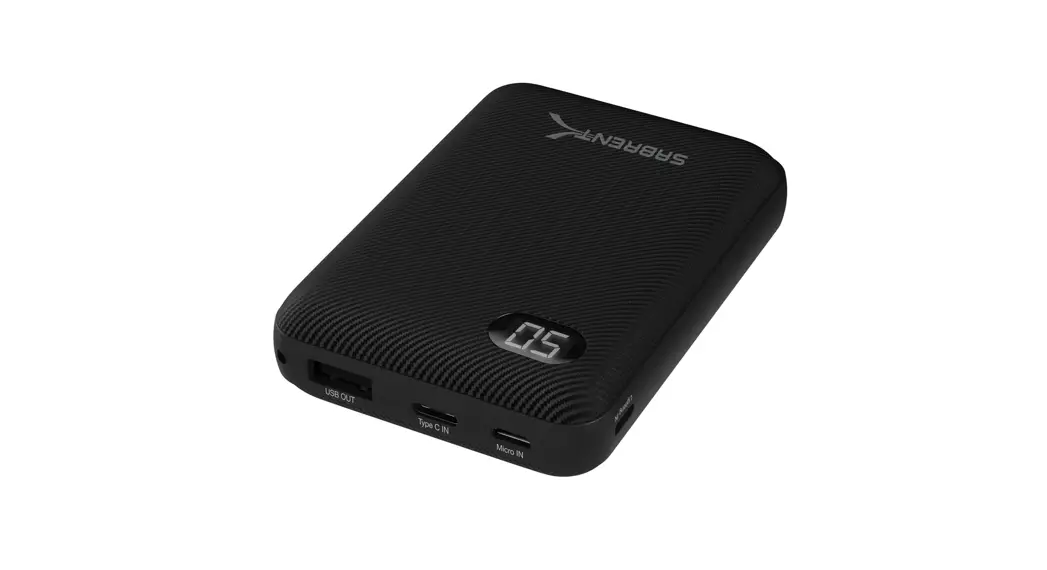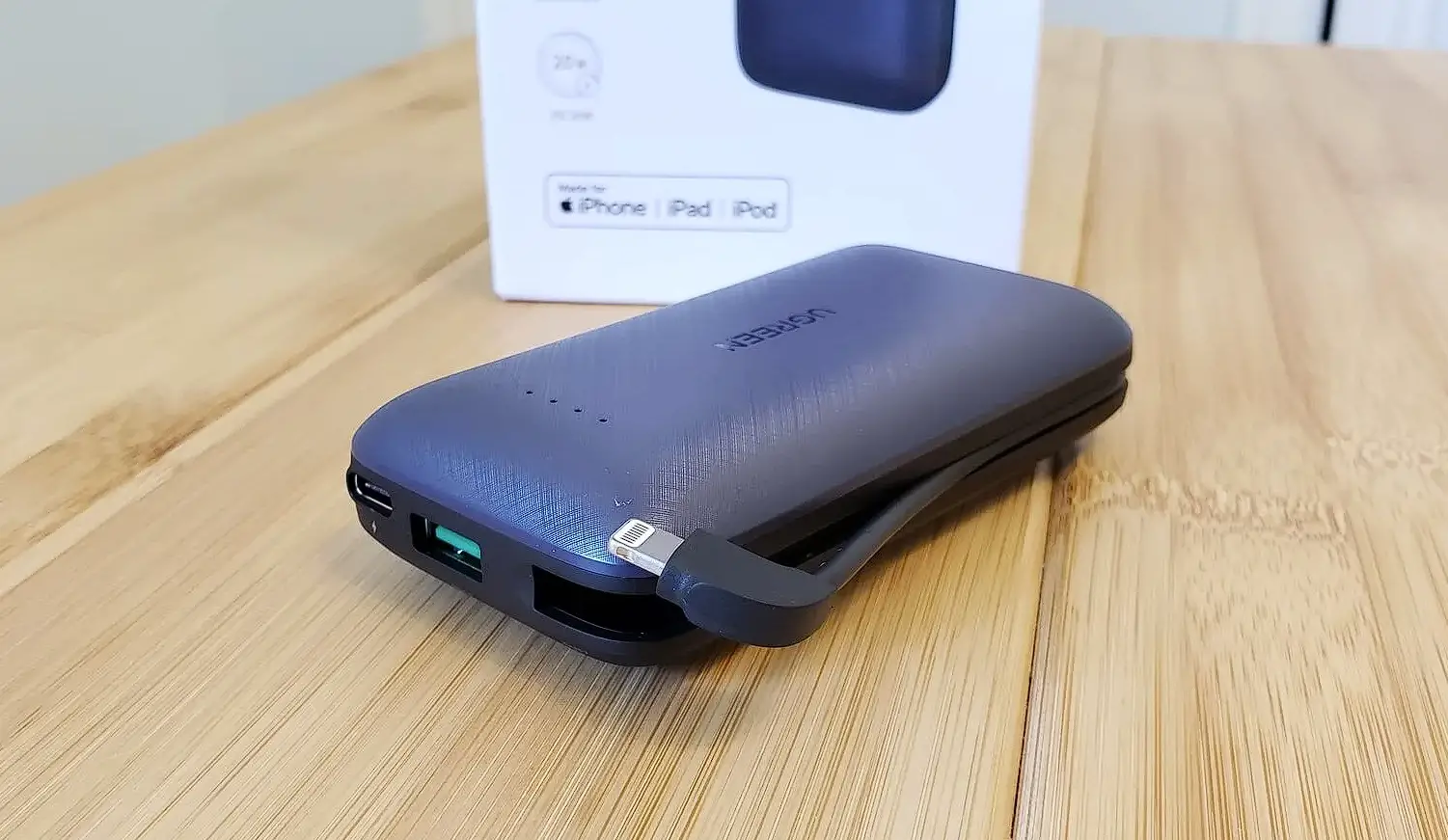

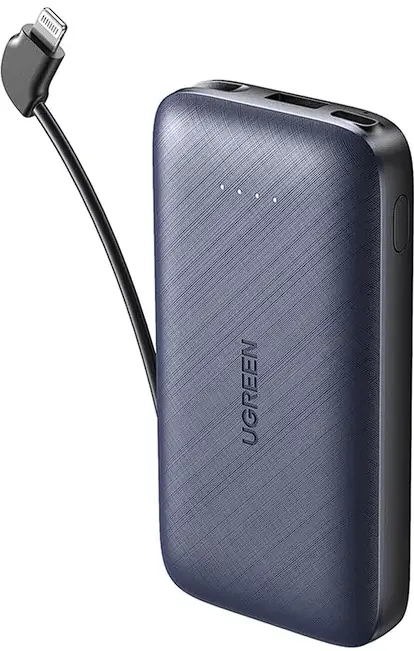
UGREEN PB172 Power Bank 10000mah Lightning Cable
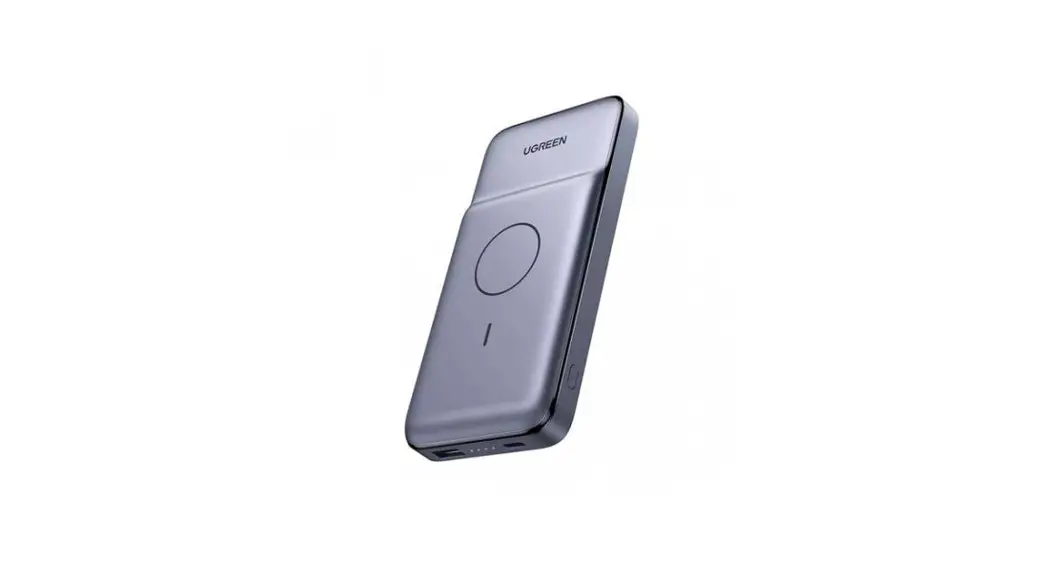
Product Details
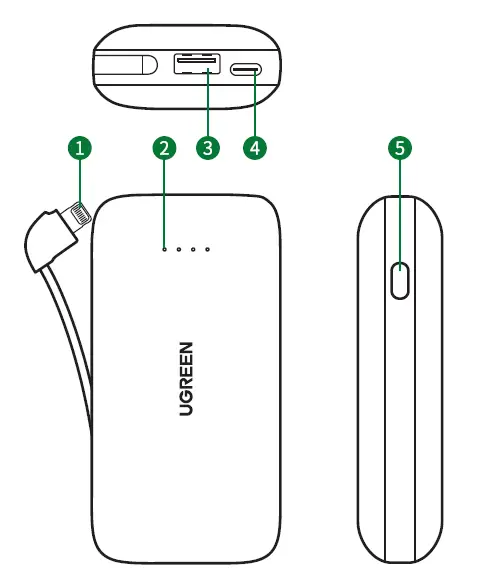
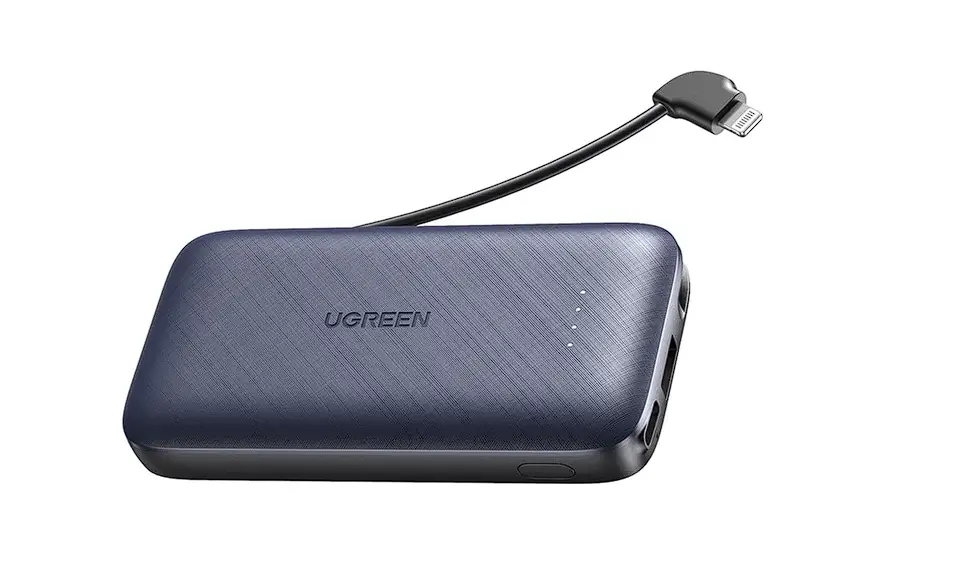
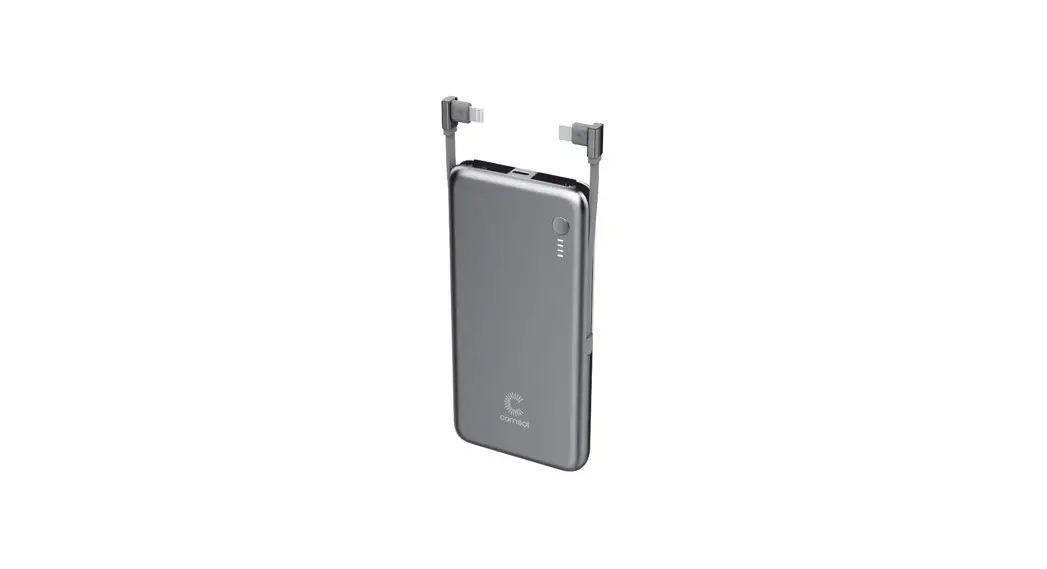
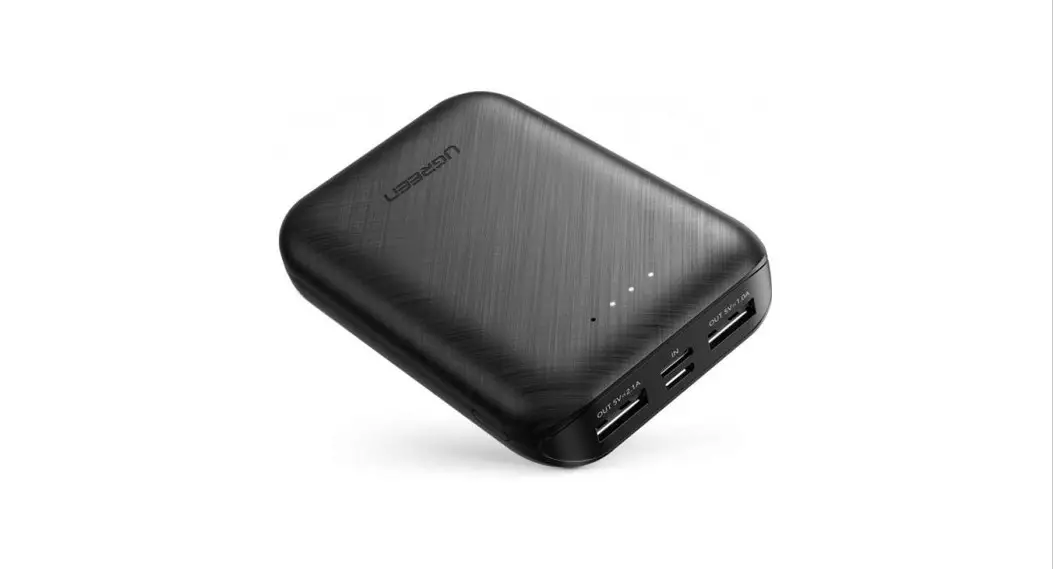
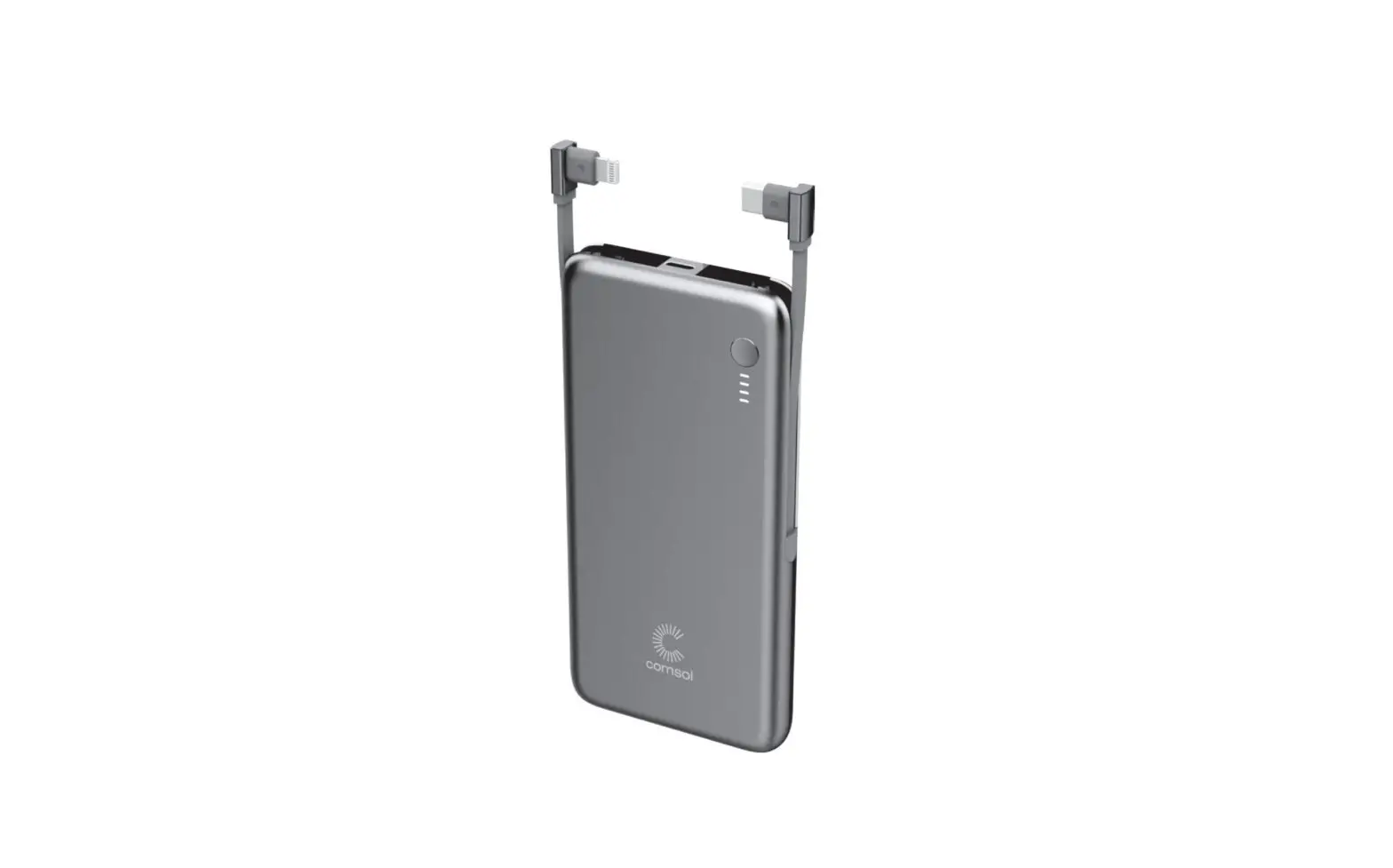
- Lightning Charging Cable
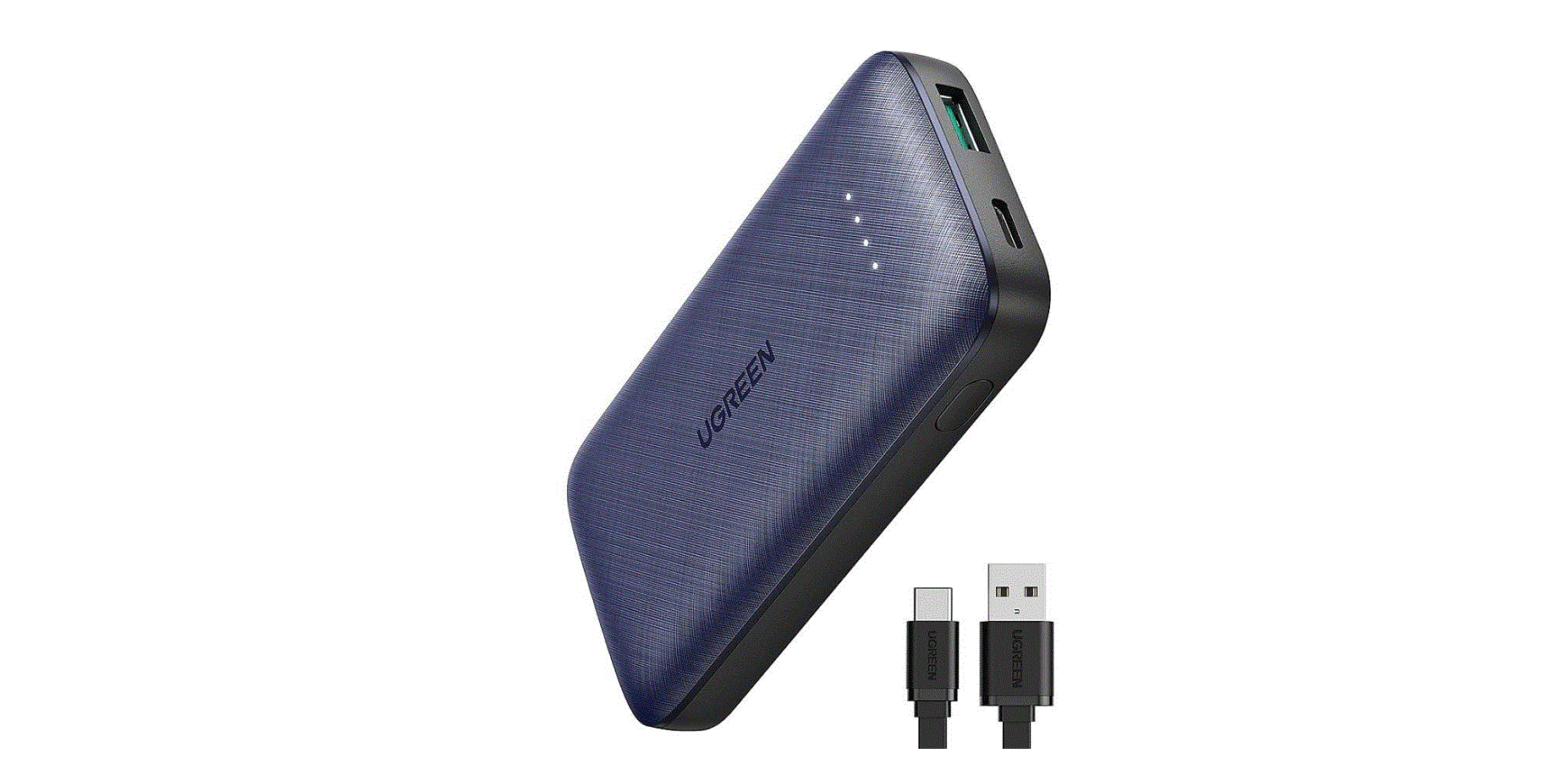
- Battery Indicator
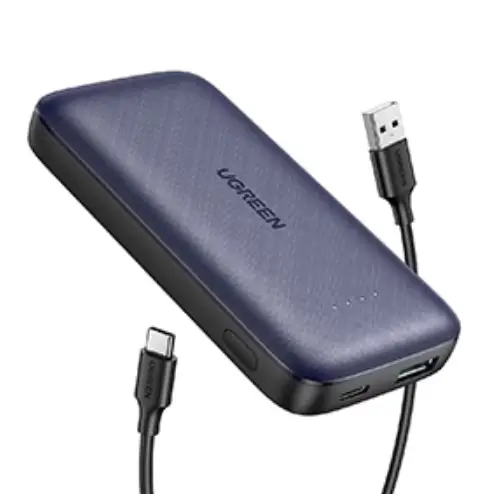
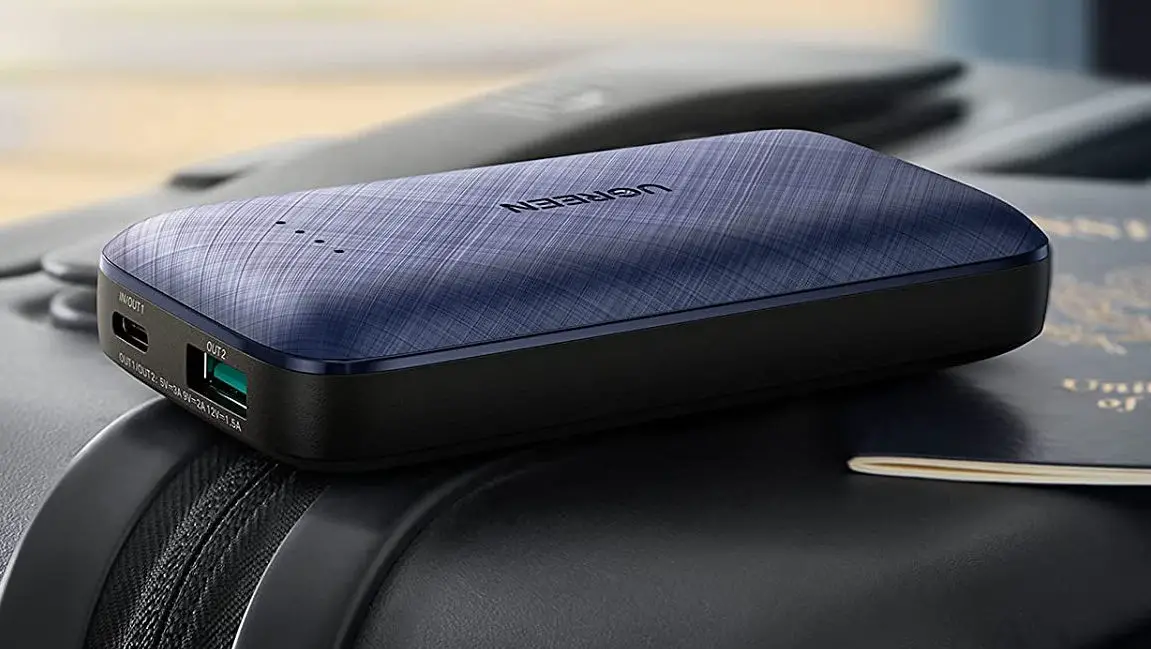
- USB-A Output Port
- USB-C Port
- Power Button
Instructions
- Power On
Short press the button. - Power Off
- If no device is connected to this product within 30 seconds, it will automatically turn off.
- Press and hold the button for around 3 seconds to turn it off.
- LED Indicator Light Status
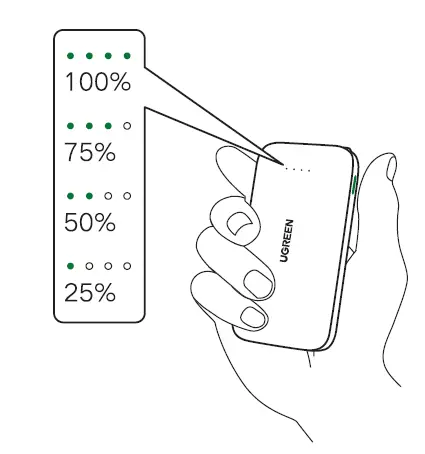
A quick press on the button shows the current battery capacity. The LED indicators turn off automatically after 30 seconds.
- Charging product
- Connect product to the power adapter for charging.
- Each light represents 25% of battery capacity. Indicators turn from blinking into staying on while fully charged.
- Please use the power adapter that complies with the input standard of this unit.
- Discharging product
- A. Charge iPhone or iPad Connect your iPhone or iPad to this product via the built-in lightning cable.
- B. Charge digital devices (e.g., smartphones and tablets) Connect the USB charging cable to digital devices for charging.
Note: Short press the button twice while there is no charging sign. - C. Support fast charge Both of the charging ports and the lightning cable of this product support fast charge protocol. It complies with the mainstream fast charge devices.
Note:- This product will turn off the fast charge function and only support the ordinary 5V output when two devices are connected simultaneously.
- When the device and the product are eligible for the same fast charge protocol, the fast charge function can be activated. Otherwise the product only supports SV output.
- D. LED state of discharge The four power indicators turn off one by one during discharging. While the left one blinking,. the battery capacity is lower than 10%.