 REV12HD Service
Manual
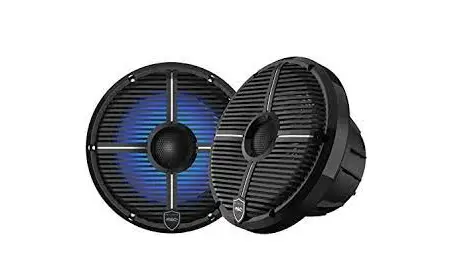
REV 12HD
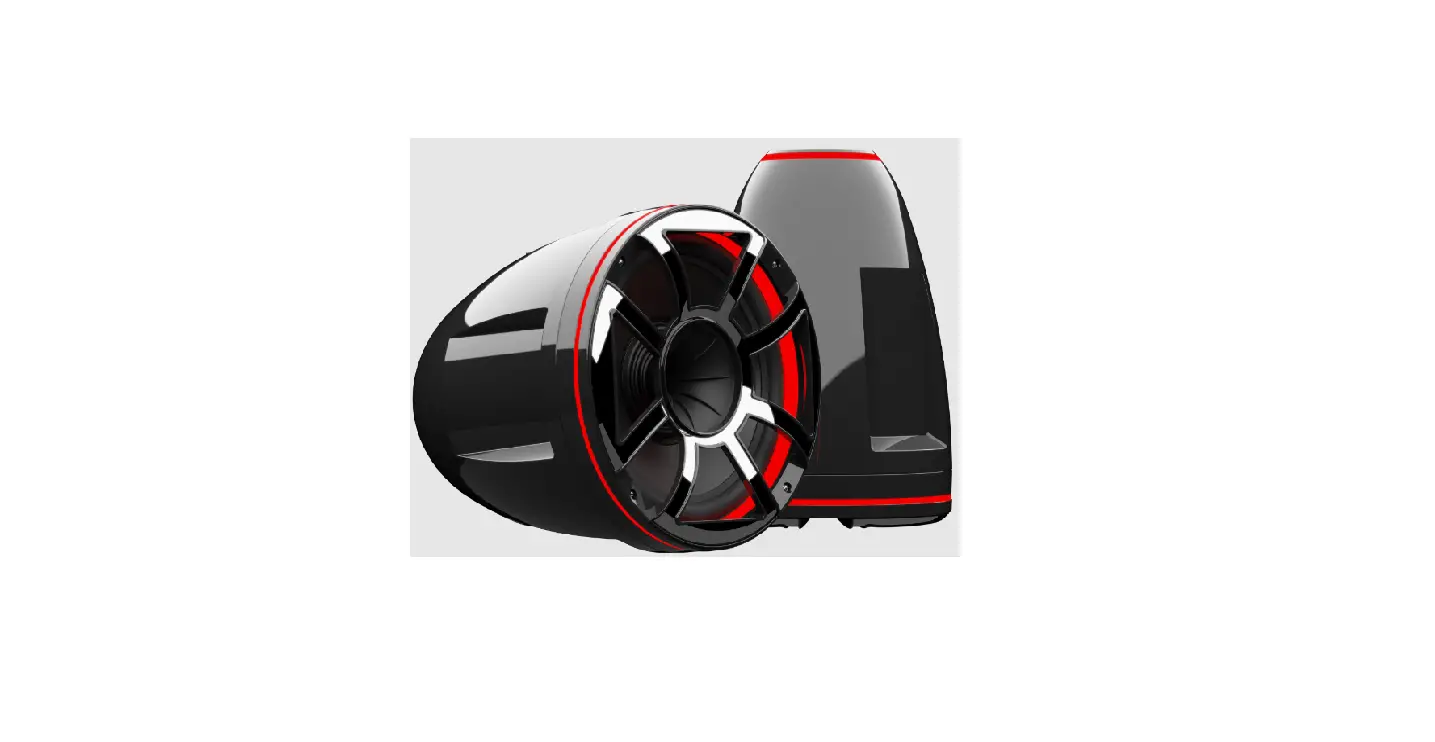
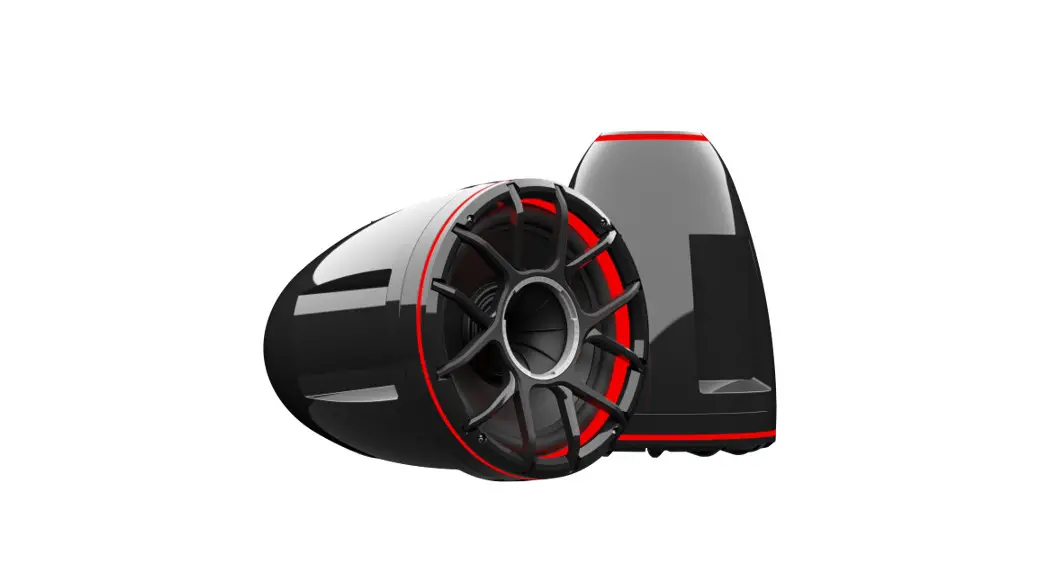
REV 12 HD Tower Speaker
Remove (4) hex Screws in order to take the grill off. the tool needed will be a 3mm hex Driver.
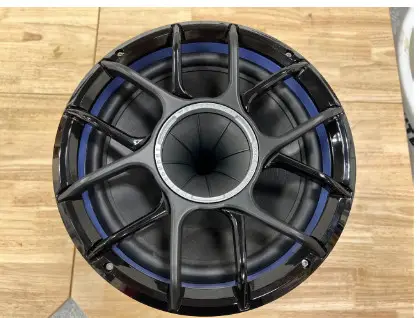
Then remove (4) phillips screws that are holding the LED Ring in-place will need a P2 Screwdriver.
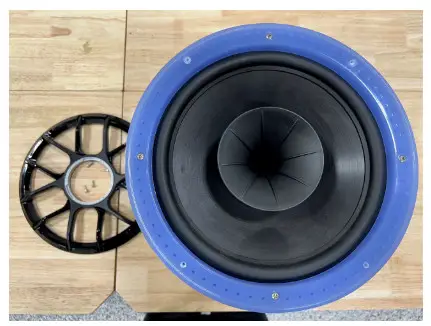
Once you remove the ring there is another set of 4 Phillips screws that need to be removed.
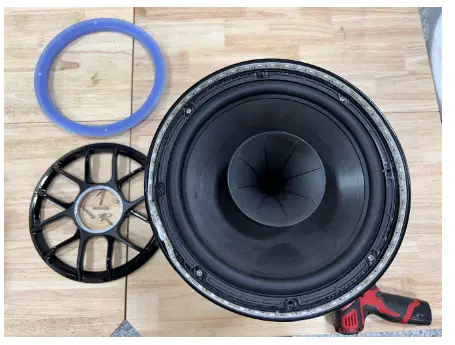
With all screws removed turn the tower speaker overhand let the weight of the driver help to remove the speaker from the housing.
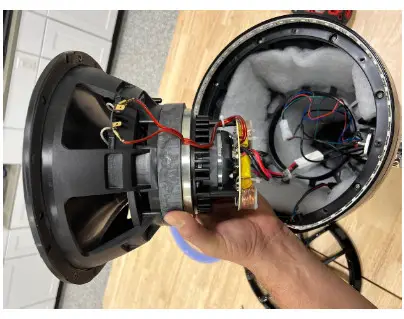
Make sure to note where the notch is for the RGB wire to pass through. Make sure when removing and installing that the wire is situated correctly.
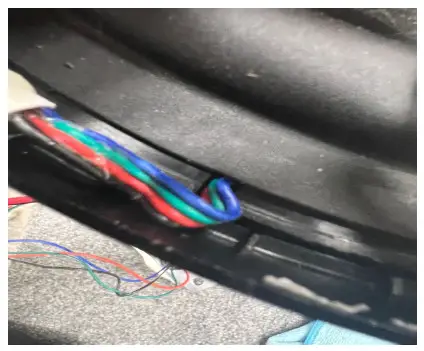
The RGB wire sits in a notch in the housing that lines up with the notch on the mid bass. Once you line them up your led wire will pass through.
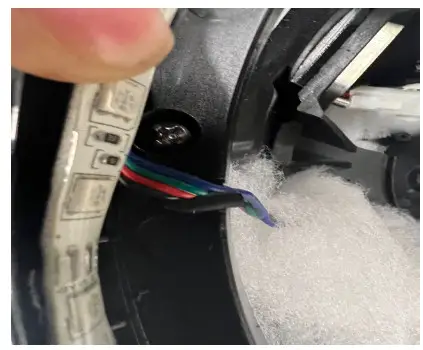
Unplug the 2pin adapter that’s connected to the driver
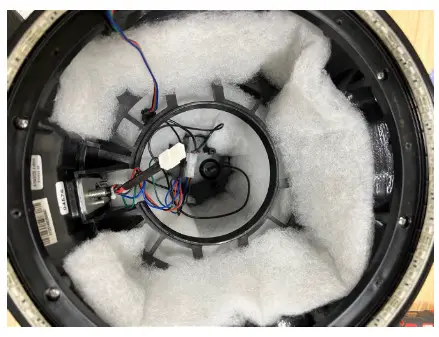
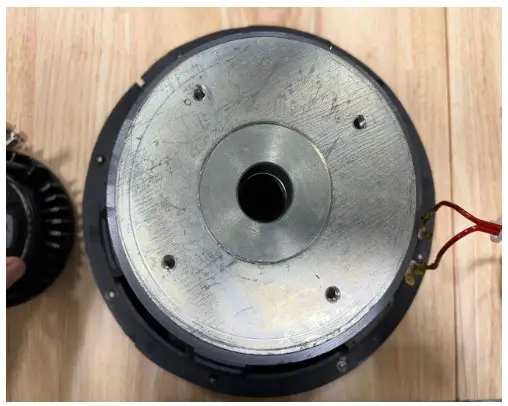
Face the Driver down and you will see (3) Small Phillips Screws you will need a P0-Screwdriver.
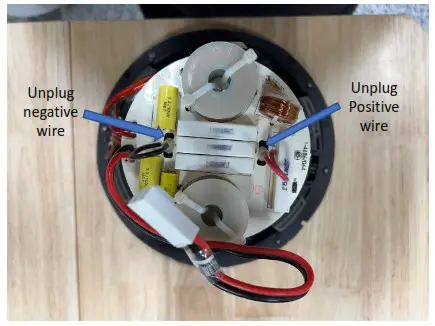
Once the Cross over is removed you then will see the HLCD that houses the Diaphragm. There are (4) 3mm Allen screws that hold the cover on.
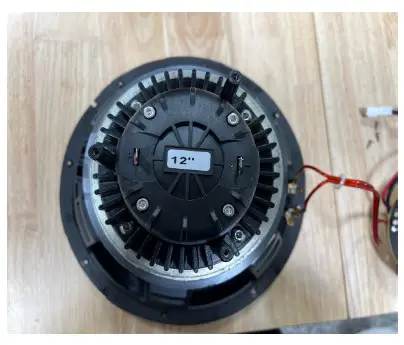
The HLCD is mounted to a plate that is screwed on to the back of the REV12 Mid bass driver with (4) hex screws you will need a 4mm hex driver.
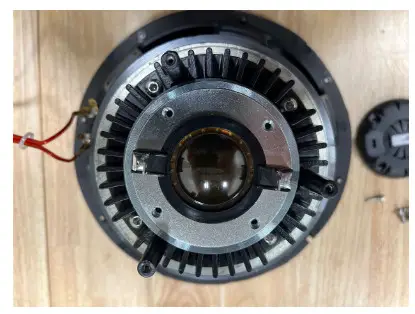
If the diaphragm is the only item that needs to be replaced. you can swap out the Diaphragm.
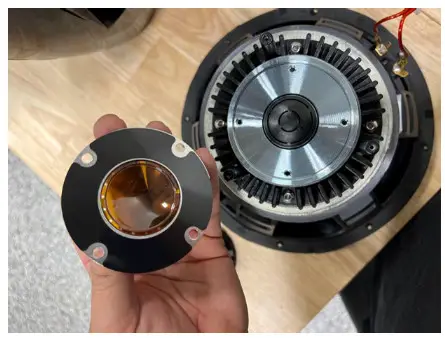
To remove the Mounting plate the (4) 4mm hex screws need to be removed. Then it will expose the (4) Phillips screws that hold the HLCD to it.
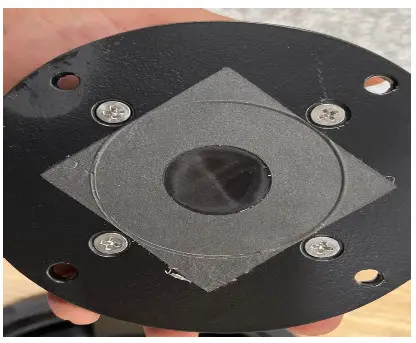
With the mounting plate off you can now swap the mid-bass driver and put everything back together.
REV12 HD Replacement Parts
- PT-REV 12 HD-MB DRIVER
- PT-REV 12 HD-XOVER
- PT-REV 10/12 HD-HLCD
- PT-REV 10/12 HD-DIAPHRAGM
- PT-REV 10/12 HD HLCD MP
- PT-REV 12 HD-LED PR
- PT-REV 12 HD-RGB STRIP
- PT-REV 12 HD-R-BDG RING-B
- PT-REV 10/12 HD-RGB board
- PT-REV 12 HD-REAR LED RING
- PT-REV 12 HD-B HOUSING
 THE END
WETSOUNDS.COM.
877.938.7757
 Homepage