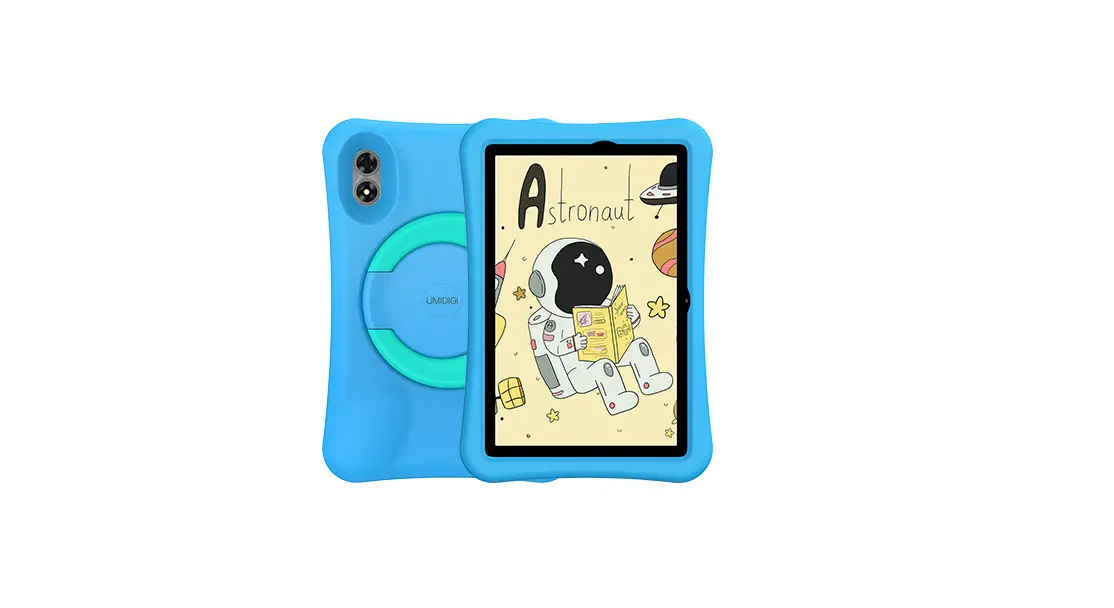
UMIDIGI MT10 G1 Tab Instruction Manual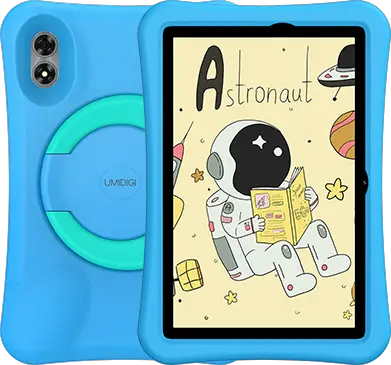
Scan following QR-codes to follow us and enter giveaway to win a UMIDIGI smart device for free!
VK: vk.com/umidigi
YouTube: youtube.com/umidigi
Facebook: facebook.com/Umidigi
Twitter: twitter.com/umidigi
Instagram: instagram.com/umidigi
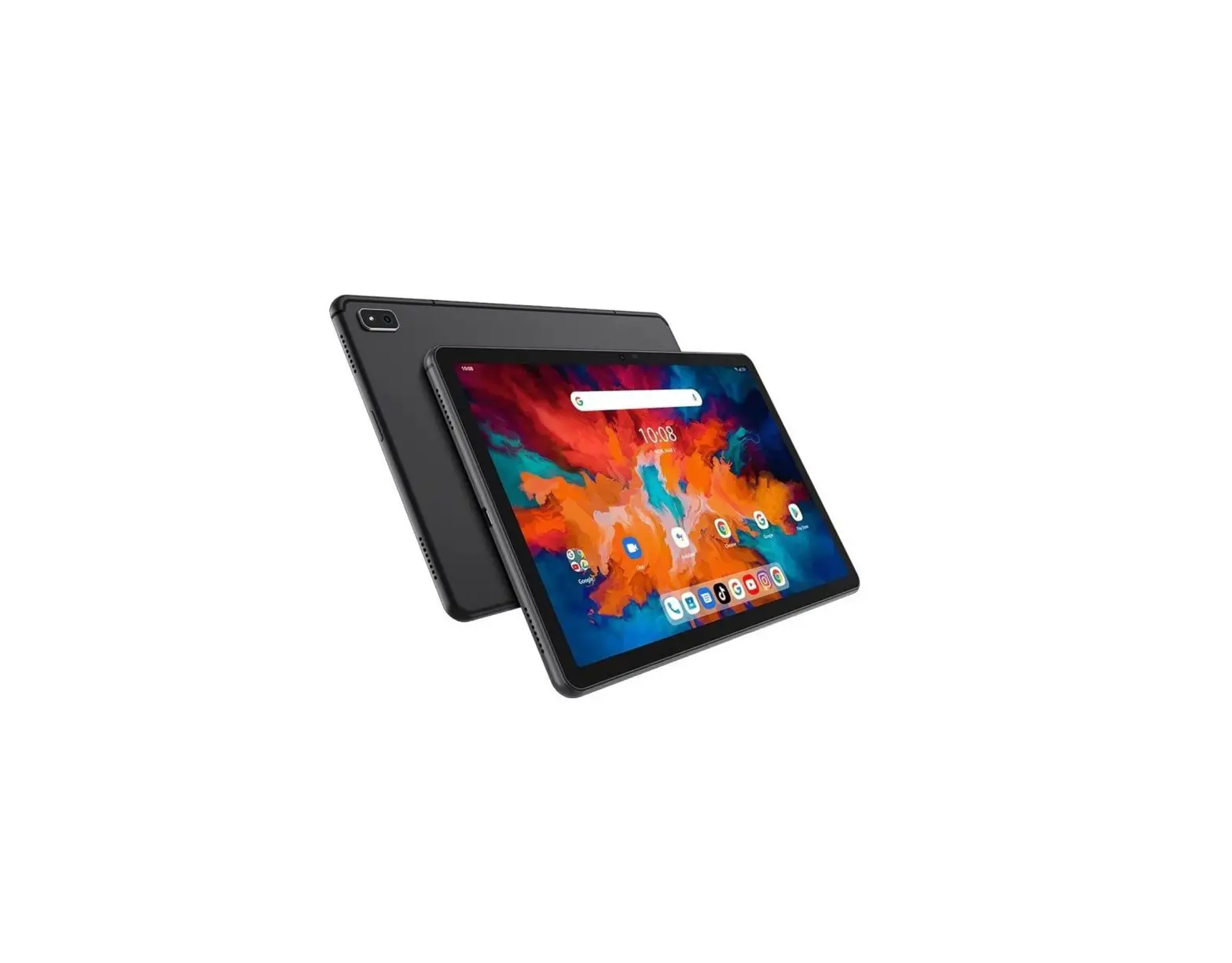
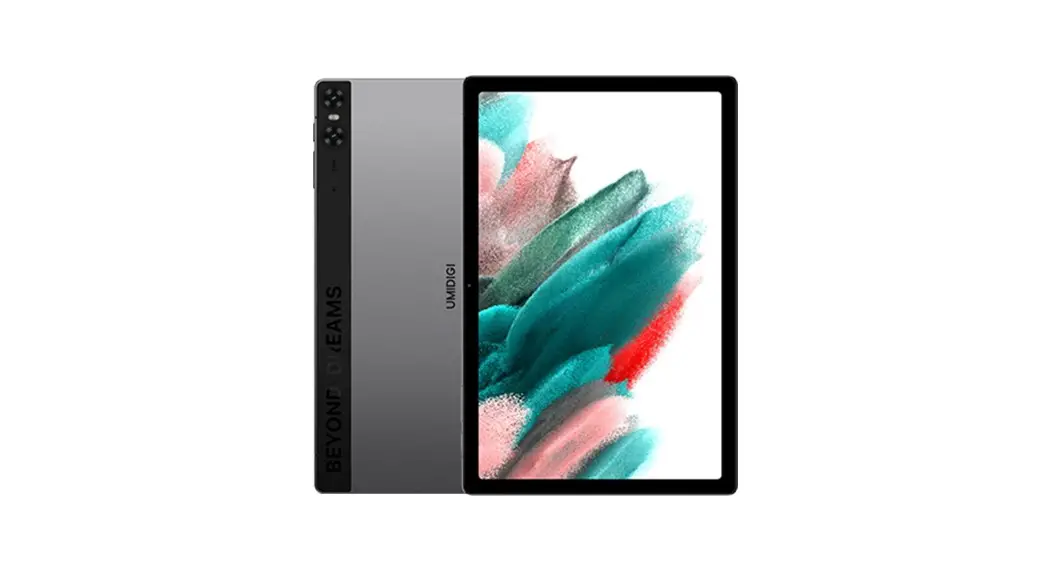
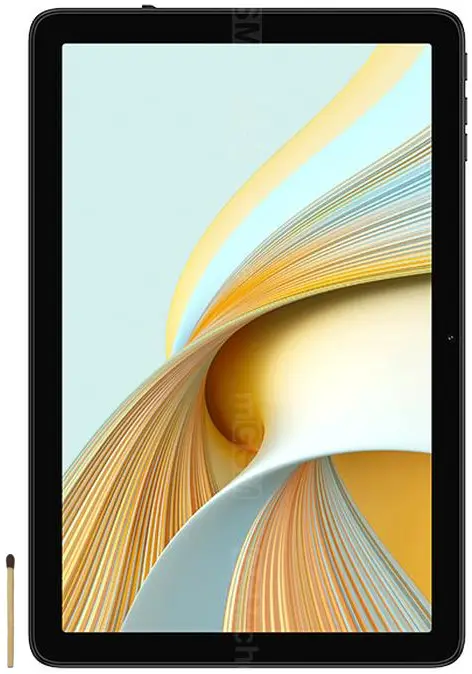
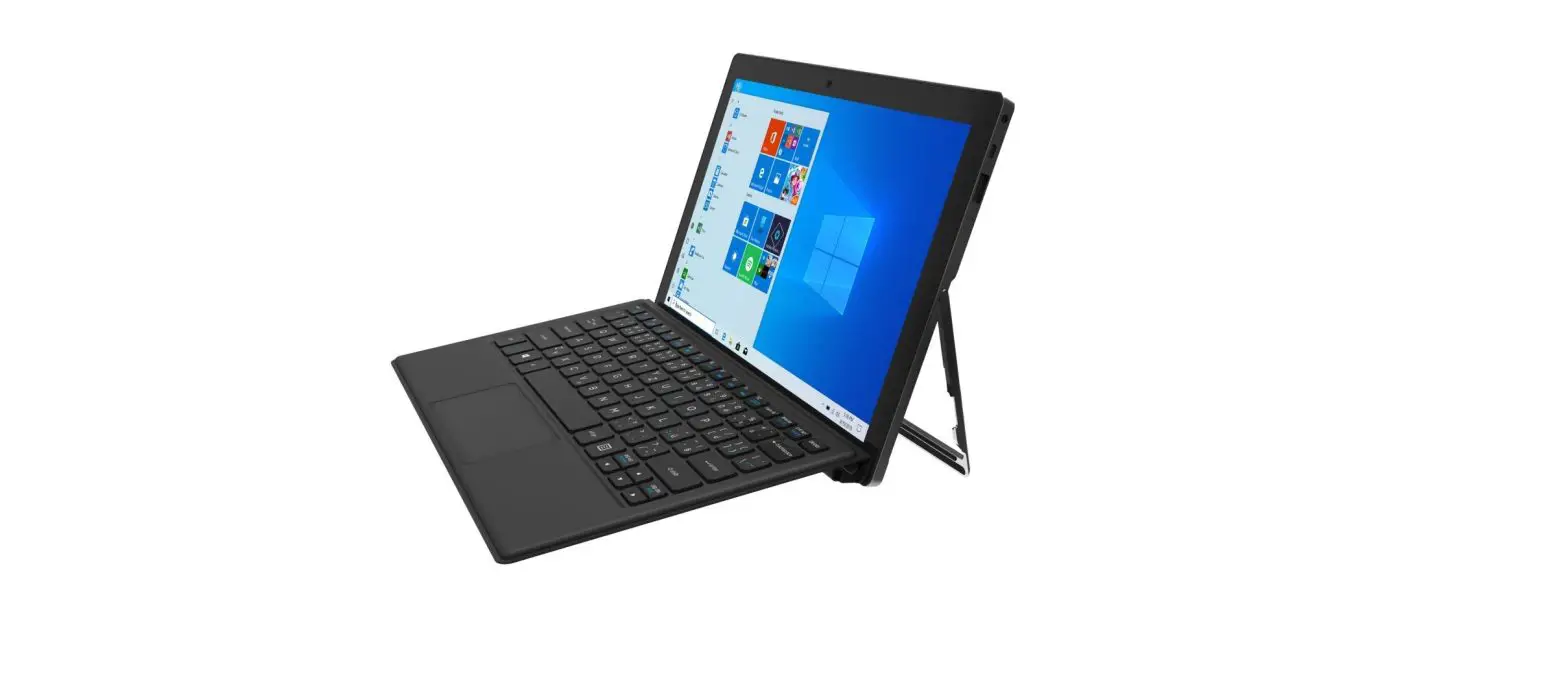
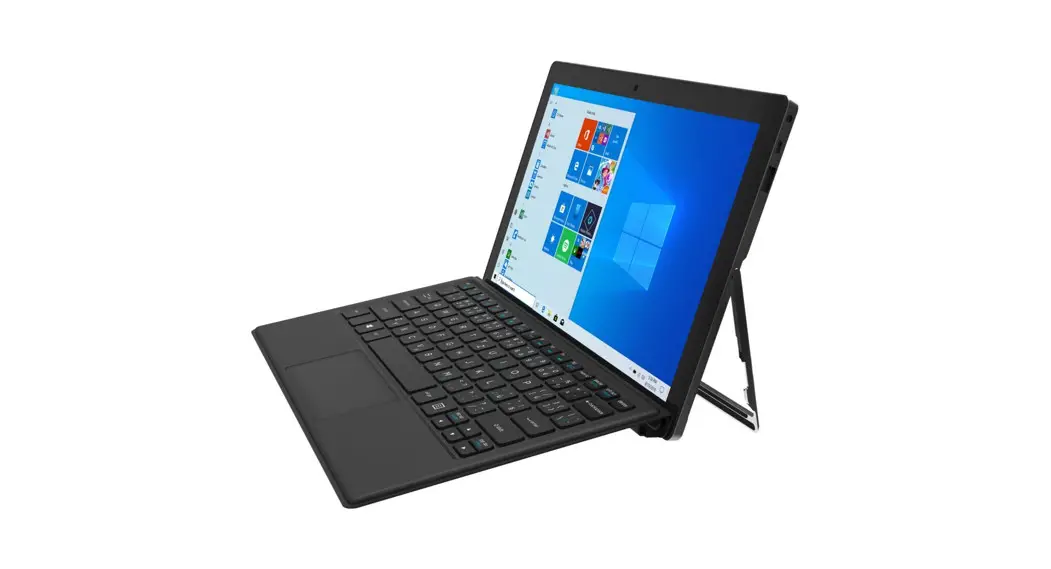
PRODUCT HEX-VISION IMAGE
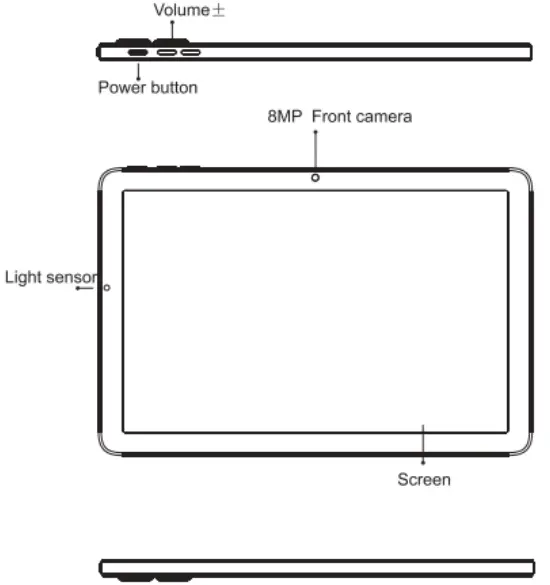
VOLUME BUTTON: Short press to adjust the volume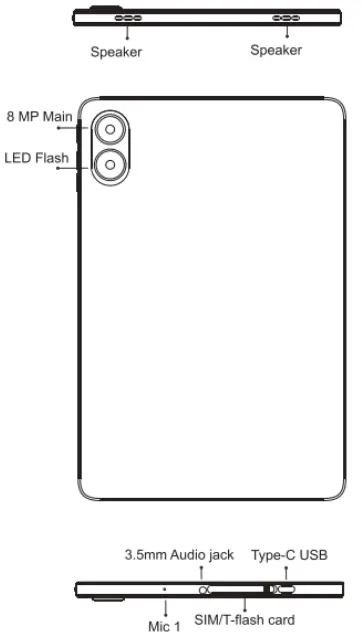
POWER BUTTON:Long press o turn on the device; When the device is on, short press Power Button 1o shutdown or turn on the screen.
CARD INSERT MANUAL
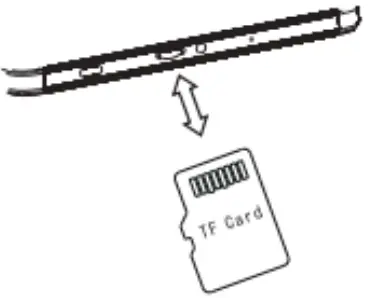
TF Card Installation
Please place the metal contact of the TF card adown be aware of the. direction of the cut edge. Insert the card directly into the device.
Reminder
Please tur off the tablet before cheanging o replacing the TF card.TF card does not come with the tablet please purchase separately.
Do not insert or remove the TF card when the tablet is tumned on.
NETWORK CONNECTION
Connecting WLAN
Into the seting of WLAN via Settings > Network & nternet > Wi WLAN s on, a st available WIFi connection will appear. Glick on the ono you want to connect to,enter the password i teh notwork isencrypted, then clck Connect When its a pubic networi just clck ‘Connect When the netviork shows “connected”,t s available to use
Bluetooth Function
Into the setting of Bluetooth function via Setings > Connected devices > Bluetooth Enable the Bluetooth function by ciicking the Menu Button then soloct “Reffosh, then the tablet wil search for availabio Bluetooth devices for pairing and lst on the screen. Ciick on the one you want to pair with then click *Pair “on the dialog pop-up. Documents are avaiiable for ransmission after Bluetooth pairing.
Reminder :
Siide down the status bar o open the shortcut switches for Bluetooth and other funcions.
CAMERA
Aim the camera at the shooting object, the tablet will start focus automatically ; or you can click on the screen 1o choose the object you want to focus on, then ciick * Capture” icon (0 take photos. You can also choose other modes such as video recording beautifying . panorama to take photos/videos.
SECURITY INFORMATION
Security information (including BS, ES, battery securityinformation)o third-party software installation and function may vary in diflerent regions or by different hardware specifications. UMIDIGI holds disciaimer for the performance problem or incompatibiity caused by third-party applications, registry editing .08 software modifying .Customizing the OS may cause the device or some applications fail to work properly.
Please prevent the device or the battery in extreme cold/hot condition. Then extreme temperature will lead to deformation of the tablet and reduce the charging capacity and battery lfe.
Please only use the custom designed and approved battery and recharger by UMIDIGLIncompatible battery and rechearger may cause damage to the tabiet . Please abide by local regulation when disposing of the used batteries and tabiet.
Please do not place the battery or the tablet onto of inside heating devices such as microwave, oven or radiator. The battery may explode I it gets too hot.
Please do not crush or pierce the battery . Prevent the battery from getting high pressure from outside , it may cause internal short and overheating
SPECIFICATIONS
BASIC INFORMATION
| BASIC INFORMATION | |
| Model | G1Tab |
| Operating System | Android 13 |
| CPU | RK3562 4x Corlex-AS3 2.0GHz, |
| GPU | ice |
| RAM | 64G8 |
| Battery | 6000mAn |
| Display | |
| Screen Size | 10.1 Inch |
| Resoluion | 1280°800 Pxcis |
| Touch | Capacitive mult-touch |
| Cameras. | |
| Rear Camera | 8MP Camera |
| Front Camera | 8MP Camera |
| Connection(1/0) | |
| SIMT card | 1TF Card |
| Wifi | IEEEB02.11 aiiginiaciax |
| Bluetooth | Bluetooth 5.0 |
| GNSS | NO |
| FM | NO |
| Earphone Port 35mm | 35mm |
| USB Port | Type-C USB |
| Other Features | |
| Video File Format | 3GPMPEGH etc |
| Audio File Format | WAVIMPS/AACIAMRIMIDIAPENMA etc |
| Card Extend | Support TF card up 0 1T8 |
| Language | Support Multanguage |
| Sensor | G-Sensor-Sensor |
In the box
1*Tablet
1*Typo-c Cable
1* Power Adapter
1*Quick Star Guide
 UMIDIGI Smartphones, Smart Wearables | Official Website - UMIDIGI