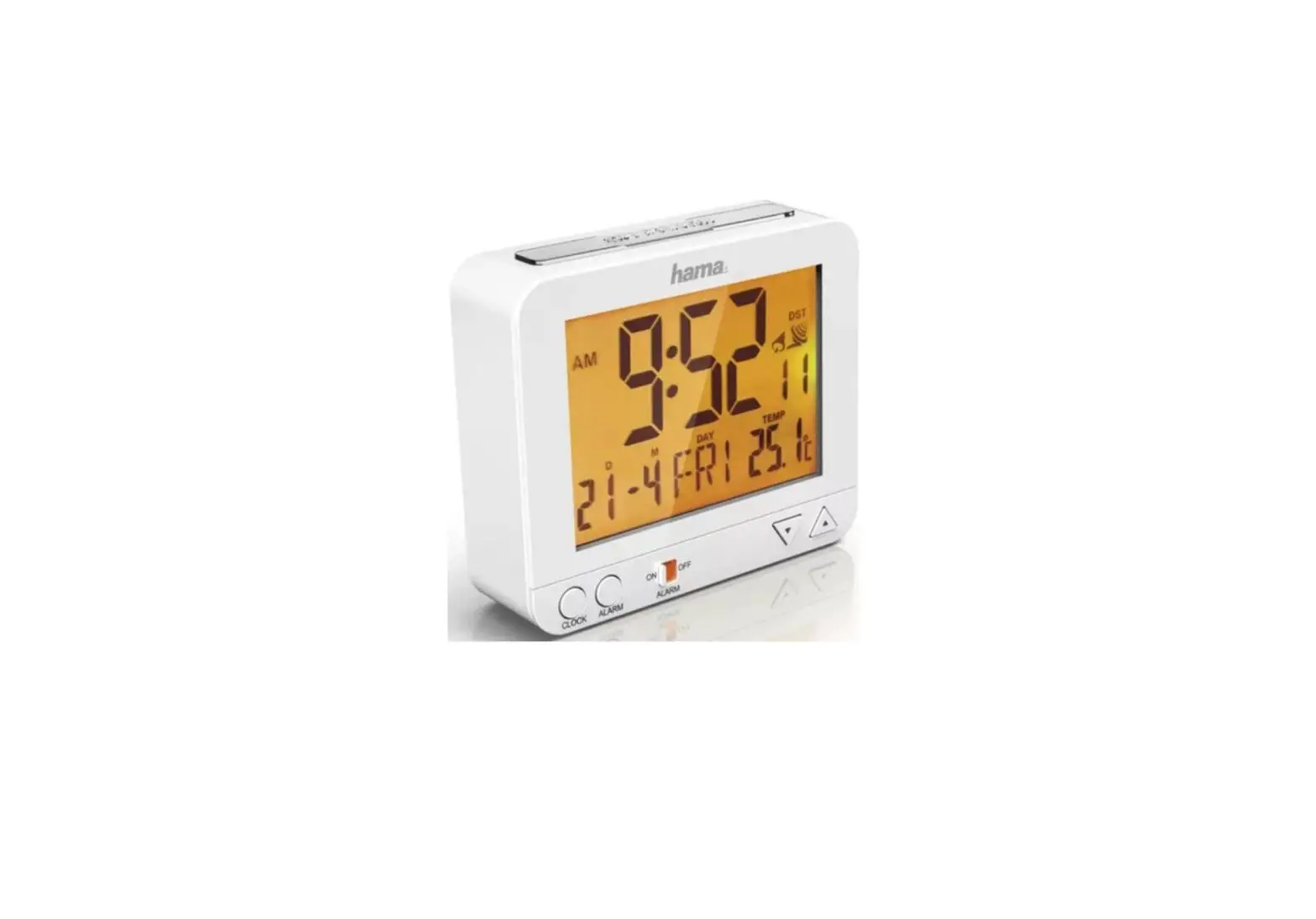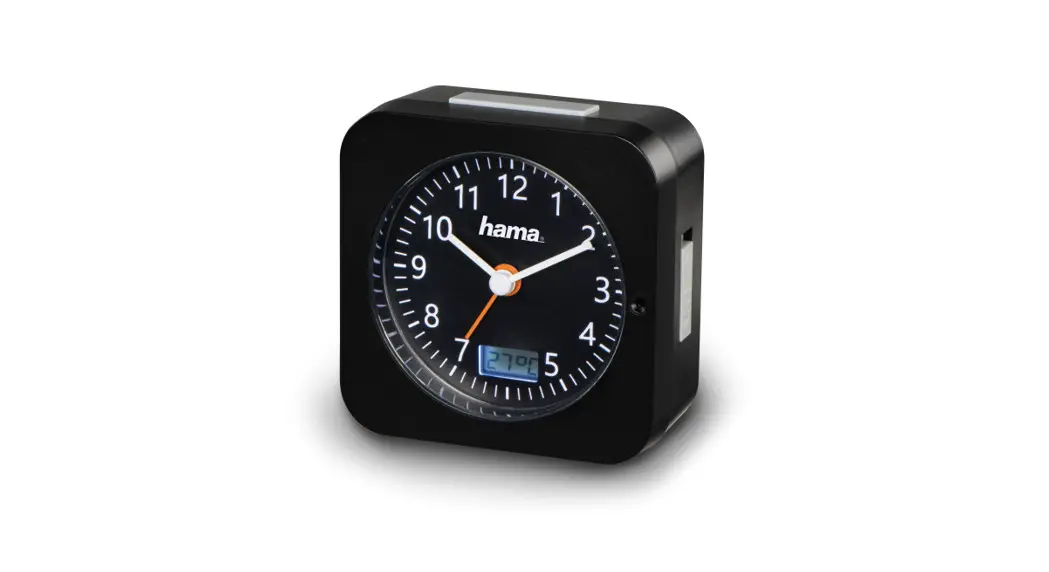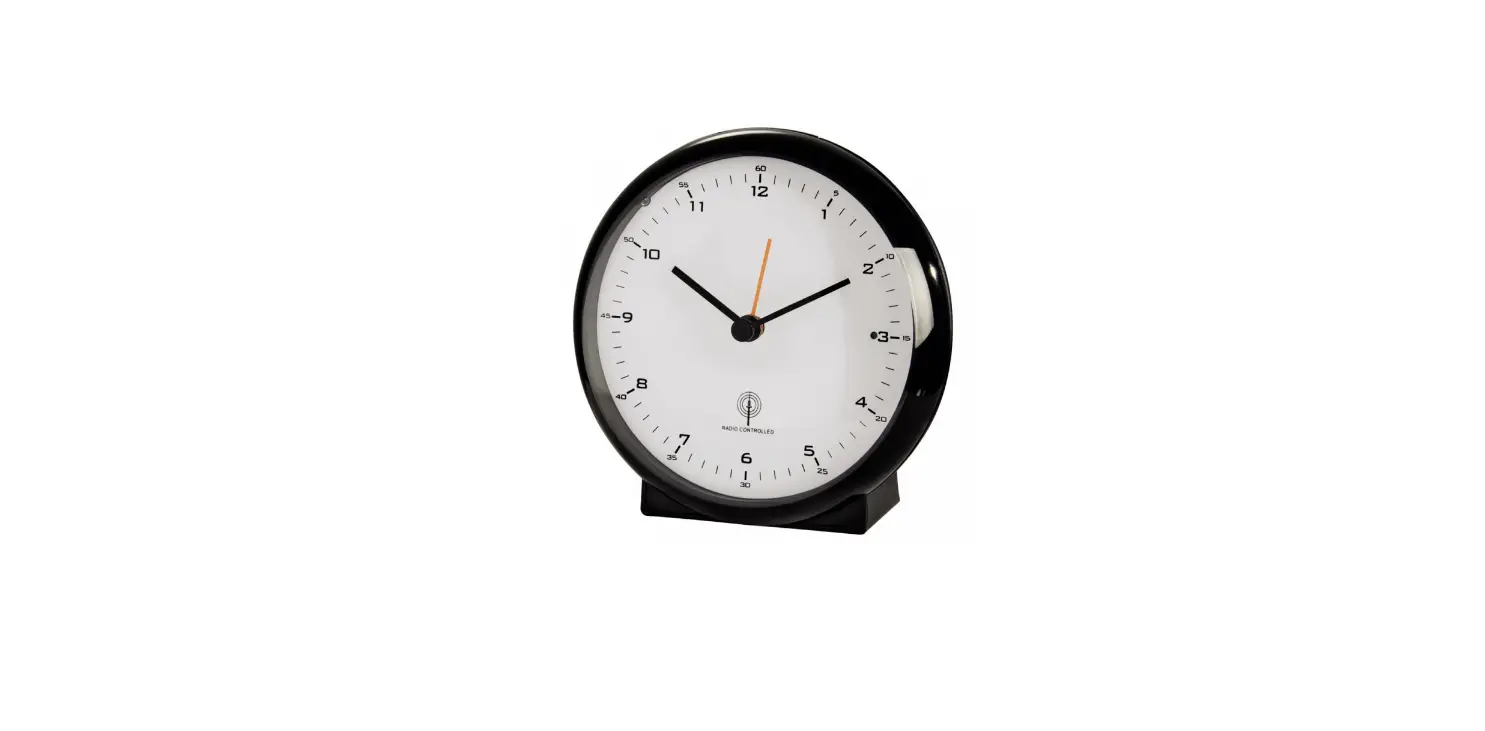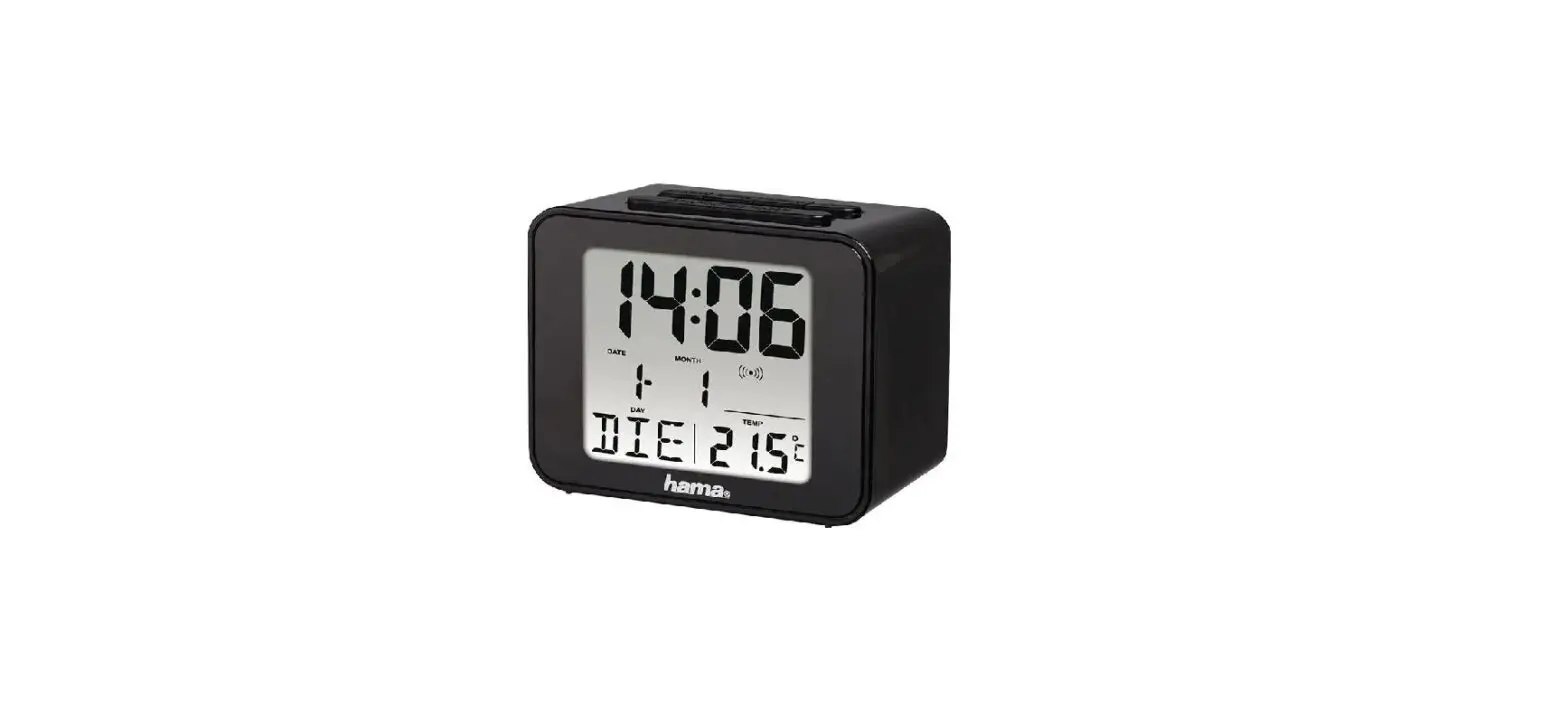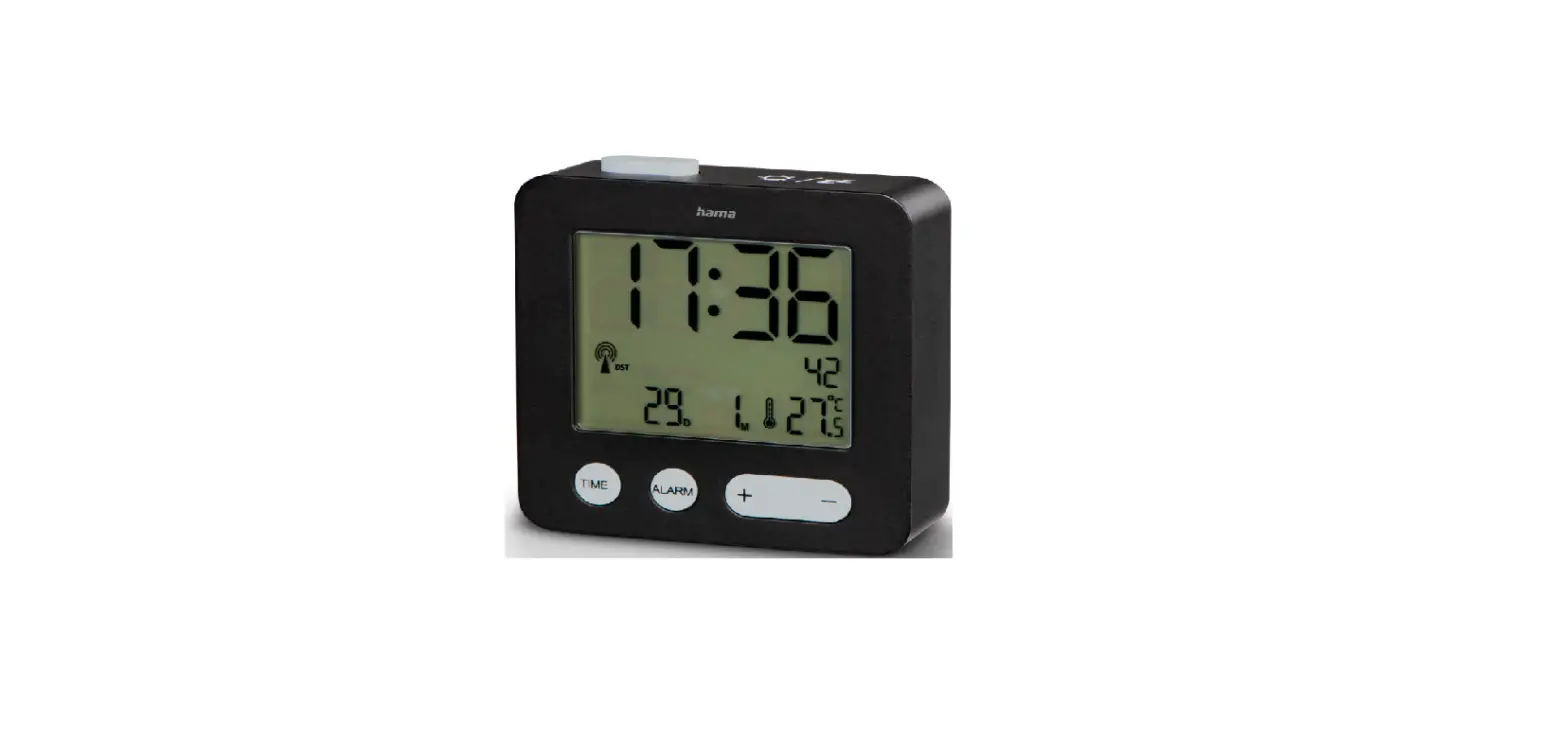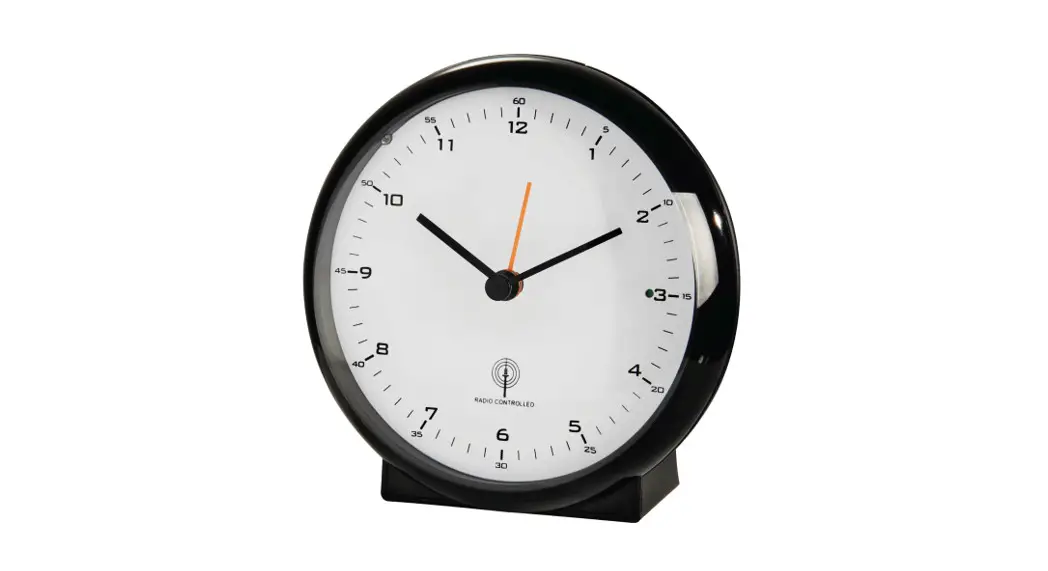
 00136278 00136279
00186372 00186373
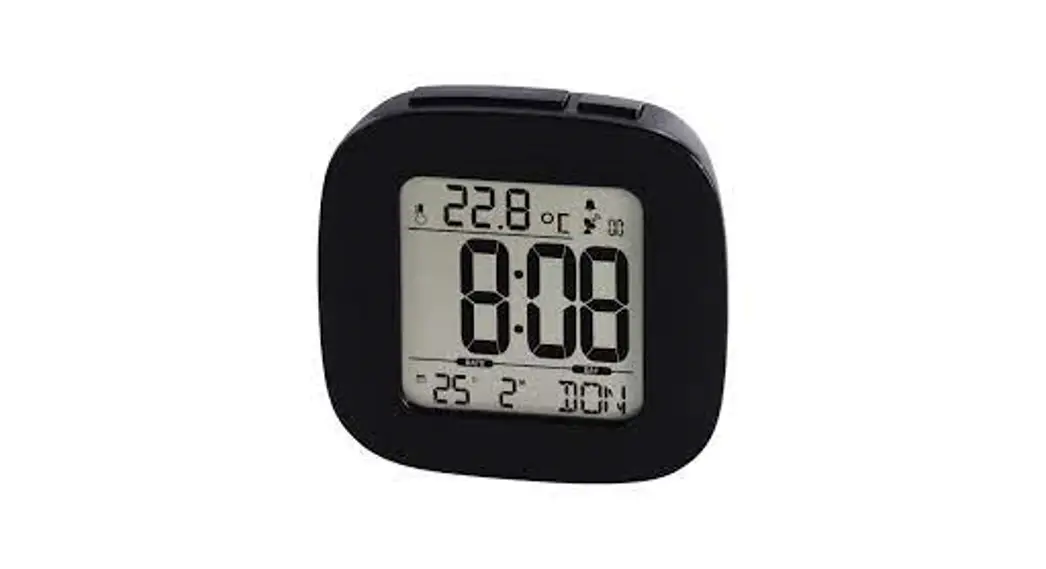
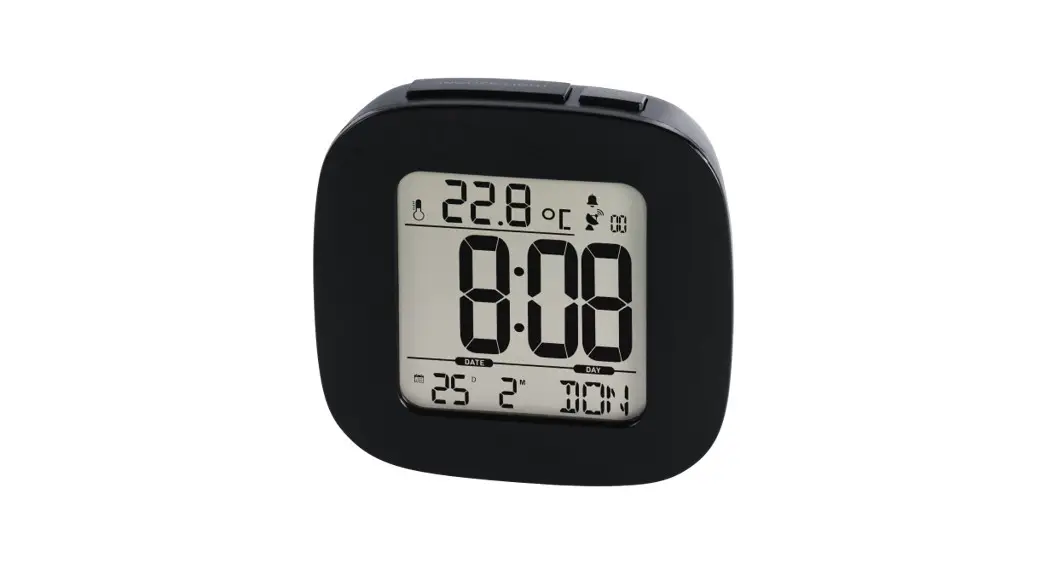
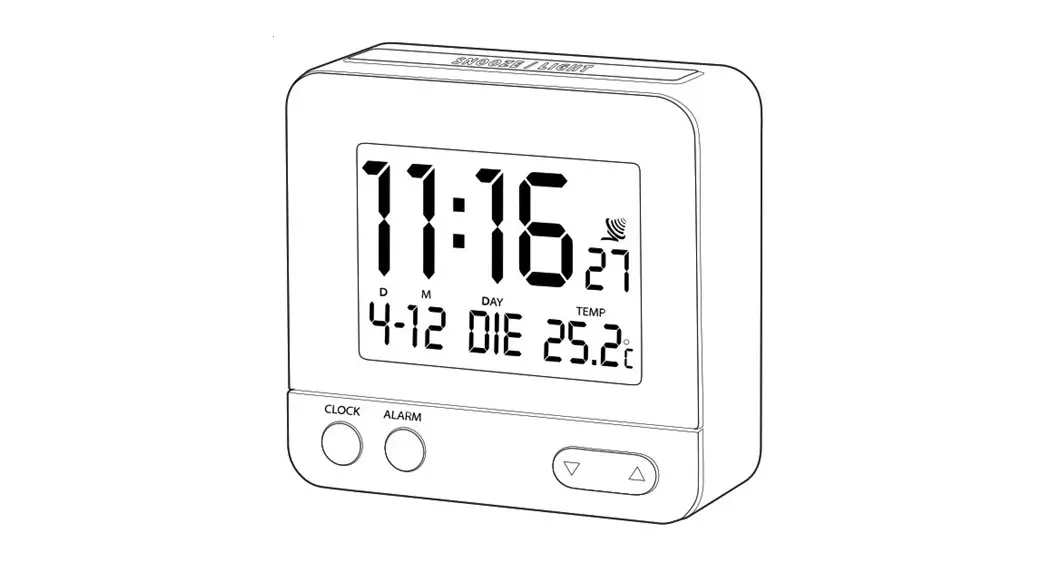
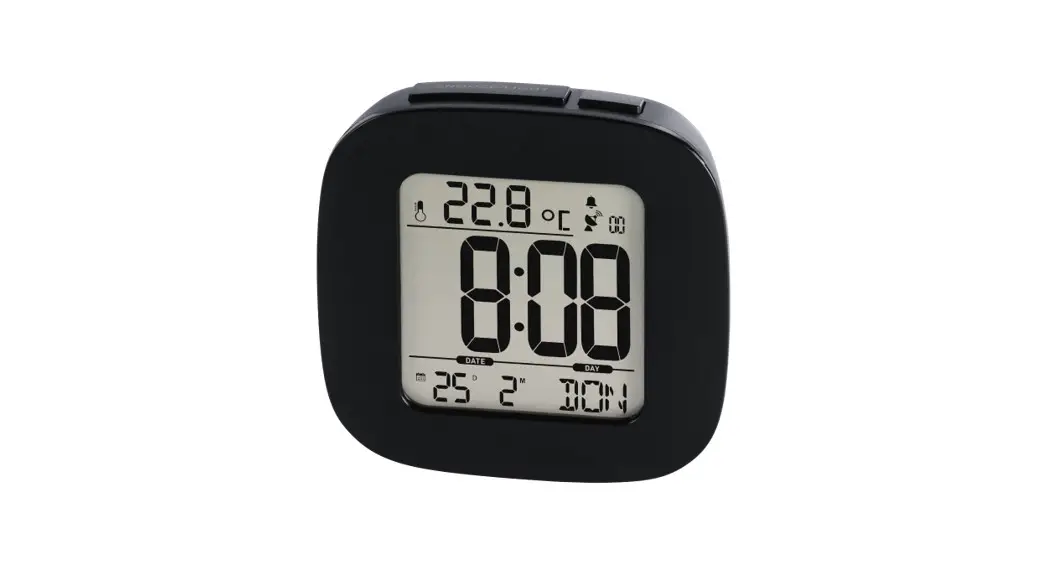
Radio Controlled Alarm Clock
RC 45
Funkwecker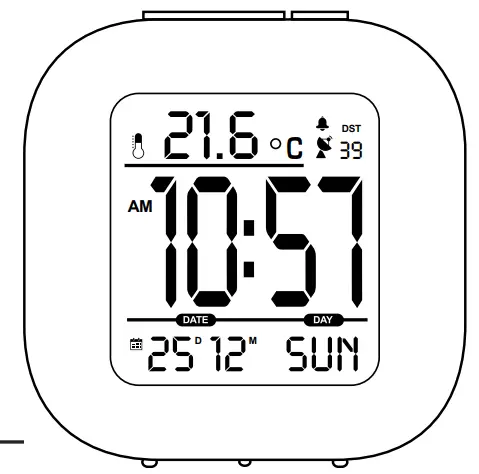 Operating Instructions
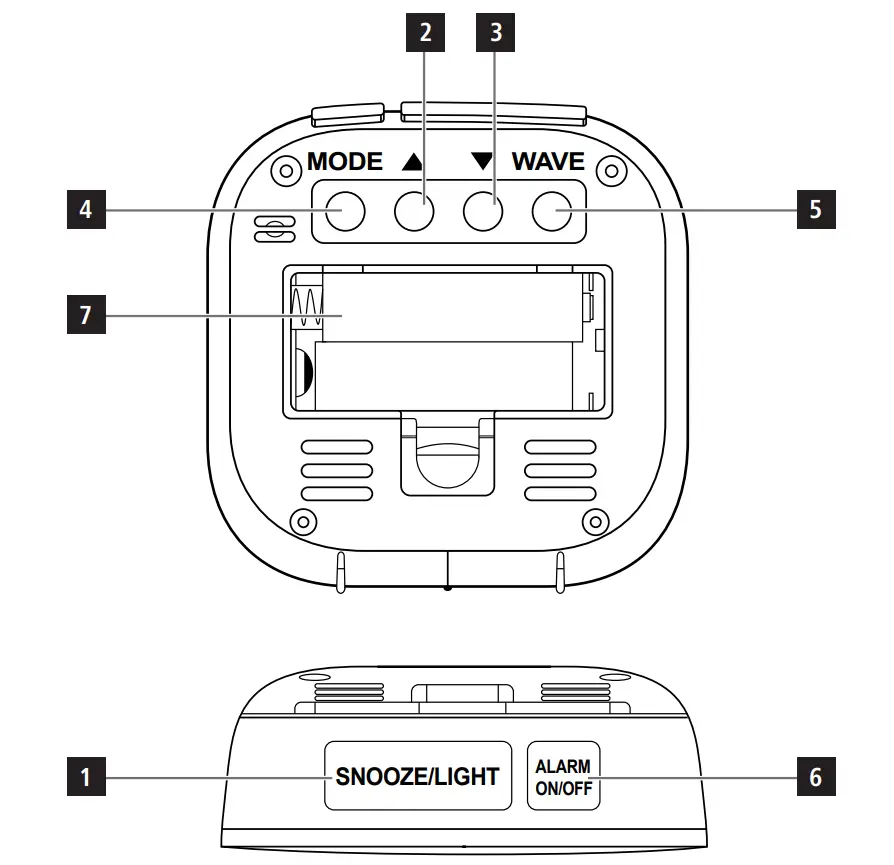
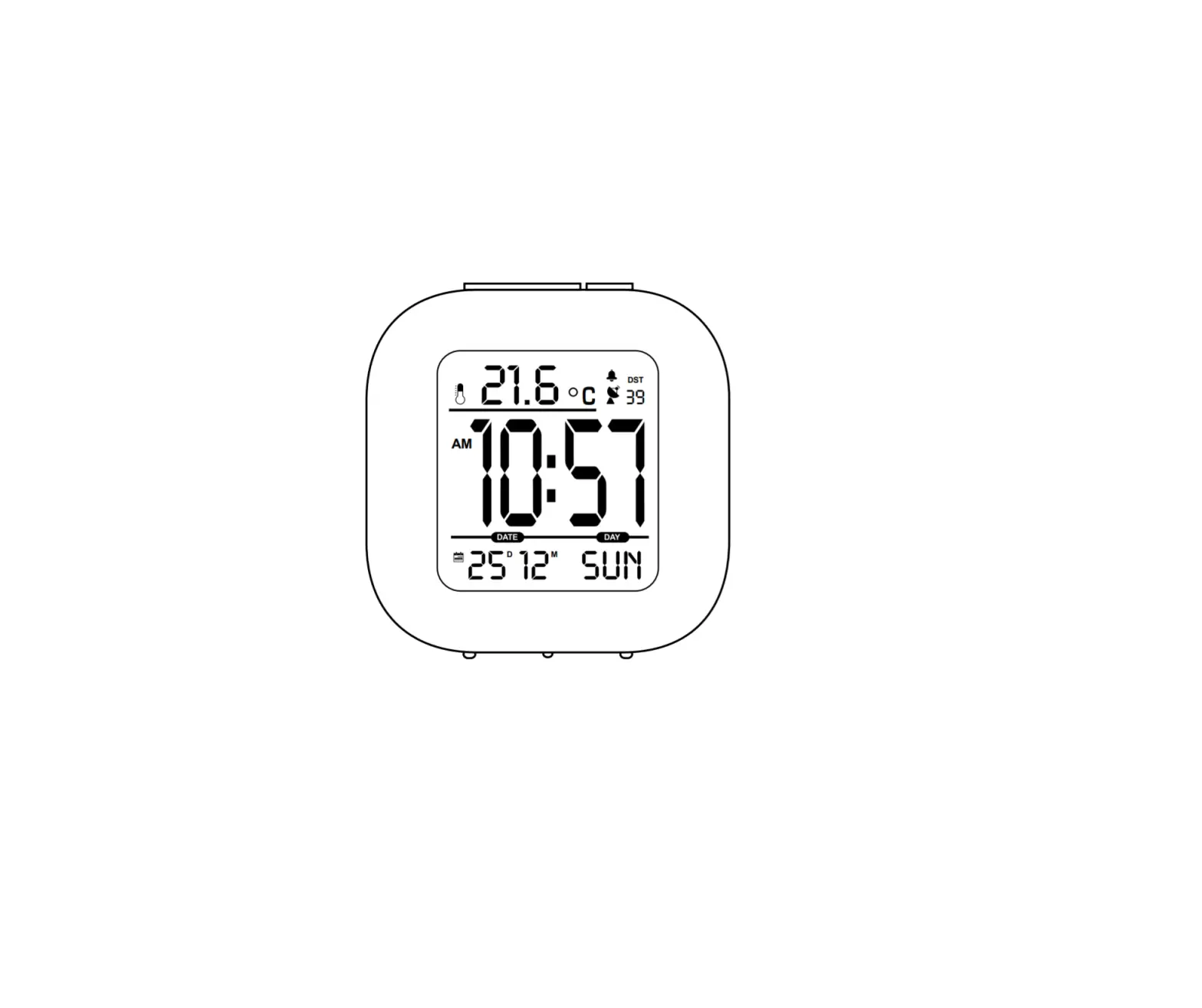
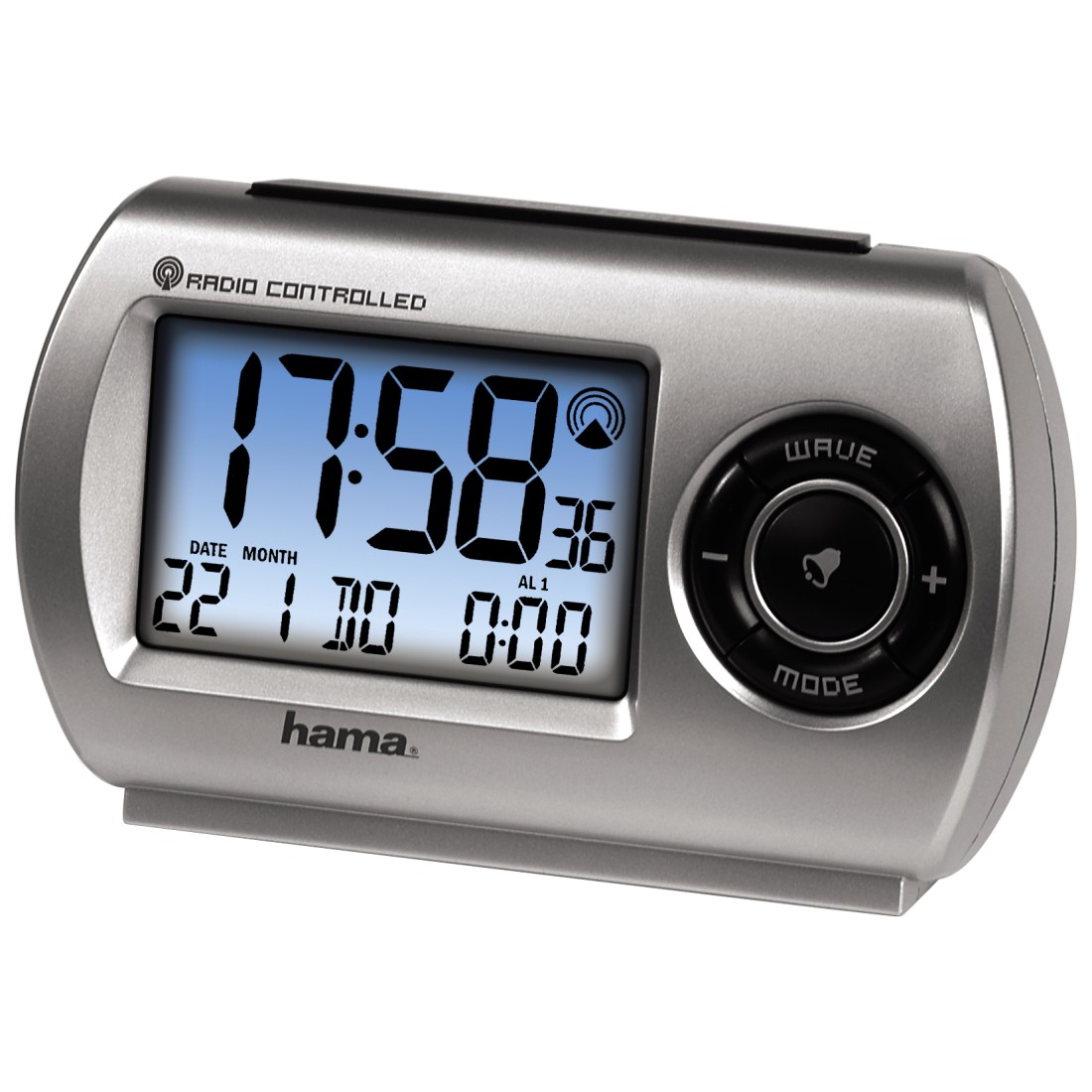
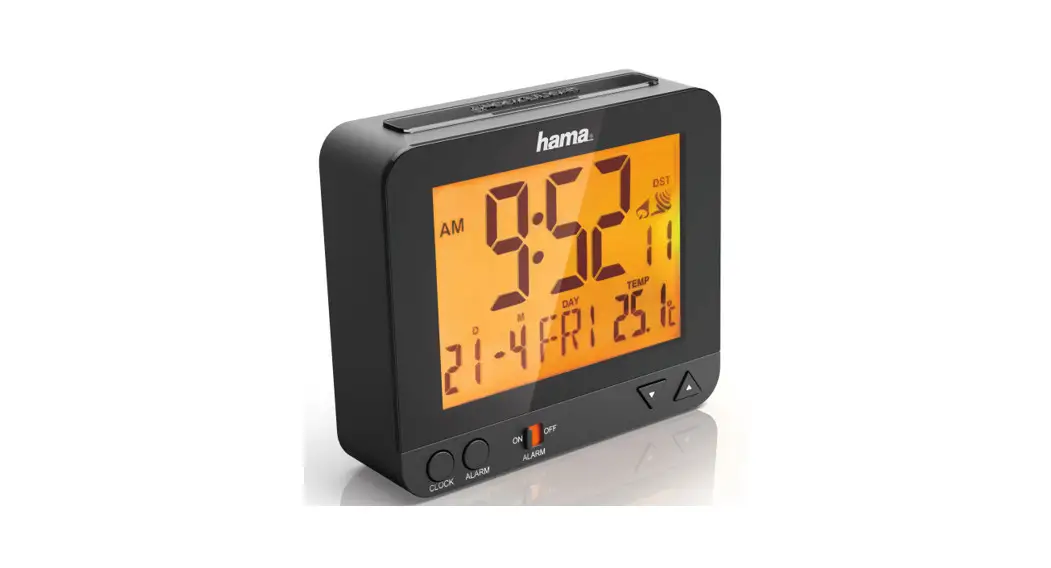
Controls and Displays
- light /snooze button
=activating the backlight (approx. 5seconds) / stopping the alarm for 5minutes - ▲ button
= ▲ selection of the date, time, alarm time / switching between 12 and 24-hour format  button
= selection of the date, time, alarm time / language selection /Temperatureunit- mode button
=setting the date, time, alarm - wave button
- alarm on/off button =set/disable the alarm
- Battery compartment
Explanation of Warning Symbols and Notes
 Warning
This symbol is used to indicate safety instructions or to draw your attention to specific hazards and risks.
 Note
Note
This symbol is used to indicate additional information or important notes.
Package Contents
- RC45radio-controlled alarm clock
- 2xAAA batteries
- These operating instructions
Safety Instructions
- The product is intended for private, noncommercial use only.
- Protect the product from dirt, moisture, and overheating, and only use it in an adry environment.
- Do not use the product in areas where the use of electronic devices is not permitted.
- Do not place the product near interference fields, metal frames, computers, TVs, etc. Electronic devices and window frames can negatively affect the functionality of the product.
- Do not drop the product and do not expose it to any major shocks.
- Do not attempt to service or repair the product yourself. Leave any and all service work to qualified experts.
- Do not modify the product in any way. Doing so voids the warranty.
- Keep the packaging material out of the reach of children due to the risk of suffocation.
- Dispose of packaging material immediately according to locally applicable regulations.
- Do not use the product in the immediate vicinity of heaters or other heat sources or in direct sunlight.
- Do not operate the product outside the power limits given in the specifications.
- Do not open the device or continue to operate it if it becomes damaged.
- Keep this product, as all electrical products, out of the reach of children!
- Use the item only in moderate climatic conditions.
Warning –Batteries
- When inserting batteries, note the correct polarity (+ and -markings) and insert the batteries accordingly. Failure to do so could result in the batteries leaking or exploding.
- Only use batteries (or rechargeable batteries) that match the specified type.
- Before you insert the batteries, clean the battery contacts and the polar contacts.
- Do not allow children to change batteries without supervision.
- Do not mix old and new batteries or batteries of a different type or make.
- Remove the batteries from products that are not being used for an extended period (unless these are being kept ready for an emergency).
- Do not short-circuit batteries.
- Do not charge batteries.
- Do not throw batteries in a fire.
- Keep batteries out of the reach of children.
Warning –Batteries
- Never open, damage, or swallow batteries or allow them to enter the environment. They can contain toxic, environmentally harmful heavy metals.
- Immediately remove and dispose of dead batteries from the product.
- Avoid storing, charging, or using the device in extreme temperatures and extremely low atmospheric pressure(for example, at high altitudes).
Getting Started
Open the battery compartment (7), remove the contact breaker and then close the battery compartment (7).
Operation
Automatic date/time setting using the DCF signal
- Once you have inserted the battery, the display is switched on, an acoustic signal sounds and the alarm clock automatically starts searching for a DCF signal. During the search, the radio symbol
 flashes. This process can take 7to5minutes.
 - When the wireless signal is received, the date and time are automatically set.
| Display | Searching for the DCF signal |
 Flashing display Flashing display | Active |
| Constant display | Successful – signal is being received |
| No display | Error – signal search ended |
| Weak signal reception |
Note –Automatic search
The clock automatically searches for the DCF signal five times per day to ensure that the time is correct. If the search fails, it ends and is repeated at the next clock hour. The radio symbol disappears.
- If the clock repeatedly fails to receive a signal, press the wave button (5) to manually start the search for the DCF signal. The radio symbol starts to flash.
- Press the wave button (5) to cancel the search procedure.
Note –Manual search
The manual search takes about 7minutes. If the search fails, it ends and is repeated at the next clock hour. The radio symbol disappears.
Note –Summertime
The clock automatically switches to summertime.
Note –Time zone
- The time zone is used if the DCF time signal is received in a country whose time zone does not correspond to German time.
- If the time shift is +1 hour, for example, you need to set the time zone to +1. This will automatically set the clock forward one hour.
Manually setting the time format, time, and date
- Press and hold the mode button (4) for approx. 3 seconds to start manually setting the time format, date, and time.
- Set the following information in the order listed:
- Time format (12-/24-hour), time zone, hour, minute, year, month, day, language (weekday)
- To select each value, press the ▲ button (2) or the button (3), and confirm each selection by pressing the mode button (4).
- If you do not make an entry for 30 seconds, the settings will automatically close.
Note –Input
Hold down the ▲ button (2) or the  button (3) to select the values faster.
Note –Day of the week
For the weekday display, you can choose amongst the following languages: German (GER), English (ENG), Italian (ITA), French (FRE), Dutch (DUT), Spanish (SPA), and Danish (DAN).
Alarm settings and display
- Press and hold the alarm on/off button (6) for approx. 3seconds to open the alarm settings. The hour’s display begins to flash.
- Press the p button (2) or the q button (3) to select the hours for the alarm time, and confirm your selection by pressing the alarm on/off button (6). The minute’s display begins to flash.
- Repeat the process to set the minutes for the alarm time. Once you have confirmed your minute’s selection with the alarm on/off button (6), the alarm is set and
 shows in the display.
 - If the alarm is triggered, the alarm symbol will begin to flash and an alarm will sound.
- Press the alarm on/off button (6) to stop the alarm. Otherwise, it will stop automatically after 2minutes.
- If you press the snooze/light button (1) during the alarm, the alarm is interrupted for 5minutes and then goes off again. The alarm symbol flashes. Press any button to disable the snooze function. The same goes for the alarm signal. The alarm repeats every 24 hours.
 shows in the display.
Temperature indicator
Press the button (3) to switch between °C and °F for the temperature display.
Backlight
Press the snooze/light button (1) to light up the display for approx. 5seconds.
Care and Maintenance
Only clean this product with a slightly moist, lint-free cloth, and do not use aggressive cleaning agents. Make surethat water does not get into the product.
Warranty Disclaimer
Hama GmbH &CoKG assumes no liability and provides no warranty for damage resulting from improper installation/mounting, improper use of the product, or failure to observe the operating instructions and/or safety notes.
Technical Data
| RC 45 radio-controlled alarm clock | |
| Power supply | 1.5 V 2xAAA batteries |
Declaration of Conformity
 Hereby, Hama GmbH &CoKG declares that the radio equipment type [00136278, 00136279, 00186372, 00186373] is in compliance with Directive 2014/53/EU. The full text of the EU declaration of conformity is available at the following internet address: www.hama.com -> 00136278, 00136279, 00186372, 00186373 -> Downloads.
| Frequency band(s) | 77,5 kHz |
Recycling Information
Note on environmental protection: After the implementation of the European Directive 2012/19/EU and 2006/66/EU in the national legal system, the following applies: Electric and electronic devices, as well as batteries, must not be disposed of with household waste. Consumers are obliged by law to return electrical and electronic devices as well as batteries at the end of their service lives to the public collecting points set up for this purpose or point of sale. Details to this are defined by the national law of the respective country. This symbol on the product, the instruction manual or the package indicates that a product is subject to these regulations. By recycling, reusing the materials, or other forms of utilizing old devices/Batteries, you are making an important contribution to protecting our environment.
Hama GmbH &CoKG
86652 Monheim /Germany
Service &Support www.hama.com
 +49 9091 502-0
All listed brands are trademarks of the corresponding companies. Errors and omissions excepted, and subject to technical changes. Our general terms of delivery and payment are applied.