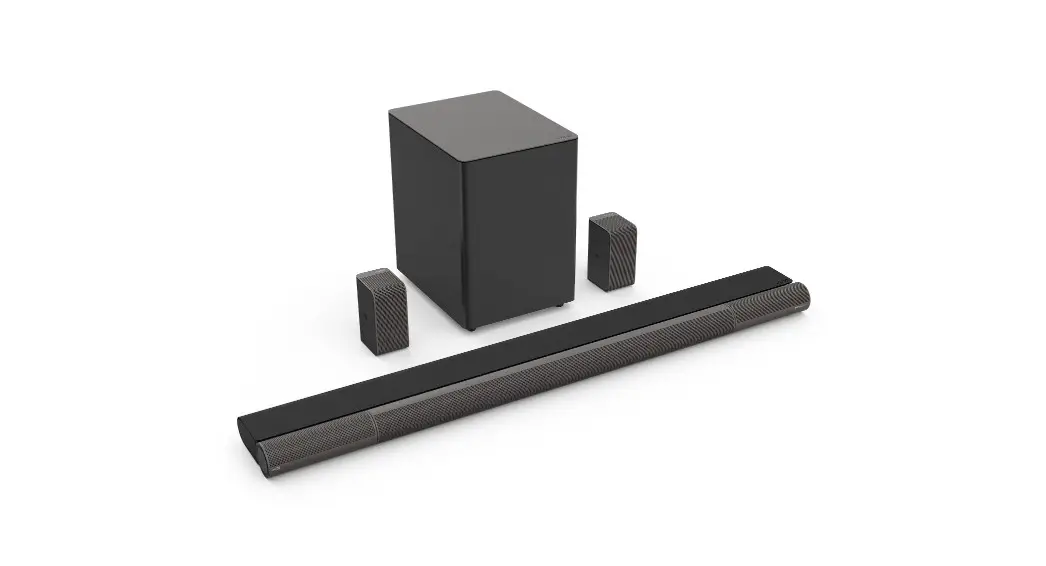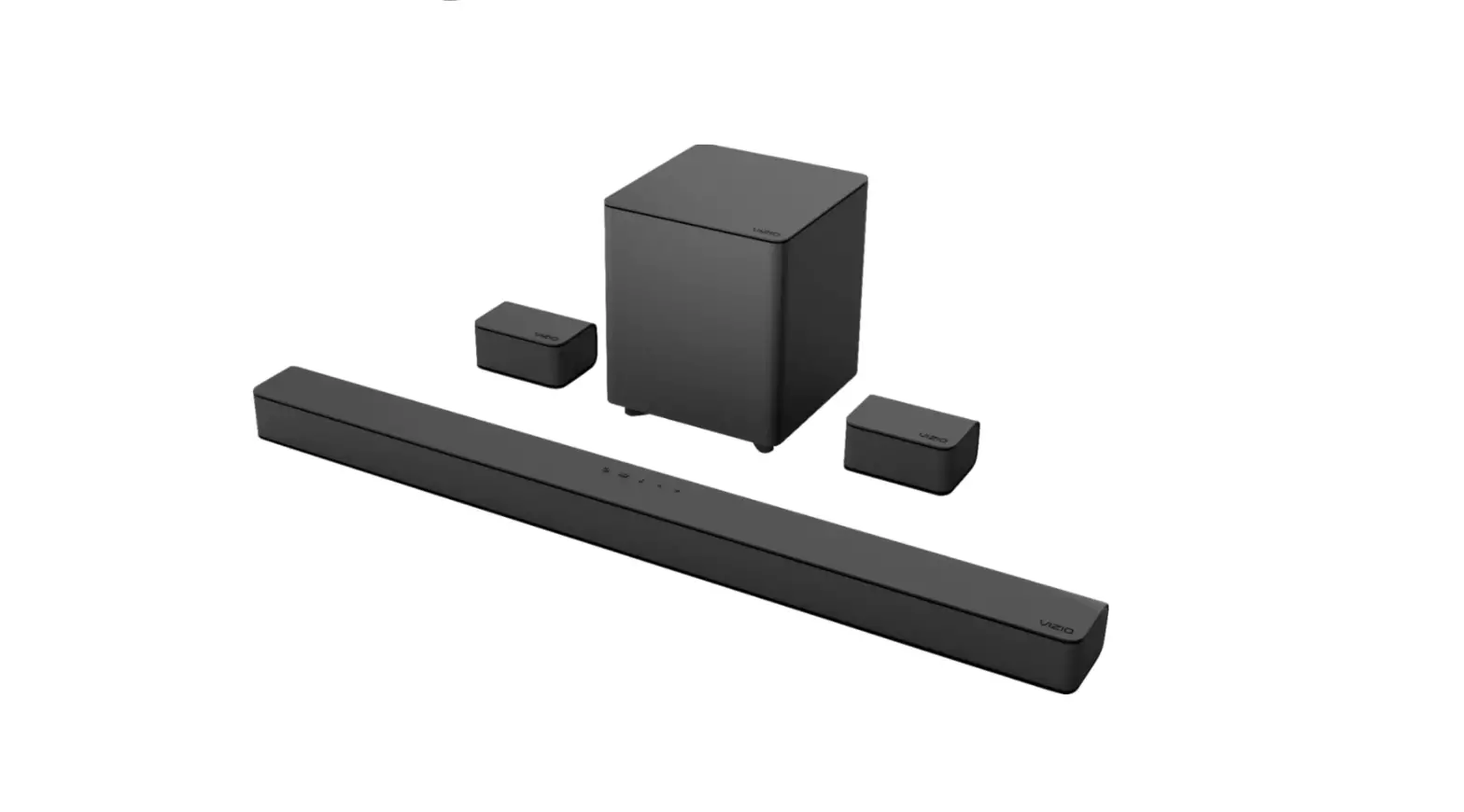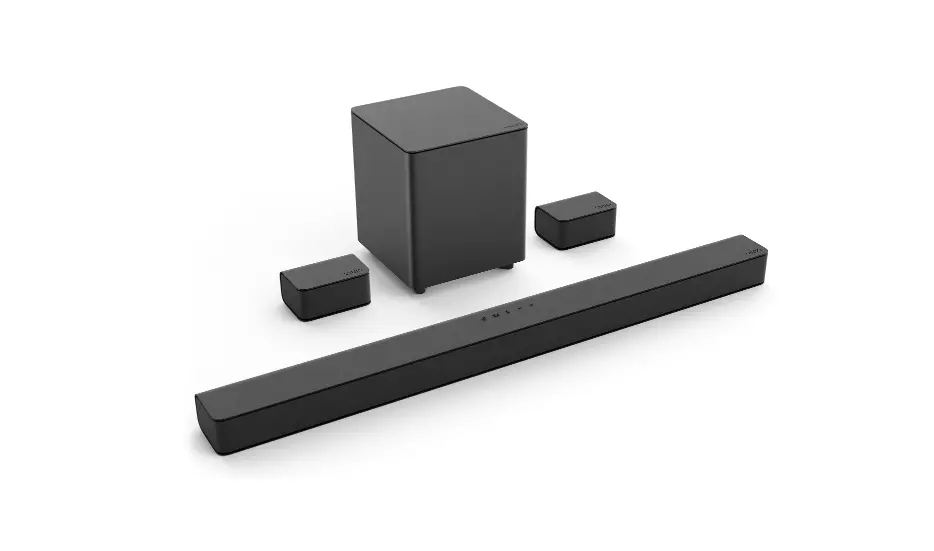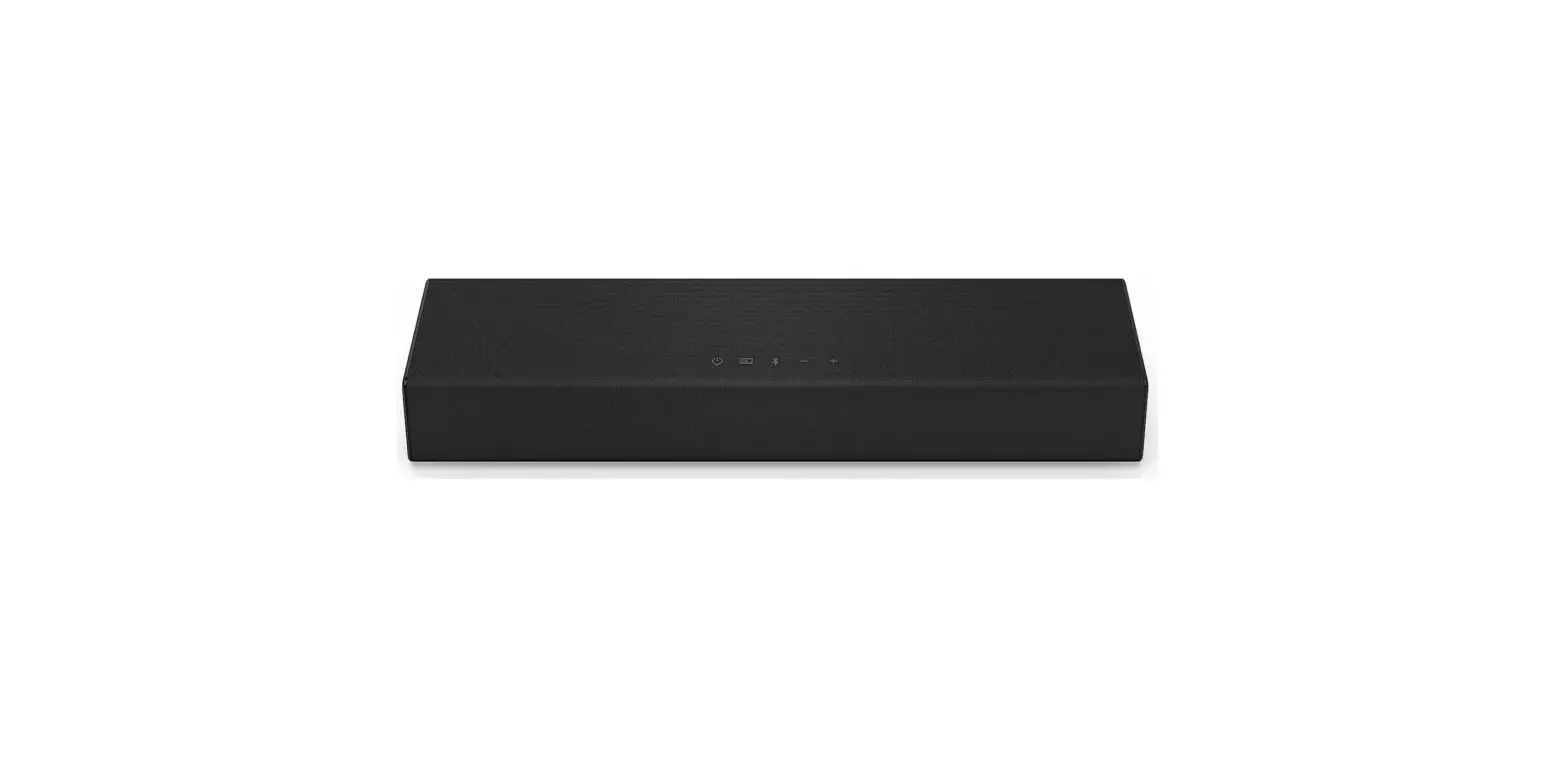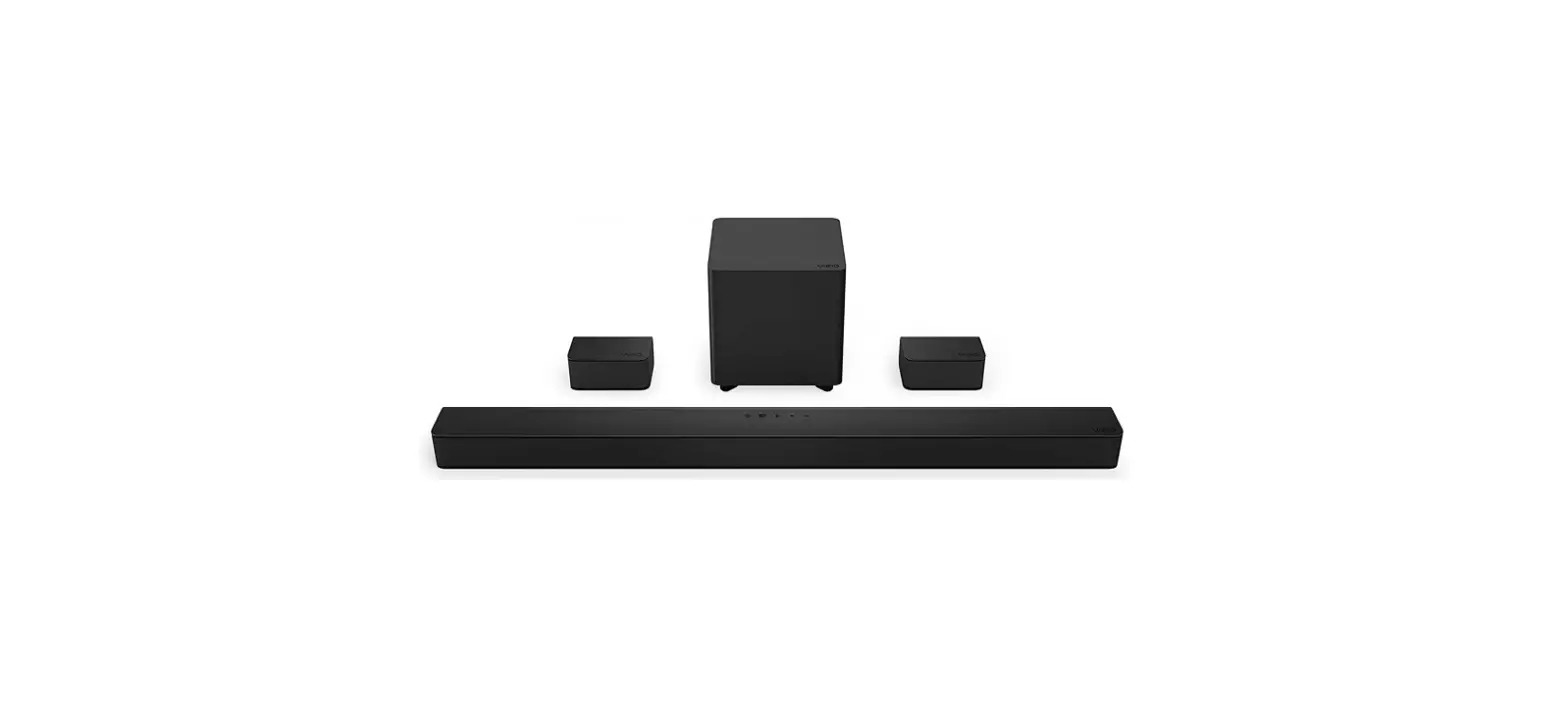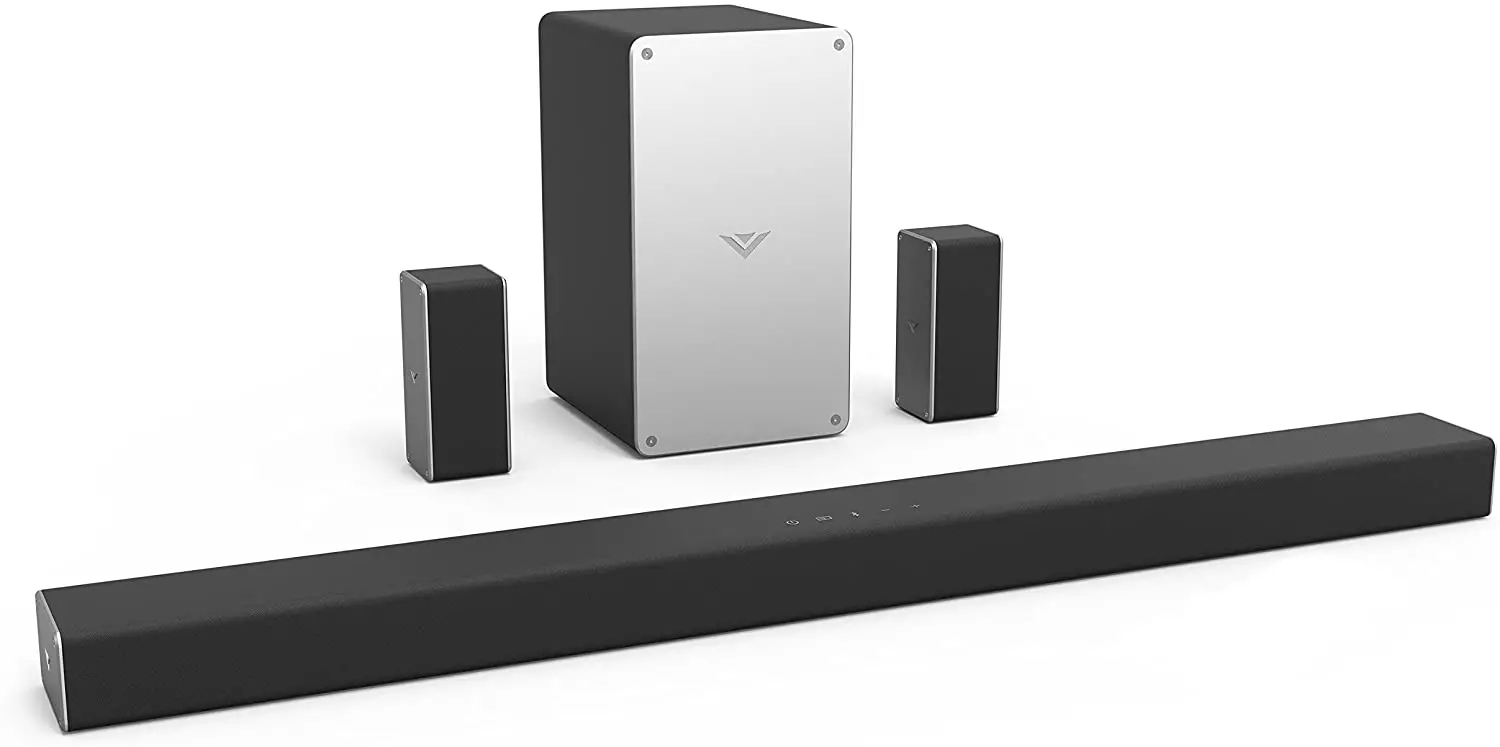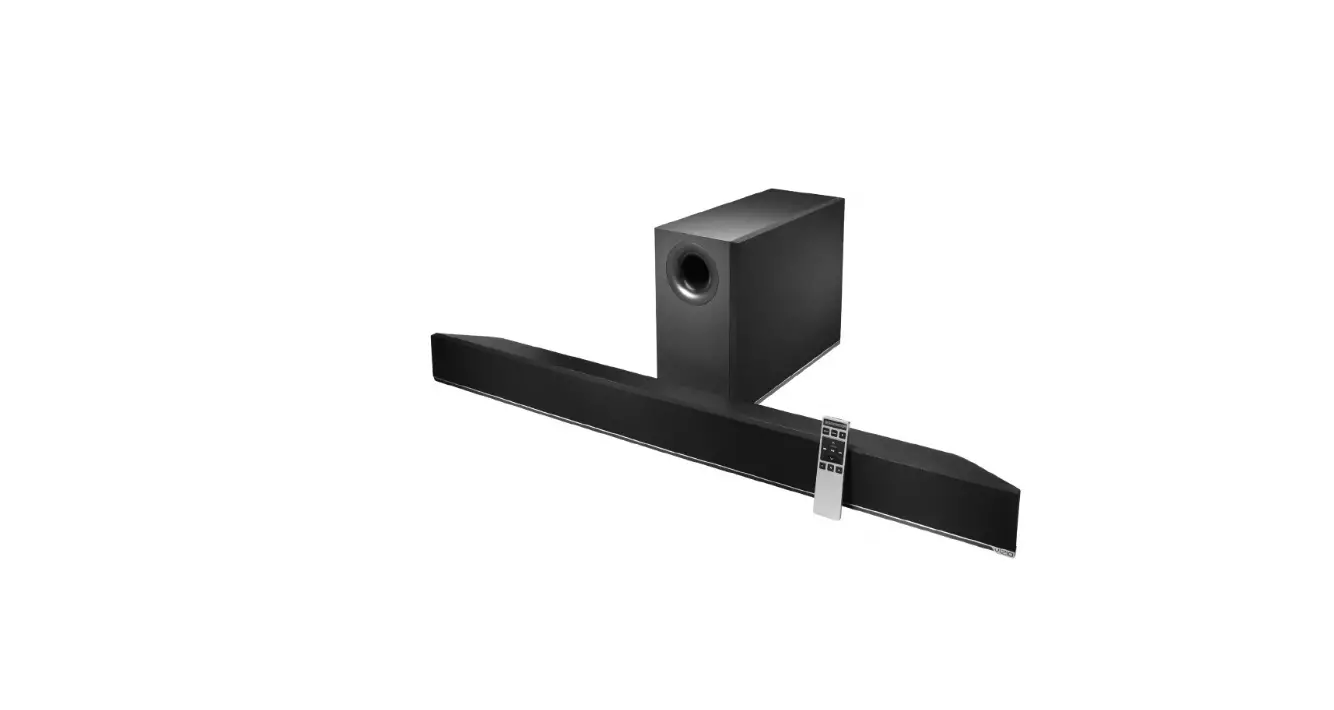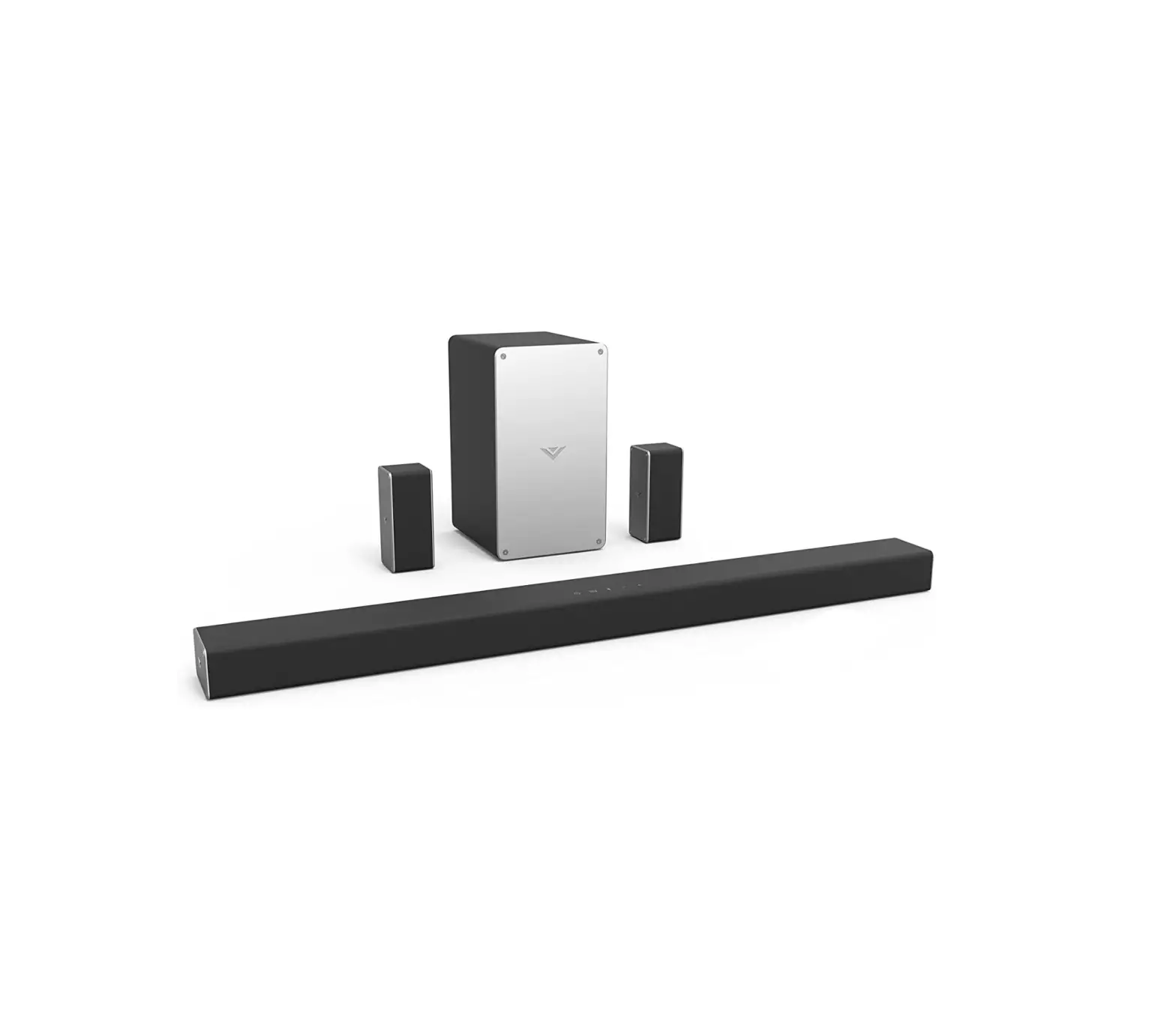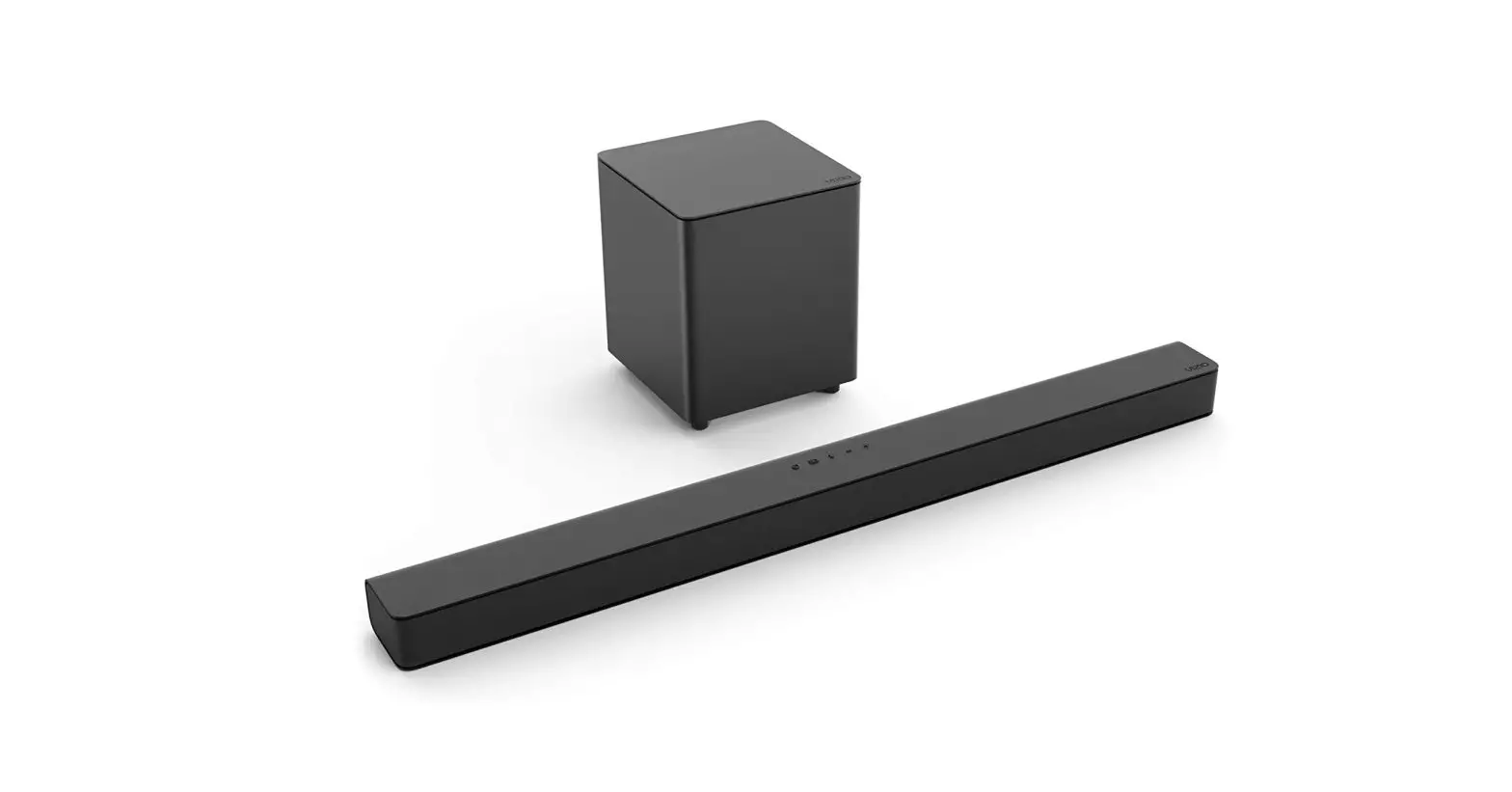

Quick Setup Steps
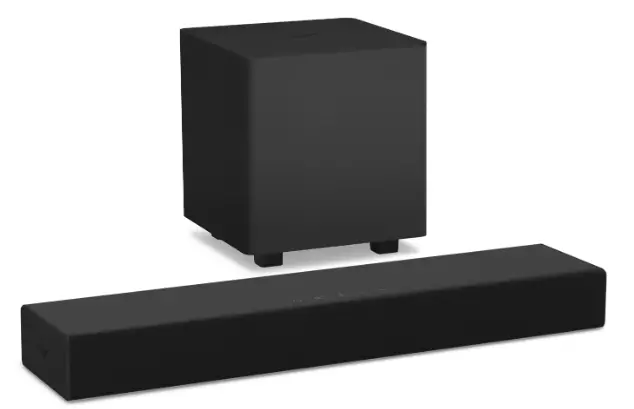
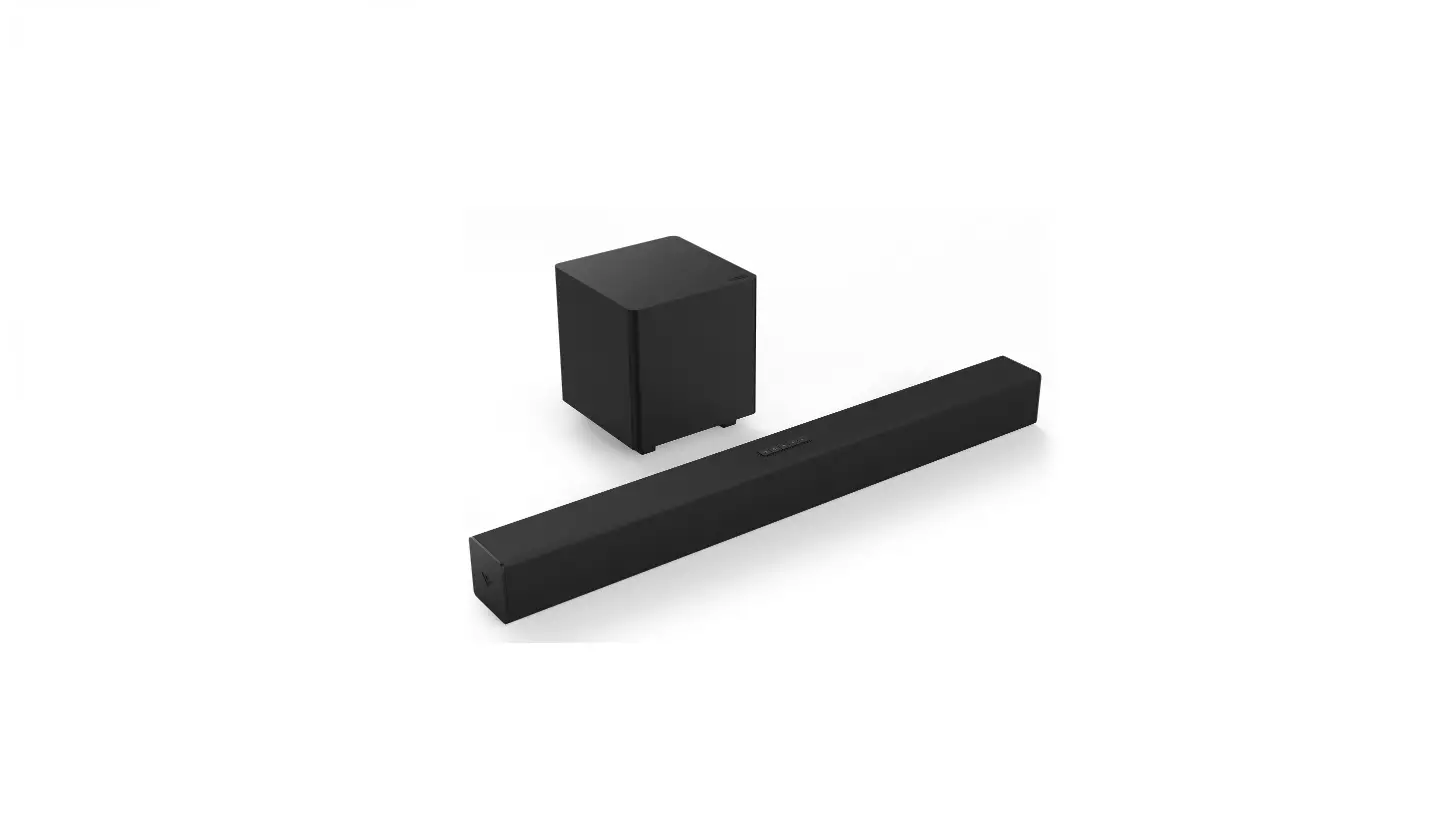
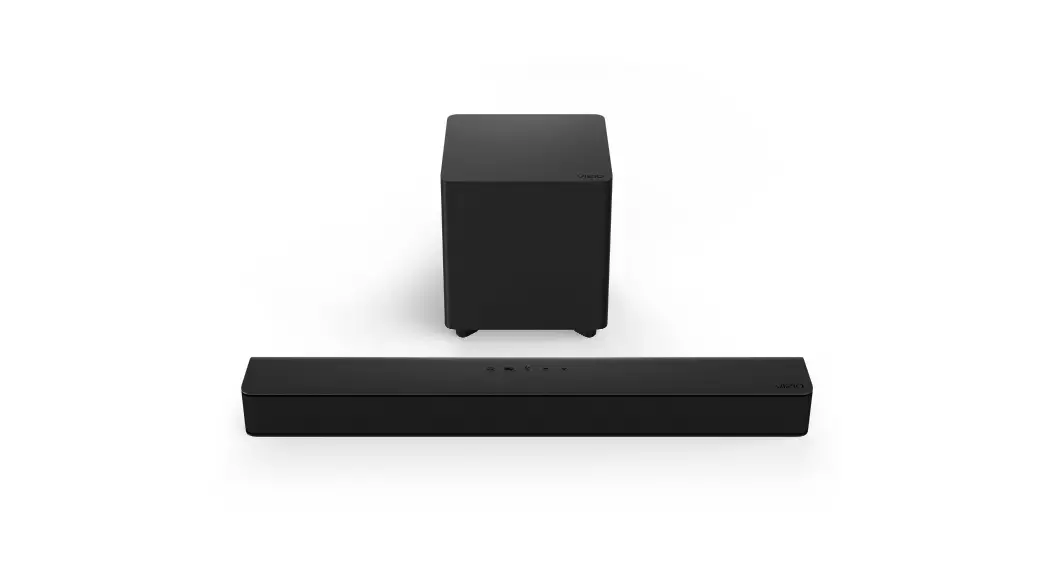
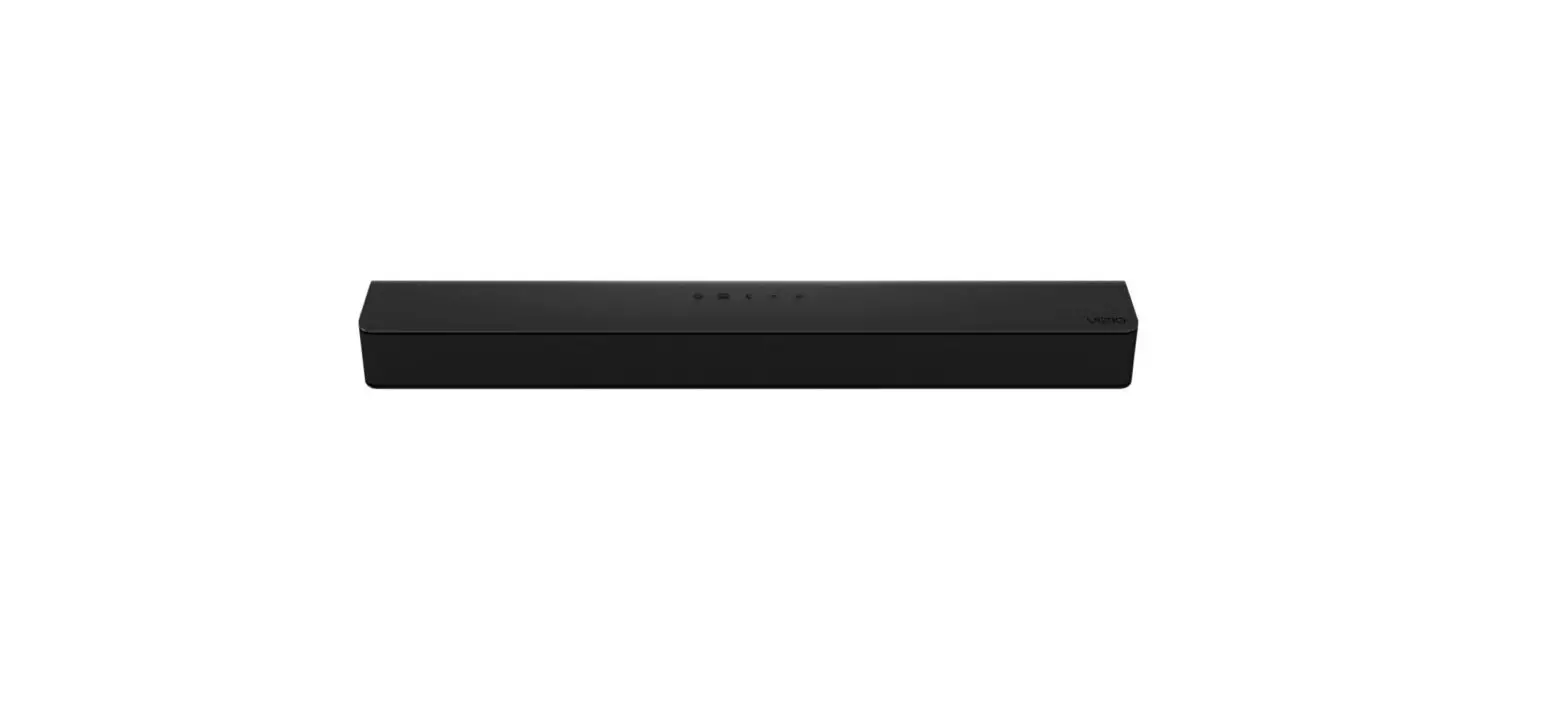
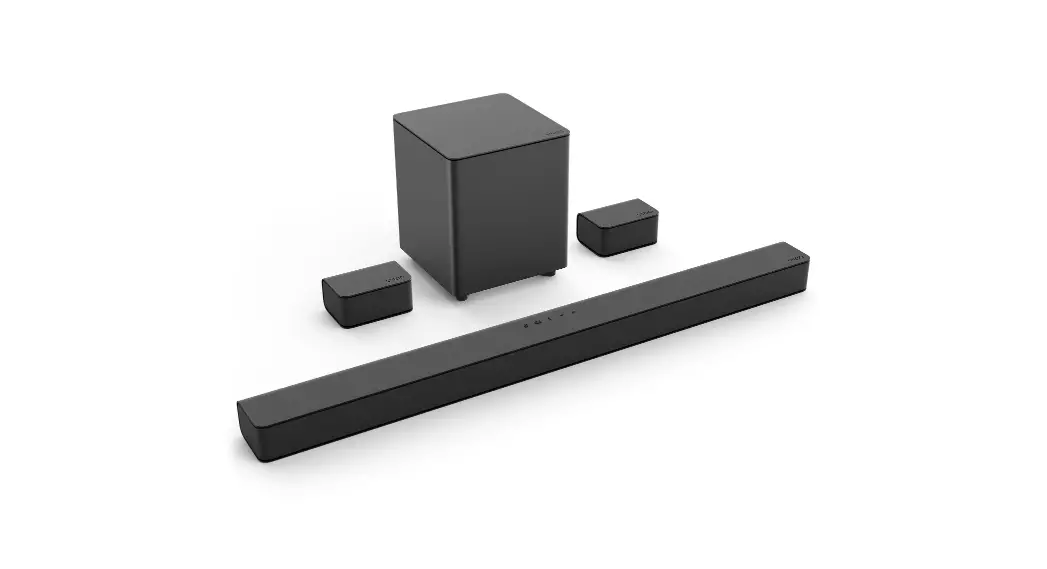
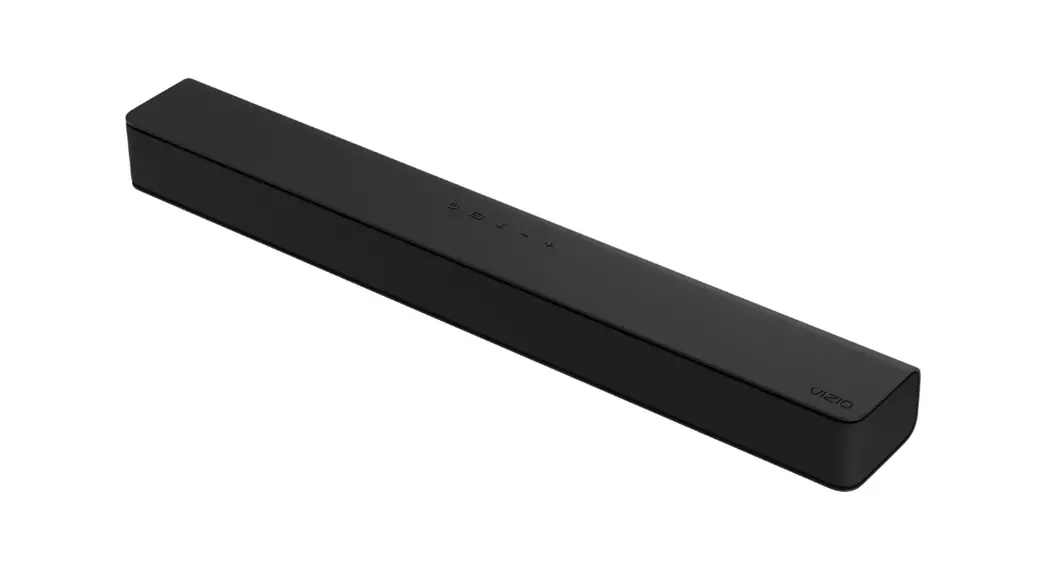
Congratulations on the purchase of your new VIZIO sound bar!
Here are a few key steps to get you started.
Option 1 Connect your sound bar to a TV.
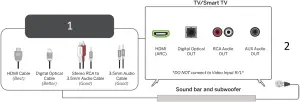
- Choose the best connection for your TV.
- Connect the power cables and plug into an electrical outlet.
Note: When using the Digital Optical input, if you do not hear audio from the sound bar, adjust your TV’s audio setting to PCM. Consult your TV’s user manual for more information.
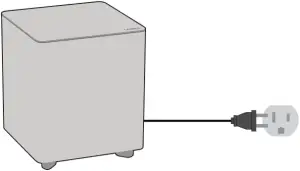
The sound bar will automatically begin searching for an audio input. You can press the INPUT
button (on the bar or the remote) to switch between audio sources.
Option 2 Connect with Bluetooth®.
- Press and hold the Bluetooth button on the sound bar or remote for 5 seconds.
- Search for your sound bar using your Bluetooth device.
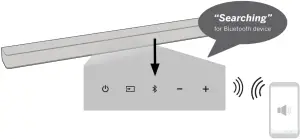
Option 3 Connect to a Voice Assistant (VA) device.
- Connect using Bluetooth via the VA app and the sound bar (steps in Option 2).
– or – - Connect a 3.5mm audio cable to the AUX VA port on the sound bar and the AUX port on the VA Device.
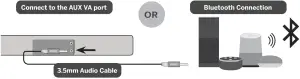
 Advanced Set-up Options: To connect your other devices, please see the user manual.
If you have any questions about your product, please reach out to our VIZIO Customer Service team.
 Phone:
(877) 698-4946
 Text Message:
(205) 301-3729
(Message and data rates may apply. U.S. only.)
 Website:
support.vizio.com
We’d love to hear from you. Give us your feedback at: VIZIO.com/reviews
V21-H8

![Vizio 2.1 Sound Bar [v21-h8r] User Manual](https://static-data1.manualsee.com/1/img/405/18197/2020/12/Vizio-2.1-Sound-Bar-V21-H8R-1200x871.jpg "Vizio 2.1 Sound Bar [v21-h8r] User Manual")