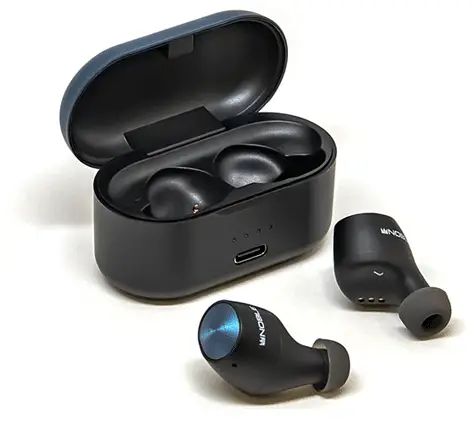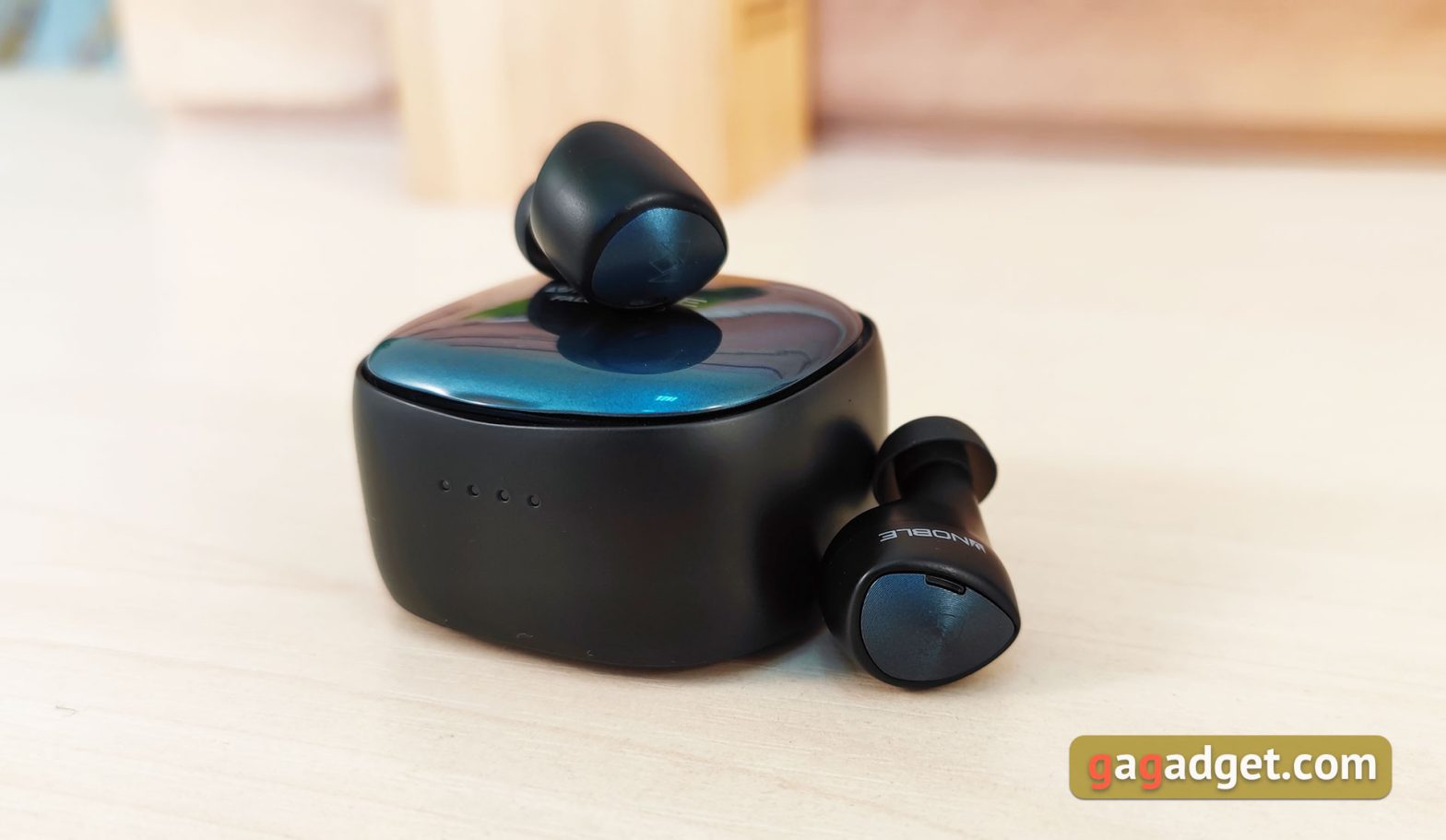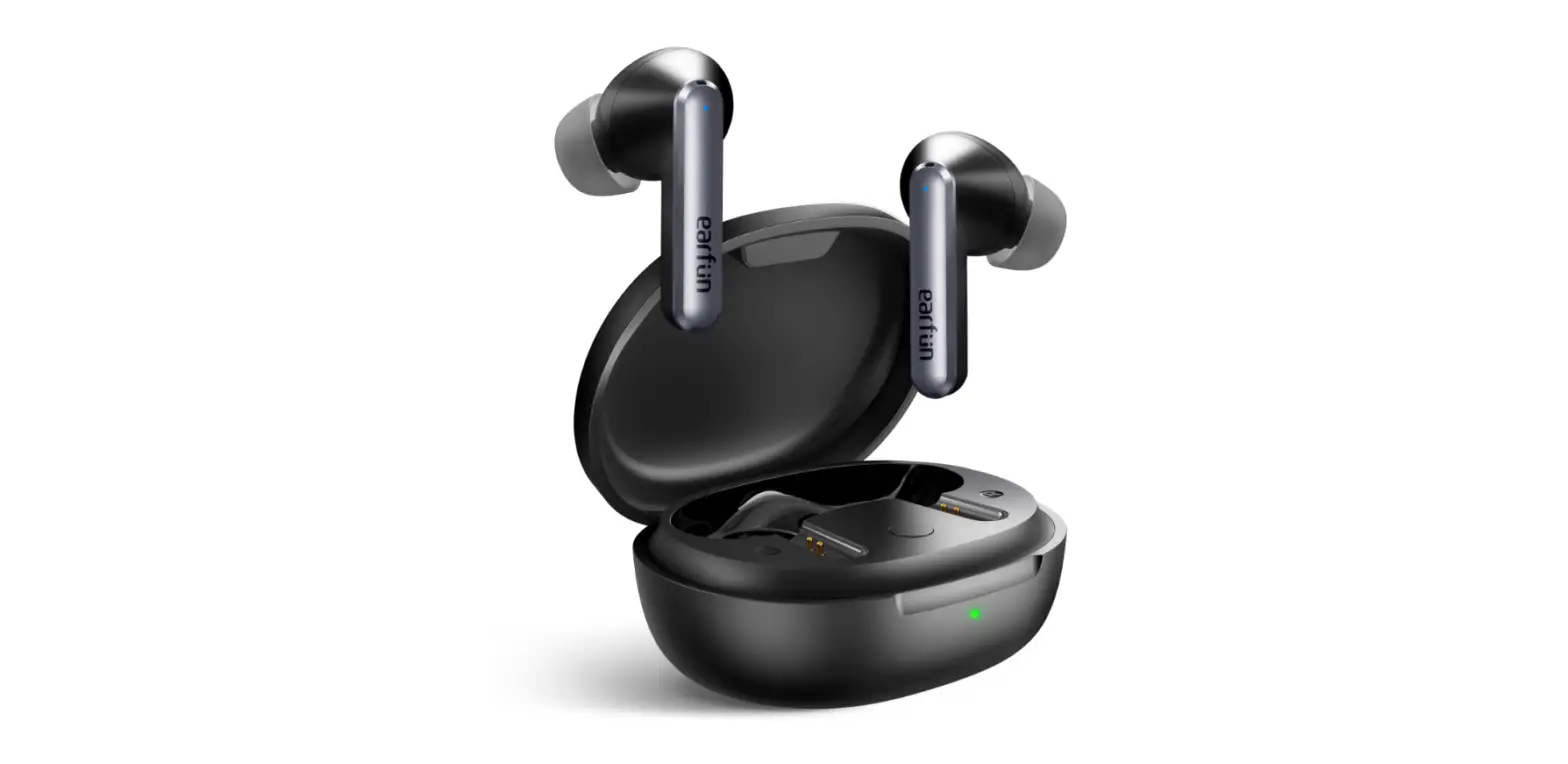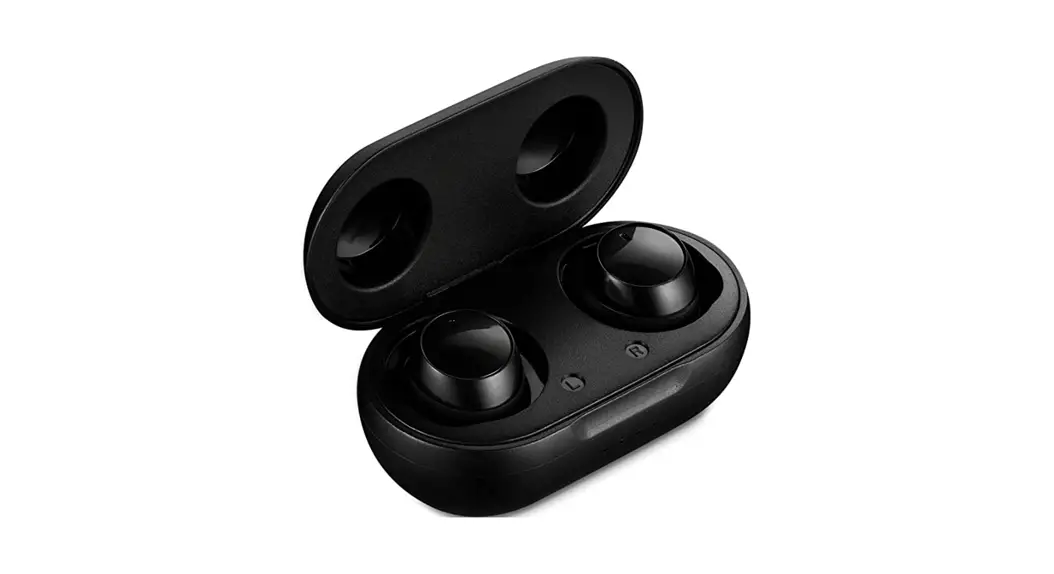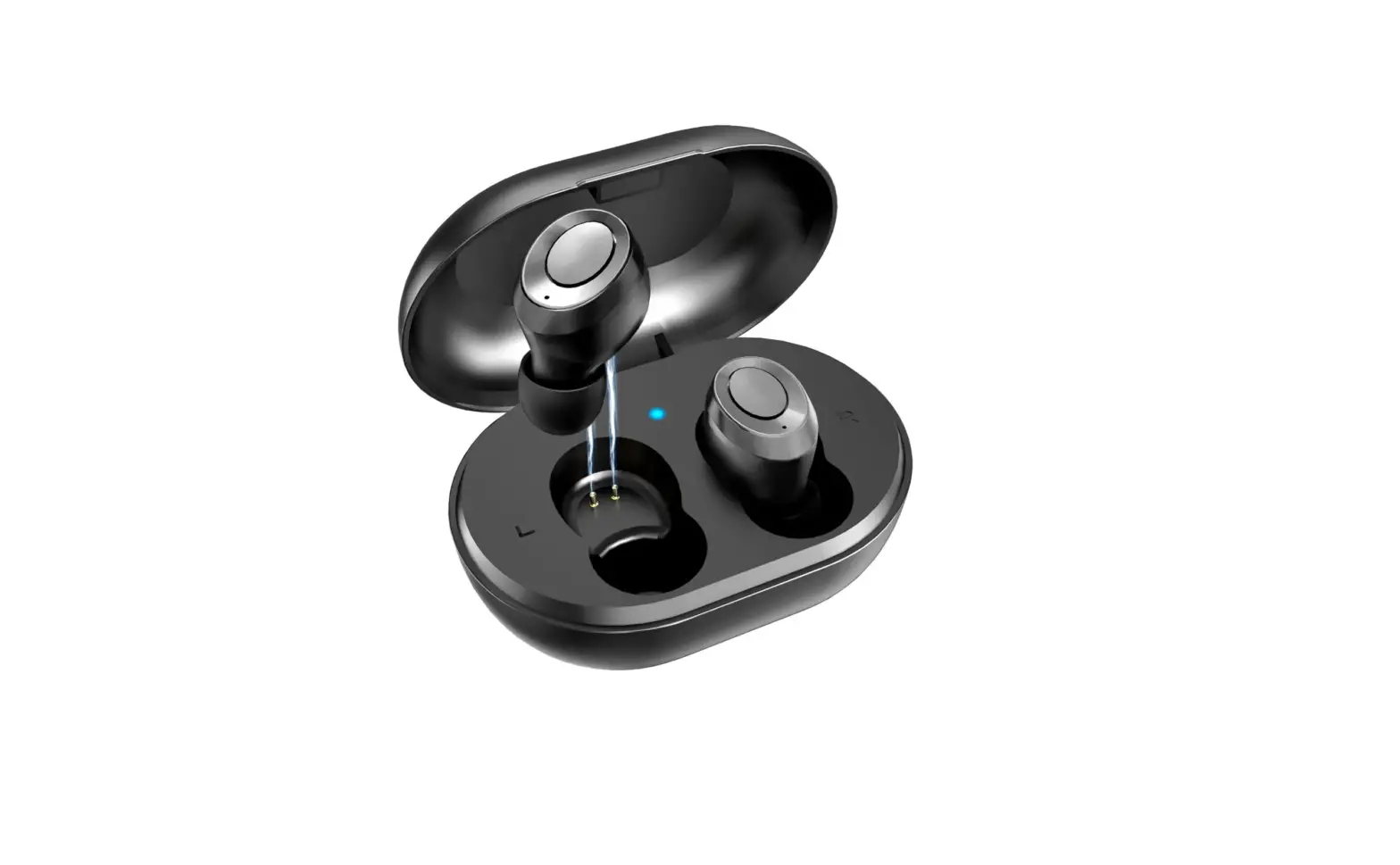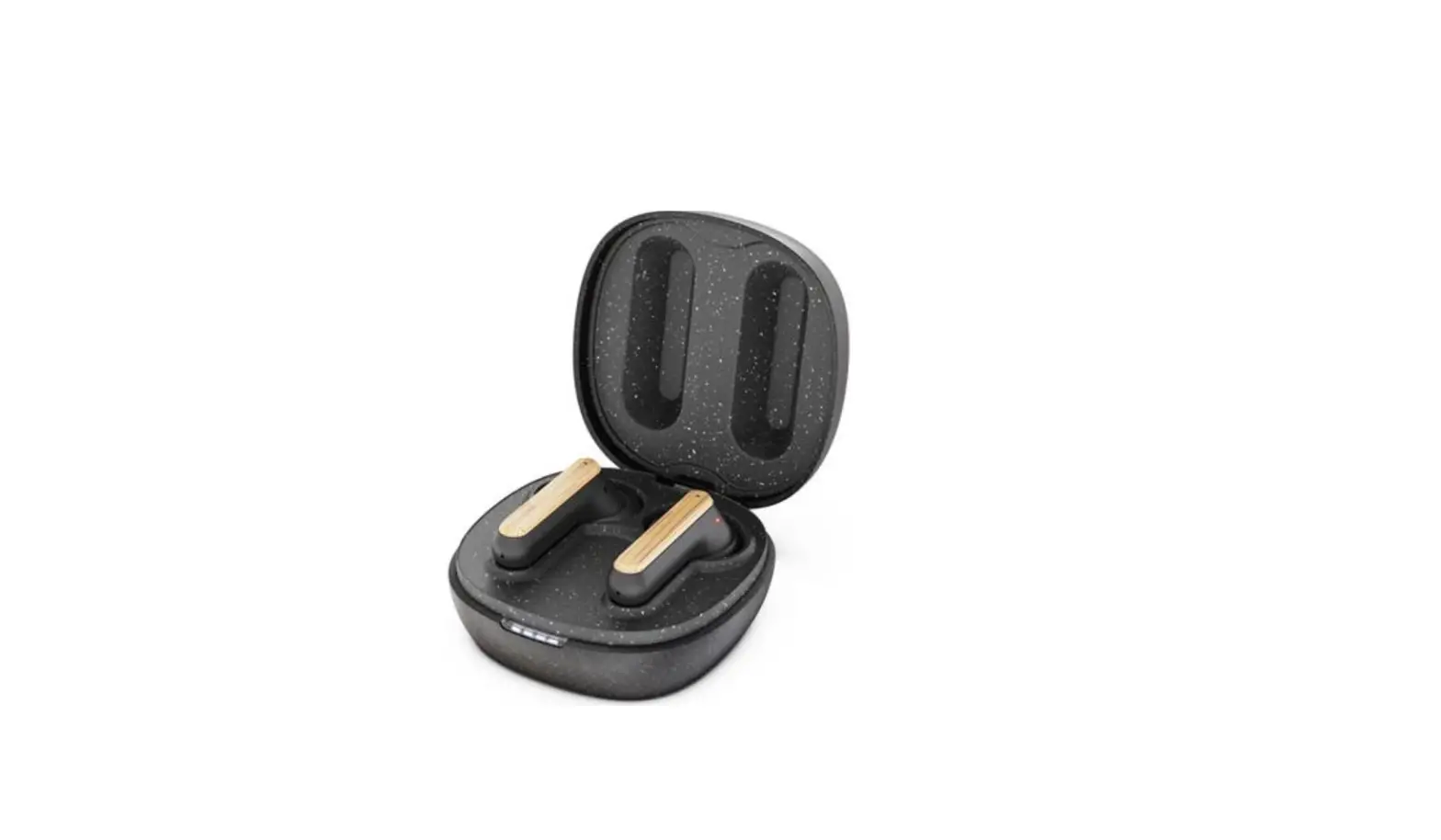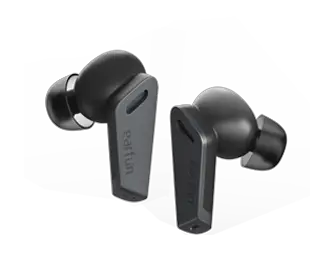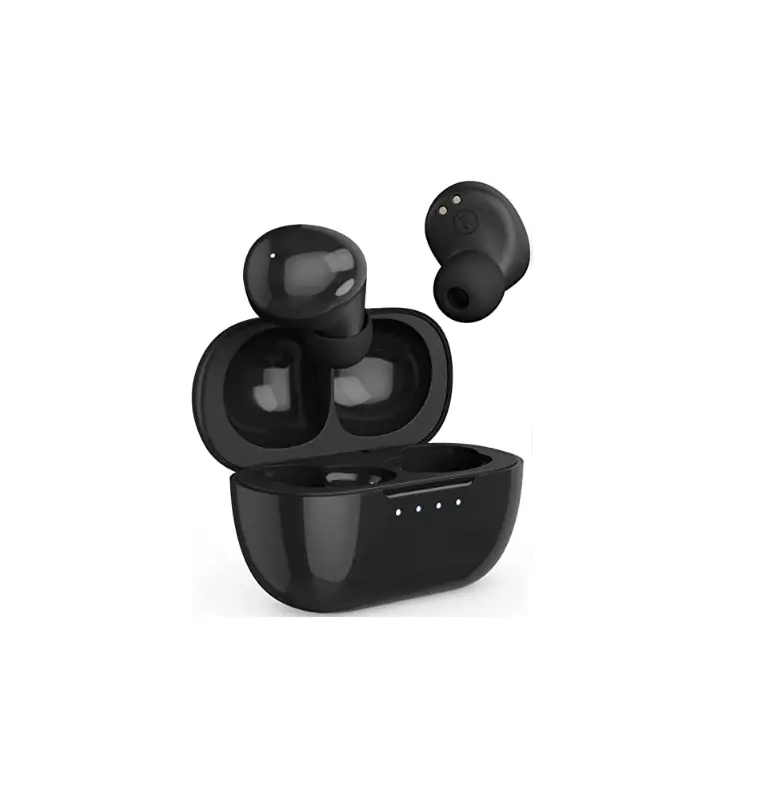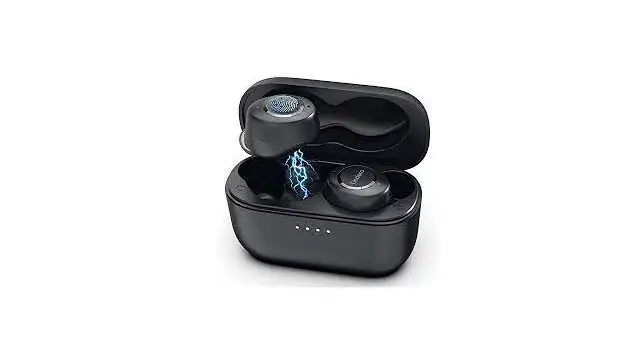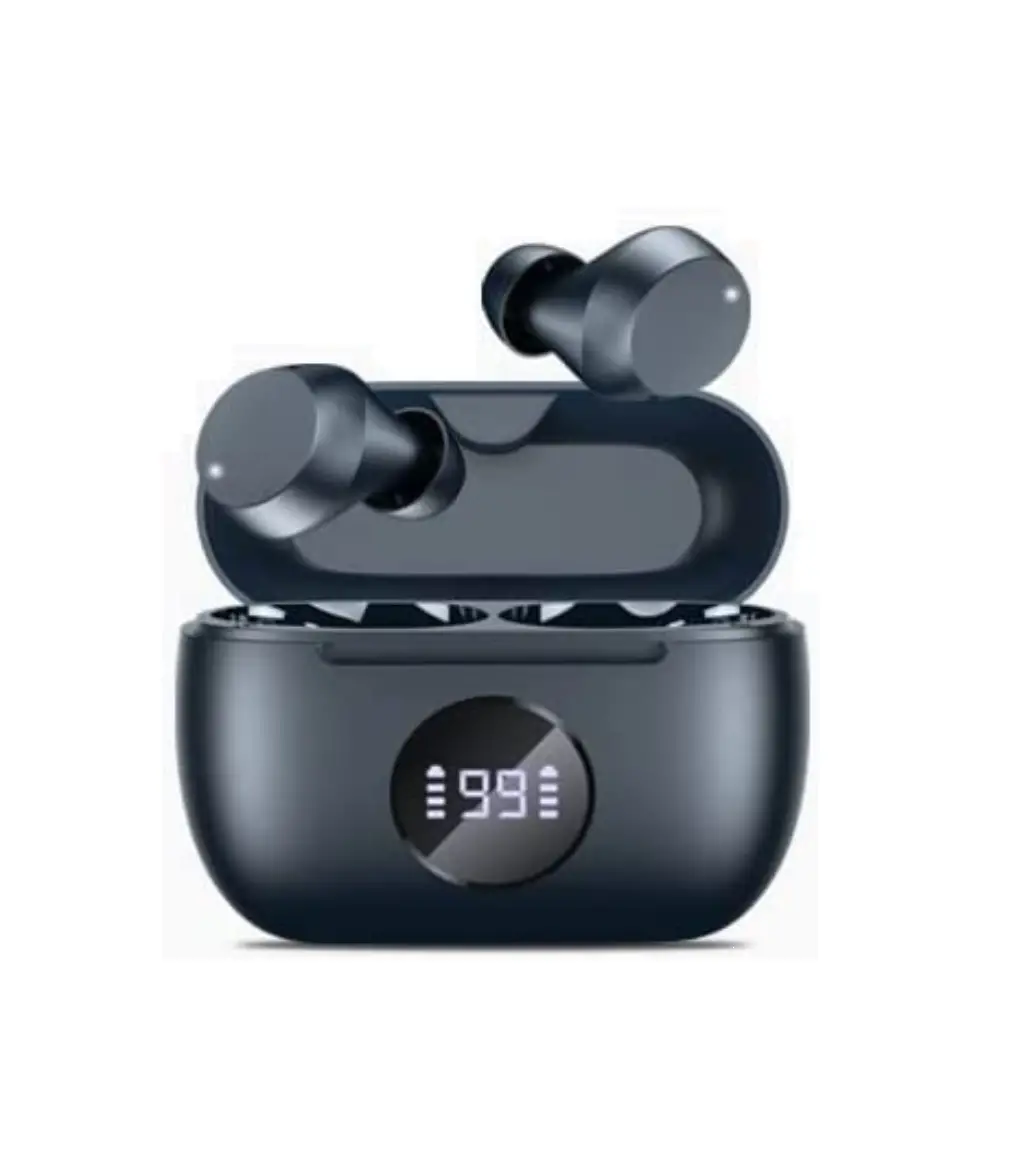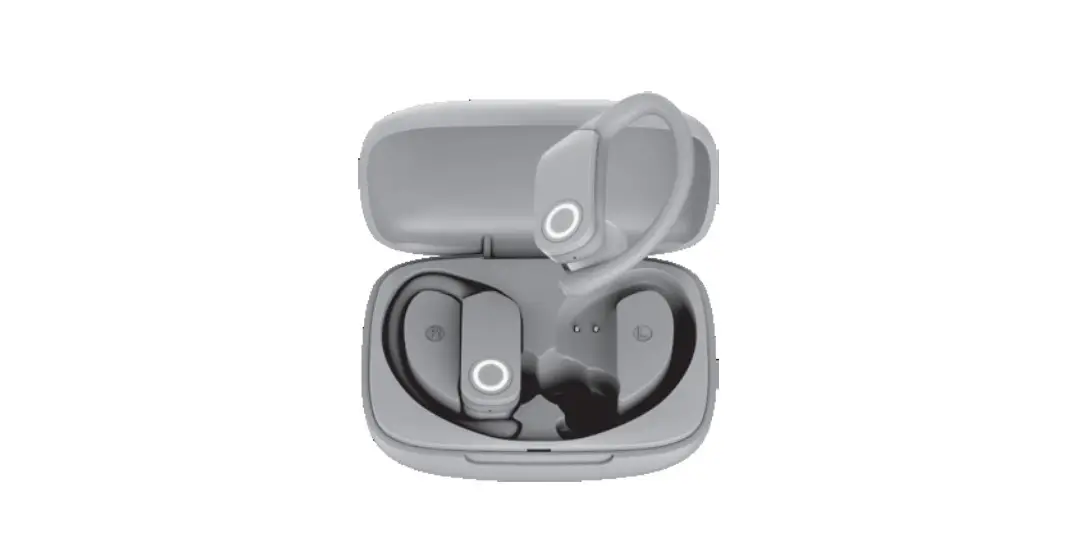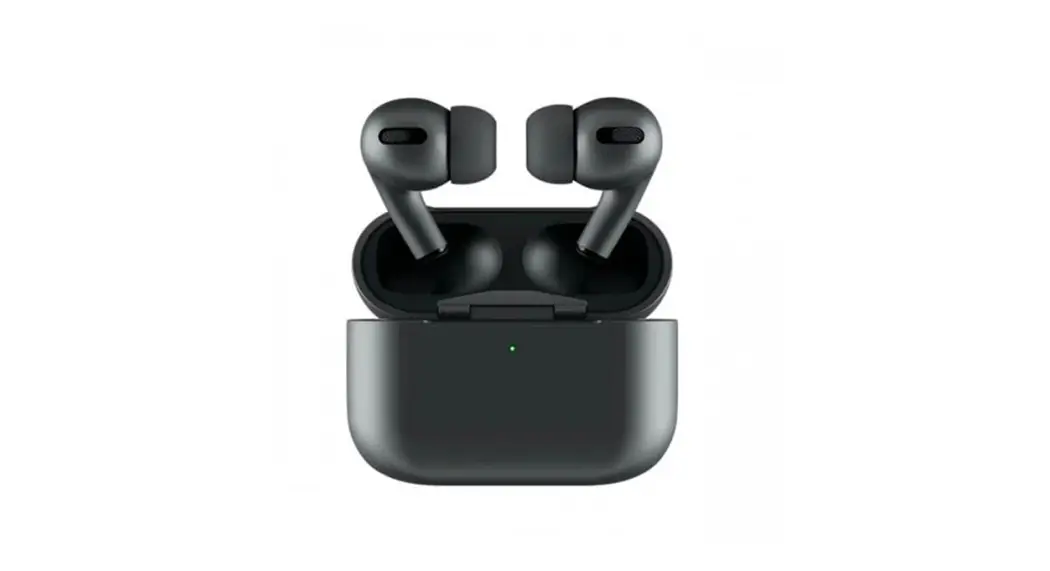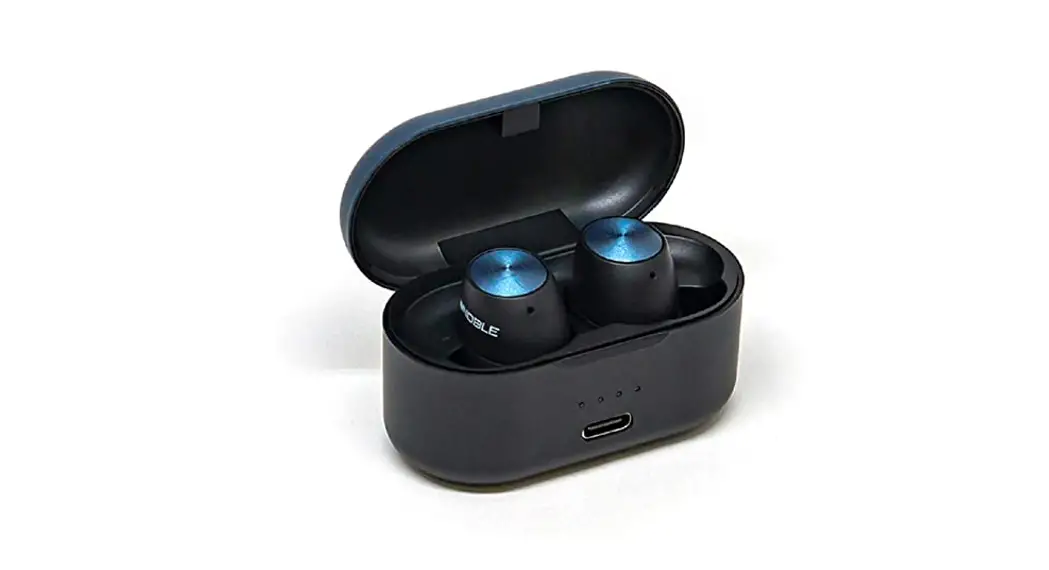

TRUE WIRELESS EARBUDS
Model: Falcon ANC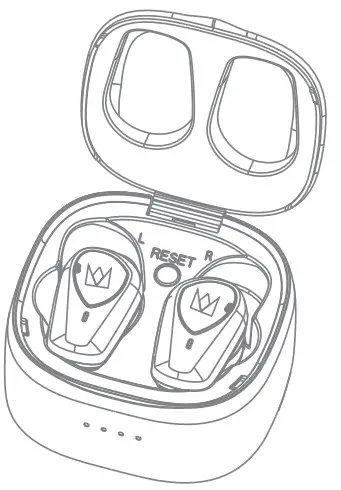
Instruction Manual
Thanks for purchasing Nobel Falcon ANC Bluetooth 5.2 true wireless earbuds.
Please read carefully the instruction manual before use.
Packing List
|  | 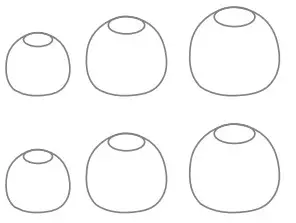 | 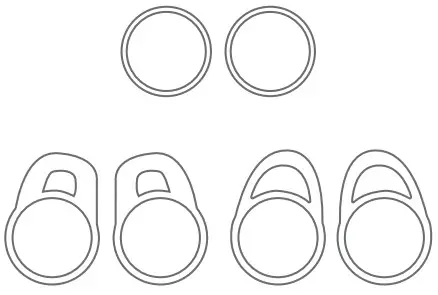 |  | 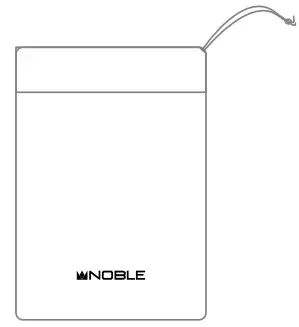 |
| Nobel Falcon ANC TWS Earbuds x 1 pair | instruction Manual x 1 | Ear tips x 3 pairs | Ear-Hook x 3 pairs | USB charging cable x 1 | Storage bag x1 |
Product Overview
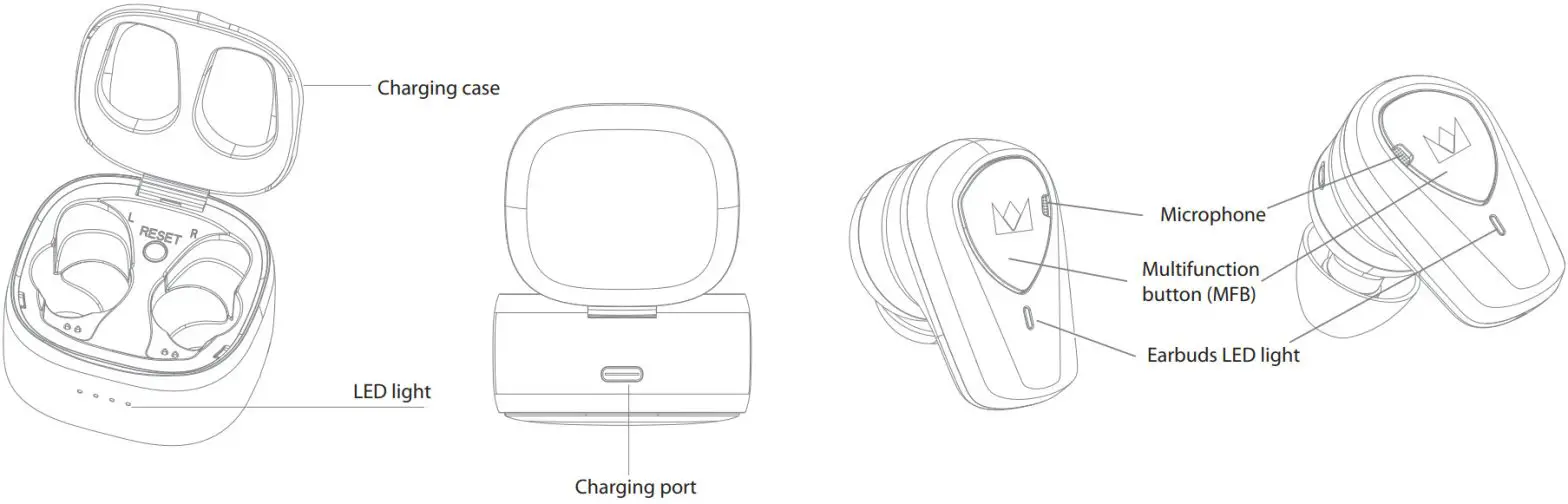
Power On
Before first use, please charge your Noble Falcon ANC TWS Earbuds to make sure there is a sufficient charge for pairing and use.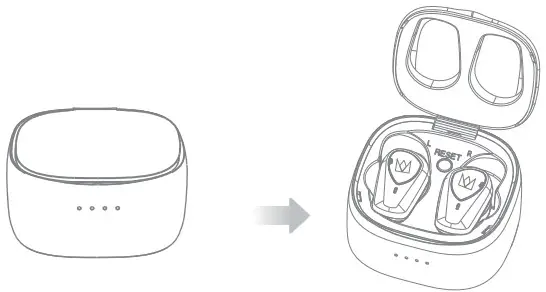
If there is a sufficient charge, take out the earbuds from the charging case, the earbuds will be powered on automatically.
The orange & white indicator light will light up for one second.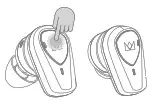
If the earbuds are power off, press both earbuds MFB button lightly to boot up, you will hear a “Power on” voice prompt.
Power Off
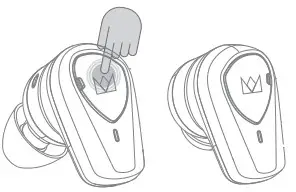
To turn off the earbuds, long-press the MFB button for 5 seconds to hear “dong dong” and release, you will hear a ” Power off ” voice prompt.
The orange indicator light will light up for one second.
If the charging case has a sufficient charge, the earbuds will automatically turn off when placed in the charging case.
How to Pairing
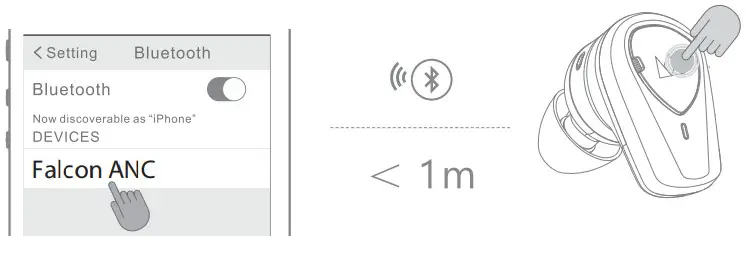
Method 1
- Take out the earbuds from the charging case, the earbuds will automatically power on and enter pairing mode with orange and white indicator lights twinkling alternately.
- Enable the Bluetooth of your phone to search “Falcon ANC” and then click it for pairing, they will be connected.
Method 2
- When the earbuds are not connected and in standby mode, double-tap the left or right MFB, they will enter pairing mode with orange and white indicator lights twinkling alternately.
- Enable the Bluetooth of your phone to search “Falcon ANC” and then click it for pairing, it will be connected.
Note:
- If the earbuds are connected to one device already, put the earbuds into the charging case and take out, the earbuds will connect the device automatically; If the connection is unsuccessful, the earbuds will go into pairing mode automatically.
- Disconnect the earbuds from the connected device, the earbuds will go into pairing mode automatically.
Product Overview
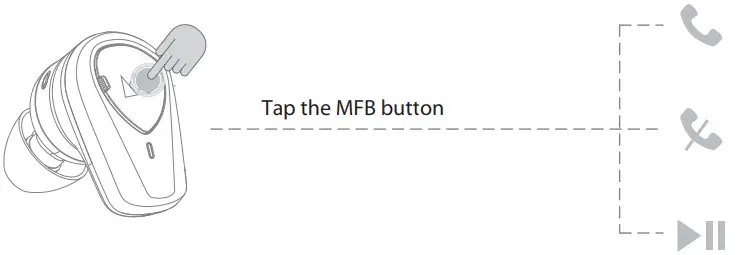
| Mode | Function | L | R |
| MUSIC | Play | Single tap | |
| Pause | Single Tap | ||
| Next Track | – | Double Tap | |
| Previous Track | – | Triple Tap | |
| Phone | Answer Call | Single Tap | |
| Hang Up | Single Tap | ||
| Reject Call | Long press for 1 second and release | ||
| Siri | Enable | Long press for 2s to hear “dong” and release | – |
| Volume | Up + | Triple tap | _ |
| Down – | Double Tap | – | |
| Hear through | Enable | _ | Long press for 2s to hear “dong’ and release |
| AMC | Enable/Disable | – | Long press for 2s to hear “dong- and release |
Reset

Ensure the charging case has a sufficient charge, put your earbuds into the charging case, and make sure the orange LED light is on. Then long-press the left and right MFB for 10s and release, you will see the orange light is off and the white light is on; Then take out the earbuds from the charging case, you will notice the white light flashing quickly; a few seconds later, your earbuds will enter pairing mode with one earbud’s white and orange lights flashing alternatively.
(Note: When only one earbud’s white light flash quickly or only one earbud can be connected or the earbuds can not be used normally, you can try this reset method to restore.)
Hear-though function & ANC function
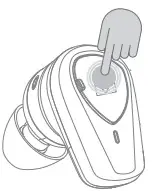
In standby state/music state: < Hear-through mode>
When using in binaural mode, long-press the right MFB for 2s to hear “dong” and release, you will hear an “Ambient Mode” voice prompt, which means hear-through mode on.
<Active Noise Cancellation (ANC) Mode>
After entering the hear-through mode, long-press the right MFB again for 2s to hear “ dong” and release, you will hear a “Noise-canceling on” voice prompt.
Then press for 2s again to turn off ANC, you will hear a “Noise-canceling off” voice prompt.
Switch in the order: Hear-through mode →ANC On →ANC Off.
Note: The noise reduction function (ANC) is only available when both earbuds are used at the same time.
The LED Indicator for Falcon ANC
| User Scenario | LED |
| Power on | Orange & white LED light on for 1 second |
| Standby (both connected and disconnected) | White LED flashes twice every 5 seconds |
| Pairing | White and orange LED lights flash alternatively |
| Reset | White LED flash quickly —>orange & white LED twinkling —*reset done |
| Power off | Orange LED light on for 1 second |
| Charging | Orange LED on |
| Full charged | Orange LED off |
| Battery low | Orange LED light flashes twice every second |
Charging
- Battery Indicator :
  0% – 25% 0% – 25% | 25% – 50% |
| 50% -75% | 75% – 100% |
| Case Charging | Earbuds Charging | ||
| Charging | White LED ON | Charging | Orange LED ON |
| Fully Charged | All LED On | Fully Charged | Orange LED Off |
Declarations and Warning
- Disconnect previous devices before pairing a new device.
- WARNING!
- Long-term exposure to high noise volumes may cause permanent hearing loss.
- Do not use the NOBLE Falcon ANC earbuds in locations prohibiting the use of electronic equipment.
- Consult your physician prior to using your NOBLE Falcon ANC earbuds if you have a pacemaker or other electrical medical device
- This package may contain small parts, which may pose a hazard to small children.
- Do not disassemble the NOBLE Falcon as it contains lithium batteries, and disassembly could result in electric shock or fireor serious injury.
- Any disassembly of the NOBLE Falcon, or attempt to replace or repair the NOBLE Falcon by an unauthorized person, will void the NOBLE Falcon’s warranty.
- This product is not designed for use in water, keep the product away from water and liquids. Failure to do so may cause permanent damage to the product.
Qualcomm aptX Adaptive & Qualcomm aptX
 Qualcomme aptrAdaptiveQua[comm. aptr
Qualcomm aptX and Qualcomm cVc are products of Qualcomm Technologies, Inc. and/or its subsidiaries. Qualcomm is a trademark of Qualcomm Incorporated, registered in the United States and other countries. aptX and cVc are trademarks of Qualcomm Technologies International, Ltd., registered in the United States and other countries. Qualcomm aptX and Qualcomm TrueWireless are products of Qualcomm Technologies, Inc. and/or its subsidiaries. Qualcomm and Qualcomm TrueWireless are trademarks of Qualcomm Incorporated, registered in the United States and other countries.
FCC Statement
Changes or modifications not expressly approved by the party responsible for compliance could void the user’s authority to operate the equipment. This equipment has been tested and found to comply with the limits for a Class B digital device, pursuant to Part 15 of the FCC Rules. These limits are designed to provide reasonable protection against harmful interference in a residential installation. This equipment generates uses and can radiate radio frequency energy and, if not installed and used in accordance with the instructions, may cause harmful interference to radio communications. However, there is no guarantee that interference will not occur in a particular installation. If this equipment does cause harmful interference to radio or television reception, which can be determined by turning the equipment off and on, the user is encouraged to try to correct the interference by one or more of the following measures:
— Reorient or relocate the receiving antenna.
— Increase the separation between the equipment and receiver.
— Connect the equipment into an outlet on a circuit different from that to which the receiver is connected.
— Consult the dealer or an experienced radio/TV technician for help This device complies with part 15 of the FCC rules. Operation is subject to the following two conditions (1)this device may not cause harmful interference, and
(2) this device must accept any interference received, including interference that may cause undesired operation.