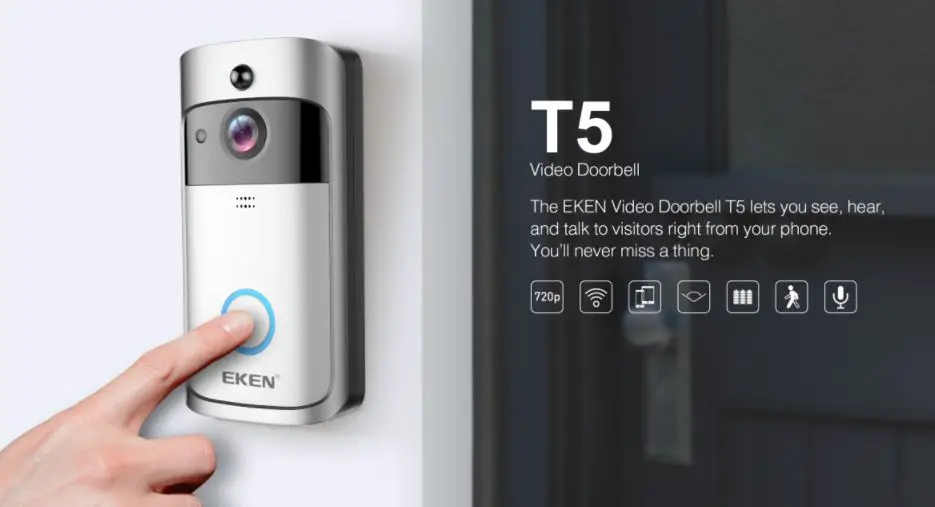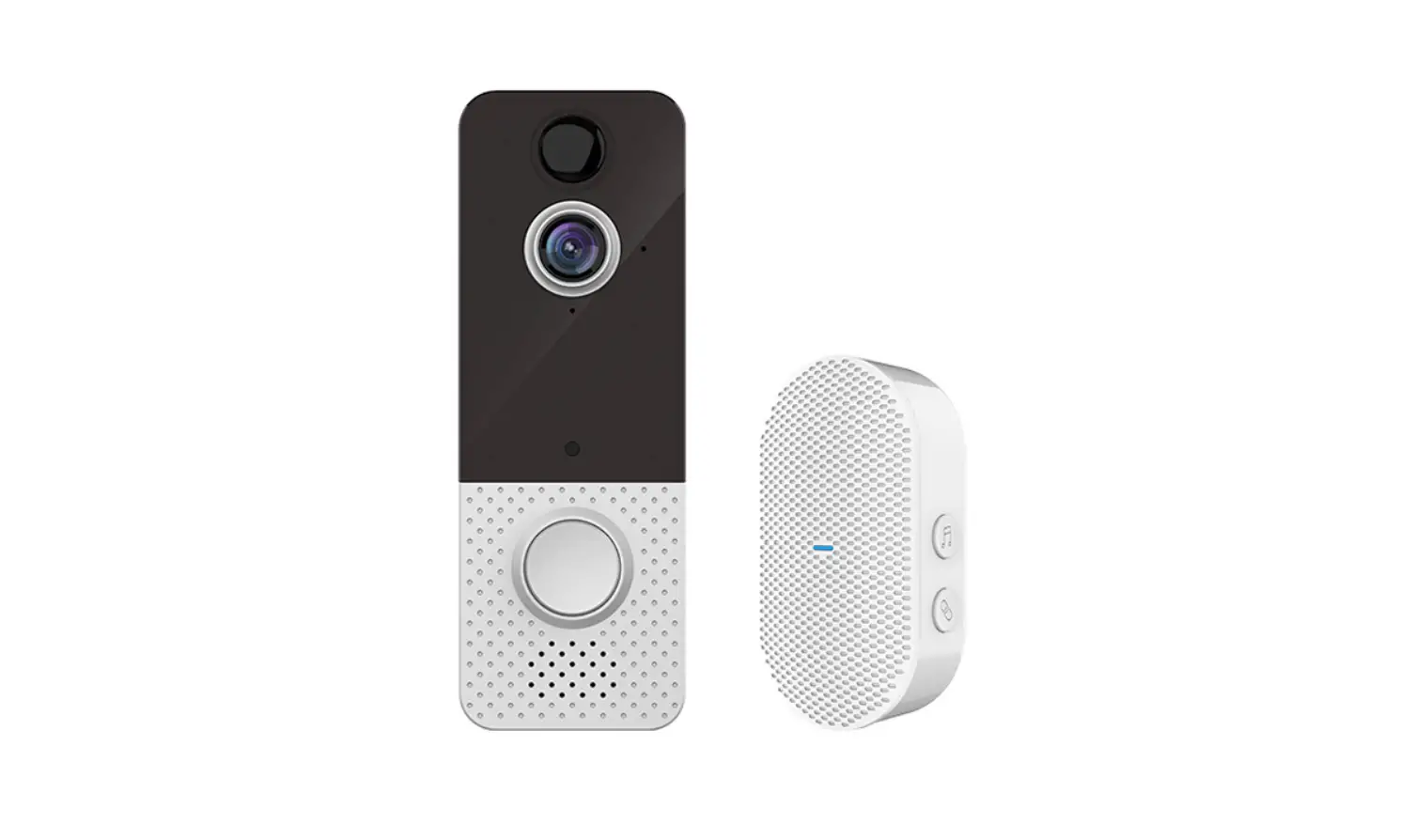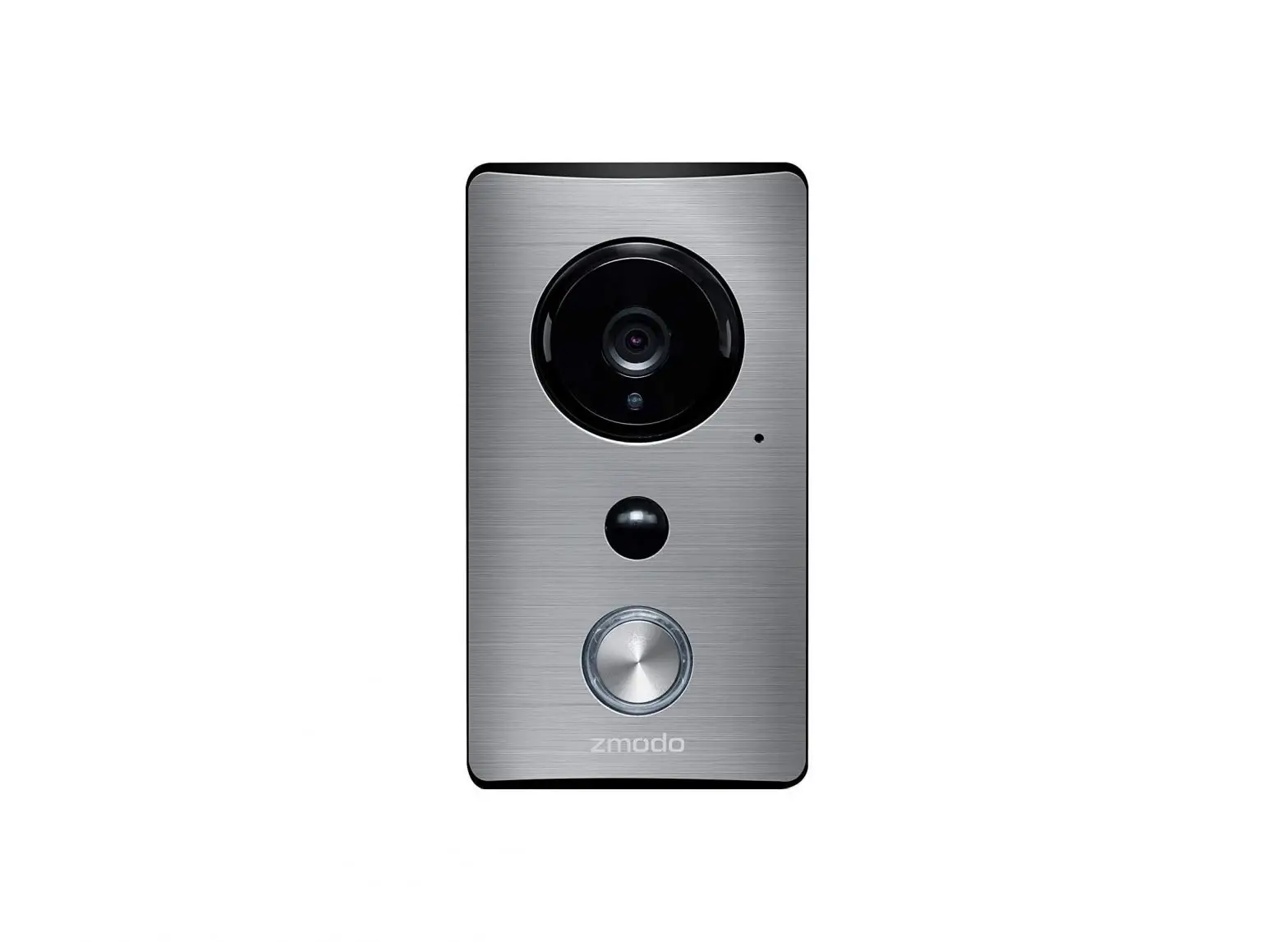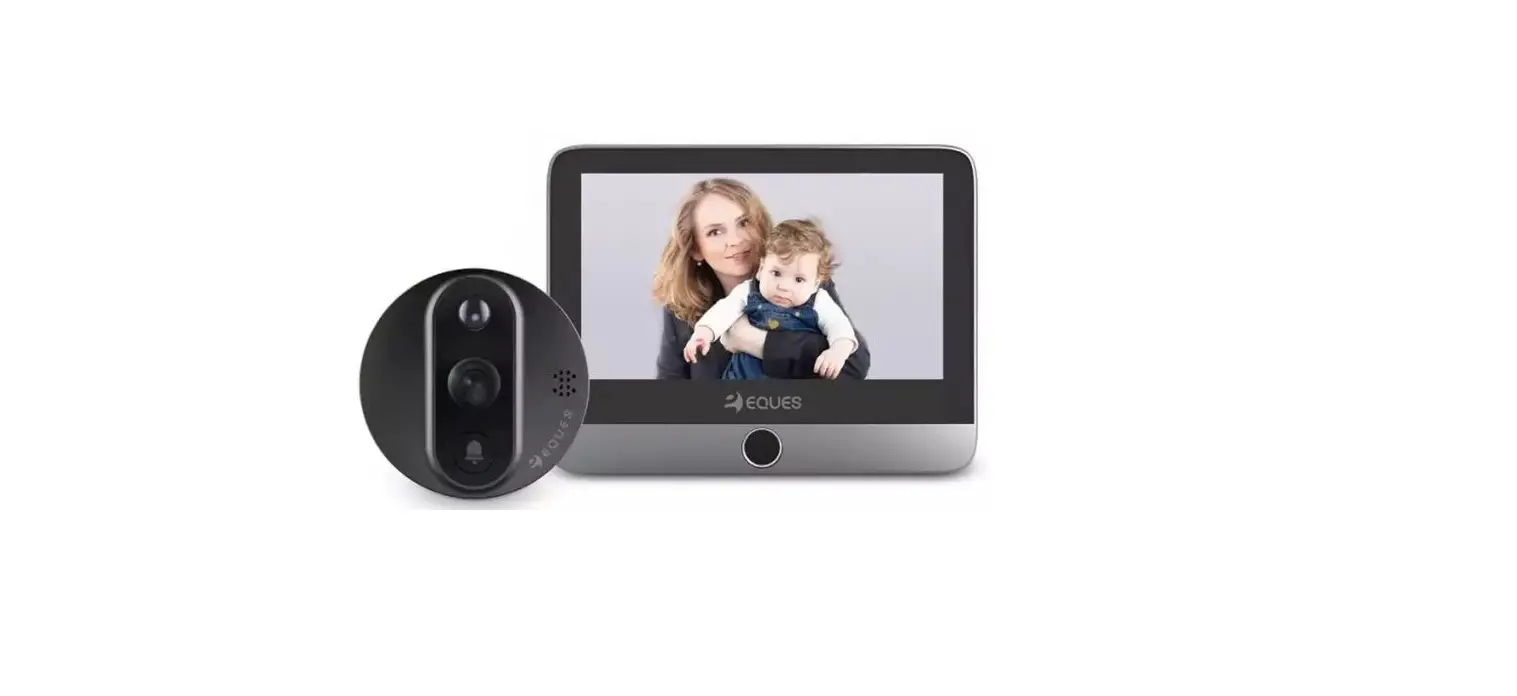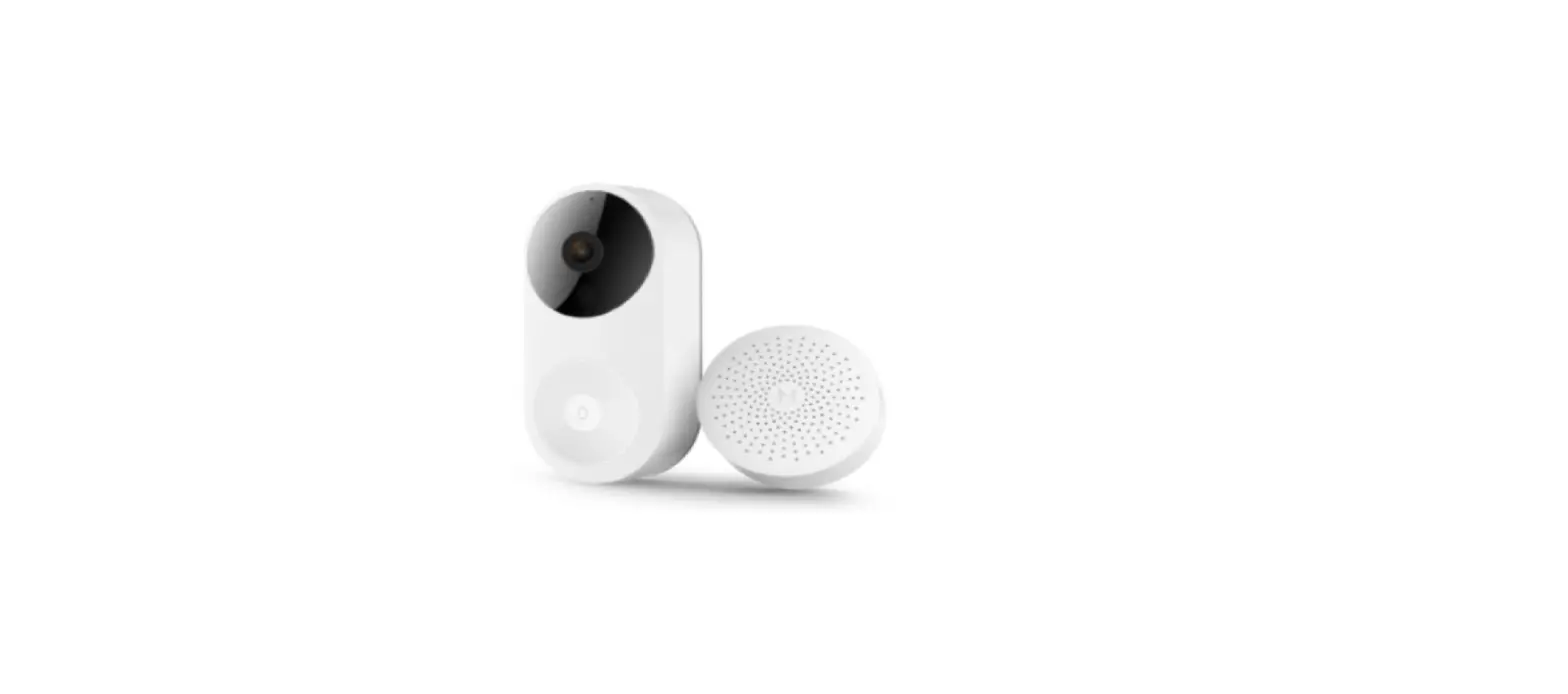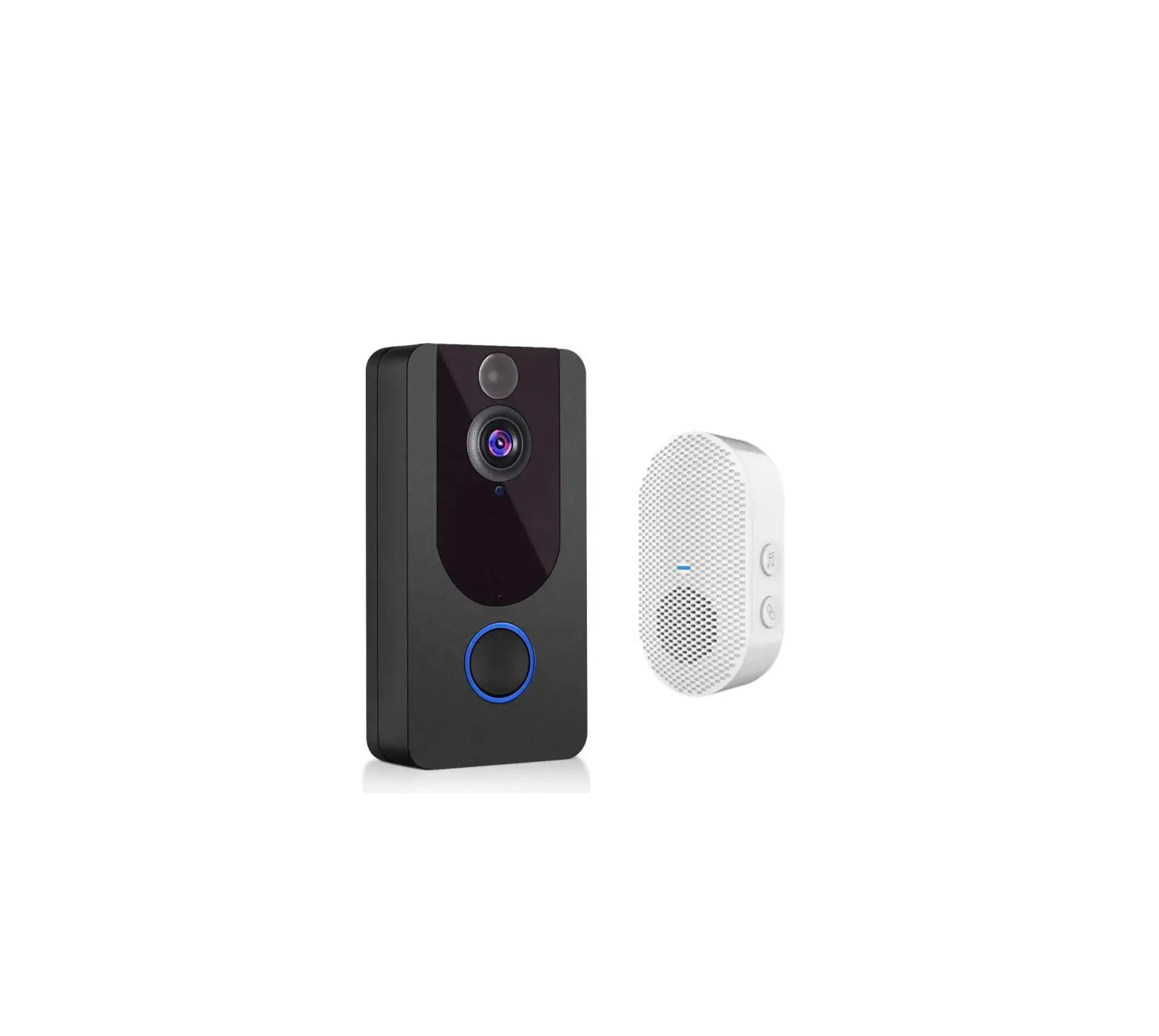

Video Doorbell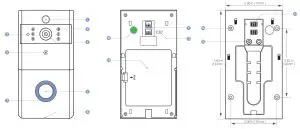
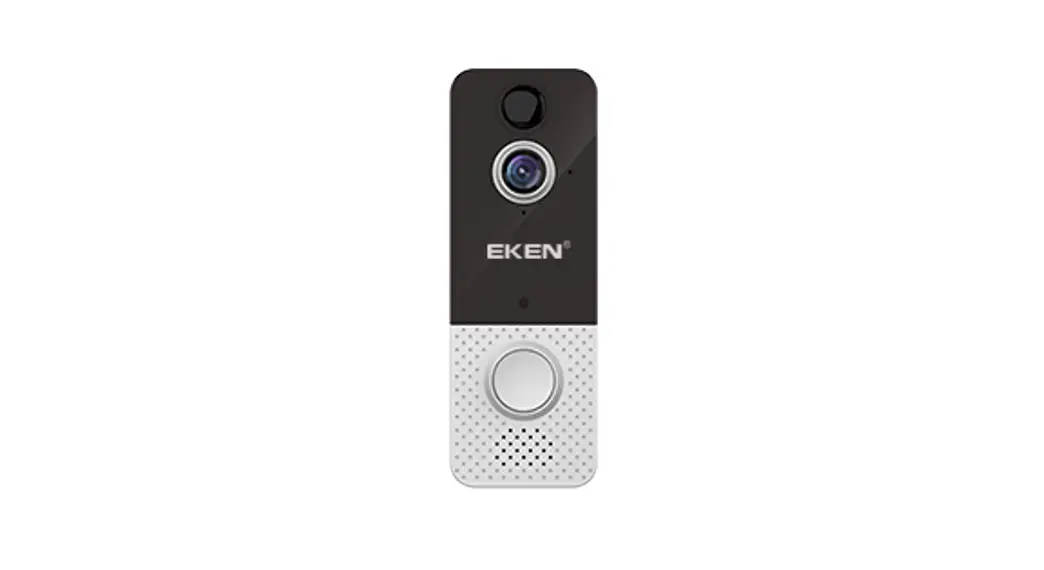
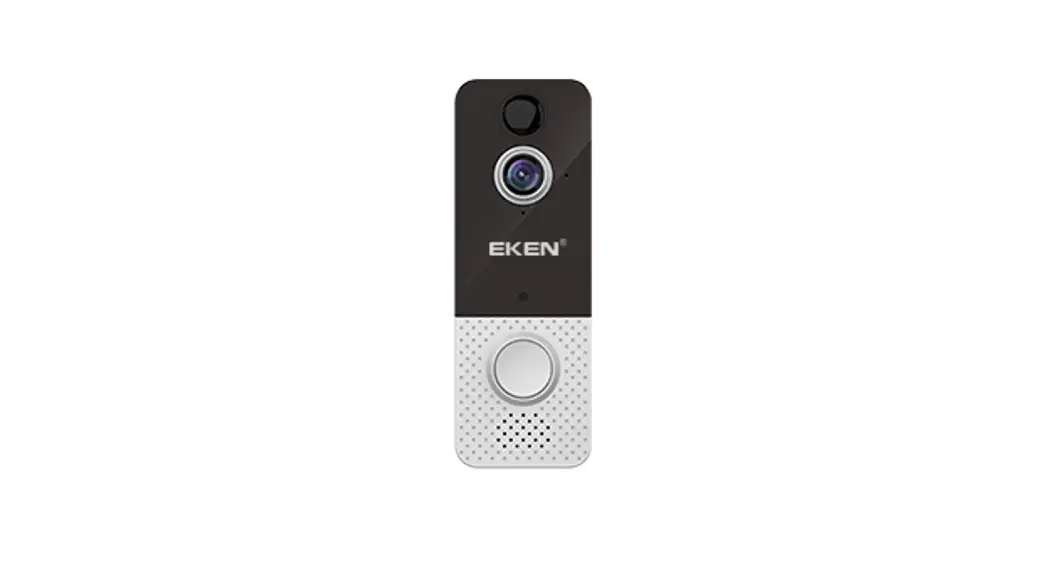
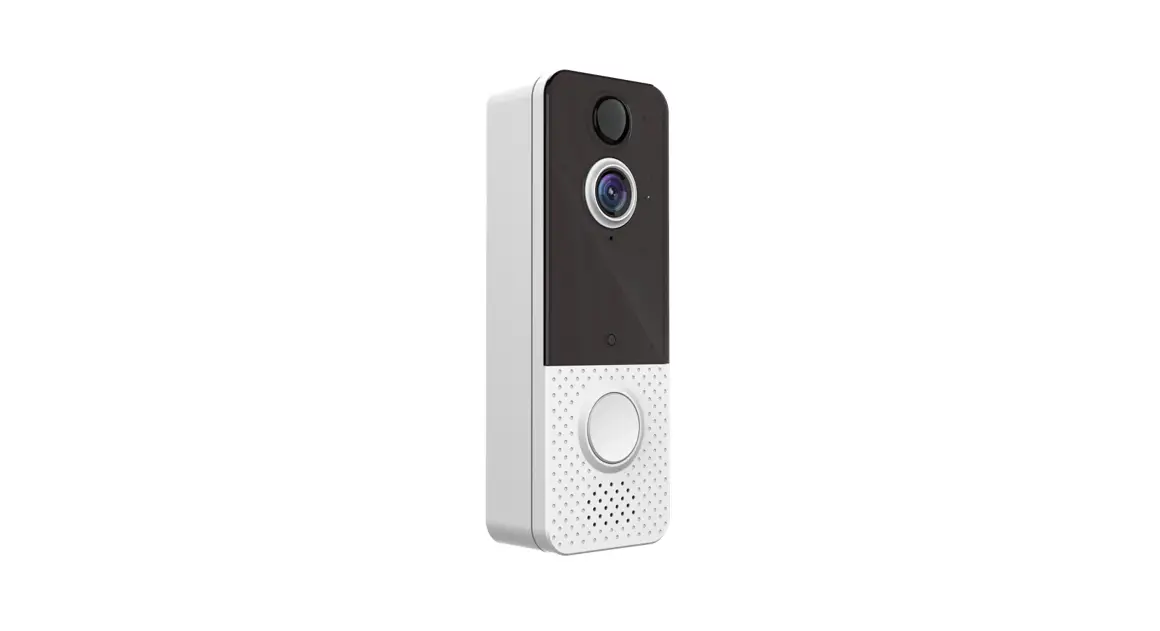
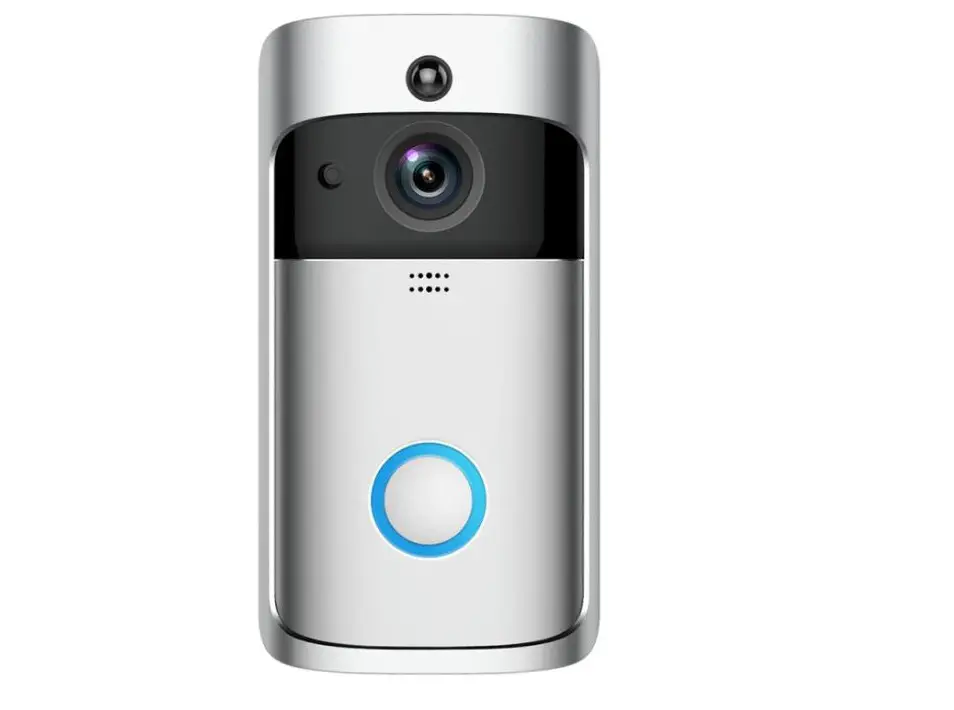
| 1. PIR Motion Sensor | 6. Push Button | 11. Micro USB Port (Battery Charging) |
| 2. Infrared LED x 6 | 7. LED Indicator | 12. Battery door |
| 3. Light Sensor | 8. Speaker | 13. Power Contact Base |
| 4. 166° HD Camera | 9. AC 8V 24V Power Interface | 14. Mounting Screw Holes *4 |
| 5. Microphone | 10. Reset Button | 15. Wire Terminals |
Hardwiring
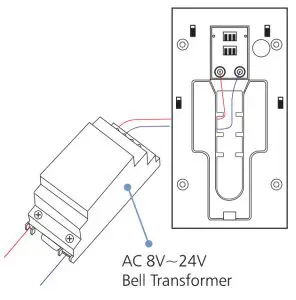
Connect the wires coming out of your wall to the screws on the back of your EKEN Doorbell. Please make sure the red wire can only connect to the left screw and the other wire can only connect to the right screw.
Or Battery Power
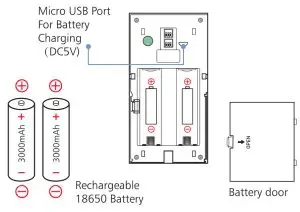
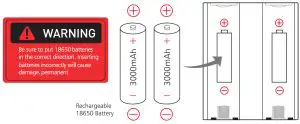
Fully charge the 18650 batteries before use. After charging, remove the battery door from the Video Doorbell, insert the batteries, and push into place. Two 18650 batteries (6000mAh) will last 6-8 months before needing to be recharged.
Set Up Your Video Doorbell In The Tosee App
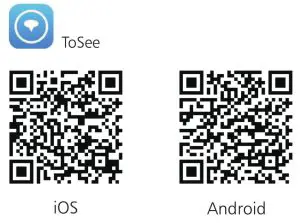
Download the ToSee app
The ToSee app will walk you through setting up and remotely controlling your EKEN Doorbell. Search for “ToSee” on the Apple app store or Google Play.
Install Your Video Doorbell On The Wall
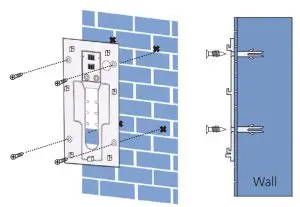
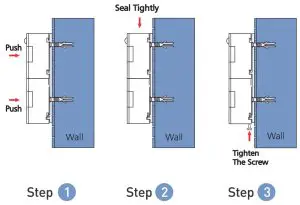
Mark 4 drill holes and use a bit to drill holes in your wall and insert the anchors. Secure your EKEN Doorbell on the wall 4 mounting screws and 1 security screw.
App Live View Interface
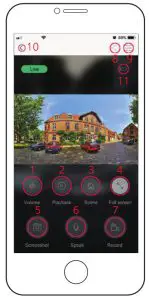
| 1. Volume | 7. Record |
| 2. Playback | 8. Share |
| 3. Video effects | 9. Settings |
| 4. Full screen | 10. Back |
| 5. Screenshot | 11. Battery |
| 6. Talk to visitors |
Settings
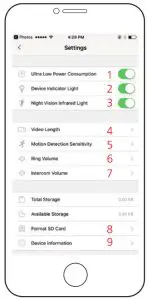
| 1. Ultra Low Power Consumption | 6. Ring Volume |
| 2. Device Indicator Light | 7. Intercom Volume |
| 3. Night Vision Infrared Light | 8. Format SD Card |
| 4. Video Length | 9. Device lnfomation |
| 5. Motion Detection Sensitivity |
EKEN Wireless Chime (Optional)
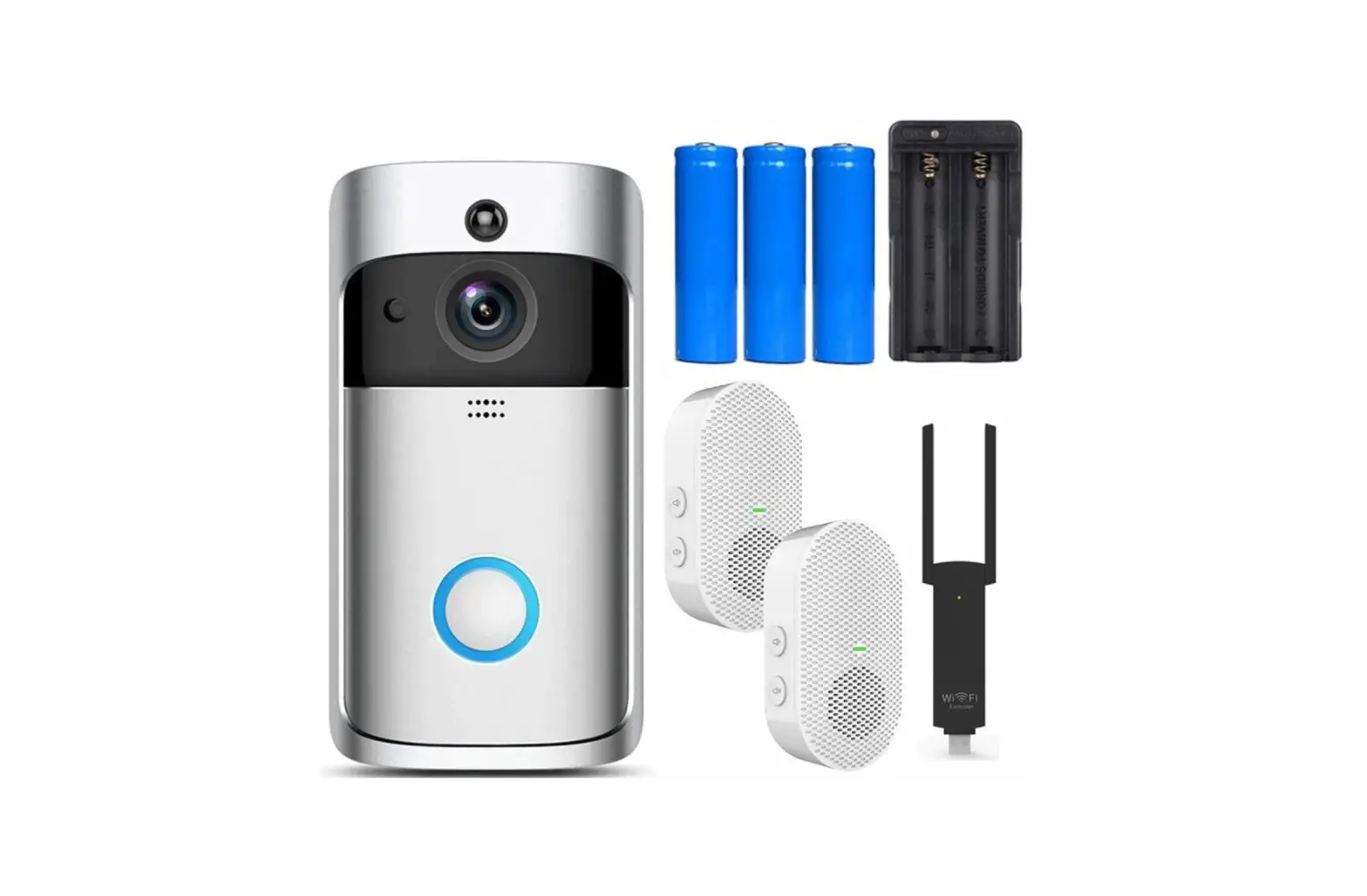
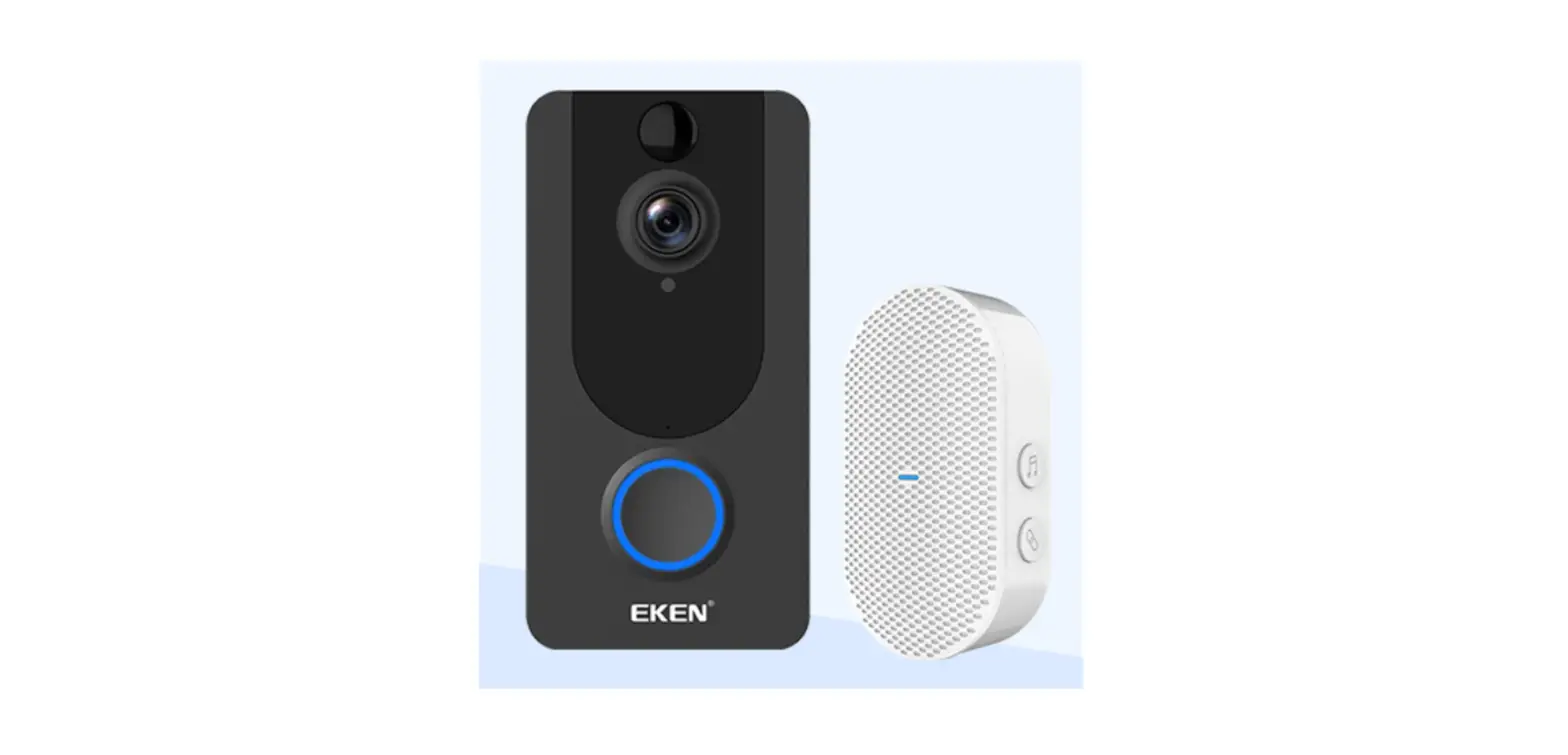
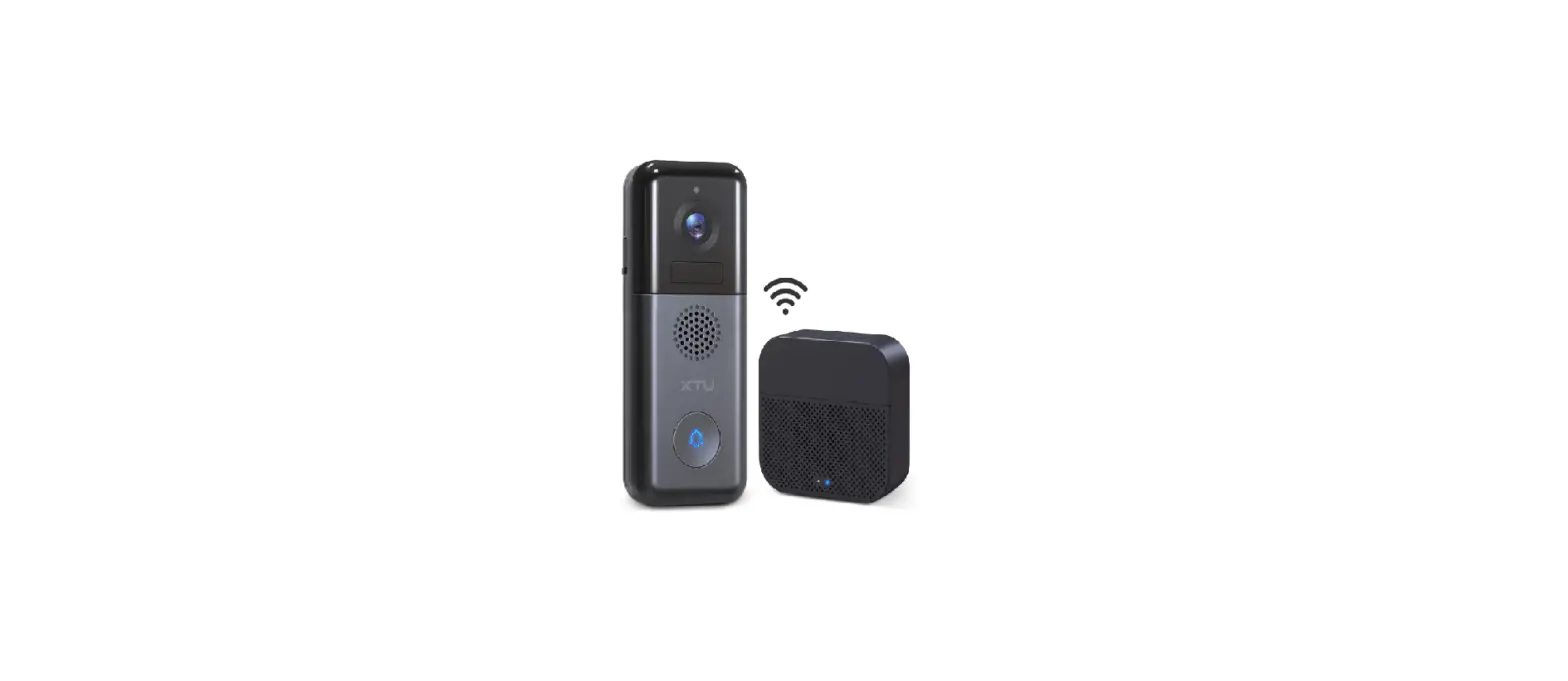
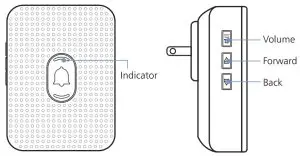
Connect the EKEN video doorbell to the EKEN doorbell chime, and get instant alert in your home when someone rings the doorbell. Hear the doorbell chime when you are home, without checking your video doorbell app! The EKEN chime plugs into any wall outlet, you can place it anywhere in the home.
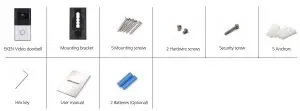
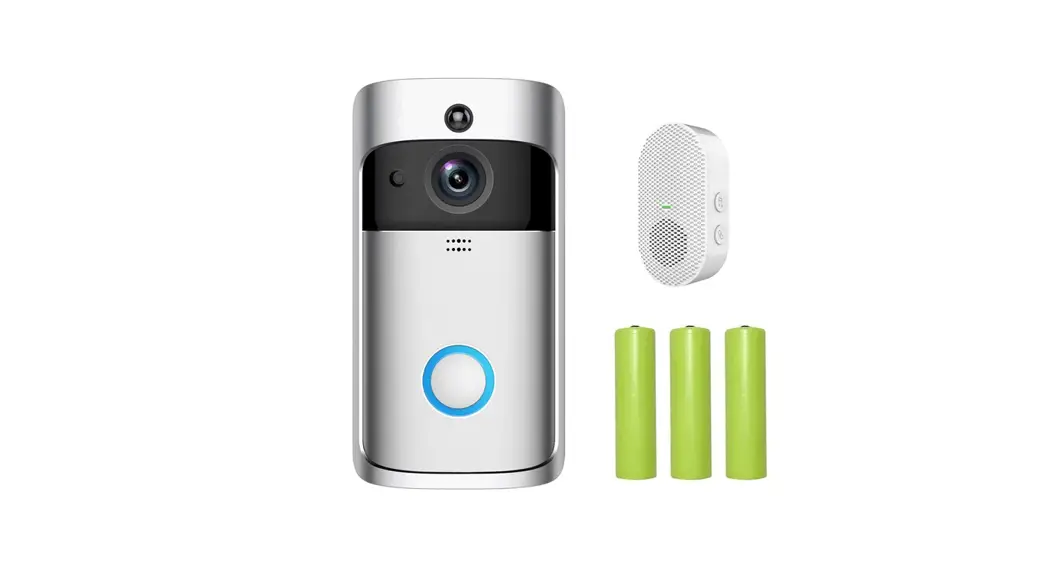
In The Box